 GameWiki
GET YOUR BEARINGS
About cyubeVR
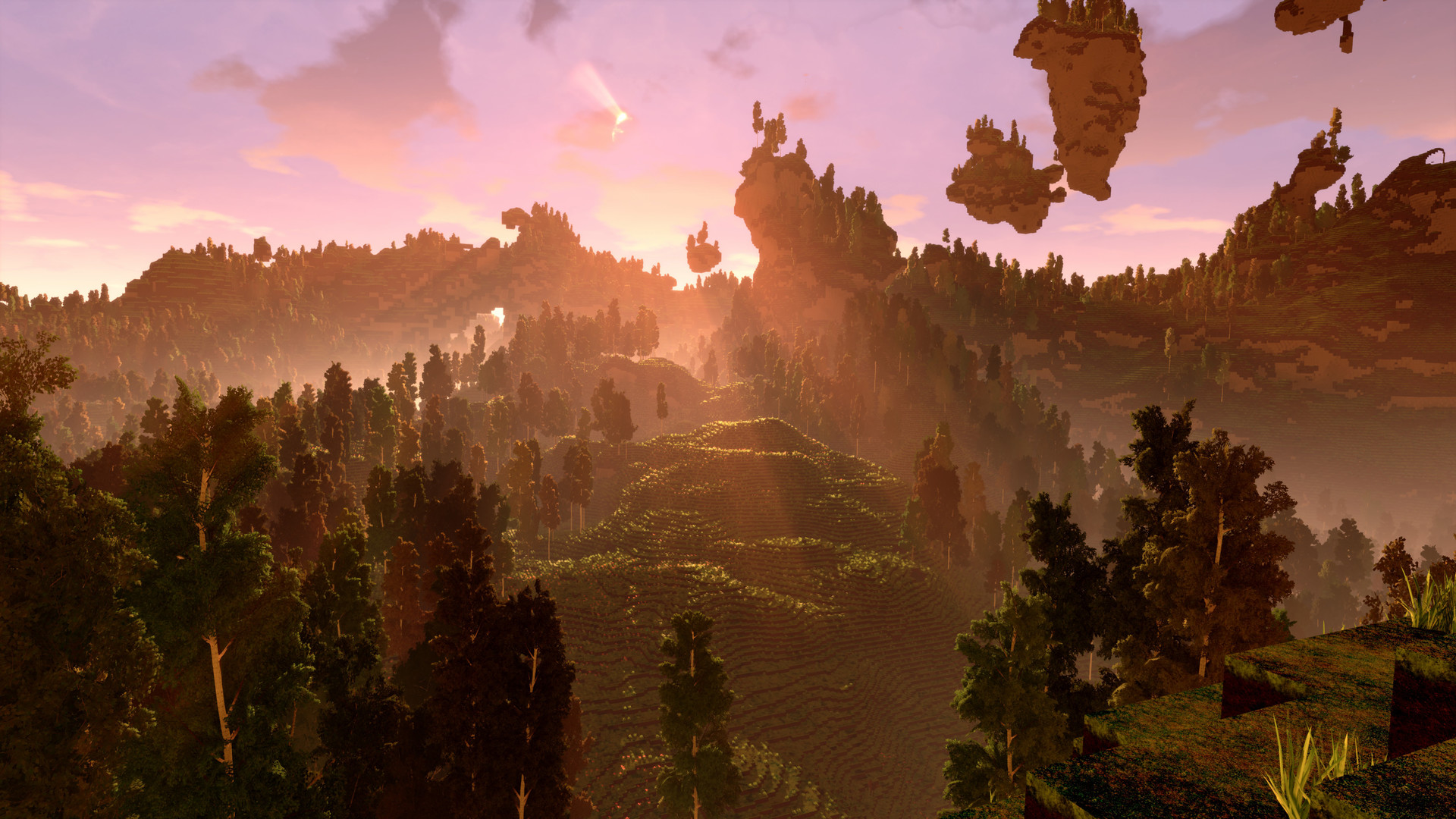
cyubeVR is a VR‑only voxel sandbox where every world is procedurally generated. Players can input a seed or let the game create one, then explore an infinite landscape of caves, hills and floating islands, all optimized for room‑scale immersion. The experience focuses on hands‑free building and resource gathering, letting you shape terrain, construct structures and manipulate blocks directly with motion‑tracked controllers.
01 / THE GUIDE
Procedurally Generated World
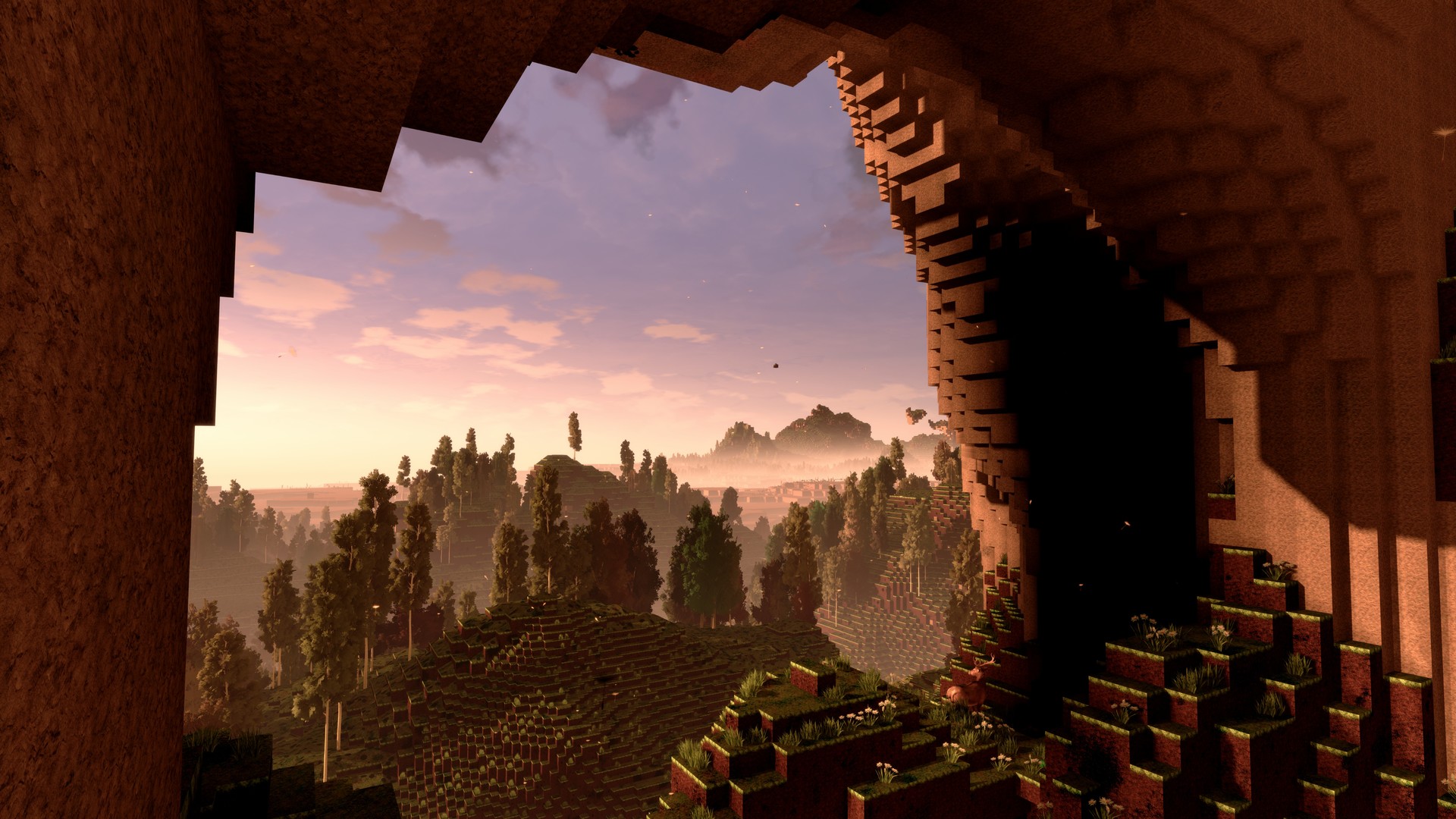
Each game instance creates a unique, infinite voxel world based on a seed you provide or a random seed generated by the game. Terrain includes complex cave networks, towering hills and massive floating islands that can be discovered without any preset limits.
Because the world is generated on the fly, no two players will see the same layout, and the environment continues to expand as you travel farther, ensuring endless exploration opportunities.
- Try entering a memorable number as a seed to revisit a specific world layout later.
- Explore both underground caves and high floating islands to experience the full range of generated biomes.
02 / THE GUIDE
VR Building System
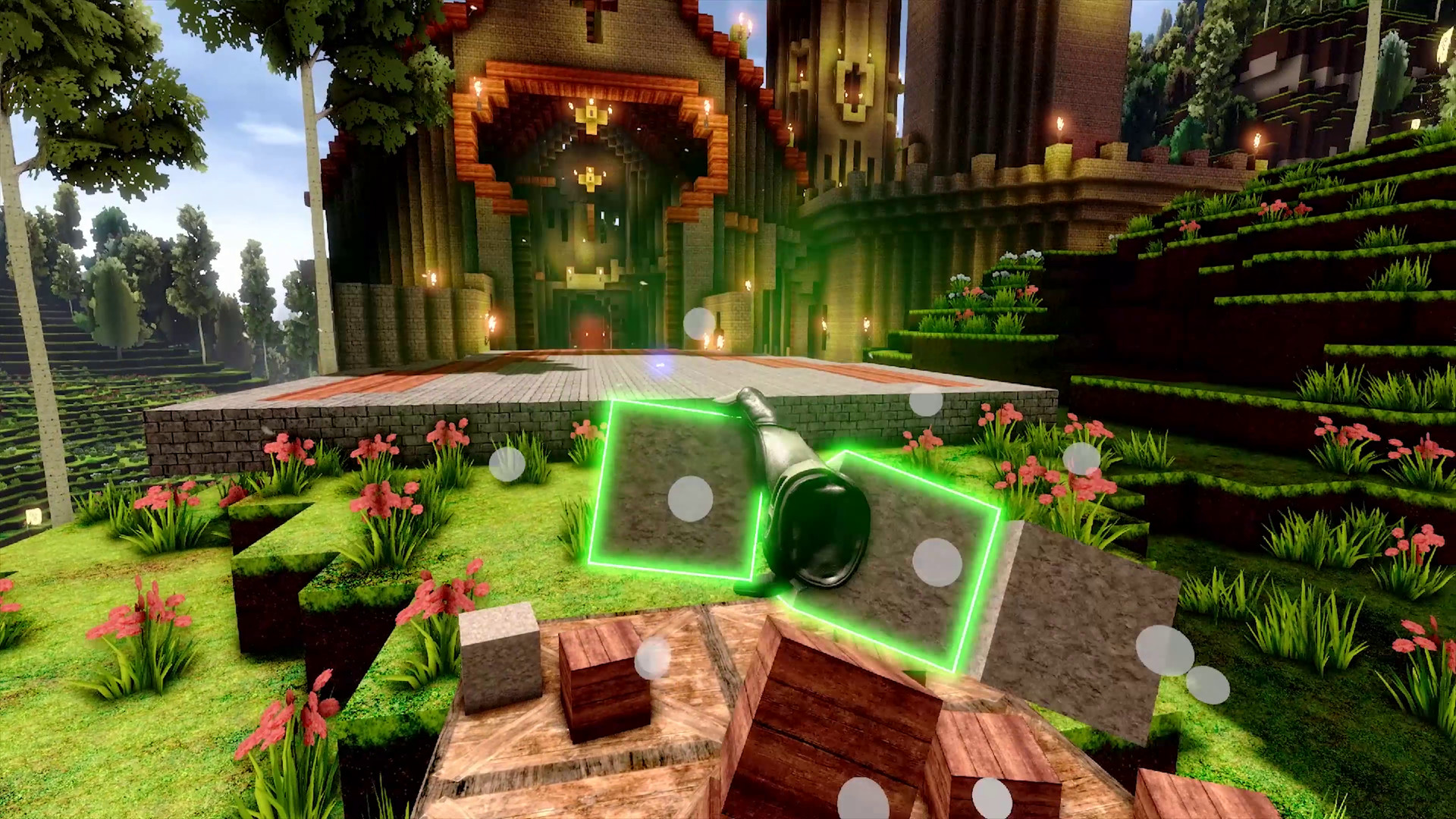
Construction is performed entirely with hand gestures, eliminating traditional UI menus. You can place, move and rearrange blocks in real time, and even adjust up to nine blocks at once using charged magic crystals.
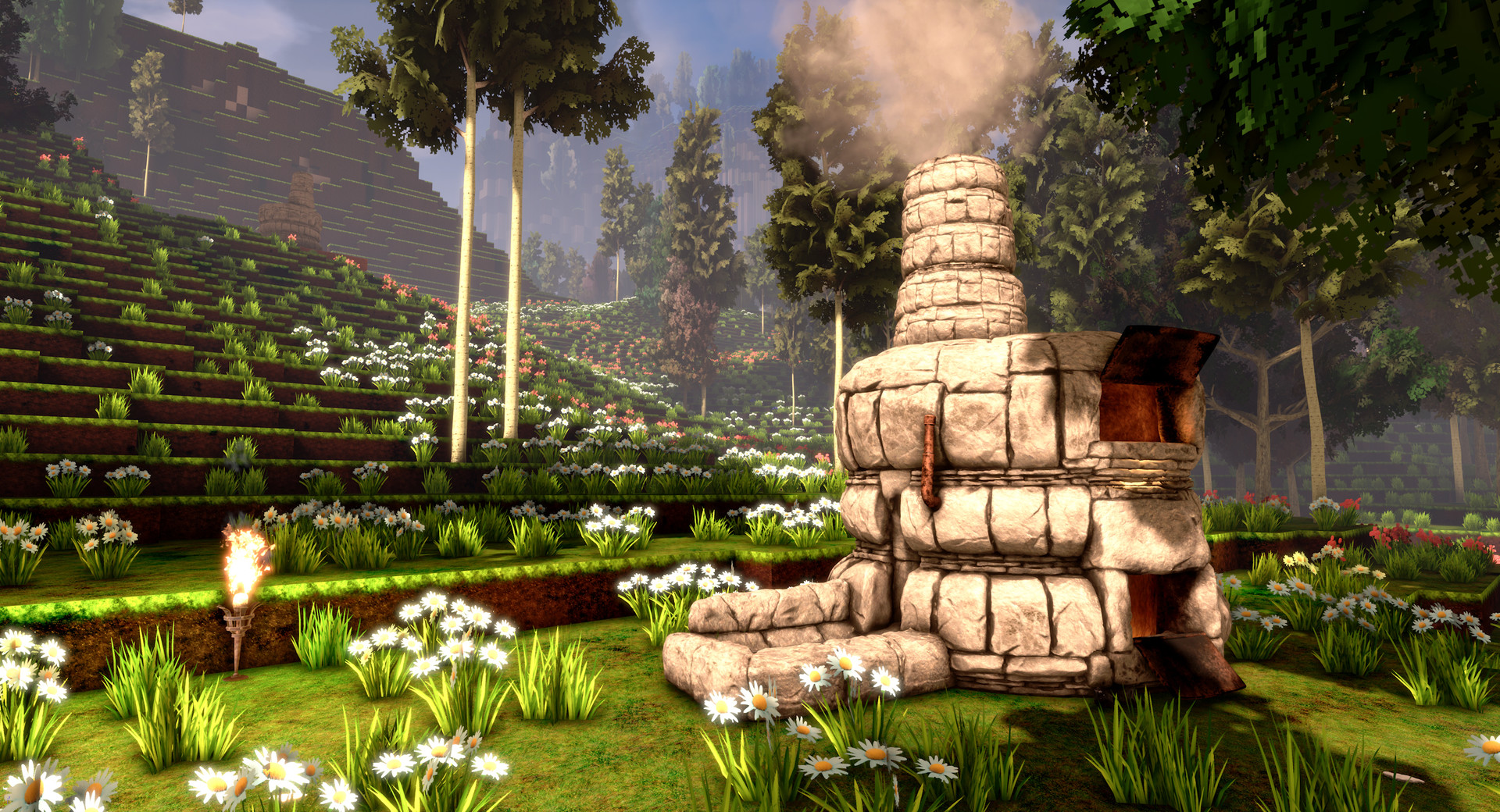
The system supports dual‑wielding of tools, allowing you to work with two items simultaneously, and includes a furnace that operates with realistic VR mechanics without any on‑screen menus.
- Use the dual‑wield feature to speed up block placement when building large structures.
- Experiment with moving already placed blocks to refine designs without rebuilding from scratch.
03 / THE GUIDE
Gravity Gloves
Gravity Gloves let you reach items and tools without bending or moving far, simplifying resource collection and tool handling. The gloves work across all supported controllers, adapting to each device automatically.
This feature reduces physical strain while maintaining the immersive VR experience, especially useful when gathering resources deep in caves or high on floating islands.
- Keep the gloves active while mining to minimize unnecessary movement.
- Combine gravity gloves with the vacuum bucket for faster item collection.
04 / THE GUIDE
Dynamic Weather
The game cycles smoothly between sunny, rain and snow conditions, with the snow described as the best‑looking among VR titles. Weather changes add visual variety as conditions shift dynamically.
Dynamic weather adds atmospheric variety, letting players experience different lighting and particle effects while exploring or building.
- Build a shelter before a snow cycle to appreciate the visual quality of the snowfall.
- Use rain periods to test how your structures handle reduced visibility.
05 / THE GUIDE
Controller Support & Locomotion
cyubeVR detects the connected controller—HTC Vive, Valve Index, Oculus Touch, or Windows Mixed Reality—and automatically applies one of four tailored control schemes. Players can choose between smooth locomotion or teleport, and between controller‑oriented or head‑oriented movement.
Turning options include snap turning (22.5° or 45° steps) or smooth turning with an adjustable speed slider, allowing personal comfort preferences for VR motion.
- Test both smooth and teleport locomotion to find which reduces motion sickness for you.
- Adjust snap‑turn angles if you prefer quicker directional changes.
COMMUNITY
Player discussion