 GameWiki
GET YOUR BEARINGS
About Cyberpunk Store Simulator
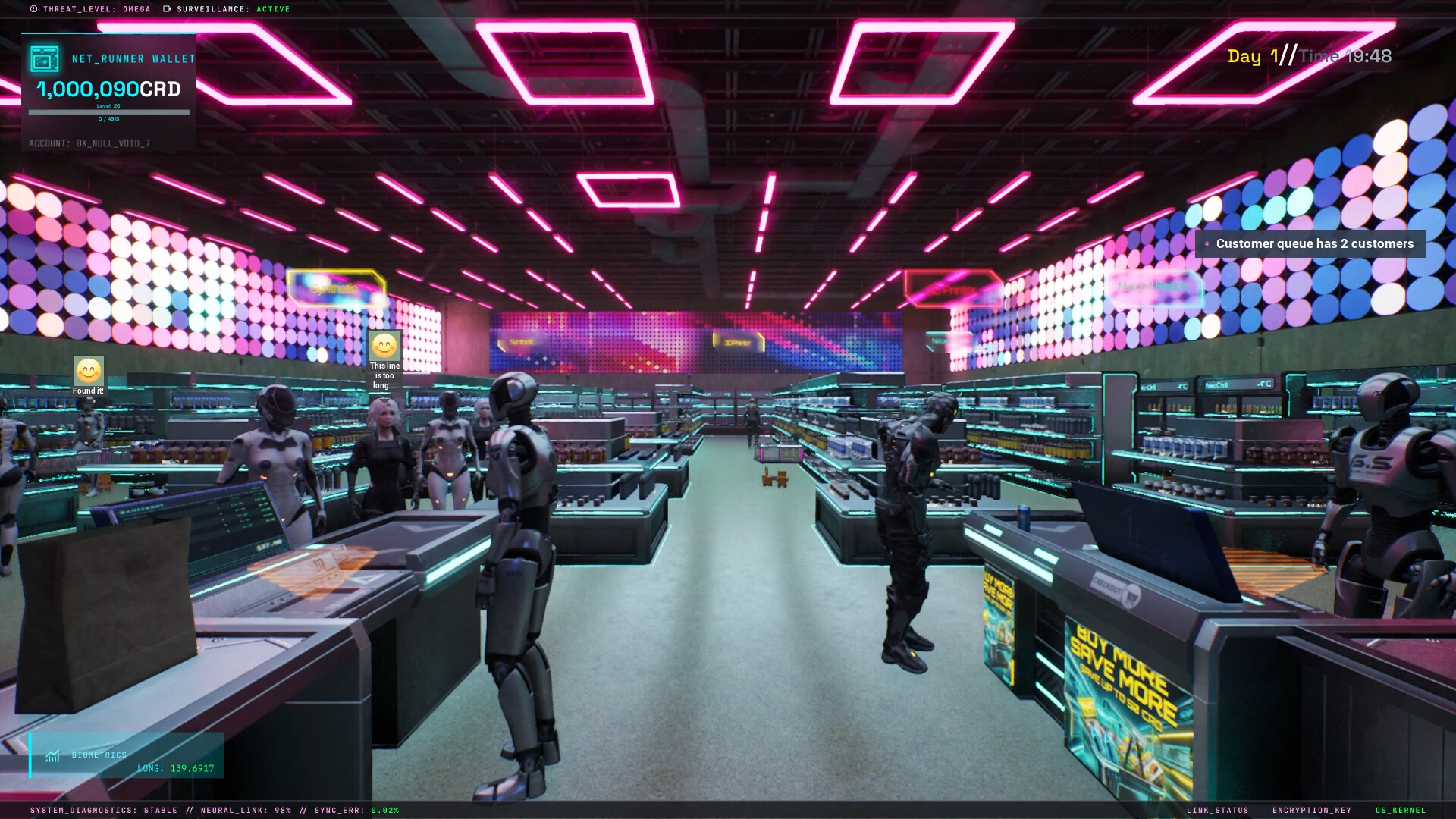
Cyberpunk Store Simulator places you in a neon‑lit dystopian metropolis where you run a high‑tech shop. Using an in‑store 3D printer you create items from digital blueprints, stock them, and sell to a varied clientele while managing finances and upgrades.
The game blends retail management with futuristic tech, letting you hire robotic assistants, launch drone deliveries, and expand your floor space. Success is measured by growing a modest single‑room store into a landmark retail empire within the living city.
01 / THE GUIDE
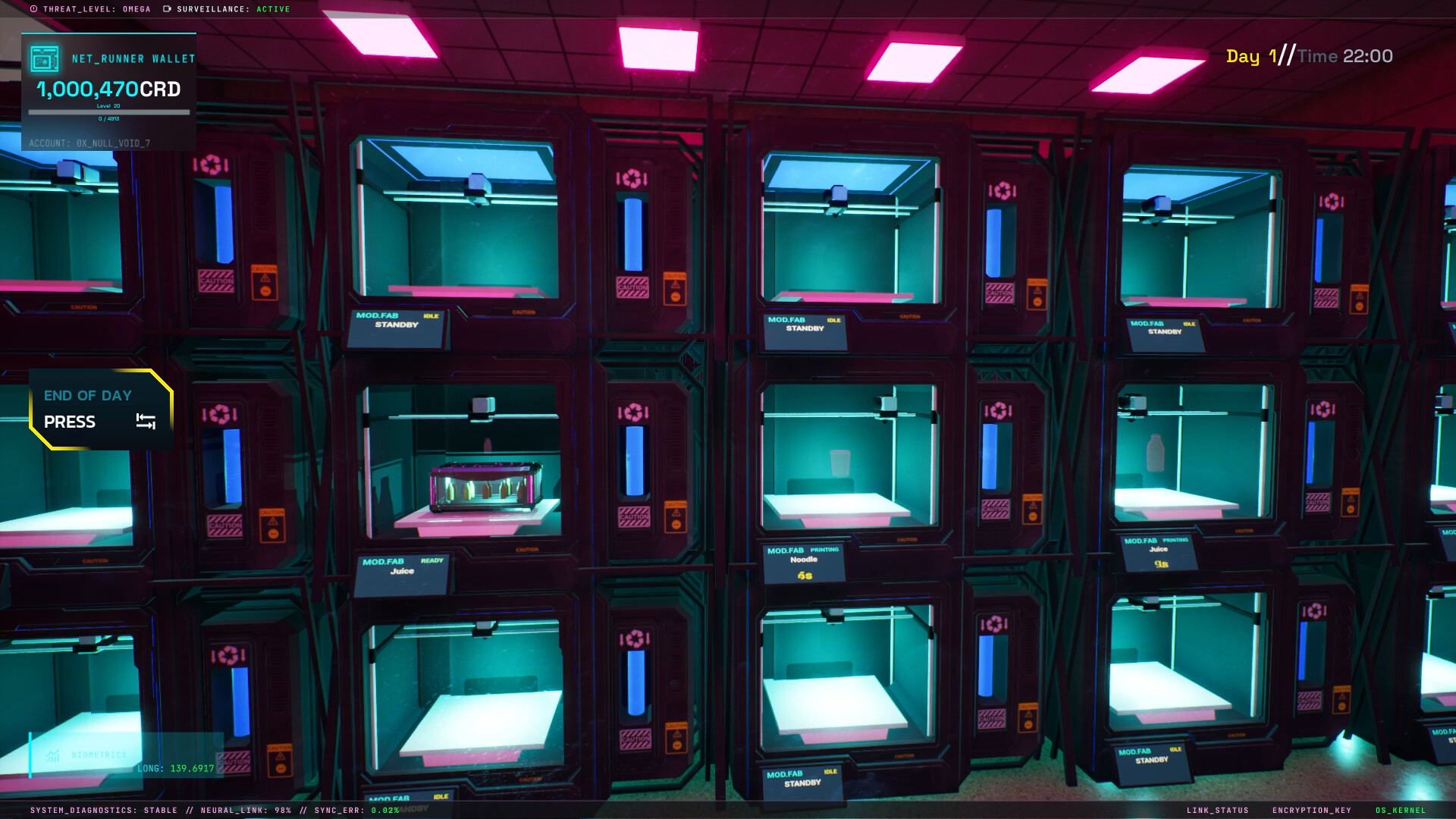
3D Printing Production
The core system is the in‑store 3D printer, which lets you manufacture unique items directly from digital blueprints. By printing goods yourself you bypass corporate suppliers and decide exactly which products appear on your shelves.
Printed items can be stocked immediately, letting you respond quickly to the city’s demand for cyberpunk goods such as neural chips, holo‑lenses, exo‑gear, and energy capsules.
- Compare blueprint material costs with expected sales to focus on profitable items.
- Watch raw material consumption; complex prints may use more resources.
02 / THE GUIDE
Robotic Assistants
Robotic helpers can be hired to handle restocking, sorting, and other in‑store logistics. Their automation frees you to concentrate on upgrades and expansion rather than manual inventory tasks.
Assistants keep shelves supplied and orders prepared, supporting smoother business growth without requiring you to manage every detail personally.
- Add assistants when restocking becomes a frequent bottleneck.
- Observe how overall order preparation time changes after each hire.
03 / THE GUIDE
Drone Delivery System
Orders can be packed and dispatched via delivery drones that travel across the sprawling city. Drone deliveries let you serve online requests quickly, extending your reach beyond street‑level customers.
Using drones complements in‑store sales, helping maintain a steady flow of revenue while you manage the physical shop.
- Balance drone usage with on‑site stock to avoid over‑reliance on deliveries.
- Check delivery success rates after each batch to gauge reliability.
04 / THE GUIDE
Dynamic Payments
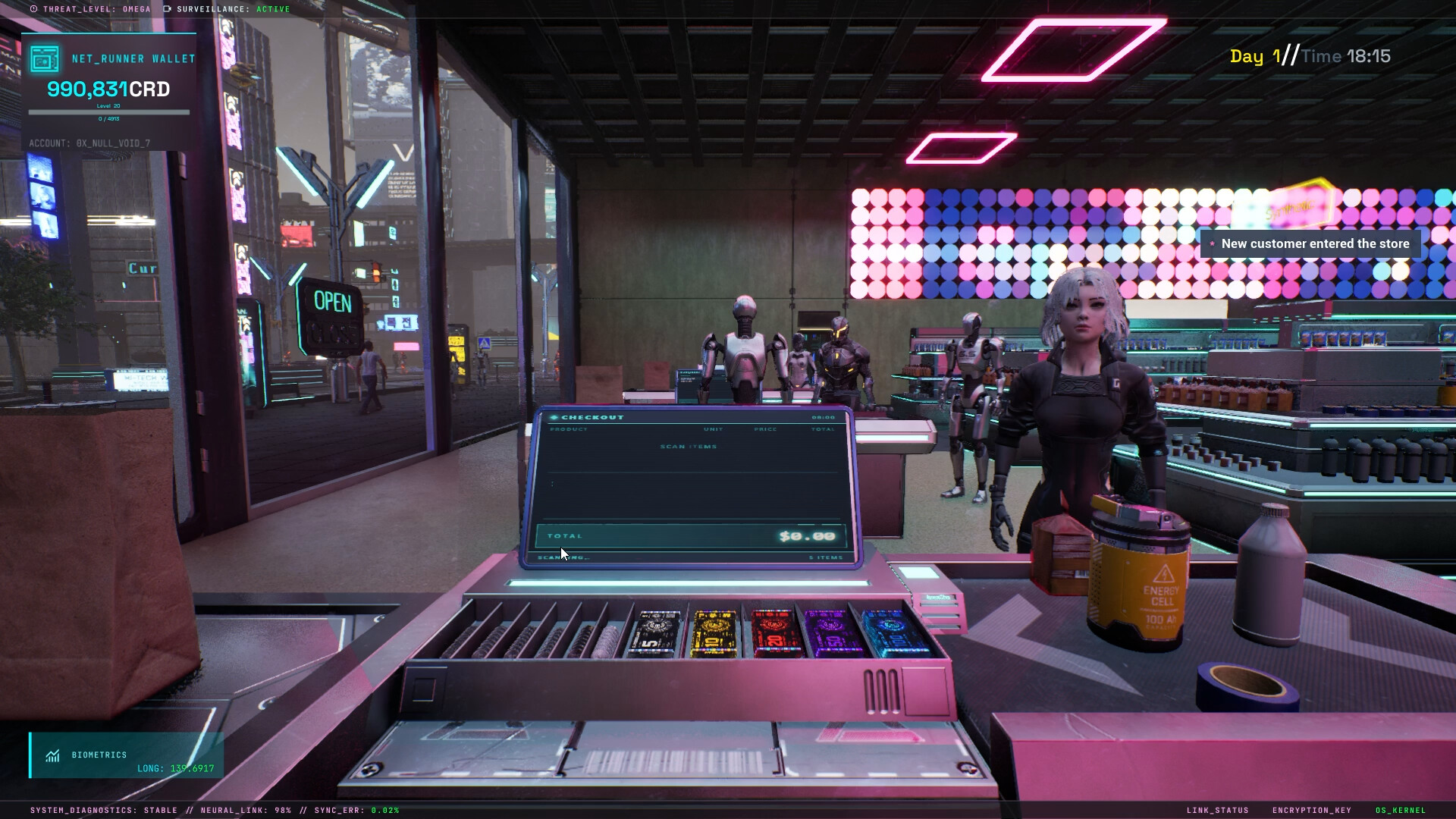
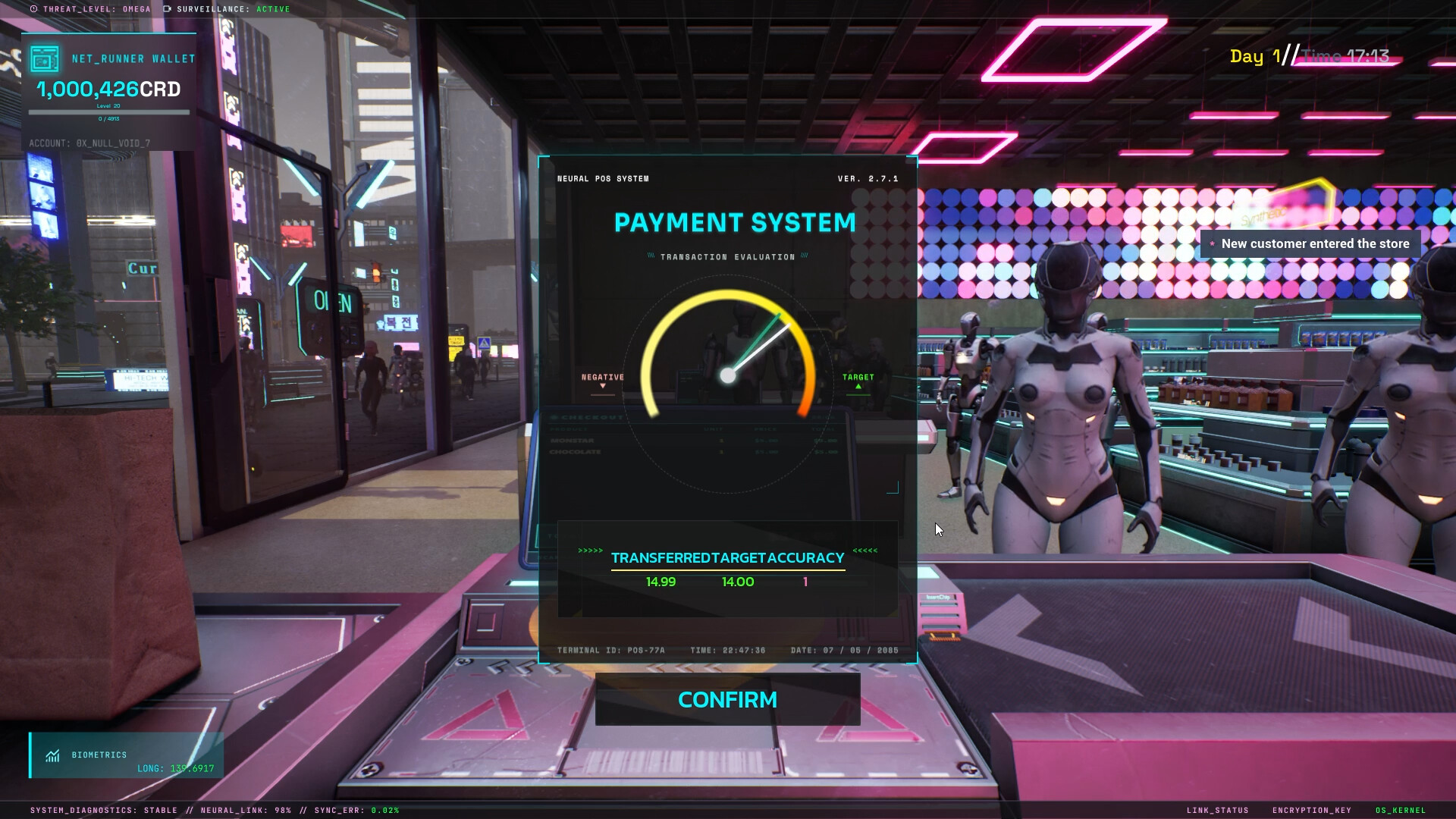
Customers may pay with traditional cash or with futuristic methods such as embedded cybernetic chips and holographic scanners. The game supports both physical and digital transaction styles.
Accepting multiple payment types lets you cater to a broad clientele, from street‑level citizens to wealthier cyber‑enhanced patrons.
- Ensure payment terminals are functional for both cash and chip scans.
- Monitor overall transaction volume to see which method is used most often.
05 / THE GUIDE
Growth and Expansion
You begin with a modest single‑room shop and can reinvest profits to upgrade equipment and expand floor space while managing your reputation. Expansion turns the shop into a landmark of the neon city.
Balancing raw‑material purchases, equipment upgrades, and maintenance is essential for sustainable growth and for handling challenges such as local thieves and reputation shifts.
- Upgrade floor space when current layout limits product variety.
- Track profit trends after each upgrade to assess financial impact.

COMMUNITY
Player discussion