 GameWiki
GET YOUR BEARINGS
About Cutout Village
Cutout Village is a relaxing indie city‑builder where you revive a quiet medieval‑inspired settlement by cutting, folding and gluing paper sheets. The game blends paper‑craft aesthetics with light simulation, letting you expand at your own pace.
Collect new building templates, trade with villagers for coins, and grow fruit to progress the story. Every unlocked structure is also offered as a printable PDF, so you can recreate the digital village in the real world.
01 / THE GUIDE
Paper Building Mechanics
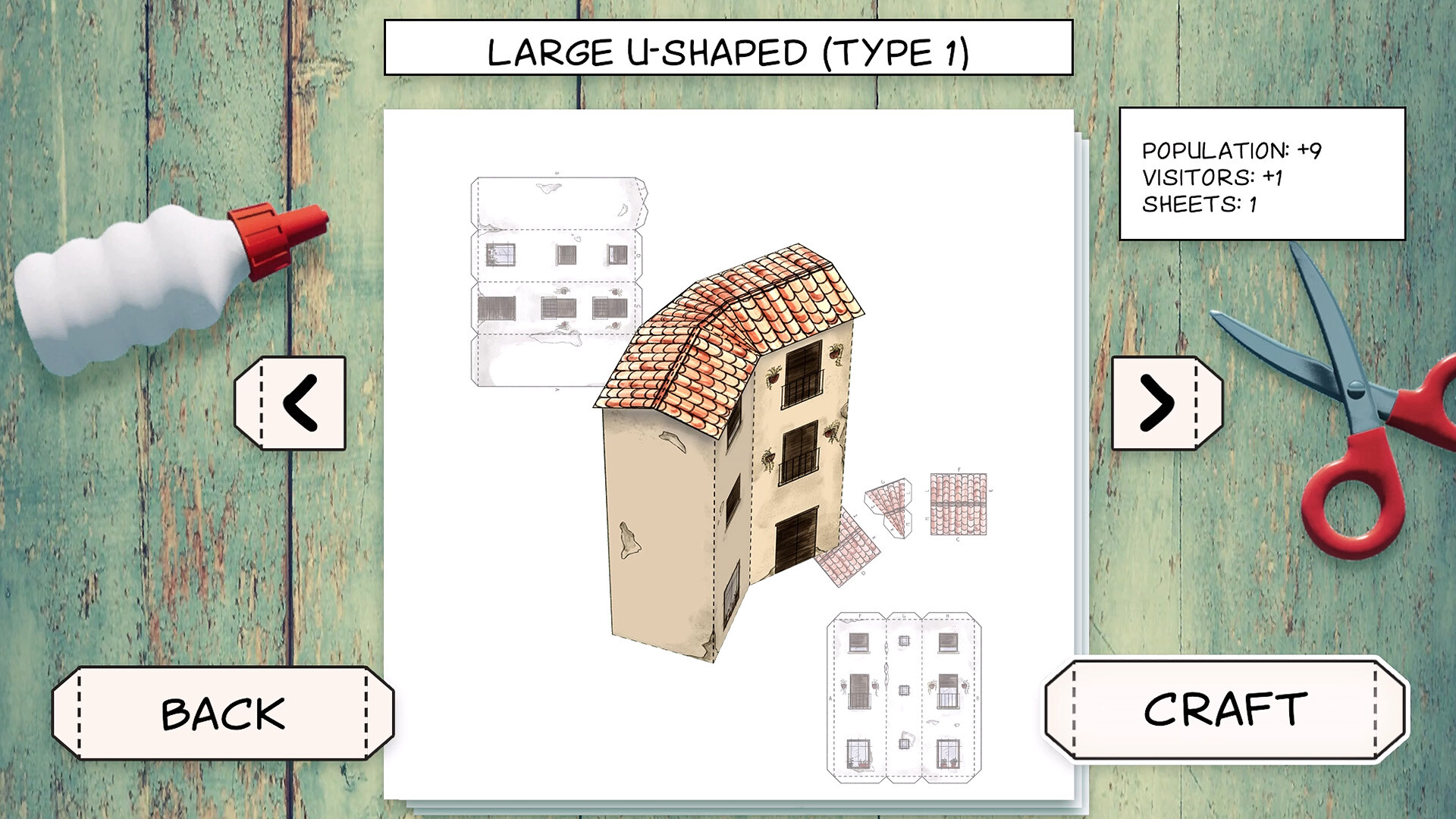
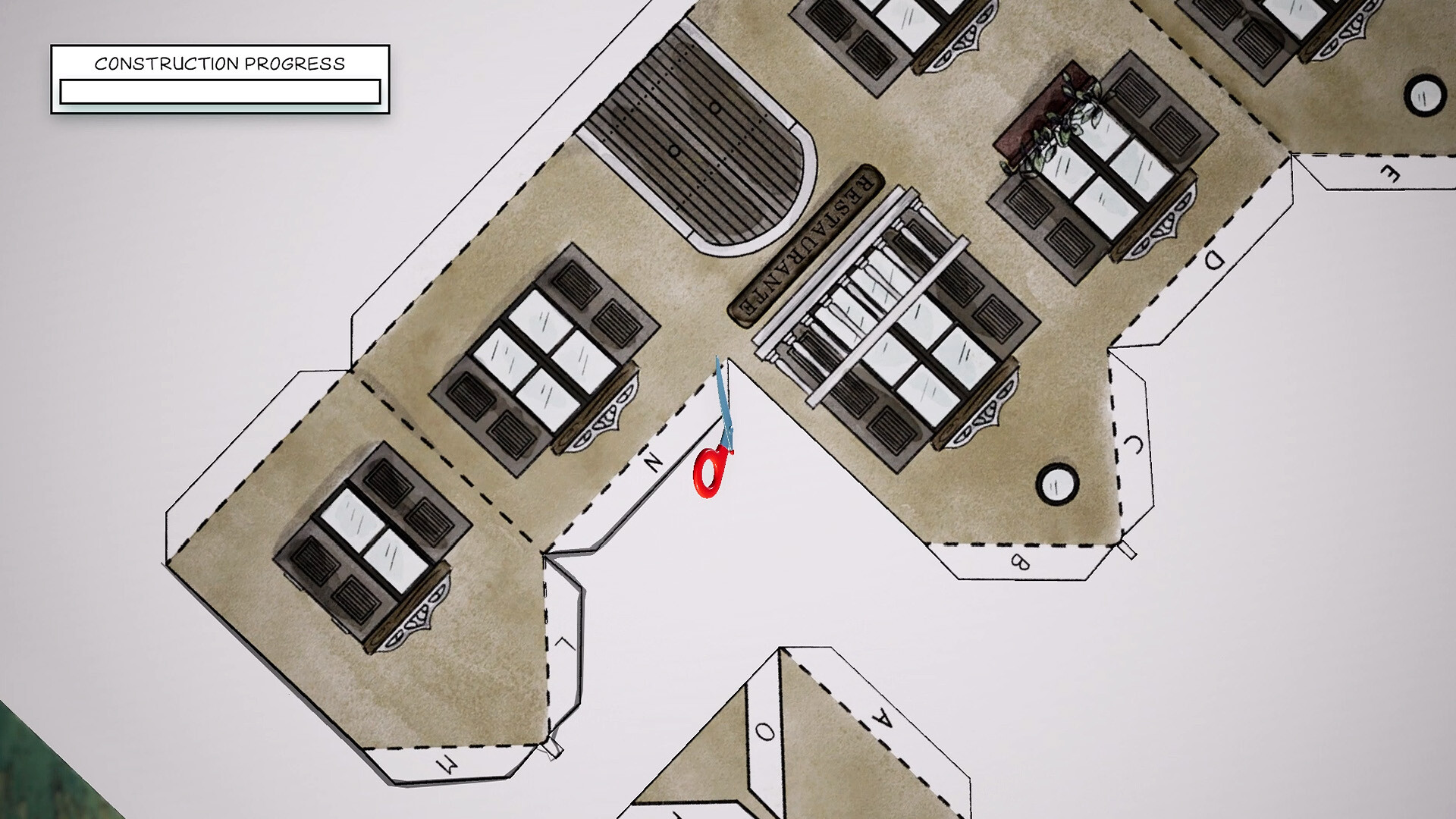
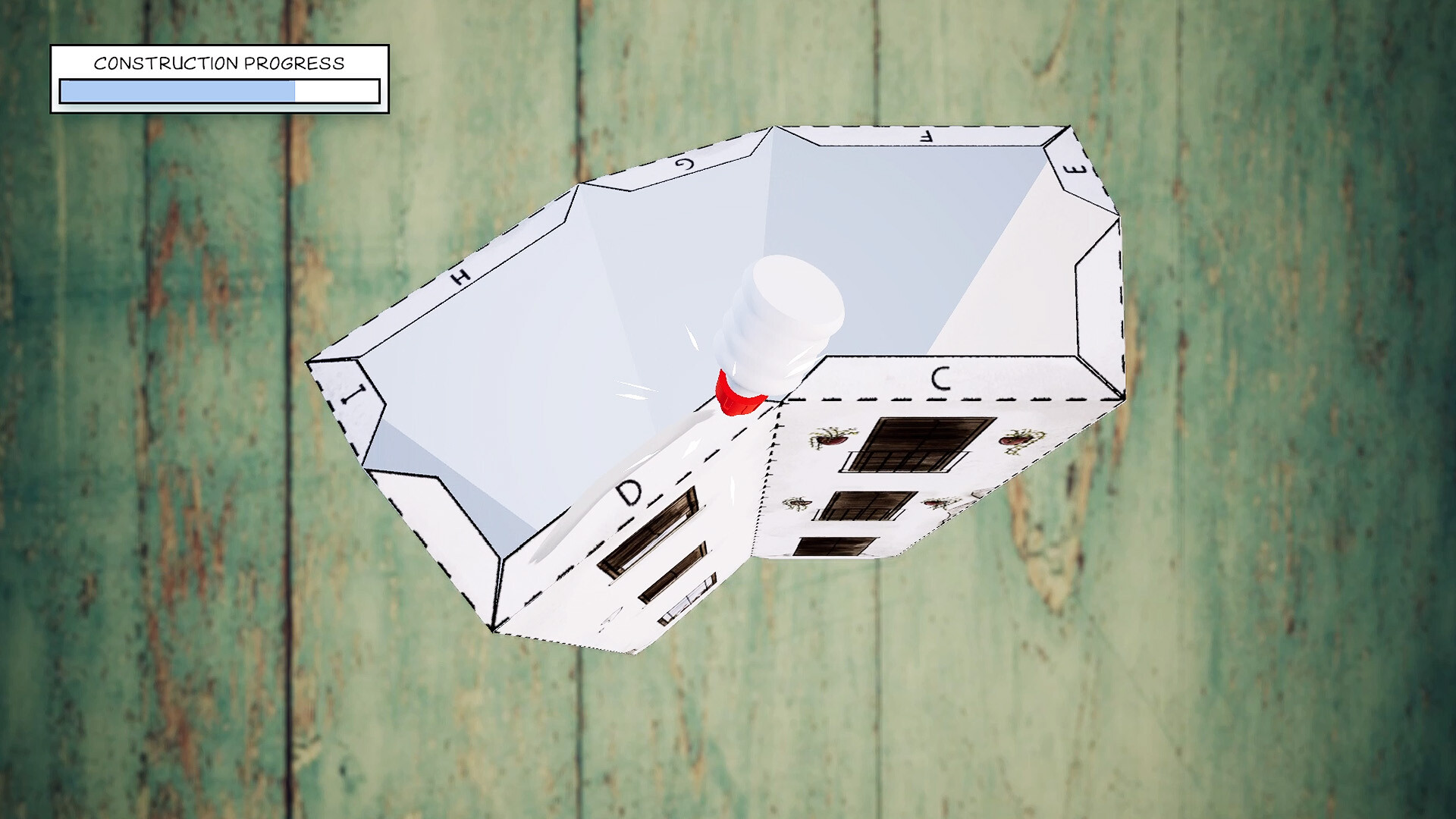
To grow your village you must cut, fold and glue paper sheets you collect. Each new building appears as a physical model on the digital map and opens further expansion options.
The process is unhurried; the game is playable without timed input, allowing you to craft at a comfortable speed while watching the village slowly come back to life.
- Take your time with each cut and fold to avoid visual mistakes.
- Observe how the shape of newly unlocked buildings changes the village’s overall style.
02 / THE GUIDE
Fruit Harvest and Trade
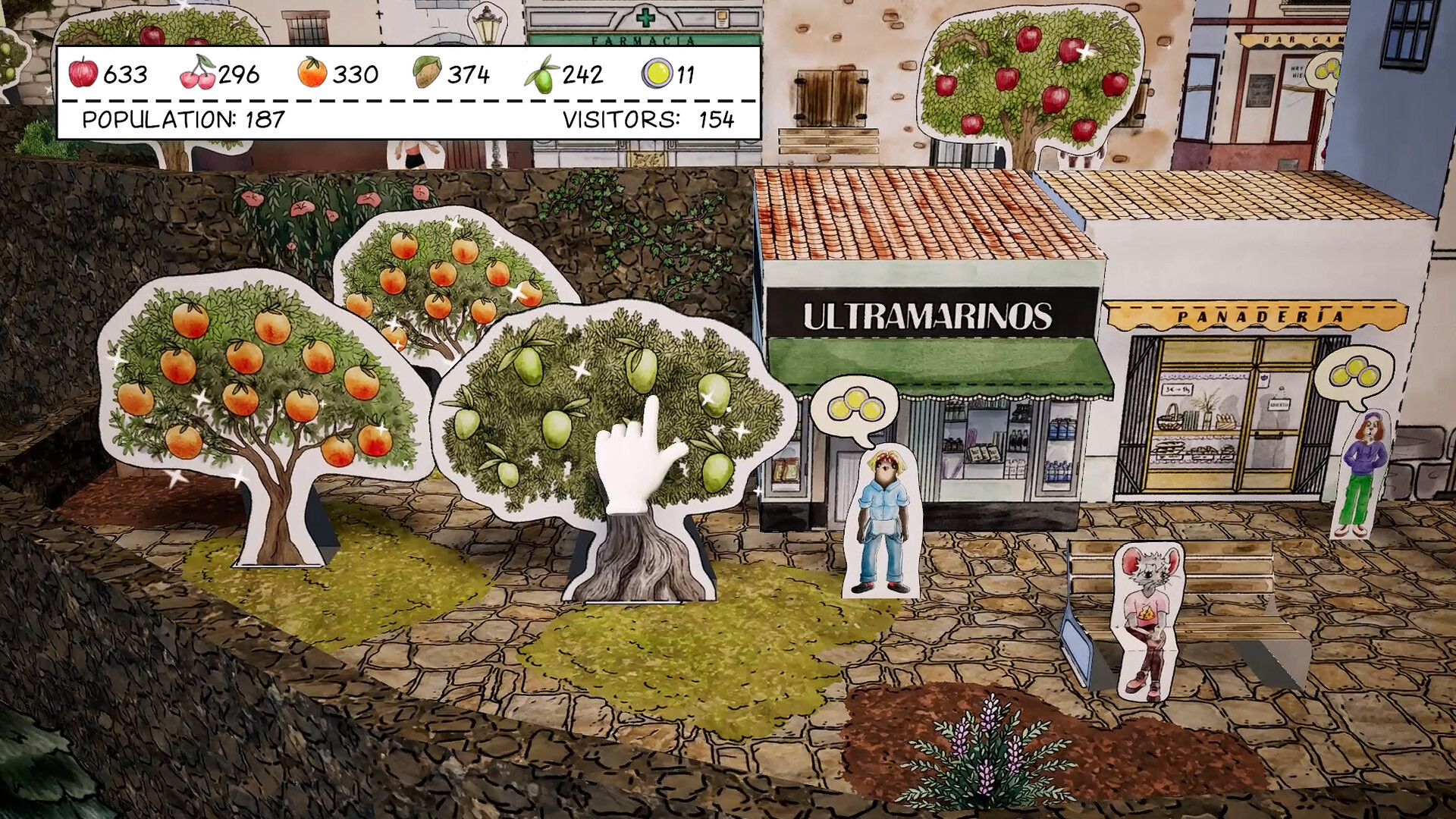
You can grow and harvest different types of fruit, which serve as a resource for unlocking additional buildings. Harvested fruit also contributes to the village’s economy.
Coins earned from trading with villagers can be spent on improving your tools and skills, supporting your crafting and building activities.
- Notice which fruit types appear early; they often correspond to the first building unlocks.
- Balance trading for coins with saving resources for future upgrades.
03 / THE GUIDE
Story and Village Revival
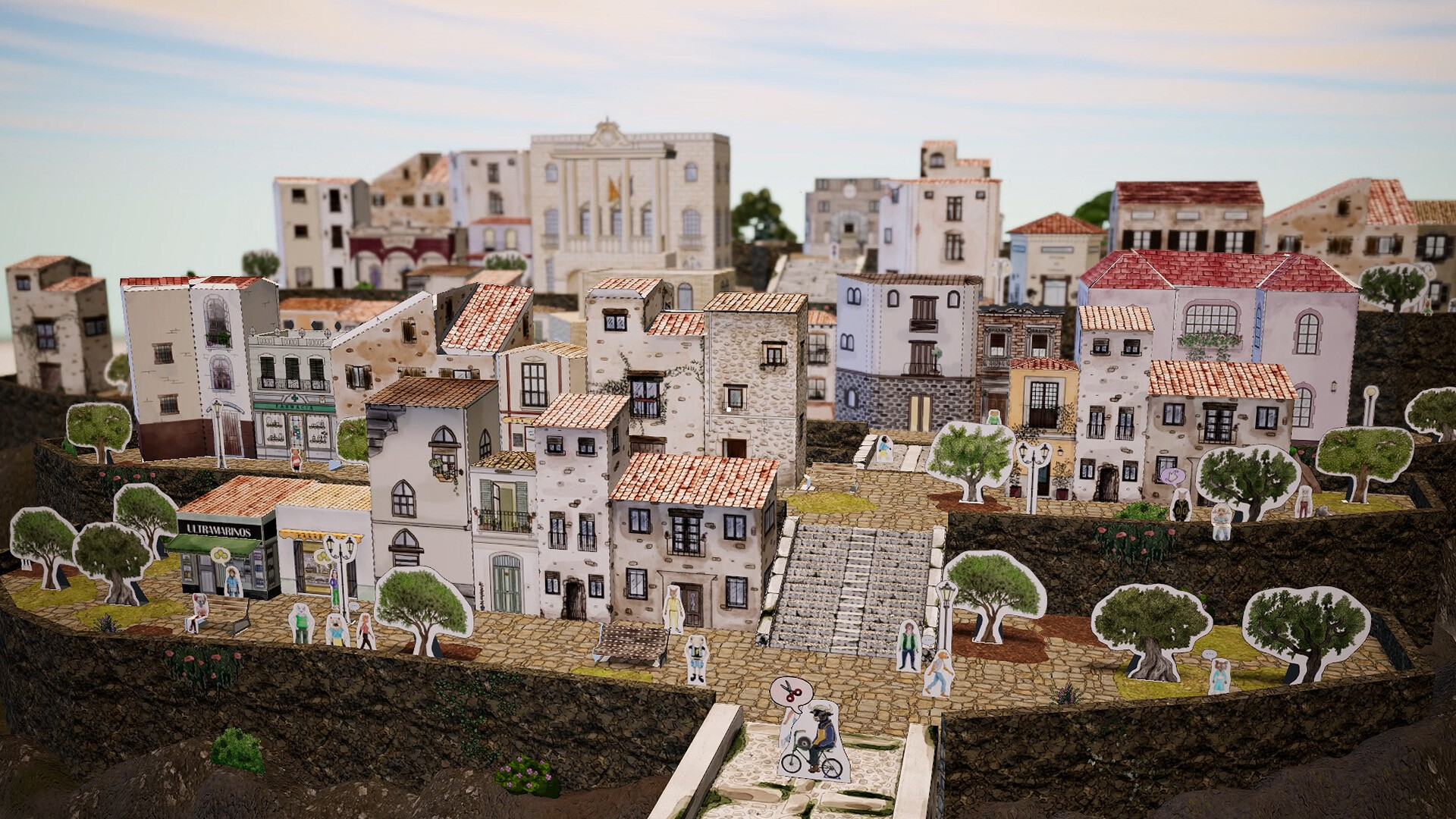
You inherit an old family home in a once‑quiet village that has become almost completely deserted. Through environmental storytelling you gradually uncover the village’s history.
As you help the remaining inhabitants, new characters and situations appear, moving the narrative forward while the village visually regains life.
- Pay attention to background details; they often hint at past events.
- Notice how each new building adds context to the village’s story.
04 / THE GUIDE
Printable PDF Buildings
Every building you unlock is also provided as a downloadable PDF sheet. You can print, cut, fold and assemble these sheets to create physical models of your digital village.
This feature bridges the in‑game experience with hands‑on crafting, allowing you to display your progress outside the computer.
- Print on thicker paper for sturdier models.
- Match printed colors with the in‑game palette for consistency.
05 / THE GUIDE
Controls and Accessibility
Cutout Village supports full controller input, dual‑shock and dual‑sense devices, as well as a Keyboard Only Option. The game can be played without timed input, making it suitable for relaxed sessions.
Custom volume controls and Steam Cloud integration are also included, providing flexible audio settings and cloud‑saved progress.
- Try the keyboard‑only option if you prefer precise placement of paper pieces.
- Use custom volume controls to create a calm audio environment while crafting.
COMMUNITY
Player discussion