 GameWiki
GET YOUR BEARINGS
About Cute Capybaras
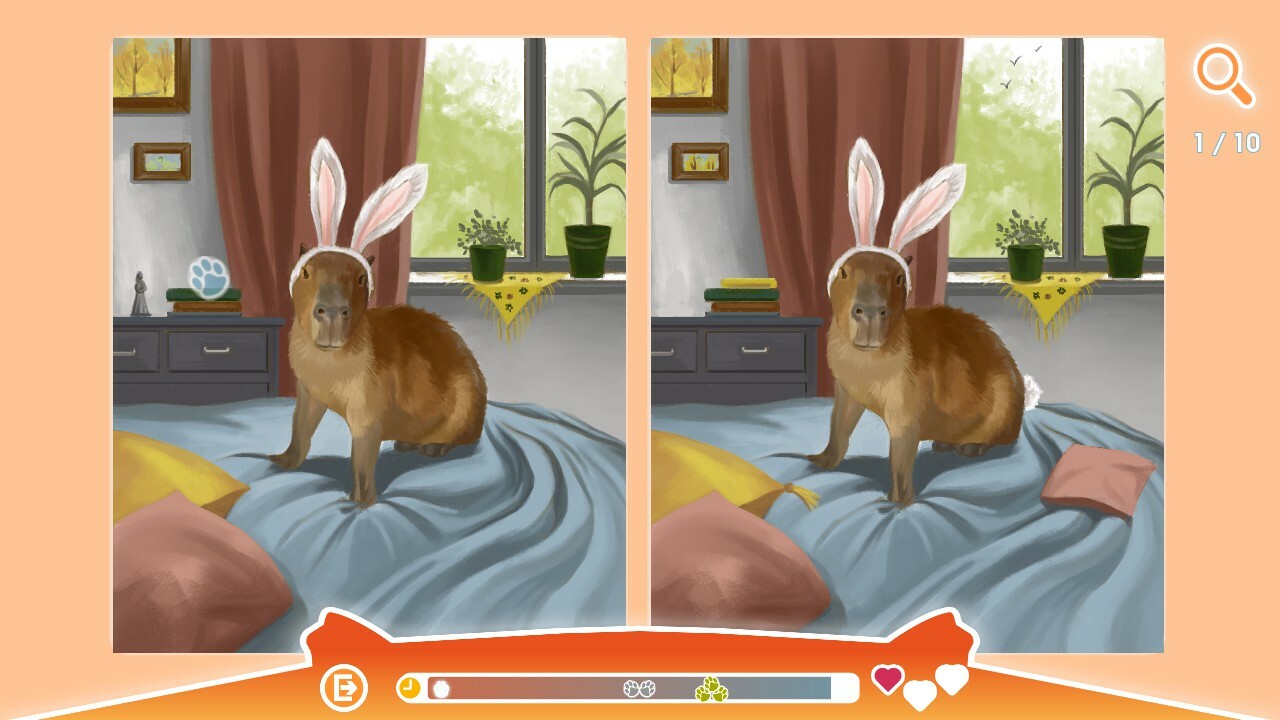
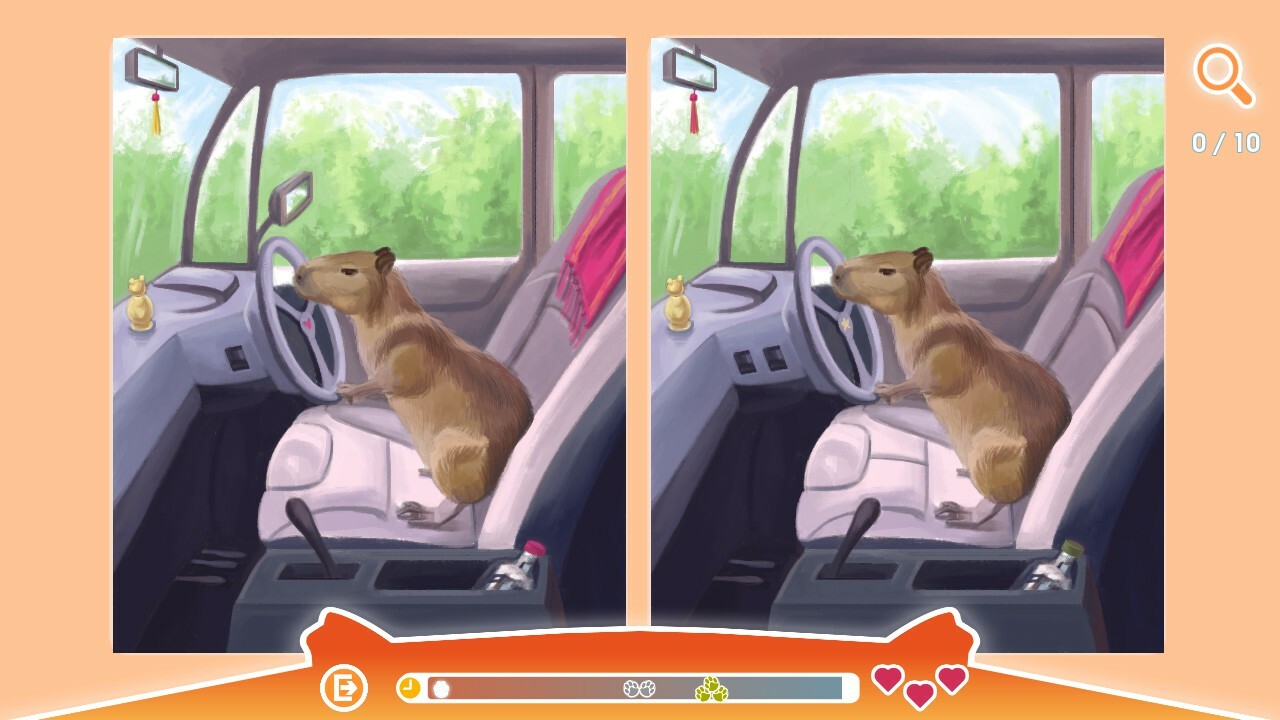
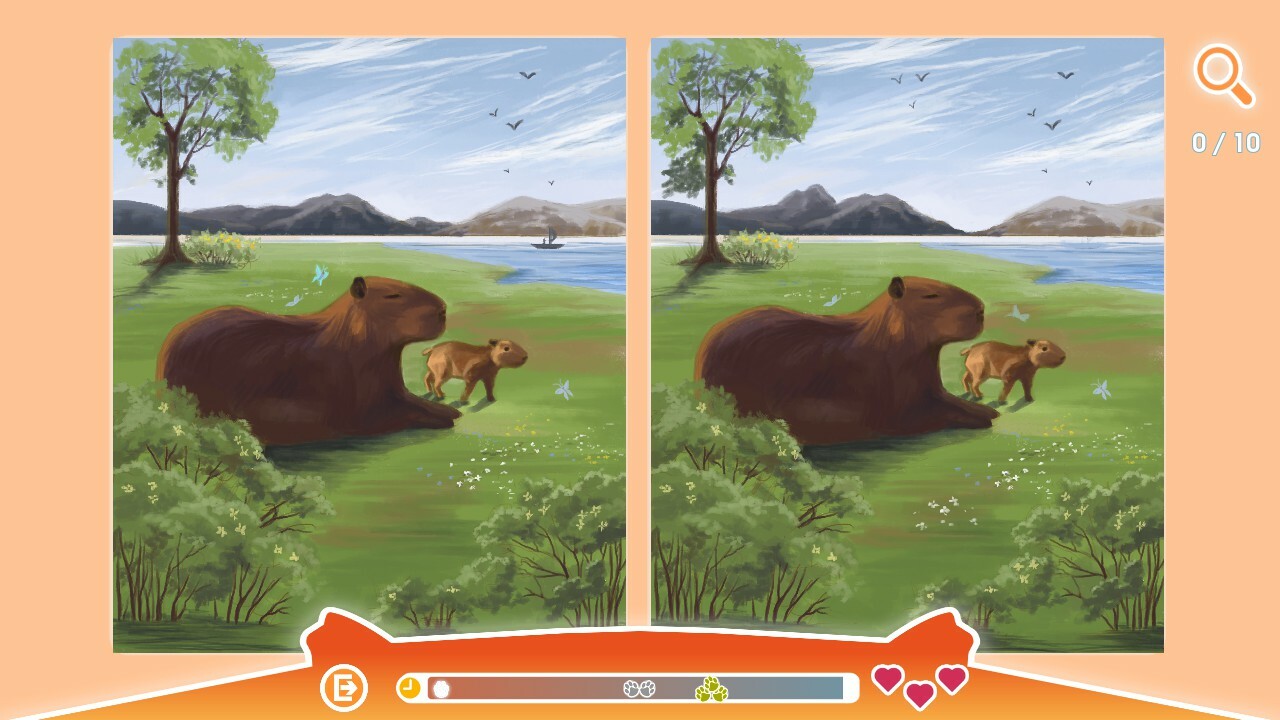
Cute Capybaras is a single‑player casual title where players compare two capybara illustrations to locate visual differences. The game offers ten distinct levels, featuring beautiful artwork and relaxing background music, and it runs on Windows via Steam.
All interactions rely on simple mouse clicks, there is no timed pressure, and the experience is marketed as suitable for all ages. Achievements record progress, and Steam Family Sharing lets household members share a single purchase.
01 / THE GUIDE
Difference Finding
Each level presents a pair of capybara pictures and asks the player to mark every visual discrepancy. The task is purely observational; the game records a difference when the player clicks on it, and the level is considered complete once all are marked.
There is no imposed time limit, allowing players to examine each image at their own pace. The game offers ten levels to work through, along with a Steam achievement list.
- Look closely at areas where the capybara’s ears or eyes appear; these features stand out in the artwork.
- Scan background elements such as water ripples for subtle changes that may hide differences.
02 / THE GUIDE
Mouse Controls
The game uses only mouse input for navigation, menu selection, and marking differences. Clicking on a spot registers a mark, and the cursor can be moved freely across the image without additional button combinations.
Because the control scheme is limited to the mouse, players of any age can focus on the visual puzzle without learning keyboard shortcuts or controller layouts.
- Use the left mouse button to click on suspected differences; each click registers a mark.
- If a click seems missed, adjust the cursor slightly and click again for precise placement.
03 / THE GUIDE
Levels and Progress
Cute Capybaras contains exactly ten levels, each with its own pair of images. The game contains ten levels in total, and the number of levels does not change during play.
Steam achievements are available as you play, serving as a record of progress.
- Complete each level fully before moving on to ensure all related achievements are earned.
- After finishing a level, note the kinds of spots you missed to improve accuracy for later levels.
04 / THE GUIDE
Audio‑Visual Design
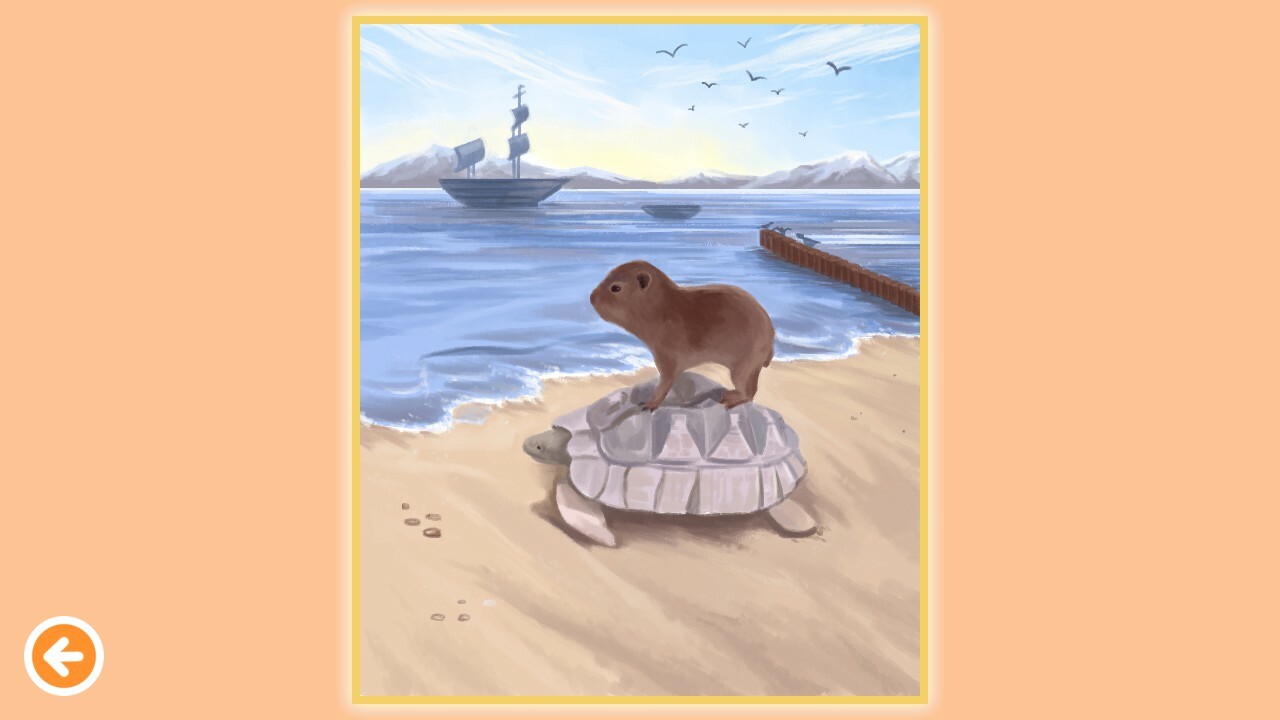
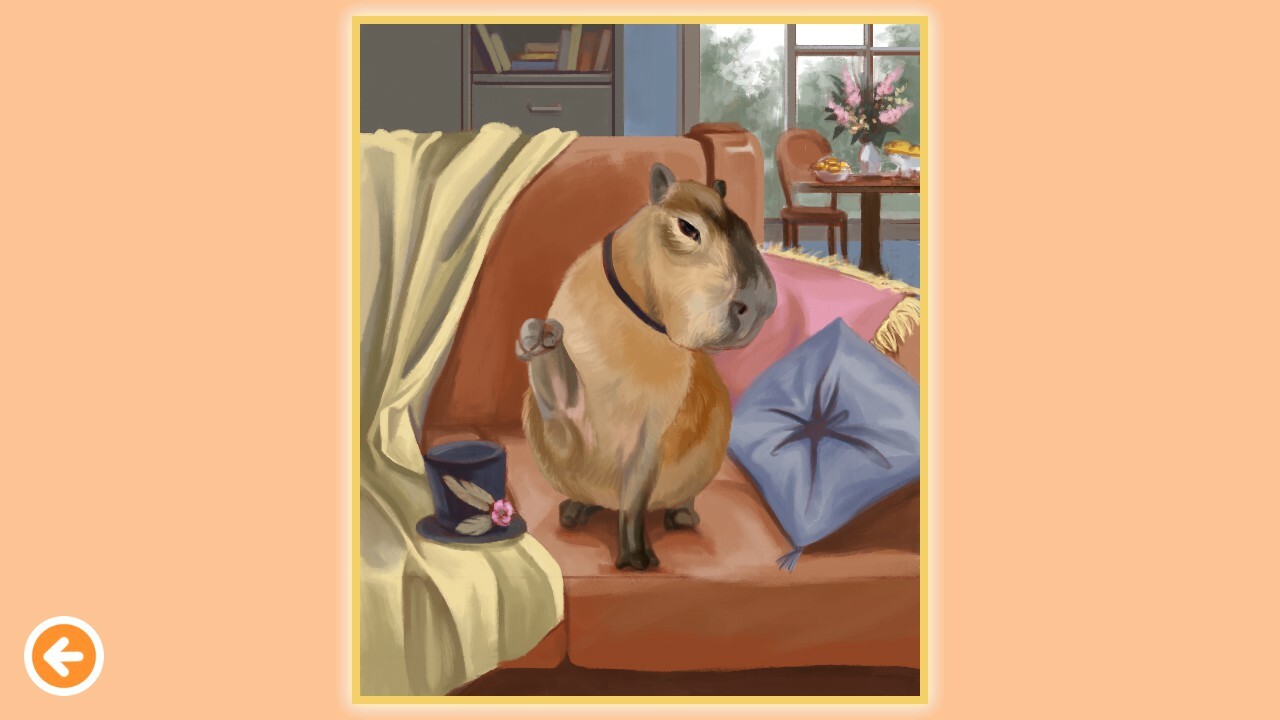
The game showcases beautiful capybara artwork accompanied by relaxing background music. The visuals showcase the capybara artwork, and the relaxing music is intended to support concentration rather than add challenge.
Both art and audio are purely aesthetic; they do not affect the number of differences or the difficulty of any level.
- Let the relaxing soundtrack play as you search; it is designed to be soothing.
- Observe subtle hue shifts in the palette, as they often indicate hidden differences.
05 / THE GUIDE
Family‑Friendly Features
The title is marketed as suitable for all ages, with a straightforward mouse‑only interface. The lack of timed input makes it accessible for children and adults alike.
Steam Family Sharing is supported, allowing multiple household members to play from a single purchase, reinforcing the game’s design as a shared, casual experience.
- Take turns with family members; the game’s pace accommodates multiple players without pressure.
- Use the achievement list as a cooperative goal, encouraging teamwork to complete all ten levels.
COMMUNITY
Player discussion