 GameWiki
GET YOUR BEARINGS
About Cup and Counter: Coffee Shop Simulator
Cup and Counter: Coffee Shop Simulator lets you build and grow a café from a modest start to a bustling local favorite. You craft a wide range of drinks, serve customers quickly, and manage stock, employees, and finances. The game offers both solo and cooperative play, with full controller support and cloud saves, letting you shape every part of your shop while balancing reputation and profit.
01 / THE GUIDE
Crafting Drinks
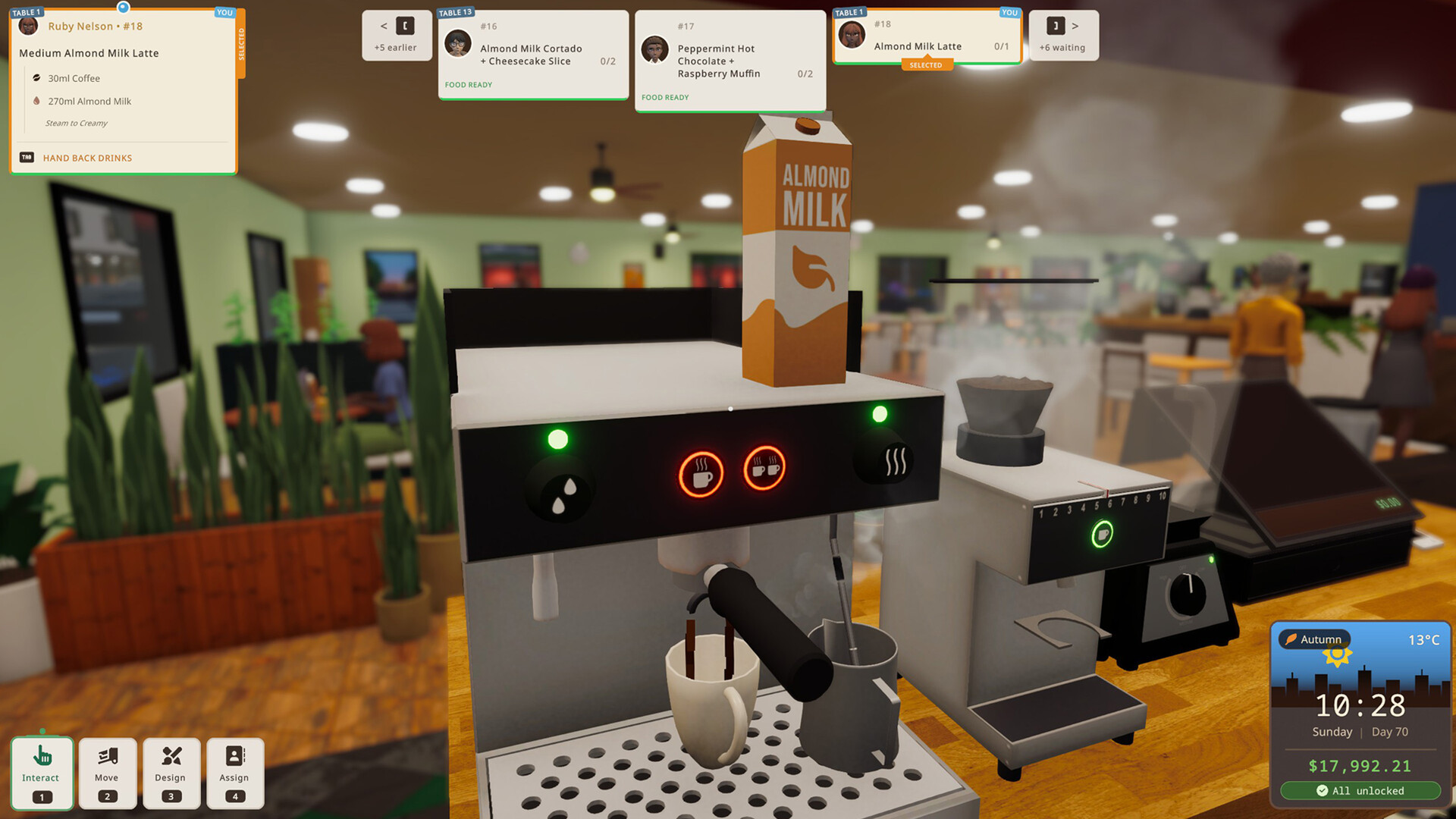
The core loop centers on learning to make a wide range of drinks as new recipes and ingredients become available. Speed and accuracy matter, especially during busy rushes where you must follow customer preferences and keep orders flowing.
Mistakes or slow service affect customer happiness and your reputation, encouraging you to refine timing and ingredient management.
- Experiment with new recipes early to become comfortable before rush periods.
- Watch customer preference cues to prioritize orders that boost reputation.
02 / THE GUIDE
Building Your Dream Café
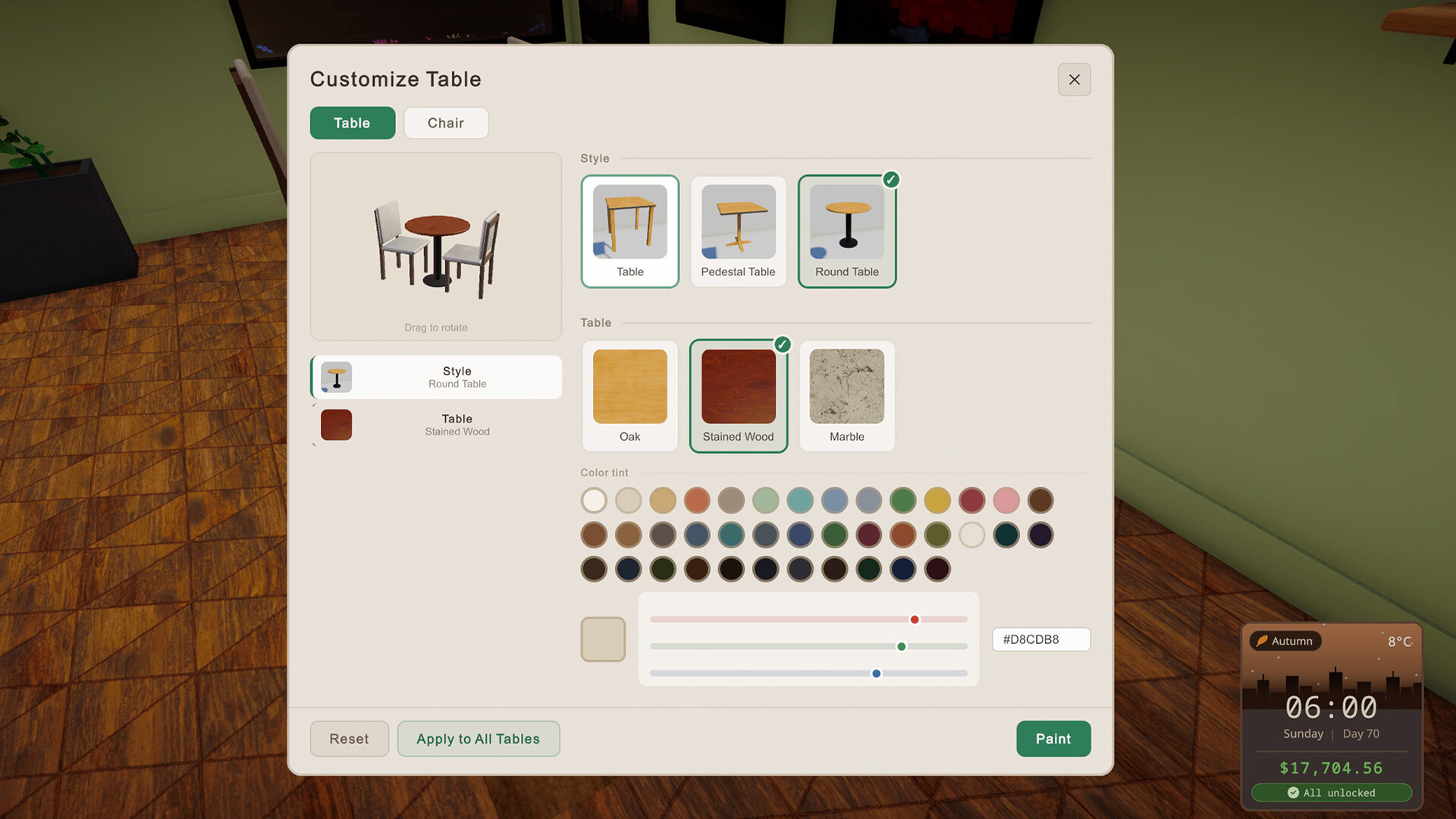
You start small and can buy new equipment, expand floor space, and customize the shop’s layout to match your vision. Each addition contributes to a more bustling environment and can attract more customers.
Expansion decisions also influence rent and other costs, requiring you to balance growth with profitability.
- Plan expansions around peak traffic times to maximize return on investment.
- Consider the visual flow of the shop when placing new equipment.
03 / THE GUIDE
Managing Employees
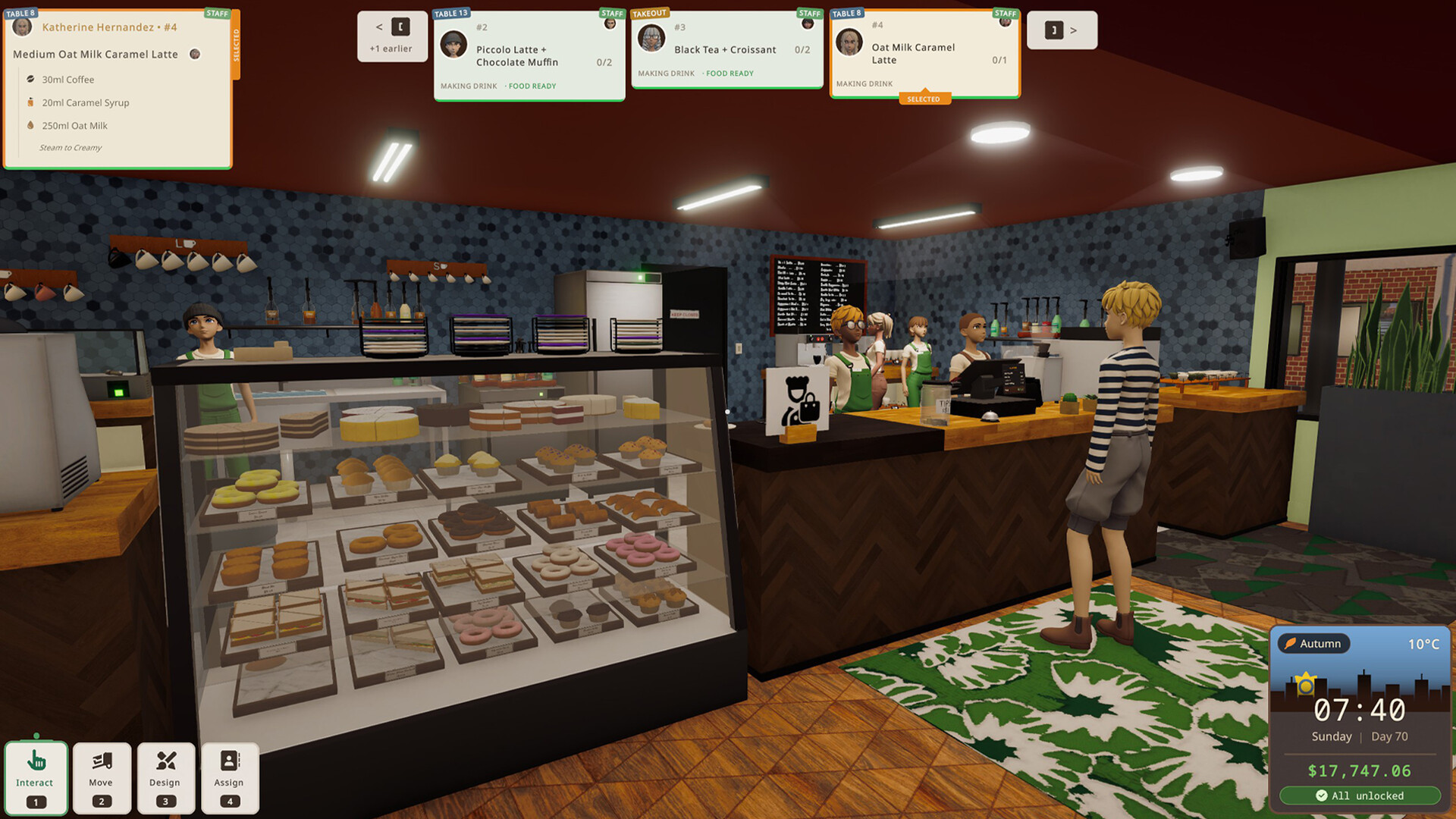
As the café grows, you can hire staff to help run daily operations. Employees can be given freedom or assigned specific tasks you prefer not to handle yourself.
Effective delegation reduces your workload and can improve service speed during rushes.
- Assign employees to repetitive tasks to free up time for complex drink crafting.
- Monitor employee performance to adjust task assignments as needed.
04 / THE GUIDE
Stock and Deliveries
Keeping supplies stocked is essential; you must plan ahead to avoid poorly timed deliveries. Overordering can waste space, while underordering leads to shortages during rushes.
Food and coffee beans have freshness limits, so timing purchases matters.
- Track consumption rates to order just enough before a rush.
- Schedule deliveries during slower periods to minimize disruption.
05 / THE GUIDE
Running the Business
Beyond drinks, you balance rent, stock costs, and expansion plans while adjusting prices. Finding the right price point keeps customers satisfied and ensures profit.
Reputation ties directly to service quality; a strong reputation helps sustain the business.
- Test small price adjustments to see their effect on customer flow.
- Use reputation trends to gauge whether service speed needs improvement.


COMMUNITY
Player discussion