 GameWiki
GET YOUR BEARINGS
About Cube Racer
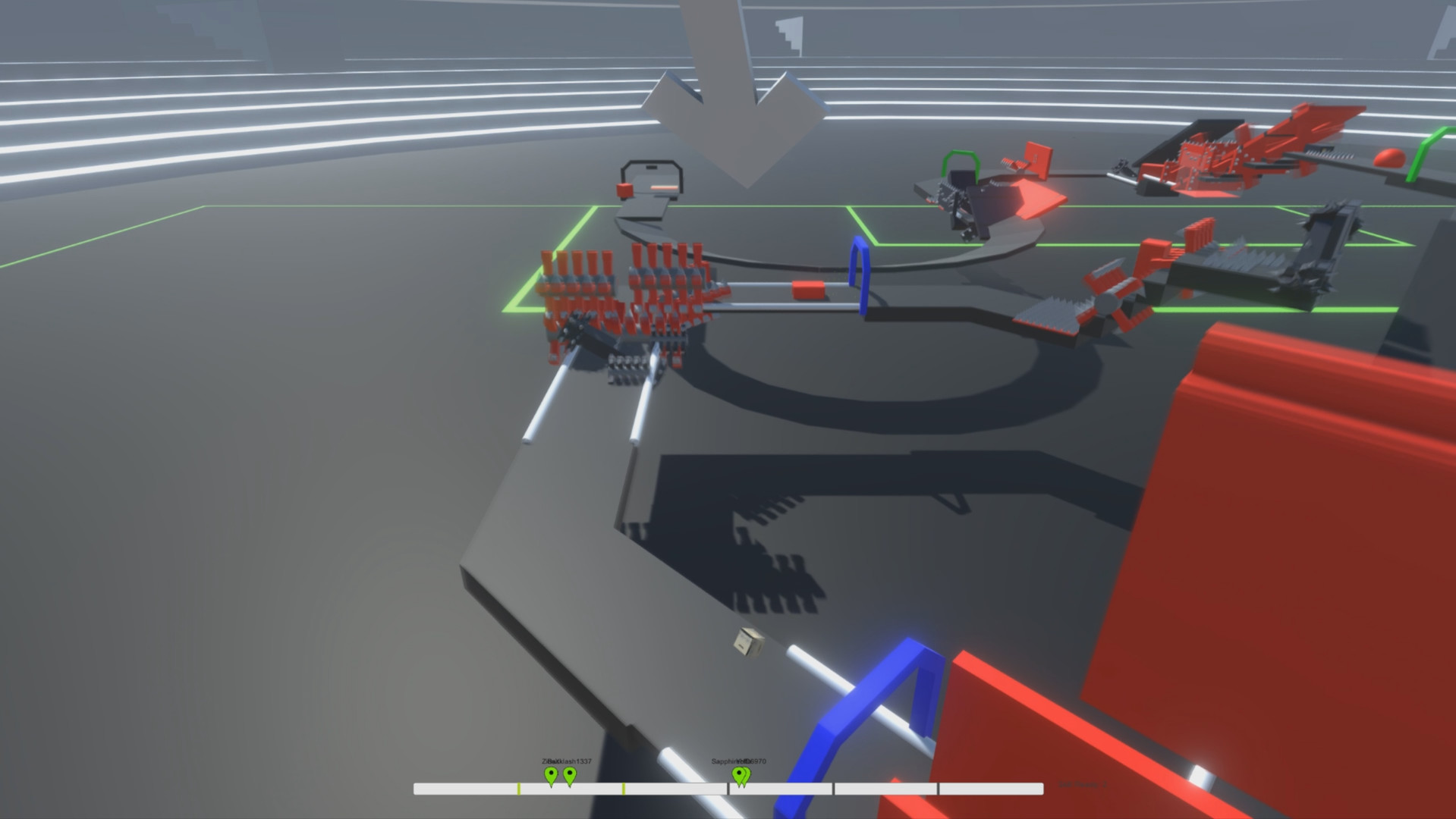
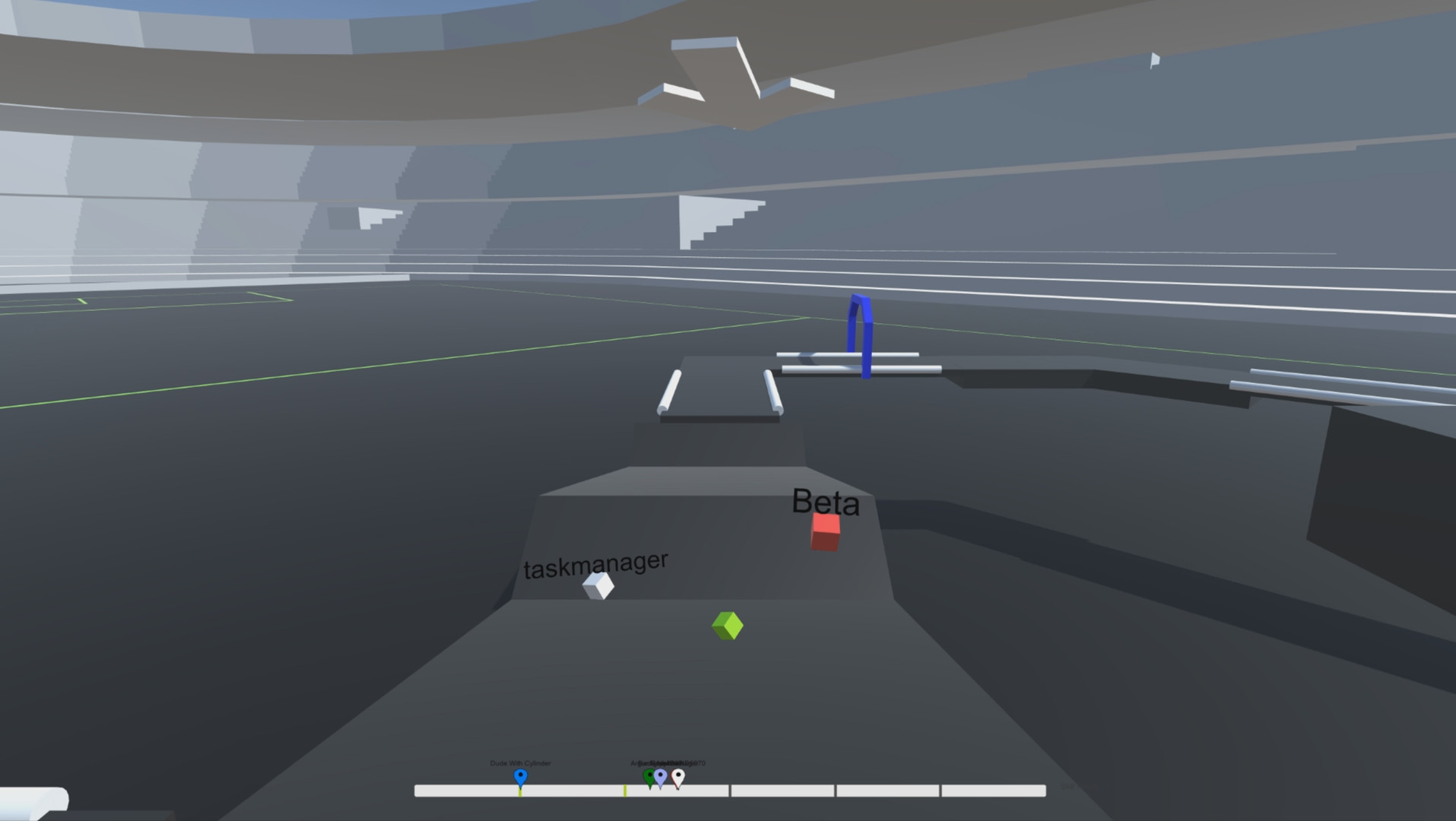
Cube Racer is a round‑based multiplayer racing game where each player controls a cube and competes to reach the finish line each round. Before every race, players can place obstacles, boosters or deadly objects on the map, shaping the track for the upcoming round.
All participants race on the same evolving map, earning points for their race performance each round. The game includes online and local multiplayer, a single‑player mode with predefined maps, a map editor, and partial controller support, all wrapped in a minimalistic graphic style.
01 / THE GUIDE
Gameplay Mechanics
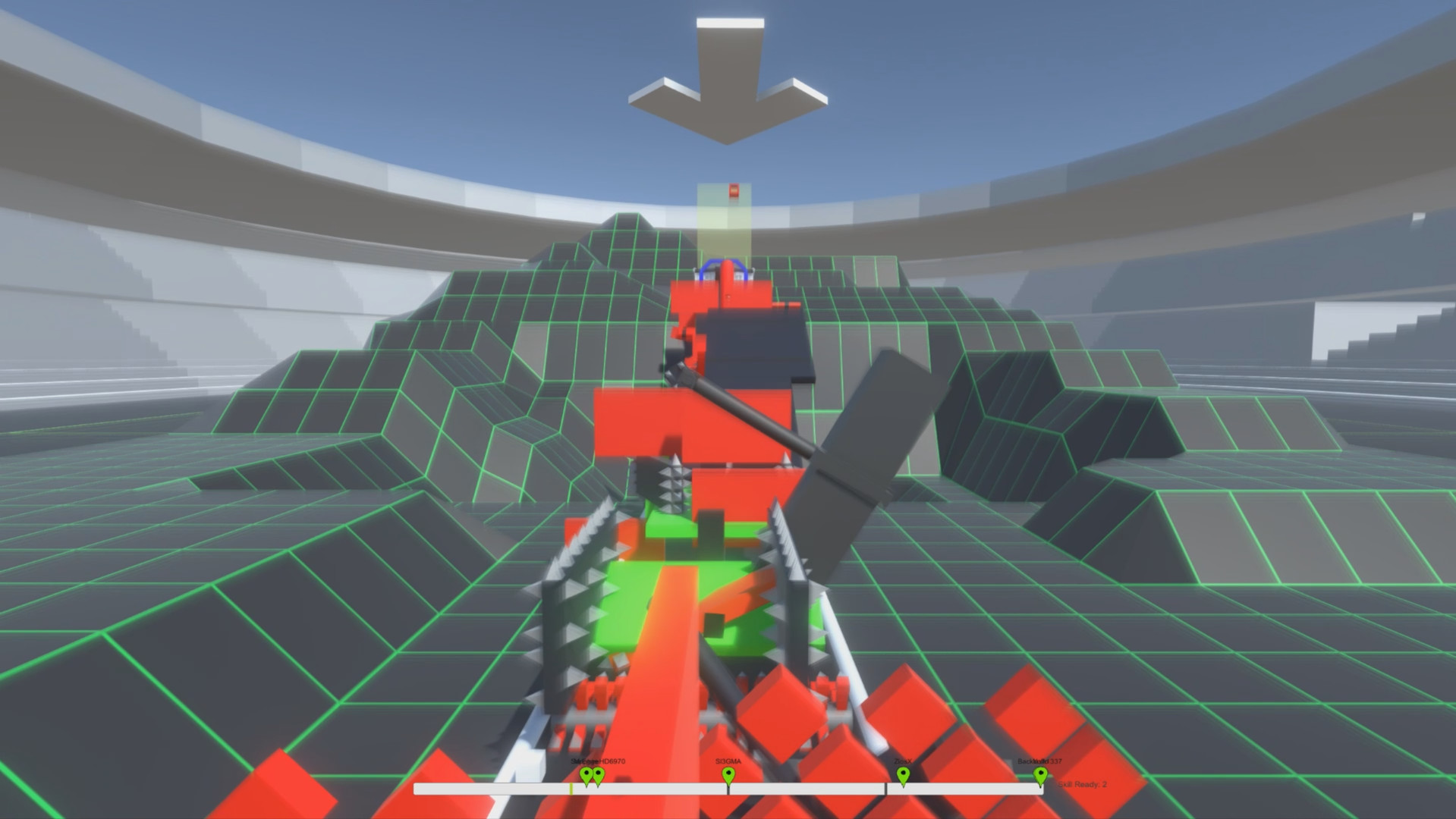
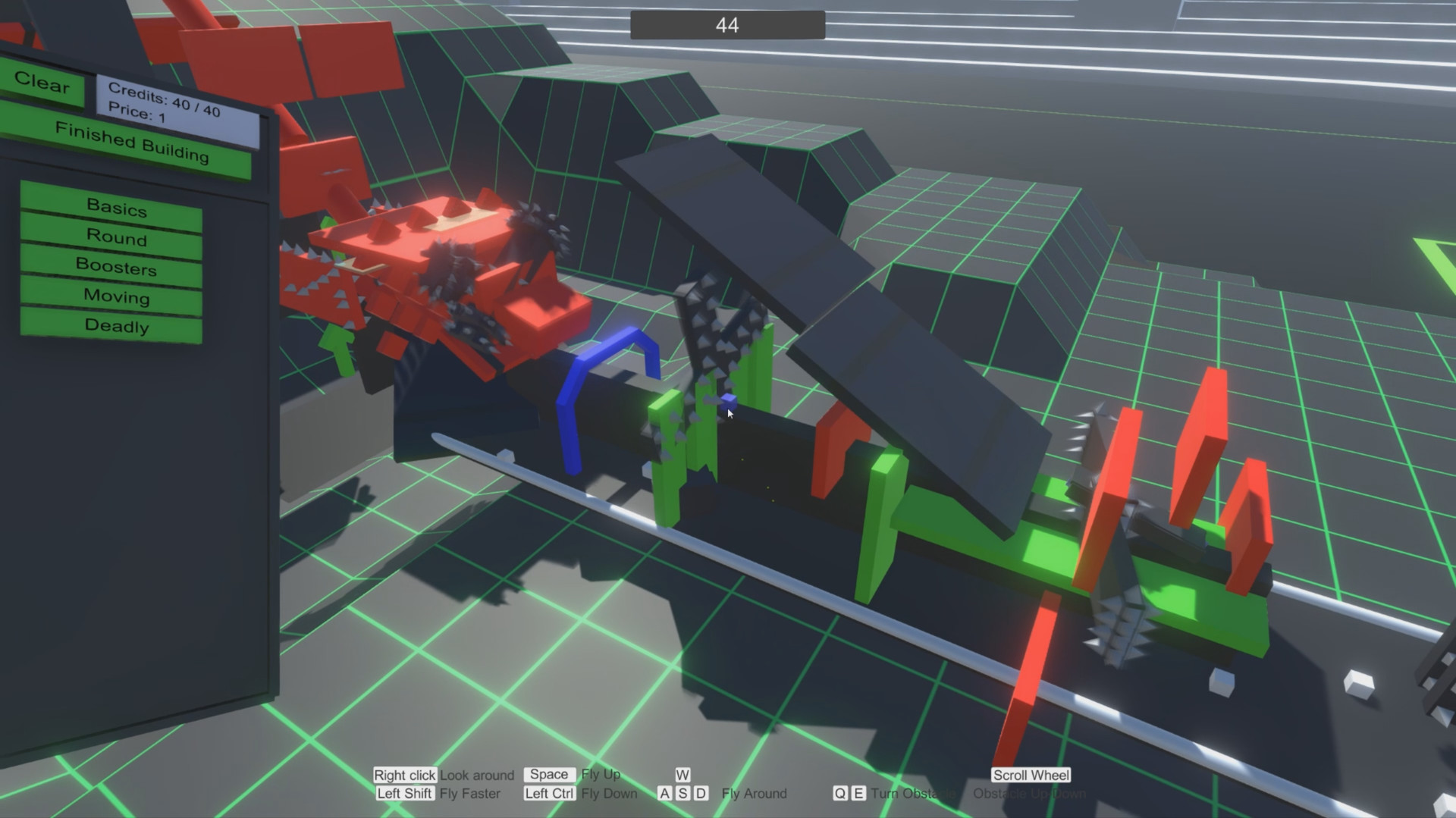
Each round starts with every player building one or more obstacles on the map. In the subsequent race, all players must navigate the combined set of obstacles while racing to the finish line.
Points are awarded based on race performance, and the same map conditions apply to every participant, meaning no player receives a built‑in advantage from previous rounds.
- Place obstacles that force opponents onto longer routes.
- Consider the balance between obstacle difficulty and your own racing line.
02 / THE GUIDE
Multiplayer Modes
Cube Racer offers both online and local multiplayer, allowing friends or strangers to compete in real time. The game also supports shared/split‑screen PvP for on‑same‑device play.
A dedicated server feature lets users host private matches, suitable for LAN‑party style sessions or custom friend groups.
- Use the dedicated server to control match settings.
- Try split‑screen for quick couch races.
03 / THE GUIDE
Single‑Player Mode
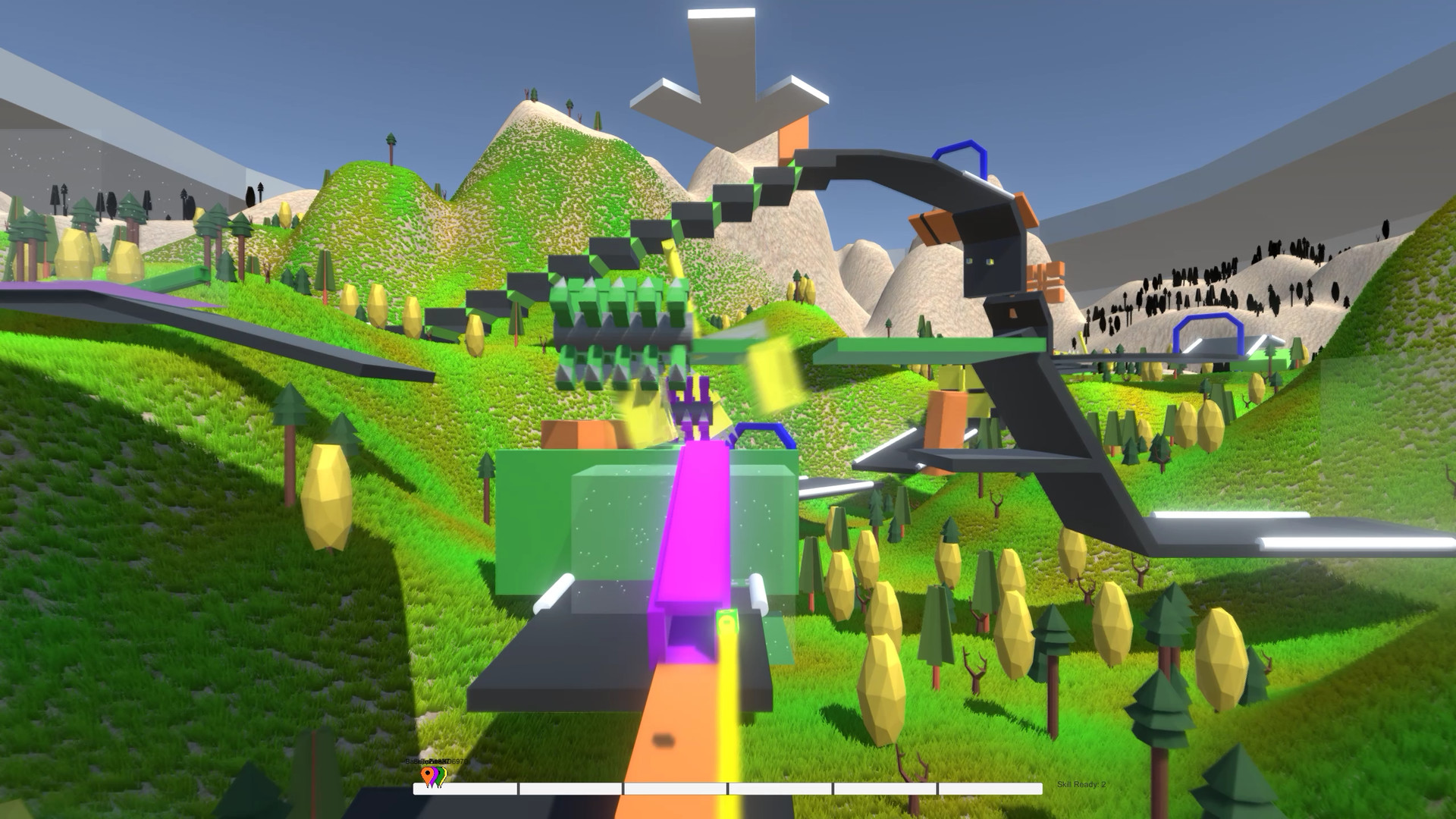
In single‑player, you race on predefined maps that include various obstacles, aiming for the fastest possible times. Performance in these races yields credits.
Credits can be spent to unlock new obstacle types over time, expanding the pool of objects you can place in future matches.
- Focus on time trials to accumulate credits quickly.
- Test newly unlocked obstacles in solo runs before using them online.
04 / THE GUIDE
Map Editor
The built‑in map editor lets you create custom tracks by placing obstacles, boosters and other objects as you wish. Created maps can be played on your own server.
You may upload your maps to the Steam Workshop, where the community can download and play them, and you can also browse other players’ creations.
- Test a custom map in single‑player before sharing.
- Browse popular Workshop maps for design ideas.
05 / THE GUIDE
Obstacles & Credits
Cube Racer features 300 different obstacles. Credits earned from races can unlock new obstacle types over time.
You can also use credits to upgrade obstacles you already own, changing attributes such as size or strength, which influences how they affect the track.
- Mix offensive and defensive obstacles for balanced rounds.
- Upgrade obstacles gradually to observe their impact.
COMMUNITY
Player discussion