 GameWiki
GET YOUR BEARINGS
About Ctrl Alt Ego
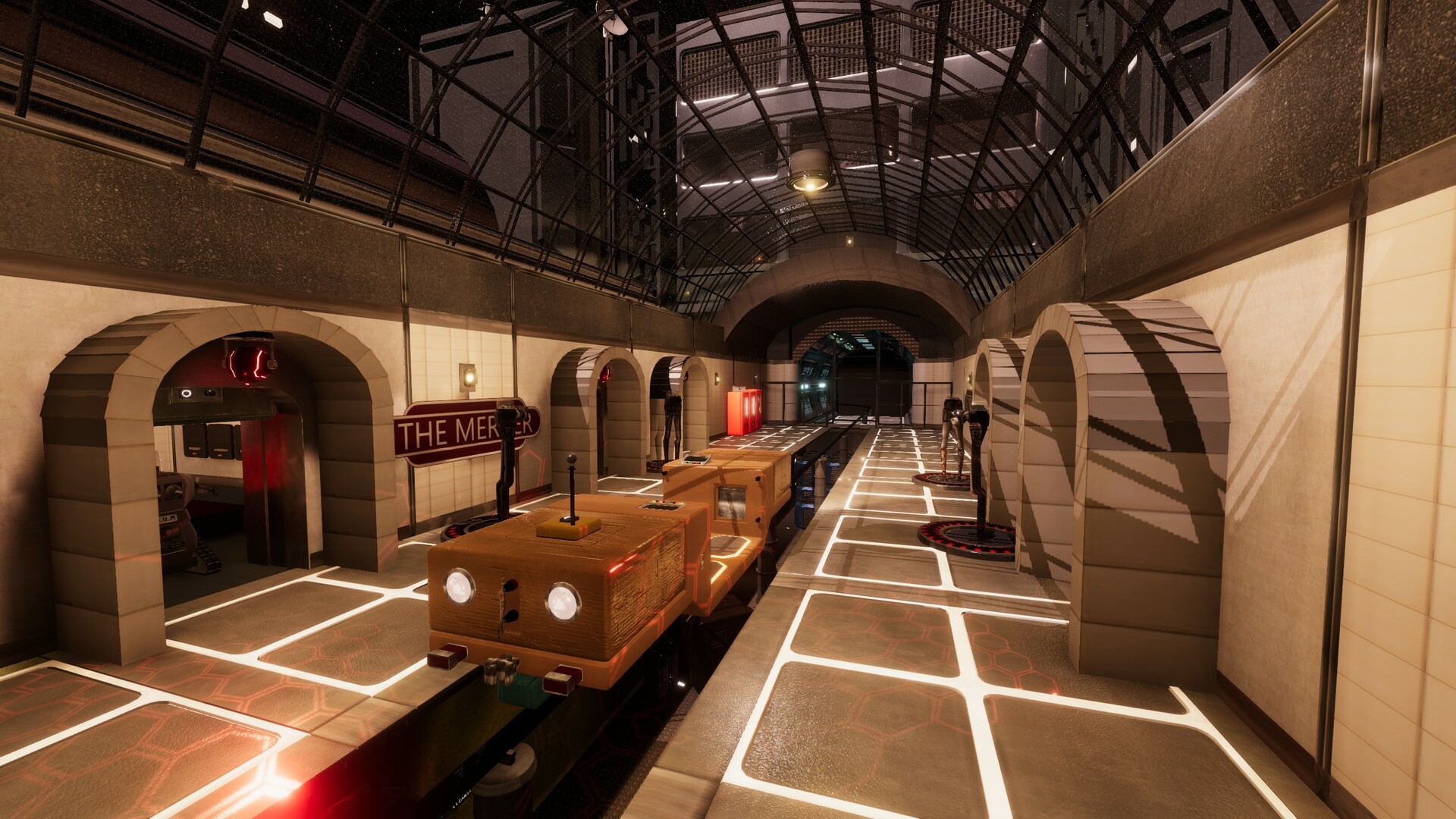
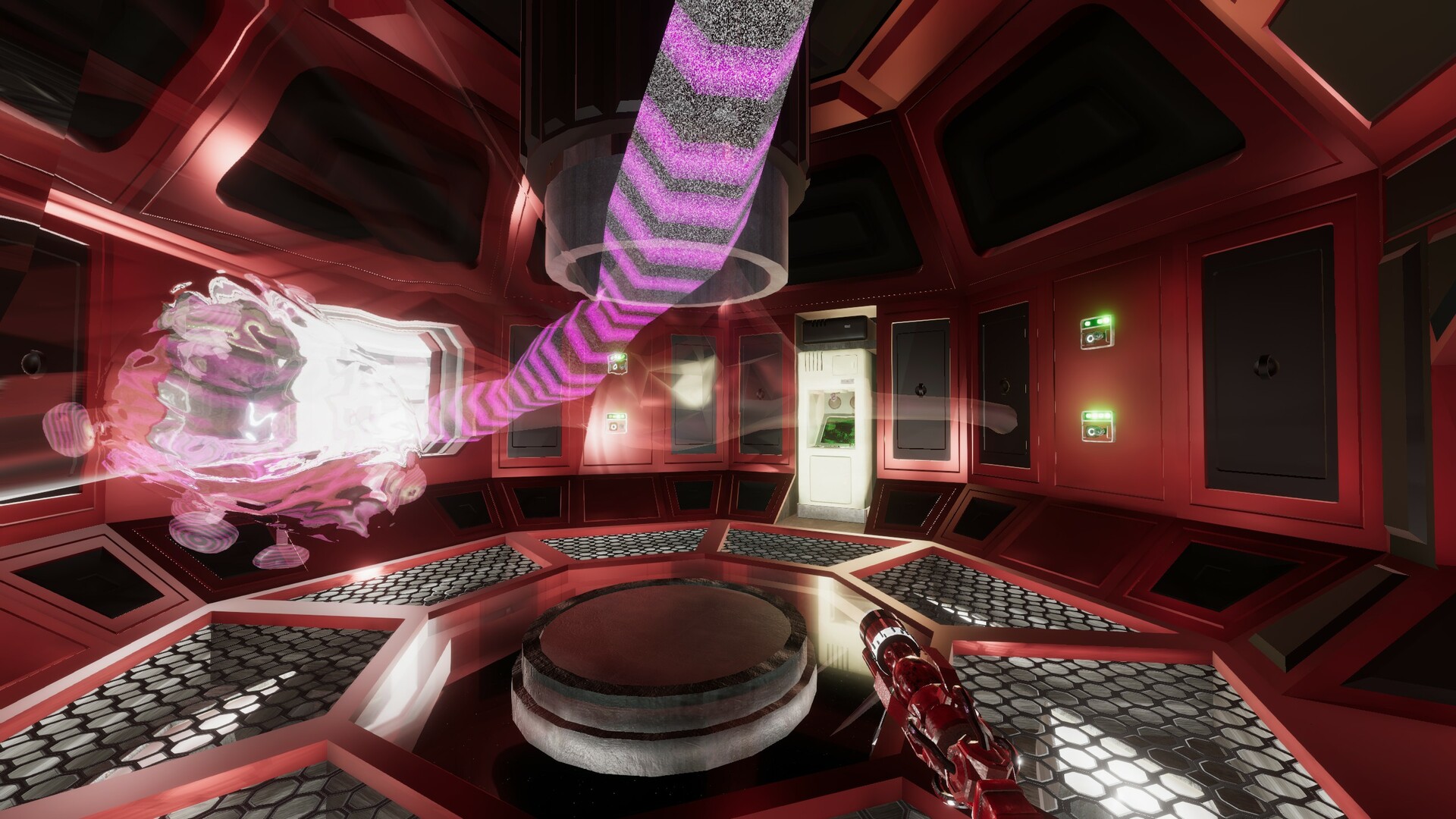
Ctrl Alt Ego drops you into a disembodied consciousness that can jump between robots and devices. The world is described as deep, nonlinear, and interconnected, echoing 70s‑80s low‑budget British sci‑fi television. You solve problems by using the environment itself rather than a traditional inventory.
The ego cannot die; if a host is destroyed you simply transfer to another. A save/load system and Steam Cloud keep progress safe, while full controller support, captions, adjustable text size, and camera comfort broaden accessibility.
01 / THE GUIDE
Narrative and Setting
The story follows a disembodied ego navigating a future where consciousness can be transmitted between machines. It presents a darkly farcical tone reminiscent of 70s‑80s low‑budget British sci‑fi television.
The world is described as deep, nonlinear, and interconnected, allowing players to explore locations in any order and uncover story elements without a fixed path.
- Take note of visual cues that hint at story connections.
- Compare themes between areas to spot narrative links.
02 / THE GUIDE
Host Transfer Mechanics
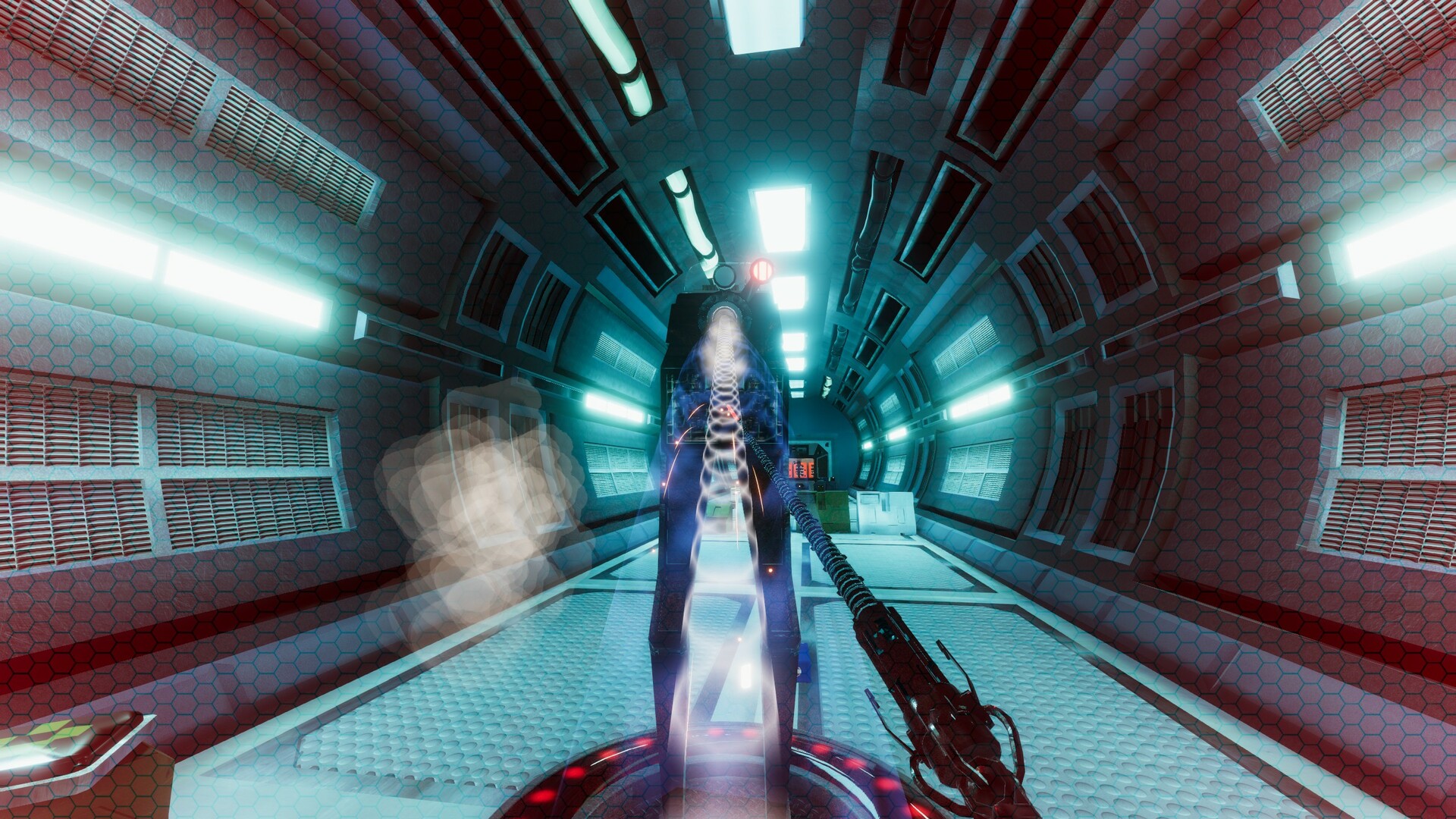
Your ego can transmit between bots and devices, effectively changing bodies at will. Once you control a robot, it remains yours to keep for later use.
If the current host is destroyed, you simply pick another; the ego is described as invincible and persists across transfers.
- Try different robots to discover varied movement options.
- Maintain a backup host in case your primary one is lost.
03 / THE GUIDE
Diegetic Inventory
There is no conventional inventory; the environment itself acts as an always‑available, on‑demand inventory. Objects can be used directly without being carried in a menu.
This design pushes players to interact with surroundings for tools and solutions rather than relying on stocked items.
- Look for interactive elements in the scenery.
- Consider how nearby objects might substitute missing tools.
04 / THE GUIDE
Death and Persistence
The ego cannot die; it is described as invincible and always lives on. When a host is destroyed you simply transfer to another, preserving continuity.
A traditional save/load facility is also provided for players who prefer manual control over progression.
- Save before attempting risky host transfers.
- Treat each host loss as a learning moment rather than a failure.
05 / THE GUIDE
Accessibility Options
The game includes captions, adjustable text size, camera comfort, adjustable difficulty, and subtitle options, allowing players to tailor visual and difficulty settings to their needs.
Full controller support and the ability to play without timed input further broaden how the game can be experienced.
- Increase text size if reading on-screen dialogue is difficult.
- Enable camera comfort to reduce motion discomfort.
COMMUNITY
Player discussion