 GameWiki
GET YOUR BEARINGS
About CRYSTAR
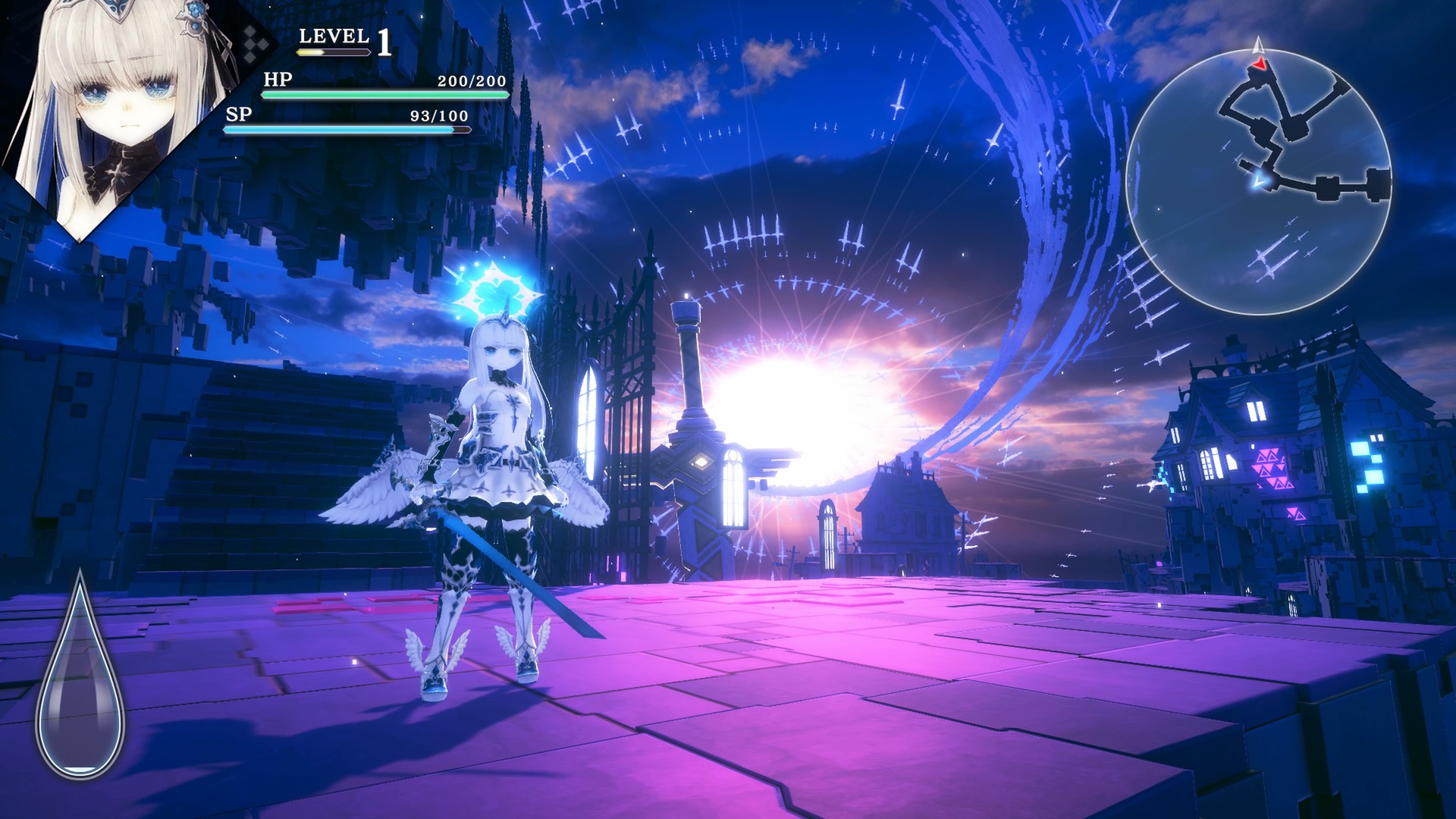
CRYSTAR is an Action‑RPG that places the player in the afterworld of Purgatory as Rei, who is searching for her sister. The core loop mixes combat with an emotional resource system: shedding tears strengthens attacks and armor, and the accumulated grief can be spent to summon an otherworldly Guardian that fights alongside the player. Four distinct characters are available from the start, and the player can switch among them at any time. Each character holds memories that reveal personal sorrows, adding narrative depth as the story unfolds. Between battles, the game offers quiet interludes—reading a book or petting a dog in a personal room—to manage the looming Torments before confronting them. The experience runs on Windows and includes DualSense controller support as well as partial controller compatibility, alongside Steam features such as achievements, trading cards, cloud saves, and family sharing.
01 / THE GUIDE
Story and Setting
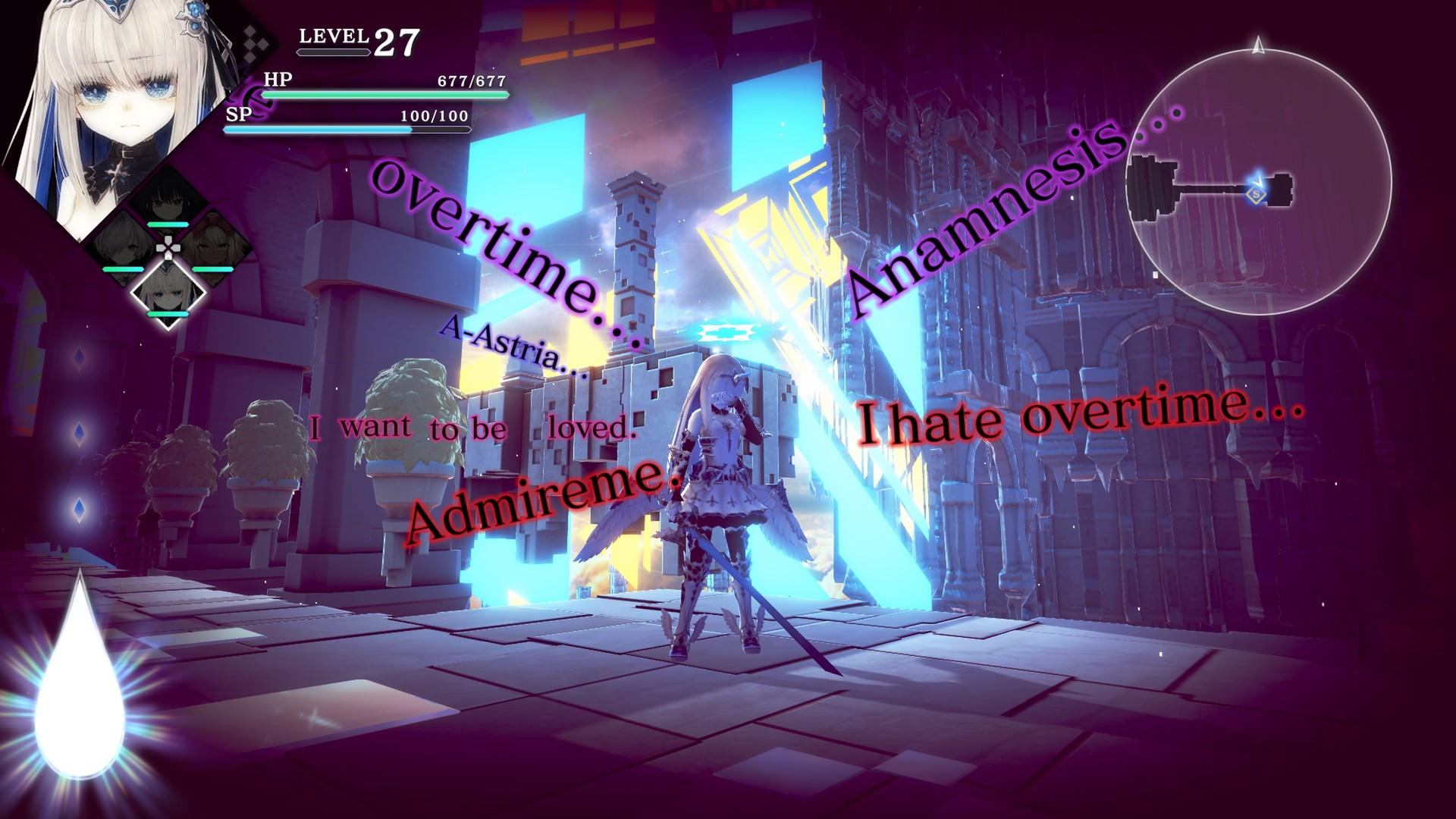
The narrative follows Rei through Purgatory, an afterworld populated by the Souls of the dead, as she searches for her sister.
Torments represent overwhelming grief; the game encourages players to pause in a personal room to read a book or pet a dog before confronting them.
- Use the reading and pet‑dog moments to reset the pace before challenging encounters.
- Observe environmental details for hints about each character’s sorrow.
02 / THE GUIDE
Playable Characters
Four distinct characters are available from the start, and the player can switch among them at will.
Each character’s memories can be uncovered, adding depth to the overall story.
- Try each character to experience their unique combat style.
- Keep track of unlocked memories to piece together the full narrative.
03 / THE GUIDE
Combat and Guardian
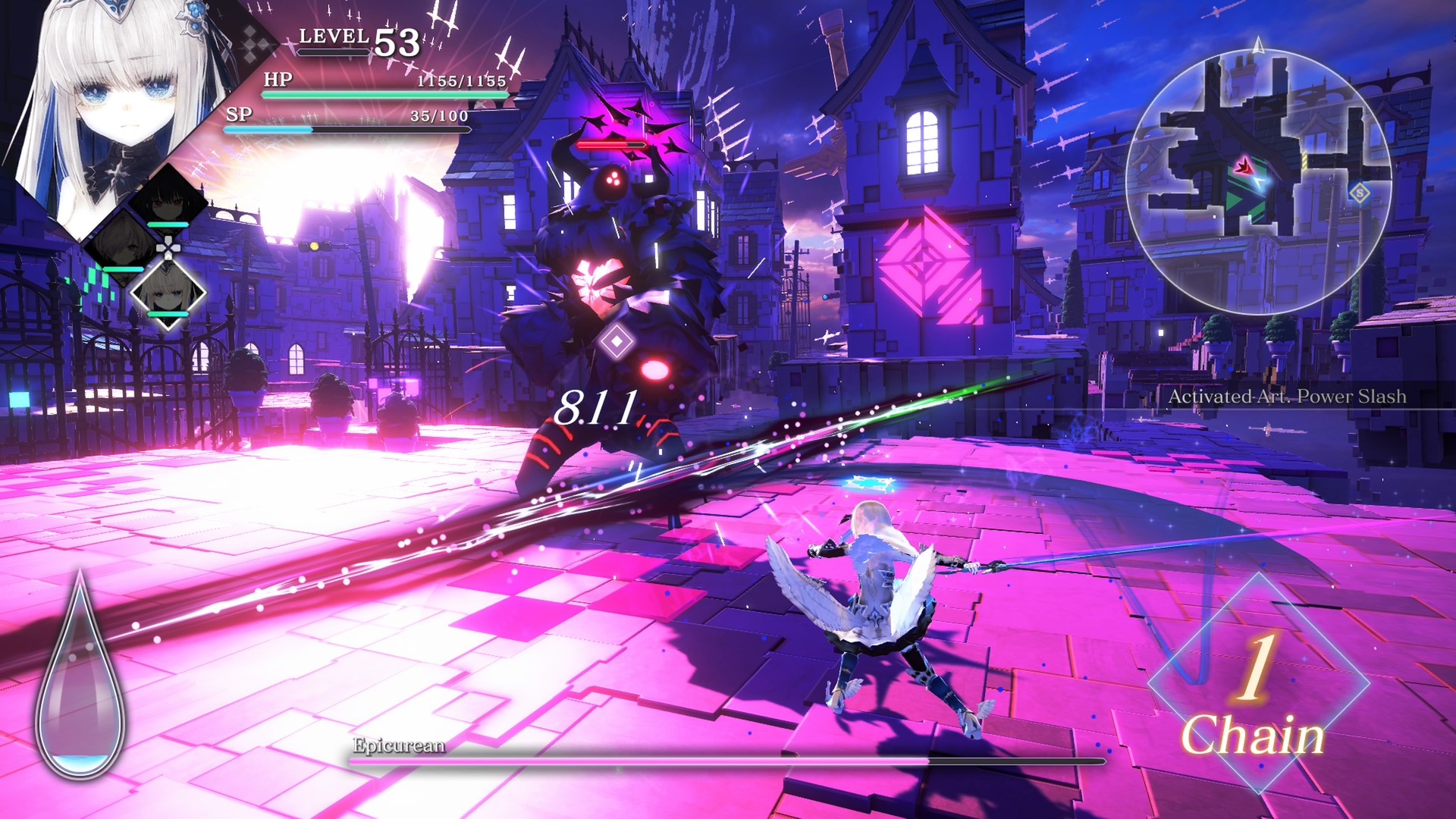
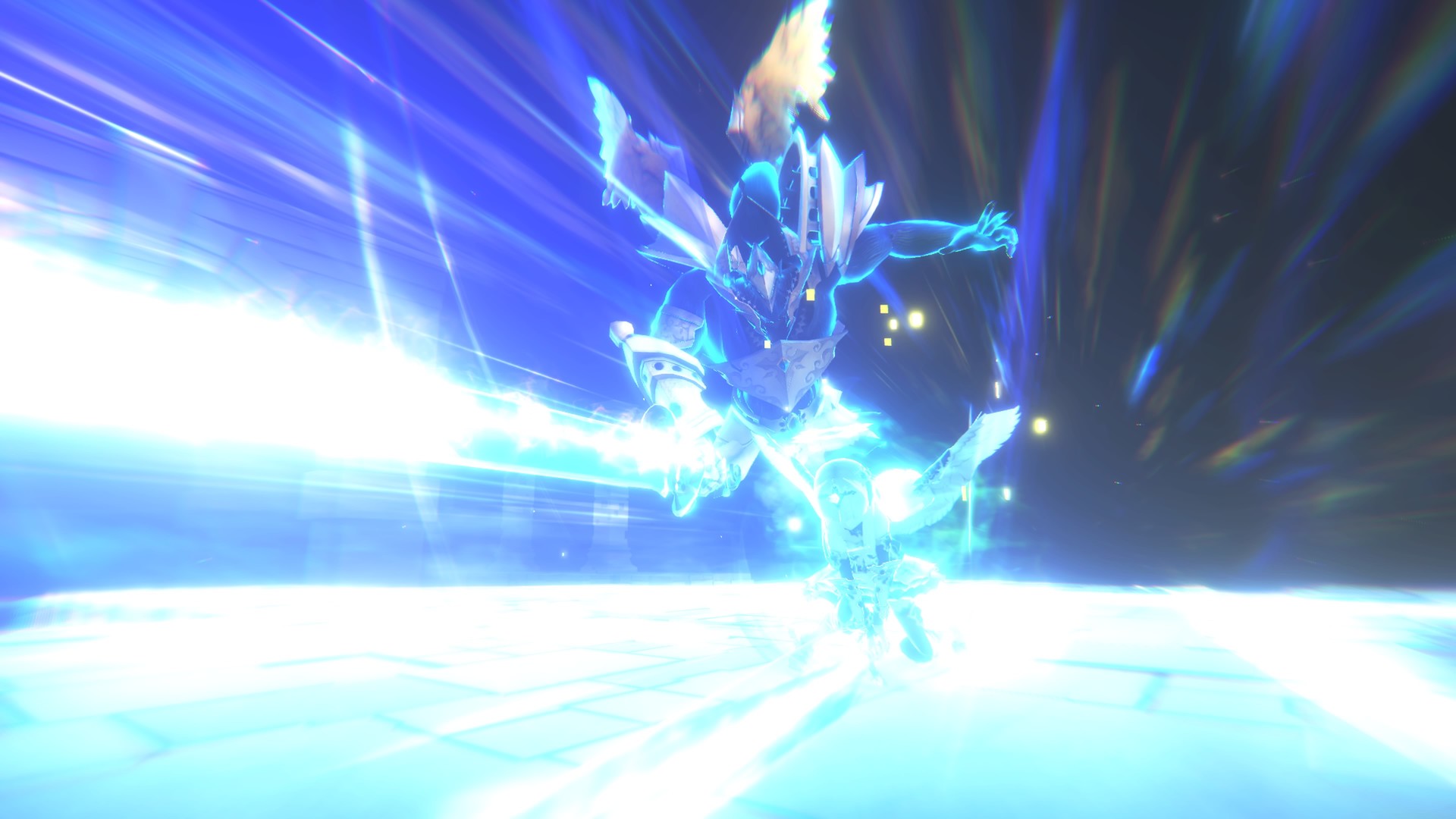
Combat pits the player against the Souls of the dead while an otherworldly Guardian can be summoned to fight alongside them.
Summoning the Guardian requires gathering grief and enduring Torments.
- Summon the Guardian during high‑damage encounters to boost survivability.
- Manage Torments to avoid being overwhelmed.
04 / THE GUIDE
Tears Mechanic
Crying is central to gameplay; tears increase the damage of attacks and empower armor.
The game explicitly warns players not to dry their eyes, as tears are needed to summon the Guardian.
- Allow your character to cry before challenging battles to strengthen your gear.
- Avoid actions that would “dry” your eyes if you plan to summon the Guardian.
05 / THE GUIDE
Platform Features
CRYSTAR runs on Windows and offers DualSense controller support as well as partial controller compatibility.
Steam integration provides achievements, trading cards, cloud saves, and family sharing.
- Steam Cloud is available for saving progress.
- Steam Trading Cards can be earned while playing.

COMMUNITY
Player discussion