 GameWiki
GET YOUR BEARINGS
About Crystal Project
Crystal Project places you in the land of Sequoia, where you can search for Crystals, follow a prophecy, and pursue optional goals such as collecting equipment, taming creatures, or hunting bosses. The game’s design encourages you to choose your own path while presenting a single‑player adventure that blends exploration with strategic combat.
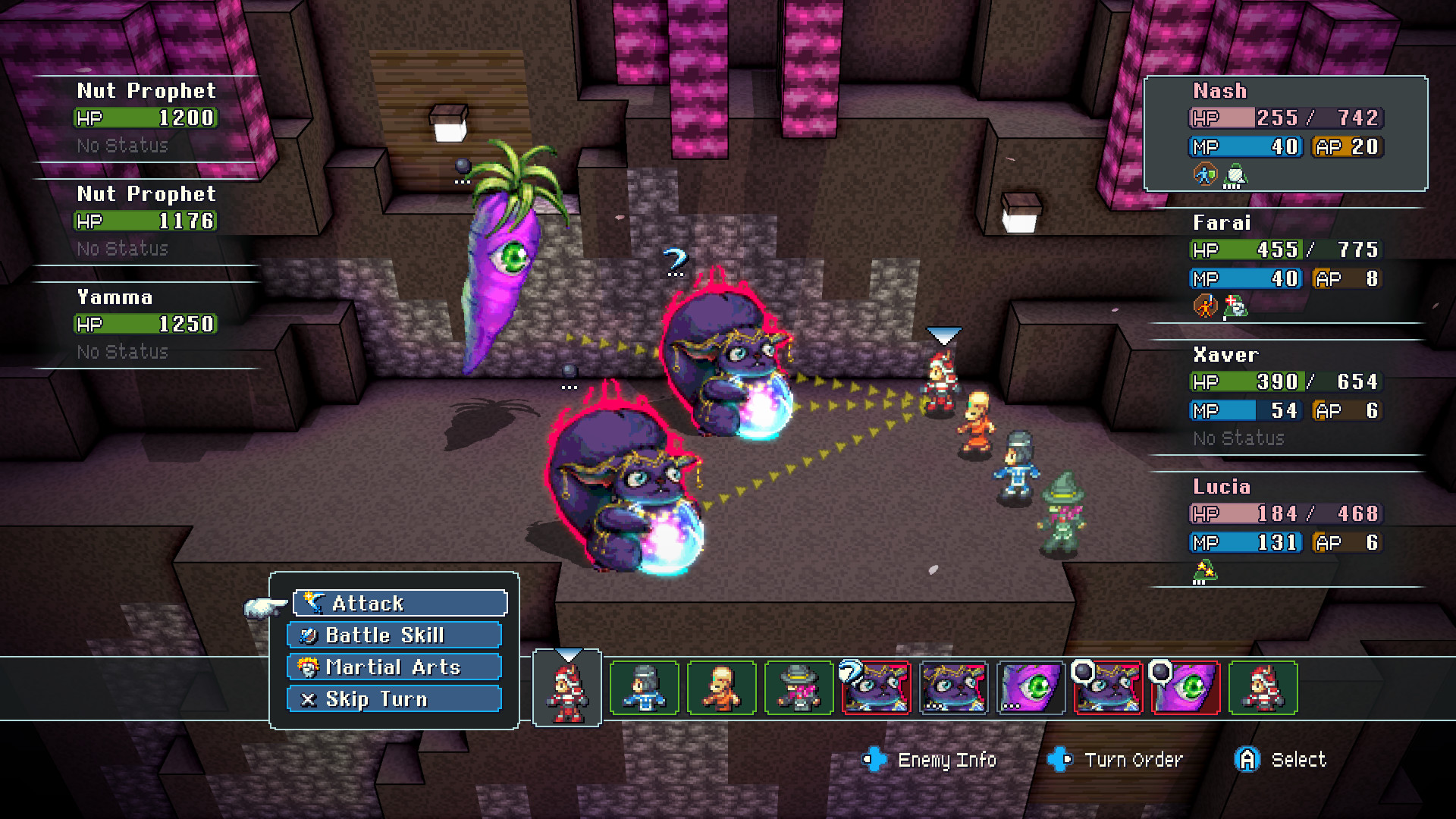
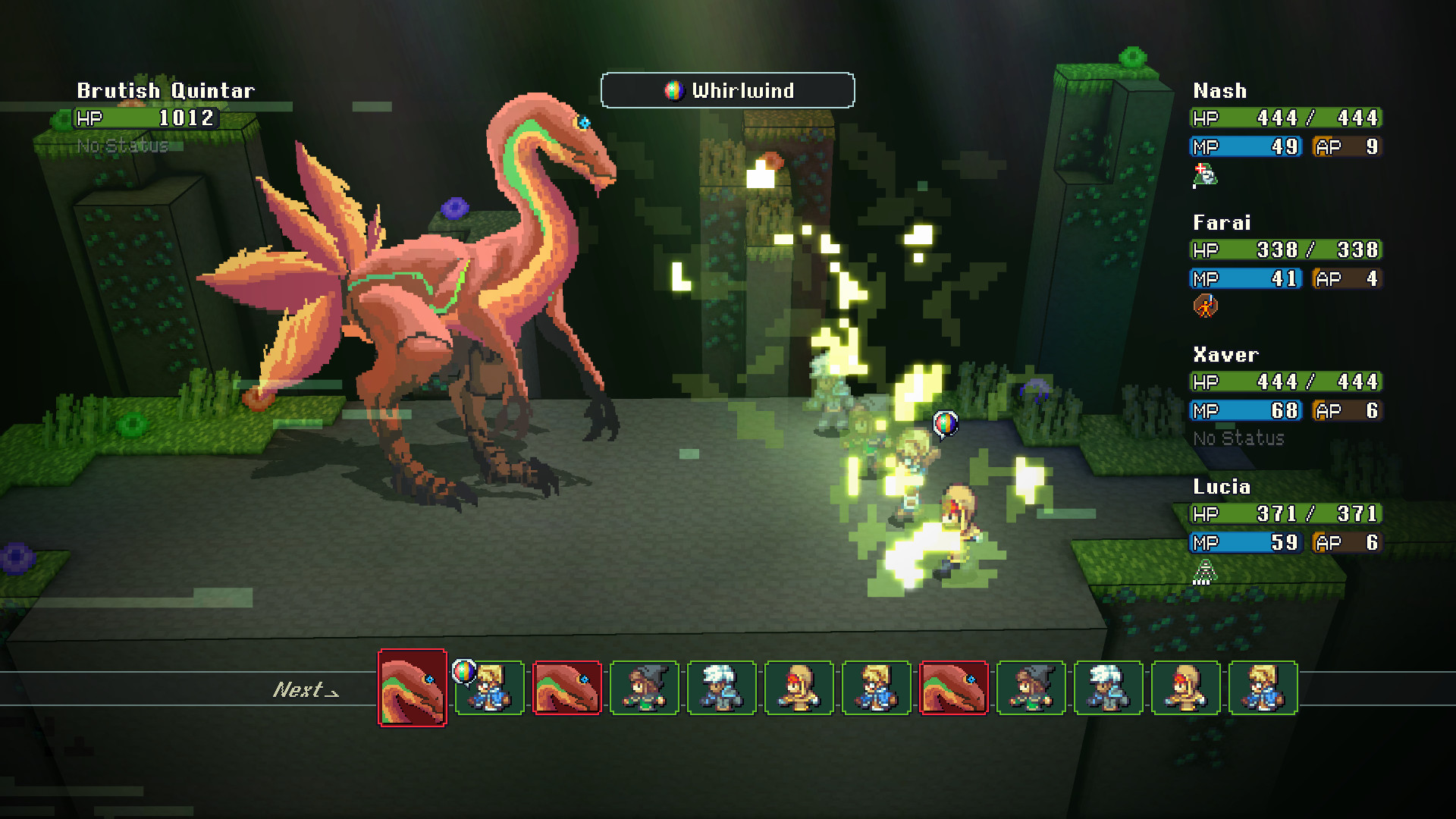
Combat displays turn order, damage forecasts, and a Threat system that lets you decide which party member a monster attacks. The world is connected without loading screens, and platforming challenges let you jump and climb anywhere, unlocking new areas in a Metroidvania‑style progression.
01 / THE GUIDE
World Exploration
The core loop asks you to roam Sequoia’s varied environments to locate Crystals and advance the prophecy. The description also mentions optional pursuits like gathering artifacts, taming creatures, and confronting bosses, giving players multiple reasons to explore.
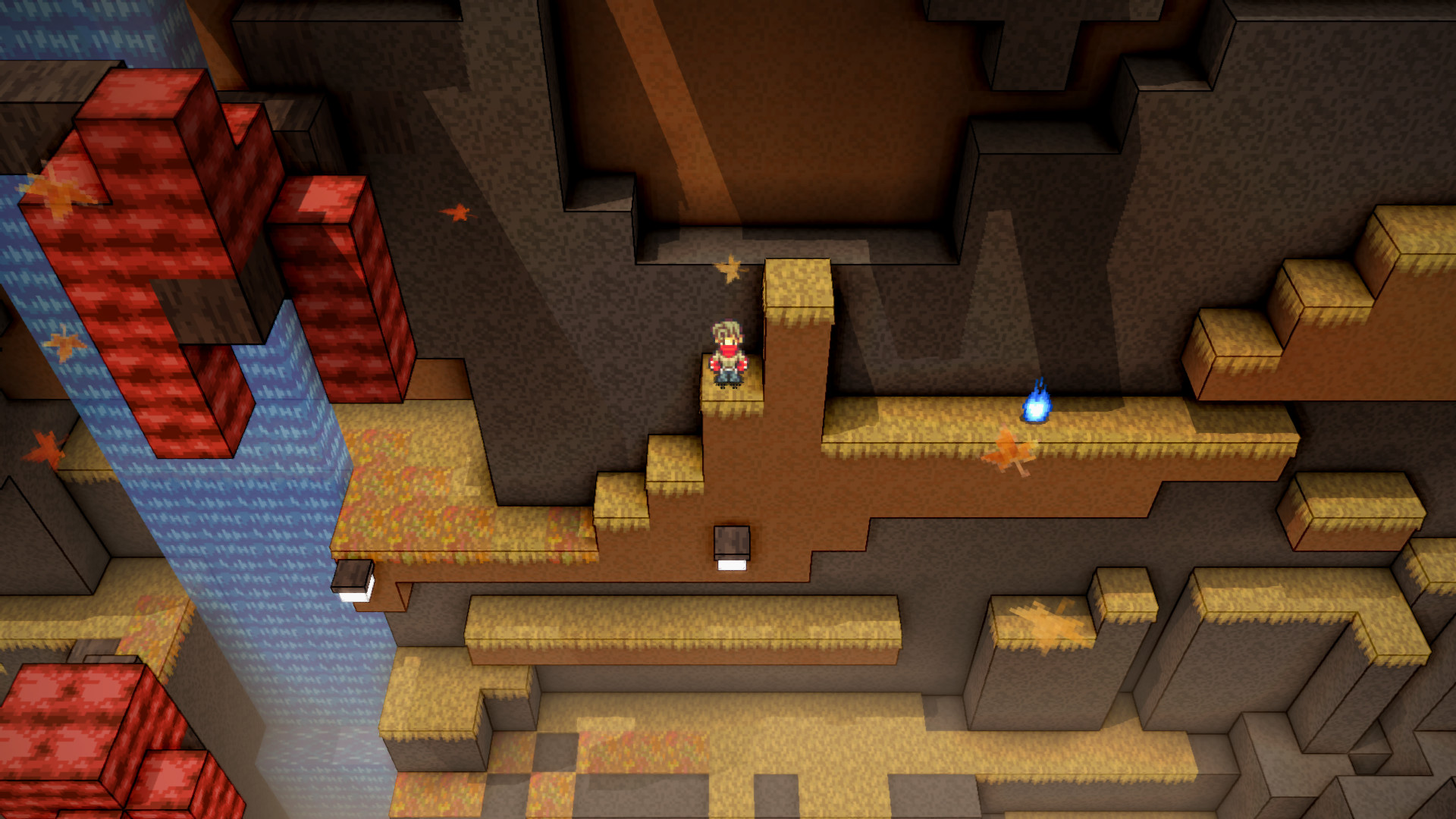
Because the world has no invisible walls, any jumpable or climbable surface can be tested, turning traversal into a puzzle that often yields additional loot or hidden entries.
- Experiment with different jump routes to see what surfaces lead to new items.
- Note crystal locations as you go to keep track of unexplored areas.
02 / THE GUIDE
Threat Management System
Combat includes a Threat mechanic that lets you control which party member a monster will target, replacing hidden aggro rolls with visible decision‑making.
Turn order, damage predictions, and probability windows are shown before actions resolve, mirroring tabletop RPG transparency and allowing you to plan moves with known outcomes.
- Use Threat management to direct monster attacks toward a high‑defense character and protect squishier allies.
- Watch the preview window to time high‑damage abilities for optimal impact.
03 / THE GUIDE
Class and Sub‑Class System
You can discover and unlock new classes, then assign sub‑classes and passive abilities to each character. Equipment variety further customises each build, supporting experimental teams or classic party formulas.
The system is described as having no permanent missables, meaning you can rearrange classes and abilities without losing access to content later.
- Try contrasting sub‑class combos to see unexpected synergies.
- Balance passive abilities across the party for consistent coverage.
04 / THE GUIDE
Seamless Zone Transitions
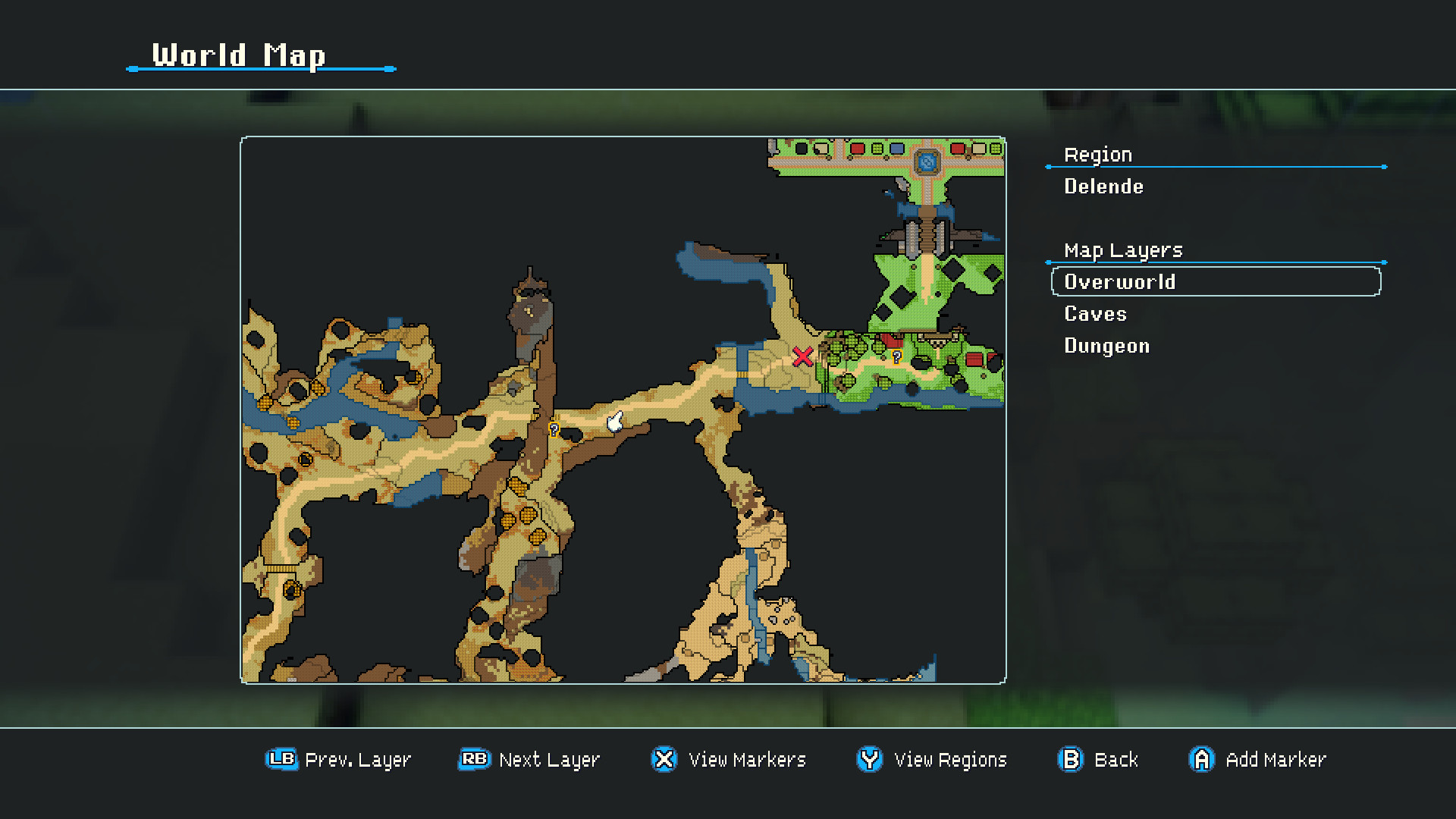
Travel between distinct areas occurs without loading screens, creating an uninterrupted sense of scale and reducing downtime between objectives.
Because zones connect directly, you can plan routes that cross multiple biomes, treating distance as a strategic factor rather than a technical limitation.
- Plan a route that spans several zones to maximise crystal collection per trip.
- Observe environmental cues that hint at hidden paths linking zones.
05 / THE GUIDE
Platforming & Metroidvania Progression
Progression follows a Metroidvania style: new abilities unlock previously inaccessible platforms, encouraging backtracking and skill‑based navigation. The world contains no invisible walls, so any climbable surface may lead somewhere new.
Platforming challenges reward perseverance with unique loot, reinforcing the loop of exploration, ability gain, and deeper area access.
- Revisit earlier zones after gaining a new movement skill to discover fresh items.
- Test climbable surfaces even if they appear decorative; they may hide shortcuts.
COMMUNITY
Player discussion