 GameWiki
GET YOUR BEARINGS
About CRUMB Circuit Simulator
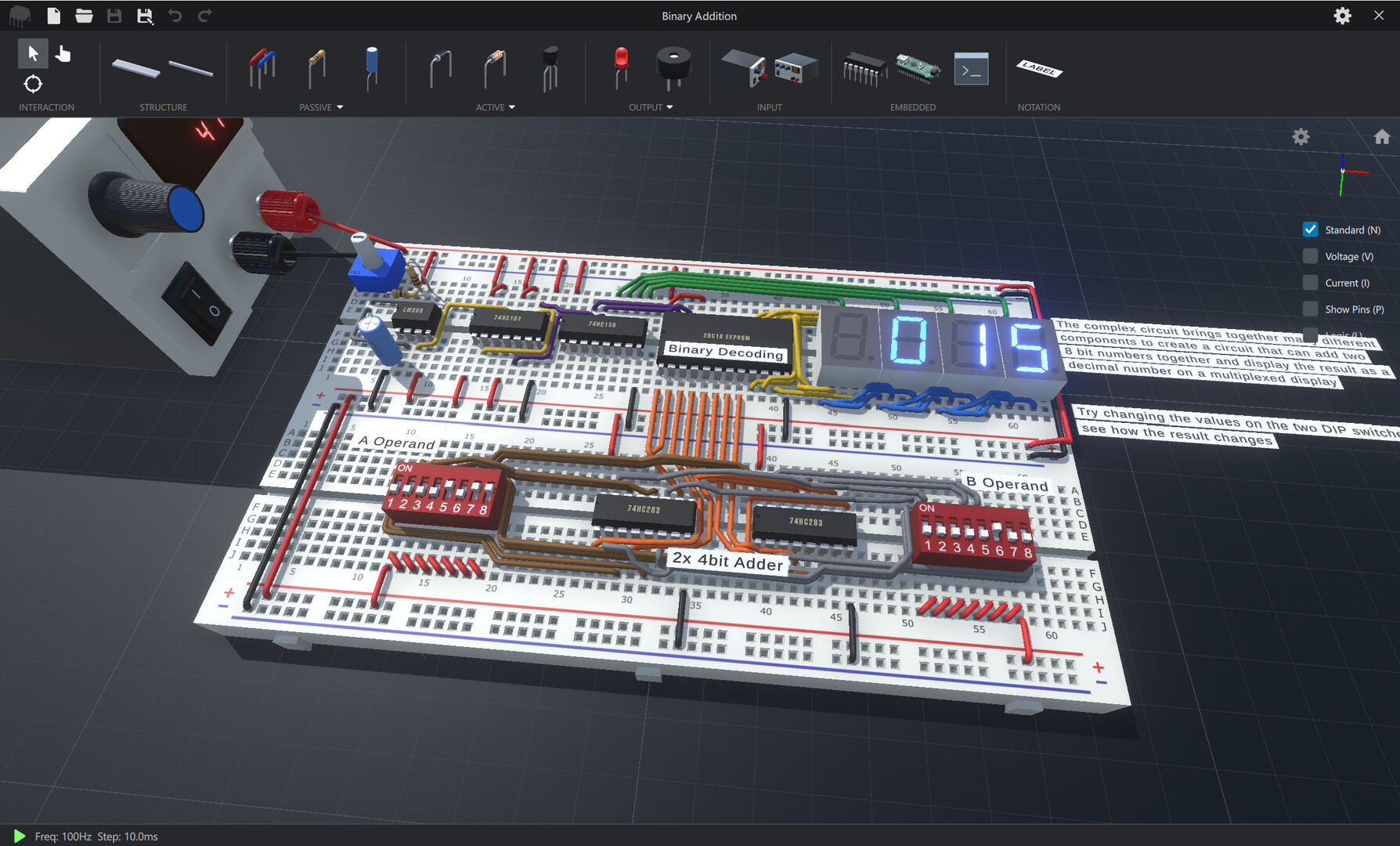
CRUMB Circuit Simulator is a 3‑D learning environment that lets you assemble electronic circuits on a virtual workbench. It removes the need for physical parts, so you can experiment safely while seeing components in realistic scale.
The Windows‑only application includes a large component library, built‑in example circuits, and tools such as a code editor, hex editor, scope, and visualisation aids. Single‑player mode and Family Sharing let individuals or households use the same installation.
01 / THE GUIDE
Component Catalogue
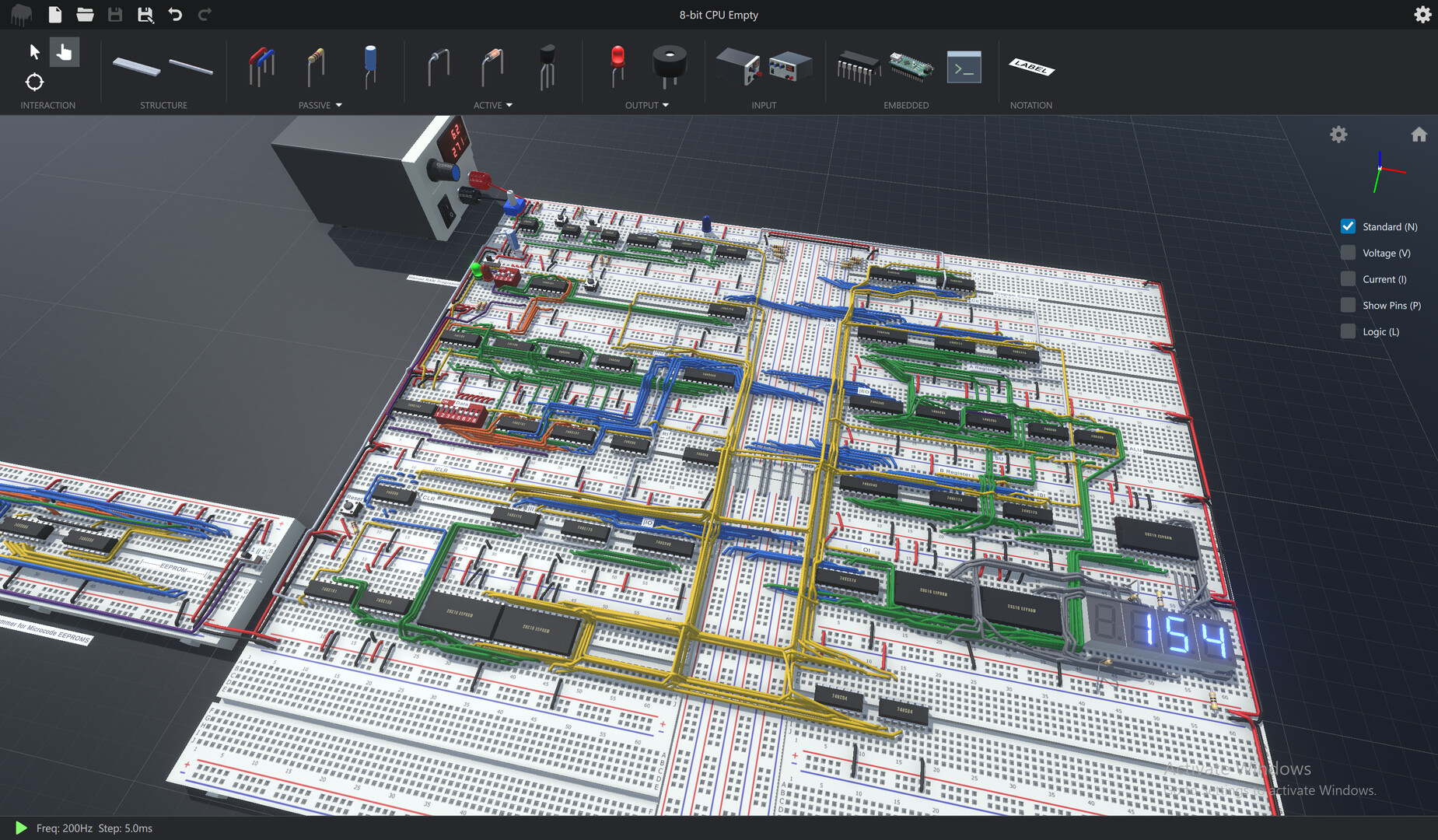
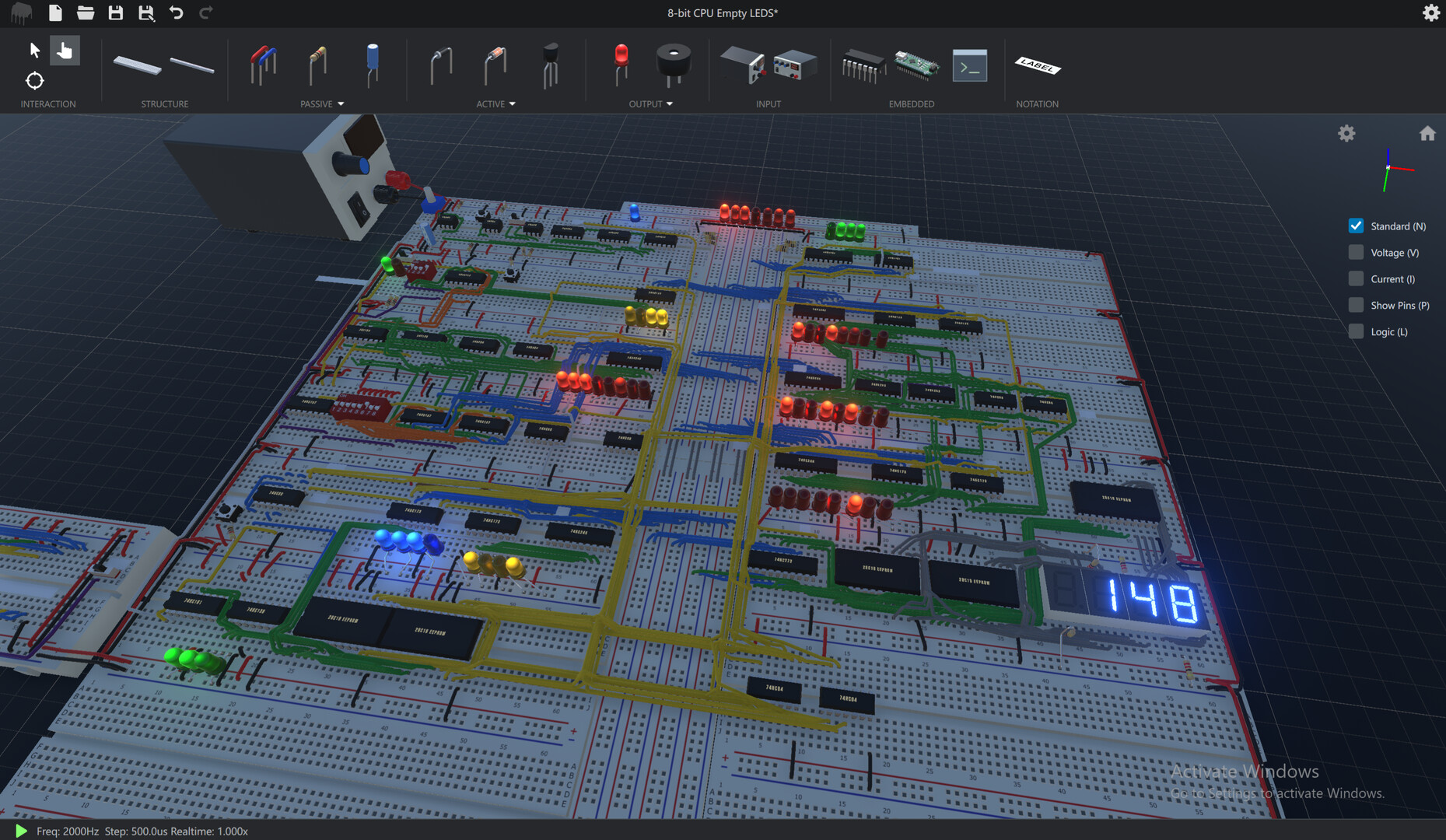
The simulator offers a varied selection of parts, from basic passives—resistors, capacitors, inductors—to semiconductors like diodes, BJTs, MOSFETs, and silicon‑controlled rectifiers. Displays include LEDs, seven‑segment, LCD and TFT units.
Switches appear as tactile, slide and DIP types, and power sources include DC generators and signal generators. Integrated circuits range from simple logic gates to timers, counters, memory, EEPROM and operational amplifiers, and the description notes there are no limits to what circuits you can create.
- Compare the voltage drop across a resistor‑only circuit versus one that includes a capacitor to see basic reactive behavior.
- Swap a tactile switch for a slide switch in the same wiring to observe any visual differences in the simulation.
02 / THE GUIDE
Code & Hex Editors
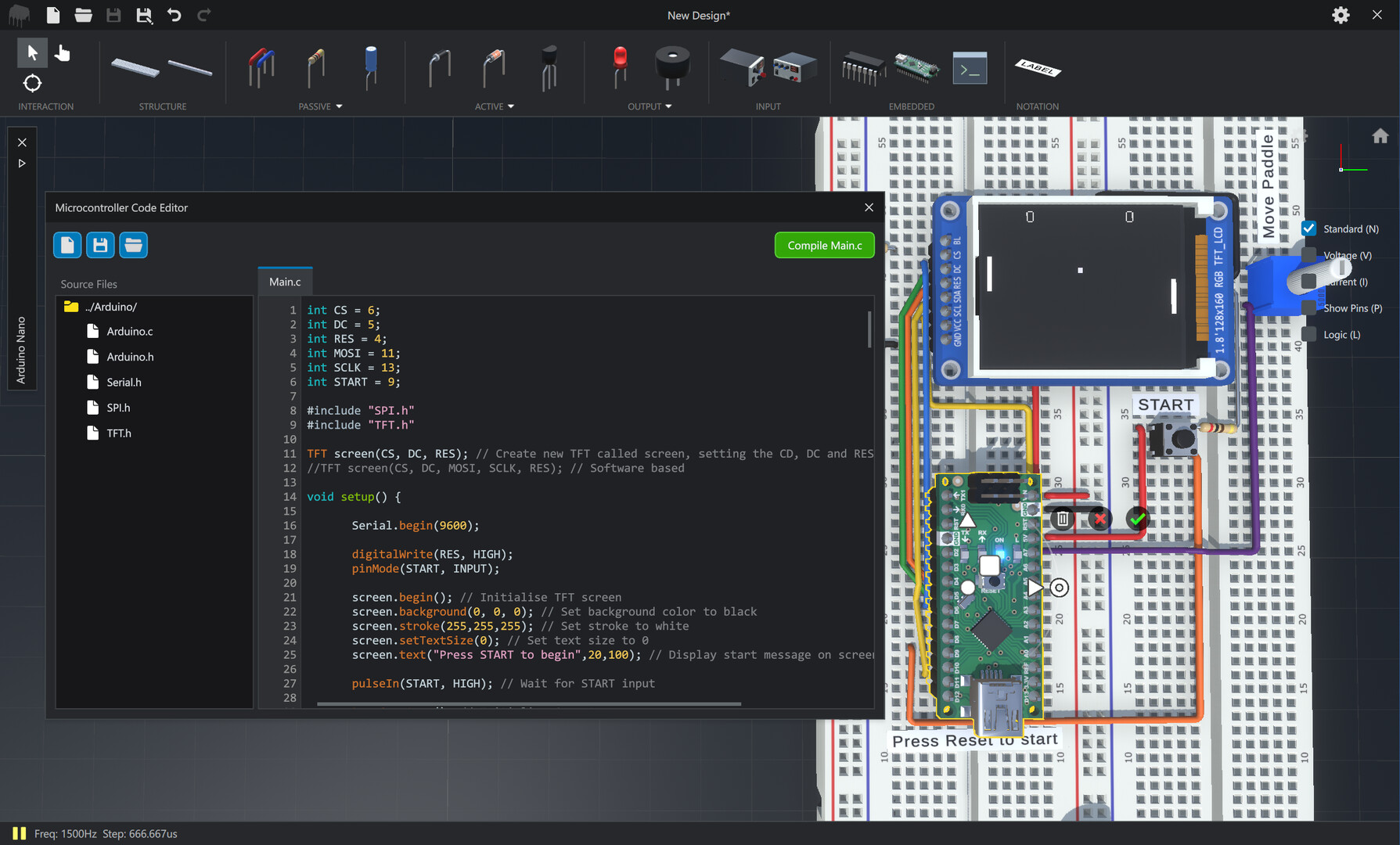
A built‑in Code Editor lets you view and edit the source files for the programmable microcontroller that ships with CRUMB. This provides a way to write or modify firmware directly inside the simulation.
The Hex Editor gives access to an EEPROM that can be programmed through circuit connections or by entering values manually. The latest update expanded both tools, and a built‑in example demonstrates EEPROM programming via circuitry.
- Use the Code Editor to write a short routine, then attach the microcontroller to a LED to watch the result in the visualisation view.
- Enter a known pattern in the Hex Editor and then read it back through the example circuit to confirm storage.
03 / THE GUIDE
Scope Analysis
CRUMB includes a built‑in scope that can have up to four components added at once. Adding components lets you view the intricacies of the circuit as defined by the simulation.
By selecting different parts—such as a power source, a resistor, or a filter—you can compare how each contributes to the overall circuit behaviour within the scope window.
- Add a power source and a resistor to the scope to see how the simulation represents their relationship.
- Replace the resistor with a capacitor in the scope view to notice any change in the displayed details.
04 / THE GUIDE
Visualisation Tools
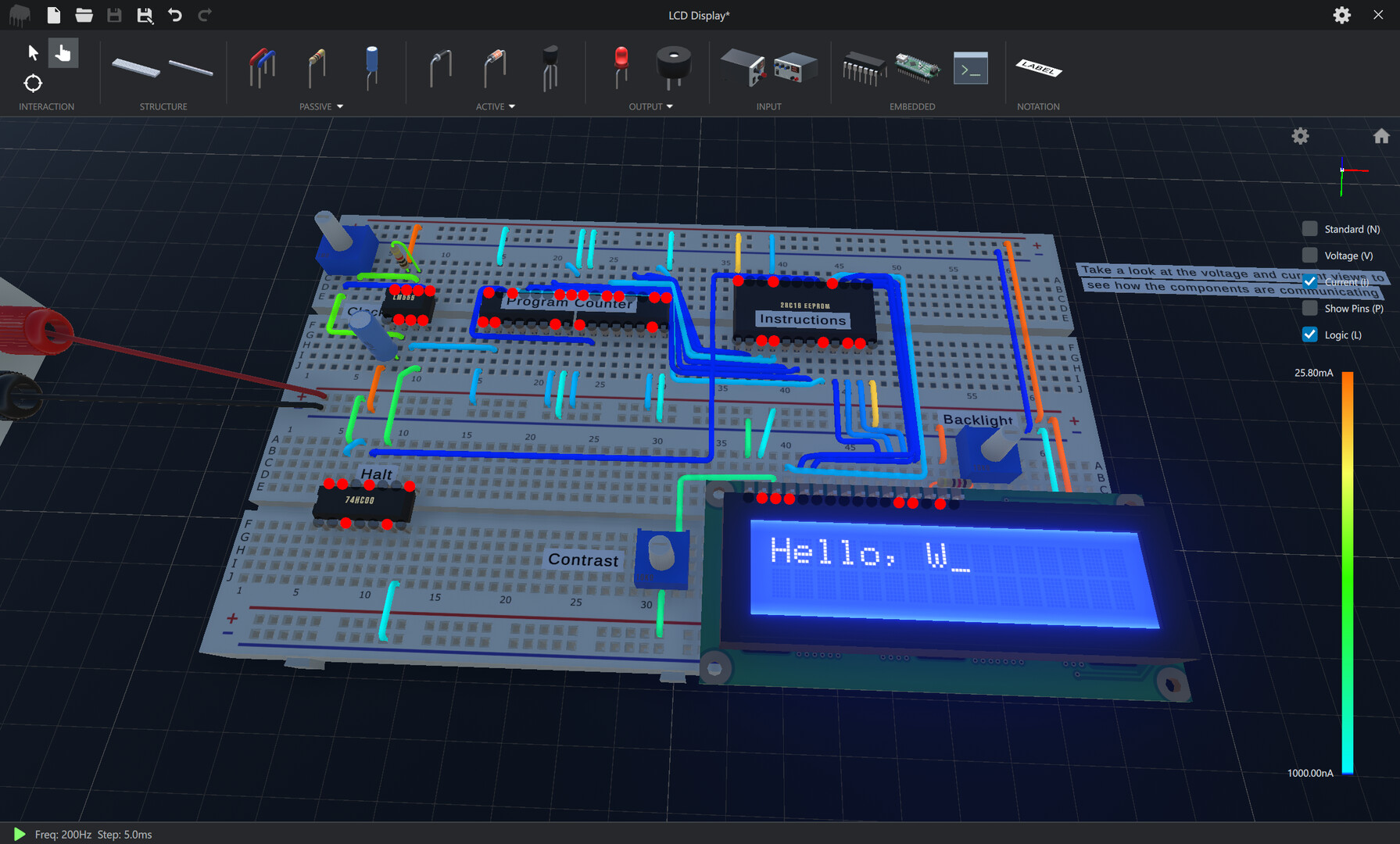
The visualisation system can overlay current and voltage information on wires, show logic output at component pins, and highlight pin labels for polarized parts. These cues help identify signal flow without external references.
A lighting toggle lets you switch off scene lighting for a dark‑mode view, which can make the overlay information stand out more clearly against a neutral background.
- Turn on the wire voltage overlay when checking a circuit that includes both polarised and non‑polarised components.
- Enable dark mode while examining logic outputs to improve contrast.
05 / THE GUIDE
Single‑Player & Family Sharing
CRUMB is designed for single‑player use, allowing a user to explore circuitry at their own pace without multiplayer constraints. The description does not mention any online or cooperative modes.
Family Sharing is listed as a feature, meaning multiple accounts on the same Windows platform can access the installed program without needing separate purchases.
- Use the single‑player mode to follow tutorial steps without interruptions.
- Log in with a different account on the same machine to let another family member launch the simulator.
COMMUNITY
Player discussion