 GameWiki

GET YOUR BEARINGS
About Crosshair X
Crosshair X is a utility that overlays a custom crosshair onto any PC game, even those lacking a native reticle. It supports first‑person, third‑person, battle‑royale, survival and single‑player titles, letting players fine‑tune aim and accuracy. The tool is highly rated on Steam, with over 41,000 reviews, and offers a community‑driven library of designs plus a full‑featured editor.
The program works through the Xbox Game Bar for exclusive fullscreen support, includes multi‑monitor handling, smart toggling, and Steam Workshop integration. It also provides partial controller compatibility, Steam Cloud saves, and captions for accessibility, and is available in 17 languages.
01 / THE GUIDE
Crosshair Creation
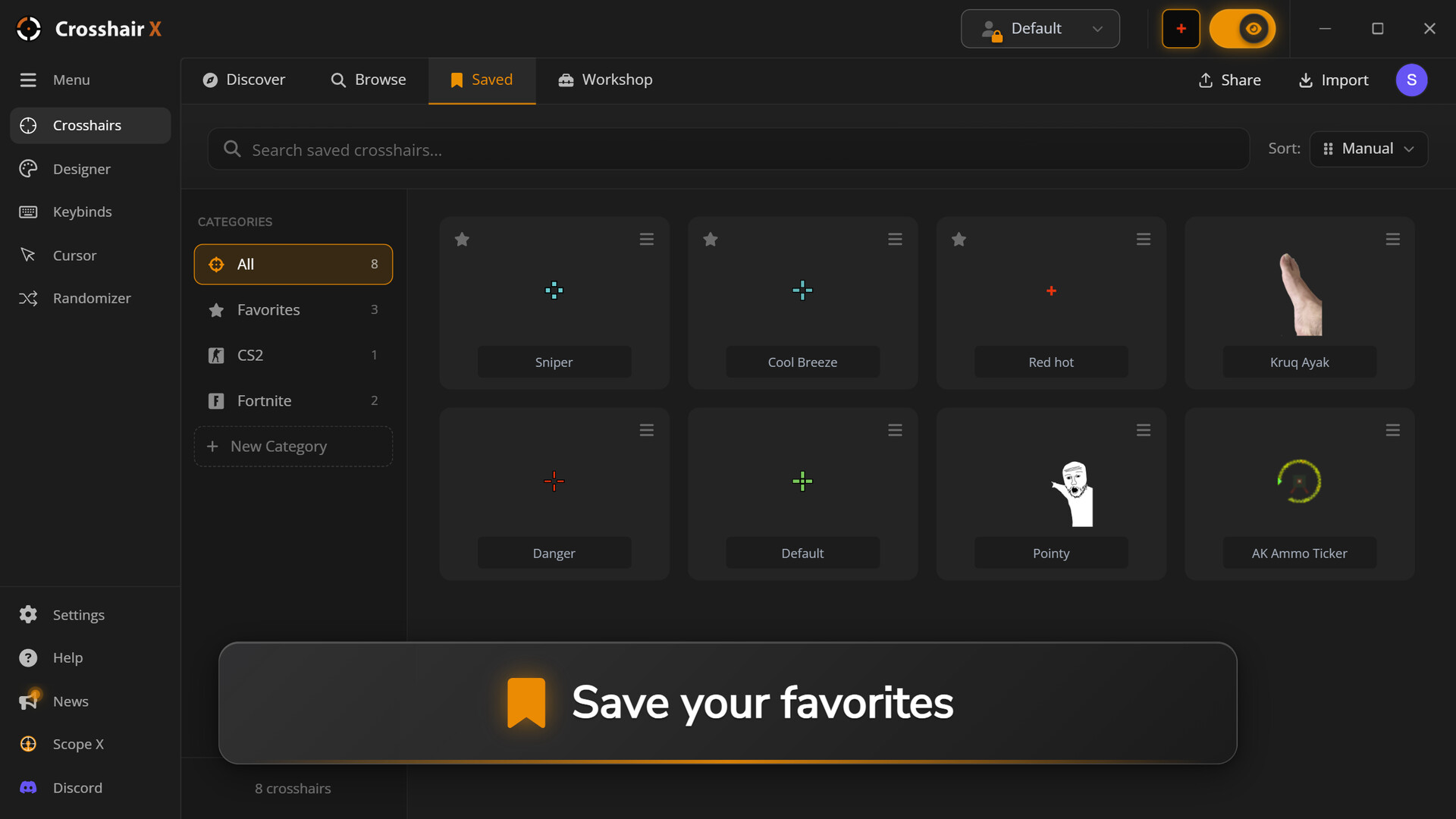
The Precision Designer lets users build a crosshair from scratch, adjusting lines, dots, outlines, colors, opacity and animations. Users may also upload any image to serve as a custom reticle. All settings are saved per design, allowing unlimited crosshairs to be stored.
Designs can be exported as image files or shared via a single code, making it easy to distribute personal creations. The editor’s controls are accessible through a simple UI, and changes apply instantly to the overlay.
- Experiment with opacity to keep the crosshair visible without obscuring game visuals.
- Use the animation options sparingly to avoid distraction during fast‑paced matches.
02 / THE GUIDE
Community Workshop
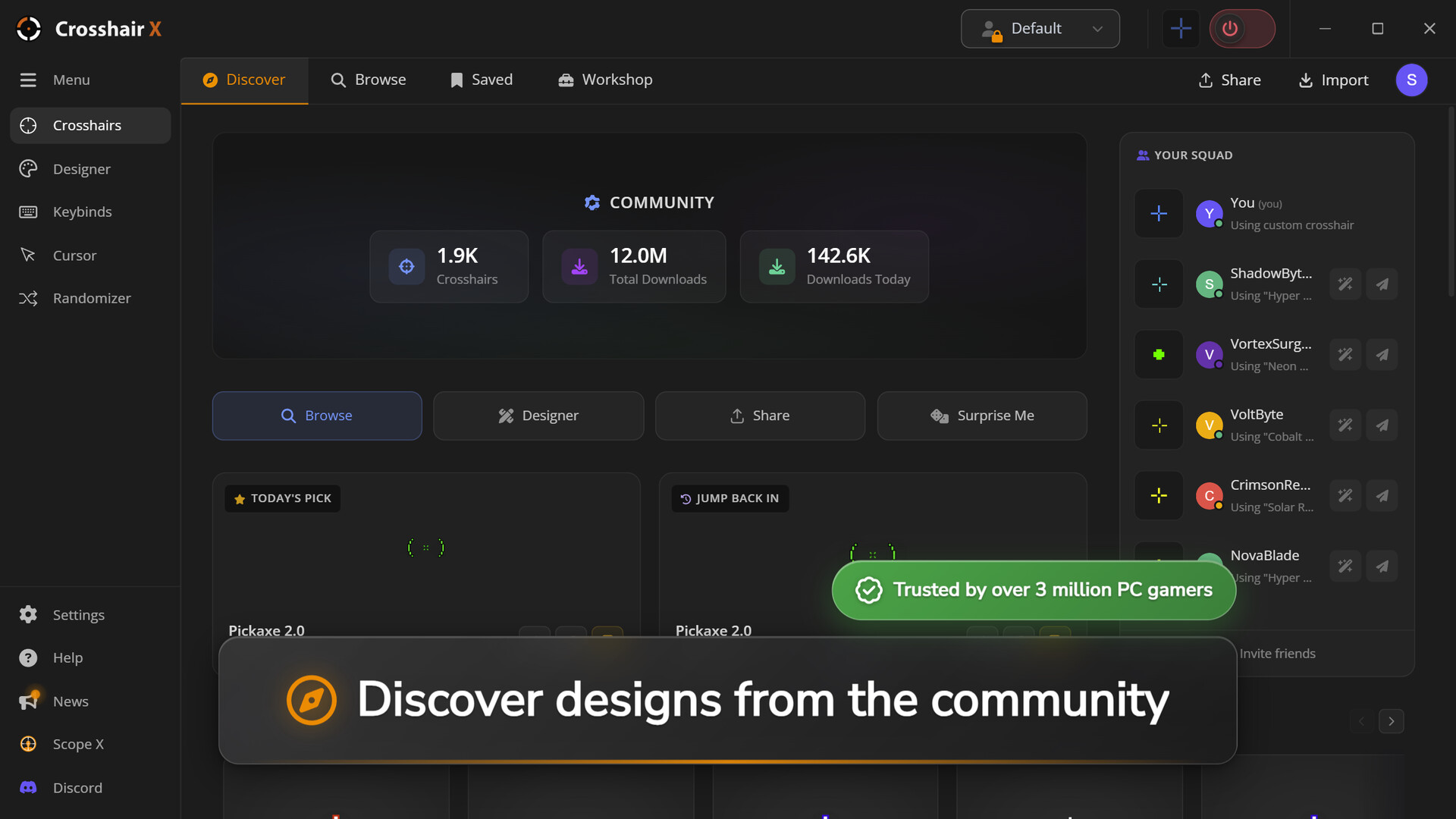
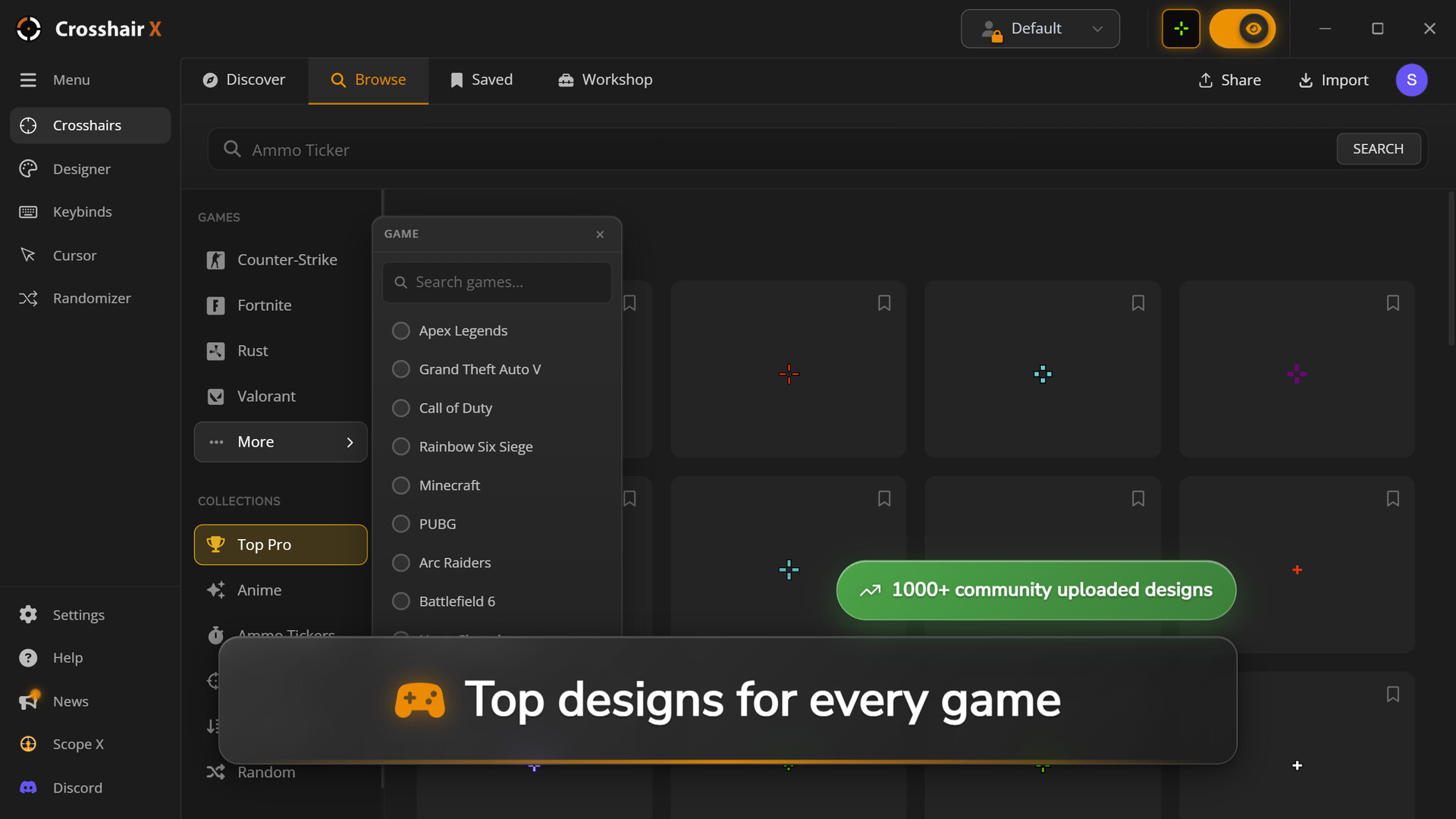
Crosshair X hosts a Steam Workshop where users can browse, download, and subscribe to thousands of community‑made designs. New crosshairs are added daily, and creators can publish their own work for others to use.
Subscribing to a workshop item automatically adds it to your library, and you can switch to it instantly. This shared ecosystem encourages a wide variety of styles, from minimalist dots to elaborate animated reticles.
- Subscribe to multiple designs and test them in different game genres.
- Leave feedback on workshop items to help creators improve their designs.
03 / THE GUIDE
Fullscreen & Multi‑Monitor Support
The overlay works in exclusive fullscreen mode via the official Xbox Game Bar, even in games that block third‑party overlays. Users can select which monitor displays the crosshair and save a position for each game.
This flexibility ensures the reticle appears correctly whether you play on a single screen or a multi‑monitor setup, and the saved positions persist across sessions.
- Assign a dedicated monitor for the crosshair when using a multi‑screen rig.
- Test the overlay after changing monitor resolution to confirm correct placement.
04 / THE GUIDE
Smart Toggle & Controller Support
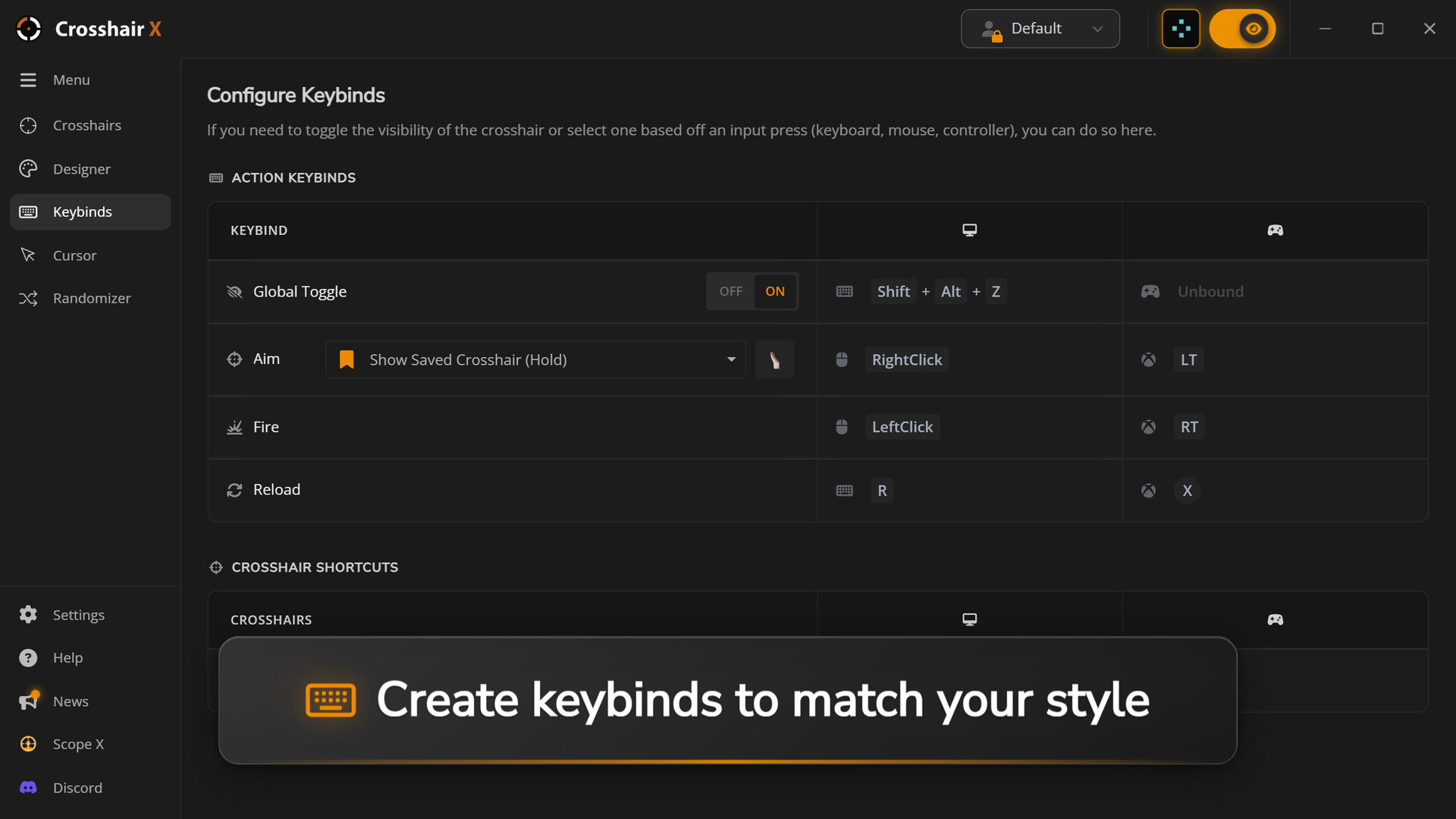
Crosshair X includes a smart toggle that lets users hide or show the overlay with a custom keyboard shortcut, or automatically hide it when right‑clicking to aim down sights. The software also lists DualShock, DualSense and partial controller support, allowing limited use of gamepads.
Steam Cloud syncs saved crosshairs, so settings travel with your account across machines.
- Map the toggle shortcut to a key you rarely use for quick access.
- Check the partial controller support if you primarily use a gamepad.
05 / THE GUIDE
Localization & Accessibility
The interface is translated into 17 languages, covering major European, Asian and Russian locales. Captions are available, providing text support for users who need visual cues.
These features make the utility approachable for a global audience and help players with hearing or visual preferences navigate the editor and settings.
- Select your native language in the settings menu for clearer instructions.
- Enable captions if you prefer textual prompts over audio cues.

COMMUNITY
Player discussion