 GameWiki
GET YOUR BEARINGS
About Cropdeck
Cropdeck blends a farming simulation with a roguelite deck‑building loop. Players clear fields, plow, plant crops and harvest while managing a hand of plant and scarecrow cards. The game emphasizes arranging crops for efficient yields and protecting them from weather hazards.
The single‑player experience adds quirky challenges such as thunder, droughts, tornadoes, ice cubes and a tax collector named Sir Landlord who periodically claims a share of profit. Full controller, keyboard‑only and mouse‑only options, Steam achievements, cloud saves and adjustable difficulty let you play at your own pace.
01 / THE GUIDE
Field Preparation
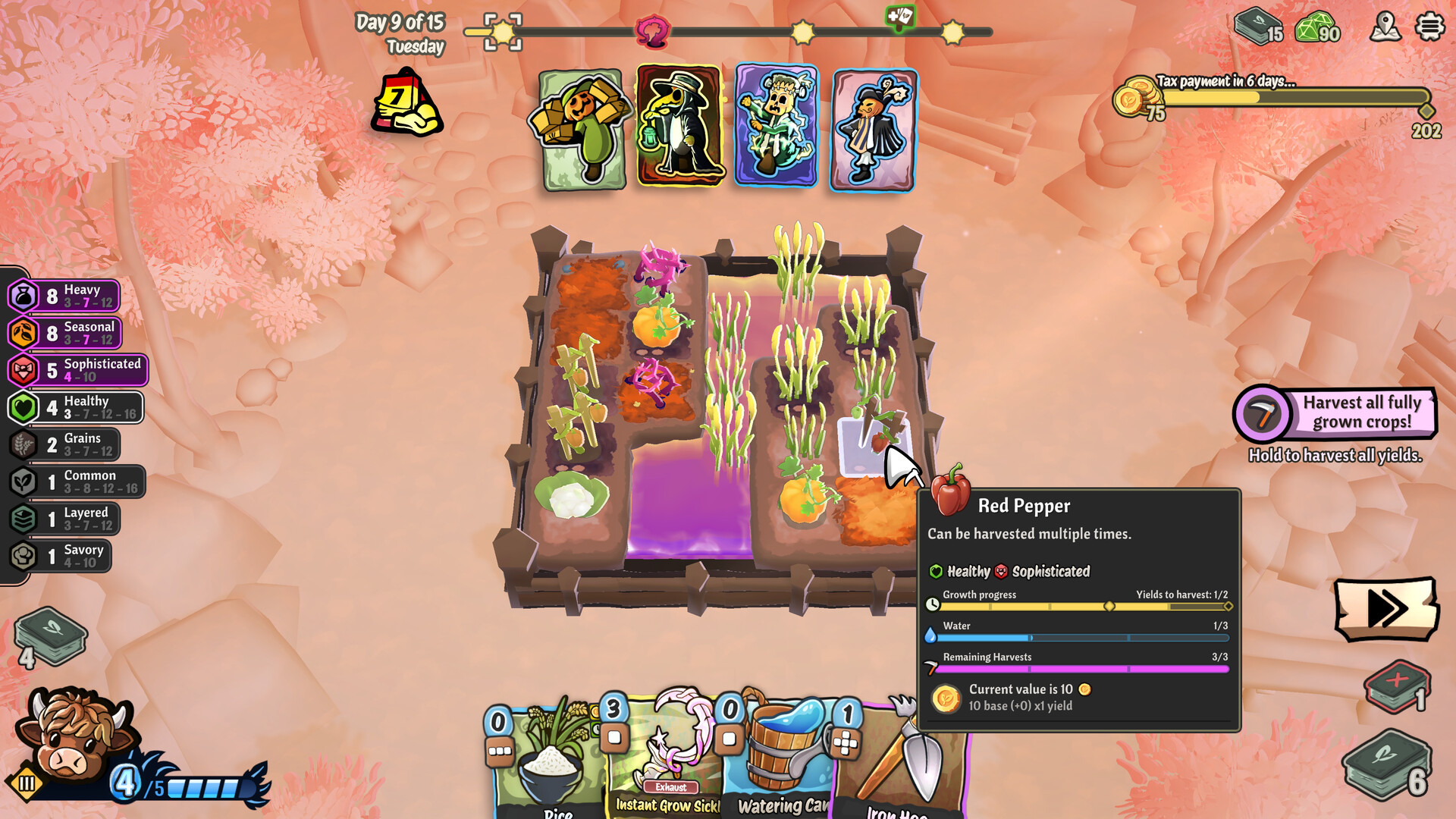
The first action in each run is to clear obstacles and plow the land. This creates empty tiles where crop cards can be placed and defines the space available for later scarecrow placement.
After plowing, you arrange crop cards on the cleared tiles. The placement determines how many crops can be harvested and how effectively scarecrow passives can reach them.
- Leave a few empty tiles near the edge for later expansion.
- Consider the shape of your field when positioning crops to maximize efficiency alongside your scarecrows.
02 / THE GUIDE
Scarecrow Passives
Scarecrows each carry a unique passive effect that can supercharge your farming. These passives can increase yields, reduce damage, or provide other benefits without requiring active input.
Collecting a variety of scarecrows lets you experiment with different combinations. Building a deck around complementary passives can raise overall harvest efficiency.
- Swap a scarecrow that offers little benefit for one that matches your current crop mix.
- Test different scarecrow combinations to see which passives benefit your crops most.

03 / THE GUIDE
Weather Challenges
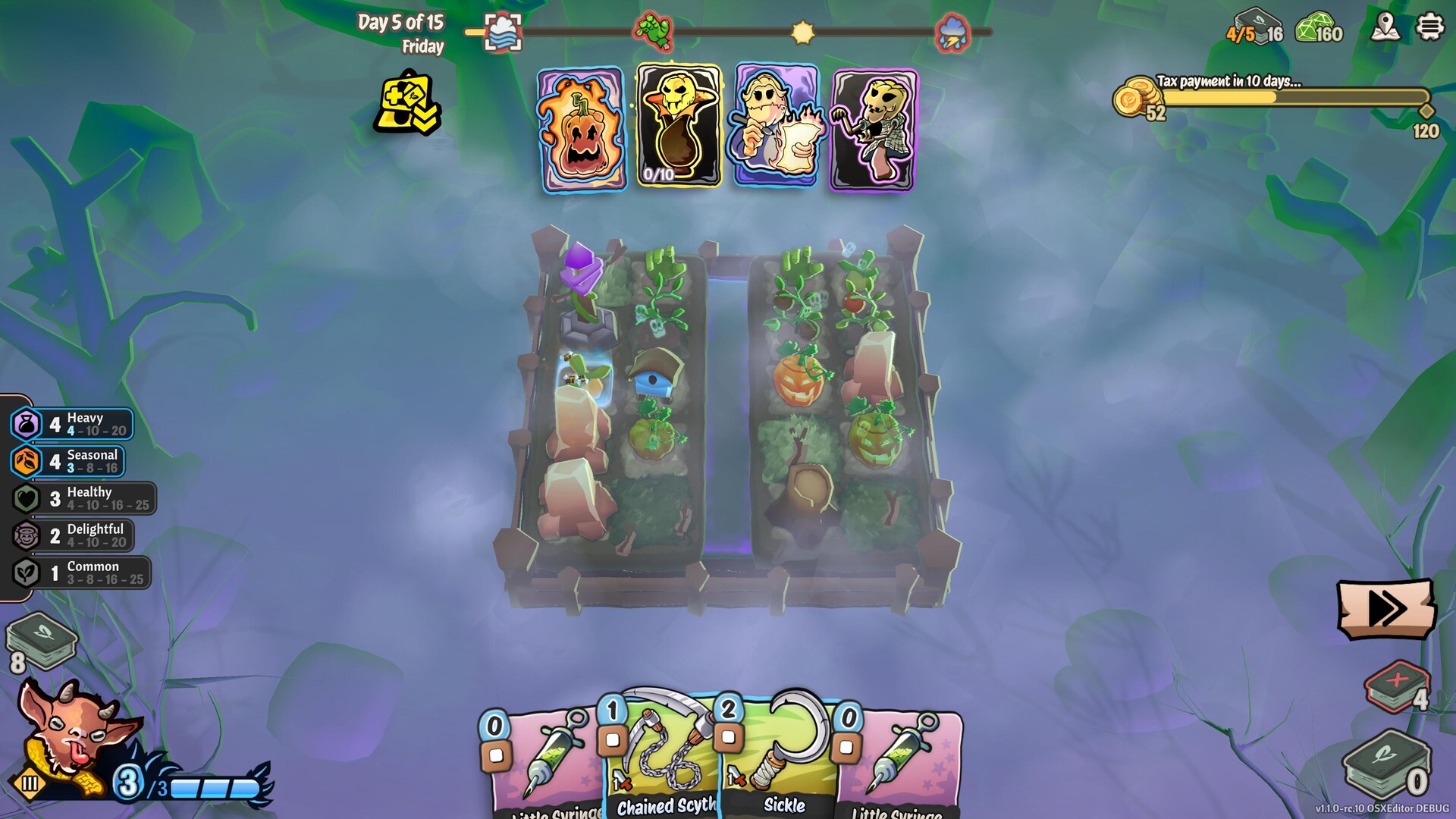
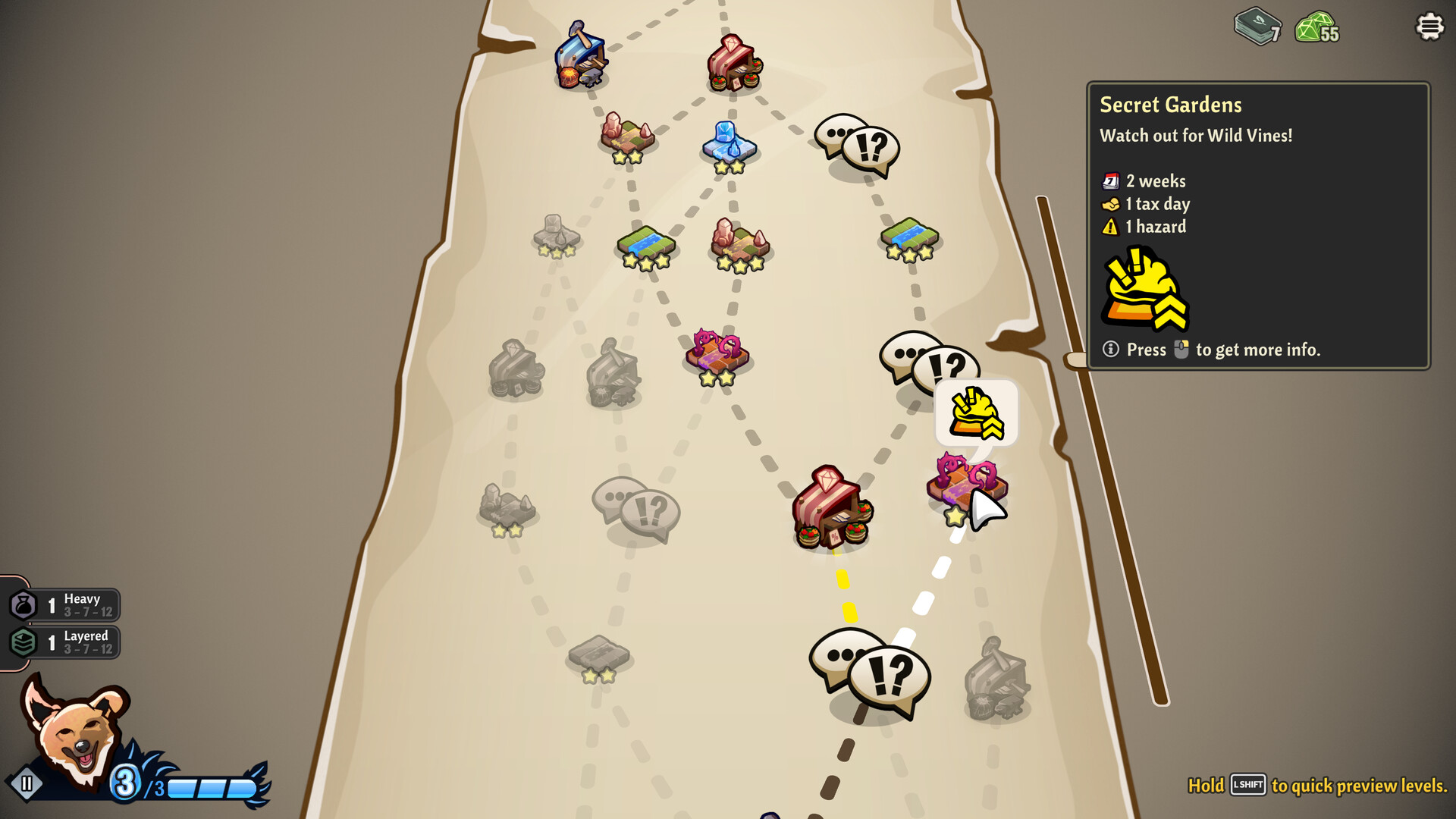
Each biome introduces specific hazards such as thunder, droughts, tornadoes or ice cubes. These events can damage or destroy crops unless protective cards are in play.
Adapting to a biome means selecting cards that mitigate its typical hazards. Successful mitigation preserves yields and keeps profit flowing.
- Before entering a new biome, review its common weather and equip matching defensive cards.
- Observe which hazards appear most often and prioritize cards that directly counter them.
04 / THE GUIDE
Tax Collector
Sir Landlord appears at intervals to collect a portion of your profit. The tax is taken regardless of weather conditions or crop health.
Because the tax is unavoidable, planning a profit buffer helps ensure you can cover the deduction while still expanding your deck.
- Set aside a small reserve of profit early in each run for the inevitable tax.
- Balance high‑value crops with faster‑growing ones to maintain cash flow.
05 / THE GUIDE
Card Market & Upgrades
Completing levels awards gems that can be spent at the market to buy new cards or themed packs. Unwanted cards may be removed to keep the deck focused.
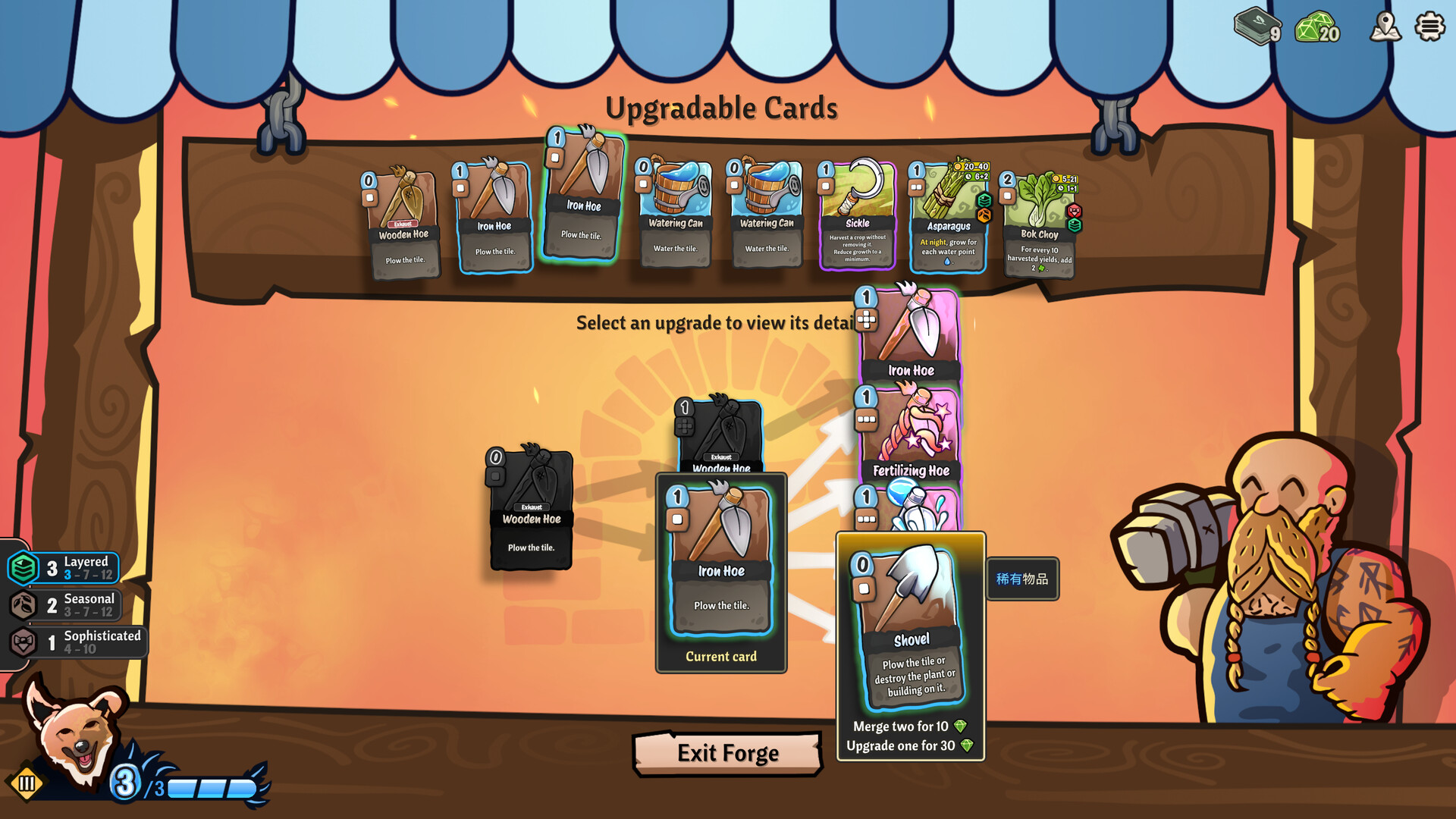
The forge allows you to upgrade cards by merging copies, raising them to the next level and enhancing their effects.
- Compare the immediate impact of a single card versus a themed pack before purchasing.
- Upgrade cards you use frequently to improve consistency across runs.
COMMUNITY
Player discussion