 GameWiki
GET YOUR BEARINGS
About CRISIS CORE –FINAL FANTASY VII– REUNION
CRISIS CORE –FINAL FANTASY VII– REUNION is an HD remaster of the original prequel, delivering the story of Zack Fair with upgraded visuals and audio. The game keeps its single‑player action‑RPG core while adding full controller support, adjustable difficulty, and Steam features such as achievements and cloud saves.
01 / THE GUIDE
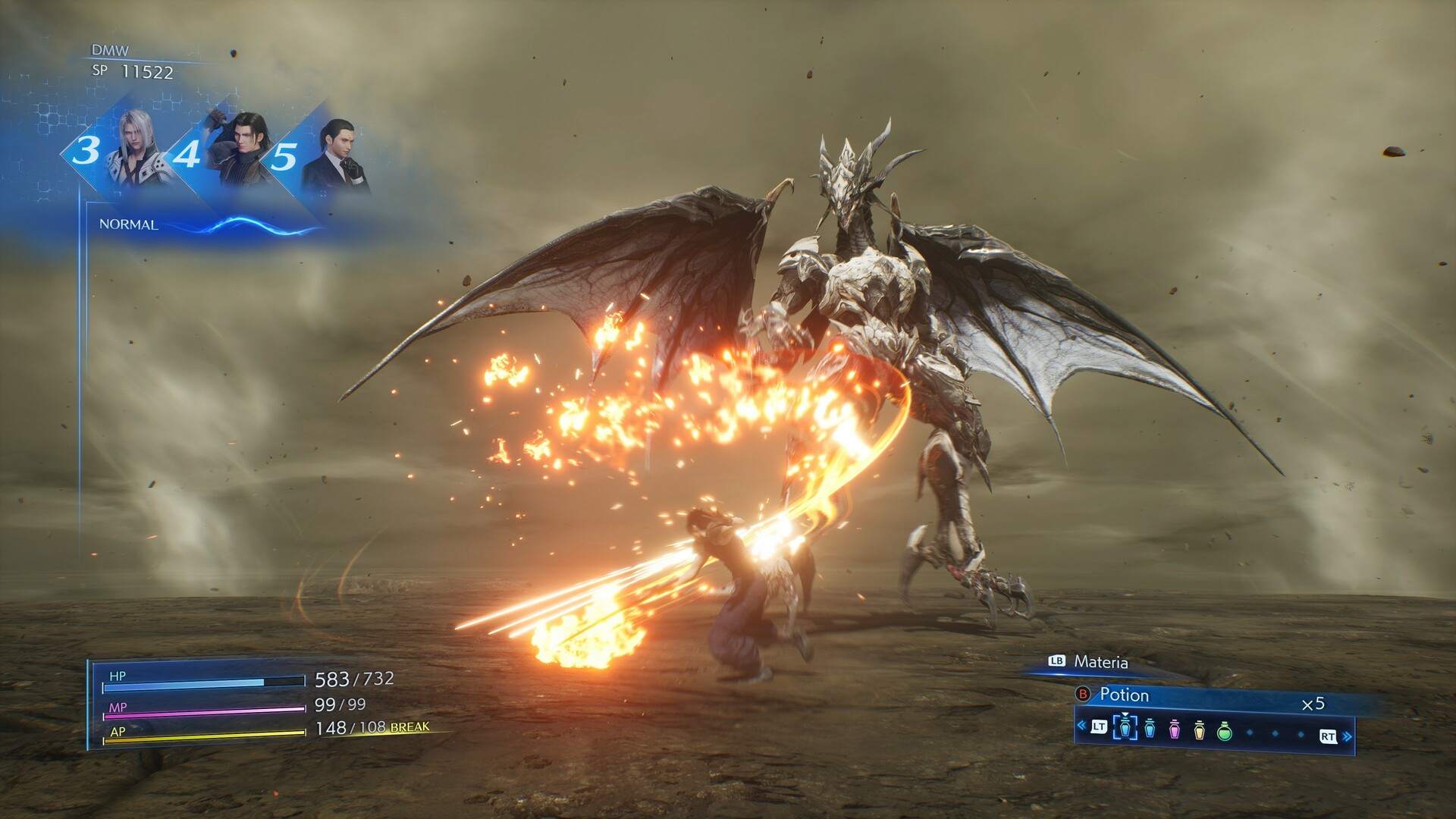
HD graphics remaster
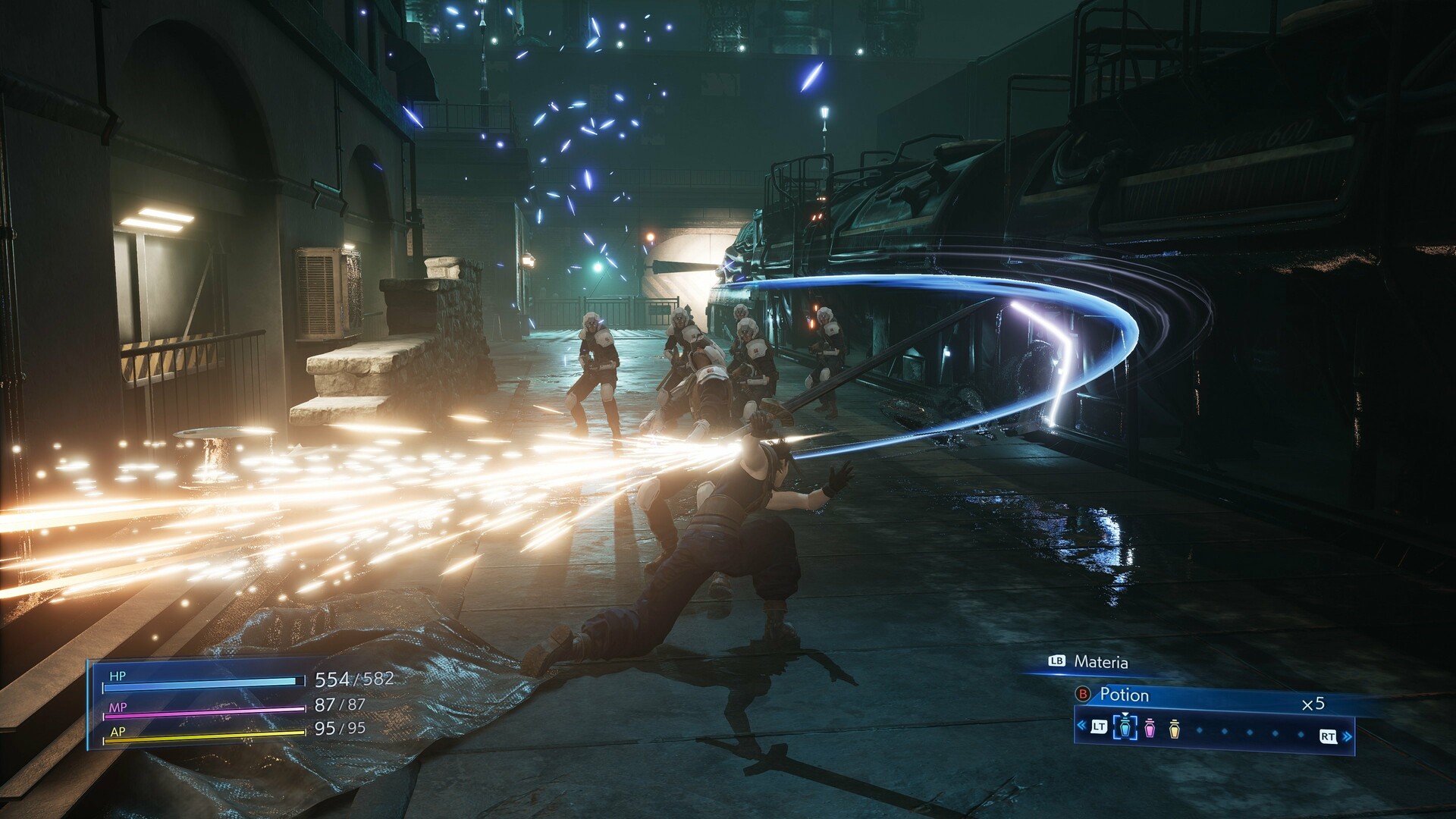
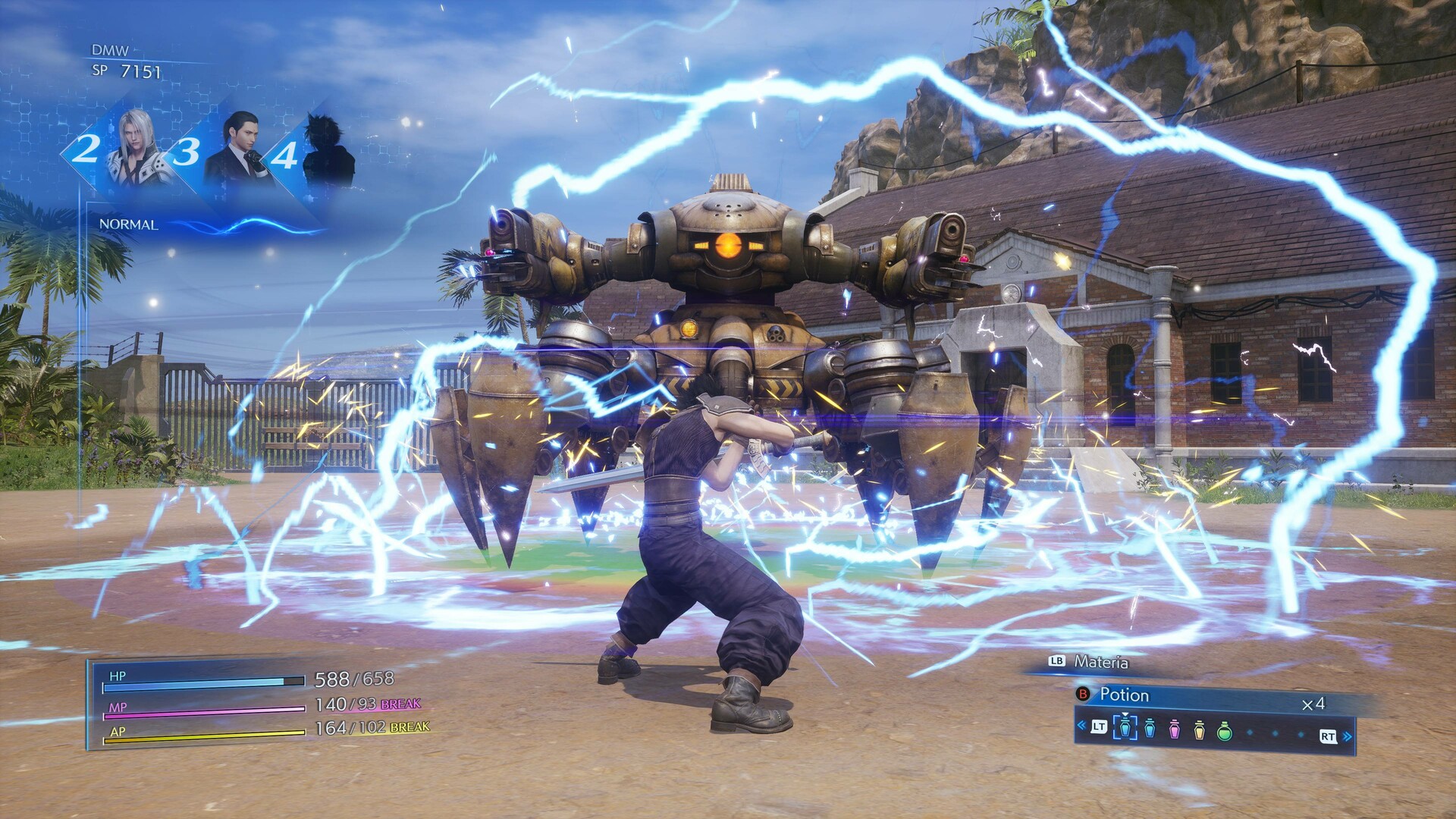
All visual assets have been rebuilt in high definition, including character models and background environments. The new 3D models give the world a sharper, more detailed look that matches modern console standards.
The remaster targets 1920x1080 at 60 FPS, though higher resolutions and frame rates are possible on capable hardware. Performance depends on the player’s display and PC specifications.
- Set the resolution to 1920x1080 for the recommended experience.
- If you have a powerful GPU, enable higher resolutions for extra visual fidelity.
02 / THE GUIDE
Fully voiced dialogue
Both English and Japanese voice tracks are now fully recorded, replacing the original text‑only presentation. This adds emotional depth to Zack’s interactions and the supporting cast.
Voice lines play automatically during cutscenes and in‑game events, requiring no extra configuration beyond the standard audio settings.
- Adjust the volume sliders in the options menu to balance voice and music.
- Choose your preferred language in the settings before starting a new game.
03 / THE GUIDE
Re‑arranged soundtrack
Composer Takeharu Ishimoto created new arrangements of the original score, delivering a fresh auditory experience while preserving iconic themes. The music plays throughout battles and exploration.
The soundtrack can be customized via the custom volume controls, allowing players to emphasize or lower music relative to sound effects.
- Use the custom volume controls to lower music during dialogue scenes.
- Experiment with the in‑game audio presets for a balanced mix.
04 / THE GUIDE
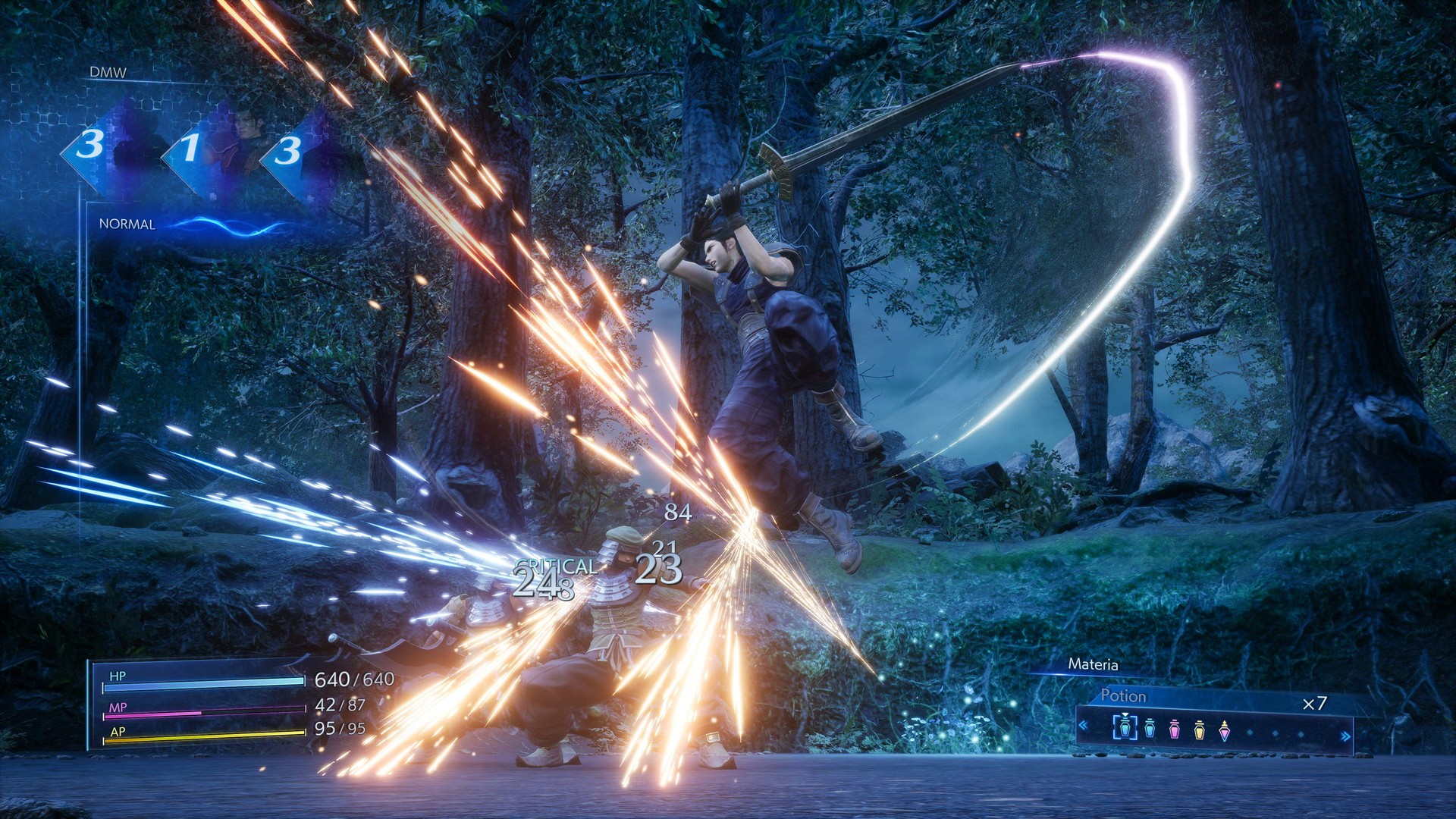
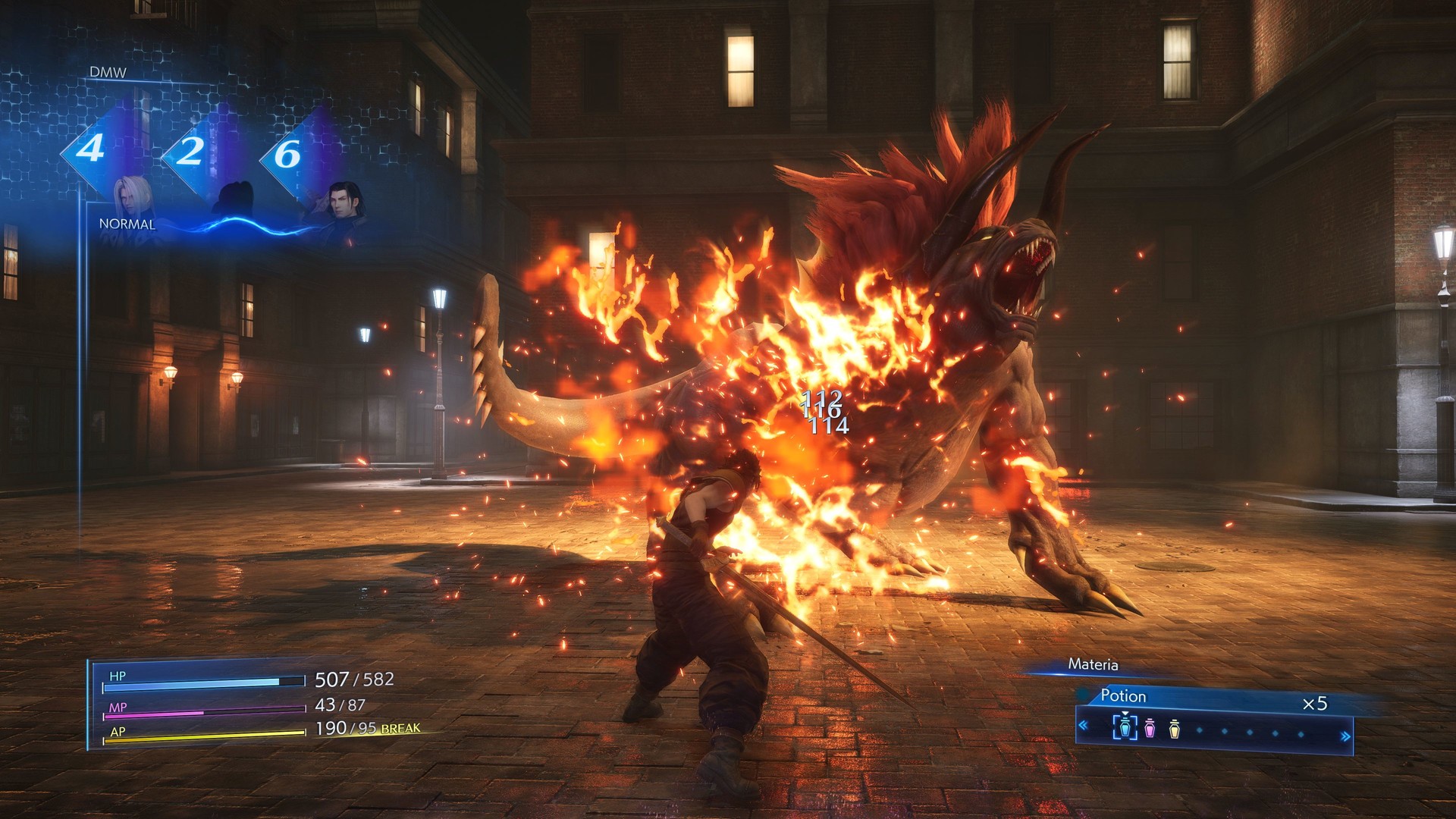
Improved battle system
Combat has been refined for smoother input and more responsive action, keeping the core mechanics of the original while feeling more fluid on modern hardware.
The system works with both keyboard‑only and full controller inputs, and it does not require timed button presses.
- Try the adjustable difficulty setting if battles feel too easy or hard.
- Use the controller for a more analog feel if you prefer.
05 / THE GUIDE
Steam integration
The PC version supports Steam achievements, cloud saves, family sharing, and trading cards, linking the game to the broader Steam ecosystem.
Performance on Steam can reach up to 120 FPS, though the recommended setting is 60 FPS at 1080p.
- Enable Steam Cloud to keep your progress across multiple PCs.
- Collect trading cards for a visual showcase of your completion.
COMMUNITY
Player discussion