 GameWiki
GET YOUR BEARINGS
About Crimzon Clover World EXplosion
Crimzon Clover: World EXplosion expands the original "World Ignition" with four additional modes and an ARRANGE version that adds a multi‑gauge system. Players collect SCORE items to charge the gauge and can spend it on power‑ups such as support pods or speed boosts, shaping the ship’s capabilities on the fly.
The title offers three difficulty levels—Novice, Arcade, and Arrange—each usable with any core mode, plus a Training mode that lets you configure ship, stage, and mode before starting. It runs on Windows and includes single‑player, multiplayer, Steam Achievements, Leaderboards, Cloud saves, Family Sharing, and full controller support.
01 / THE GUIDE
Core Game Modes
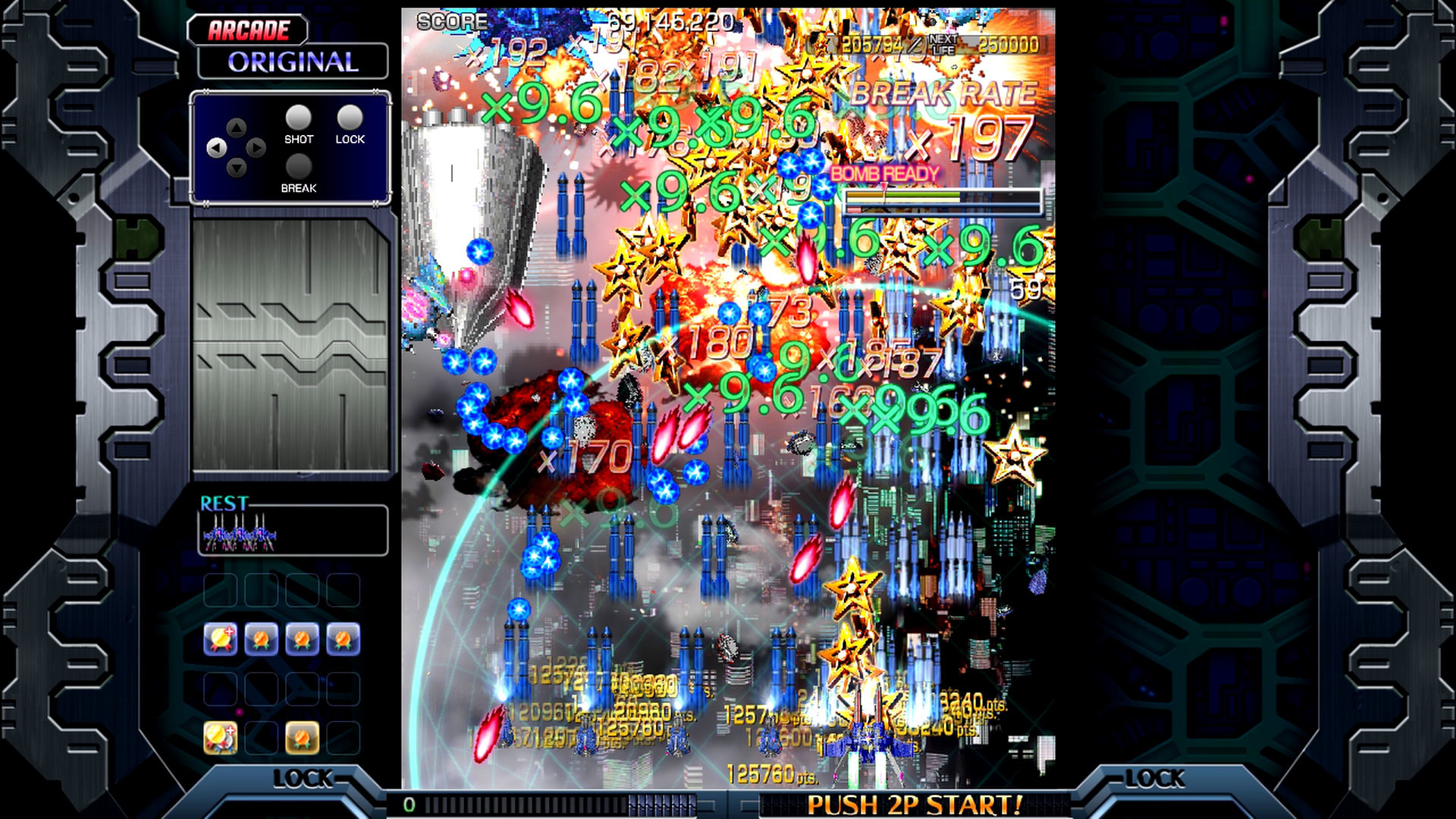
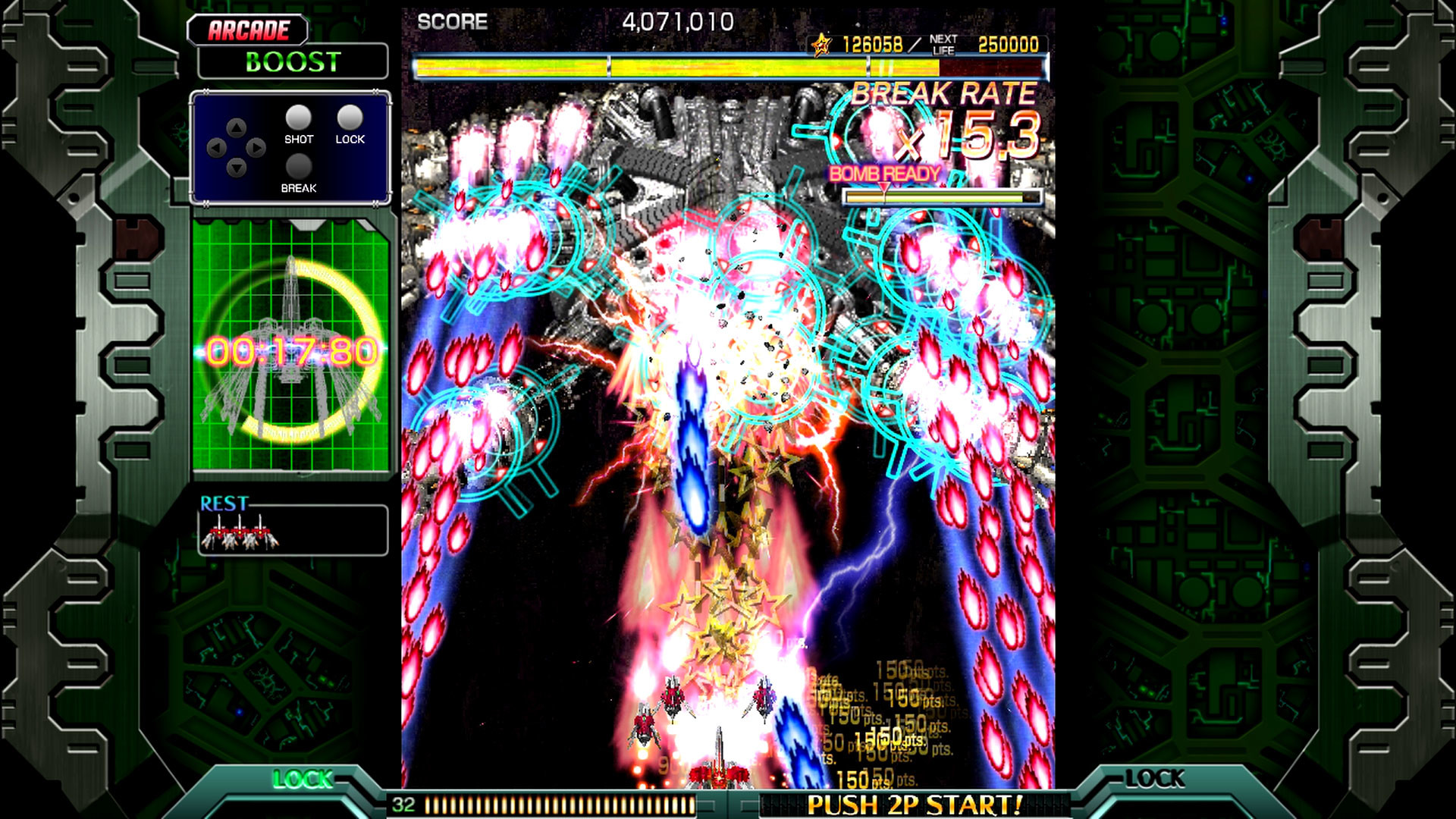
Original Mode is the main experience, guiding you through stages toward the final boss and providing BREAK and DOUBLE BREAK bursts for brief periods of heightened firepower. Boost Mode adjusts difficulty based on performance, triggering BREAK when its gauge fills and ending it with a bomb or loss of life.
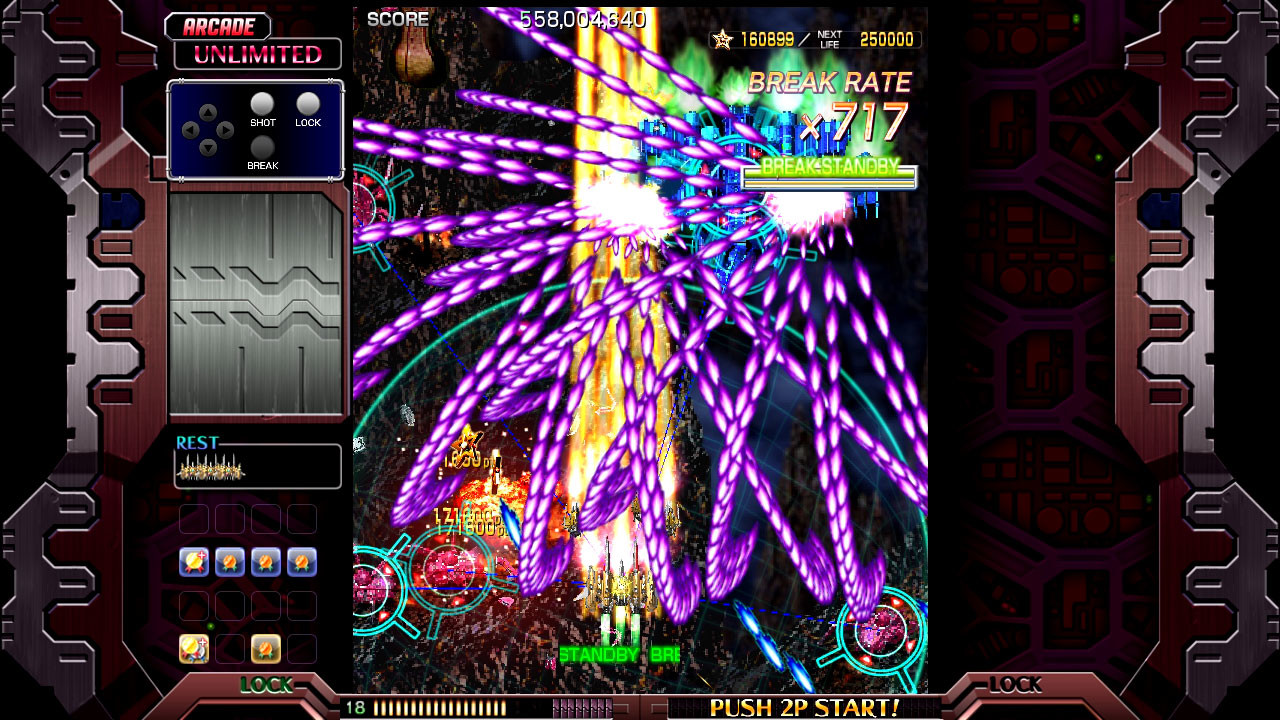
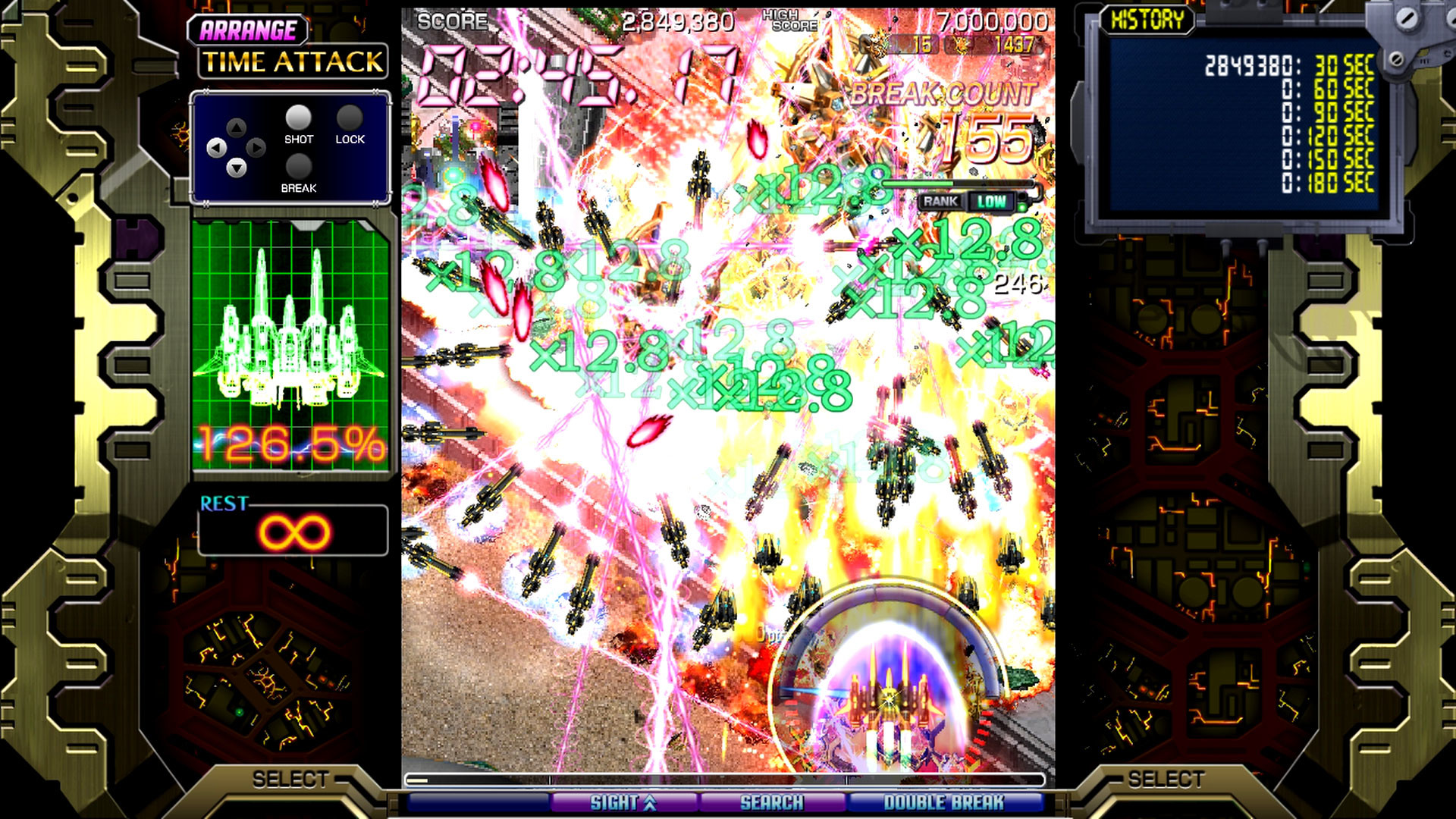
Unlimited Mode turns each stage into a dense bullet field for the most hardcore players, while Time Attack challenges you to achieve the highest score within roughly three minutes. In the ARRANGE version, Boost Mode’s BREAK invites revenge bullets the longer you hold it, and Unlimited Mode lets your main shot destroy some enemy bullets.
- Try activating BREAK early in Boost Mode to see how long the burst lasts before a bomb or death ends it.
- In Unlimited Mode, position yourself to let the main shot clear enemy bullets where possible.
02 / THE GUIDE
ARRANGE Multi‑Gauge System
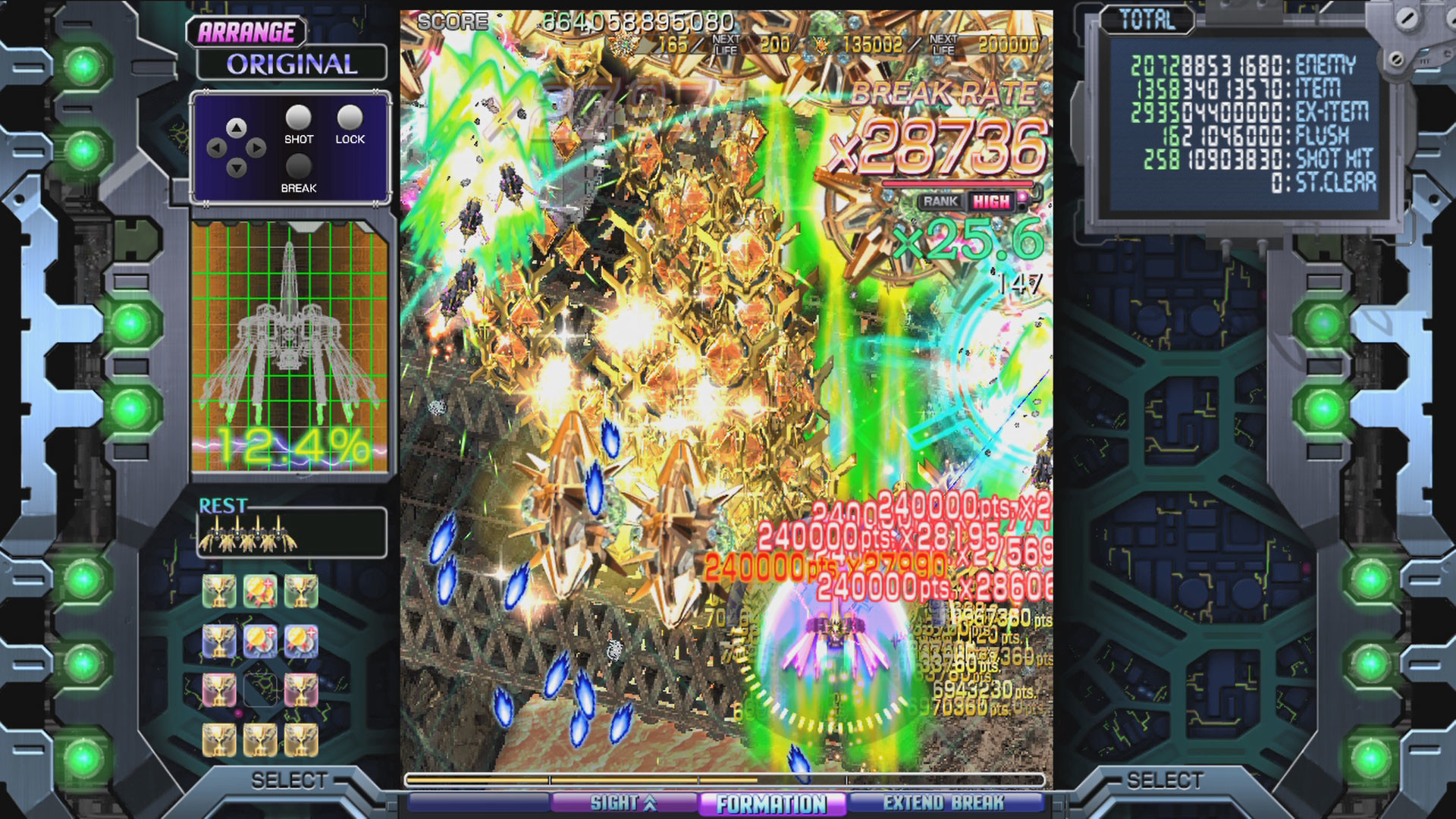
The ARRANGE version introduces a multi‑gauge that charges when you collect SCORE items. This gauge can be spent at any moment to activate power‑ups such as support pods, speed increases, and other enhancements, letting you shape your ship’s capabilities during a run.
Spending the gauge is optional; the description notes that buying all upgrades yields an “ultimate overpowered fighter,” but each spend is a player choice during the run.
- Collect SCORE items early in a stage to build gauge reserves for later emergencies.
- Experiment with different power‑up combinations to discover which best complement your preferred approach.
03 / THE GUIDE
Difficulty Settings
Three difficulty levels—Novice, Arcade, and Arrange—allow you to scale the challenge. Novice is recommended for newcomers to “hardcore shmuppage,” Arcade mirrors the original arcade experience, and Arrange adds unique mechanics and novel challenges not seen before in the series.
Each difficulty can be paired with any of the four core modes, creating many possible difficulty‑mode combinations. The Arrange difficulty adds unique mechanics and novel challenges not seen before in the series.
- Begin with Novice in Original Mode to learn basic patterns before moving to higher difficulties.
- Switch to Arcade difficulty once comfortable to experience the classic challenge level.
04 / THE GUIDE
Training Mode Customization
Training Mode lets you set up a personal scenario by selecting the mode, ship, stage, and other variables. All customization options are available before starting, allowing focused practice of specific sections or experimentation with gauge‑based power‑ups.
The mode is intended for practice, giving a safe environment to test strategies without the pressure of a live run.
- Use Training Mode to test how different power‑ups from the multi‑gauge affect survivability.
- Practice difficult sections of Unlimited Mode in a controlled setting before attempting them in a full run.
05 / THE GUIDE
Platform Features and Services
The game runs on Windows and includes single‑player and multiplayer options, Steam Achievements, Steam Leaderboards, Steam Cloud saves, and Family Sharing. Full controller support is listed, ensuring compatibility with gamepads on the platform.
The previously released DLC—"Superplay Strategy Guide" and "Arcade Poster Pack"—are included in the game folder by default, requiring no additional download.
- Enable Steam Cloud to keep your progress synced across multiple Windows installations.
- Check the Leaderboards after each run to compare scores with other players.
COMMUNITY
Player discussion