 GameWiki

GET YOUR BEARINGS
About Crime Scene Cleaner
In *Crime Scene Cleaner* you play a single father forced to clean crime scenes to fund his daughter’s treatment. Each job mixes dirty work with a shady clientele, demanding you to mop, scrub, and investigate while managing limited tools. The game blends action and simulation, offering a narrative that unfolds across varied interiors. You can upgrade equipment, explore nightmare‑twisted versions of locations, and tackle a no‑hint “True Cleaner’s Mode”.
01 / THE GUIDE
Gameplay Mechanics
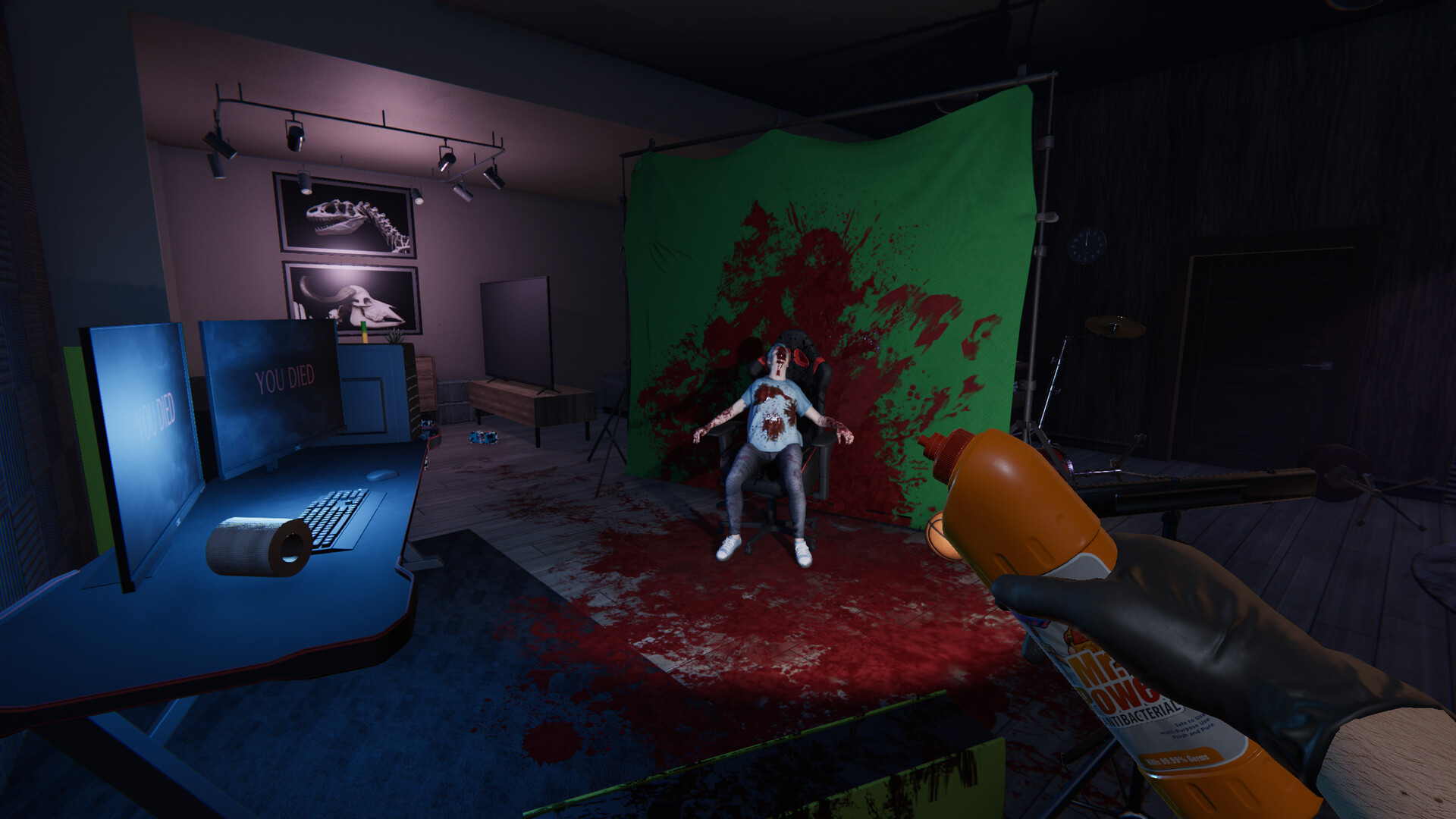
Cleaning is central: switch between a bucket, mop, ozonator, and power washer to clear messes. Each tool has strengths, and combining them lets you clean faster and smarter.
Missions differ by location, from quiet interiors to large complex spaces, each presenting unique challenges and story fragments to piece together.
- Experiment with tool combos early to discover the most efficient cleaning sequence.
- Observe the layout before acting; planning moves reduces wasted time.
02 / THE GUIDE
Crime Scene Investigation
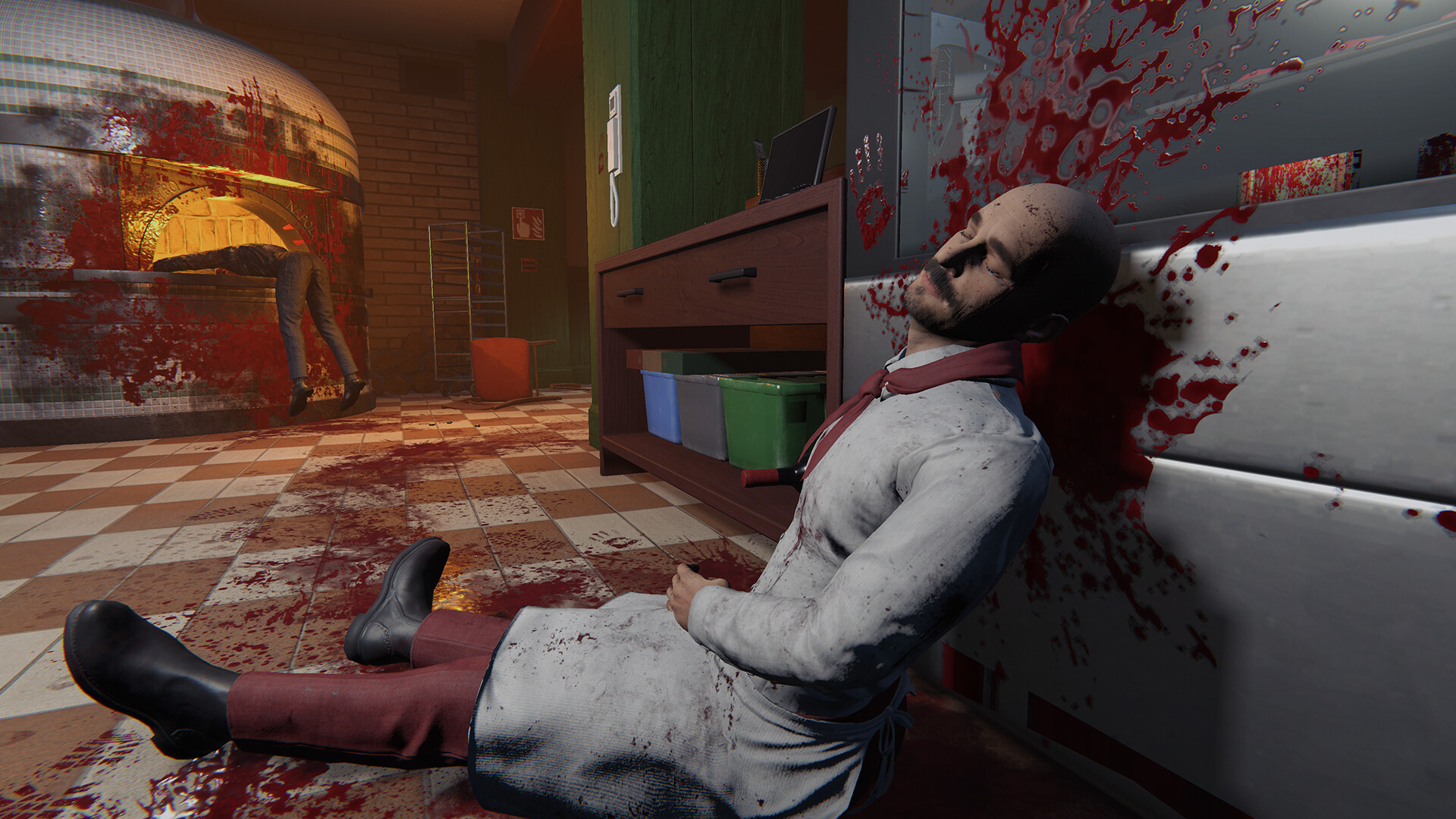
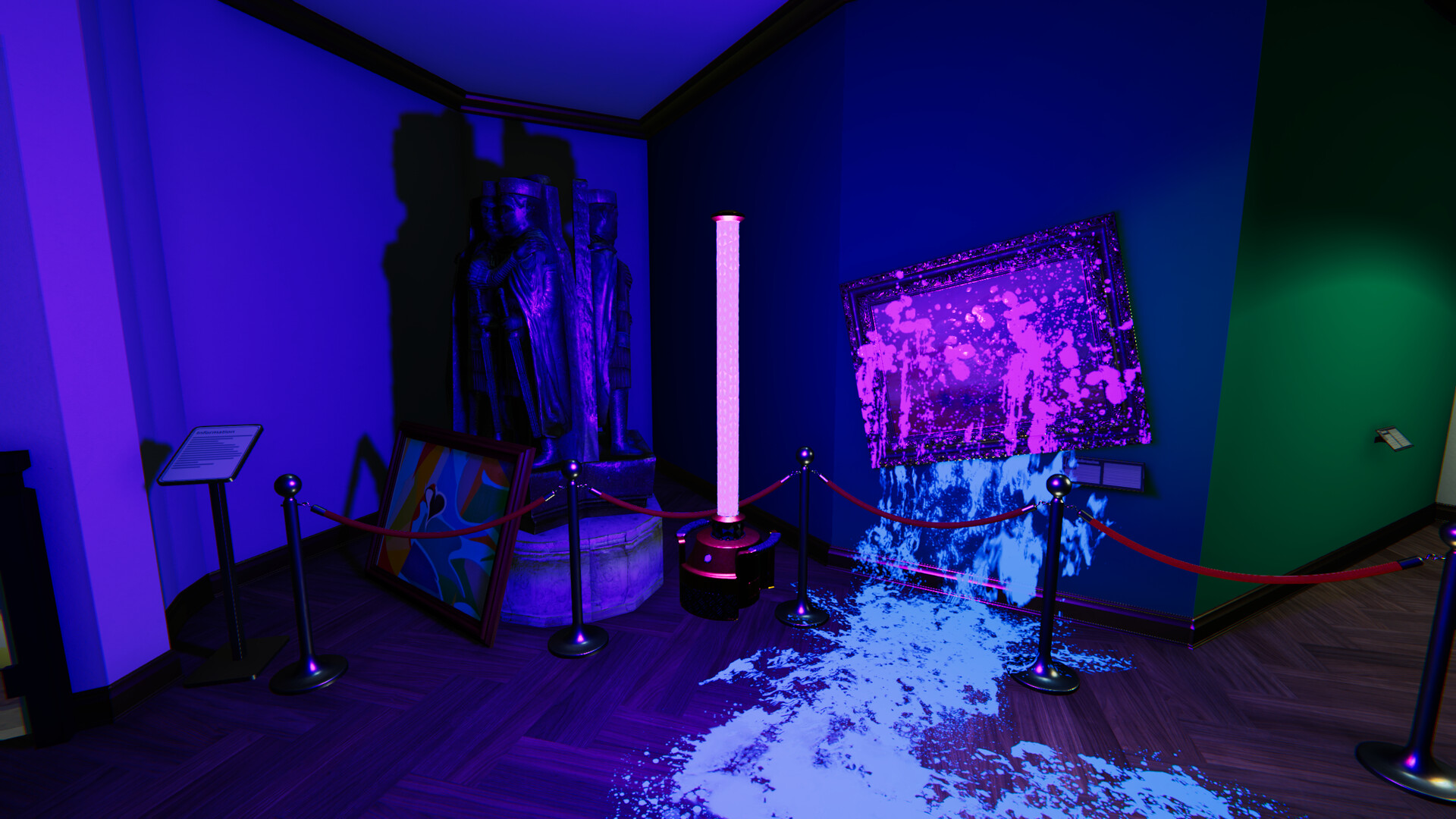
Beyond stains, you must search every corner for evidence, collect valuable items, and dispose of unwanted debris. Clues appear as blood trails, broken objects, and hidden items.
Collected evidence helps piece together the story behind each murder, adding narrative depth to the cleanup.
- Take a moment to scan walls and floors for subtle clues before cleaning.
- Prioritize items that look out of place; they often hide important evidence.
03 / THE GUIDE
Tool Upgrades – Arm’s Race
Before each mission you can check available perks and purchase upgrades such as stronger lamps, flashlights, or a power‑wash boost for excessive blood.
Upgrading equipment makes difficult messes easier, letting you finish jobs quicker and conserve resources.
- Invest in lighting upgrades for dark scenes to avoid missing hidden clues.
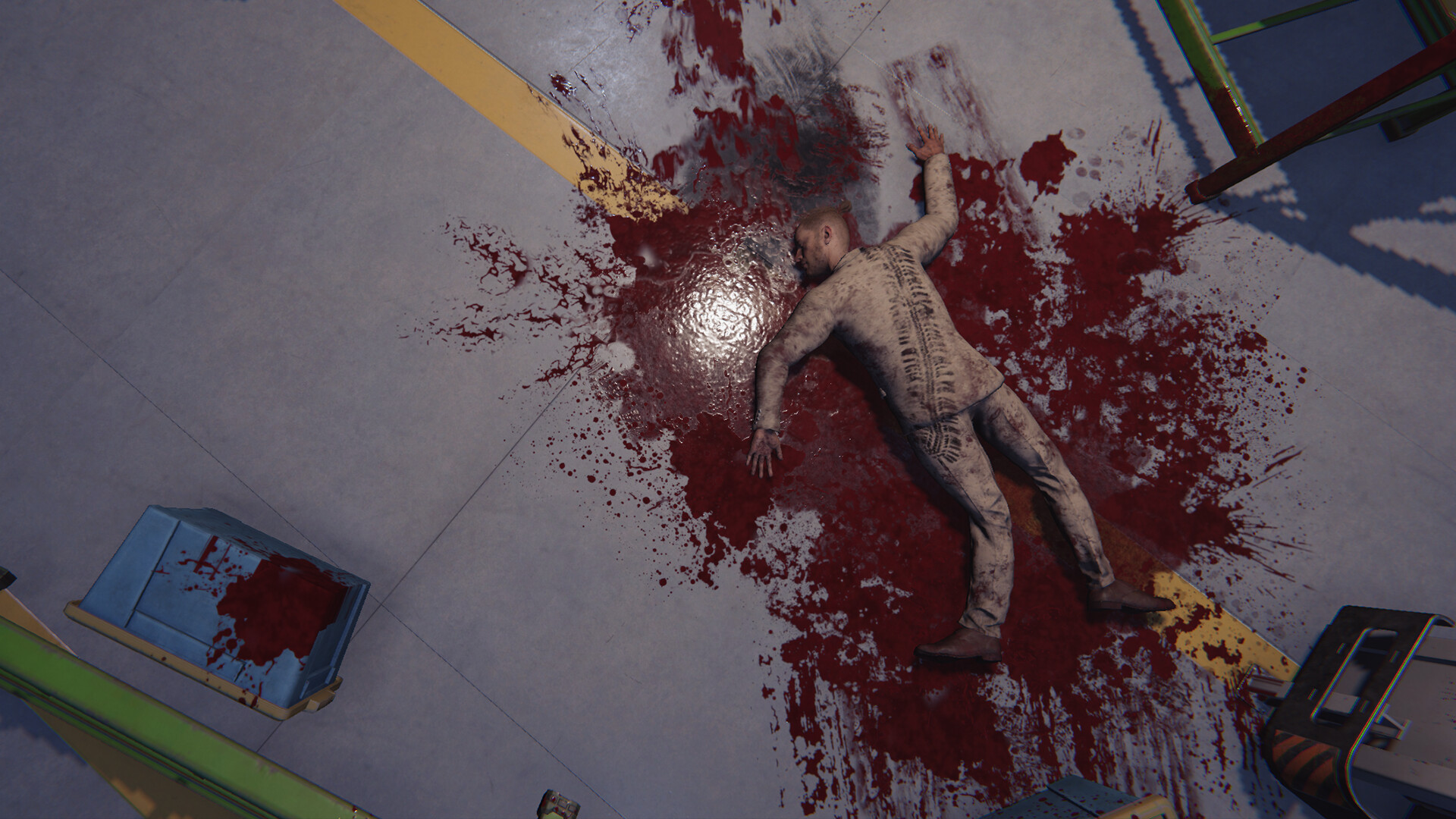
- A power‑wash upgrade is especially useful on large blood‑splattered areas.
04 / THE GUIDE
Nightmare Update – Into the Nightmare
Some locations feature a darker reflection called “Kovalsky’s nightmares,” turning familiar crime scenes into twisted, unsettling versions.
These nightmare stages test your mastery, requiring you to adapt to altered layouts and heightened visual cues.
- Stay calm; the nightmare version keeps the same core objectives but with altered aesthetics.
- Use upgraded lighting to navigate the distorted environments.
05 / THE GUIDE
True Cleaner’s Mode
In this unforgiving mode there are no hints or hand‑holding. Every stain and detail must be discovered without guidance.
The mode emphasizes pure observation and meticulous cleaning, rewarding players who can locate every clue unaided.
- Practice in regular missions first to learn where clues typically hide.
- Take systematic sweeps of each area to avoid missing hidden stains.

COMMUNITY
Player discussion