 GameWiki
GET YOUR BEARINGS
About Cricket 19
Cricket 19 is a global cricket simulation from Big Ant Studios that lets you guide a team from club cricket up to international competition. The game covers all three major formats—T20, One‑Day International and Test—so you can experience short bursts or long‑form matches.
A built‑in Cricket Academy provides deep creation tools for clubs, stadiums, sponsor logos and uniforms. You also build a rookie’s career starting in junior club cricket and progress toward national selection as you perform well.
01 / THE GUIDE
Career Development
The career system starts a player in junior club cricket and tracks performance across matches. Good performances move the player forward toward higher‑level opportunities, eventually reaching national team selection.
Progression is tied directly to match results, so each game you play can affect whether the rookie advances to the next stage of their career.
- Monitor your rookie’s match stats to see which areas improve promotion chances.
- Compare your player’s stats across matches to identify gaps.
02 / THE GUIDE
Full Format Support
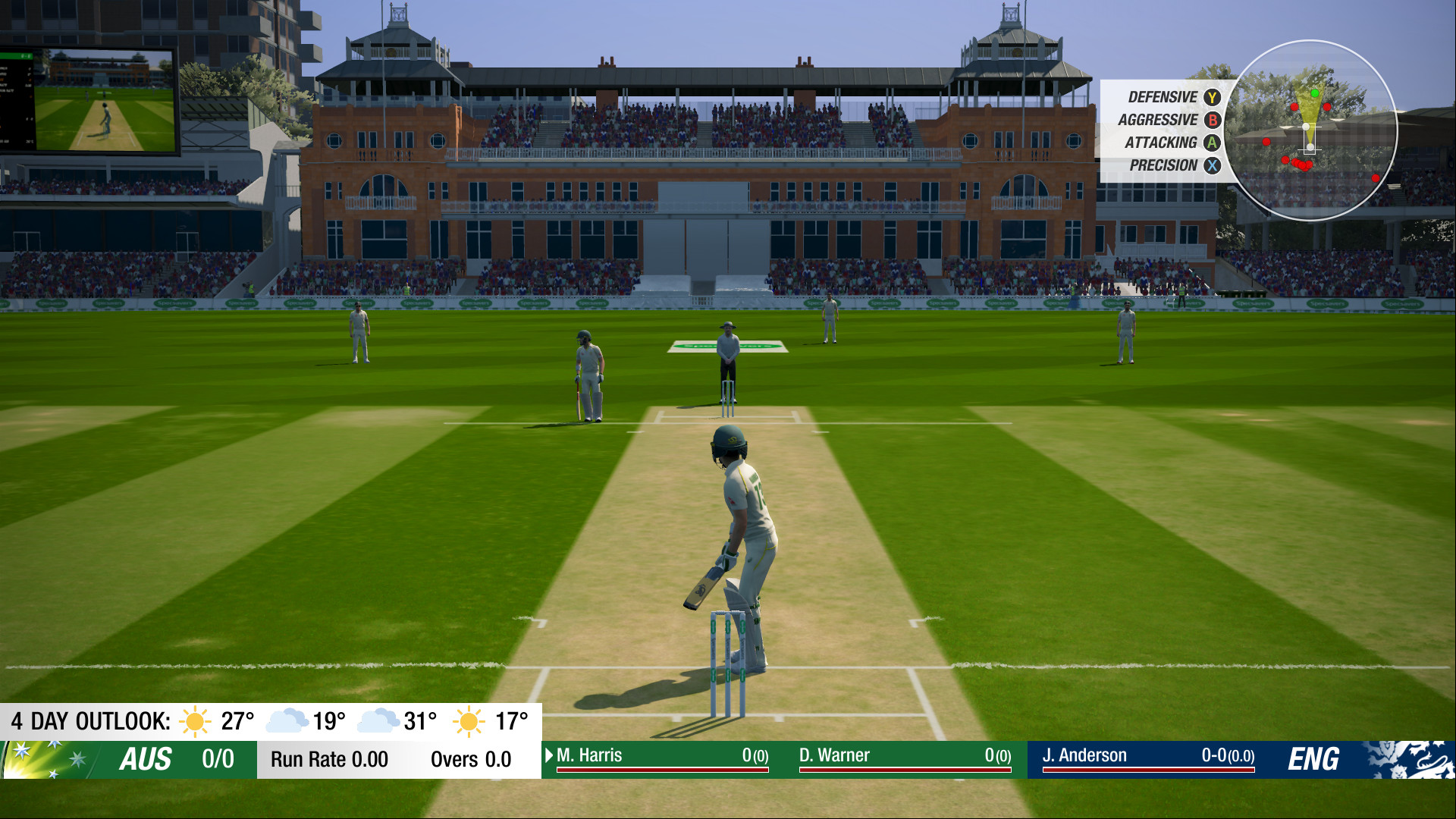
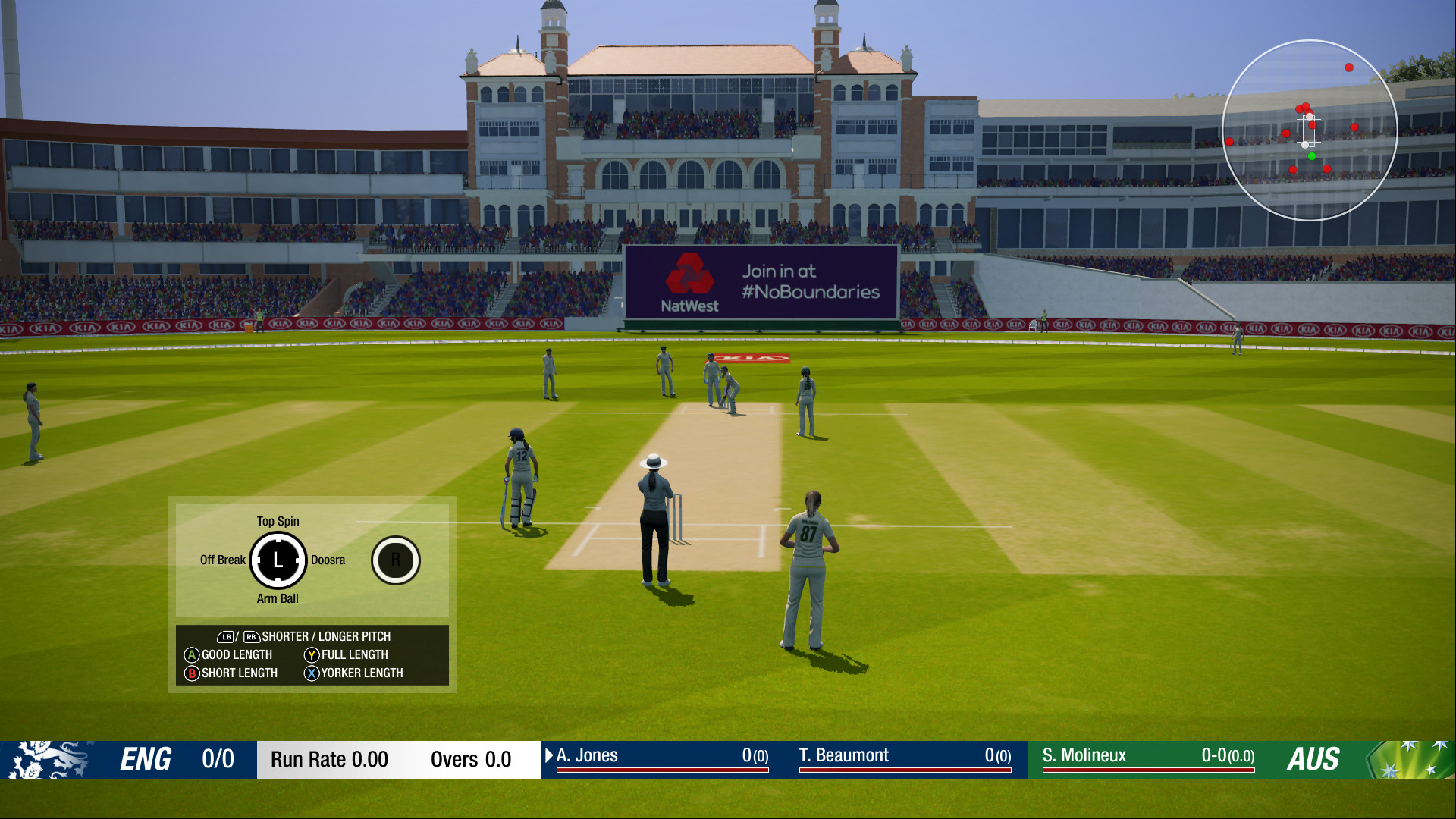
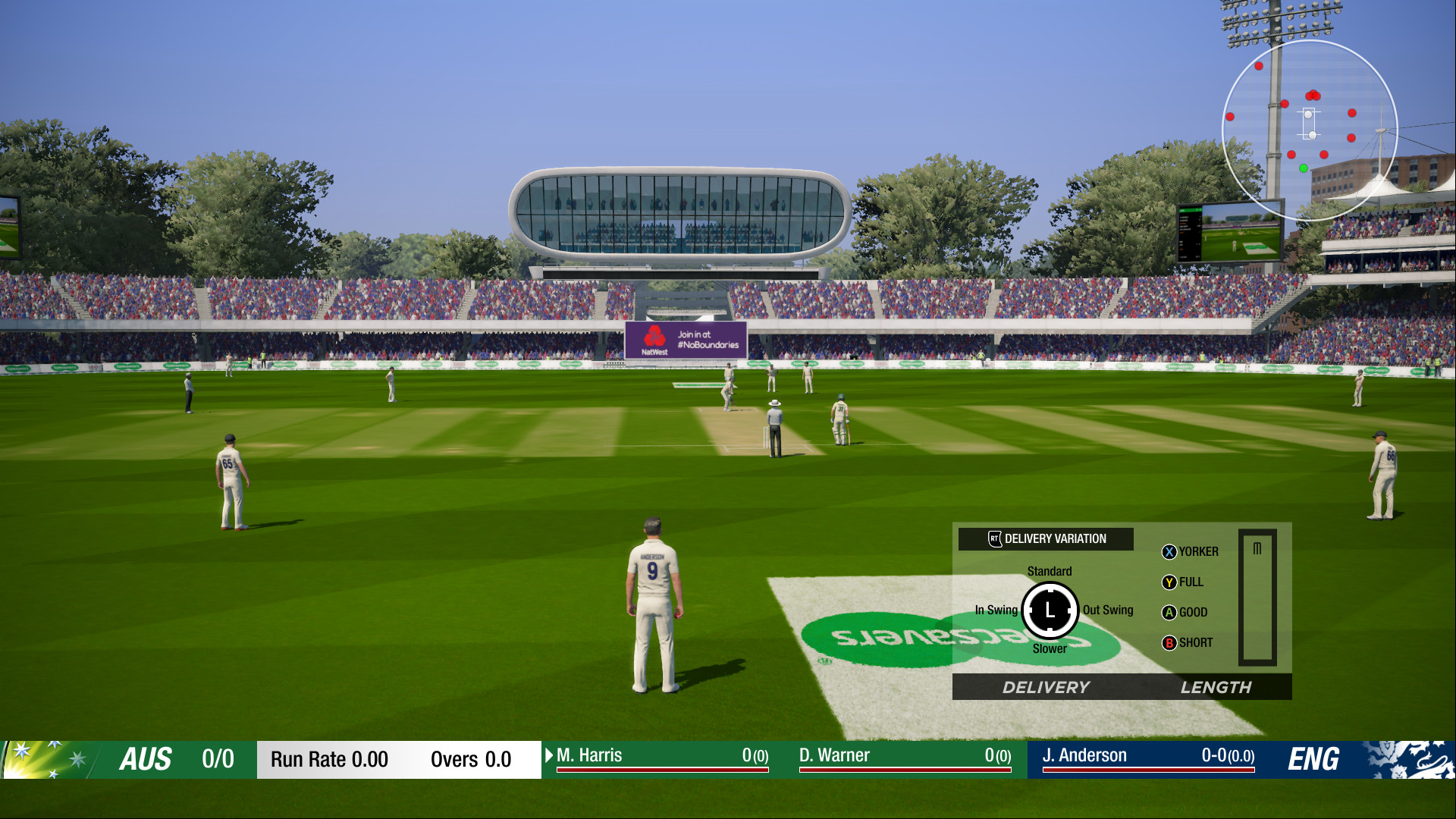
Cricket 19 includes authentic rule sets for T20, ODI and Test matches, allowing you to select the length and style of play you prefer.
Each format uses real‑world AI and tactics, so the strategic demands change according to the chosen match type.
- Try each format to see how AI tactics differ.
- Adjust batting order and bowling changes based on the format’s length.
03 / THE GUIDE
Cricket Academy Creator
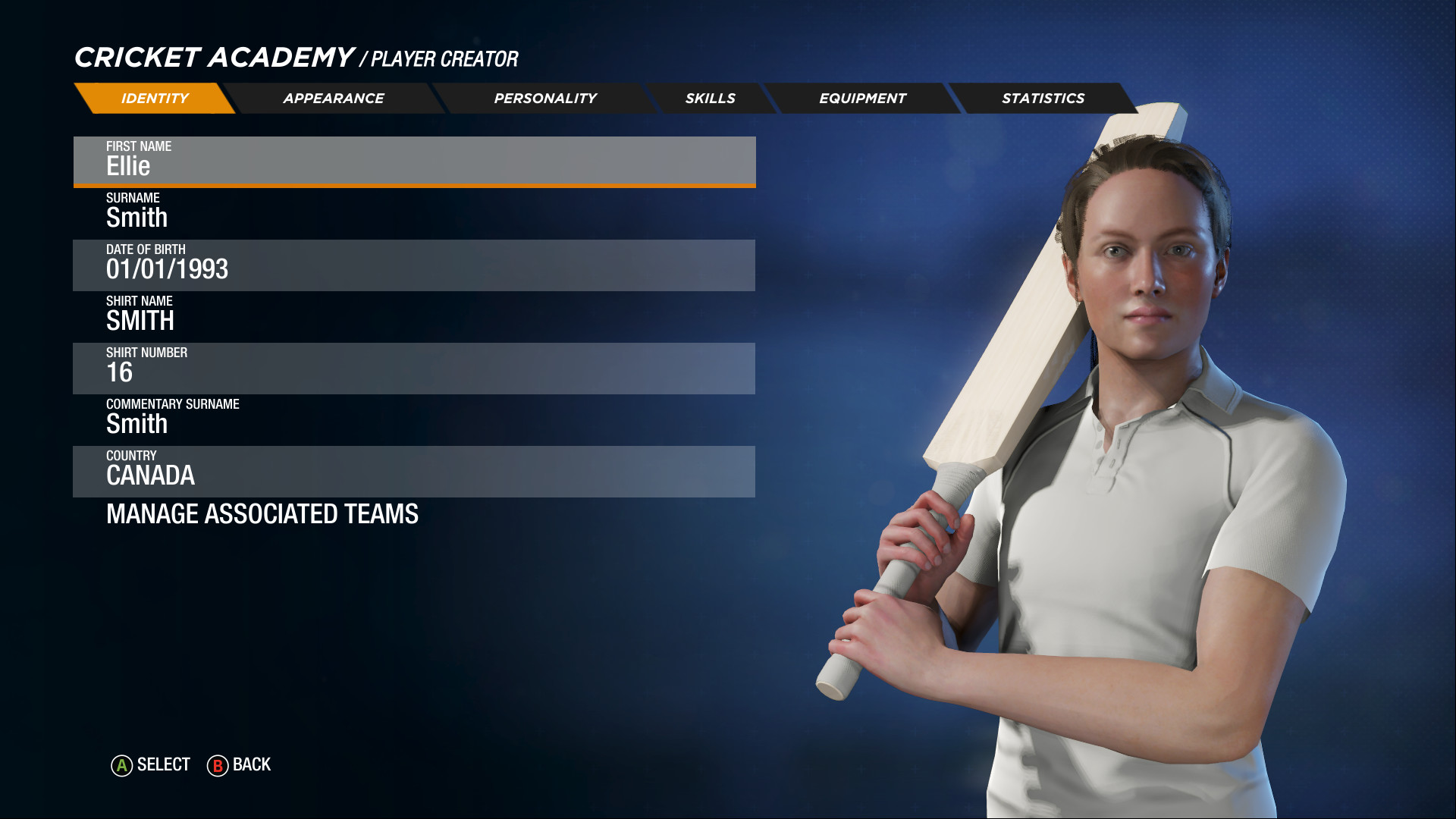
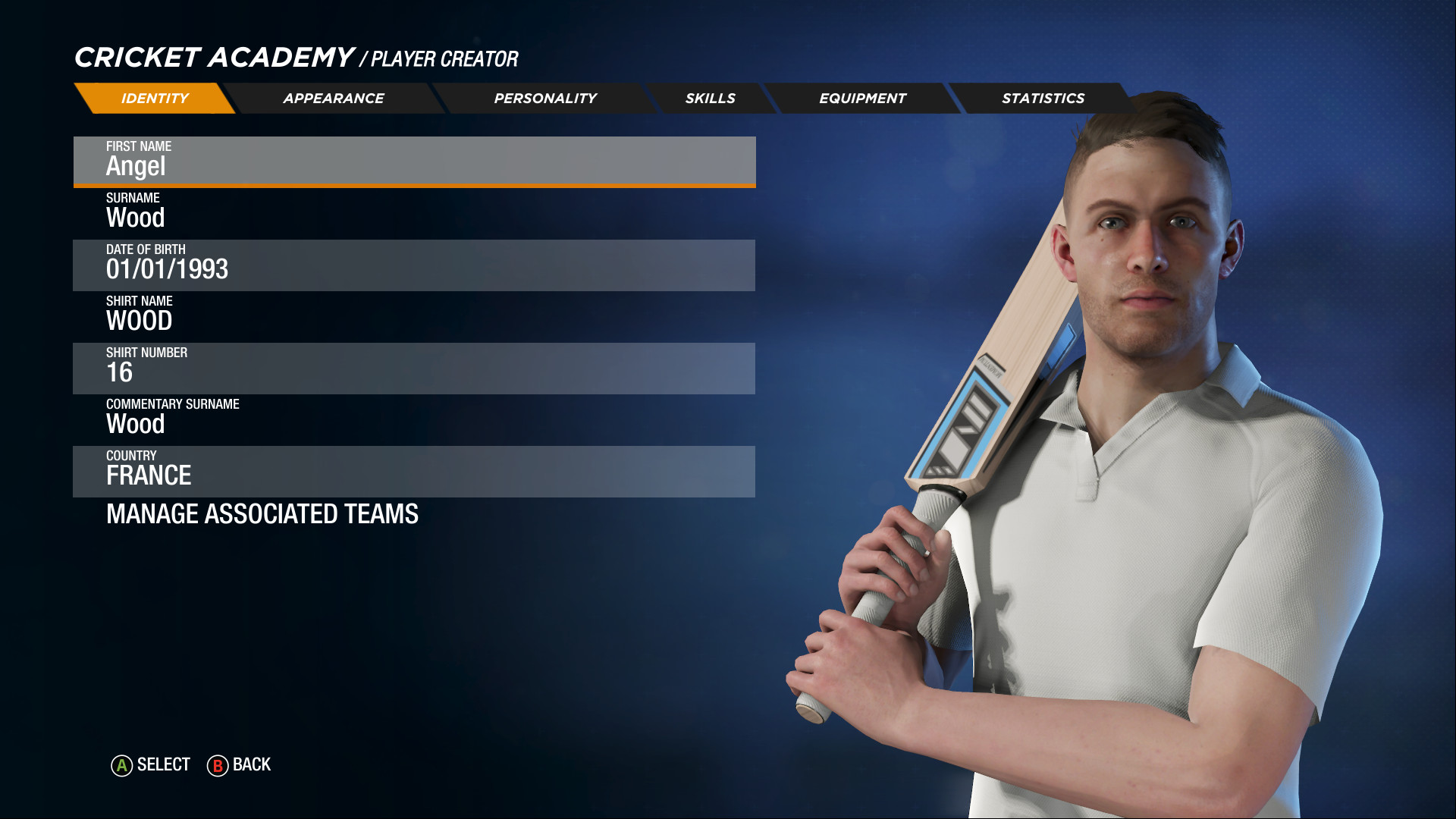
The Cricket Academy offers a deep creator for players, stadiums, sponsor logos and uniforms, letting you customise visual and structural elements of the game.
These custom assets become part of your game library and can be selected when setting up matches.
- Save several versions of a stadium to switch between them quickly.
- Match sponsor colours with team kits for visual consistency.
04 / THE GUIDE
Multiplayer Options
Cricket 19 supports both online and split‑screen multiplayer, covering PvP and co‑op play. You can compete against friends or team up in shared matches.
Online play integrates Steam Leaderboards and achievements, providing a way to compare performance with other players.
- Use split‑screen co‑op to coordinate strategies with a teammate on the same device.
- Check the leaderboards after online matches to see your global ranking.
05 / THE GUIDE
Platform Features
Running on Windows, Cricket 19 includes full controller support, Steam Cloud and Remote Play features, giving flexibility across devices.
Family Sharing and Remote Play Together let multiple users access the game from a single account or stream sessions to a TV.
- Steam Cloud is a supported feature, so it may help keep your progress available across PCs.
- Try Remote Play Together for casual matches with friends who don’t own the game.
COMMUNITY
Player discussion