 GameWiki
GET YOUR BEARINGS
About Creeper World: Anniversary Edition
Creeper World: Anniversary Edition revives the classic strategy experience with refreshed visuals and higher‑resolution backgrounds, keeping the core challenge of halting an ever‑spreading organic mass. Players must defend a base, seize high ground, and use strategic firepower to push back the relentless enemy.
The edition adds new unit graphics and sharper scenery while preserving the deep strategic complexity that defined the original. It is available on Windows and macOS through Steam, supporting single‑player campaigns and a suite of Steam‑based social features.
01 / THE GUIDE
Game Premise
The central conflict pits the player’s city against a pervasive, organic enemy that moves across the map like a living mass. The enemy can approach from any direction, surrounding the base and its inhabitants.
Success hinges on occupying elevated terrain and delivering concentrated attacks to thin the enemy’s spread, allowing the city to survive wave after wave of assault.
- Observe the enemy’s movement patterns before committing attacks.
- Prioritize securing high ground early to gain a tactical advantage.
02 / THE GUIDE
Visual Updates
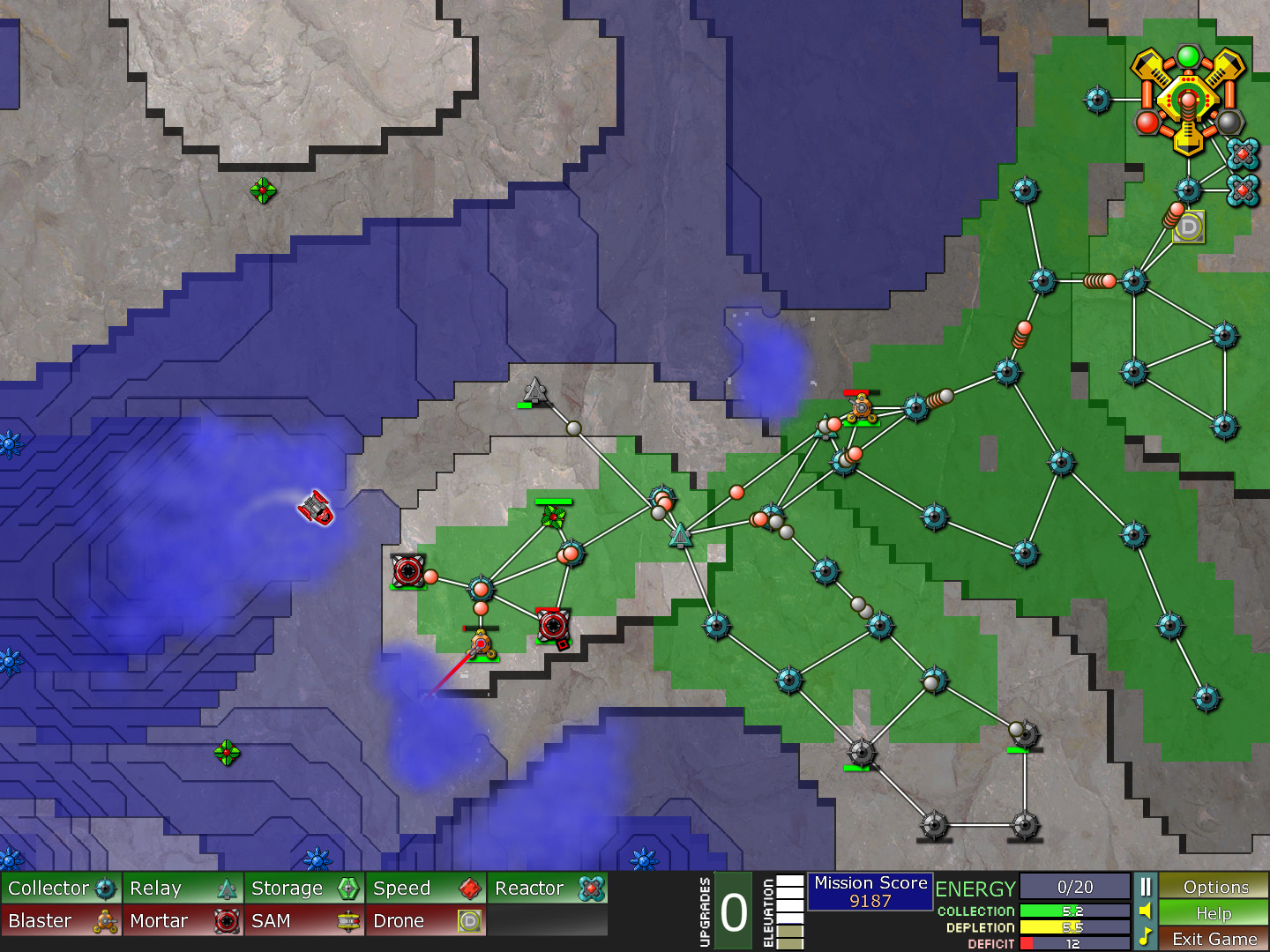
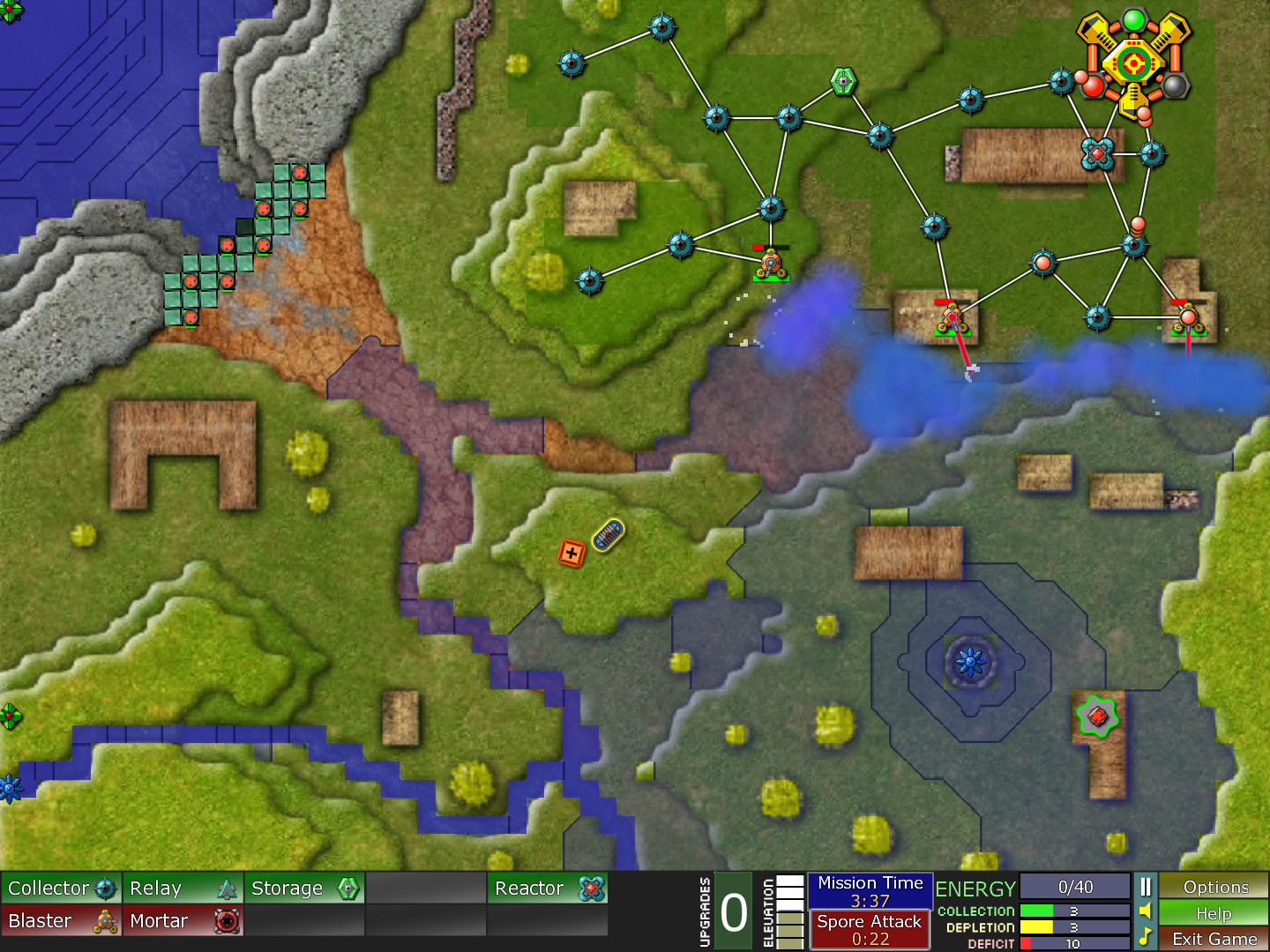
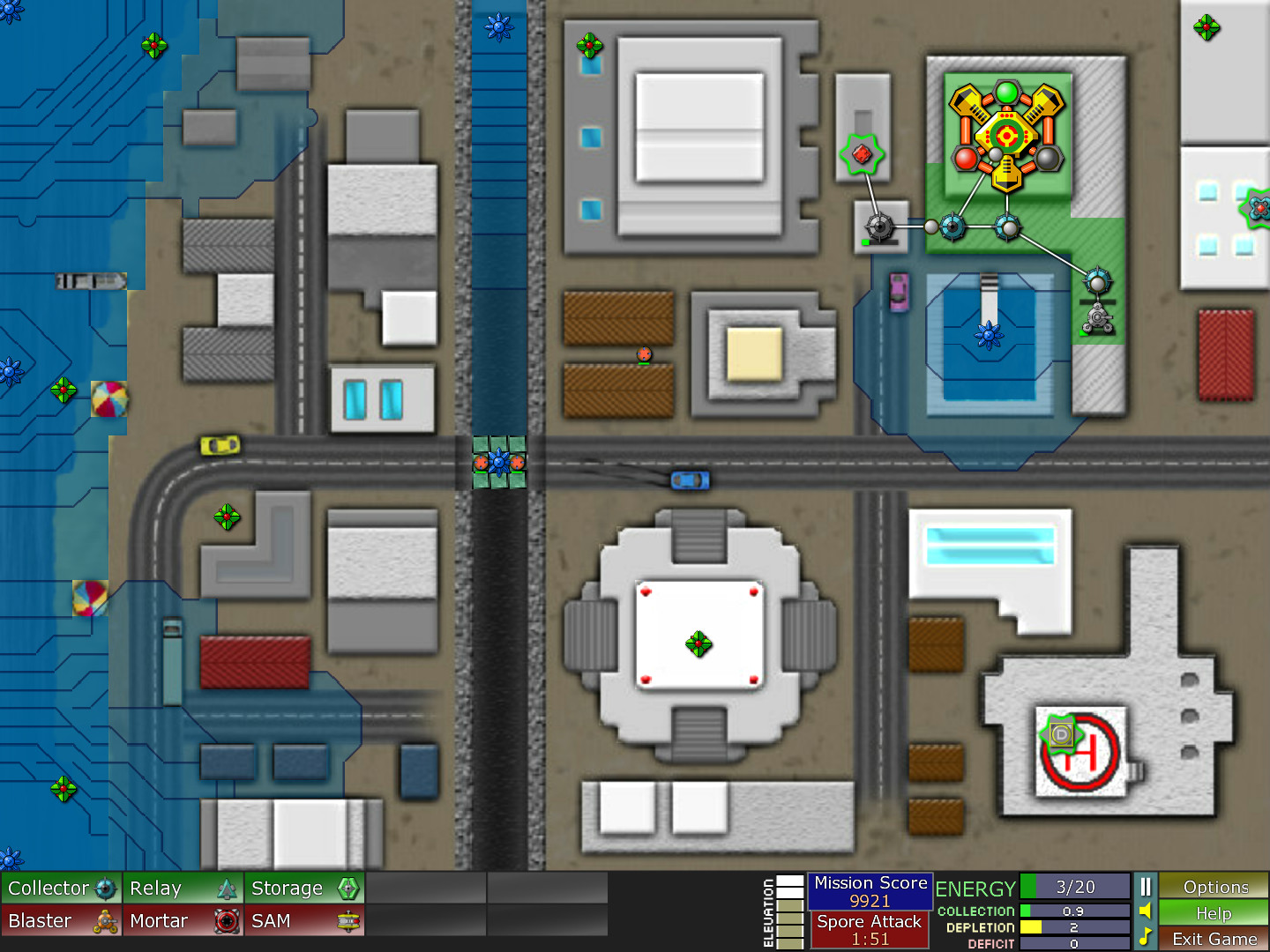
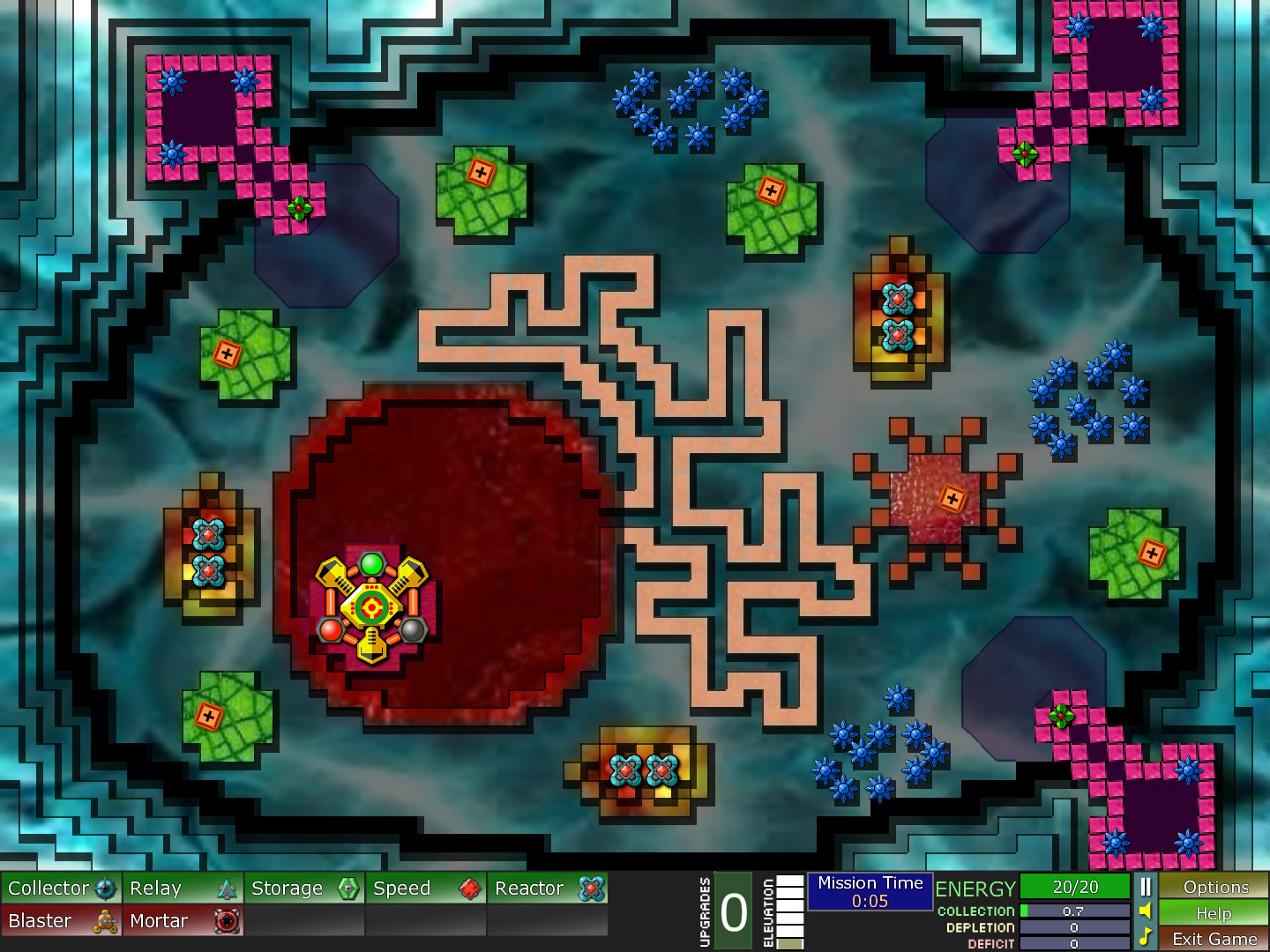
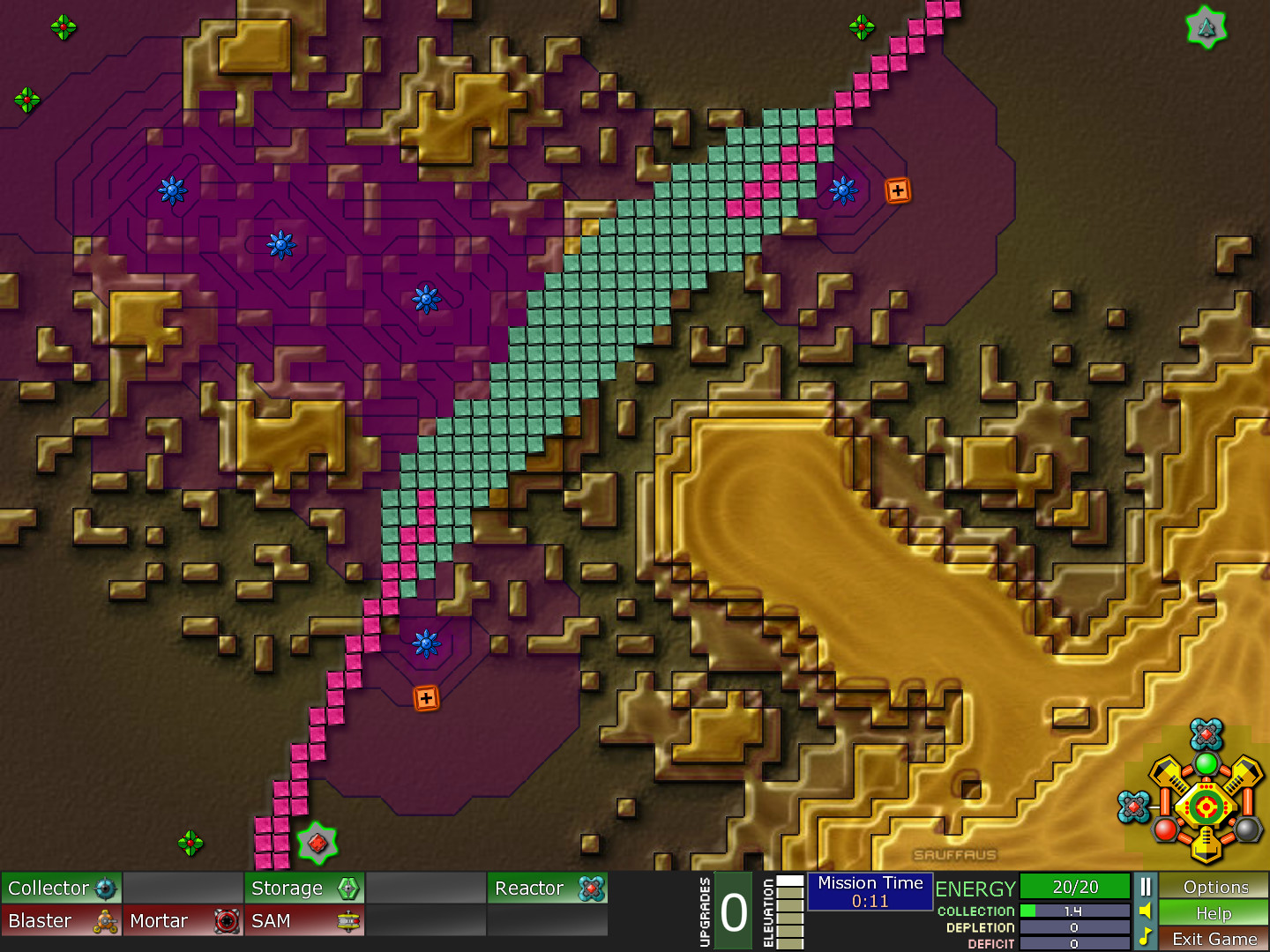
The Anniversary Edition introduces new unit graphics that are brighter and more detailed than the original. These visual enhancements make each unit’s role clearer during intense engagements.
Background images have been upgraded to higher resolution, providing a more immersive battlefield without altering gameplay mechanics.
- Use the clearer graphics to differentiate unit types quickly.
- Enjoy the sharper backgrounds as a visual cue for map scale.
03 / THE GUIDE
Platform Availability
Creeper World: Anniversary Edition is released on Steam for Windows and macOS platforms. Linux is not listed as a supported operating system.
Players can purchase and download the game directly through the Steam client on the supported platforms.
- Check your system meets the Windows or macOS requirements before buying.
- Use Steam’s library management to keep the game organized.
04 / THE GUIDE
Steam Features
The title supports Steam Achievements, allowing players to track milestone accomplishments. Steam Cloud is enabled, providing cloud‑saved progress across devices.
Remote Play Together lets a host share the game with friends, while Family Sharing permits another account to access the game without purchasing it.
- Aim for achievements to gauge your strategic mastery.
- Enable Cloud sync to preserve progress if you switch computers.
05 / THE GUIDE
Single‑Player Mode
The game is designated as single‑player, offering a solo campaign where the player confronts the Creeper World threat without multiplayer opponents.
All strategic depth and visual upgrades are experienced within this solitary mode, focusing on personal skill and planning.
- Experiment with different attack patterns in solo play.
- Use the single‑player setting to practice before inviting friends via Remote Play.
COMMUNITY
Player discussion