 GameWiki
GET YOUR BEARINGS
About Creeper World 4
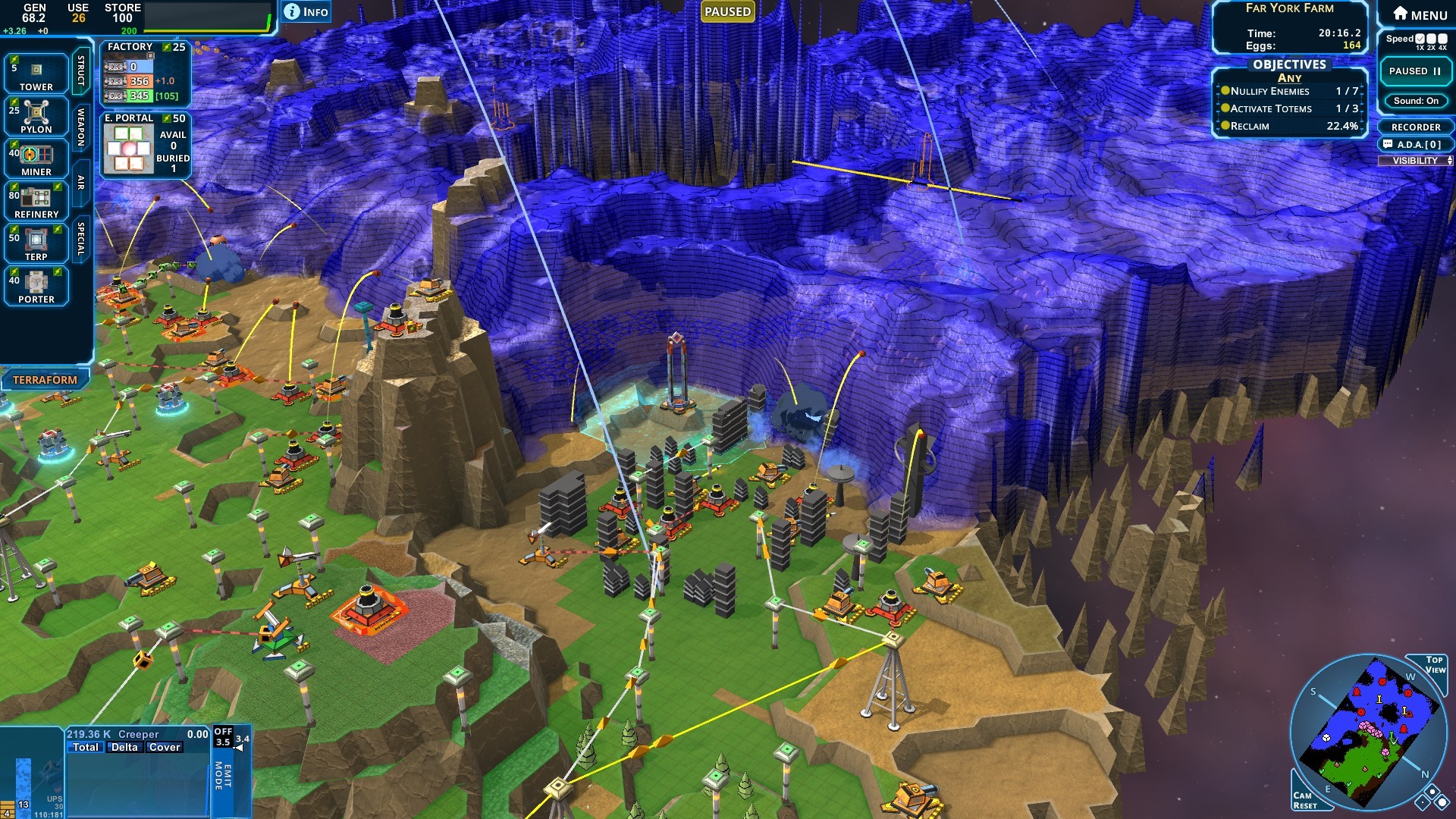
Creeper World 4 returns the iconic fluid enemy to a three‑dimensional battlefield, where massive Creeper waves flow over terrain in real time. Players build energy and resource bases, deploy land, air and orbital weapons, and try to keep the Creeper from flooding their structures.
The game offers both pause‑and‑issue play on small maps and continuous real‑time action on larger ones, with full save support. A story campaign, community‑made missions, a procedural mission generator, and a map editor let players experience endless variations, while co‑op multiplayer adds shared survival challenges.
01 / THE GUIDE
3D Terrain
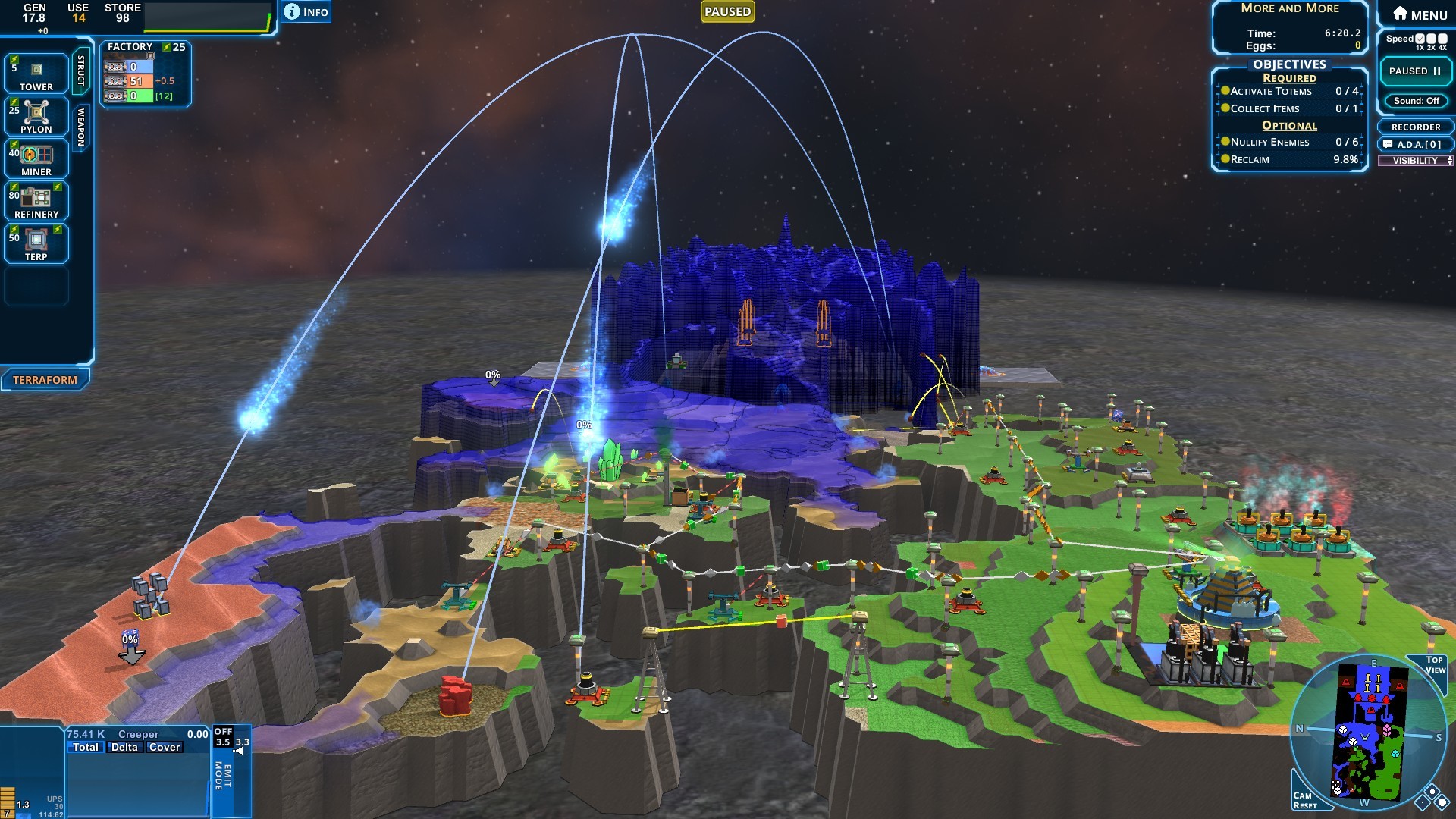
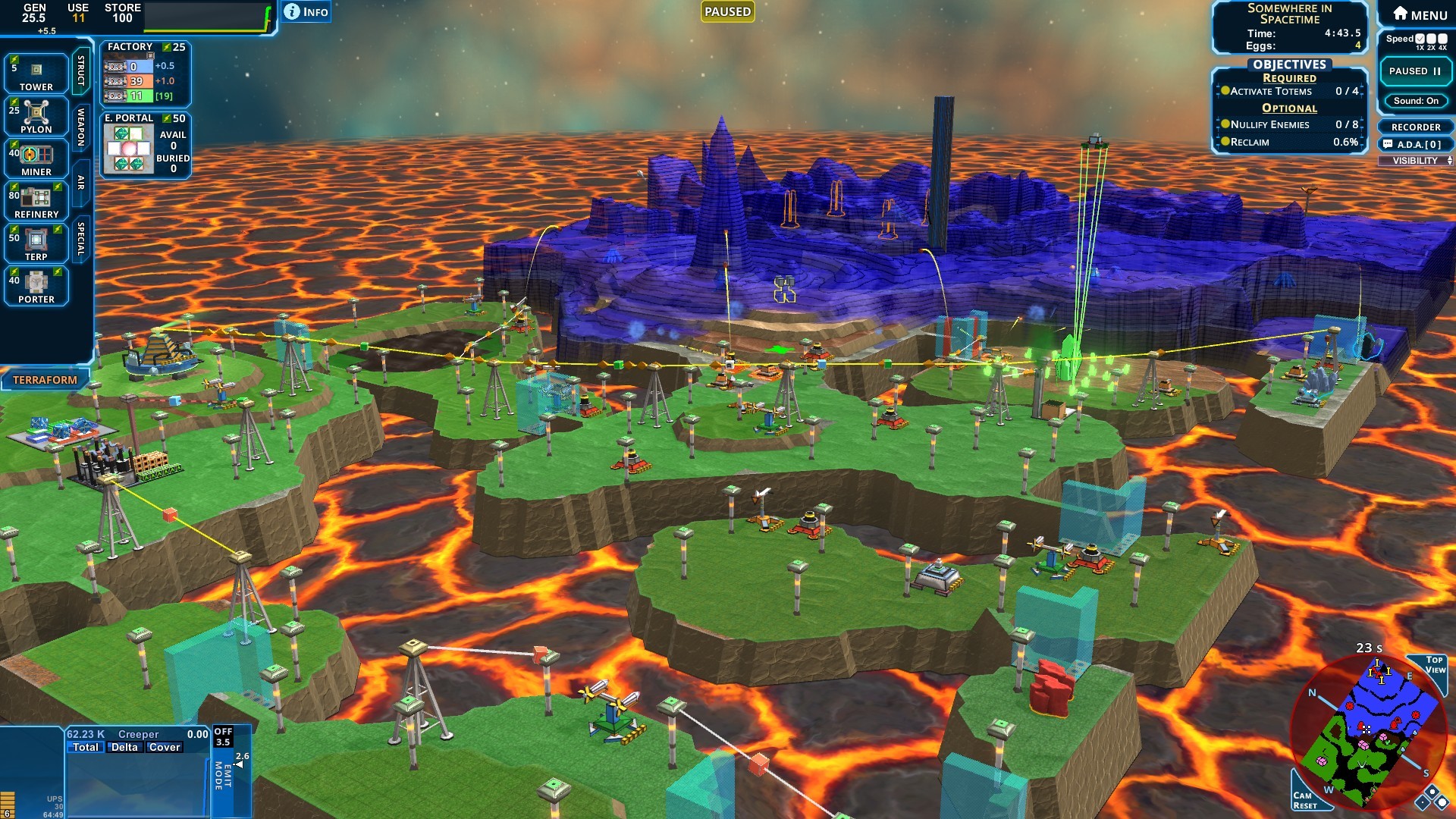
The terrain is rendered in three dimensions, giving players height advantages and line‑of‑sight benefits. High ground lets forces stay above Creeper flow and see farther across the map.
Choosing elevated positions also expands weapon range, but aerial units can still threaten those positions. Terrain height therefore becomes a strategic factor in both defense and offense.
- Compare high‑ground placements to low‑ground spots to see how sight and range differ.
- Observe how Creeper spreads around obstacles to plan routes.
02 / THE GUIDE
Creeper Wave Mechanics
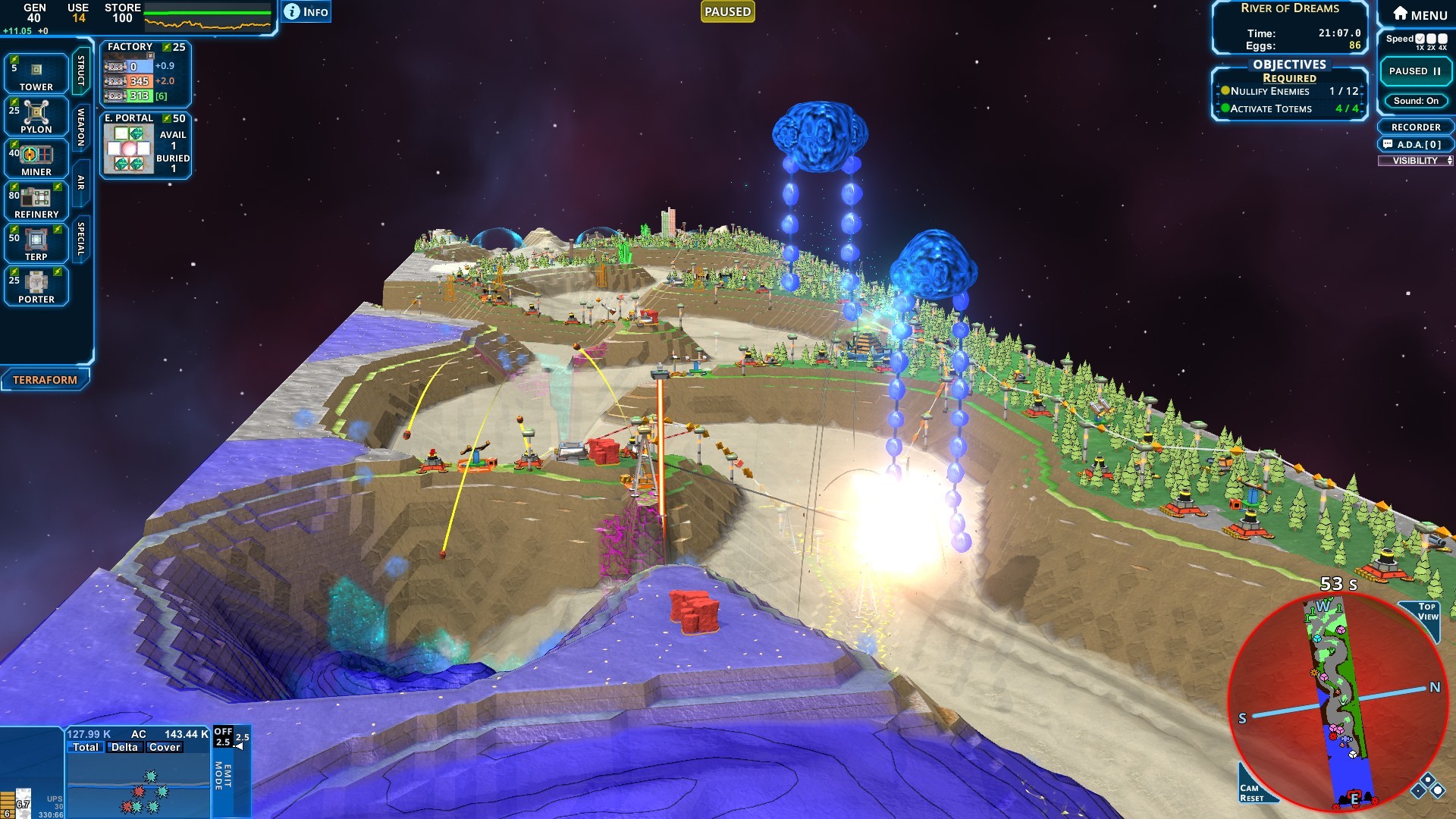
Creeper behaves as a physics‑based fluid that moves in waves across the map, filling low areas and overwhelming structures. The enemy’s flow is continuous, creating pressure on all fronts.
Players must monitor wave fronts and use weapons to cut off or slow the spread, while maintaining base integrity against the ever‑advancing fluid.
- Watch wave speed on different slopes to anticipate where it will arrive first.
- Use early defensive lines to buy time for later upgrades.
03 / THE GUIDE
Land, Air, and Orbital Weapons
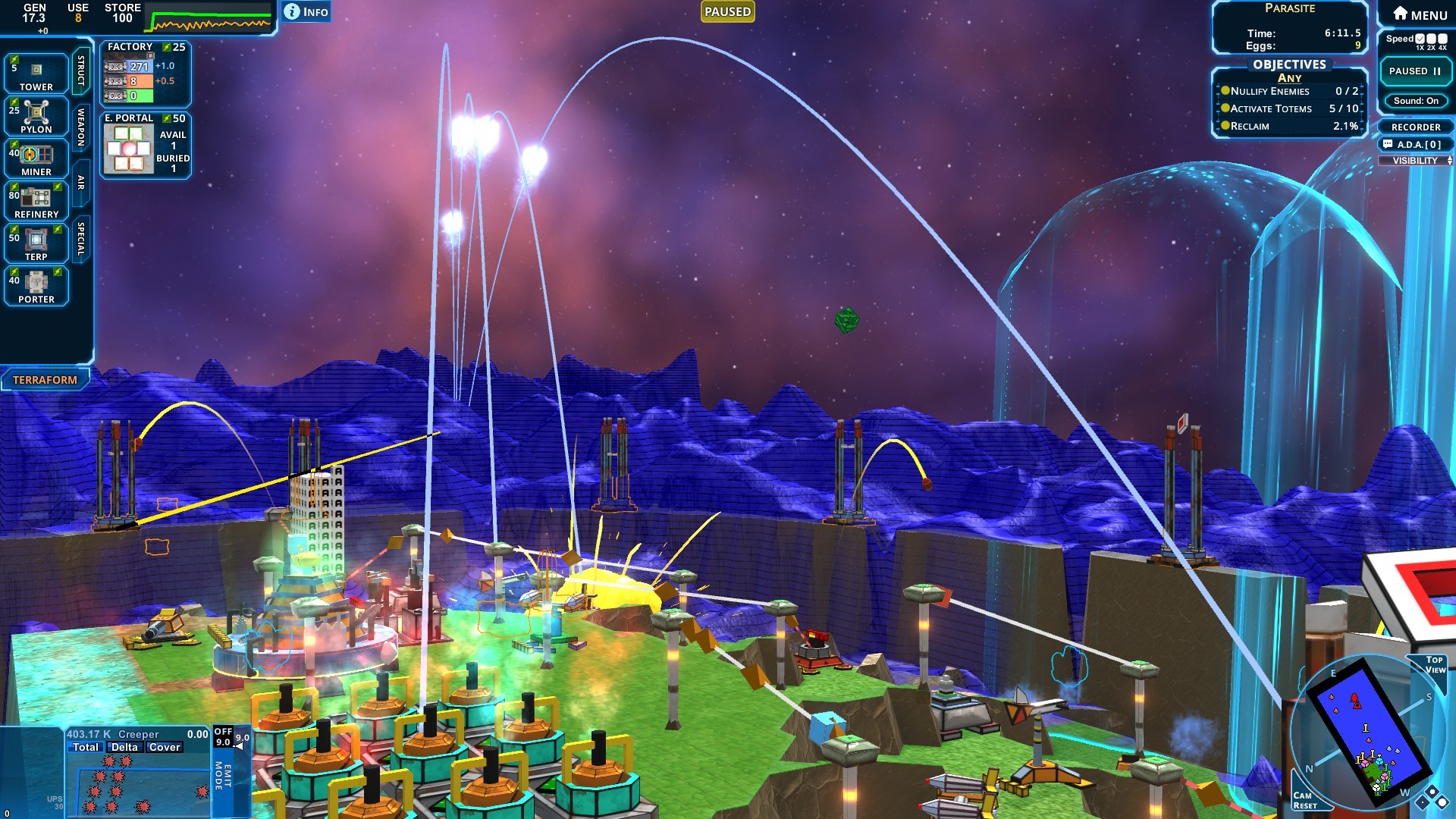
The game provides three weapon categories: ground‑based, aerial, and orbital. Ground weapons defend bases directly, while air units can strike over Creeper‑filled terrain. Orbital strikes become available after surviving long enough, delivering powerful area damage.
Each class has distinct range and impact, encouraging mixed‑force tactics to handle Creeper on multiple levels.
- Mix weapon types to cover both close‑range defense and long‑range strikes.
- Test orbital weapons after a few waves to gauge their effectiveness.
04 / THE GUIDE
Map Editor and Custom Content
Creeper World 4 includes a built‑in map editor that lets players design terrain, place objectives, and script custom units. Created maps and units can be shared through an online database for community play.
The editor also supports custom gameplay modes, expanding the game’s replayability beyond the supplied story and community missions.
- Start with a simple terrain layout before adding complex scripts.
- Browse the online database for inspiration on unit design.
05 / THE GUIDE
Co‑op Multiplayer
Players can team up in cooperative multiplayer, either online or via LAN, to tackle missions together. Co‑op mode shares the same Creeper dynamics and weapon systems, requiring coordinated placement and timing.
Co‑op multiplayer is listed as experimental, letting groups take on missions together with shared responsibilities.
- Communicate unit placement to avoid overlapping fire zones.
- Assign specific weapon roles to each player for balanced coverage.
COMMUNITY
Player discussion