 GameWiki
GET YOUR BEARINGS
About Creatures: The Albian Years
Creatures: The Albian Years lets you watch virtual life unfold on a Windows PC. It bundles the original Creatures 1 and 2, their life kits, and several Object Packs, creating a broad simulation of the Albia world.
In this single‑player title you can nurture Norns that display hunger, pain, frustration and fear, teach them to speak, breed them, and observe a range of Albian inhabitants such as butterflies, fish, Ettins and Grendels.
01 / THE GUIDE
Worlds and Environments
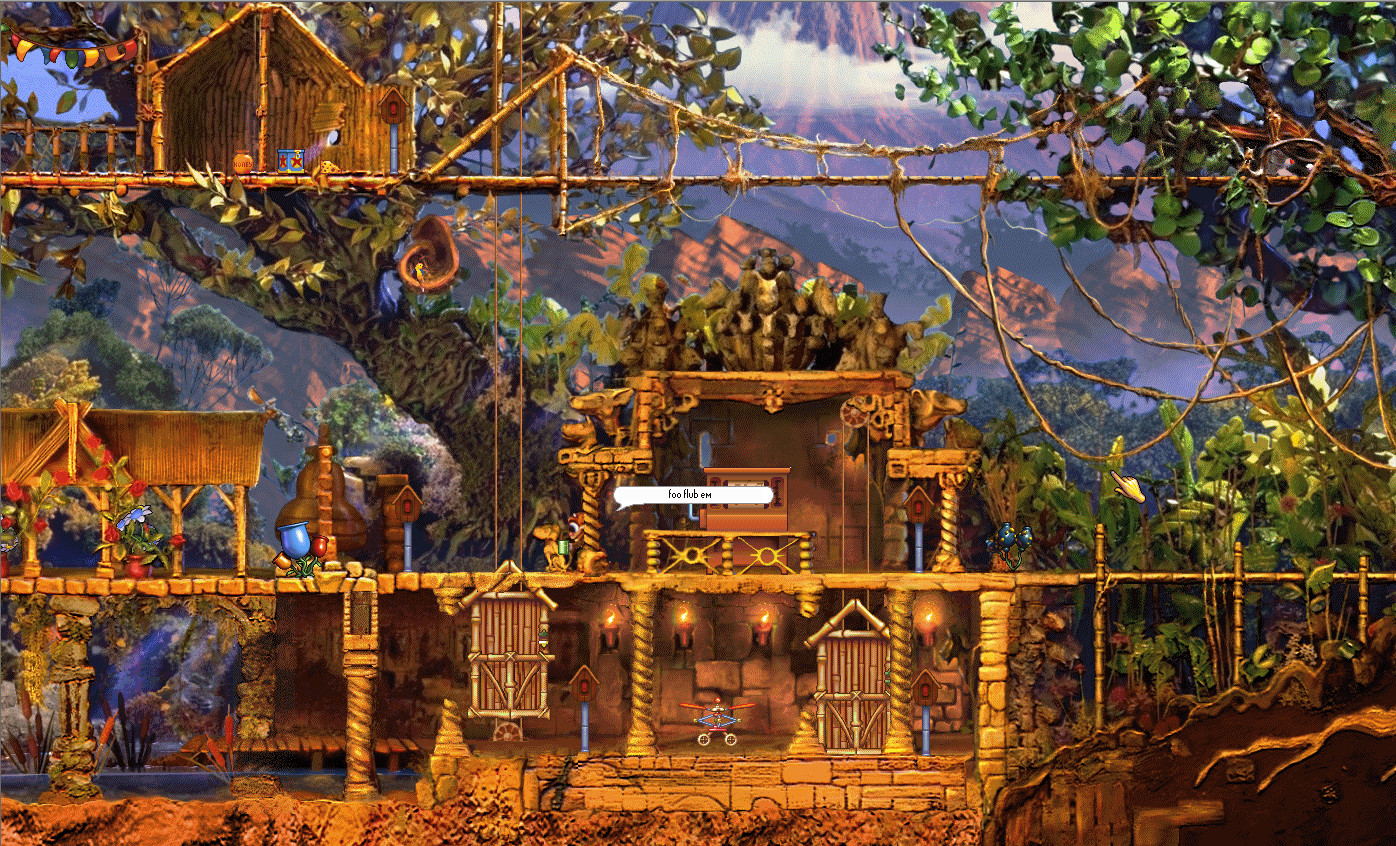
The compilation mentions that players can "Play in two giant worlds" on Albia. These two giant worlds are environments where creatures live, move, and encounter natural features.
These environments host a variety of native species, from insects to aquatic life, giving each world its own ecological context for creature behavior and survival.
- Observe how terrain type influences where Norns choose to rest.
- Note which species appear most frequently in each world.
02 / THE GUIDE
Creature Emotions and Needs
Norns are described as displaying "real feelings from hunger and pain to frustration and fear." These emotional states are visible cues that indicate a creature's current condition.
Managing those cues—by providing food, comfort or space—helps keep Norns healthy and encourages desired actions such as learning to talk.
- Check for hunger or pain indicators regularly.
- Use calm interactions to reduce visible frustration.
03 / THE GUIDE
Breeding and Genetics
The description states you can "Breed your favorites and pass on their genes and characteristics to the next generation," indicating a genetic inheritance system for offspring traits.
Observing which traits appear in children lets players identify patterns and plan future pairings based on visible characteristics.
- Record parent traits before breeding.
- Compare offspring traits to see which genes were inherited.
04 / THE GUIDE
Object Packs and Injectables
The compilation adds "many Object Packs - adding a number of injectable objects into the game," expanding the set of items that can appear in the simulation.
Injectable objects can be added to the game, allowing players to observe how creatures react to new items or environmental changes.
- Introduce one injectable at a time to isolate its effect.
- Watch creature behavior after an injectable appears.
05 / THE GUIDE
Family Sharing Support
The feature list includes "Family Sharing," meaning multiple Windows accounts on the same platform can access the title without separate purchases.
Family Sharing does not modify gameplay; it simply permits shared ownership, allowing households to experience the simulation under the same license.
- Enable Family Sharing in the platform settings before first launch.
- Each user can start their own session after activation.


COMMUNITY
Player discussion