 GameWiki
GET YOUR BEARINGS
About Crazy Machines 3
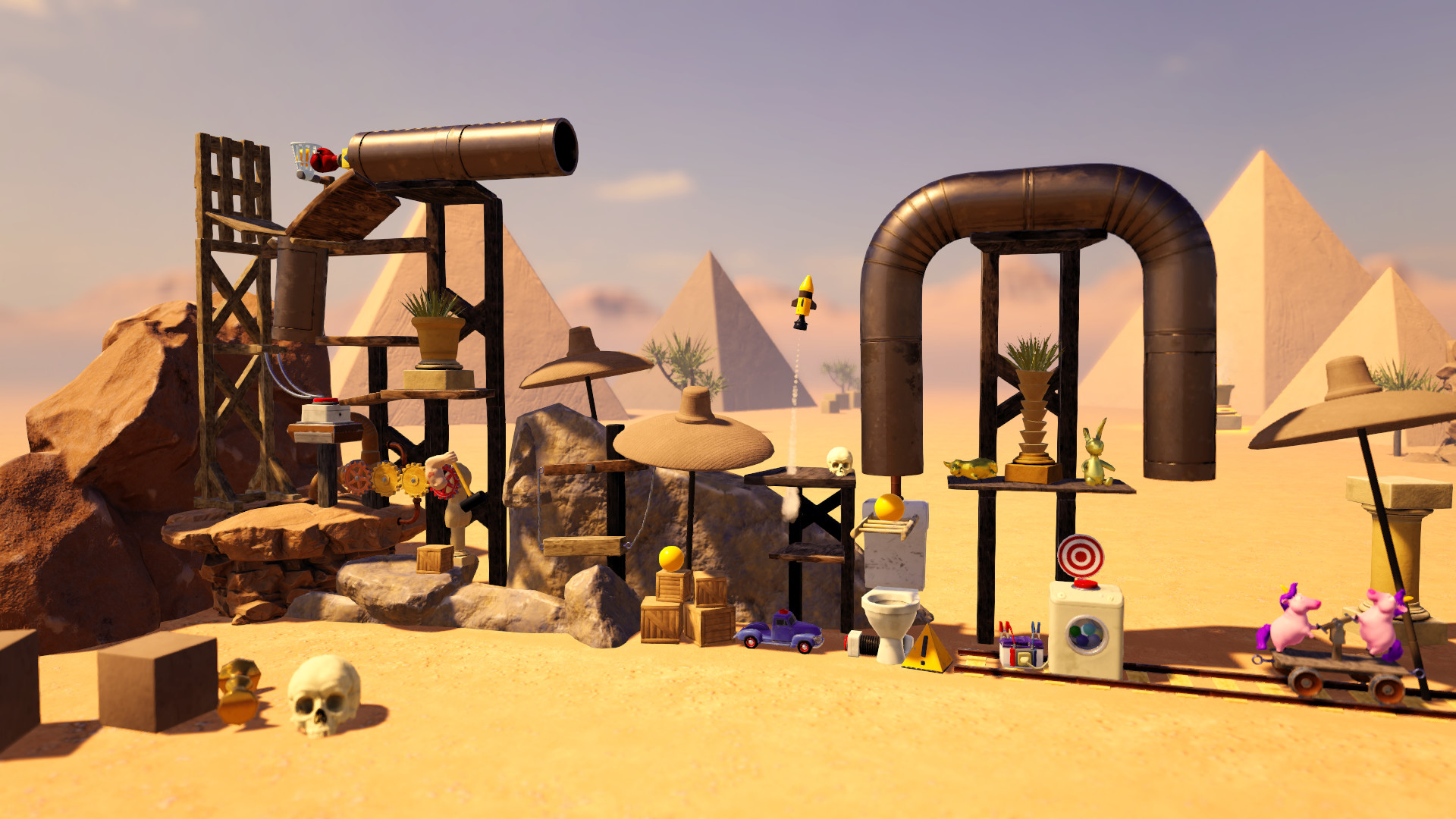
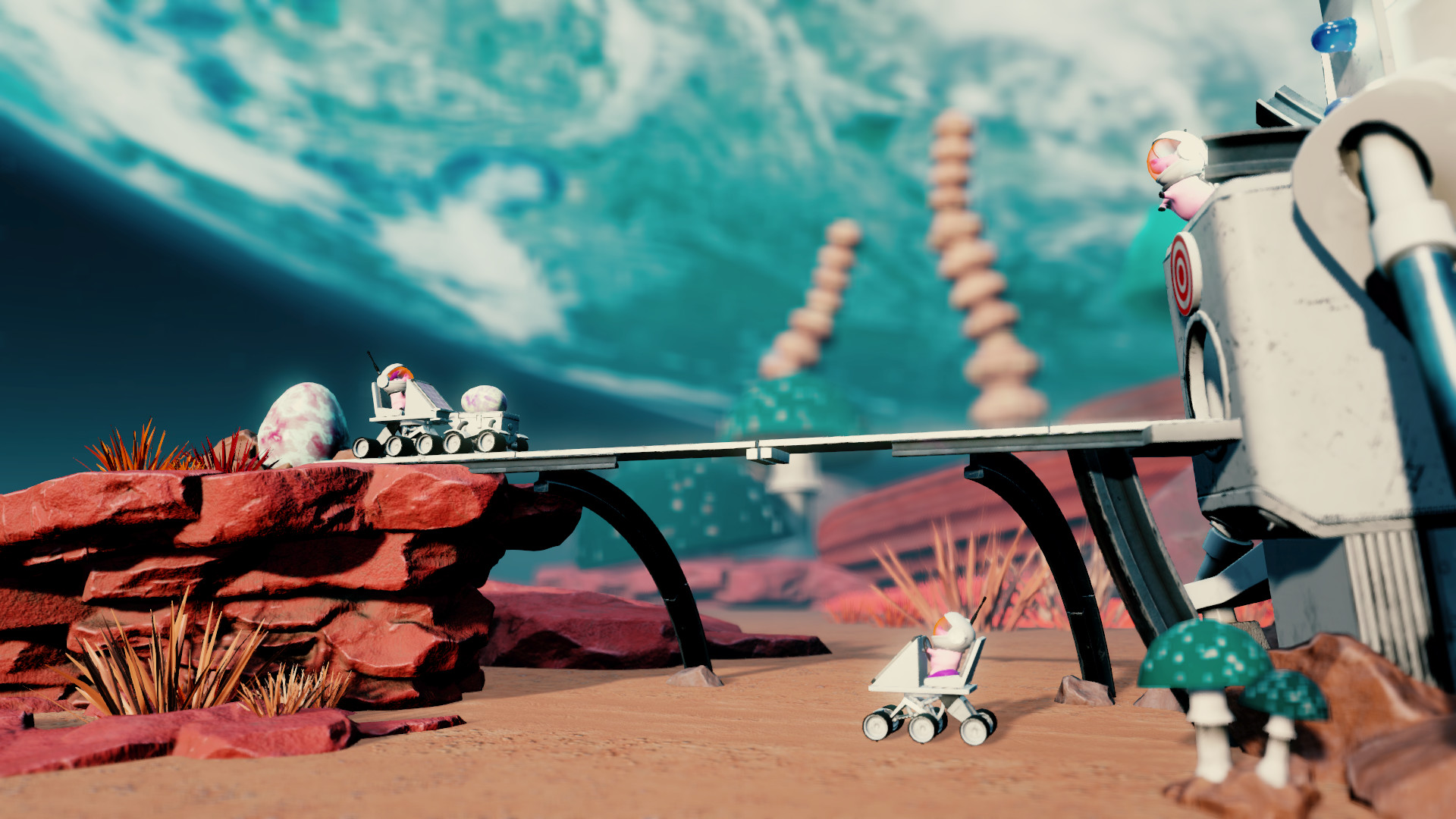
Crazy Machines 3 expands the classic Rube‑Goldberg style sandbox into a larger, faster, and more three‑dimensional playground. Players place a wide variety of objects—wooden planks, lasers, wind turbines, and more—to meet whimsical puzzle goals such as punching an Egyptian statue or launching a kettle from a corn‑shaped creature.
The game includes a powerful editor with over 220 objects and 300 parts, and it integrates Steam Workshop so creators can share machines and download community‑made puzzles, providing a continuously growing pool of content.
01 / THE GUIDE
Puzzle Concepts
Each level presents a specific, often humorous, objective like punching an Egyptian statue or shooting a kettle from a clumsy‑corn’s head. The player must arrange objects into a chain reaction that fulfills that objective, using any combination of parts that the game supplies.
Players can experiment with different object placements and interactions as they tinker toward an ingeniously working machine.
- Test several object arrangements to see which best triggers the required outcome.
- Observe how small adjustments in placement change the chain reaction.
02 / THE GUIDE
Physical Systems
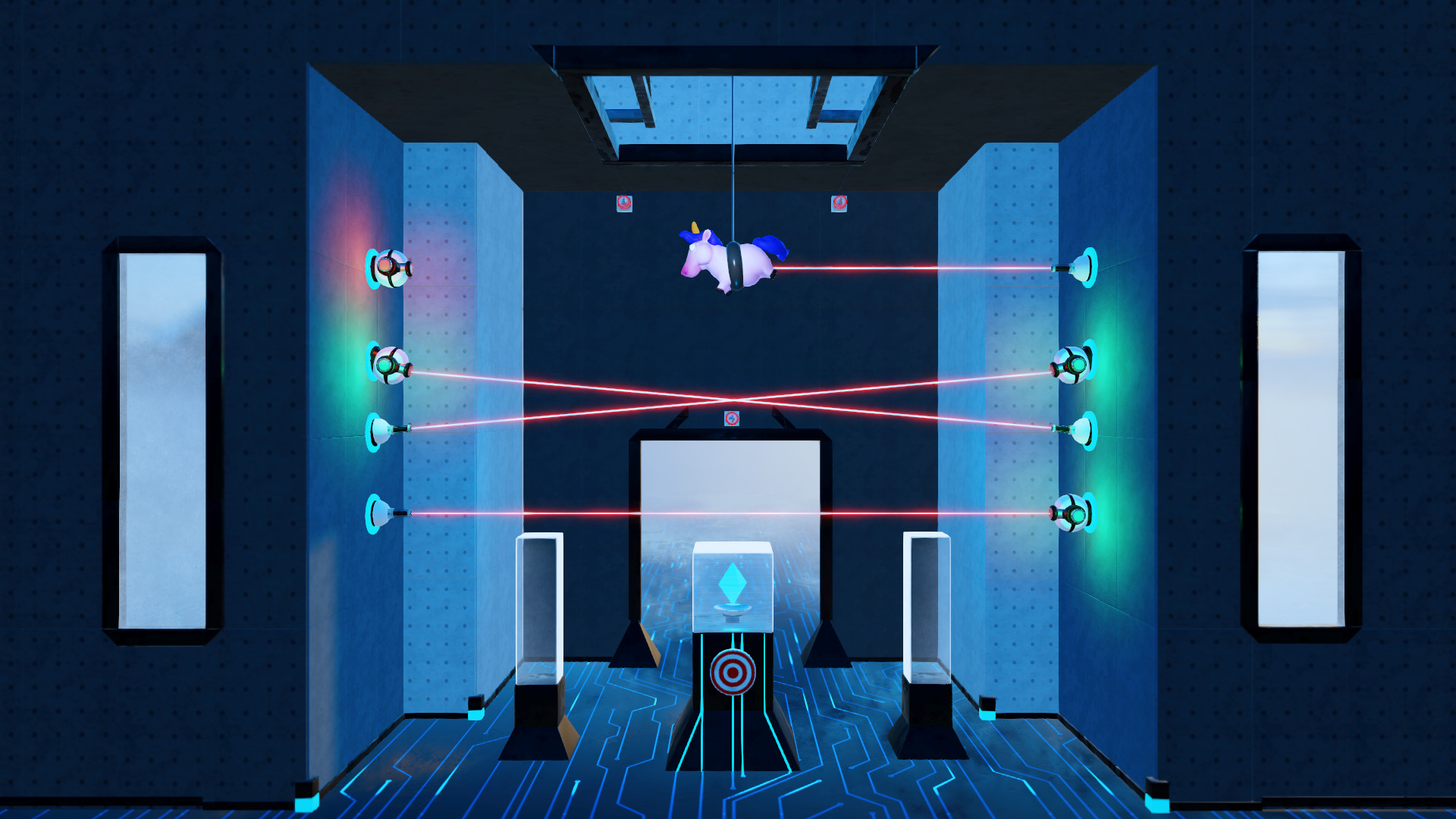
Crazy Machines 3 lets players use electricity, explosions, lasers, lightning, and wind as functional elements in their machines. These systems can be combined so that one effect triggers another within a machine.
The game treats these forces as interacting physical systems, so arranging them in sequence allows one effect to trigger the next, creating complex chain reactions.
- Combine two different forces in a small test to see how they interact.
- Watch visual cues such as sparks or gusts to locate where a reaction may be failing.
03 / THE GUIDE
Material Customization
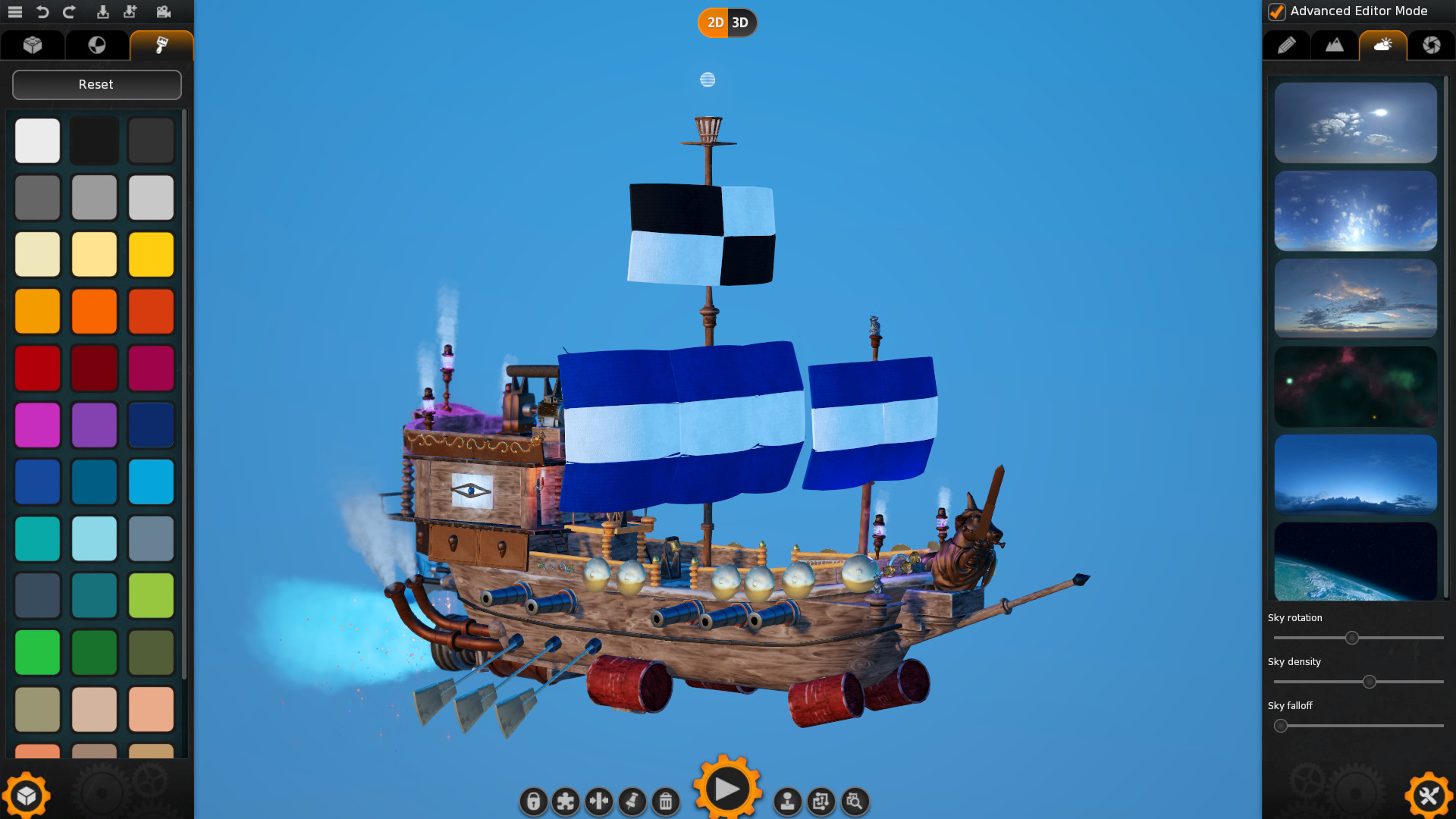
Objects can be built from wood, metal, stone, and other materials. The game allows the player to change each object's size, rotation, and color, giving visual variety and letting the player fit parts into the puzzle space as needed.
Changing the material does not automatically change the puzzle goal, but it does let the player select the visual style and dimensions that best suit the intended chain reaction.
- Swap materials to match the visual theme of your machine.
- Adjust size and rotation to fit tight spaces within a level.
04 / THE GUIDE
Level Editor
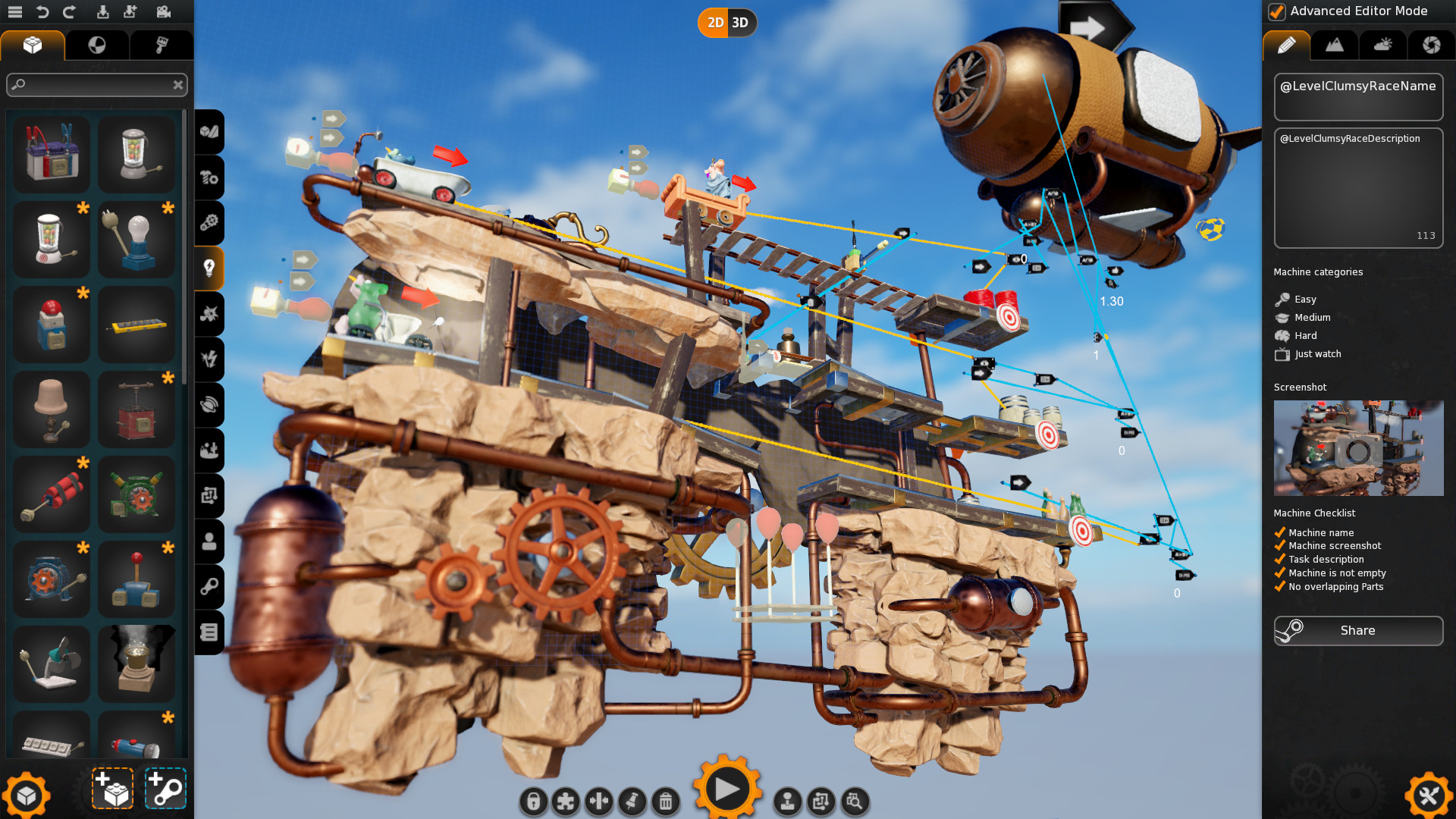
Crazy Machines 3 includes an extensive editor that offers more than 220 objects and over 300 single parts. The editor provides deep control over each object's properties, allowing creators to design both simple toys and intricate challenges.
Creations made in the editor can be saved and shared with a single click, enabling players to distribute their own puzzles to the community.
- Begin with a small prototype before expanding to a full‑scale machine.
- Use the property panels to fine‑tune size, rotation, and color.
05 / THE GUIDE
Steam Workshop Integration
The game connects to Steam Workshop, giving players access to a possibly infinite supply of user‑made puzzles and machine parts. Players can download these community creations to expand their own gameplay experience.
When a player finishes a machine, the game allows a single‑click upload to the Workshop, making the creation available for others to download and use.
- Browse the Workshop for ideas when a puzzle feels stuck.
- Upload your own designs to see how the community adapts them.
COMMUNITY
Player discussion