 GameWiki
GET YOUR BEARINGS
About Crawl
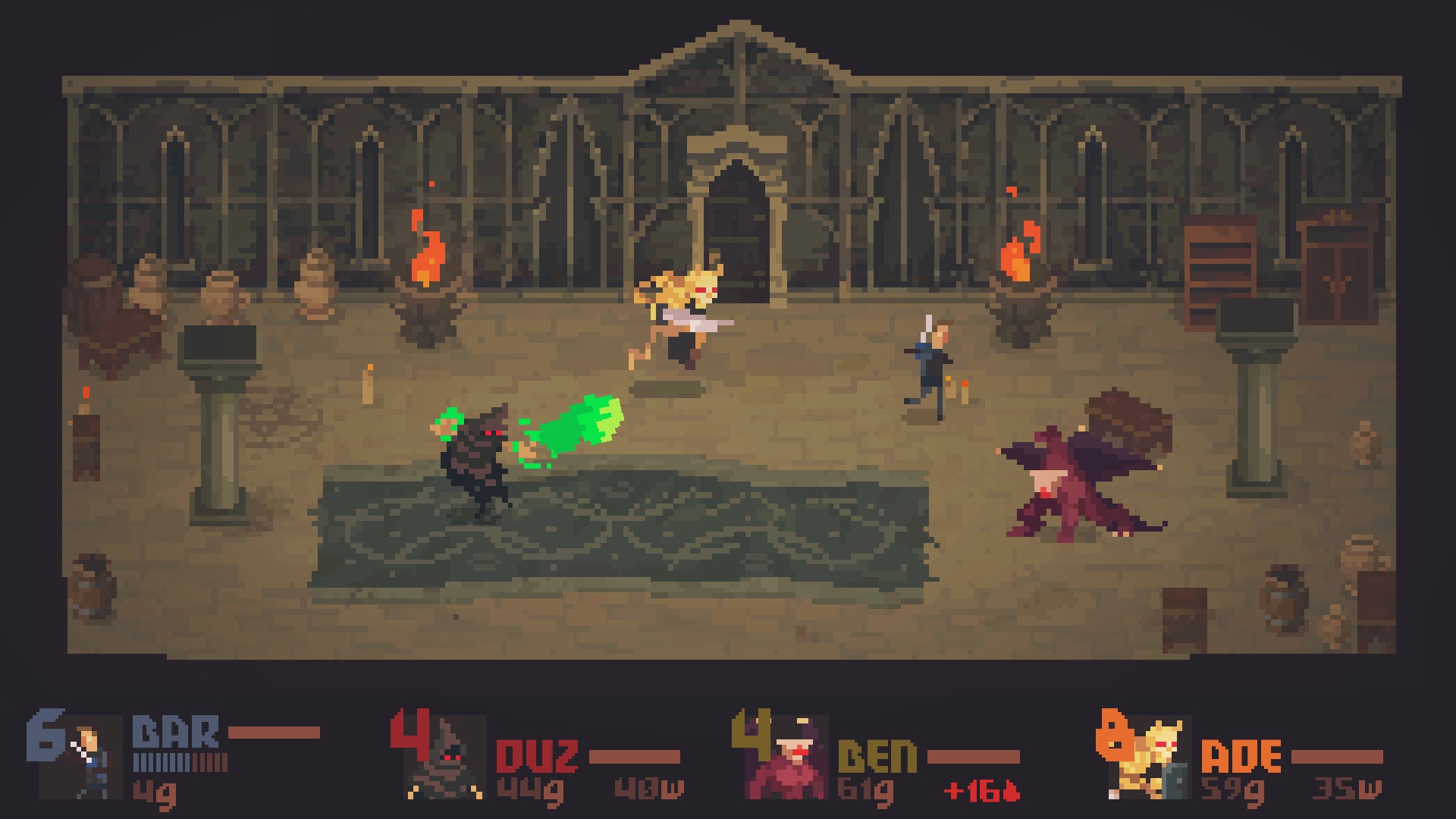
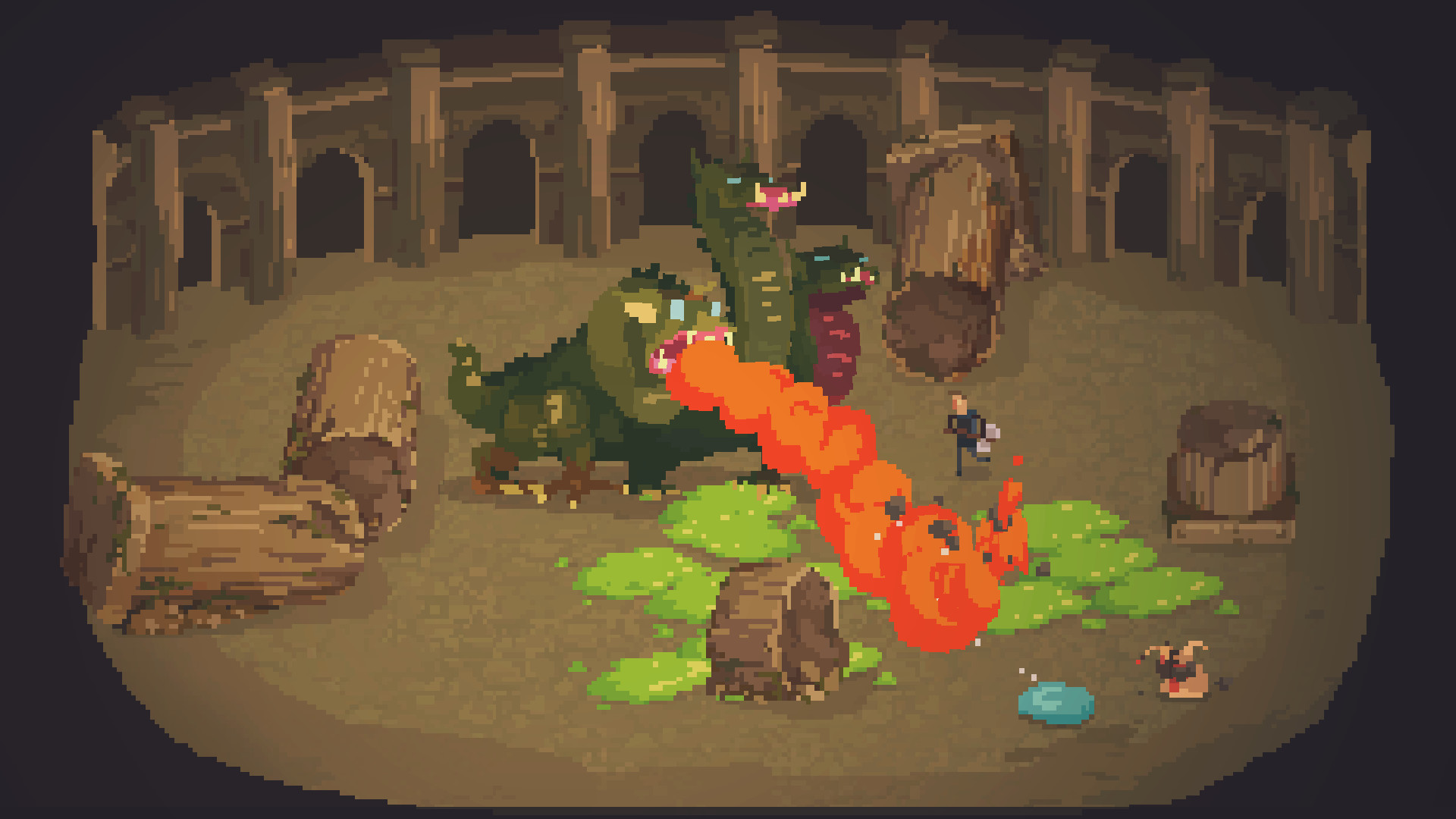
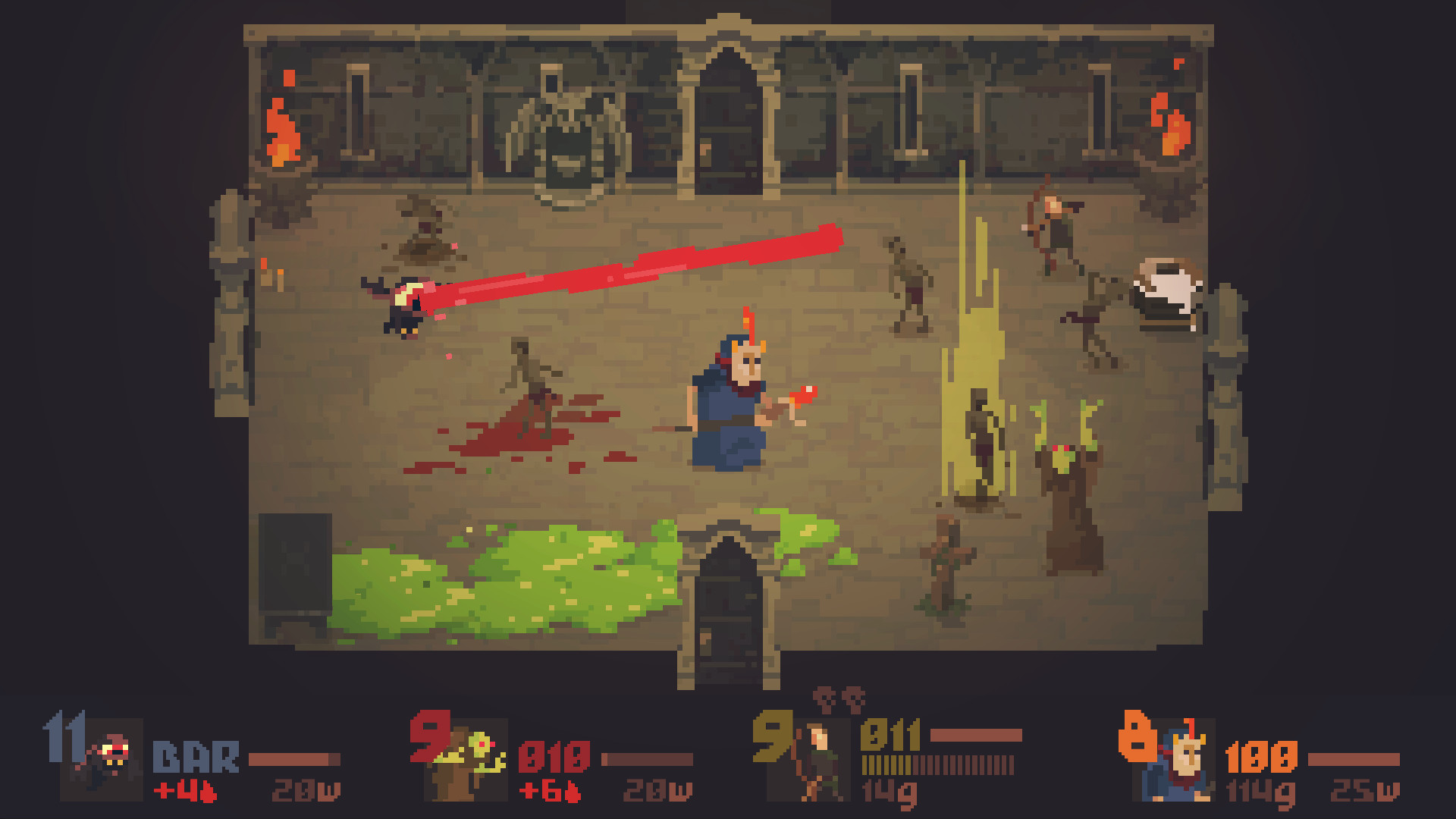
Crawl reimagines the dungeon‑crawling genre by letting friends become the monsters, traps, and even the final boss. Each match lasts about thirty minutes, featuring a randomly generated dungeon filled with hazards that other players control.
The game supports solo play against AI and local split‑screen for up to four players, with full controller, keyboard, and mouse input. Progress is tracked through experience, loot, and evolution into one of sixty monster forms.
01 / THE GUIDE
Core Gameplay Loop
A match begins with players navigating a procedurally generated dungeon. Every trap and monster is controlled by another player, creating a constantly shifting challenge that requires quick adaptation.
Defeating enemies and surviving traps grants experience and loot. Accumulating enough of both lets a player confront the final boss, whose limbs are also controlled by opponents, turning the climax into a player‑versus‑player showdown.
- Watch how opponents place traps to anticipate safe corridors.
- Compare loot quality from early versus late dungeon sections to gauge progression speed.
02 / THE GUIDE
Multiplayer Dynamics
Crawl offers local split‑screen for up to four participants, allowing friends to control monsters, traps, and the final boss. When a player is killed, the killer assumes their position, keeping the action continuous.
A single‑player mode with AI‑controlled enemies provides a comparable experience for solo play while preserving the core mechanic of player‑controlled hazards in multiplayer sessions.
- Rotate monster‑control duties among teammates to keep encounters fresh.
- Observe differences between AI and human‑controlled foes for strategic insight.
03 / THE GUIDE
Progression and Loot
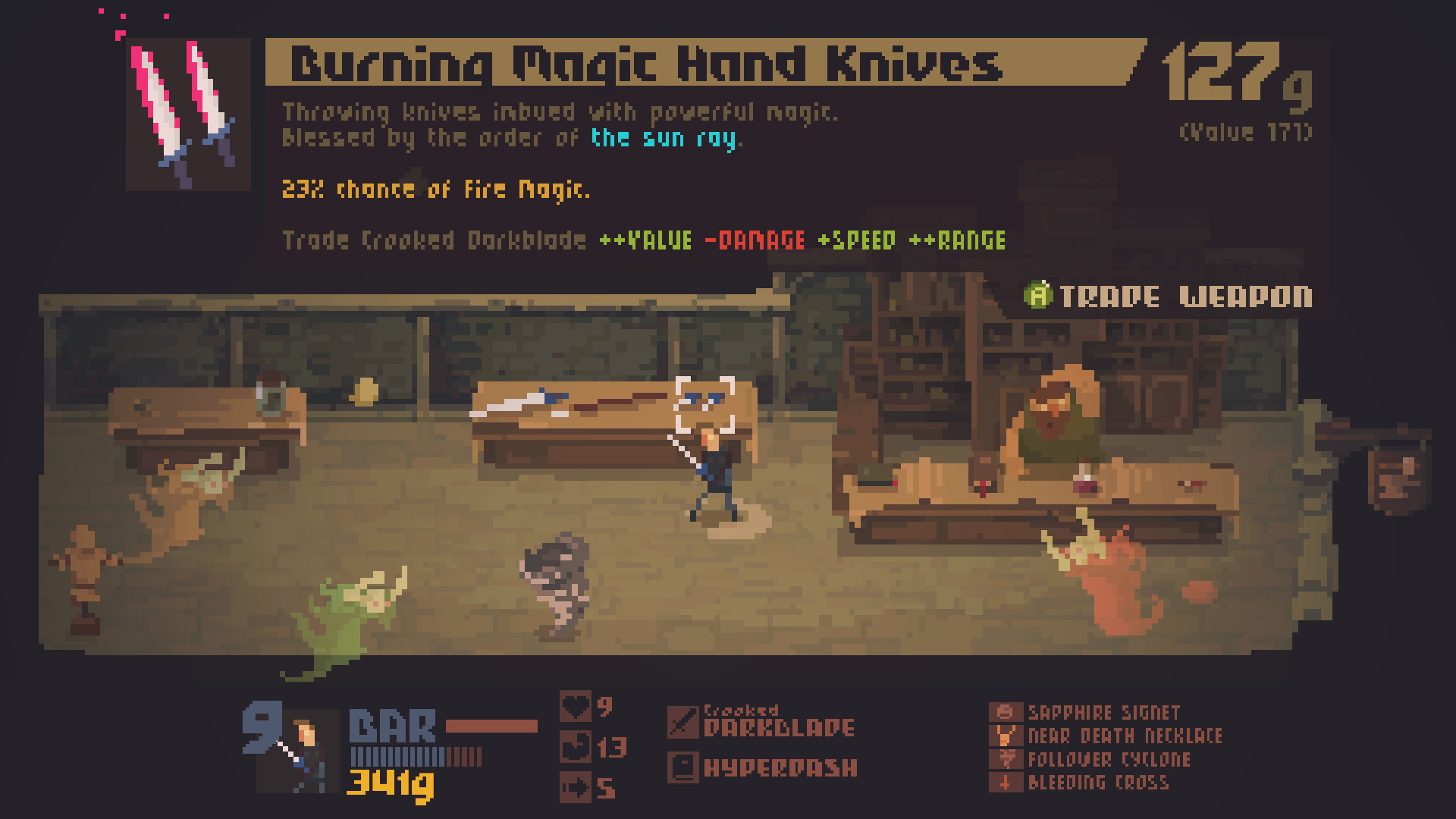
During each thirty‑minute game, players level up and collect a wide variety of weapons, spells, and items. Experience and loot directly affect the ability to challenge the final boss.
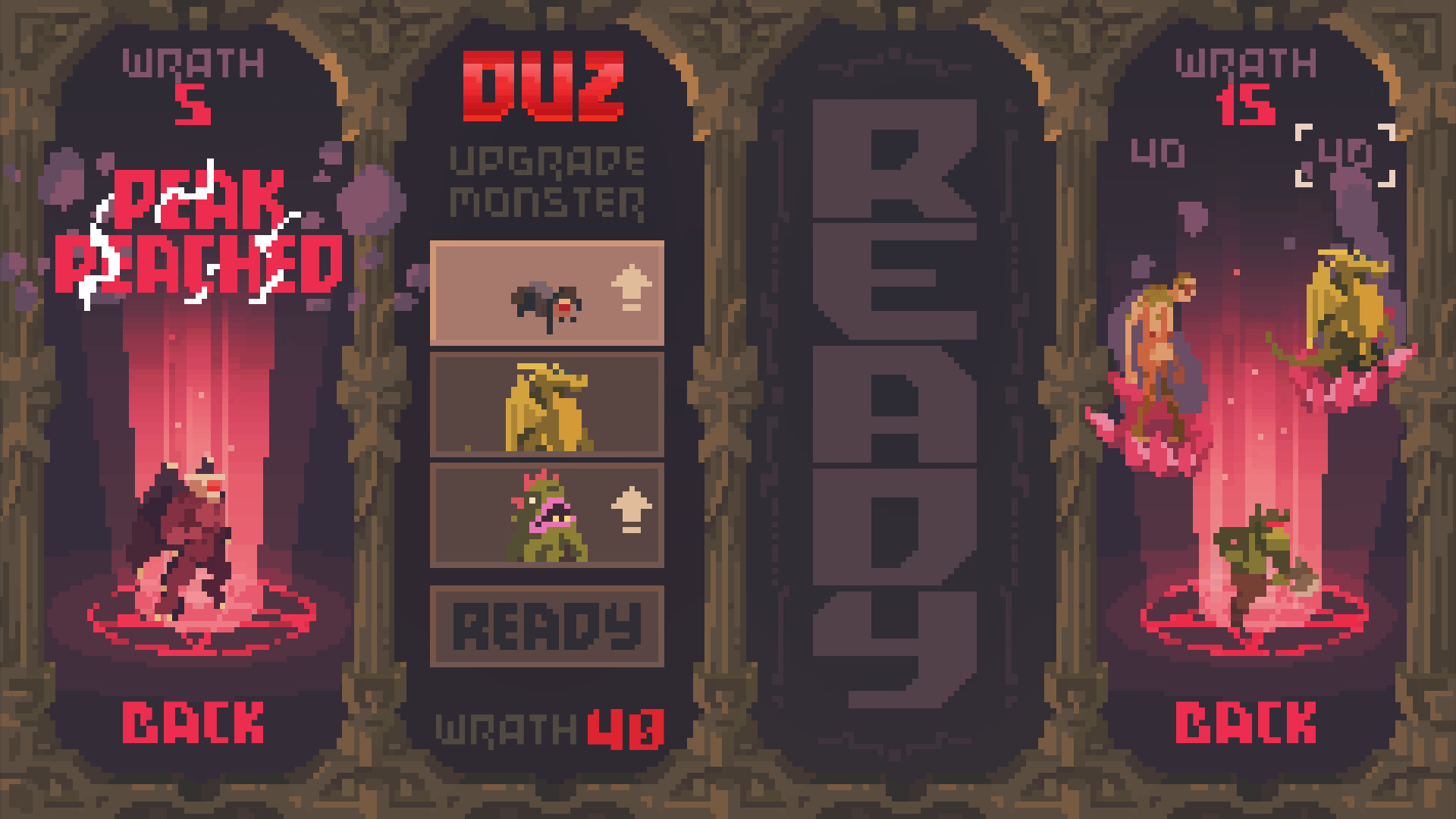
Over the course of a match, players can evolve into one of sixty unique monster forms, ranging from simple vermin to powerful demons and undead warriors, expanding tactical options.
- Track which weapons synergize best with your current monster form.
- Balance spell usage with melee gear to adapt to varied opponent strategies.
04 / THE GUIDE
Input Options and Controller Support
Crawl supports full controller input alongside keyboard and mouse, letting players choose their preferred device for both solo and multiplayer sessions without restricting any mode to a specific method.
Supported controllers include DualShock and DualSense, ensuring compatibility with common PC gamepads. Players may switch between input methods without affecting core gameplay features.
- Test both controller and mouse setups to see which feels more responsive for monster control.
- Compare ergonomics of DualShock versus DualSense during longer sessions.
05 / THE GUIDE
Platform Features and Services
Crawl runs on Windows, macOS, and Linux, providing cross‑platform availability for PC gamers. The title integrates with Steam services such as achievements, cloud saves, and trading cards.
Additional Steam features include Remote Play Together, allowing friends to join a session over the internet, and Family Sharing, which lets multiple accounts access the game under a single purchase.
- Enable Steam Cloud to keep progress synced across devices.
- Use Remote Play Together to invite friends who lack a local copy.
COMMUNITY
Player discussion