 GameWiki

GET YOUR BEARINGS
About Craftomation 101: Programming & Craft
Craftomation 101 drops you onto a frozen world with a single hungry robot and a tiny rocket. You must program the robot to harvest, craft, and expand a crew that can revive the base. The game uses visual blocks to create routines, letting you test ideas, spot weak links, and improve automation.
As you gather resources you can combine them into new recipes, upgrade robots, and keep the base warm. Procedurally generated planets provide fresh layouts of resources, buildings, and volcanoes, encouraging you to refine your programs and share successful seeds with other engineers.
01 / THE GUIDE
Visual Programming
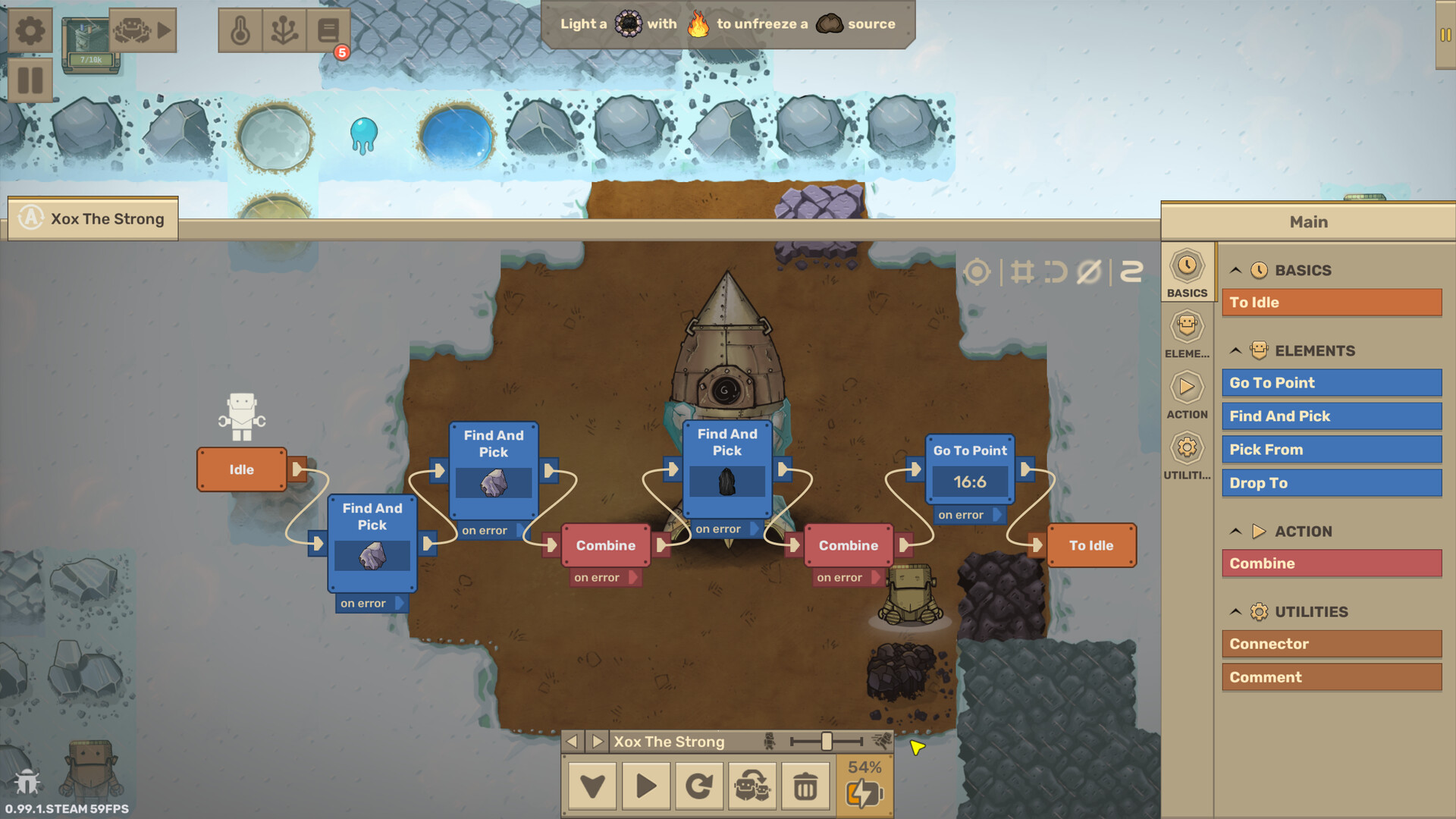
The core mechanic is a block‑based visual programming system. You connect blocks to tell robots how to gather resources, combine materials, and deliver supplies. The order of blocks determines the robot’s actions, allowing you to test and debug routines.
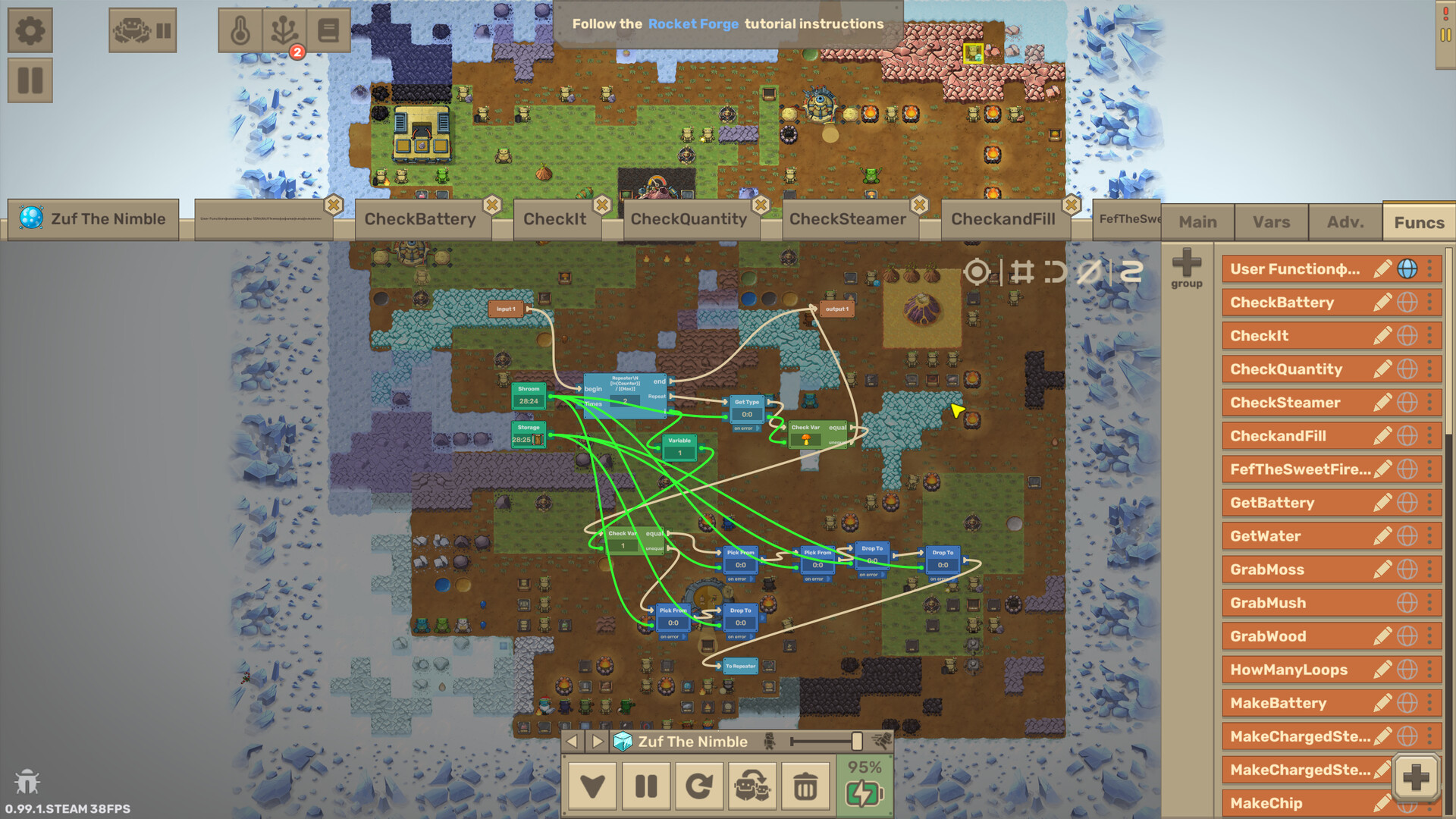
Programs can be saved and reused as foundations for more complex machines. Variables, arrays, and reusable functions let you scale your logic as the workforce grows.
- Start with short sequences to isolate problems quickly.
- Reuse functions for repeated tasks to keep programs tidy.
02 / THE GUIDE
CraftoMates Robots
Tiny robots, called CraftoMates, are assembled and upgraded using harvested materials. Each robot can be programmed to perform specific chores, from mining to crafting tools.
As you expand the crew, robots can feed each other, keep the base warm, and even build more robots, creating a self‑sustaining loop of automation.
- Prioritize upgrades that increase resource capacity.
- Balance robot roles to avoid bottlenecks in production.
03 / THE GUIDE
Resource Harvesting & Crafting
Robots harvest raw materials from the icy surface and combine them into new recipes. Crafting tools, fuel, and building components all stem from these combinations.
Discovering new recipes expands what your base can produce, enabling more advanced automation such as heat generators and terraforming equipment.
- Experiment with different material combos to unlock hidden recipes.
- Keep a stockpile of basic resources for emergency repairs.
04 / THE GUIDE
Base Warmth & Terraforming
Robots need fuel, and the base requires heat to survive the cold. Automate fire‑making, tool crafting, and heat distribution to keep the settlement alive.
Planting trees and producing oxygen are later steps that push back the ice, moving the planet toward full terraformation.
- Automate fuel production early to avoid heat loss.
- Schedule tree planting after securing a steady oxygen supply.
05 / THE GUIDE
Procedurally Generated Planets
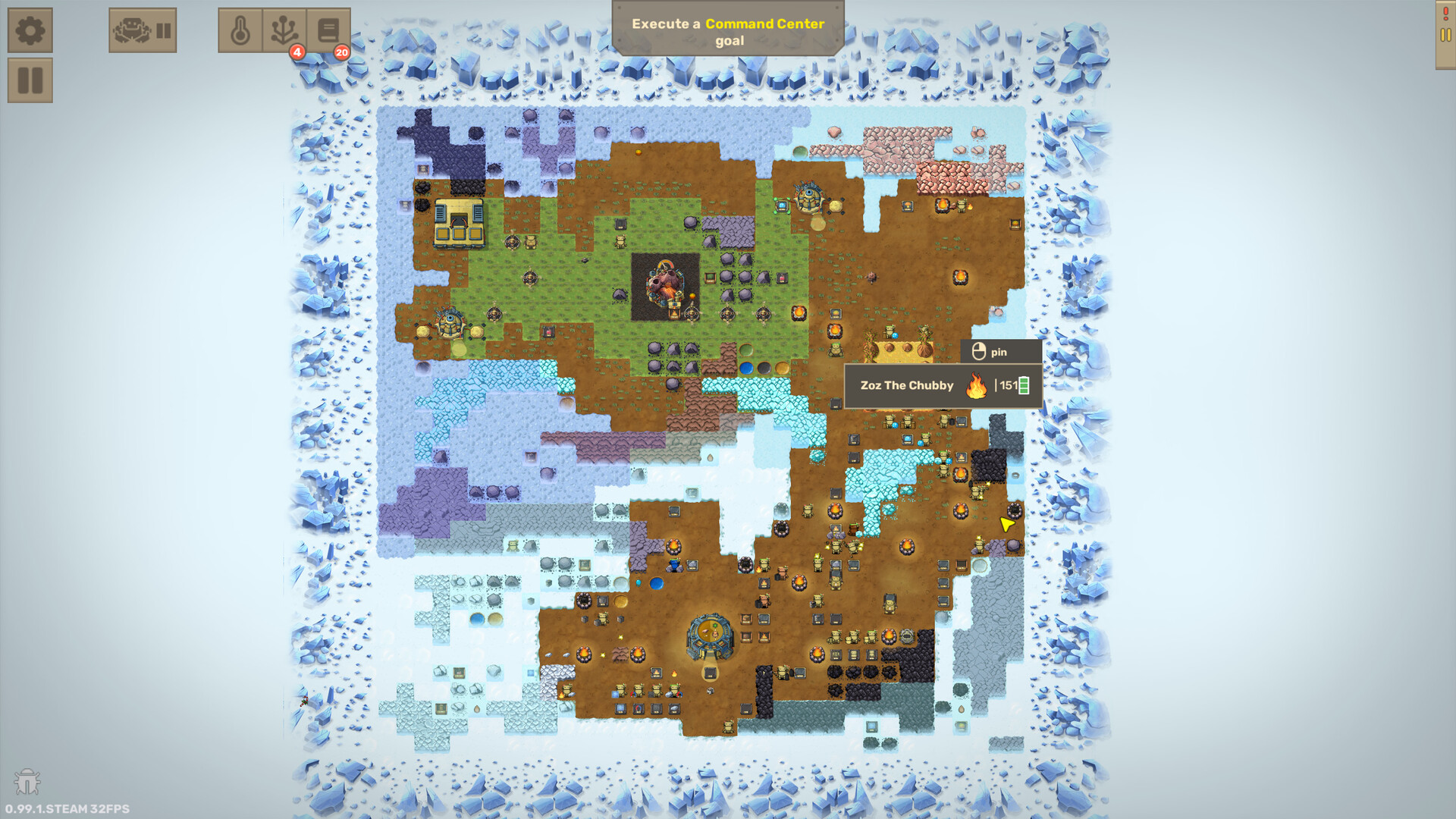
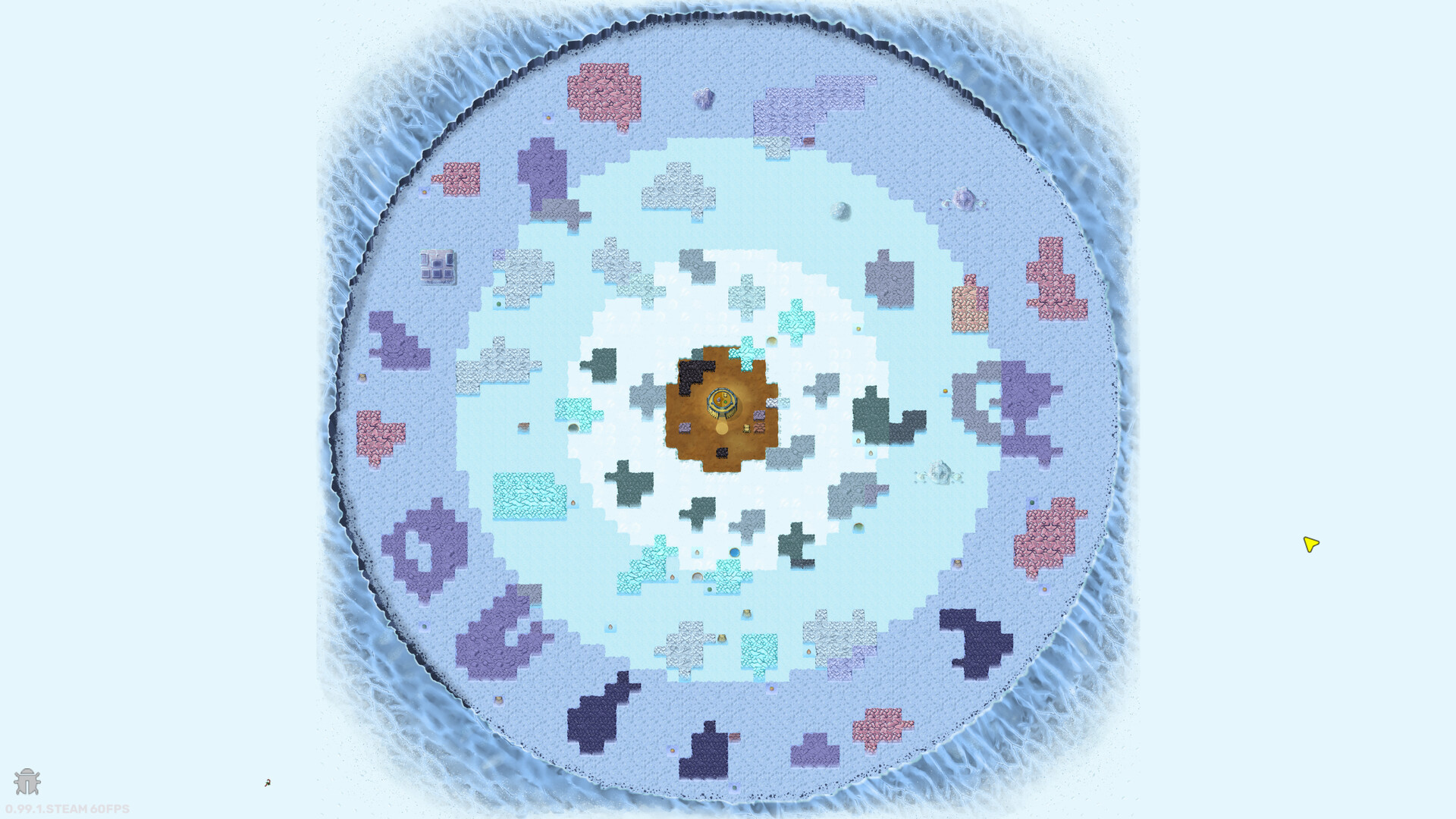
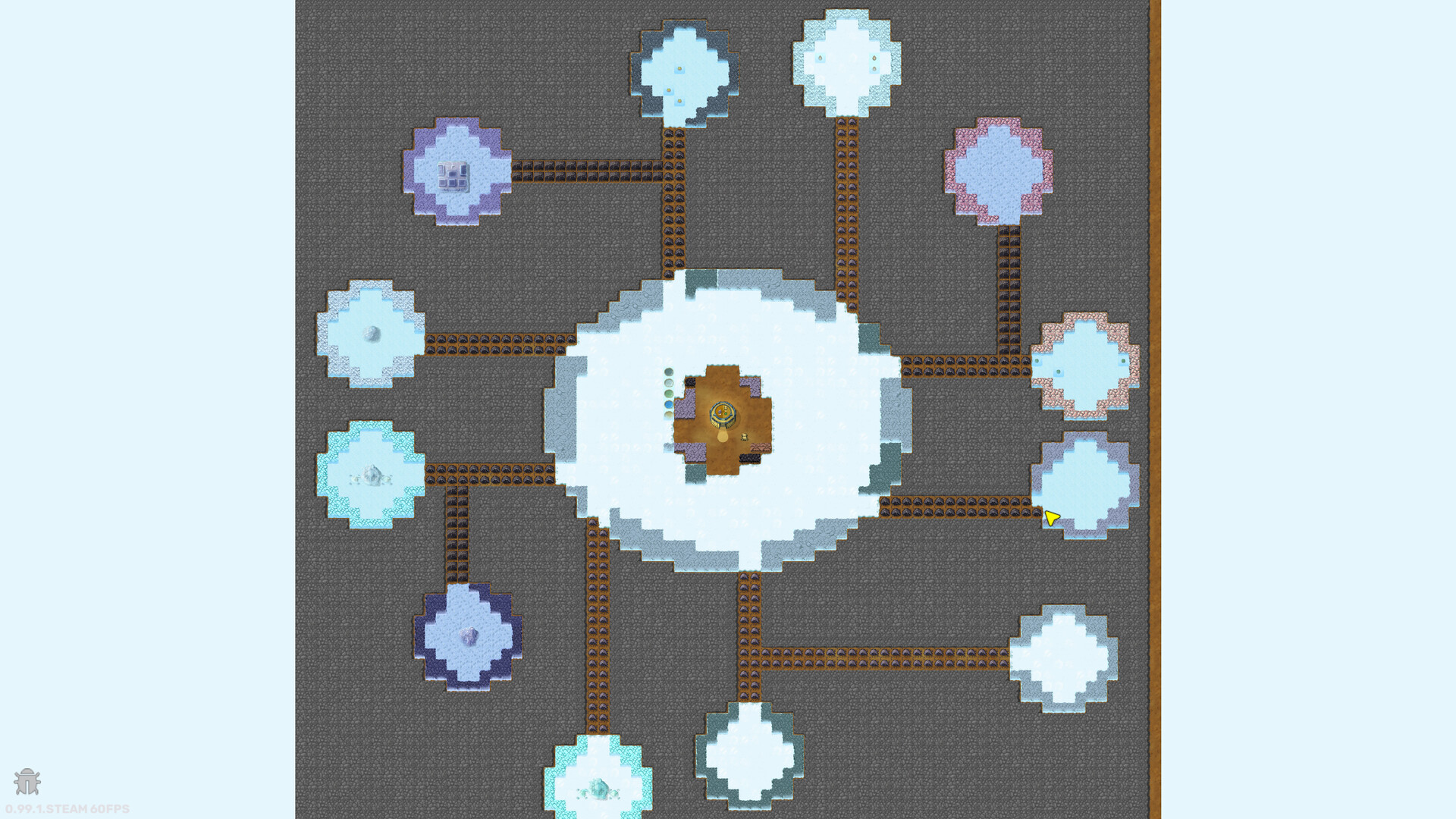
Each game uses a procedurally generated frozen planet with unique layouts of resources, buildings, and volcanoes. Different seeds present new challenges for your automation strategies.
You can refine your approach on a new seed or share a favorite seed with other players, allowing community comparison of solutions.
- Map resource locations before committing to large programs.
- Share successful seeds to benchmark efficiency.
COMMUNITY
Player discussion