 GameWiki
GET YOUR BEARINGS
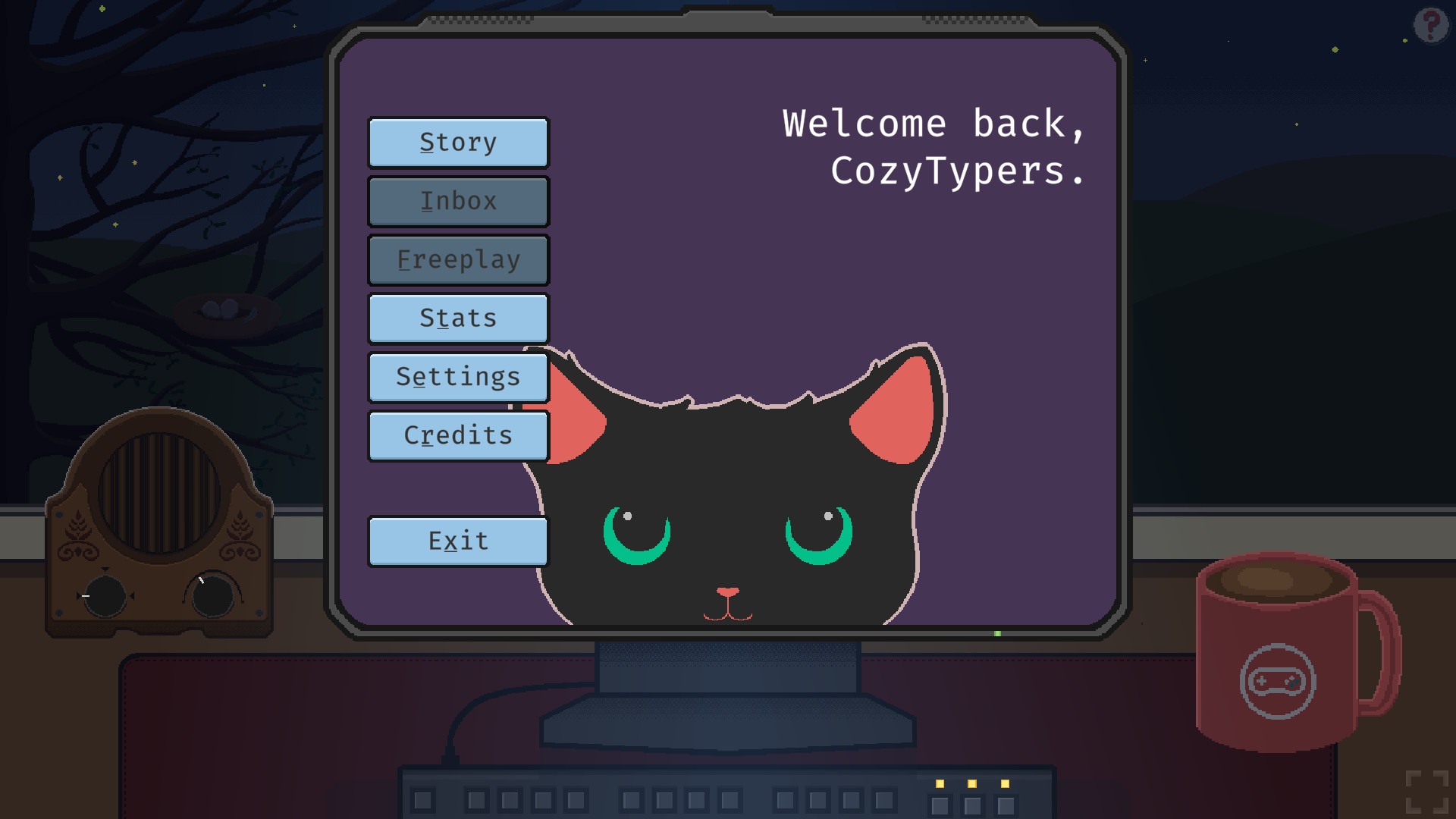
About CozyTyper
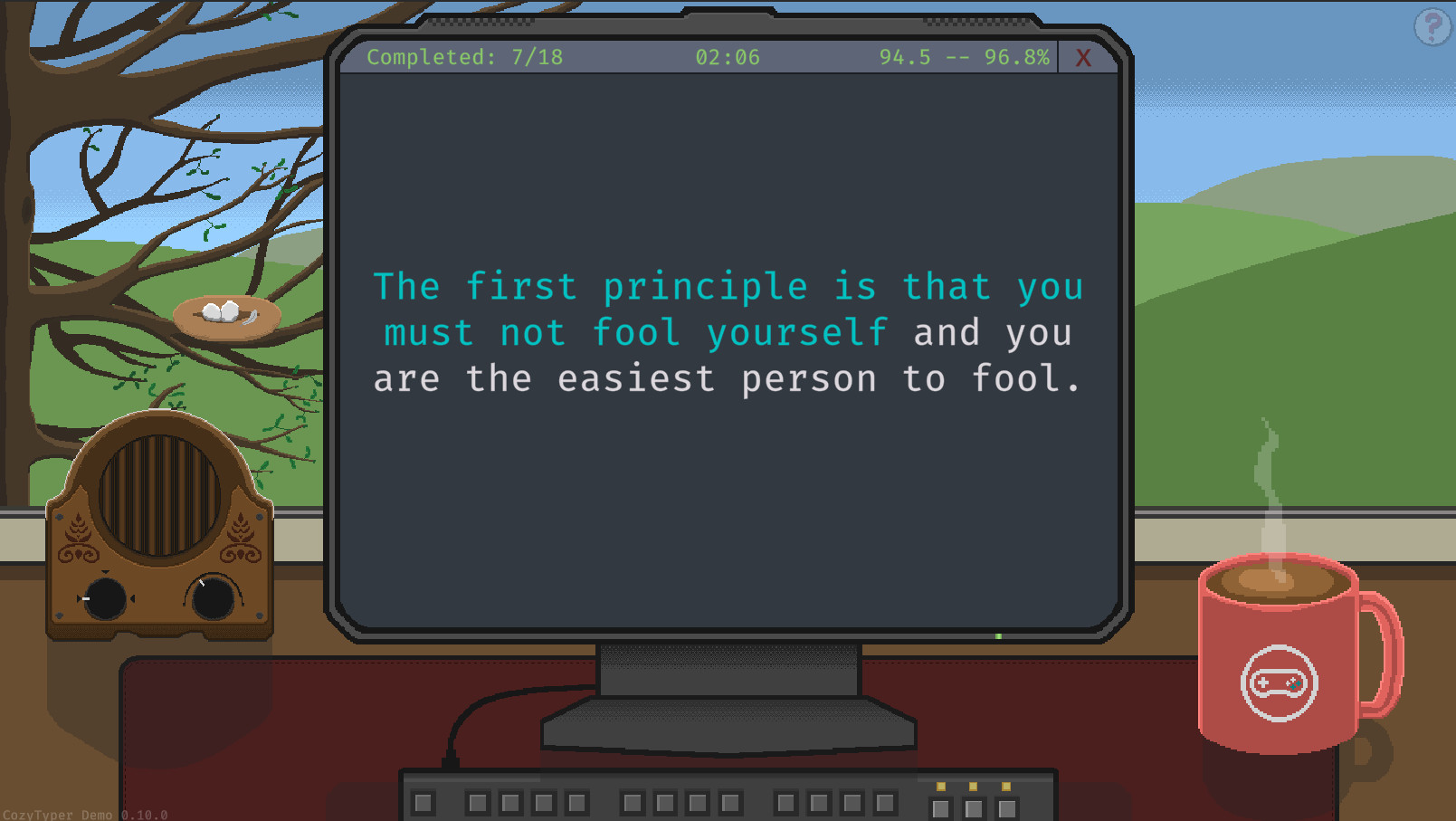
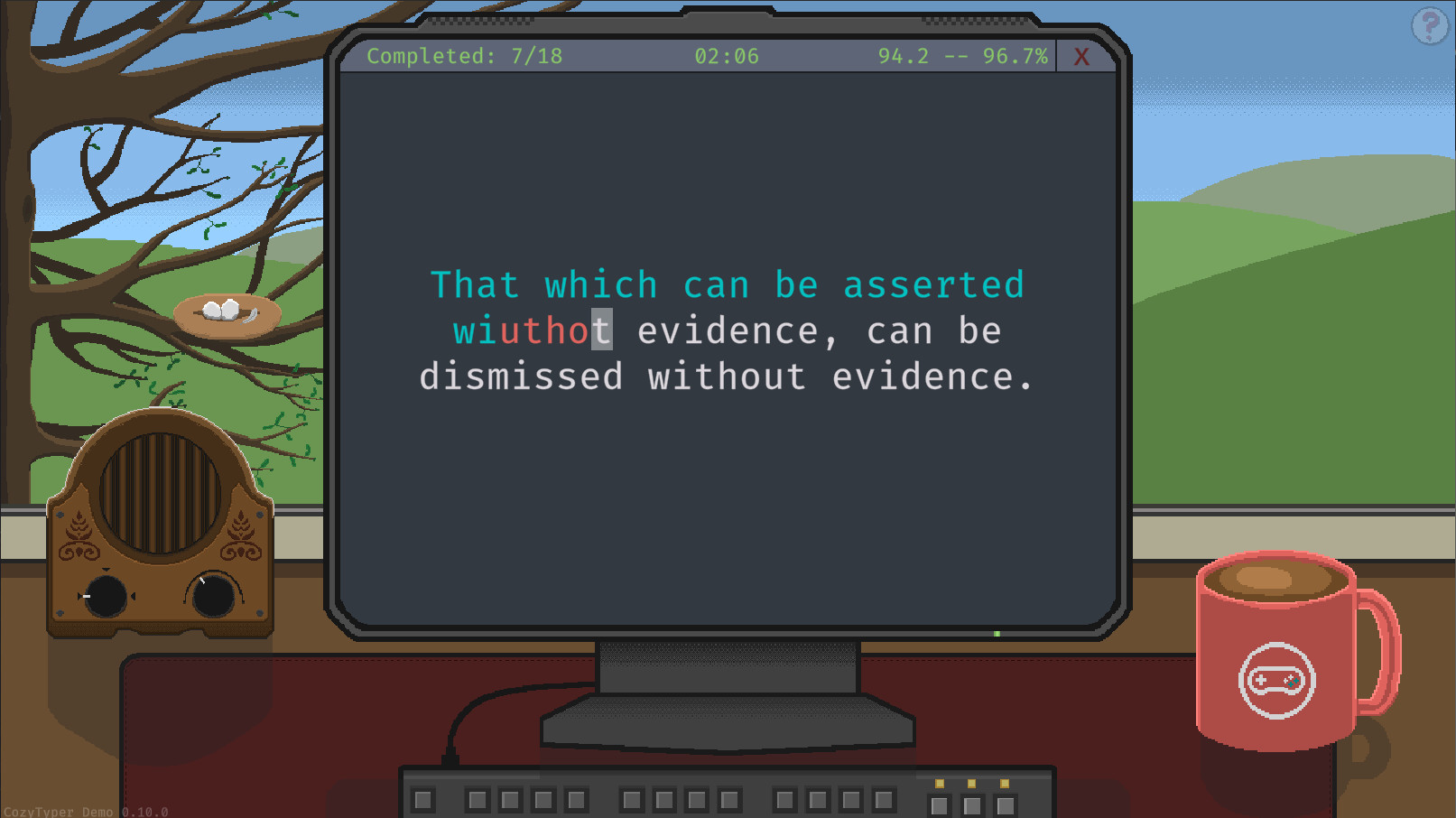
CozyTyper reimagines the typing‑game genre by rewarding pure accuracy instead of speed. The game presents full quotes from games, movies, novels and speeches, letting players build muscle memory without a ticking clock. As you advance, quotes grow longer and more technical, naturally encouraging faster typing.
The experience is framed as a course taught by Anita, a lifelong typist. Progress reports arrive throughout the story, and completed quotes unlock for endless practice in Freeplay mode. Stats such as accuracy and words‑per‑minute are displayed in graphs, helping you monitor improvement in real time.
01 / THE GUIDE
Story Mode
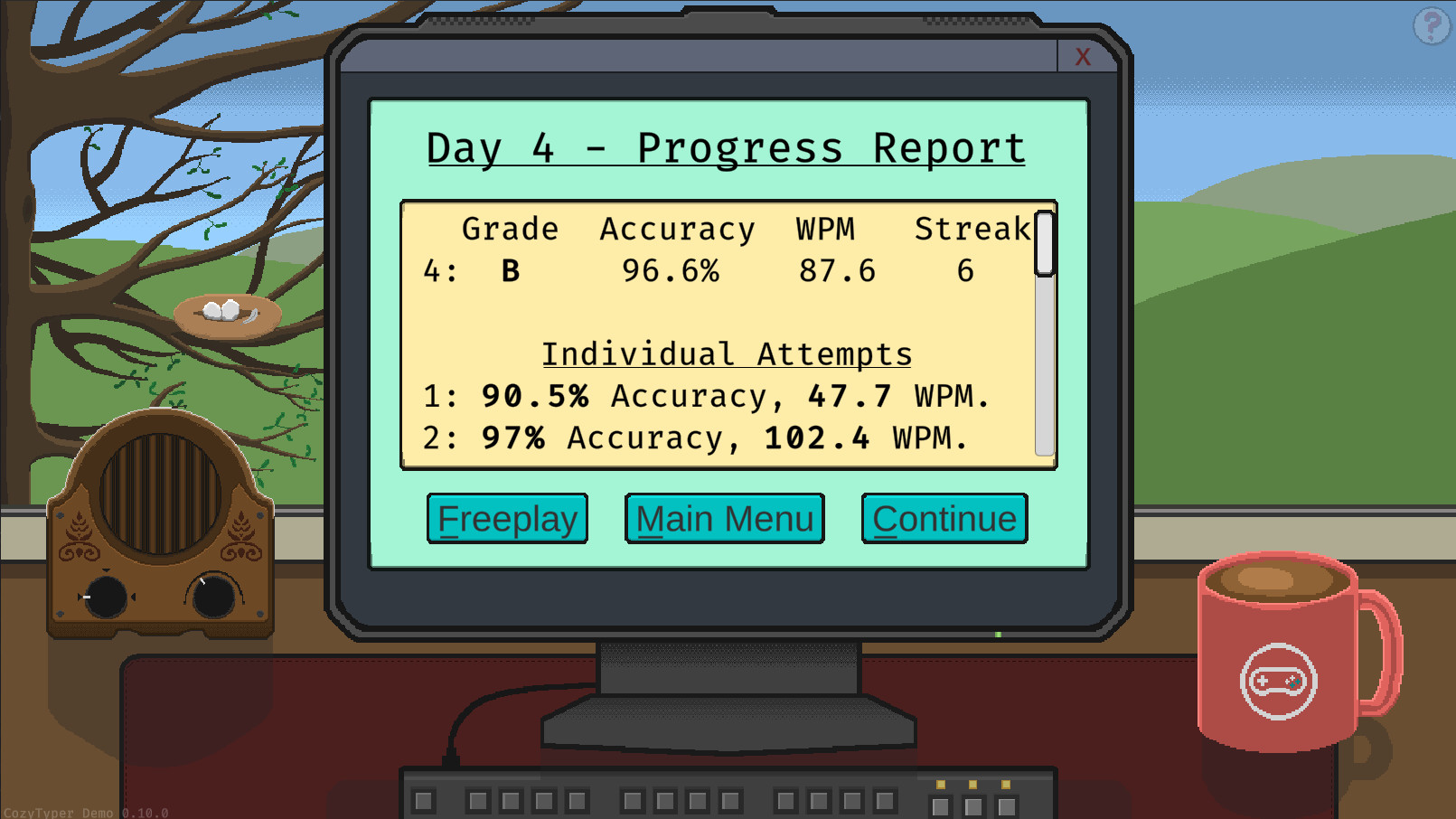
In Story Mode you follow Anita’s teaching course, typing full quotes that increase in length and technicality as you move through difficulties. Each in‑game day ends with a progress report that shows your latest accuracy and speed.
At the end of each week, bonus quotes for that difficulty become available, expanding the pool of material you can practice. The mode records your stats, which are later viewable in the game’s graphs.
- Compare daily reports to spot trends in accuracy before focusing on speed.
- Use the weekly bonus quotes to challenge yourself with new vocabulary.
02 / THE GUIDE
Freeplay Mode
Freeplay lets you practice any quote you have unlocked without the structured course. You can let the game select from all unlocked quotes or restrict selection to a specific difficulty via the settings menu.
All typing statistics continue to update in Freeplay, feeding the same graphs used in Story Mode, so practice there still contributes to your overall progress.
- Select a single difficulty to focus on a specific skill level.
- Mix quotes from different sources to keep practice varied.
03 / THE GUIDE
Typing Cursors & Modes
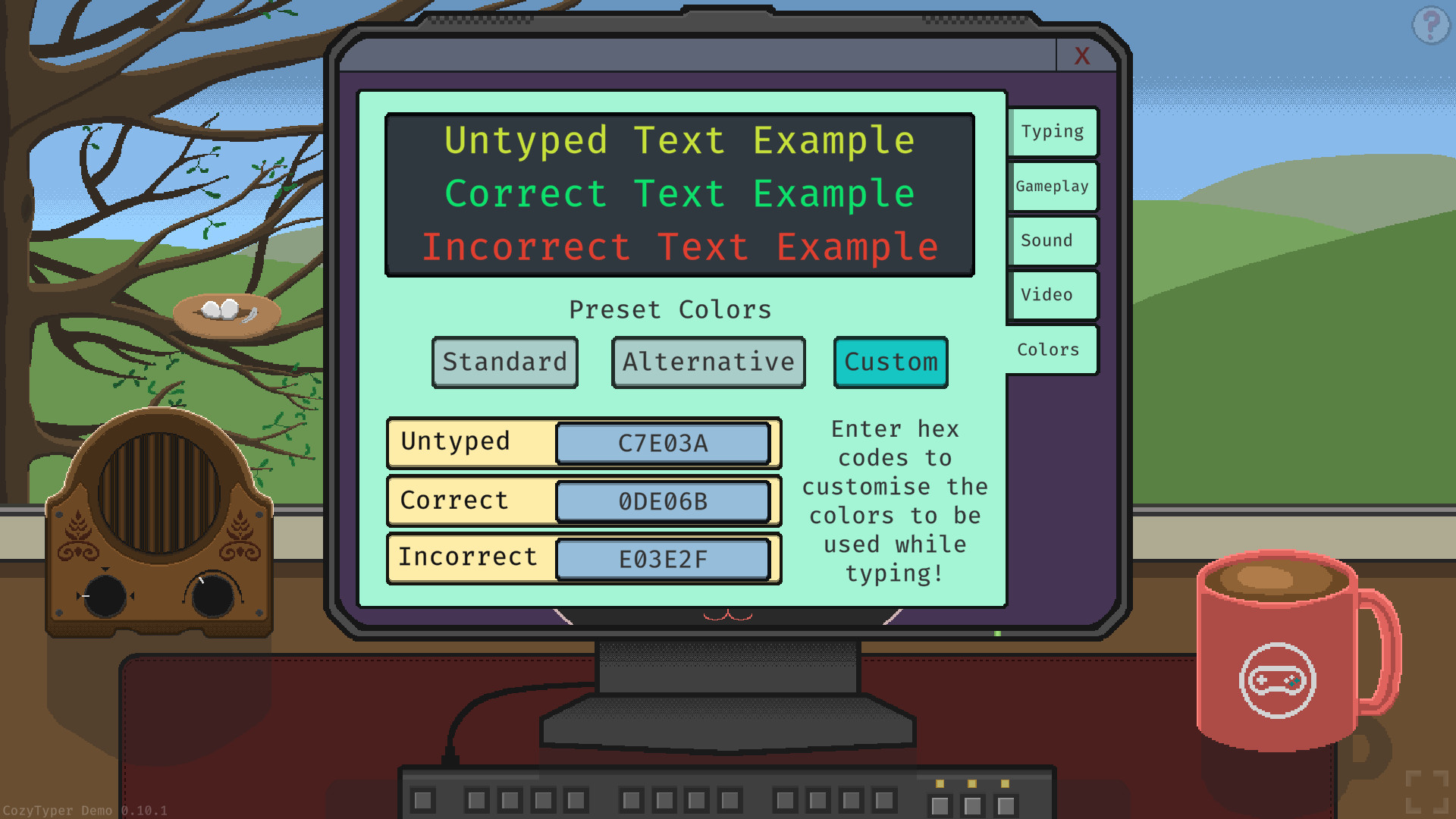
CozyTyper includes three distinct typing cursors and three typing modes, giving visual variety while you type. The cursors change the way the typing line is presented on screen.
You can also choose between two preset colour schemes or create your own, adjusting text highlighting to suit personal preference and readability.
- Try each cursor to see which feels most natural for your rhythm.
- Customize colours for high contrast if you notice mis‑hits.
04 / THE GUIDE
Progress Tracking
The game provides graphs that display both accuracy and words‑per‑minute for your most recent quotes. These visual tools let you compare performance across days and weeks.
Daily progress reports are also shown in Story Mode, giving a textual snapshot of improvement alongside the graphical data.
- Use the graphs to identify peaks in performance and replicate those conditions.
- Review daily reports before starting a new session to set a realistic target.
05 / THE GUIDE
Platform Support & Features
CozyTyper runs on Windows, macOS and Linux, and supports single‑player gameplay with Steam achievements, cloud saves and family sharing. These features integrate with the Steam ecosystem for convenient access.
The game is played by typing out full quotes, aligning with its focus on accuracy and muscle‑memory development.
- Steam Cloud is among the listed Steam features for the game.
- Check the achievement list for optional milestones that reflect consistent practice.
COMMUNITY
Player discussion