 GameWiki
GET YOUR BEARINGS
About Cozy Organizer
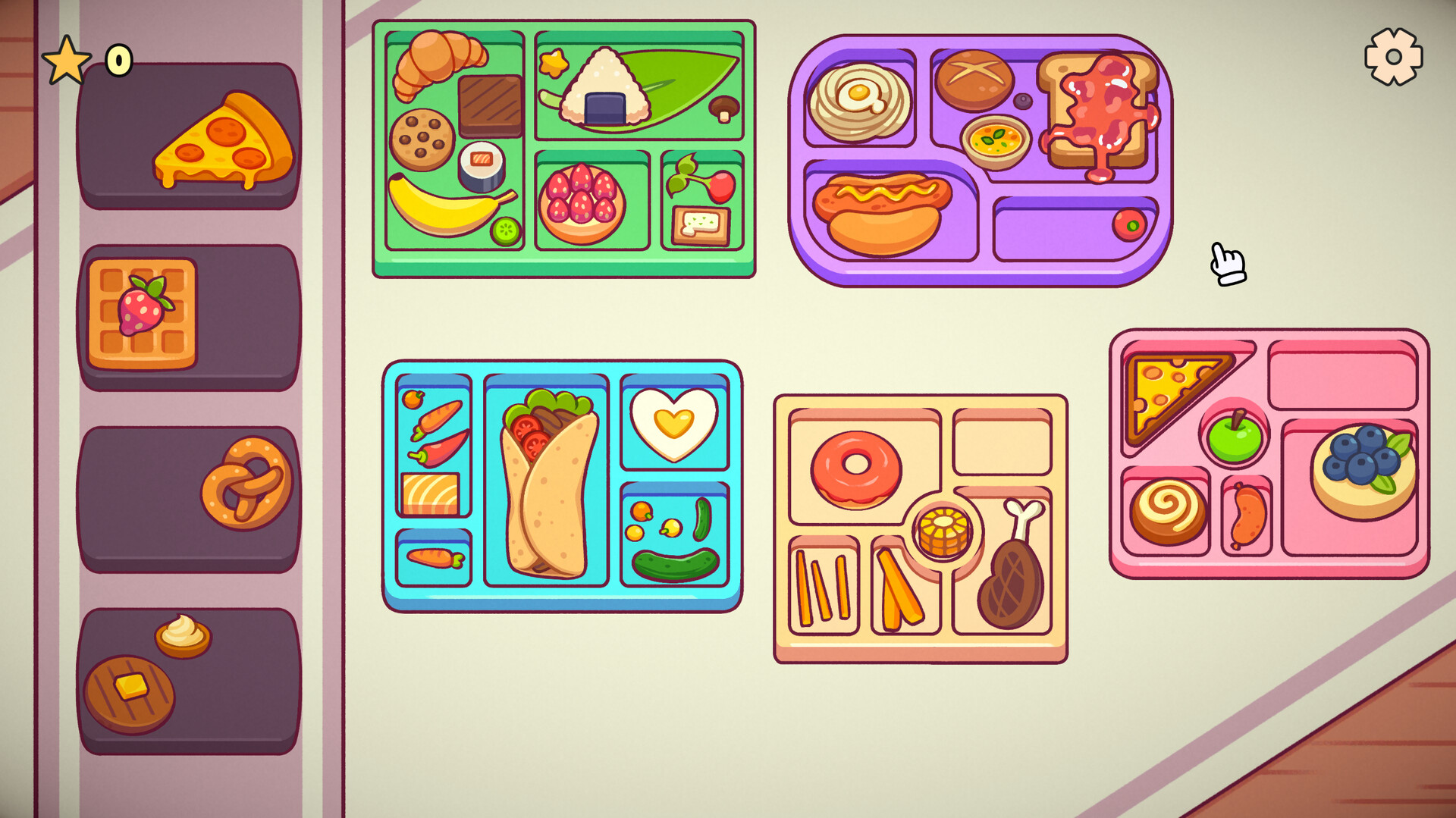
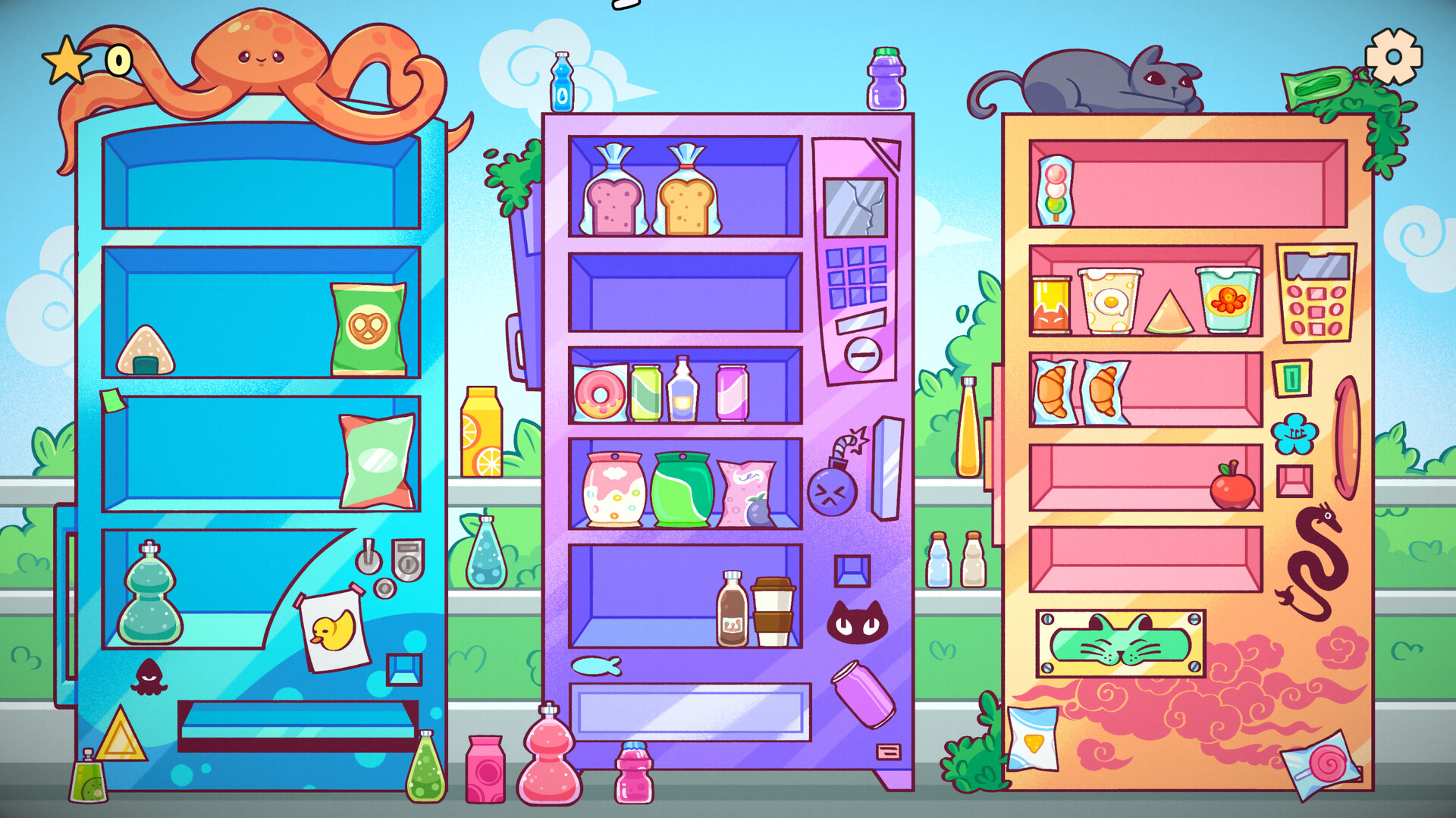
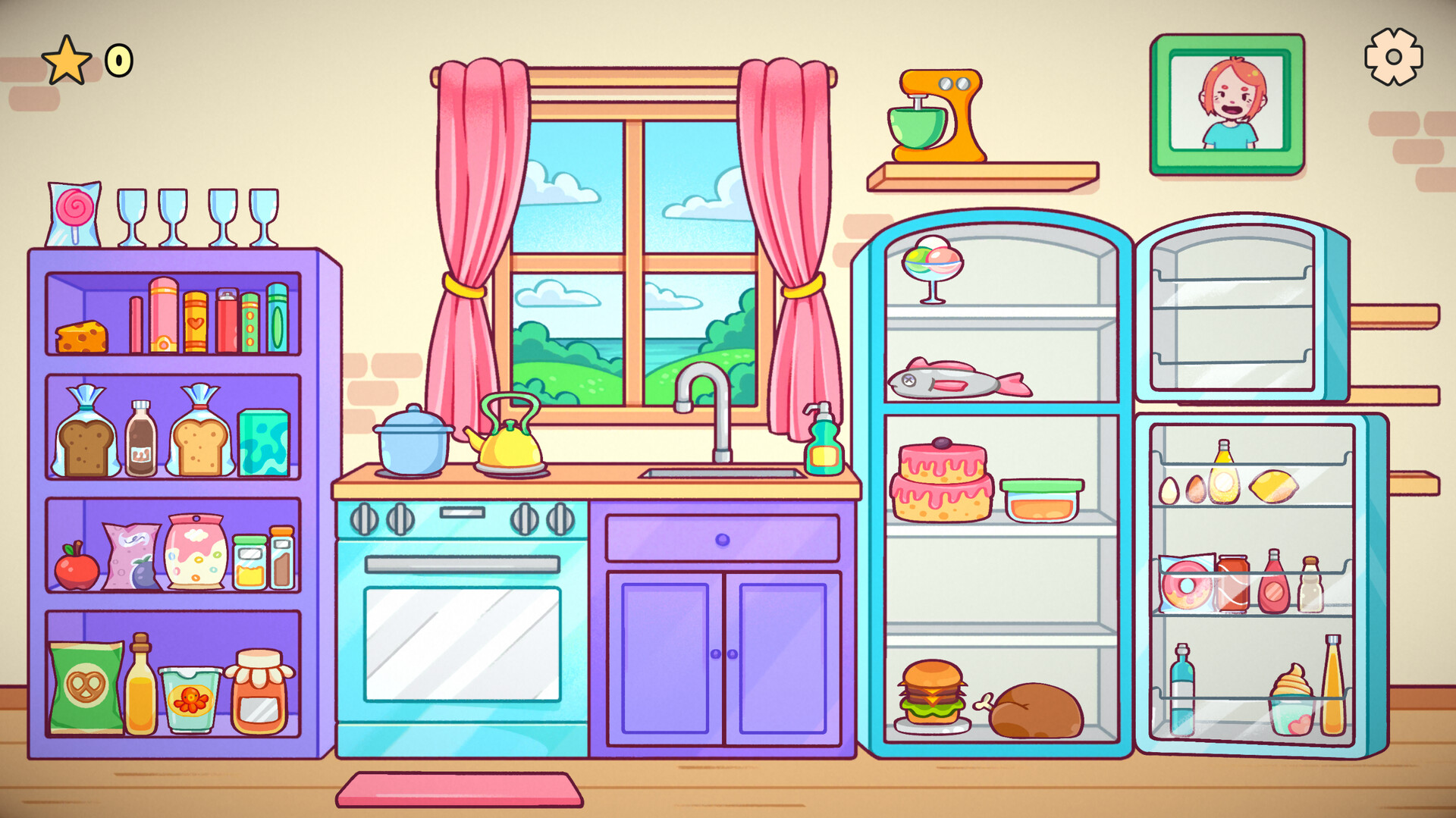
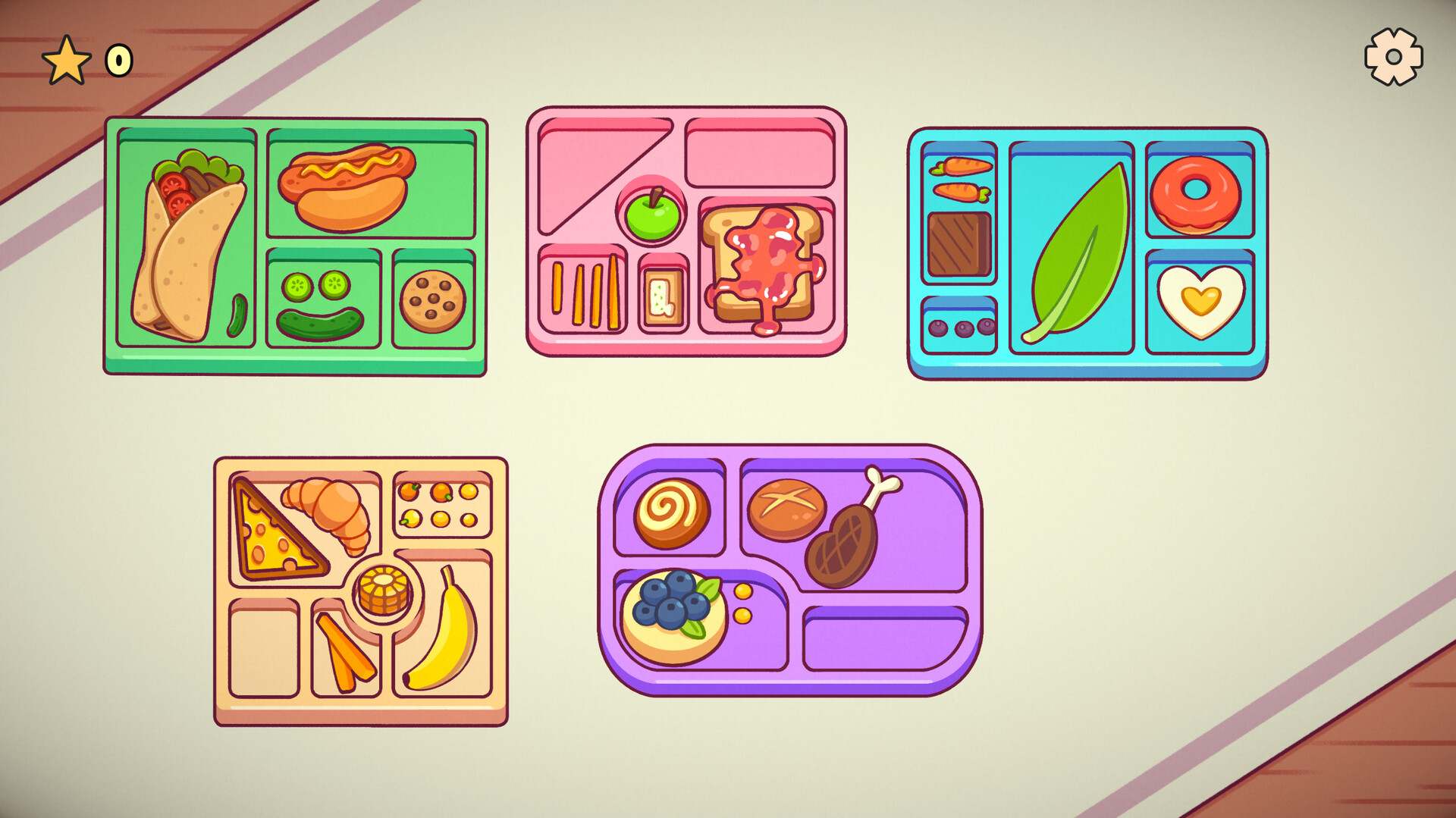
Cozy Organizer invites players into a relaxing sandbox where the joy of tidying meets creative decoration. Inspired by popular organizing videos, the game lets you arrange bookshelves, pantries, wardrobes and more, turning clutter into comforting spaces. The title offers vibrant graphics, a soothing soundtrack, and endless customization, letting you stack, align and decorate items at your own pace. With no timed challenges and the ability to save anytime, each session feels like a calm digital escape.
01 / THE GUIDE
Endlessly Replayable Sandbox
The sandbox mode provides an open‑ended space where you can place and rearrange hundreds of quirky items without pressure. There are no win‑or‑lose conditions, allowing you to experiment with layouts as often as you like. Because the mode is always accessible, you can return to a favorite room, tweak its design, or start a brand‑new area whenever you feel inspired.
- Try arranging items by color for a visually satisfying effect.
- Use the save‑anytime feature to capture multiple design versions.
02 / THE GUIDE
Endless Customization
Players can create personalized spaces using a wide array of vibrant items, from books to pantry goods. With hundreds of quirky items to discover and organize, there is plenty of room for creativity. Each item is designed to pop visually, making it easy to see how different pieces interact within a room’s aesthetic.
- Mix quirky items with classic décor for a balanced look.
- Experiment with item placement to discover unexpected visual harmony.
03 / THE GUIDE
Audio and Visual Atmosphere
Cozy Organizer features colorful graphics that highlight each object, paired with a chill soundtrack meant to enhance the relaxing experience. The visual style and music together create a warm, inviting environment. The game also supports stereo sound, ensuring the audio feels spacious and soothing while you organize.
- Adjust volume controls to match your preferred background level.
- Play with headphones for a more immersive soundscape.
04 / THE GUIDE
Cozy Challenges and Unlocks
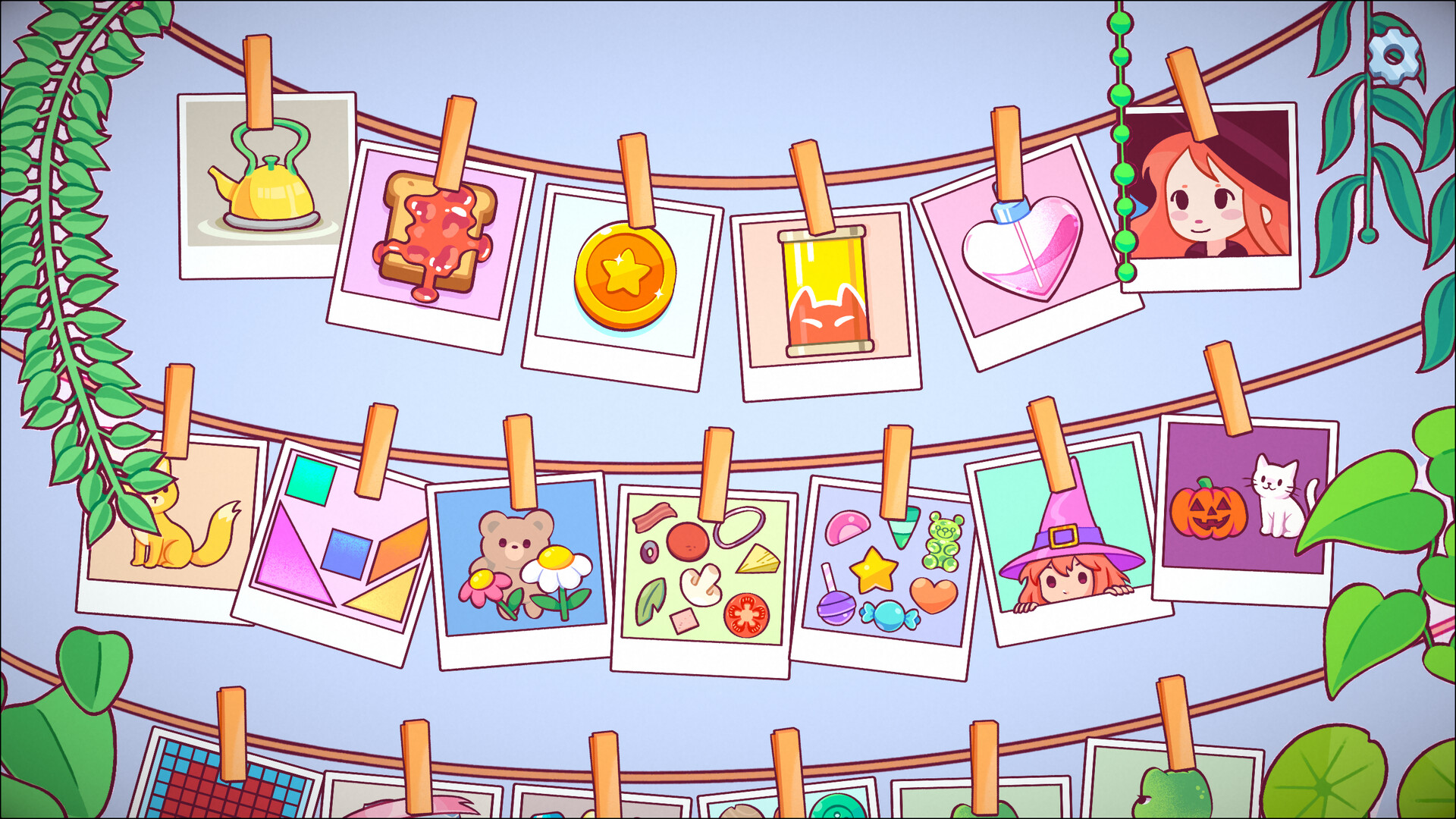
Low‑pressure organizing tasks appear as you play, rewarding you with new items, themes, and layout options. These challenges are optional and progress at a leisurely pace. Completing a challenge simply adds more decorative possibilities; there is no penalty for skipping them, keeping the experience stress‑free.
- Take on challenges when you feel ready for fresh items.
- Use newly unlocked items to refresh older rooms.
05 / THE GUIDE
Technical Features and Accessibility
The game runs on Windows, macOS and Linux, offering mouse‑only control and a custom volume slider. It supports Steam Cloud saves, Remote Play Together, and Family Sharing, ensuring flexibility across devices and households. Achievements are tracked on Steam, and the game can be played without any timed input, making it suitable for relaxed sessions.
- Enable Steam Cloud to keep your designs synced across computers.
- Use Remote Play Together to share your organizing session with friends.
COMMUNITY
Player discussion