 GameWiki

GET YOUR BEARINGS
About Cozy Marbles
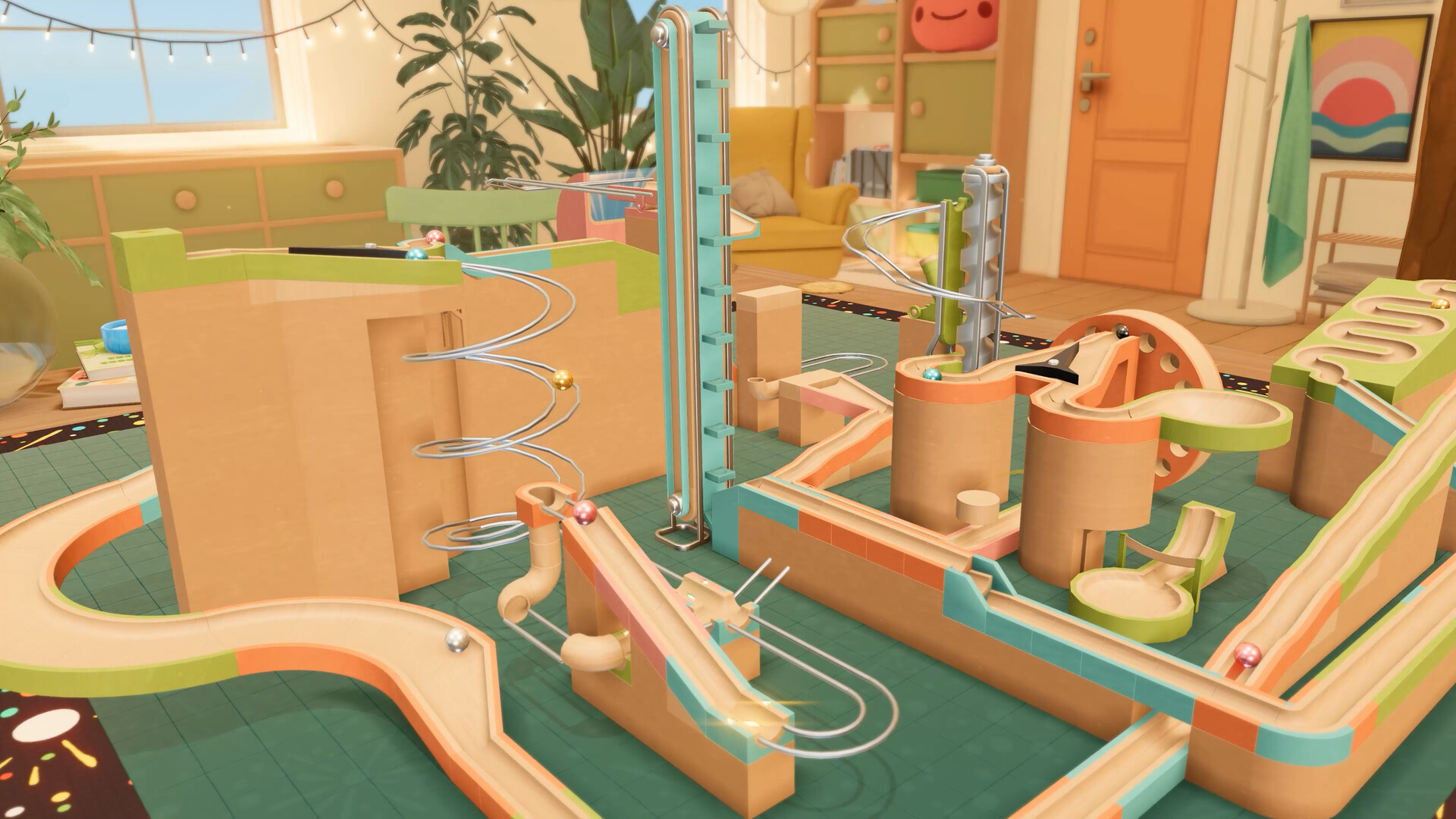
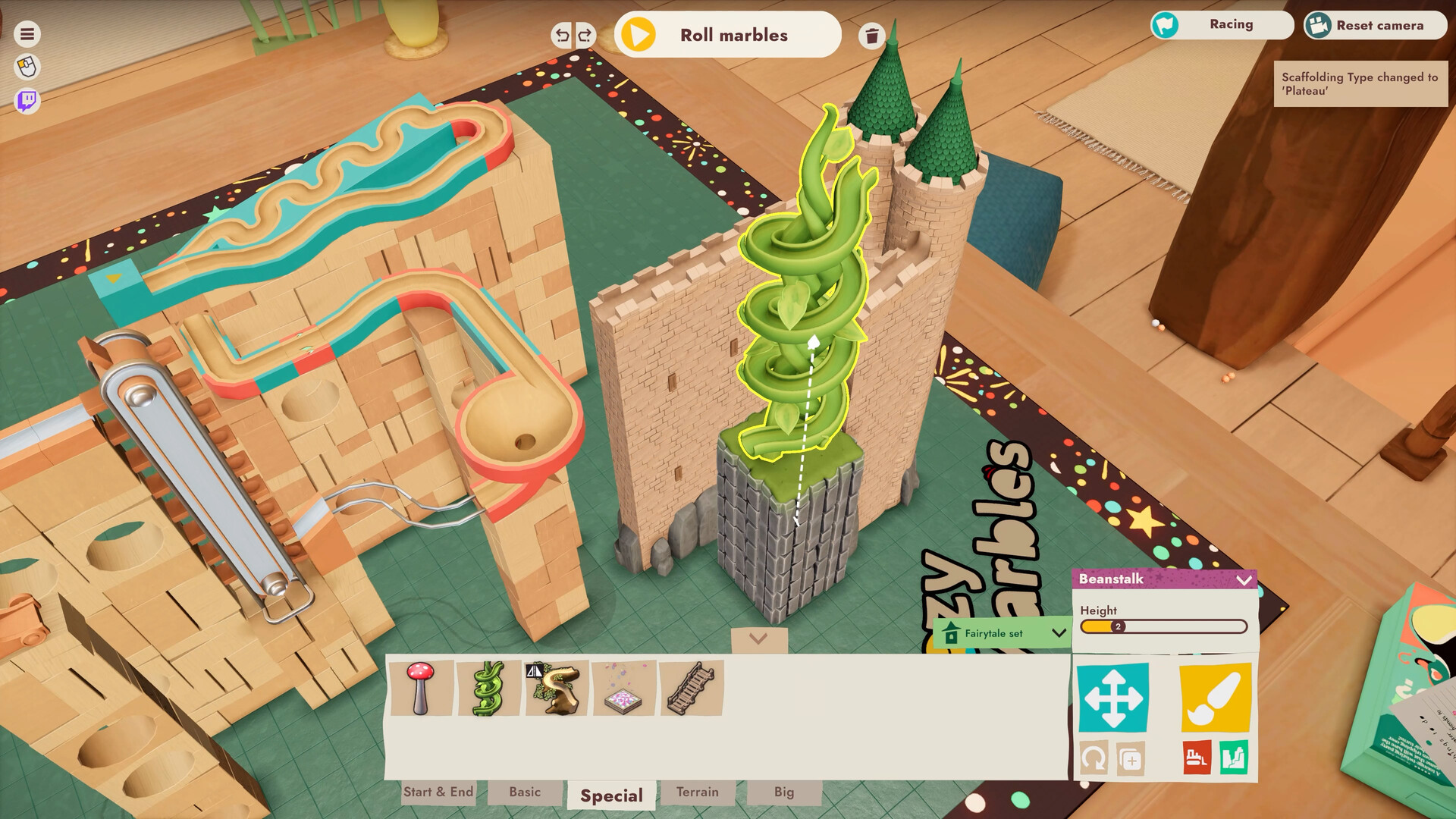
Cozy Marbles lets you craft marble courses using a large library of parts drawn from three themed settings – a Living Room, a Fairytale Tavern, and a Space Station. Freeform construction tools let you connect spirals, drops, boosters, ramps, cannons and anti‑gravity fields while a lo‑fi soundtrack plays.
You can colour and name tracks, choose material types such as wood, metal or plastic, and dress marbles in many visual styles. All builds can be saved at any time, shared via the Steam Workshop, and backed up with Steam Cloud.
01 / THE GUIDE
Building Marble Runs
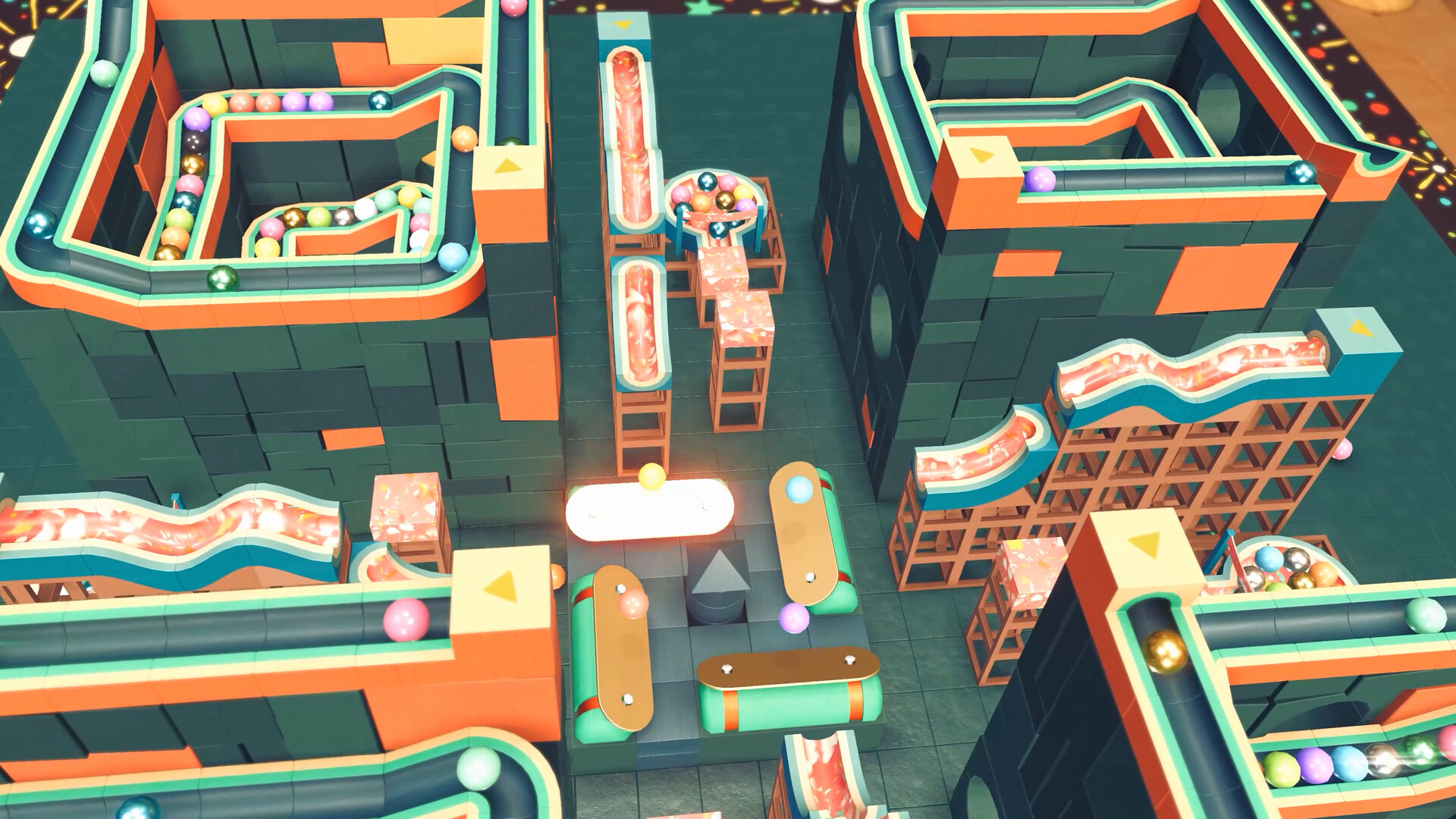
The game supplies freeform construction tools and a rich library of bits from homes, fairy‑tale realms and spacecraft. You can fit together spirals, twists, drops, boosters, ramps and cannons to shape a course that matches your vision.
Tracks may be built from wood, metal or plastic, coloured as you like, and given a name. The tools let you experiment with layout, height and pacing without any timed input requirement.
- Try mixing material types to see how the visual feel changes.
- Use the naming feature to keep different designs organized.
02 / THE GUIDE
Environments & Themed Parts
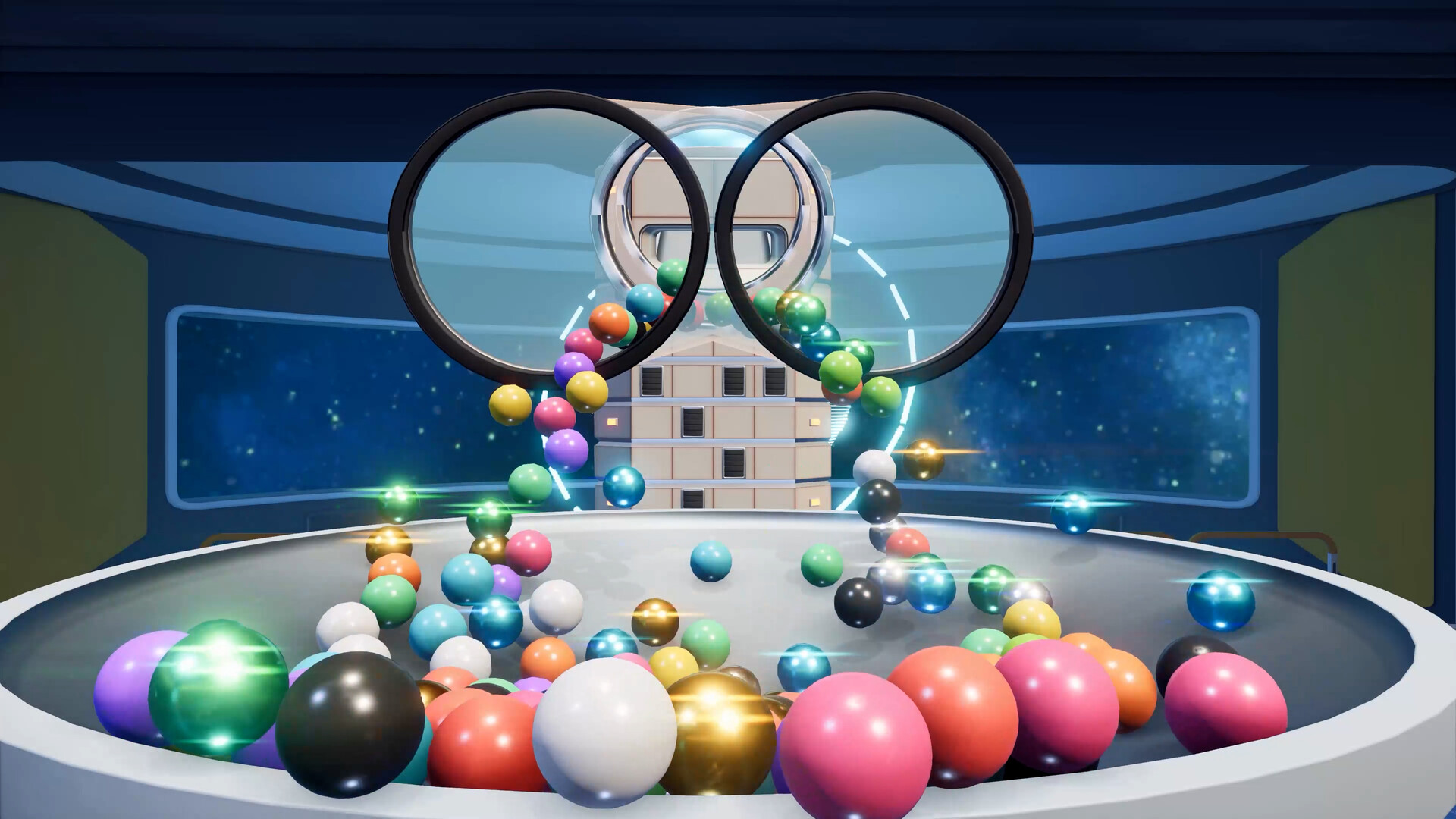
Three environments provide themed parts: a mellow Living Room, a whimsical Fairytale Tavern, and a mesmerizing Space Station. Each setting offers unique pieces such as castle coasters, mushroom forests, portals and laser tunnels.
Choosing an environment changes the visual backdrop and the style of parts you can use, letting you craft runs that feel cozy, magical or high‑tech according to the mood you want.
- Select the Space Station when you want to include portals or laser tunnels.
- Mix parts from different environments for visual contrast.
03 / THE GUIDE
Marble Customization
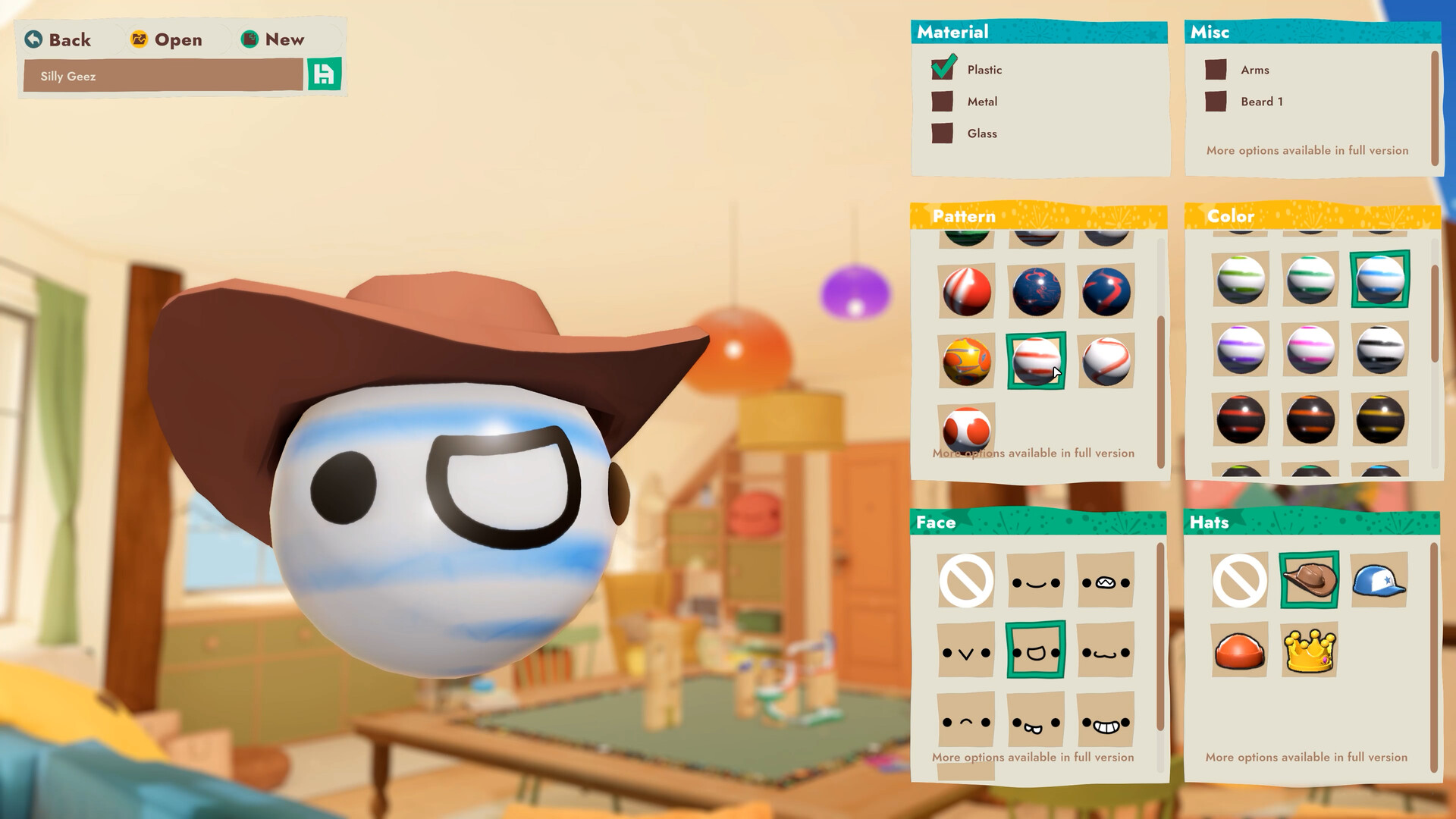
Marbles can be coloured, patterned, painted with national flags, given facial expressions, hats and tiny arms that flail while rolling. These options let each marble have a distinct appearance.
Customization is unlocked by completing challenges, expanding the visual variety you can apply to races or decorative runs.
- Match marble colours to the environment for cohesive looks.
- Use expressive faces to make it easier to follow each marble during a race.
04 / THE GUIDE
Challenges & Unlocks
The game includes challenges that, when completed, unlock additional customization options, track pieces and new environments. This provides a clear goal for expanding your creative toolbox.
Unlocks appear after you finish a challenge, letting you experiment with more complex constructs while keeping the pace casual.
- Start with easier challenges to quickly broaden your part library.
- Re‑visit earlier challenges after unlocking new parts for fresh solutions.
05 / THE GUIDE
Sharing & Workshop
Courses can be exported and imported, allowing you to showcase builds or try creations from other players via the Steam Workshop. This encourages a community of shared designs.
The Single‑player mode lets you run any imported or self‑made course at your own pace, with the ability to save progress anytime.
- Export a favorite run to the Workshop for feedback from other players.
- Import highly rated community courses to discover new building techniques.
COMMUNITY
Player discussion