 GameWiki
GET YOUR BEARINGS
About Cozy Farm: Tidy Up!
Cozy Farm: Tidy Up! is a first‑person organizing simulator where you sort more than 2,500 plush‑like fruits, vegetables and other crops into seven themed greenhouses. The game offers a relaxed pace with no deadlines, letting you enjoy the simple pleasure of putting each item in its proper place.
The farm features a hand‑crafted environment that shifts from warm morning light to a quiet starry night, and you can wander, sleep, or simply watch the transformation as you fill shelves. Sorting combos reward you with extra money, and a basket lets you carry multiple items at once.
01 / THE GUIDE
Exploring the Farm
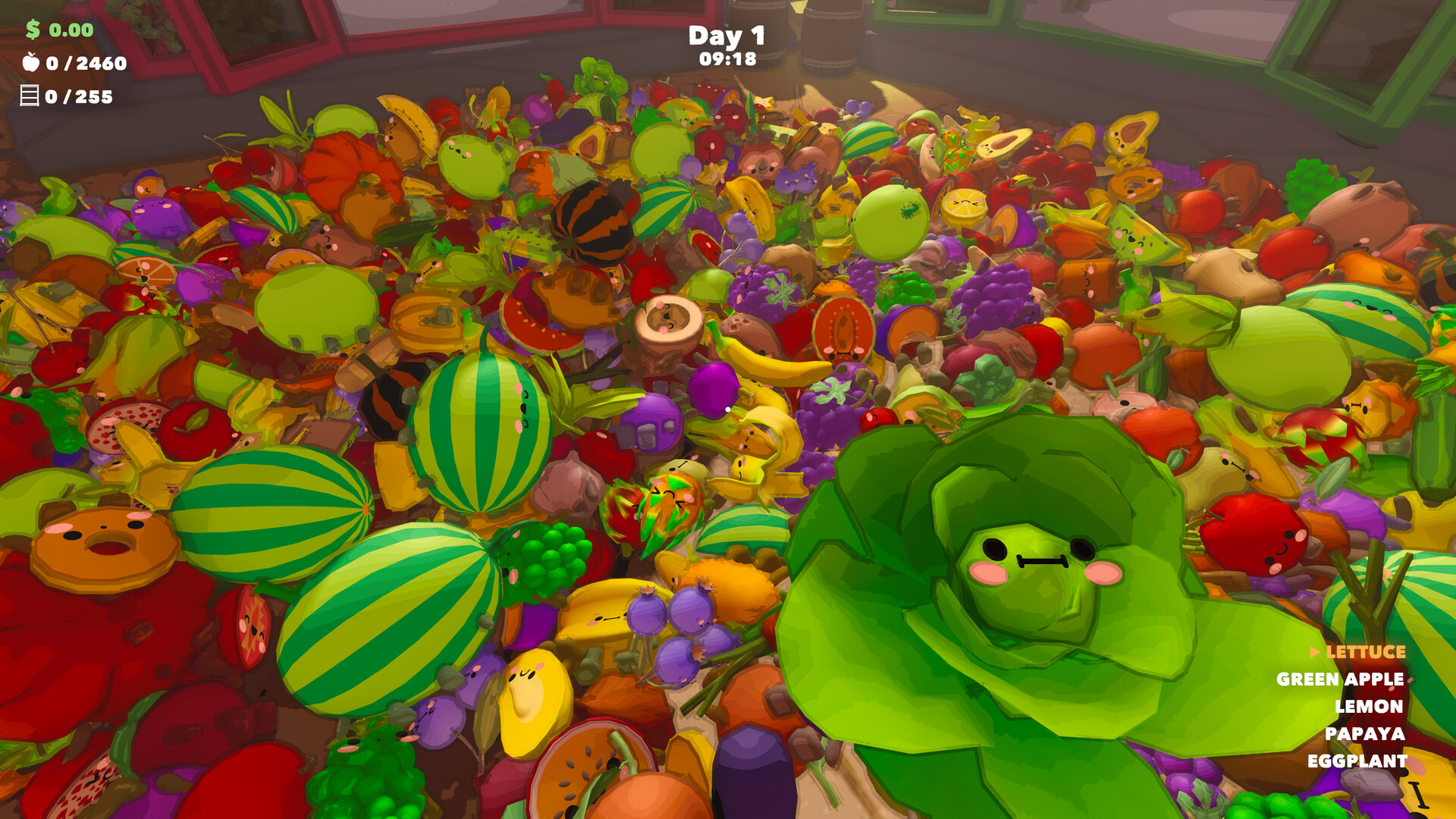
The farm is divided into seven greenhouses, each with its own theme and collection goal. You can wander between them at any time, pausing to admire the changing daylight or to rest.
Day turns to night and back again, but the game imposes no time pressure. You may choose to keep tidying after dark, stop for the view, or go to bed and wake up to a fresh morning.
- Take a moment to watch the day‑night cycle for a calming break.
- Use the basket to gather several items while you explore.
02 / THE GUIDE
Sorting Combos
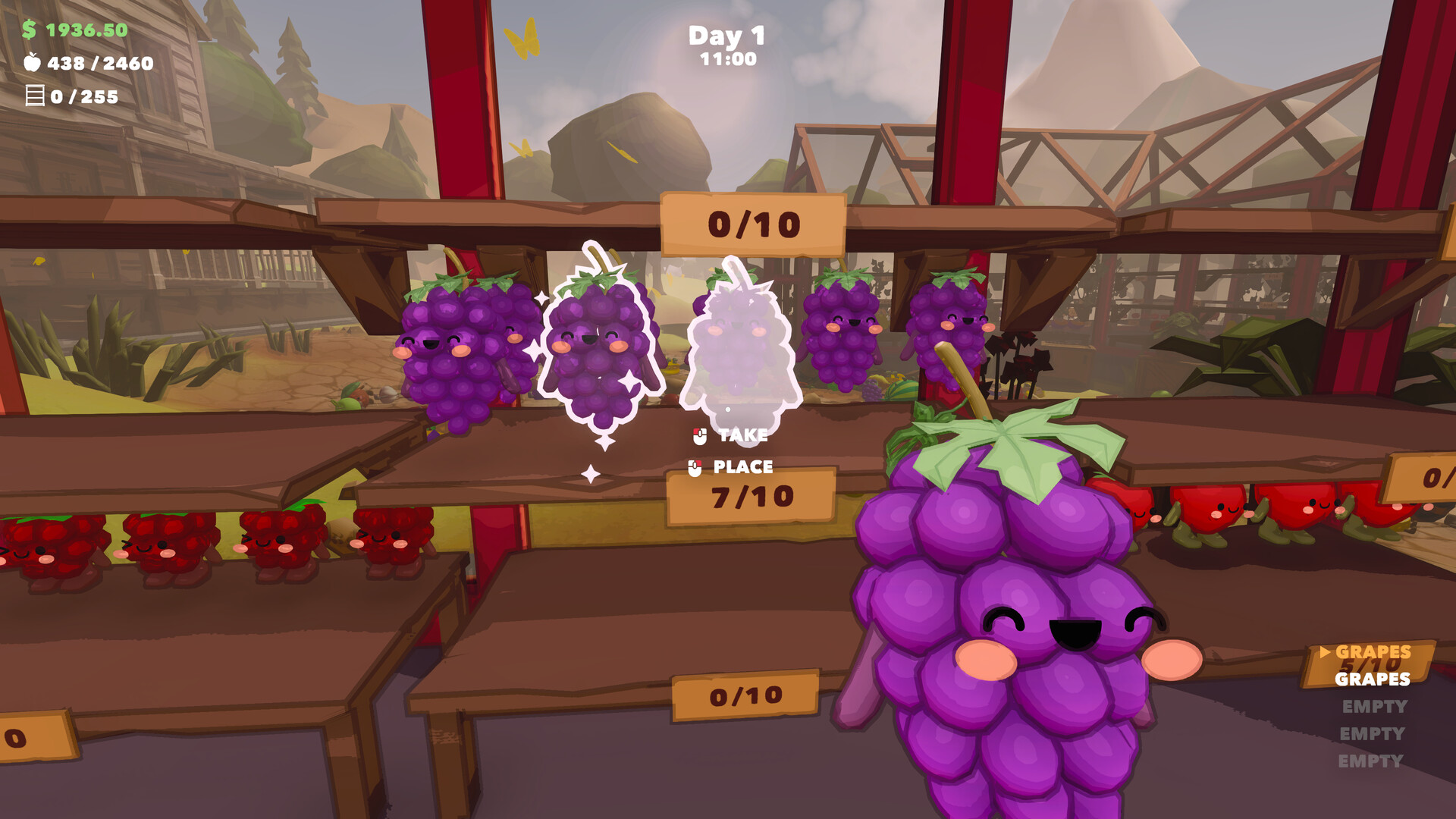
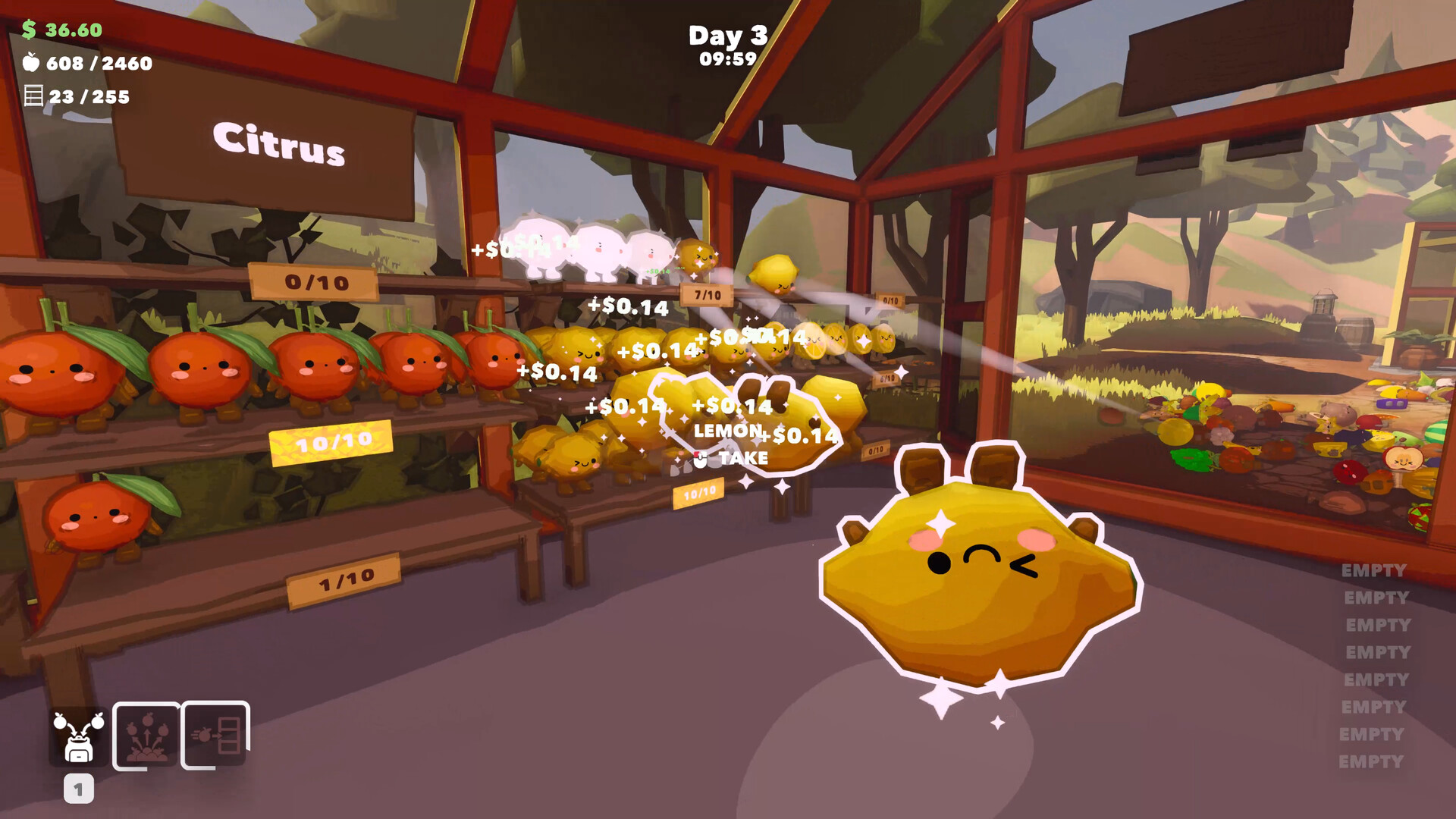
Placing crops on the correct shelves in quick succession builds a combo that increases the money you earn. Any correctly sorted item continues the streak, allowing you to mix different produce while maintaining the combo.
Plan your route, gather nearby items, and enjoy the rush as each successful placement adds to the combo meter.
- Group items that are close together to keep the combo alive.
- Switch between shelves without pausing to maximize streak length.
03 / THE GUIDE
Using the Basket
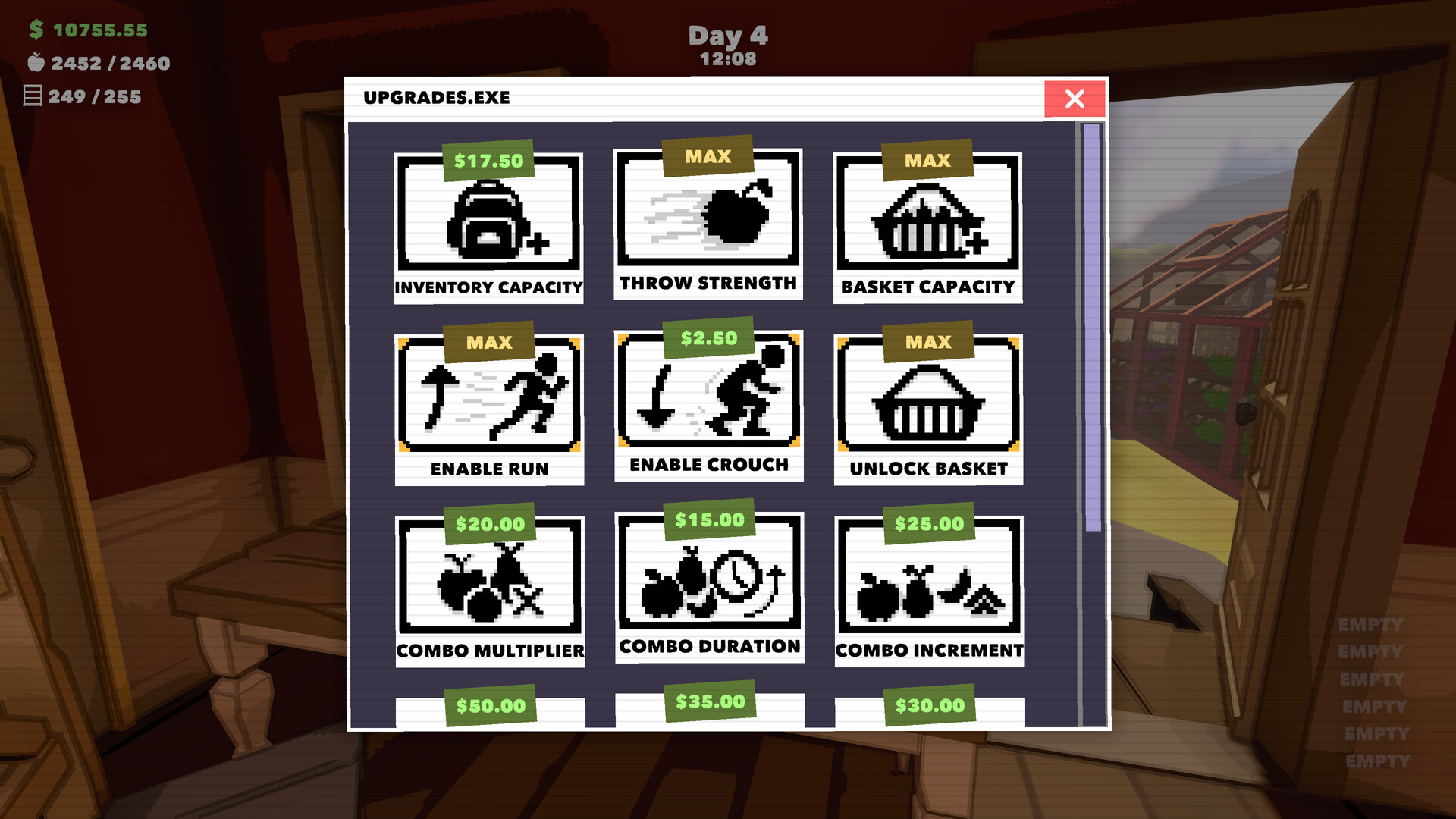
The basket lets you carry multiple crops at once, reducing the number of trips needed between piles and shelves. Load it up before heading to a greenhouse to streamline your sorting.
You can still pick up items by hand, but the basket offers a clear efficiency boost for larger collections.
- Fill the basket before moving to a new greenhouse.
- Combine hand‑picked items with basket loads for flexibility.
04 / THE GUIDE
Visual Collections
As you fill shelves, scattered piles transform into colorful, organized displays. The soft‑faced produce adds a charming aesthetic, making each completed greenhouse feel like a tidy gallery.
Standing back to admire the finished sections provides a satisfying sense of progress without any pressure.
- Step back after each greenhouse to appreciate the arrangement.
- Arrange items in a way that highlights color variety.
05 / THE GUIDE
Platform and Accessibility Features
Cozy Farm: Tidy Up! runs on Windows, macOS and Linux, supporting partial controller input and offering camera comfort options. Steam Cloud saves let you continue your progress across sessions, and you can save anytime.
Family Sharing is also supported, allowing multiple accounts to enjoy the same game library.
- Enable camera comfort settings for a smoother view.
- Use Steam Cloud to keep progress when switching devices.

COMMUNITY
Player discussion