 GameWiki

GET YOUR BEARINGS
About Cozy Cleaner
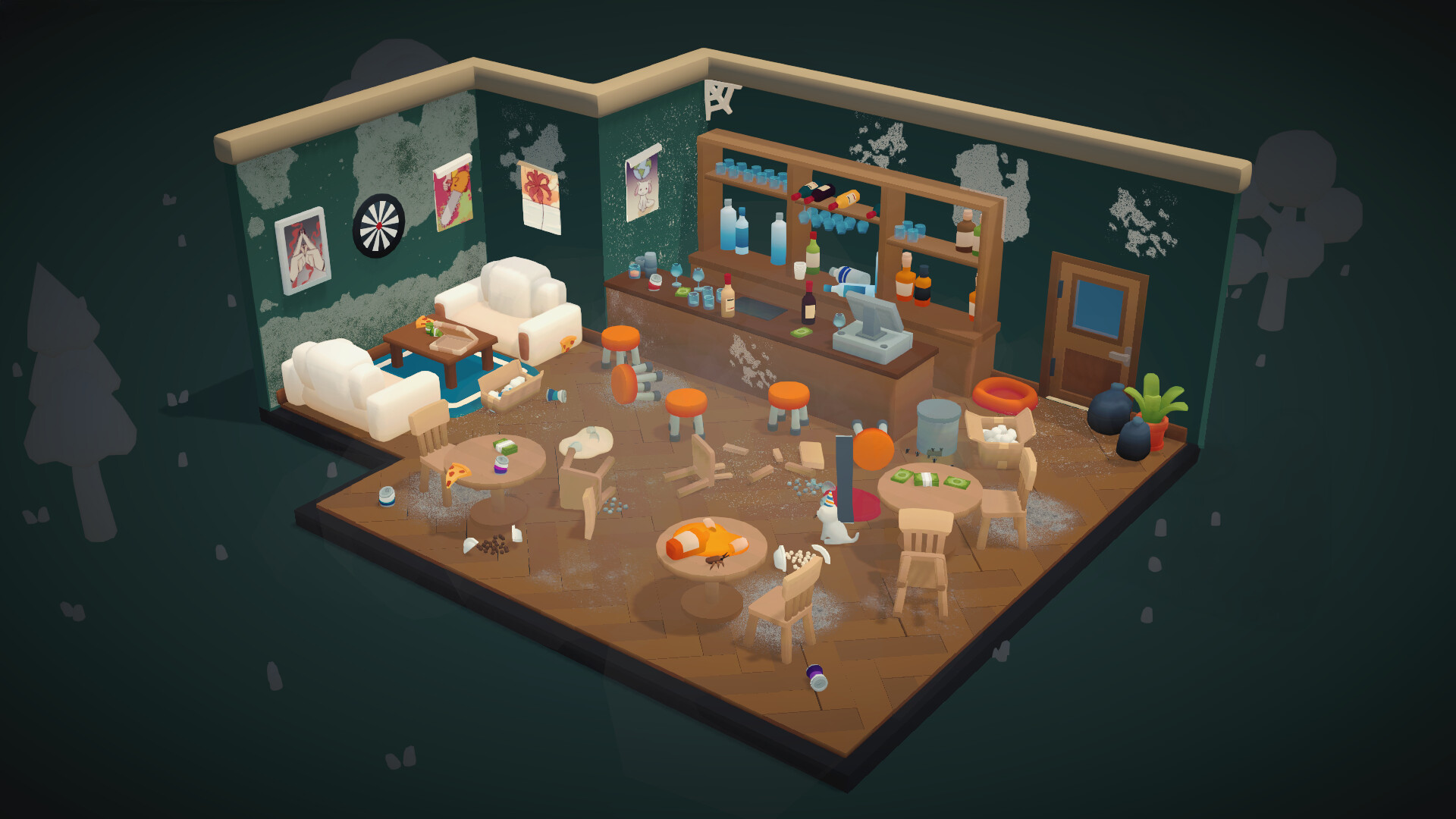
Cozy Cleaner invites you to tidy a series of rooms, one step at a time. Each level presents a new space where you explore, gather scattered items, and return them to their proper places. The game emphasizes a relaxed pace, offering no timers, scores, or pressure, only the satisfaction of a gradually brightening environment.
Progression hinges on fully cleaning and organizing each room. Once every tool has been used and the space feels orderly, the door opens to the next level, continuing the gentle, comforting journey.
01 / THE GUIDE
Gameplay Loop
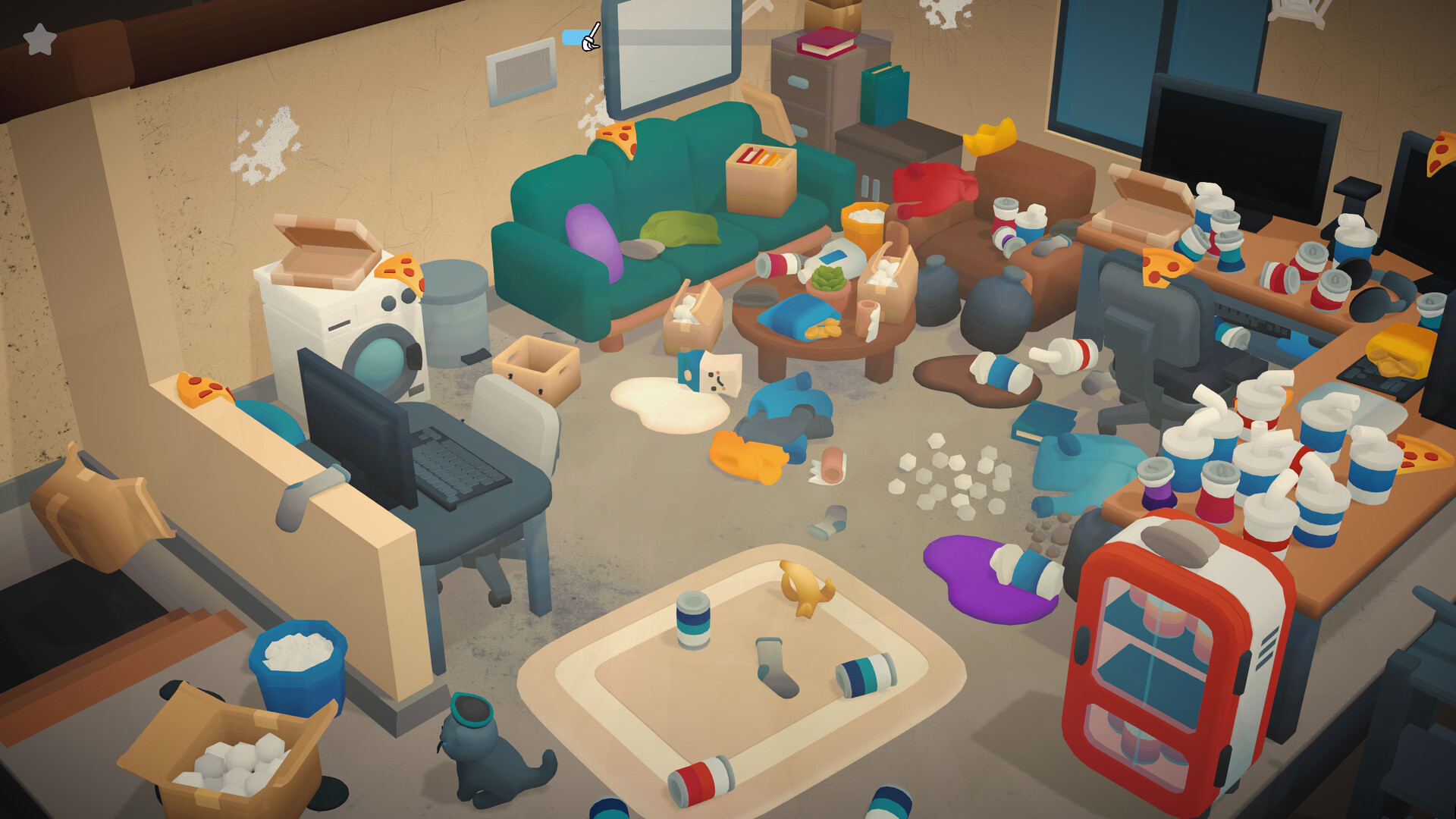
At the start of a level a delivery truck drops off new items that you can unpack and arrange. You then move around the room, spotting trash, crumbs, spills, and other disorder. Each action—collecting, sweeping, polishing, watering, or spraying—adds to the room’s sense of order.
The loop ends when every tool has been applied and the room is completely clean. Only then does the door to the next level become accessible, encouraging a methodical, step‑by‑step approach.
- Take a quick scan of the room before using tools to plan an efficient order of actions.
- Focus on larger messes first; they often reveal hidden items that need later attention.
02 / THE GUIDE
Tools & Interactions
The hand tool lets you pick up trash and arrange books, bottles, and vases. A dustpan clears crumbs, dust, and cobwebs, while a mop handles spills. A cloth polishes windows and walls, and a watering can revives plants. The final touch is a room‑spray that adds a cozy scent.
Each tool is used by selecting it and applying it to the appropriate object or surface. The game does not impose timed input, allowing you to act at your own pace.
- Use the cloth after wiping surfaces to give a visual cue of completion.
- Water plants before spraying the scent for a more natural progression.
03 / THE GUIDE
Level Progression
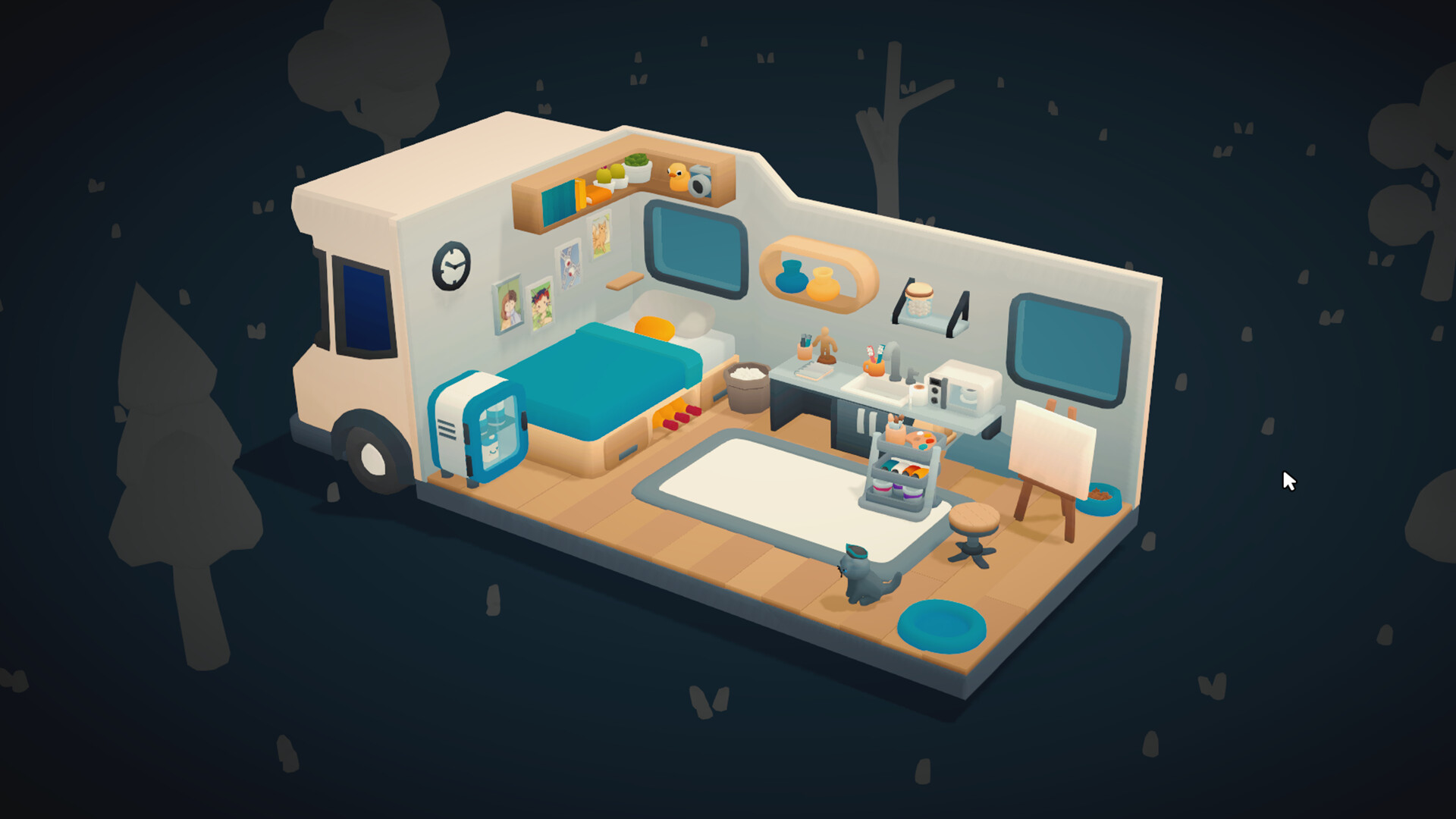
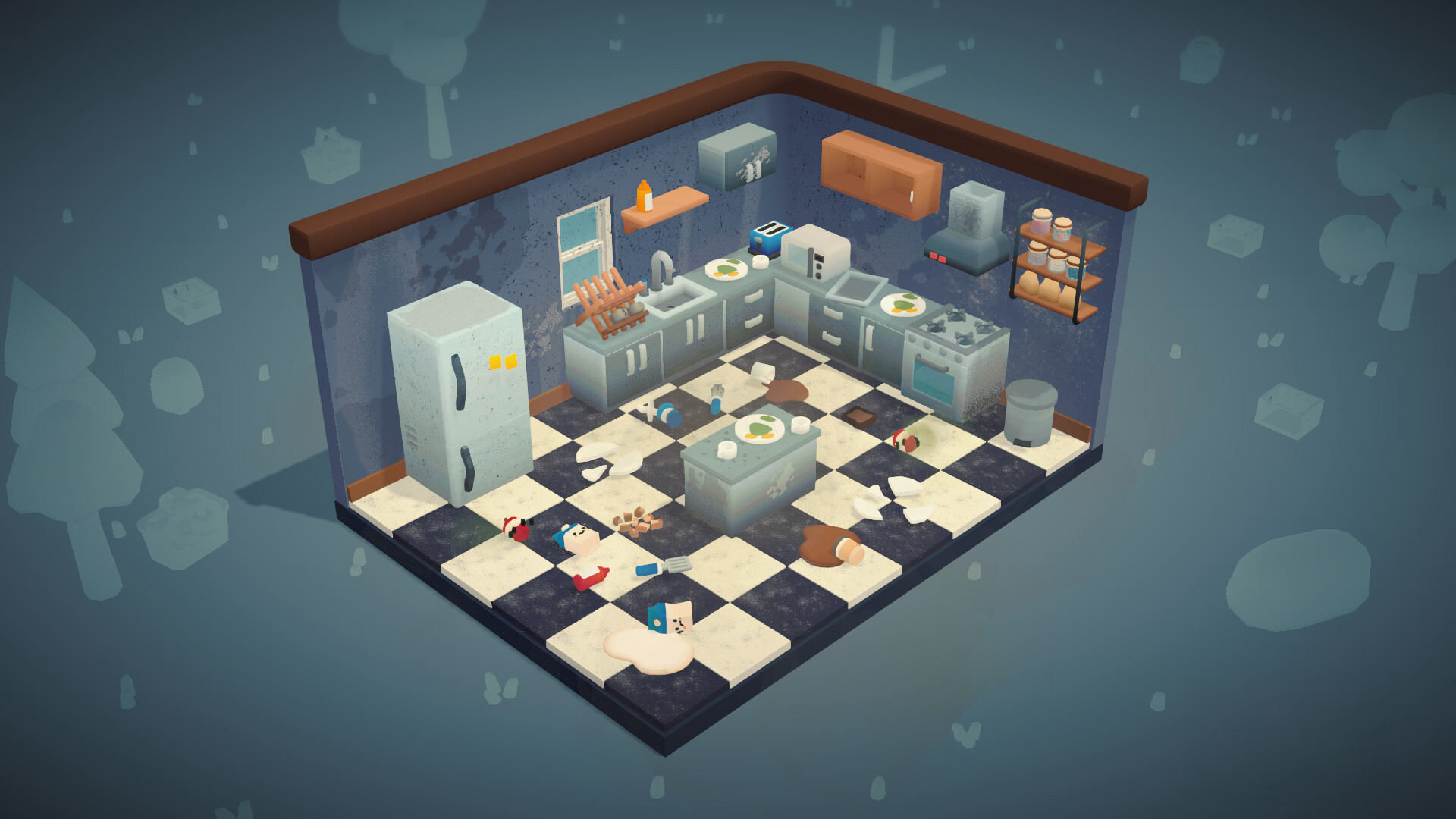
Each level is a distinct room with its own layout and set of items. The delivery truck at the beginning provides new objects that must be unpacked and placed correctly. Completion is measured by total cleanliness, not by a score or timer.
When the room meets the game’s cleanliness criteria, the exit door opens, allowing you to advance. There is no requirement to replay a level once it is finished.
- Check the corners first; they often hide crumbs or small objects.
- After arranging new items, revisit the room to ensure no stray objects remain.
04 / THE GUIDE
Accessibility Features
Cozy Cleaner includes a mouse‑only option and can be played without timed input, supporting a relaxed experience. Difficulty can be adjusted, and the game allows saving at any moment, with Steam Cloud syncing progress across devices.
Additional features such as Camera Comfort and Family Sharing further broaden accessibility, ensuring players can enjoy the game in a way that suits them.
- Enable Adjustable Difficulty if you prefer a slower or faster cleaning rhythm.
- Use Save Anytime to experiment with different item arrangements without penalty.
05 / THE GUIDE
Platform Availability
Cozy Cleaner is available on Windows and macOS, supporting a broad desktop audience. Linux is not listed as a supported platform.
The game is distributed through Steam, offering features such as Achievements, Trading Cards, and a free demo for prospective players.
- Try the free demo on Steam to see if the pacing matches your preferences before purchasing.
- Check the Steam Achievements page for optional goals that add light extra challenges.
COMMUNITY
Player discussion