 GameWiki
GET YOUR BEARINGS
About Cosmonious High
Cosmonious High drops you into an alien high‑school created by Owlchemy Labs, the studio behind Job Simulator and Vacation Simulator. The opening puts you on a crash‑landed first day, where you begin to explore and discover the source of school‑wide malfunctions.
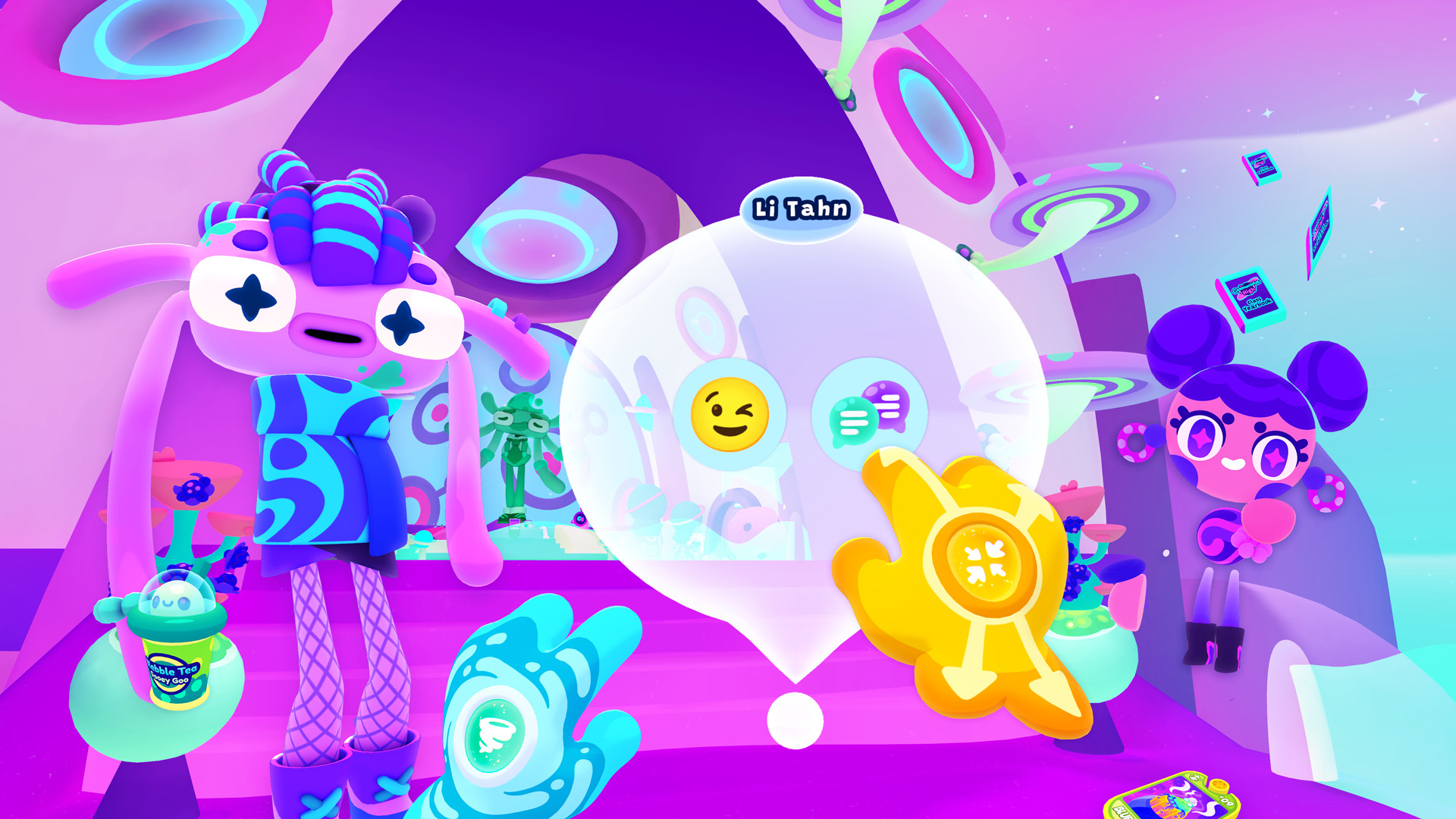
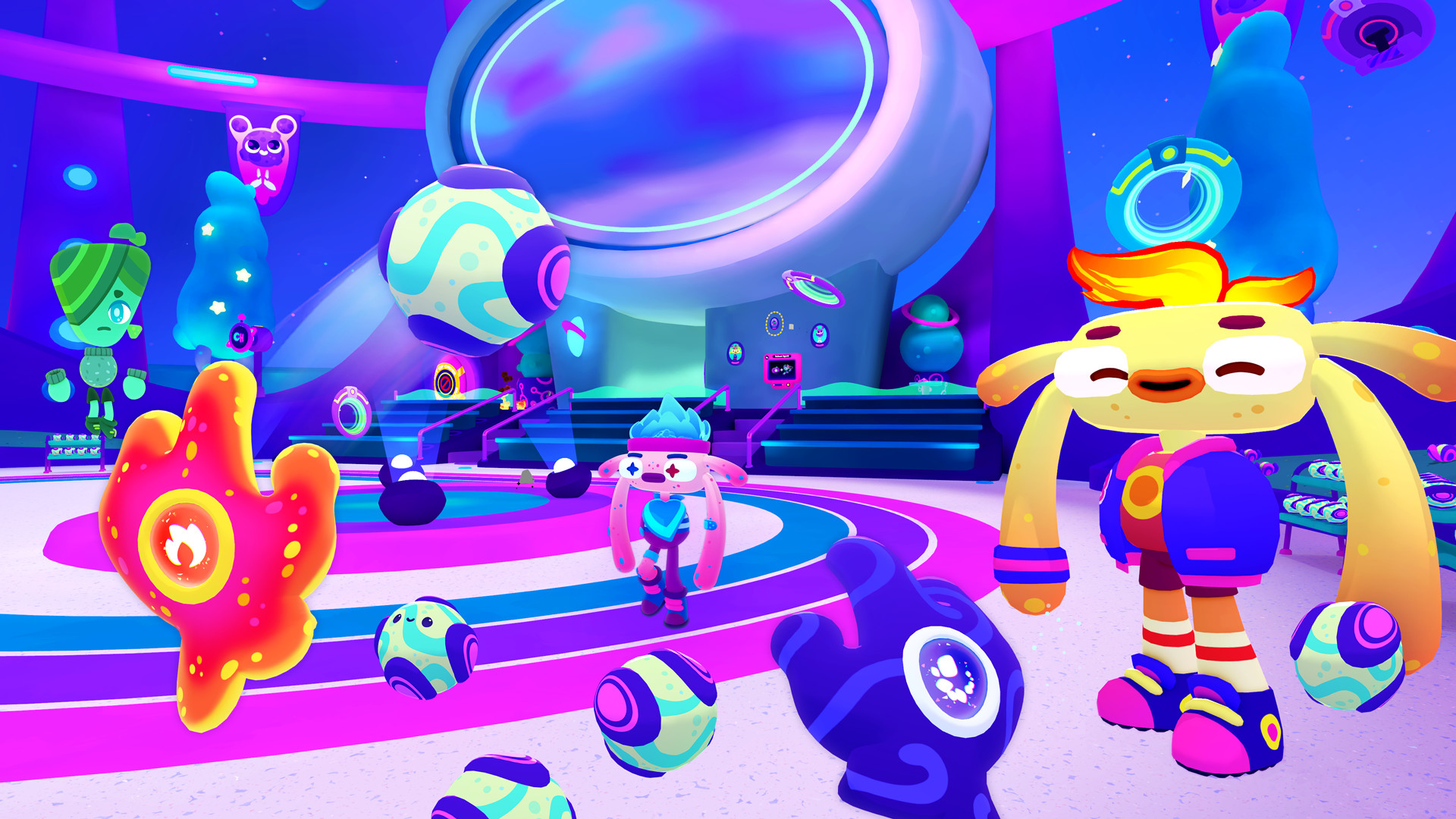
The game is a single‑player VR adventure that features dynamic characters, a large interactive campus with areas such as the Grand Hall, Chemosophy, and Visualetics, and a bright, playful art style that emphasizes exploration and humor.
01 / THE GUIDE
VR Interaction
Cosmonious High runs in VR and supports tracked controllers, allowing gestures like high‑fives and fist bumps. These gestures are recognized by the game and trigger responses from the living characters, creating a sense of physical presence.
The design encourages players to use natural motions to engage with the world, meaning that many interactions are performed through motion rather than menu selections. This focus shapes how the school feels alive during play.
- Try different gestures on the same character to notice varied reactions.
- Observe how the environment reacts when you perform a high‑five versus a fist bump.
02 / THE GUIDE
World Exploration
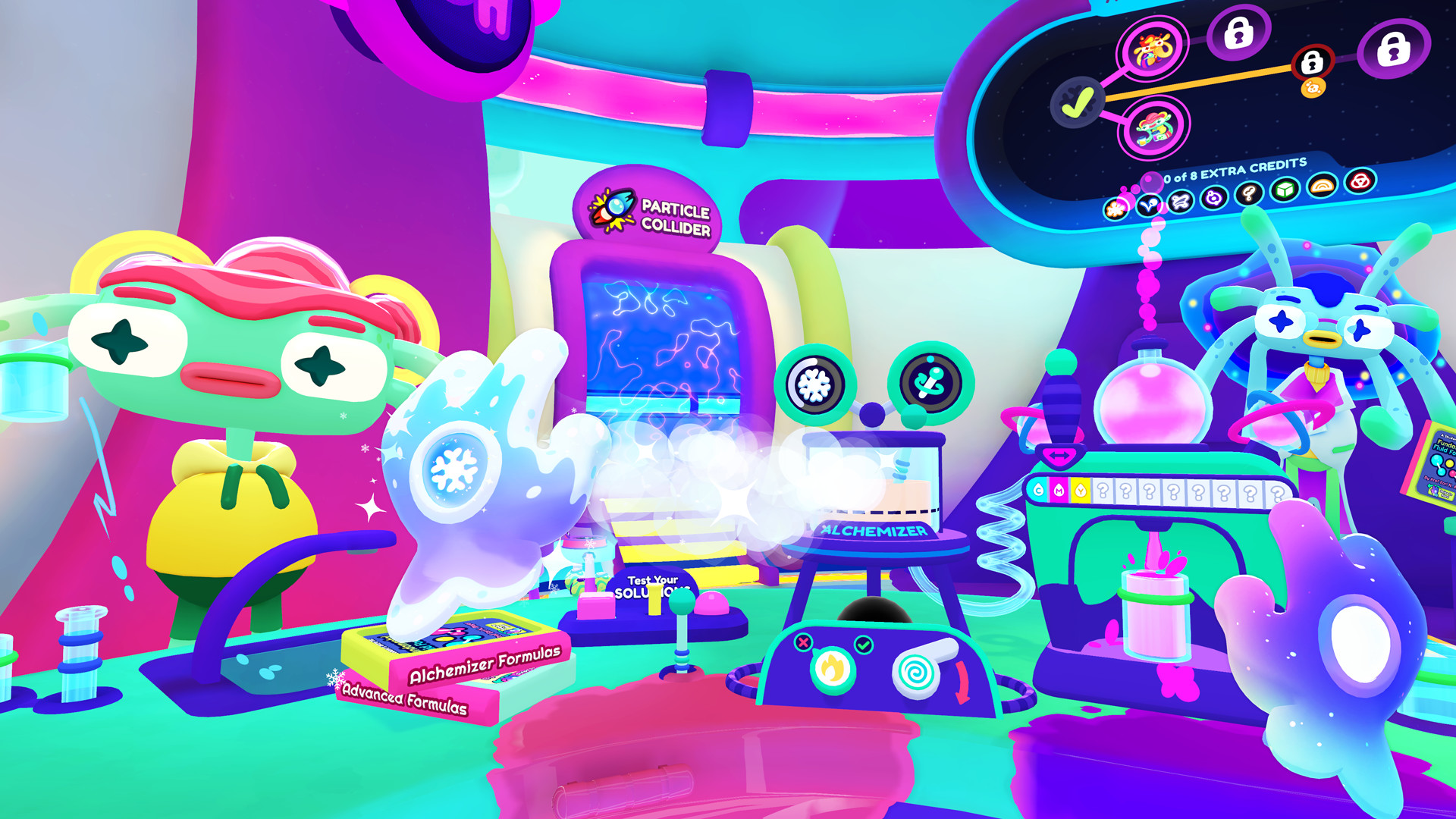
The entire school acts as a single interactive playground. Players can move freely between locations such as the Grand Hall, Chemosophy labs, and Visualetics studio, each offering its own visual theme and set of interactive objects.
Exploration is non‑linear; you may travel from one area to another at will, discovering details and testing how the environment responds to your alien powers without a prescribed path.
- Spend time in each major area to locate unique interactive elements.
- Use your powers in different rooms to see how the world reacts.
03 / THE GUIDE
Dynamic Characters
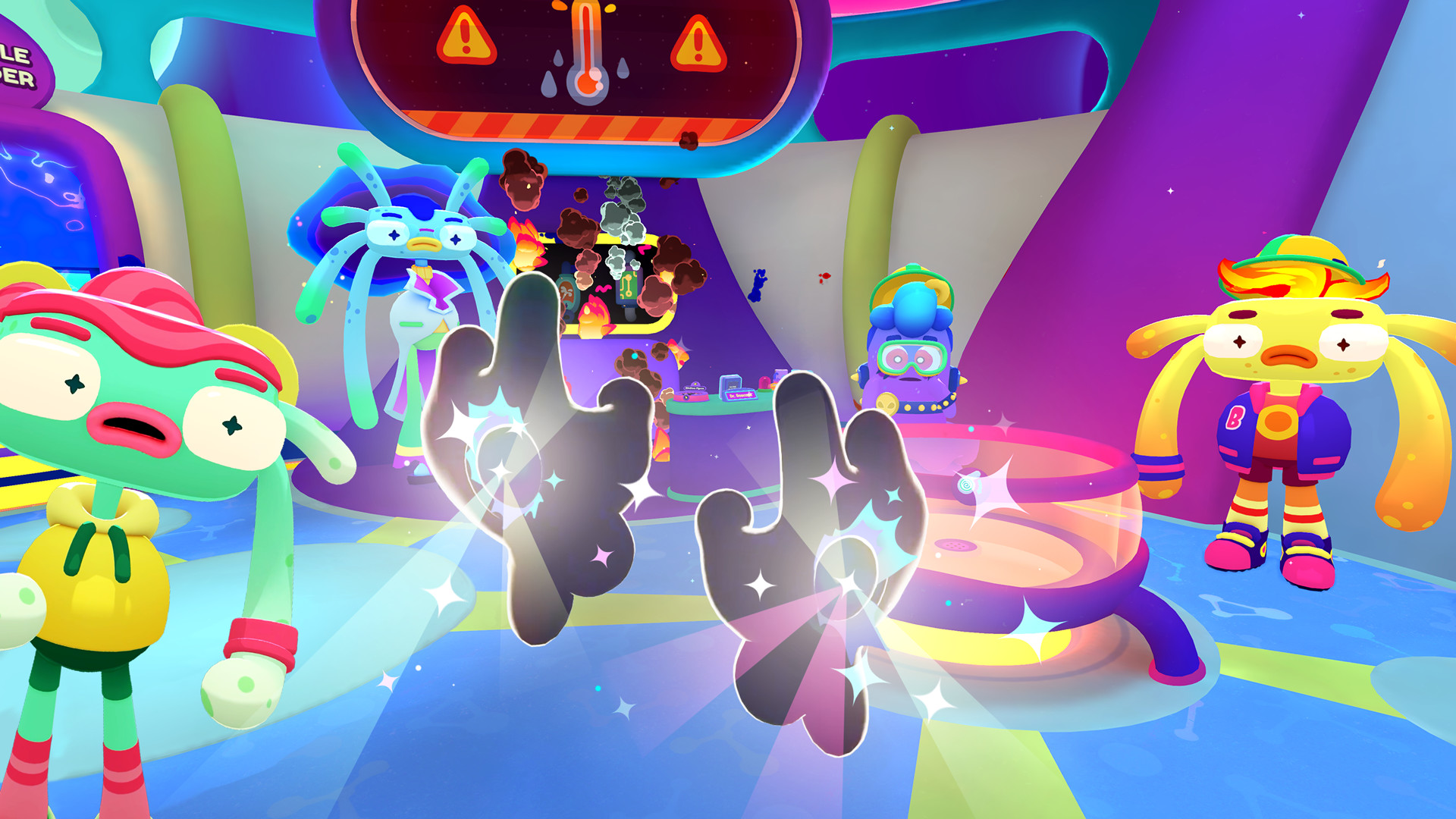
Characters are described as “living,” meaning they actively respond to the gestures you perform. When you high‑five, fist‑bump, or otherwise interact, the characters react in ways that reflect their personalities and the school’s humor.
These reactions are part of the core experience, providing feedback that reinforces the high‑school setting and encourages players to experiment with different social gestures.
- Approach the same character with multiple gestures to compare responses.
- Listen for verbal cues that may hint at further interactions.
04 / THE GUIDE
Visual Style
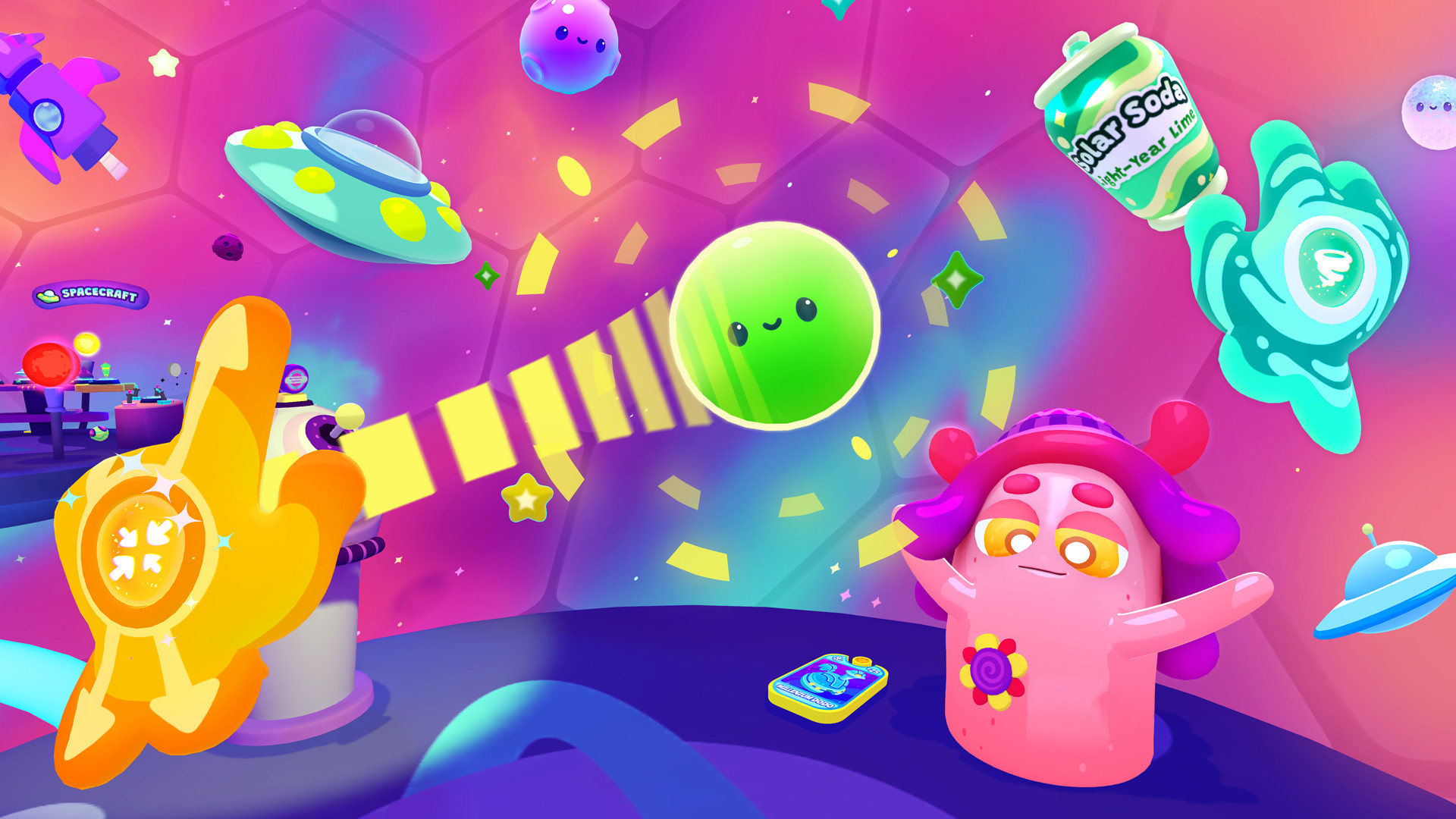
The game uses a vibrant, colorful art direction that gives each school area a distinct look. The playful style supports the comedic tone and helps players identify interactive objects through bright visual cues.
Color palettes and stylized designs differ between locations, allowing quick visual identification of zones such as the Grand Hall versus Chemosophy, which aids navigation and immersion.
- Notice how bright colors often highlight objects you can interact with.
- Compare the visual themes of each area to appreciate the artistic variety.
05 / THE GUIDE
Steam Achievements
Cosmonious High includes Steam Achievements, which are recorded automatically through the Steam platform as you complete in‑game milestones. These provide a visible record of progress beyond the immediate gameplay.
Because the title is single‑player, achievement data is tied to your Steam profile, allowing you to track which challenges you have completed across play sessions.
- Review the achievement list early to set personal goals.
- Target distinct activities in each area to unlock a variety of achievements.
COMMUNITY
Player discussion