 GameWiki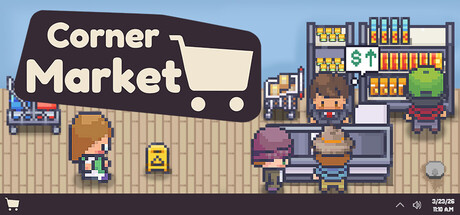
GET YOUR BEARINGS
About Corner Market
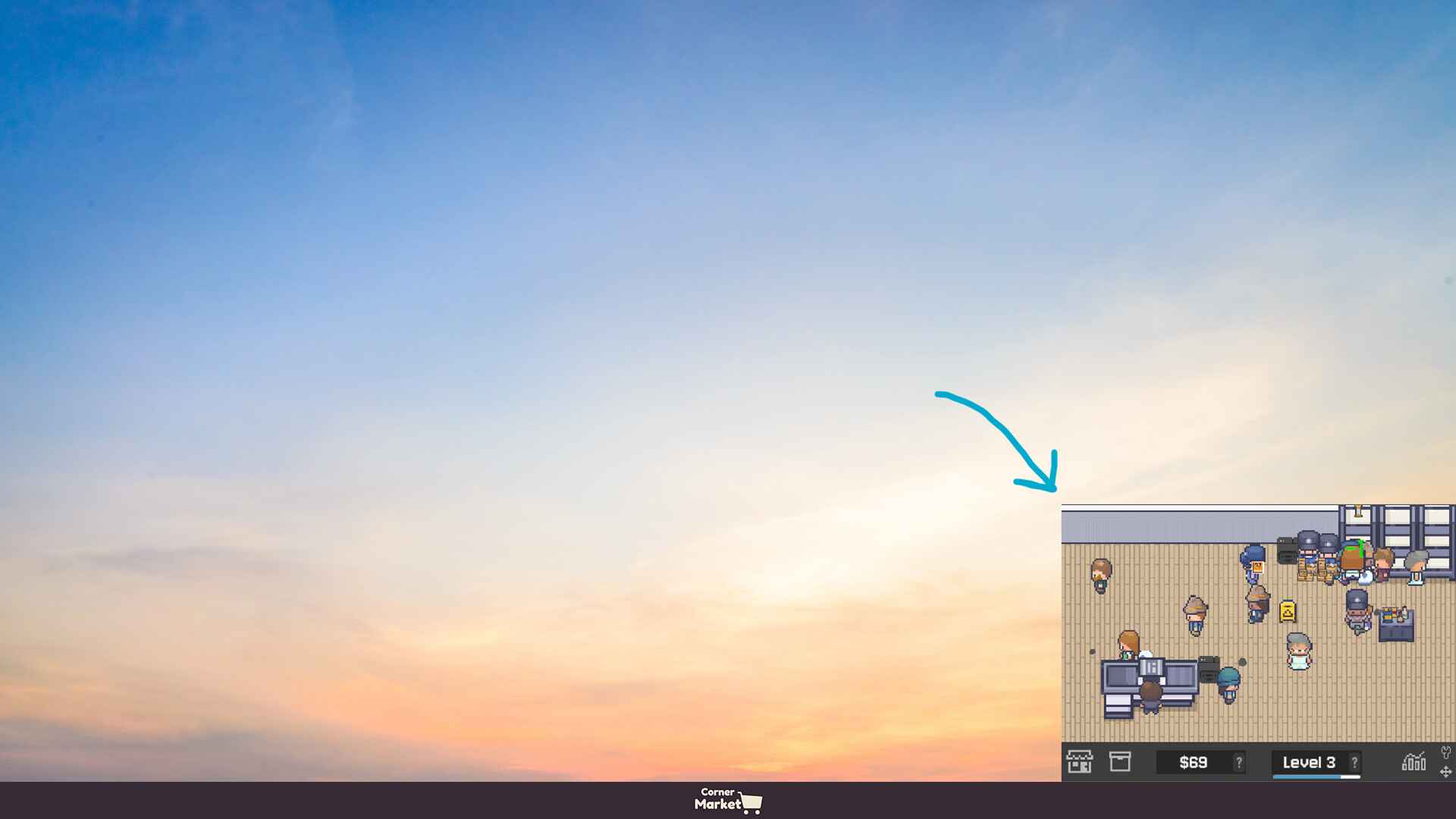
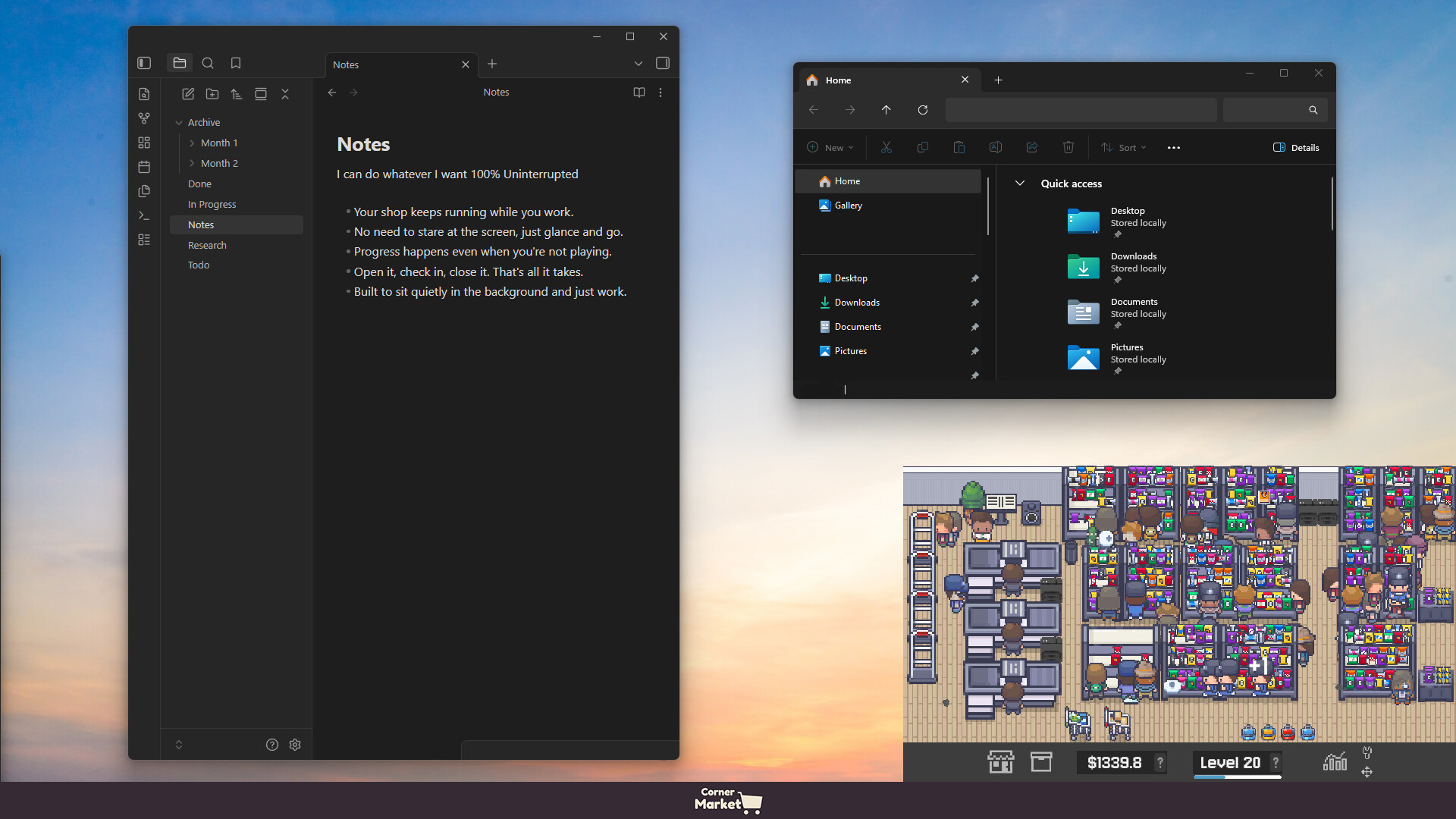
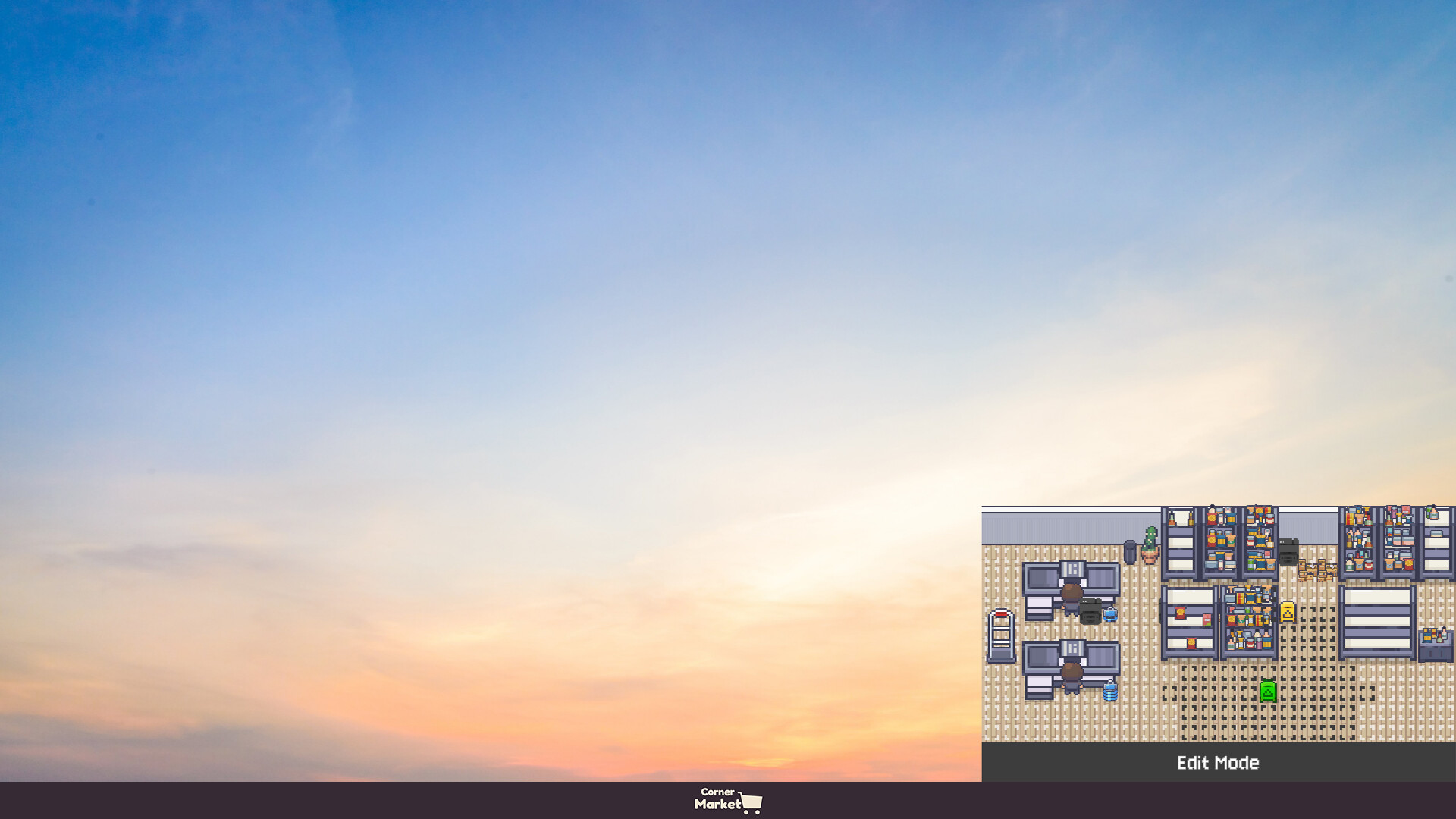
Corner Market is an idle market simulator that sits at the corner of your screen, allowing you to manage a shop while you attend to other tasks. You order products, watch items restock and sell, and use profits to grow the business.
The game offers adjustable text size, custom volume controls, and a mouse‑only option, letting you keep the market visible without constant interaction. Expanding aisles, hiring staff, and Twitch integration add layers of progression while the shop runs itself.
01 / THE GUIDE
Idle Simulation
The core loop operates without timed input, so sales and restocking continue while you focus elsewhere. Each sale automatically adds money to your register, letting the market run in the background.
You can zoom in or out for a less distracting view, and the window can be dragged anywhere on your screen. The market keeps functioning even when moved or partially hidden, supporting a background‑play style.
- Observe profit accumulation at different zoom levels to see which view feels least intrusive.
- Compare sales totals when the window is fully visible versus partially hidden to gauge any visual impact.
02 / THE GUIDE
Store Expansion
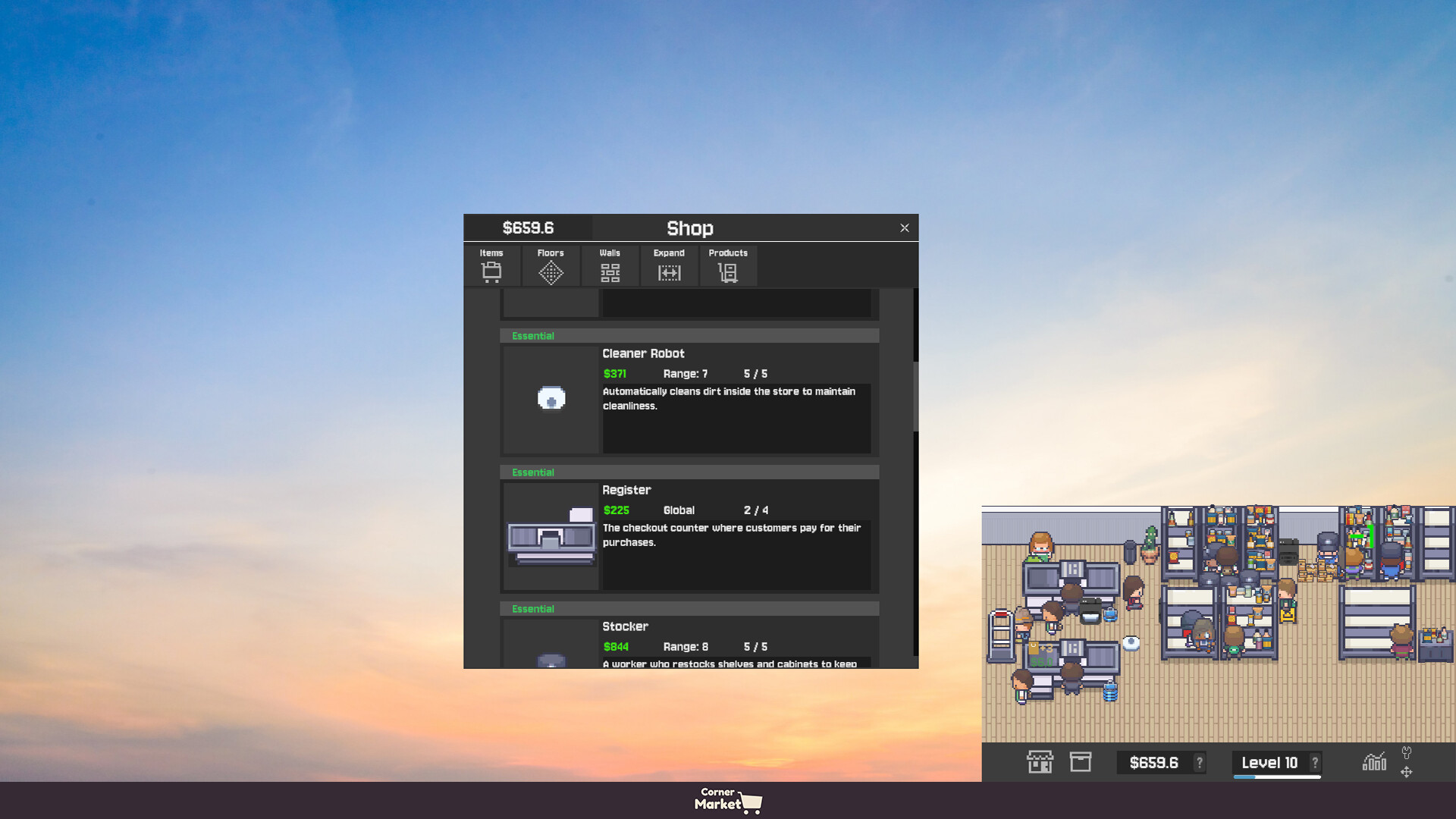
Profits can be spent to open new aisles, which increases foot traffic and allows more product categories to appear. Expansion is described as a path from a small store to a supermarket.
Each new aisle adds space for additional items, potentially raising sales if customers have more choices. The game links business growth directly to the ability to unlock further product categories.
- Track which aisle openings correspond with noticeable sales spikes to prioritize future expansions.
- Balance the cost of new aisles with staff hiring to maintain smooth operation.

03 / THE GUIDE
Staff Management
Hiring staff covers restocking, checkout, cleaning, and deliveries, making the market run smoother and faster. Expanding the team is described as making the market run smoother, faster, and more profitable.
Staff expansion is optional but is presented as a way to keep the shop consistently stocked and tidy, which supports smoother, faster, and more profitable operation.
- Test different staff mixes to see which task most influences sales flow.
- Notice how adding cleaning staff affects customer turnover compared with restocking staff.
04 / THE GUIDE
Screen Placement & Zoom
The game is built to sit comfortably at any corner of your screen and can be dragged when needed. Zoom controls let you adjust the view for a less distracting experience.
Adjustable text size and custom volume further tailor the display, ensuring important information remains readable while the market stays unobtrusive during other work.
- Try different corner positions to find the spot that interferes least with your primary tasks.
- Use text‑size adjustments to keep key numbers legible at a distance.
05 / THE GUIDE
Twitch Integration
Streamers can run their market live, allowing viewers to join as customers using their Twitch names. This creates an interactive audience element within the idle gameplay.
Viewer‑generated customers appear in the shop alongside regular traffic, providing a shared experience while the market continues its normal operations.
- Watch how viewer traffic influences sales compared with solo play.
- Consider streaming during peak viewer hours to maximize customer interaction.
COMMUNITY
Player discussion