 GameWiki
GET YOUR BEARINGS
About Convenience Stories
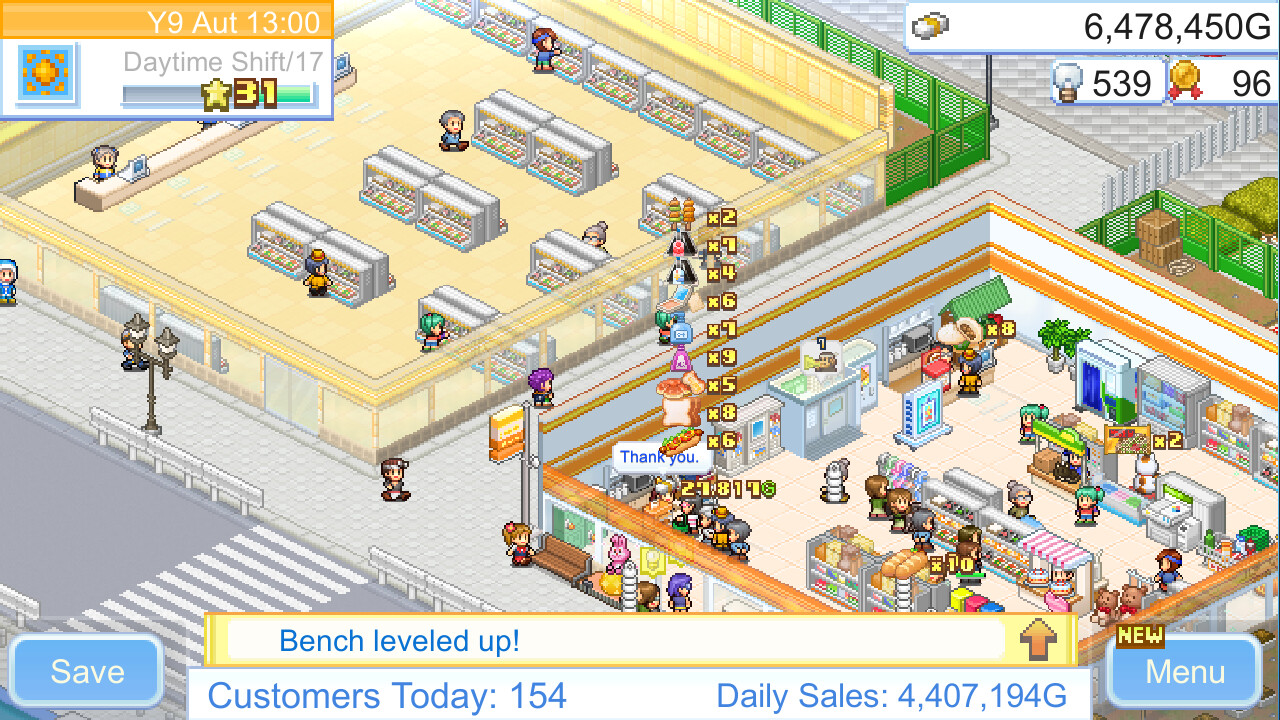
Convenience Stories places you in the role of a convenience‑store manager. You can arrange shelves and choose from many product types—candy, drinks, hot meals, and a news stand for magazines and comics—while keeping the focus on food and convenience items.
Hiring staff, negotiating with suppliers, and out‑selling rival shops let you expand operating hours toward 24‑hour service and grow a franchise that dominates its local market.
01 / THE GUIDE
Store Customization
The game lets you arrange and customize the store using a wide variety of products, from candy and drinks to hot meals. Adding a news stand expands the offering to magazines and comic books, emphasizing that the store is not a library.
Choosing which items to display influences pass‑by customers, as the description notes that fast food can win hearts and wallets, encouraging you to balance food and reading material on the floor.
- Try grouping snack items together to see if foot traffic increases.
- Place the news stand near the entrance to attract customers looking for magazines.
02 / THE GUIDE
Employee Management
Recruiting new employees is presented as a team effort that helps you make the most of your working hours. As staff numbers grow, the description says you can eventually offer 24‑hour service all year long.
Employees therefore become essential for handling increased shopper flow and keeping the register running smoothly during extended hours.
- Hire staff before you plan to open for longer periods.
- Monitor employee count to avoid having more workers than needed.

03 / THE GUIDE
Supplier Negotiation
When you are ready to expand, you negotiate with suppliers and other companies to discover new products. These negotiations unlock additional items, broadening your inventory and increasing appeal.
The description frames supplier deals as a key step toward unlocking the store's true potential, linking product variety directly to business growth.
- Focus on suppliers that add categories you currently lack.
- Track sales after each new product to gauge its impact.
04 / THE GUIDE
Competition and Expansion
Rival stores exist in the game world, and crushing them lets you take over their territory. Expanding your franchise and out‑selling competitors is described as the path to industry domination.
Healthy competition encourages you to improve service, product range, and operating hours to become the most successful franchise in the country.
- Observe rival product mixes to find gaps you can fill.
- Prioritize expansion into areas where rivals have limited hours.
05 / THE GUIDE
Platform Features
Convenience Stories is a single‑player title released on Windows via Steam. It lists Steam Achievements, full controller support, Steam Cloud, and Family Sharing as available features.
These platform features provide options for saving progress, sharing the game with family accounts, and using a controller for navigation, matching the casual and indie tags of the game.
- Enable Steam Cloud to keep saves when reinstalling.
- Try the controller if you prefer hands‑free menu navigation.



COMMUNITY
Player discussion