 GameWiki

GET YOUR BEARINGS
About Content Warning
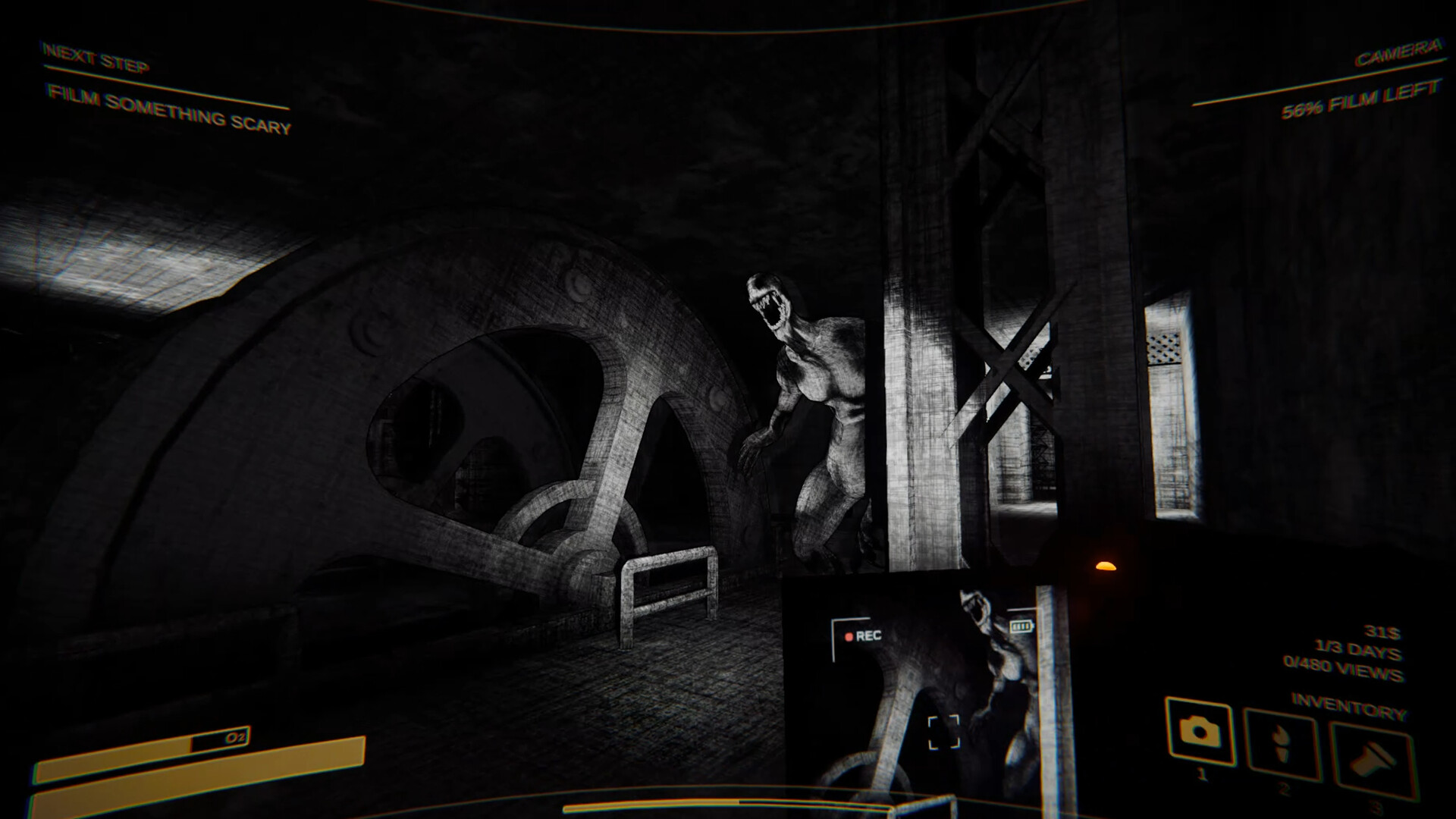
Content Warning is a co‑op horror experience where teams film supernatural events to earn viral fame. Players dive into the Old World using a diving bell, capture physics‑animated monsters and cursed relics, and race against limited oxygen and camera battery.
Each three‑day run rewards ad revenue on the in‑game platform SpöökTube. Earnings unlock gear, emotes, props and medical supplies, letting crews survive longer, film more scares, and potentially secure a lasting SpöökTube career with sponsorships and island upgrades.
01 / THE GUIDE
Gameplay Loop
Teams descend in a diving bell, explore the Old World, and record as many frightening moments as possible before resources run out. Survival hinges on managing oxygen, battery life, and teammate health.
After a run, footage is uploaded to SpöökTube, generating ad revenue that can be spent on upgrades. Accumulating enough views within three days lets players continue their SpöökTube career.
- Prioritize locating flashlights early to extend visibility.
- Conserve battery by limiting camera use during low‑risk encounters.
02 / THE GUIDE
Co‑op Features
The game supports 2‑4 player online co‑op with voice chat, allowing friends to coordinate dives and share scares. Cross‑platform multiplayer lets players on different systems join the same session.
Partial controller support is available, and the game works with DualShock, DualSense, and other controllers, though keyboard input remains primary for certain functions.
- Use voice chat to call out monster locations quickly.
- Assign one player to monitor oxygen levels while others film.
03 / THE GUIDE
ASCII Face Customiser
Players can personalize their in‑game avatar using an ASCII‑face customiser, typing characters to create unique facial expressions. These faces appear during gameplay and in recorded videos.
Custom faces can be saved for future runs, adding a personal touch to each SpöökTube upload.
- Experiment with different symbols for expressive reactions.
- Save multiple faces to match different crew roles.
04 / THE GUIDE
Diving Bell and Old World
The diving bell serves as the launch point and safe return vehicle. Once submerged, players encounter physics‑animated monsters and cursed artefacts that react to player actions.
Returning to the bell before resources deplete is essential for survival and to transport surviving teammates back to the surface.
- Mark safe zones near the bell for quick retreats.
- Track monster movement patterns to avoid unnecessary confrontations.
05 / THE GUIDE
SpöökTube Monetisation
Uploaded videos generate ad revenue, which can be spent on gear upgrades, emotes, props, and medical equipment. Higher view counts increase earnings and unlock sponsorship deals for additional MC.
Revenue fuels future runs, allowing crews to purchase better flashlights, stronger equipment, and cosmetic items like hats.
- Focus on filming rare monsters for higher view potential.
- Invest early earnings in gear that extends oxygen or battery life.




COMMUNITY
Player discussion