 GameWiki
GET YOUR BEARINGS
About Content King
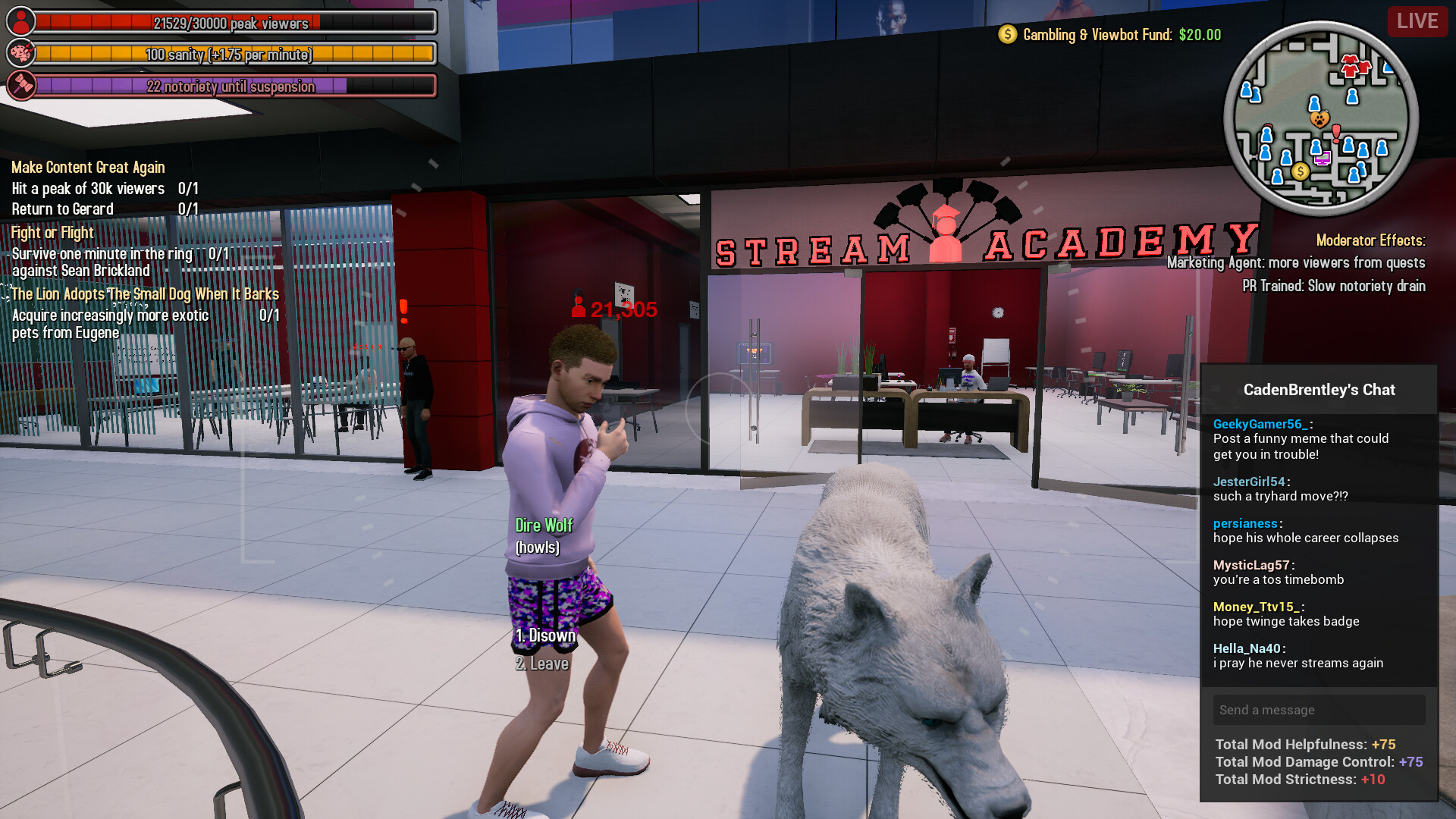
Content King puts you in the shoes of Caden Brentley, a streamer who broadcasts every aspect of his life. Your goal is to chase clout by completing quests, sparking drama, and farming clips to raise your view count and climb the fame ladder.
The game blends adventure, RPG, and simulation elements in an open sandbox where countless characters—voiced by real streamers—react to your choices. Minigames, dialogue options, and a focus on entertaining a virtual chat shape each play session.
01 / THE GUIDE
Open Sandbox World
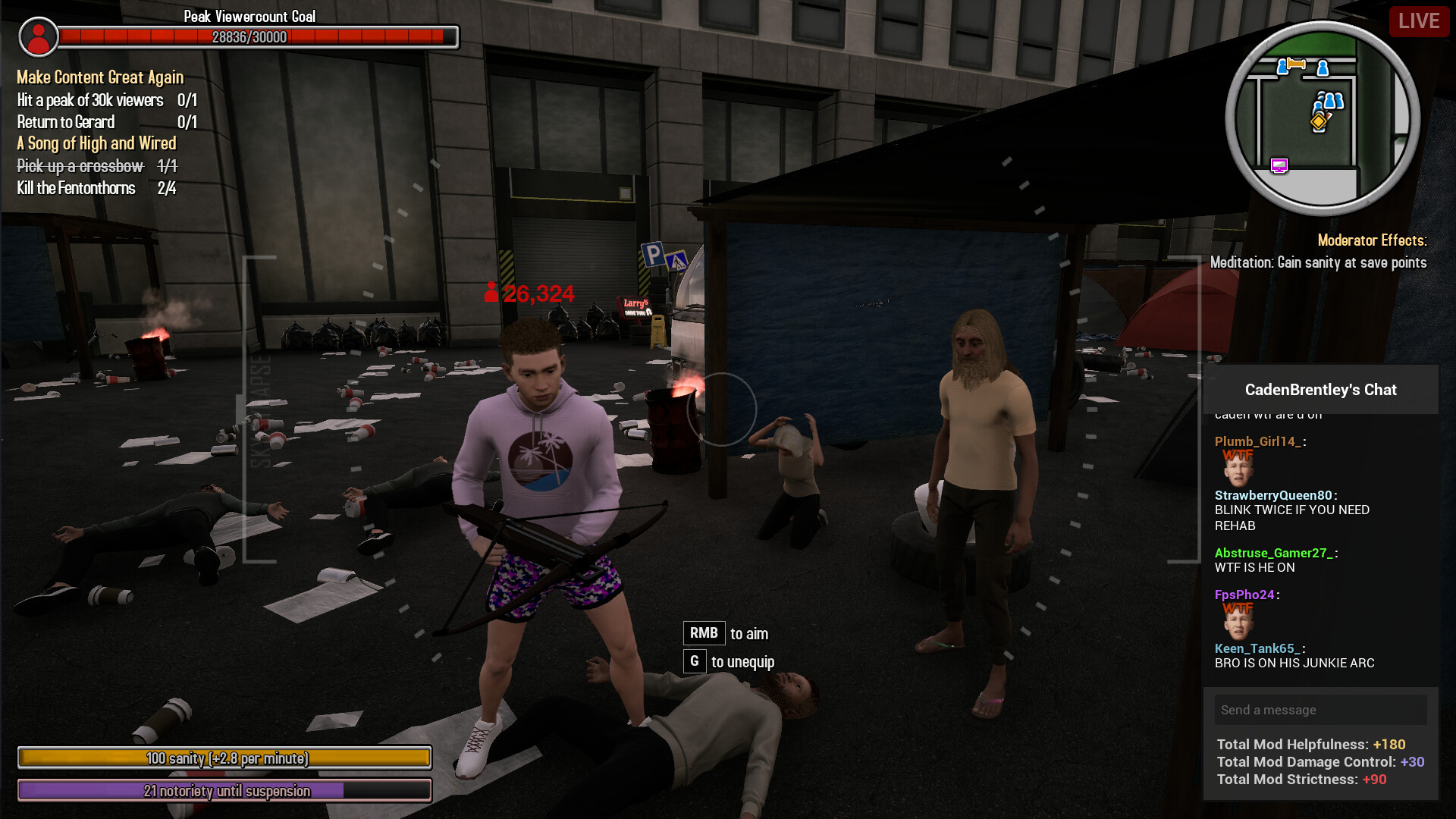
The game offers an open sandbox where “everything is an opportunity to entertain the chat and get new viewers.” This freedom lets you explore various locations while looking for content ideas.
Because the world is sandbox‑styled, you can move between areas without a prescribed linear path, allowing spontaneous interactions and discovery of new drama.
- Try wandering to less‑visited spots; unexpected encounters often generate unique clips.
- Observe how different areas affect your view count to prioritize high‑impact locations.
02 / THE GUIDE
Character Interactions
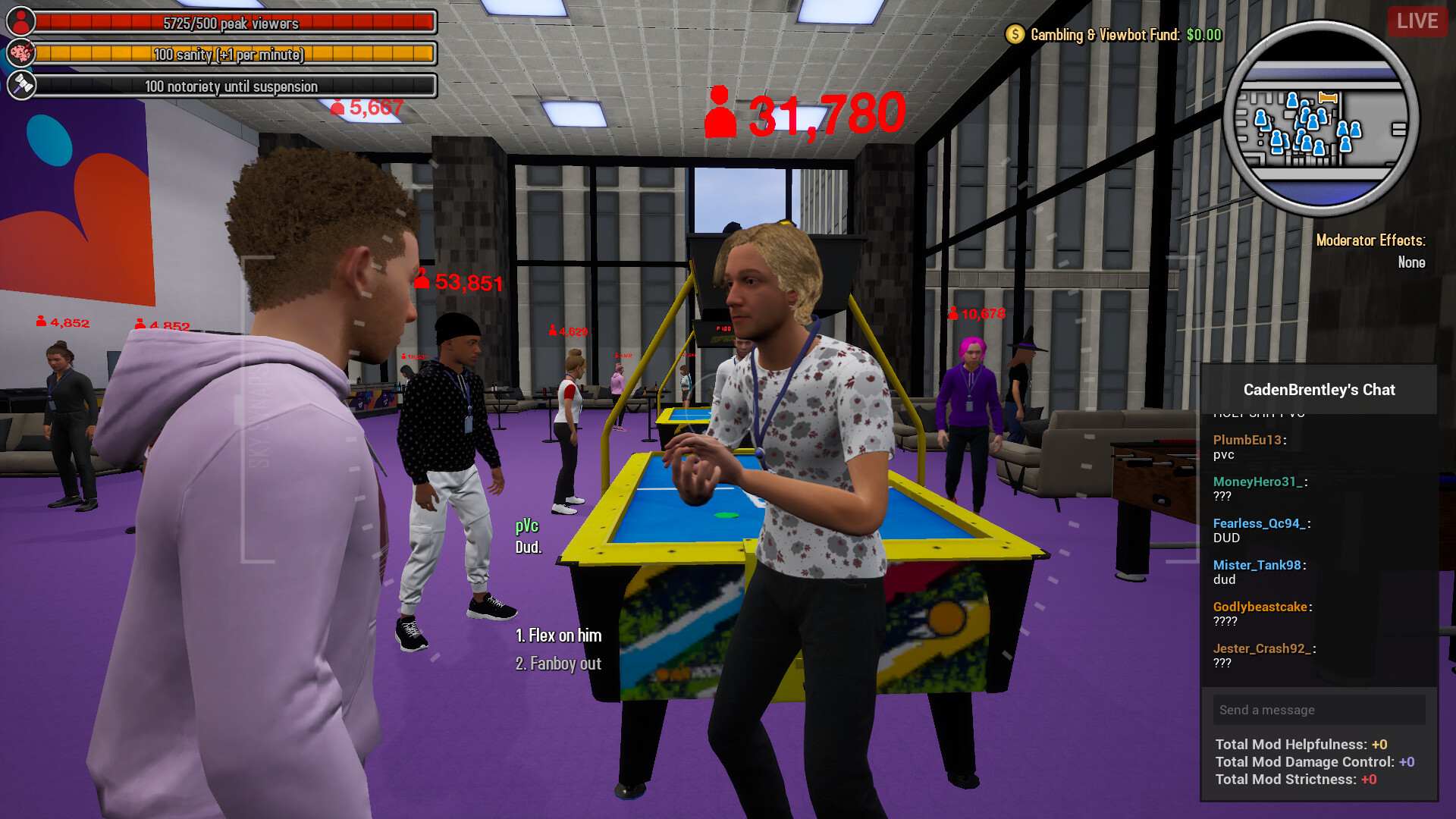
Countless characters voiced by real streamers populate the game, each offering new dialogue and choices. Interacting with them can start drama or provide content opportunities.
Your decisions with these characters shape the narrative, letting you help them or use them purely for content, influencing the story’s direction.
- Listen to each character’s tone; it hints at potential drama triggers.
- Balance helping and exploiting to keep the storyline dynamic.
03 / THE GUIDE
Clout Quests
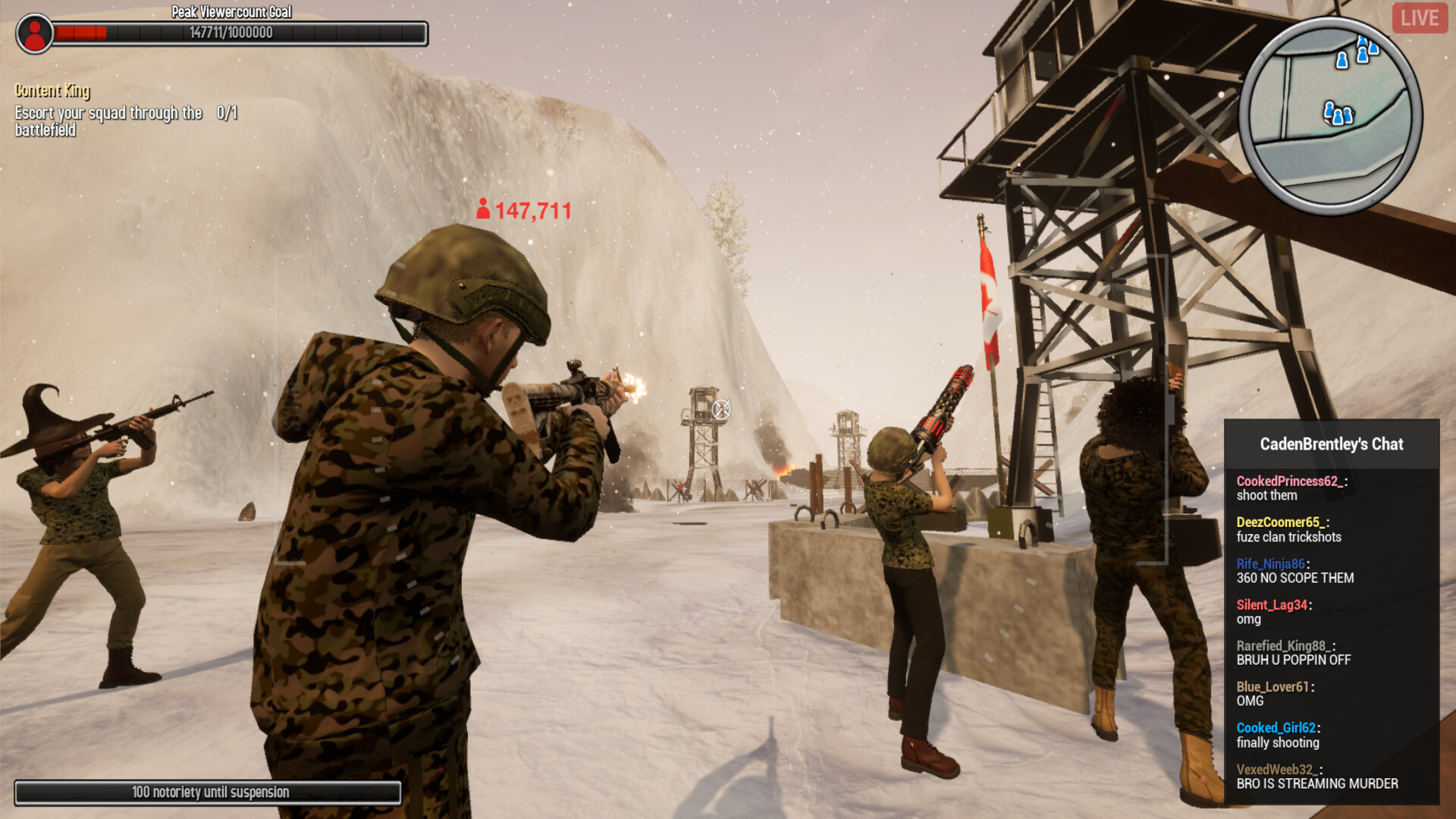
Quests are framed around “pursuing clout by any means necessary.” Completing them advances your rank as a streamer and boosts view counts.
These quests often involve creating content, provoking reactions, or completing specific in‑game actions that translate to higher fame metrics.
- Prioritize quests that promise large view‑count gains early on.
- Track which quest types yield the most clips for efficient progress.
04 / THE GUIDE
Minigames
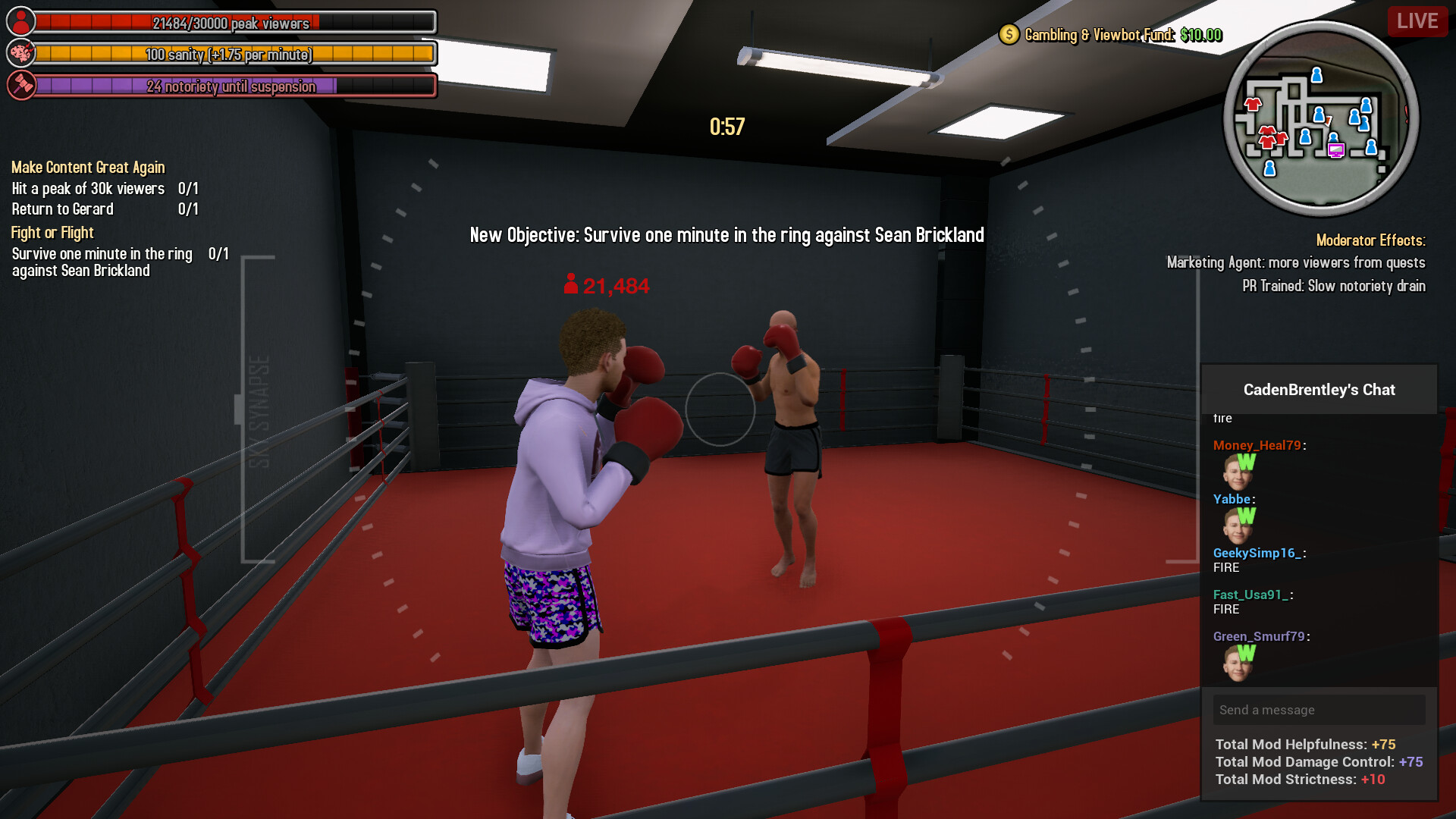
A variety of minigames are scattered throughout the world, each serving as a potential source of entertaining content. Success in these games can directly affect your channel’s popularity.
Because they are integrated into the sandbox, you can choose when and where to play them, aligning with your streaming strategy.
- Experiment with different minigames to discover which generate the most shareable moments.
- Combine minigame success with dramatic dialogue for compound view‑count boosts.
05 / THE GUIDE
Platform Features
Content King supports single‑player, Steam Achievements, full controller support, Steam Cloud, and Family Sharing. These features affect how you can save progress and share the game.
While the game is single‑player, the listed Steam services provide standard platform conveniences without altering core gameplay.
- Enable Steam Cloud to keep your progress across installations.
- Check the Achievements list for optional goals that reflect streaming milestones.
COMMUNITY
Player discussion