 GameWiki
GET YOUR BEARINGS
About Combat Mission Shock Force 2
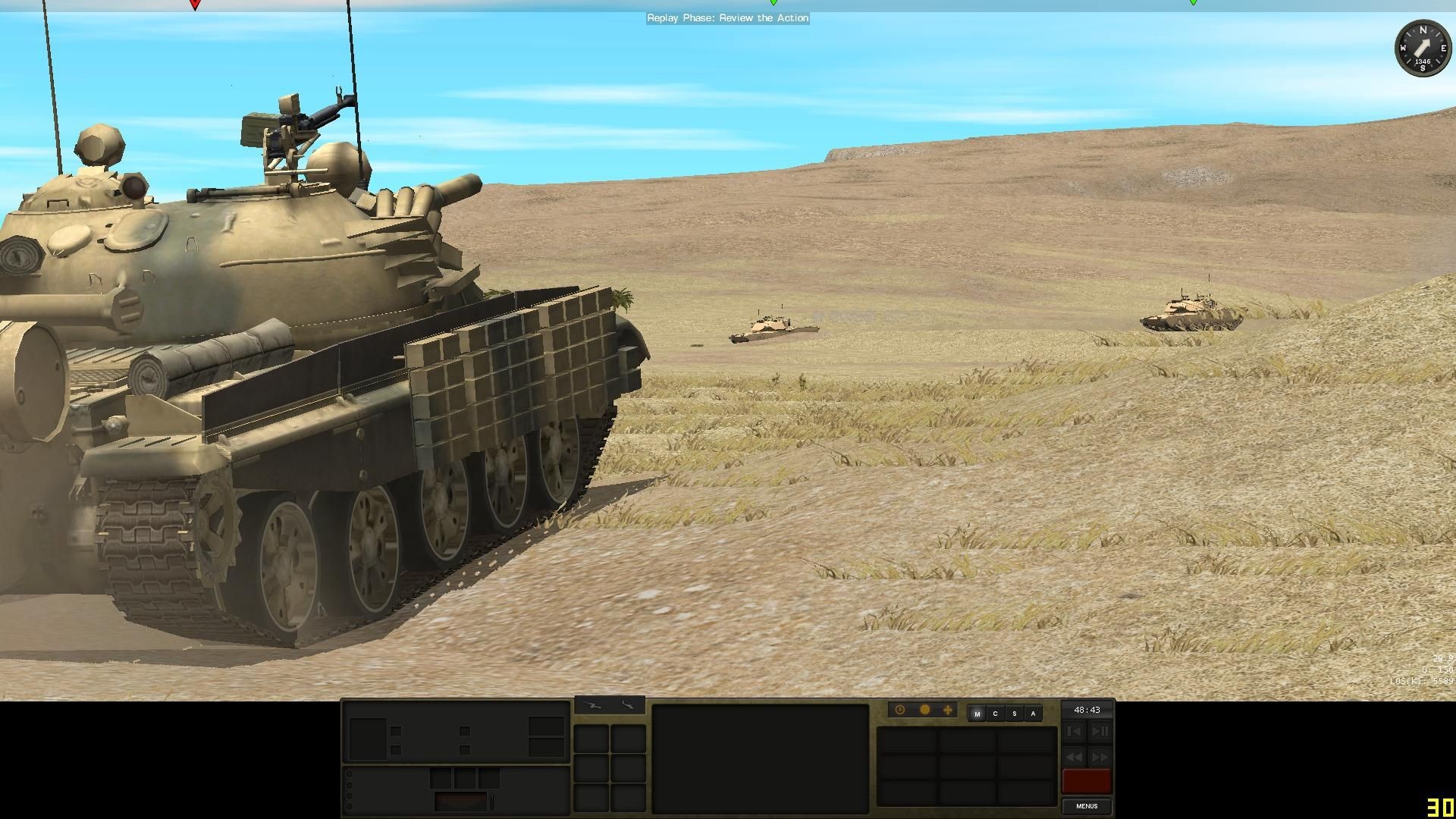
Combat Mission Shock Force 2 is the newest entry in the Combat Mission series, setting a fictional Syrian conflict between NATO‑aligned US forces and the Syrian Army. Players command US Stryker Brigade Combat Teams and Heavy Brigade Combat Teams against Syrian infantry, mechanized and armored units across an arid battlefield that includes waterways and bridges.
The game combines a true‑3D environment with a hybrid Real‑Time/WeGo turn system, a Quick‑Battle generator, and a full map/scenario editor. Detailed physics, ballistics and “soft factors” such as morale, experience and leadership aim to deliver a realistic tactical simulation.
01 / THE GUIDE
Campaigns and Quick Battles
The title offers the Task Force Thunder campaign, a smaller training campaign, twenty standalone scenarios, and a Quick‑Battle system. Each mission supplies a set of detailed objectives that must be accomplished, ranging from seizing positions to neutralising enemy assets.
Quick Battles let players specify forces and choose from a wide array of maps, creating deliberate or randomized engagements based on those specifications. This system, together with the editor, provides extensive replayability without requiring pre‑made content.
- Compare objectives across scenarios to identify common tactical requirements.
- Use the training campaign to become familiar with unit controls before tackling the main campaign.
02 / THE GUIDE
Real‑Time and WeGo Play
Missions can be played in continuous Real‑Time or in the WeGo hybrid system, where each side plans 60 seconds of combat before both plans execute simultaneously. WeGo supports turn replay, hot‑seat play on a single computer and Play‑by‑Email matches.
Both Real‑Time and WeGo modes can be linked via TCP/IP for LAN or Internet head‑to‑head play, offering flexible multiplayer options alongside single‑player engagements.
- Try both modes to see which pacing matches your tactical approach.
- Review WeGo turn replays to refine your planning for the next segment.
03 / THE GUIDE
Unit Modeling and Physics
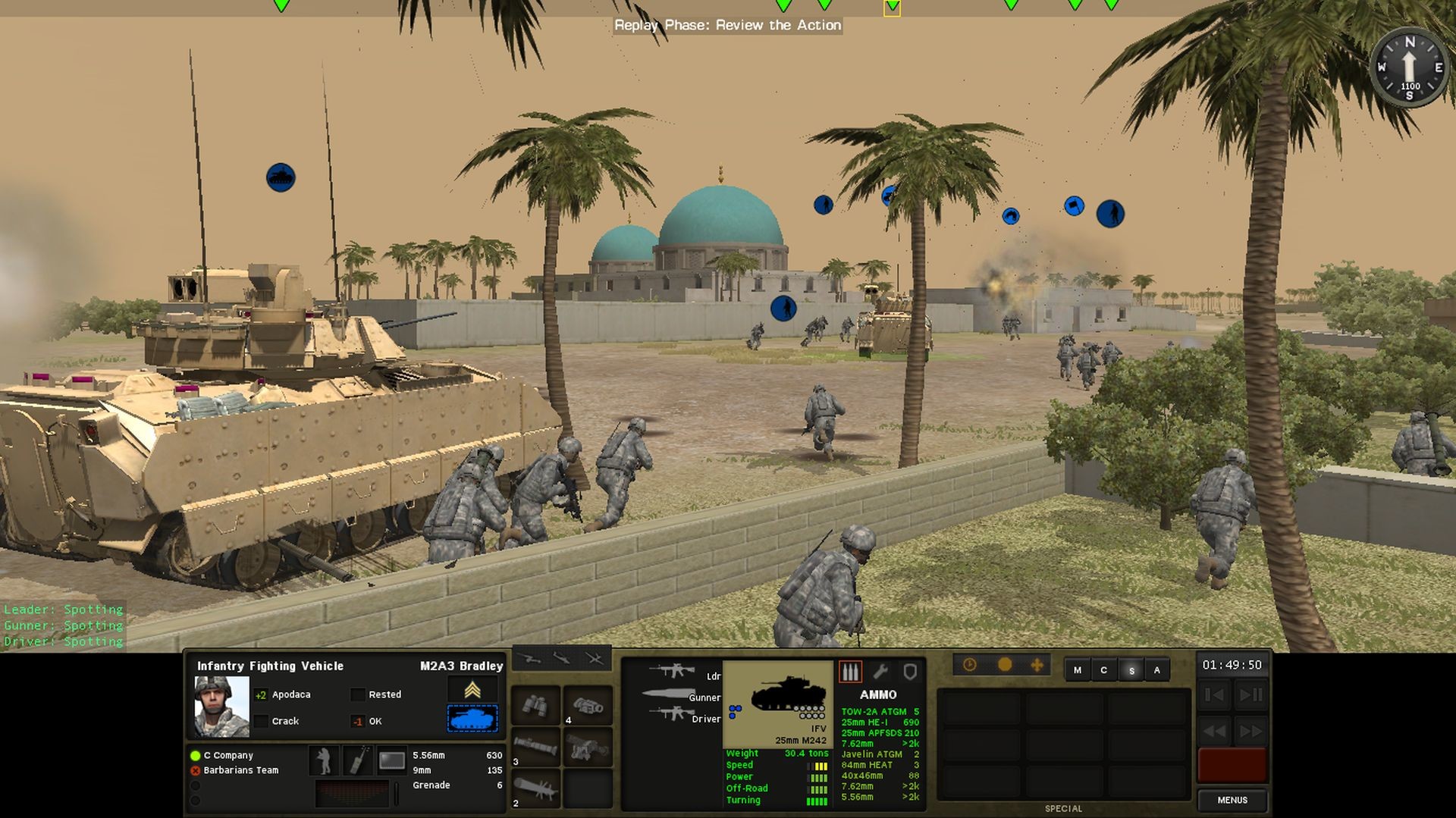
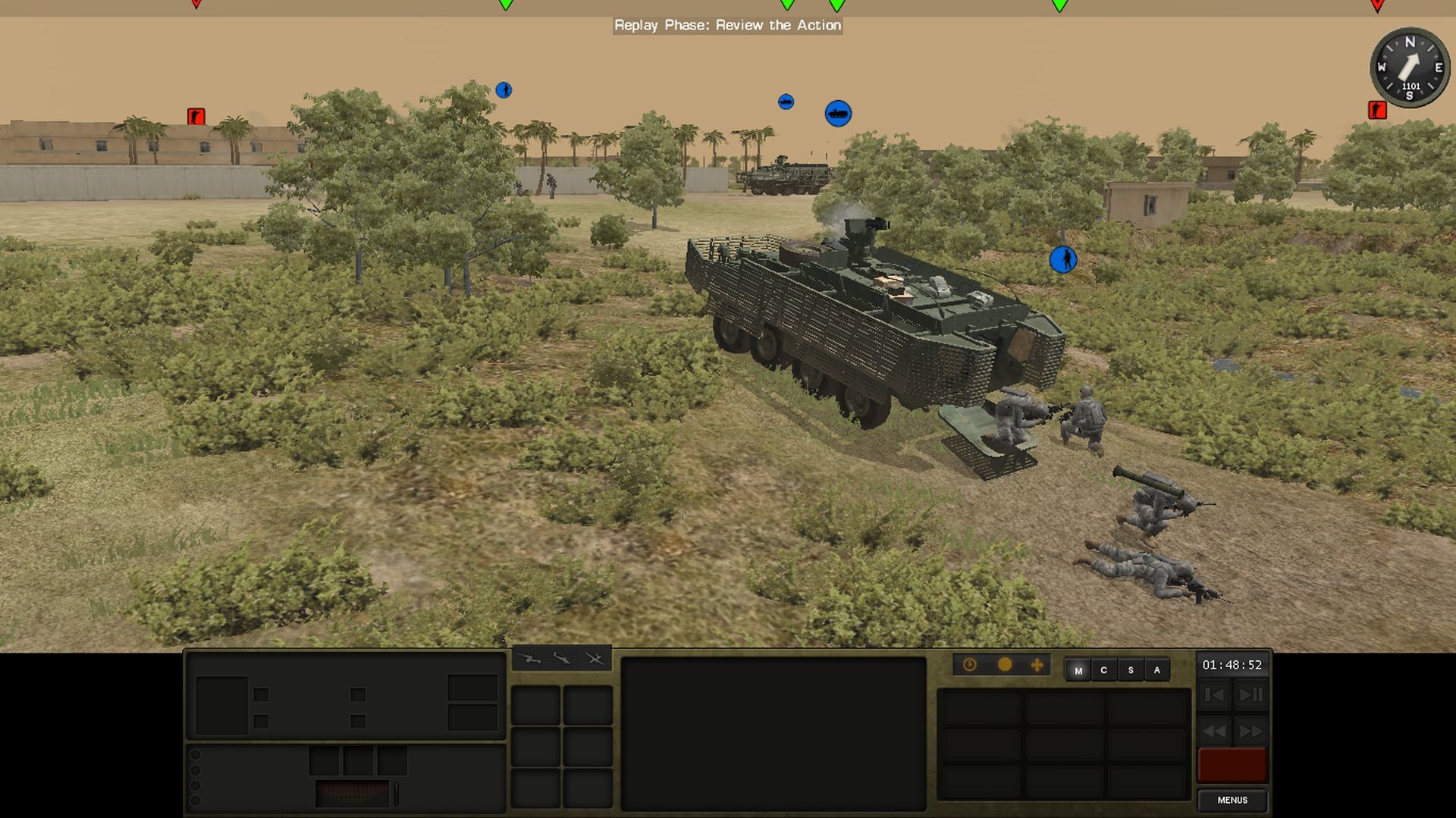
All vehicles and infantry are rendered 1:1 in high‑resolution polygon models with articulated suspensions and animated hatches. Weapon penetration and armor values are derived from detailed real‑world data, and damage is tracked per sub‑system for realistic ballistics and post‑armor effects.
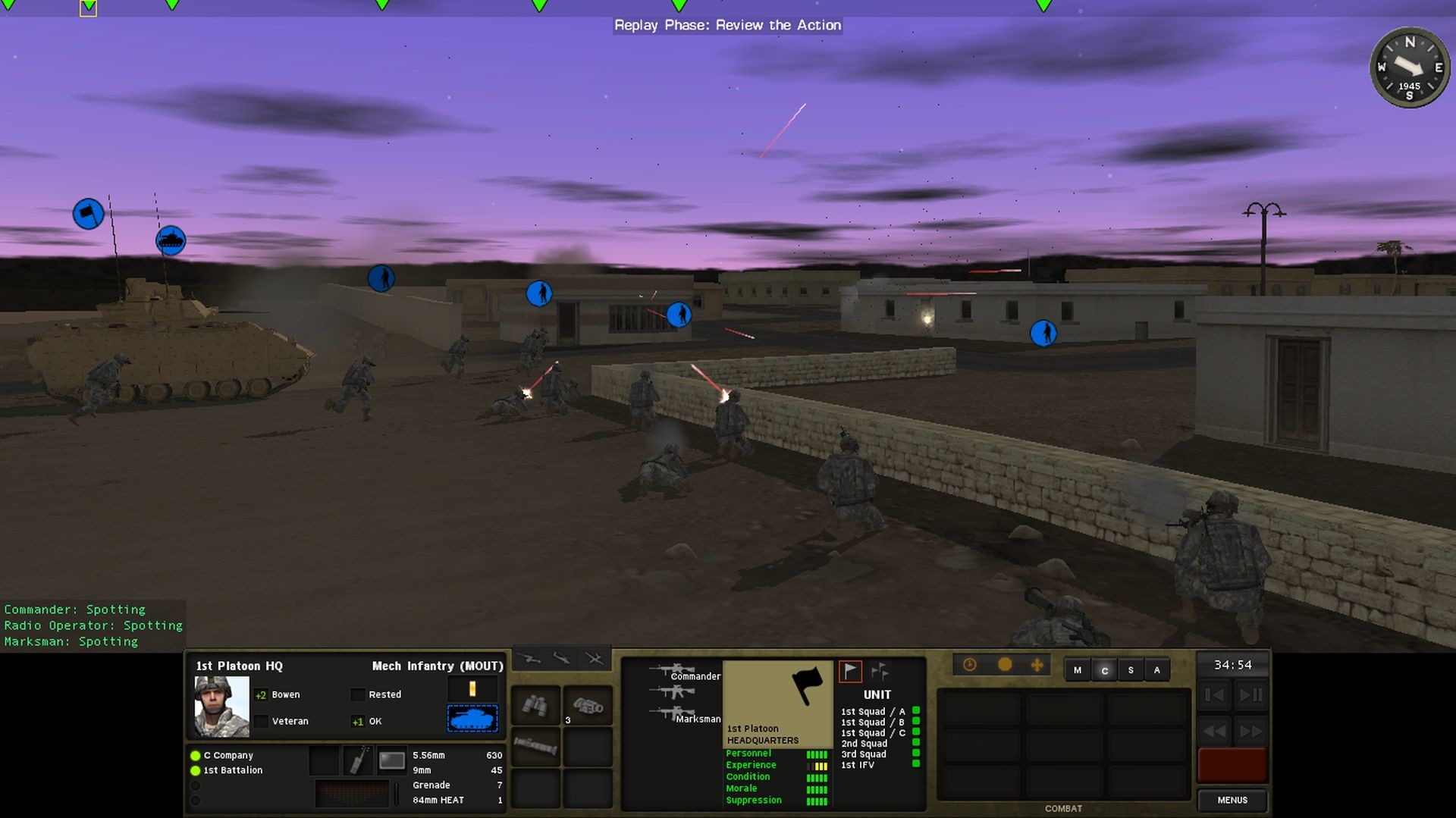
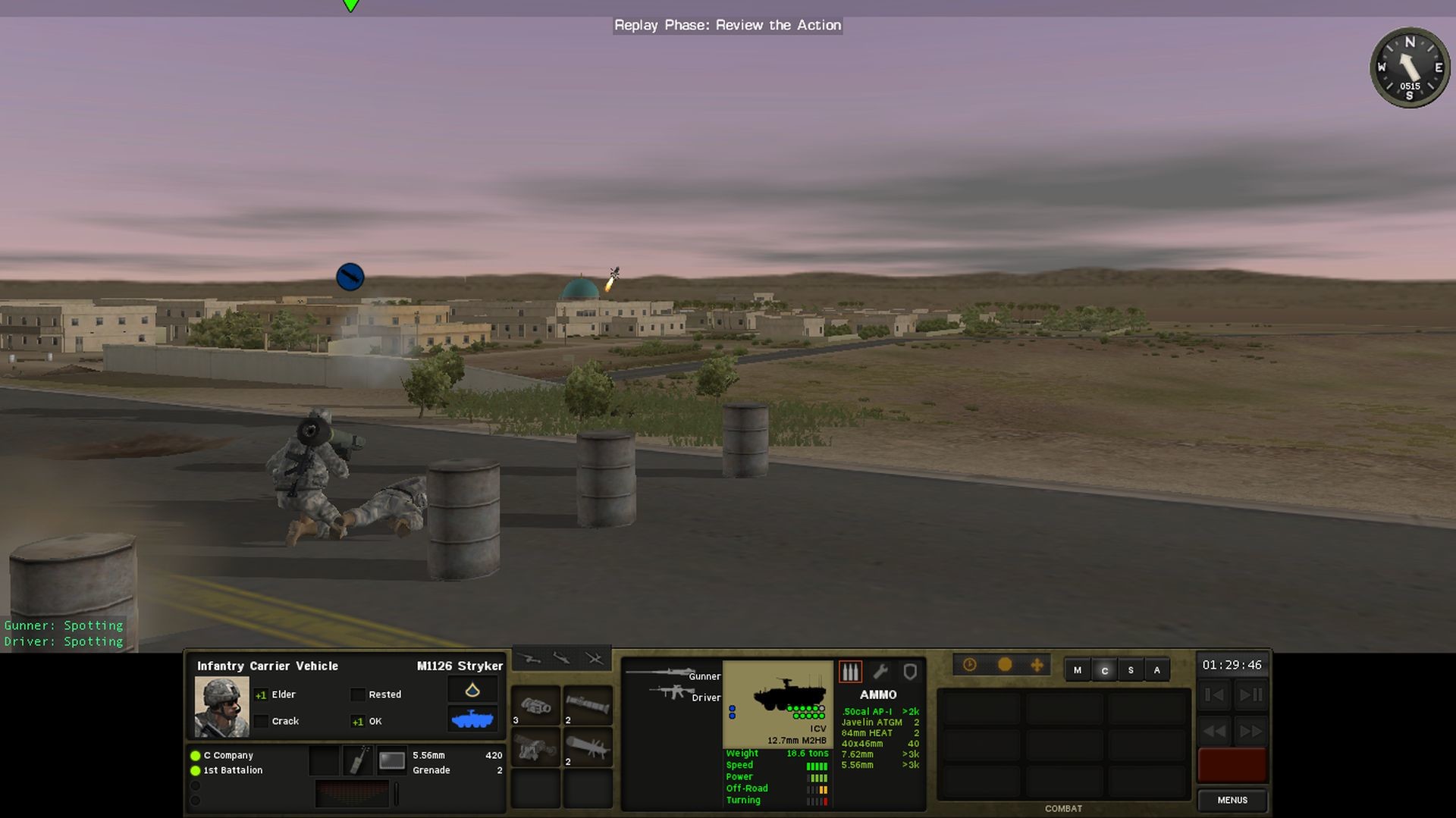
Weather, lighting and terrain dynamically affect visibility, mobility and weapon performance. Line‑of‑Sight and Line‑of‑Fire are calculated separately, allowing situations where a target can be seen but not shot, or shot without being directly visible.
- Observe how different weather conditions change vehicle speed before committing to a maneuver.
- Check line‑of‑sight versus line‑of‑fire when positioning units on elevated terrain.
04 / THE GUIDE
Soft Factors and Tactical AI
Combat Mission models experience, morale, leadership and other soft factors at the individual soldier level. The Tactical AI (TacAI) uses these attributes to generate independent soldier behavior, avoiding the “Borg” spotting issue and creating realistic fog‑of‑war dynamics.
Relative Spotting gives each soldier a unique view of the battlefield, while Command & Control simulates the flow of information between units, making morale shifts and leadership presence influential on combat outcomes.
- Maintain morale by limiting casualties in a single engagement.
- Watch how leadership levels affect unit cohesion during prolonged fights.
05 / THE GUIDE
Map/Scenario Editor and Quick‑Battle System
A powerful editor lets players create maps, scenarios and campaigns, creating terrain at 1 m × 1 m resolution, building interiors and environmental conditions. Quick Battle uses this data to generate deliberate or randomized battles based on player‑specified forces and maps.
The editor’s flexibility supports community sharing; custom content can be created for yourself and others, extending the game’s lifespan beyond the built‑in scenarios.
- Start with provided map templates to learn editor basics before designing original terrain.
- Test Quick Battles with a small force first to verify balance before scaling up.
COMMUNITY
Player discussion