 GameWiki
GET YOUR BEARINGS
About Coloring Pixels
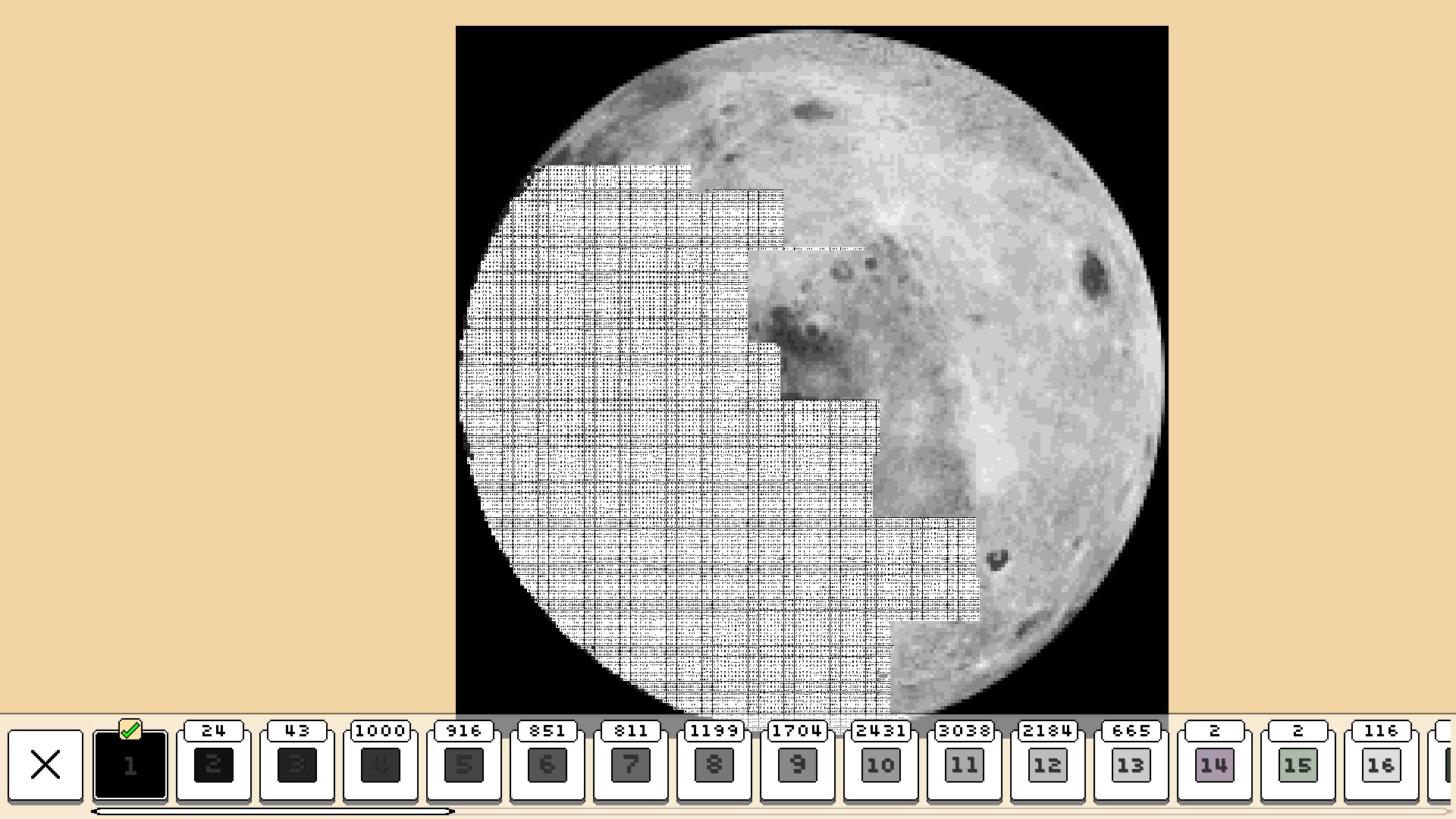
Coloring Pixels is a casual indie title where each level presents a grid of numbered, uncolored pixels. Players select a color from a palette that matches each number and paint the corresponding pixels until the whole level is correctly colored. The game includes over 1000 levels, with more than 90 available for free, offering many hours of low‑pressure play.
The title provides dark mode, optional hint settings, and a range of accessibility options such as font choices, rebindable controls, and contrast adjustments. It supports single‑player play, Steam achievements, Steam Cloud saves, and Family Sharing on Windows, macOS, and Linux.
01 / THE GUIDE
Gameplay Mechanics
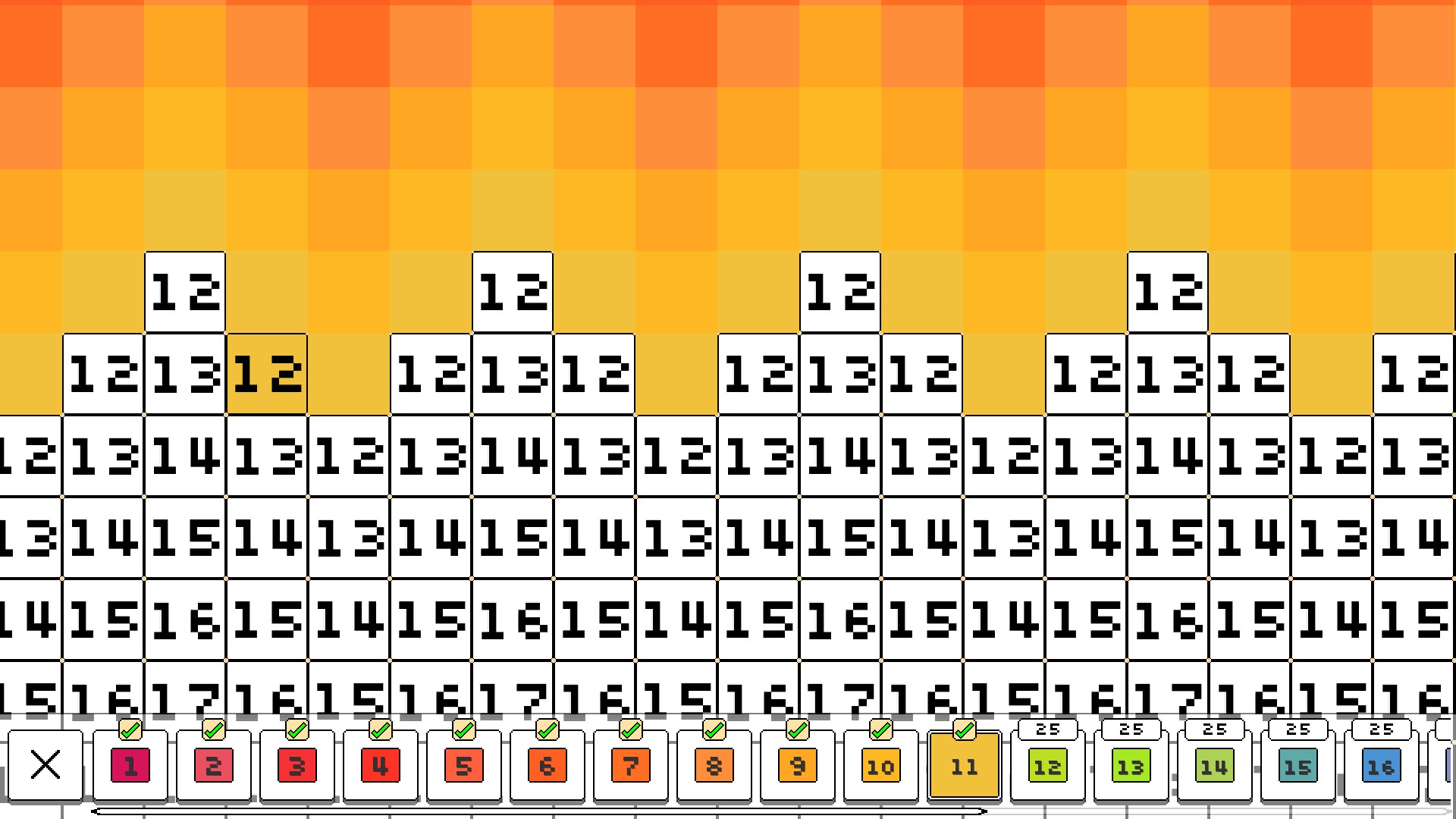
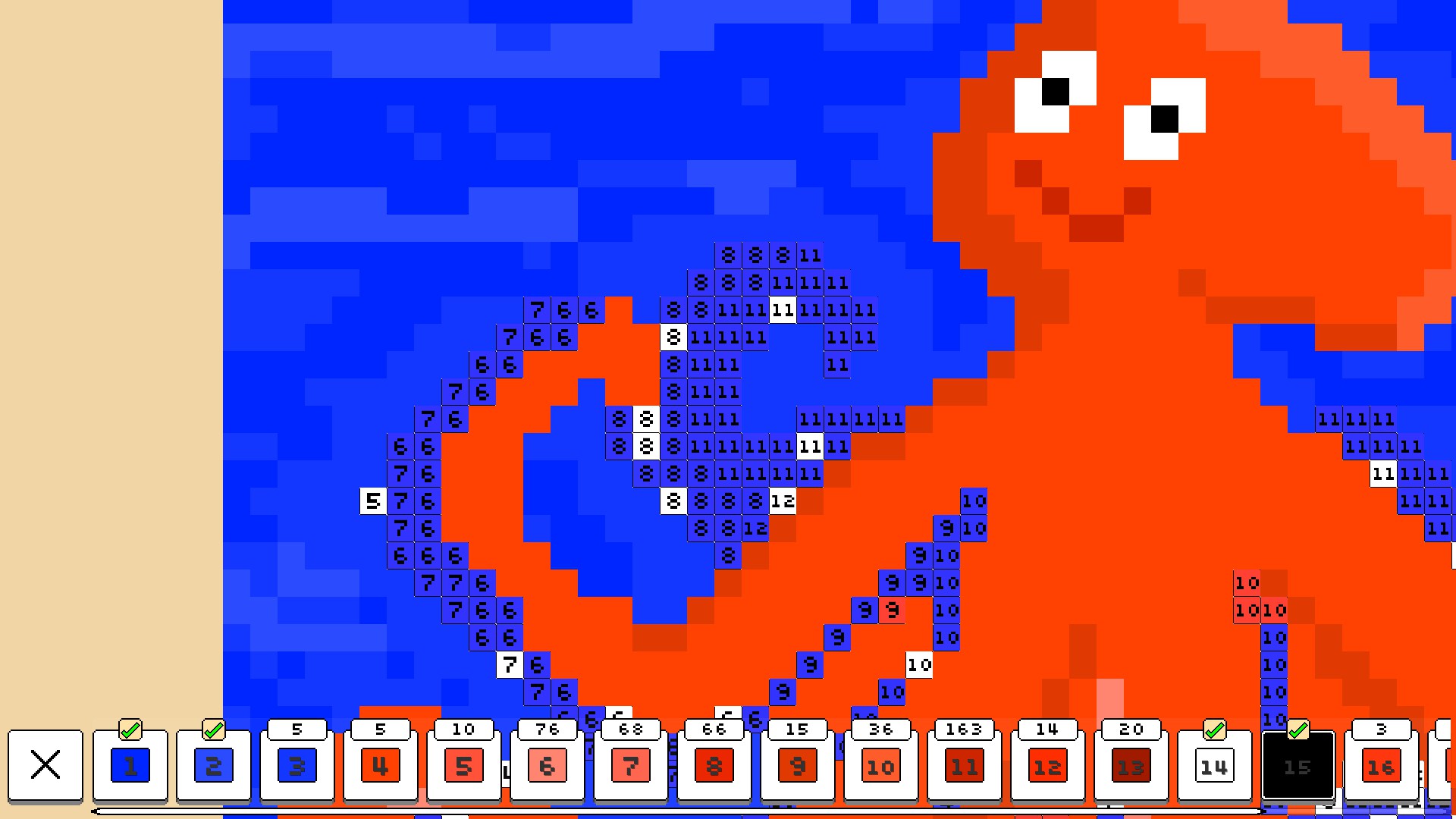
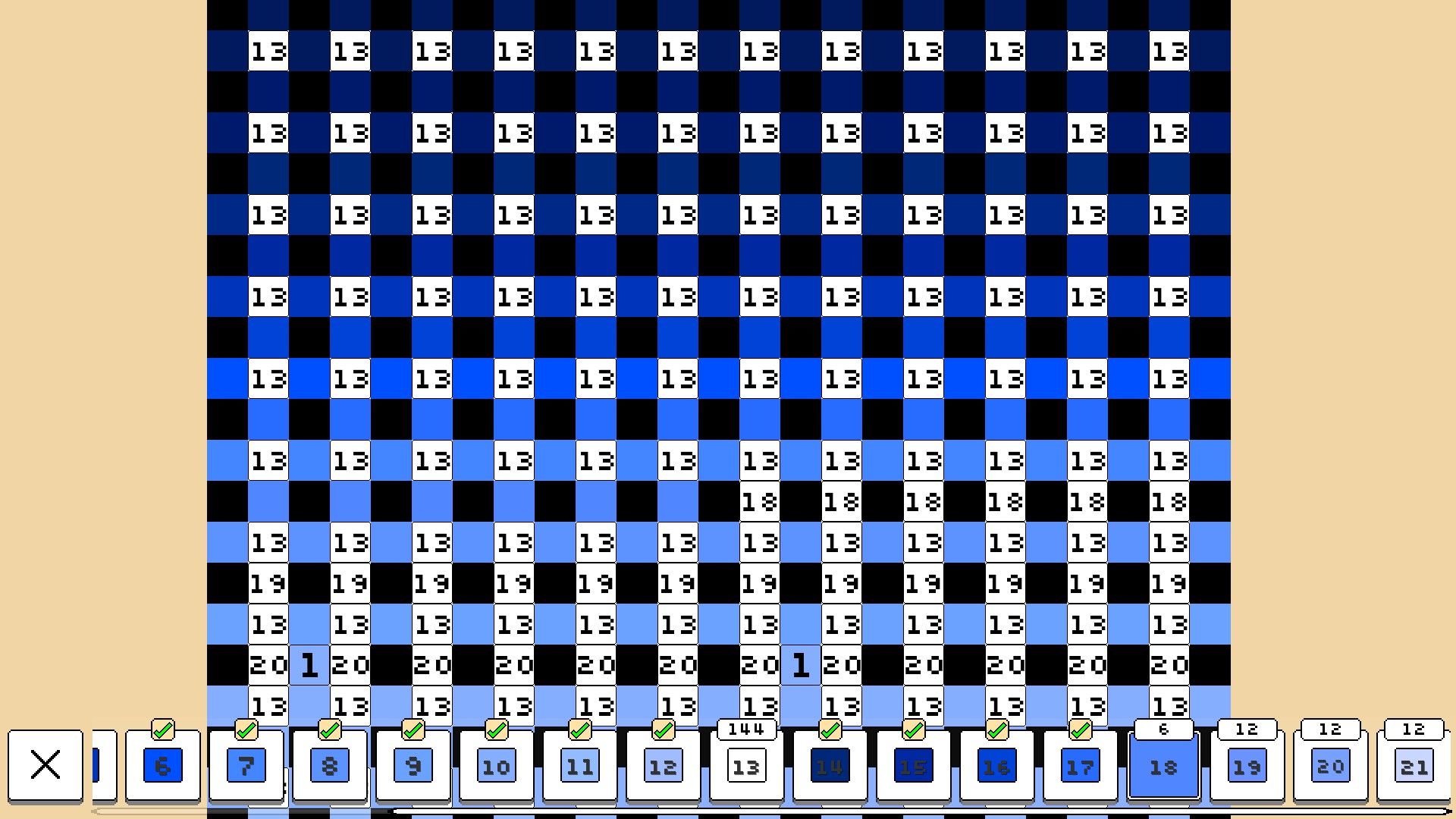
Each level contains numerous uncolored pixels, each marked with a number. The number indicates which color from the player's palette should be applied to that pixel. Players select a color and paint all matching pixels, aiming to color every pixel correctly to finish the level.
Finishing a level requires that every pixel be correctly colored; the description does not mention time limits or penalties for mistakes. The core loop is simply: choose a color, apply it to its numbered pixels, and repeat until the board is complete.
- Focus on one color at a time to reduce missed pixels.
- Enable hints only when you are uncertain about a number‑color match.
02 / THE GUIDE
Level Structure
The game offers over 1000 levels in total, with more than 90 of them free. With over 1000 levels in total, players have a large library of levels to work through at their own pace.
There is no documented narrative or progression system beyond the increasing number of levels. Success is measured solely by correctly coloring all pixels in a level.
- Begin with the free levels to learn the number‑to‑color system.
- Take short breaks between levels to maintain a relaxed pace.

03 / THE GUIDE
Accessibility Features
Coloring Pixels includes dark mode, a selection of fonts, rebindable controls, various contrast options, and optional hint settings. These options let players tailor visual and input preferences without altering core gameplay.
All features are optional and can be combined, enabling players to create a comfortable environment for extended sessions.
- Experiment with different font and contrast settings to find the most comfortable view.
- Toggle hints only when needed to keep the challenge level you prefer.
04 / THE GUIDE
Steam Integration
The game supports Steam achievements. Steam Cloud saves progress, so completed levels are retained across installations.
Family Sharing is listed, meaning a shared library can be accessed by multiple accounts, though the description does not detail any restrictions on shared progress.
- Review the achievement list to set personal goals beyond finishing levels.
- Confirm Steam Cloud is enabled to keep your level completion data safe.
05 / THE GUIDE
Platform Availability
Coloring Pixels is released for Windows, macOS, and Linux. The description confirms support for each operating system, allowing players on any of the three platforms to download and play the game.
The game is available on all three supported operating systems, so players on Windows, macOS, or Linux can access the listing.
- Check that your operating system meets the minimum requirements before installing.
- Use the same Steam account on different platforms to keep your cloud saves synchronized.
COMMUNITY
Player discussion