 GameWiki
GET YOUR BEARINGS
About Cogmind
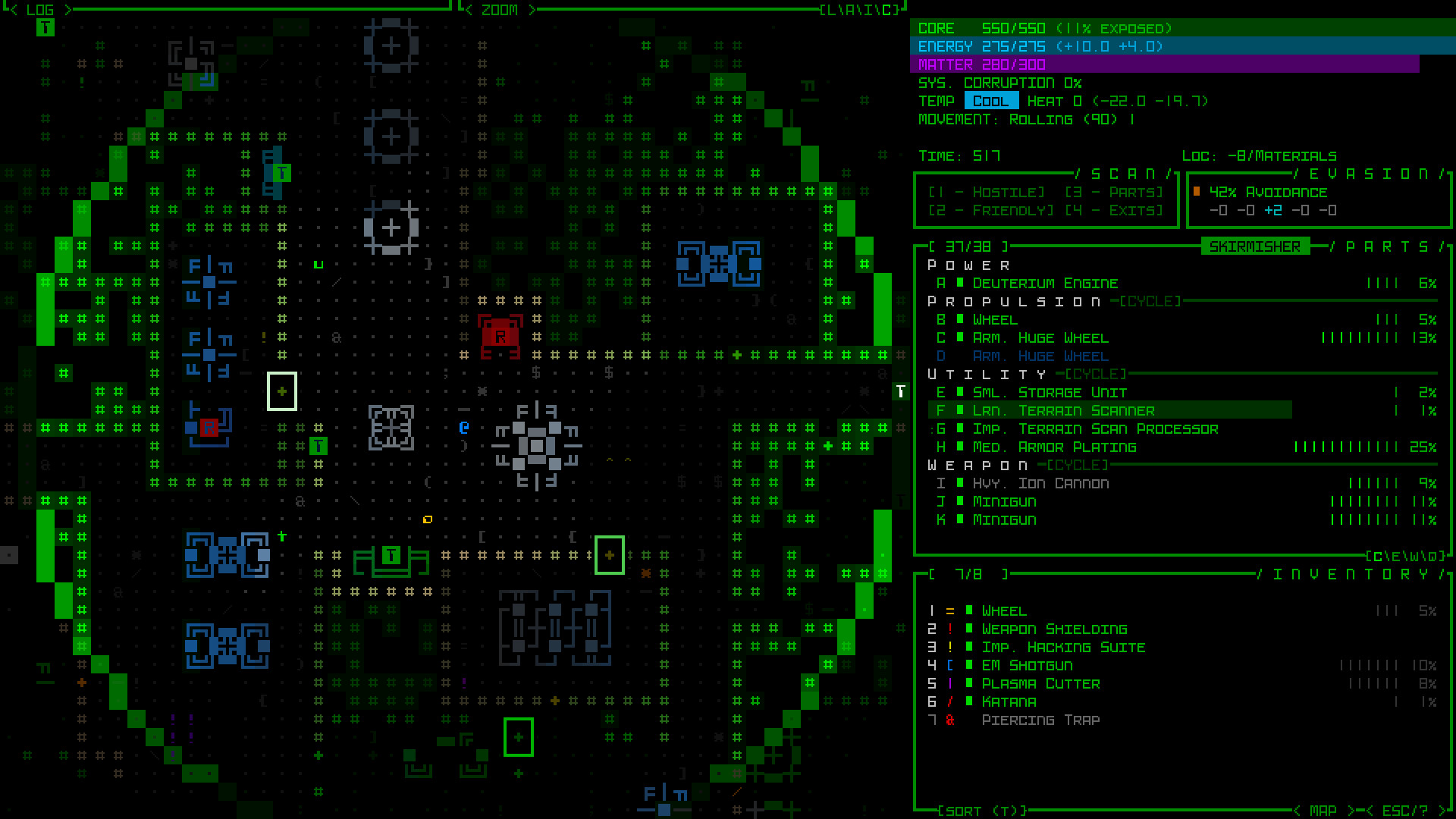
Cogmind drops you into a procedural sci‑fi world where you are a robot built from salvaged parts. Every component you attach—power, propulsion, weapons or utilities—defines how you move, fight or sneak, and losing parts forces you to rebuild on the fly. The game blends classic turn‑based roguelike depth with a modern mouse‑driven interface and extensive visual effects.
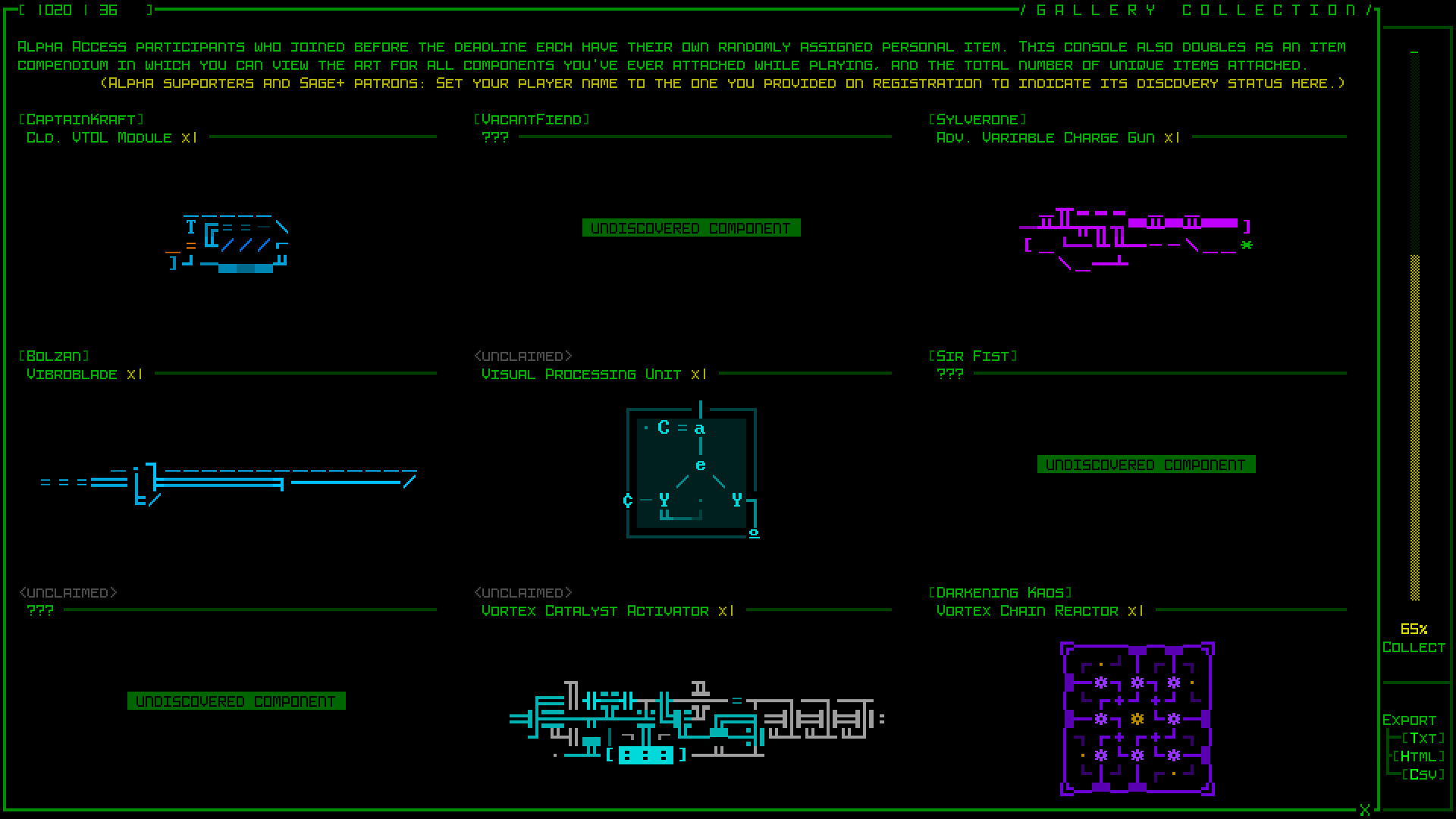
Although still in Early Access, Cogmind offers over two dozen map types, over a thousand items, hand‑crafted locations and ten animated endings. You can play with full keyboard, mouse or both, and choose difficulty levels that suit casual or hardcore runs while exploring a living robot ecosystem.
01 / THE GUIDE
Building Your Cog
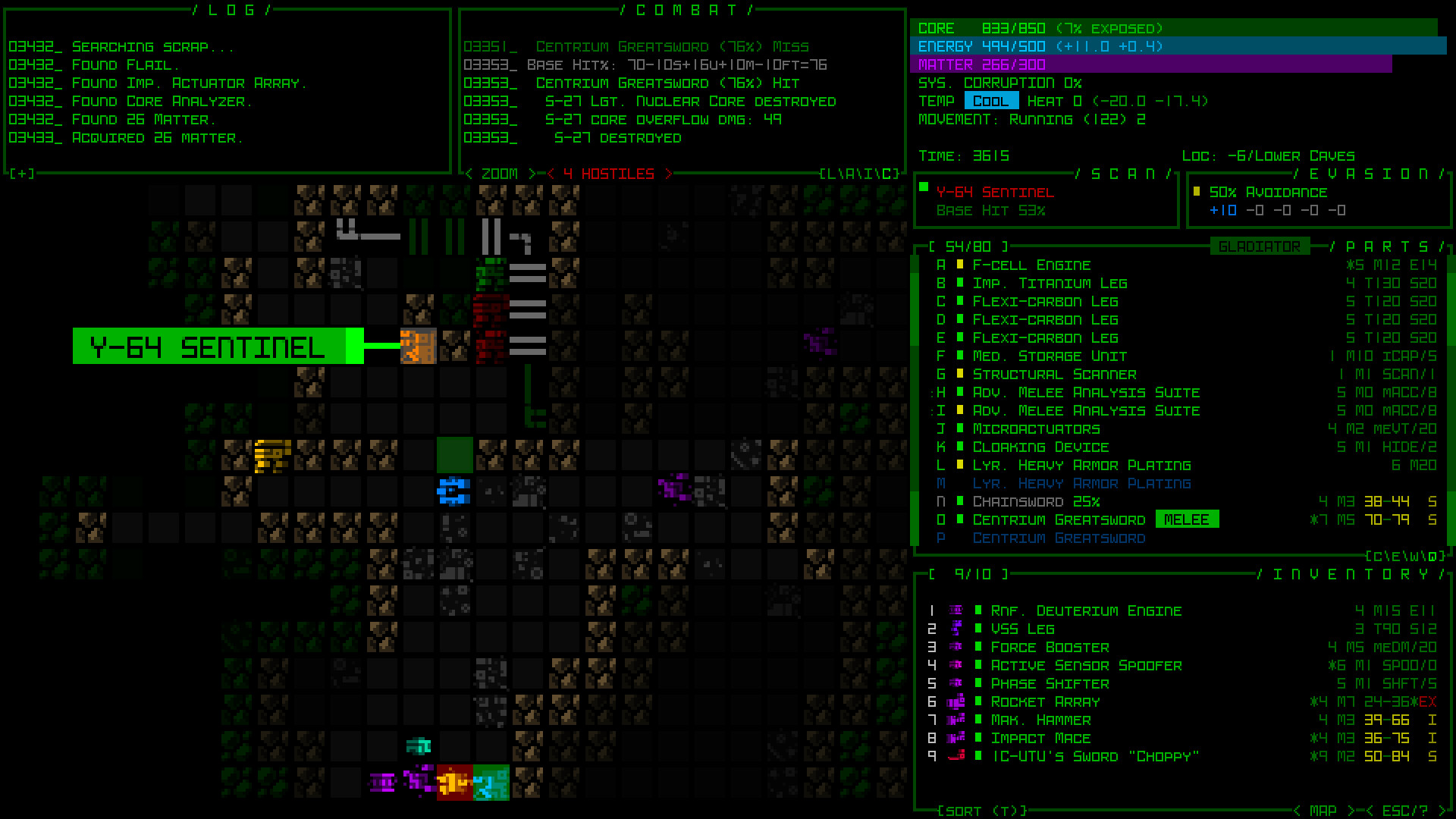
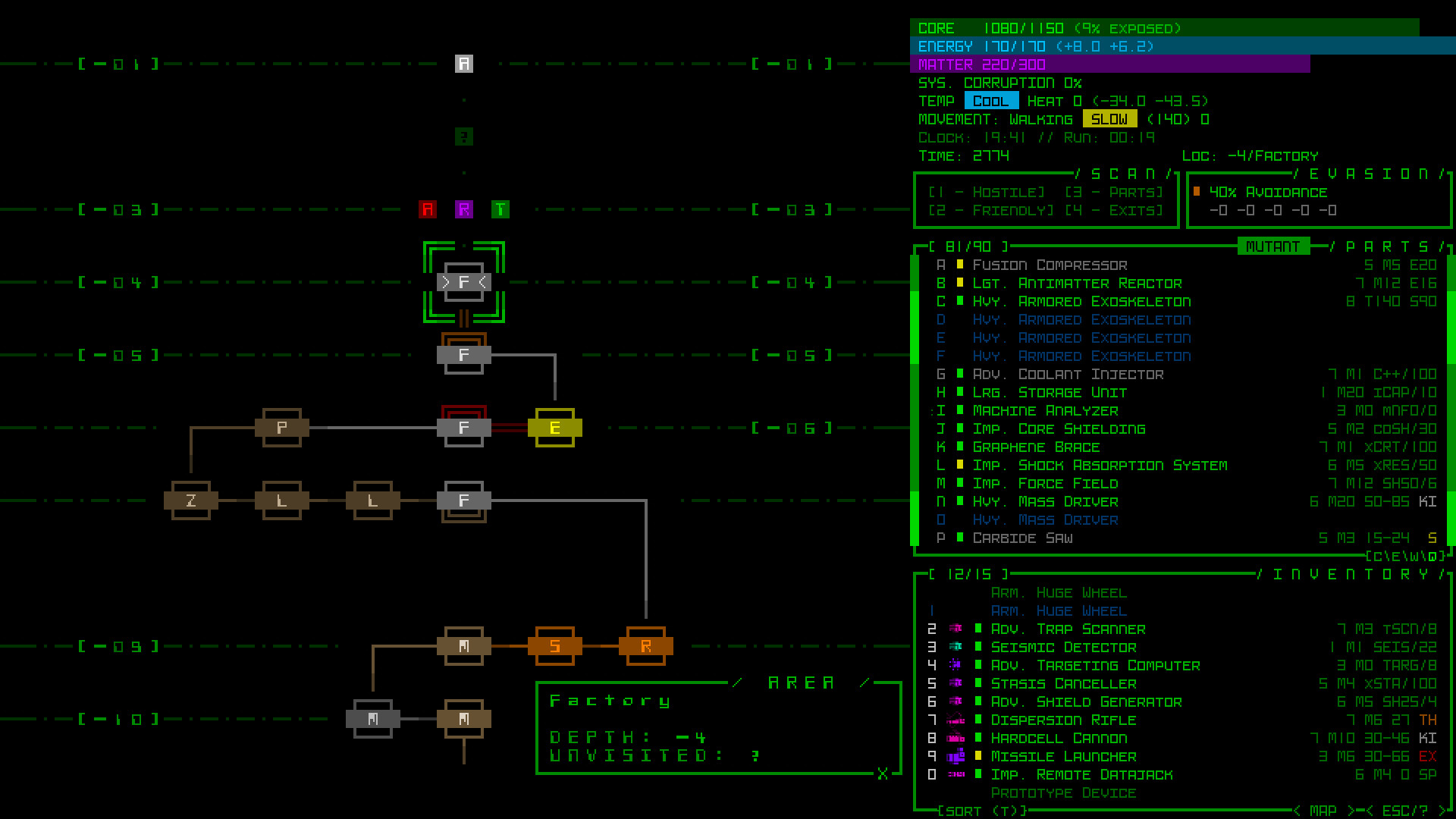
You construct your robot from components found or salvaged from defeated enemies. Power sources, propulsion units, utilities and weapons can be mixed to create a tank, a fast flier or a stealthy assassin. Because every item can be destroyed, rebuilding is a constant part of the experience.
The lack of an XP system means progress comes from acquiring better parts and adapting to loss. This dynamic encourages flexibility rather than reliance on a fixed class or skill tree.
- Experiment with different component combos early to discover playstyles you enjoy.
- Keep a few inexpensive parts on hand for quick replacements after destruction.
02 / THE GUIDE
Turn‑Based Roguelike Core
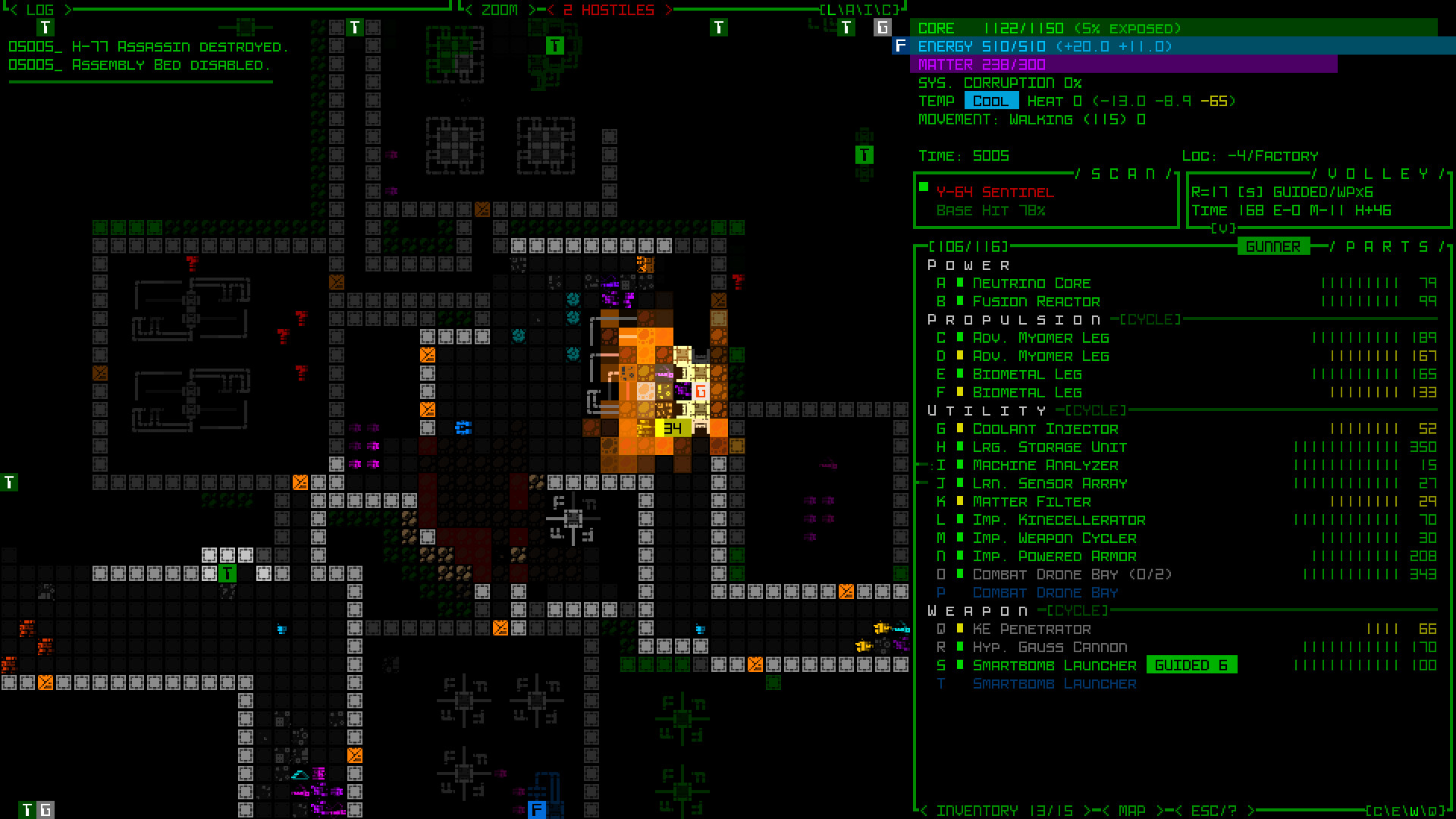
Cogmind is a traditional turn‑based roguelike with permadeath and procedural dungeons, built with ASCII roots but presented with a modern interface. The world is alive, populated by many robot types that may or may not be hostile.
Map objects are labeled as they appear, reducing tediousness and letting you focus on tactics, while the keyboard’s built-in automation features can speed up play.
- Use the labeling of map objects to plan your moves before committing.
- Take advantage of automation commands to streamline routine actions.
03 / THE GUIDE
Input Options
The game supports full mouse control with drag‑and‑drop inventory, as well as full keyboard control using common roguelike schemes (mouse, numpad, vi, arrows). You can use either method alone or combine them without extra configuration.
Both input styles are fully supported, letting players choose the approach that feels most comfortable for their playstyle.
- Try the mouse drag‑and‑drop for inventory management if you prefer visual handling.
- Switch to keyboard shortcuts for faster turn execution once you’re familiar with the commands.
04 / THE GUIDE
Challenge Modes
Beyond the default campaign, Cogmind includes built‑in Challenge Modes for a different kind of experience, or to prove just how good you really are.
Challenge Modes can be tackled after you’re comfortable with the core mechanics, providing a fresh way to play the game.
- Use Challenge Modes to practice particular tactics, such as pure stealth or heavy combat.
- Compare your performance across runs to identify strengths and weaknesses.
05 / THE GUIDE
Story and Endings
Cogmind weaves a rich narrative across multiple runs, with lore revealed through dialogue, item descriptions and environmental details. Ten animated endings await discovery as you explore the world.
While the story deepens with each playthrough, it never forces you to follow it; you can focus purely on tactical survival if you prefer.
- Pay attention to dialogue snippets to piece together the world’s background.
- Aim for varied endings by exploring new areas in successive runs.
COMMUNITY
Player discussion