 GameWiki

GET YOUR BEARINGS
About Coffee Talk
Coffee Talk is a single‑player adventure where you run a late‑night café in an alternate‑Seattle populated by humans, elves, orcs, mermaids and other fantasy races. By listening to patrons and serving drinks made from your stocked ingredients, you influence the direction of their personal stories.
The game presents branching narratives that shift based on the drinks you serve, not on dialogue choices. Its 90’s anime‑inspired pixel art, lo‑fi soundtrack and relaxed pacing aim to make players feel both entertained and soothed.
01 / THE GUIDE
Narrative Structure
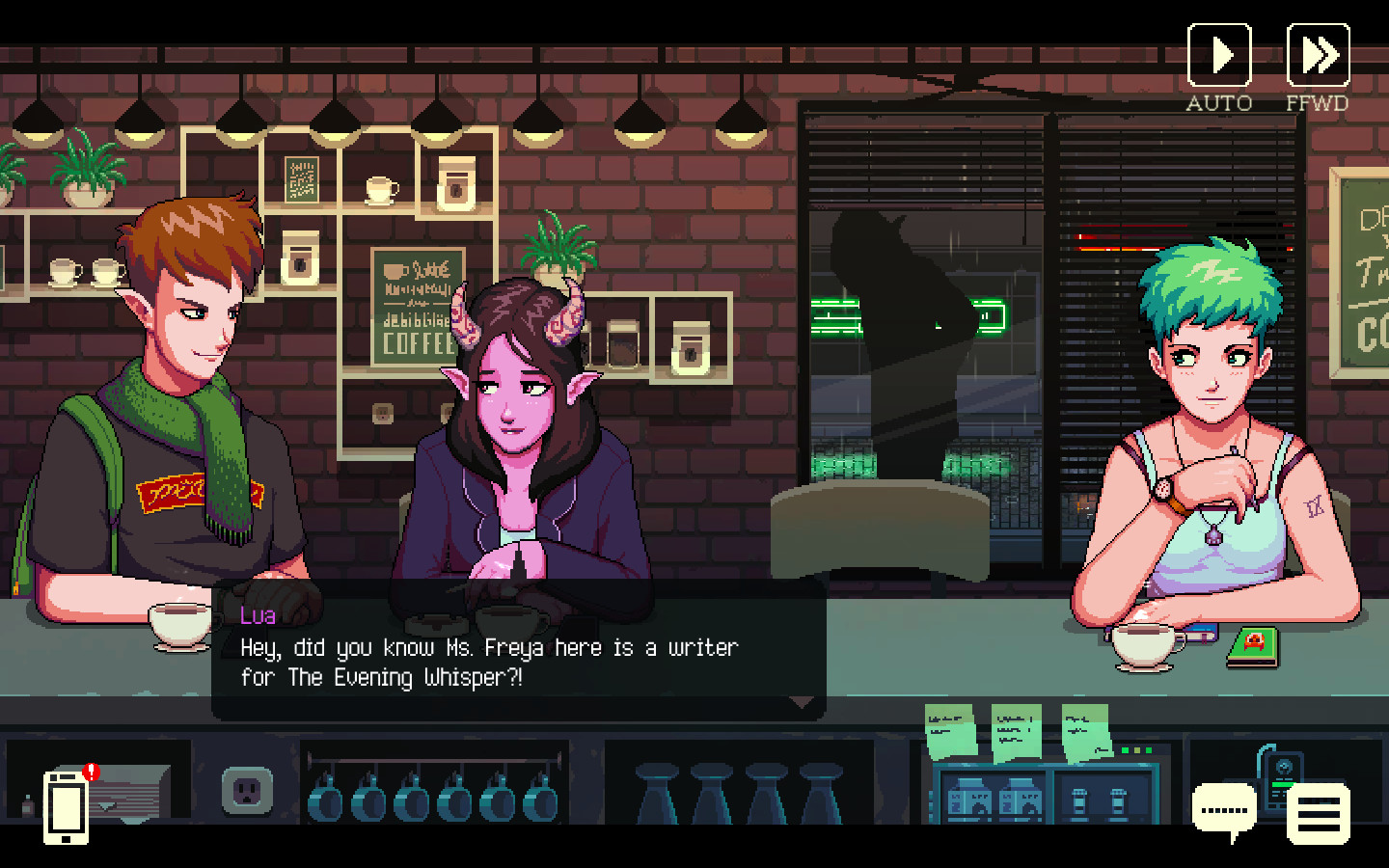
Stories unfold through conversations with a diverse cast, including an elf‑succubus romance and an alien learning human life. Each character’s arc is shaped by the beverages you provide, creating branching outcomes.
The branching is determined by drink choices rather than explicit dialogue selections, encouraging players to consider how their service impacts the narrative.
- Experiment with different drink combinations to see varied story branches.
- Pay attention to subtle hints about a patron’s mood to choose an appropriate drink.
02 / THE GUIDE
Art and Sound Design
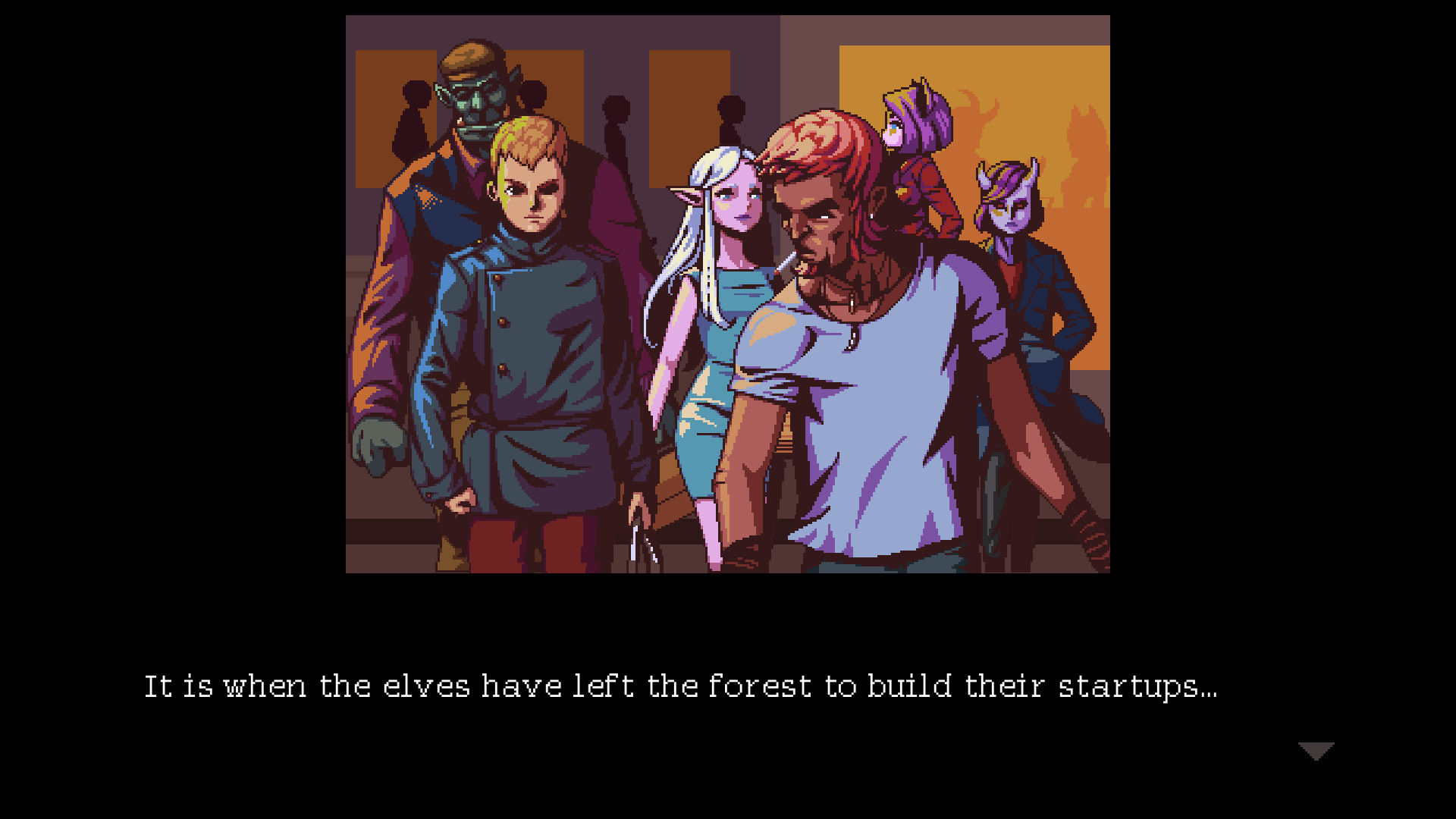
The game uses 90’s anime‑inspired pixel art with a chill, color‑rich palette that reinforces its relaxed atmosphere. Visuals depict a modern city where fantasy races coexist.
A selection of jazzy and lo‑fi tracks plays in the background, matching the late‑night café setting and enhancing the calming experience.
- Adjust volume levels to keep music from overwhelming dialogue.
- Observe how visual cues reflect each character’s personality.
03 / THE GUIDE
Drink Preparation
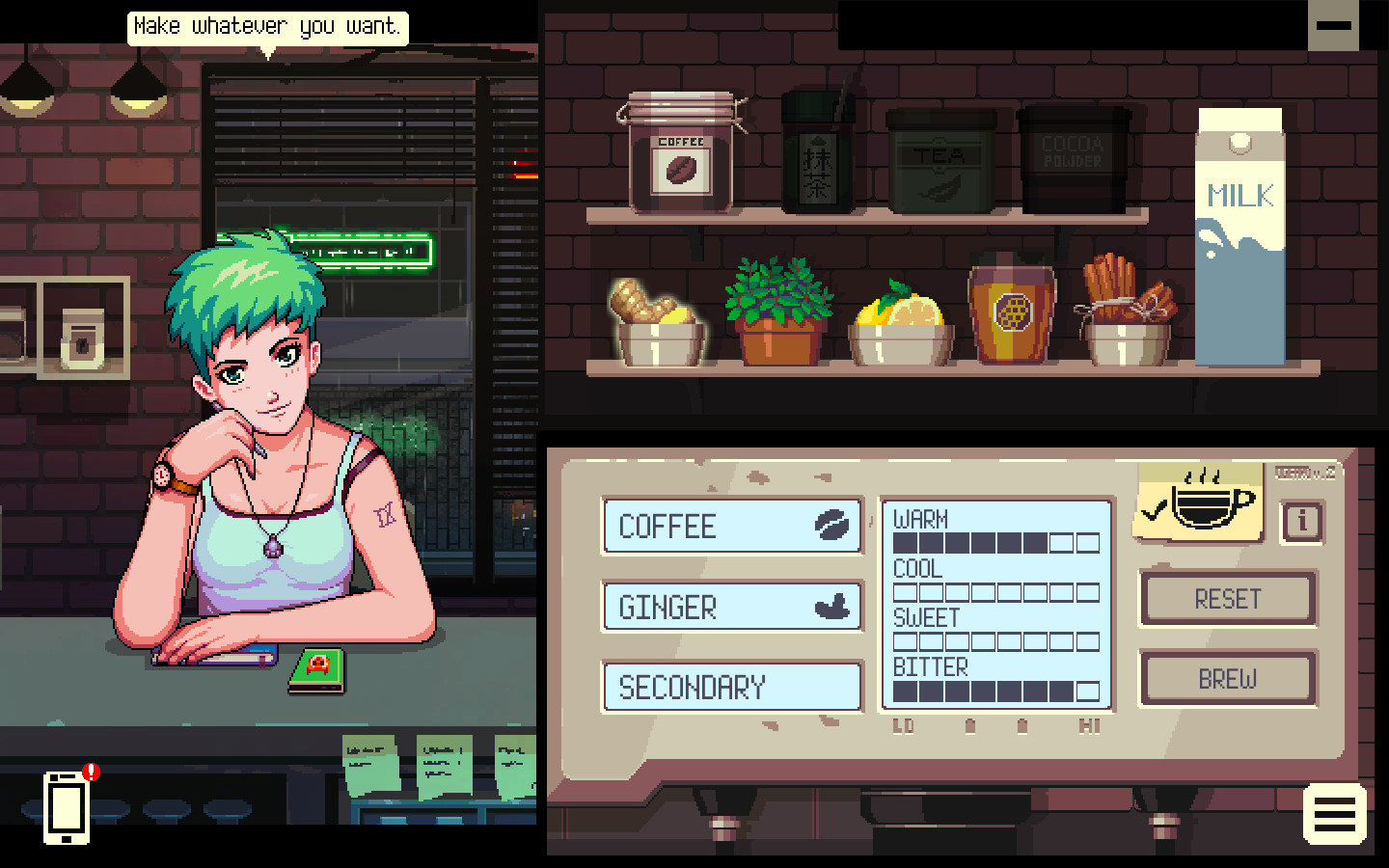
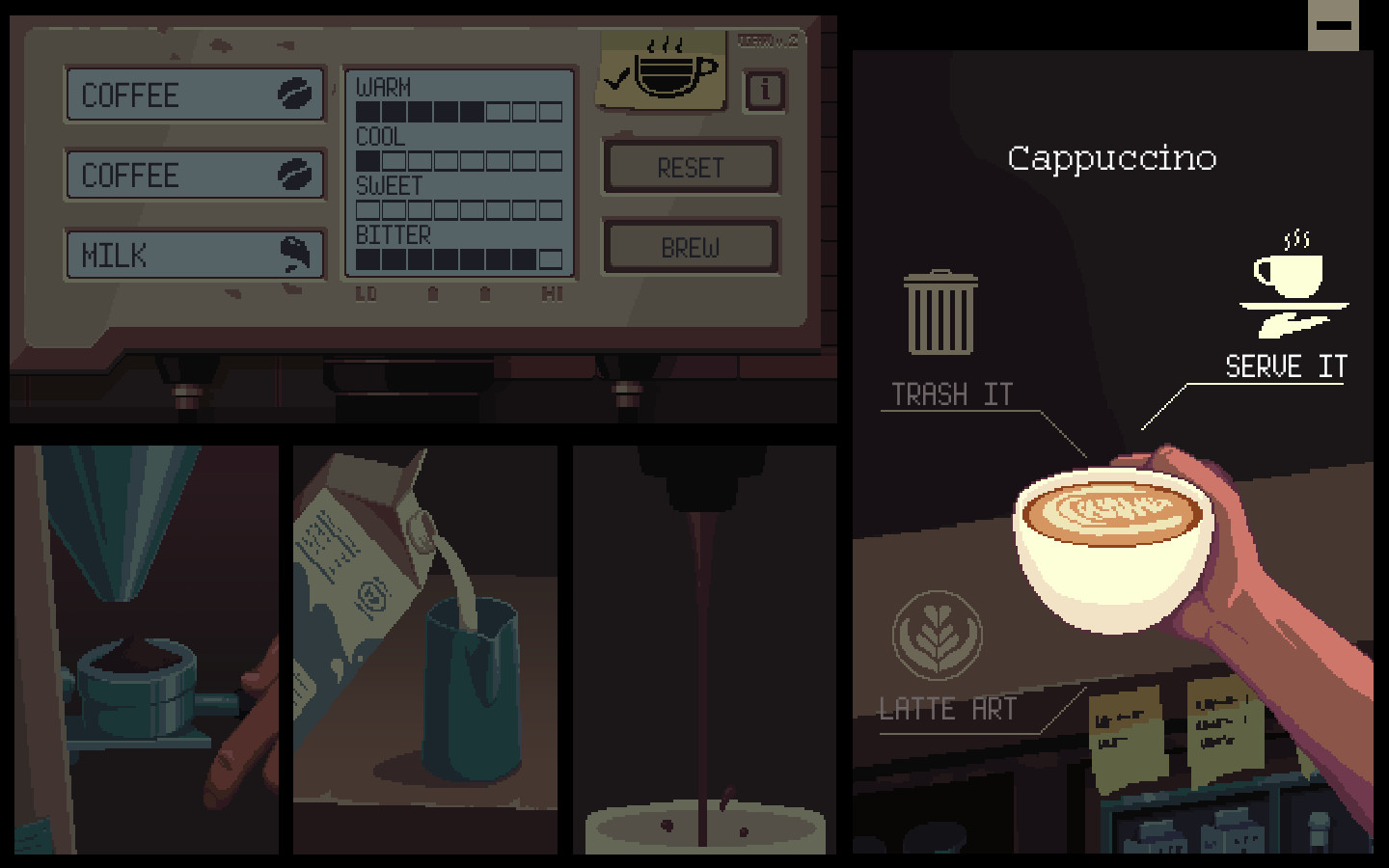
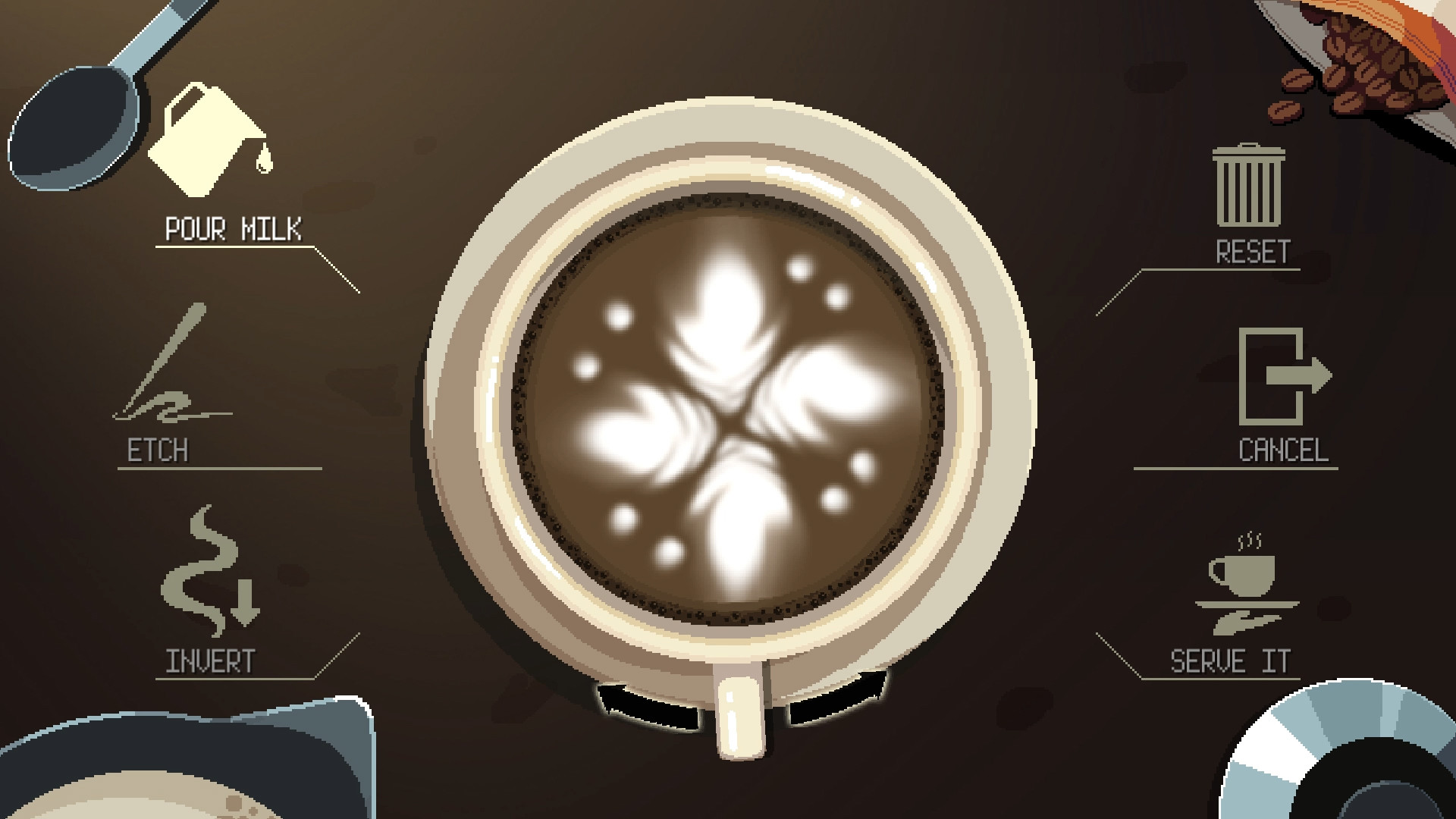
Players manage a stock of ingredients and craft warm drinks for customers. The specific drinks served influence the narrative direction.
Ingredient management is central; you must decide which drinks to prepare based on limited stock and patrons’ preferences.
- Keep a balanced inventory to handle varied orders.
- Notice recurring ingredient requests to anticipate future needs.
04 / THE GUIDE
Supported Platforms and Features
Coffee Talk runs on Windows and macOS, offering full controller support, Steam Cloud saves, and remote play on phone, tablet and TV. Family Sharing and Steam Workshop are also available.
Achievements and trading cards are integrated through Steam, providing extra incentives for completion.
- Enable Steam Cloud to keep progress across devices.
- Use remote play on a tablet for a more relaxed, tabletop feel.
05 / THE GUIDE
Emotional Impact
The game aims to make players think, feel, and rest both body and soul, offering a calming yet emotionally resonant experience.
Through listening and serving, players engage with themes that echo real‑world concerns, fostering empathy toward the diverse cast.
- Take breaks between sessions to fully absorb story moments.
- Reflect on how your drink choices mirrored real‑life interactions.
COMMUNITY
Player discussion