 GameWiki
GET YOUR BEARINGS
About Cloud Gardens
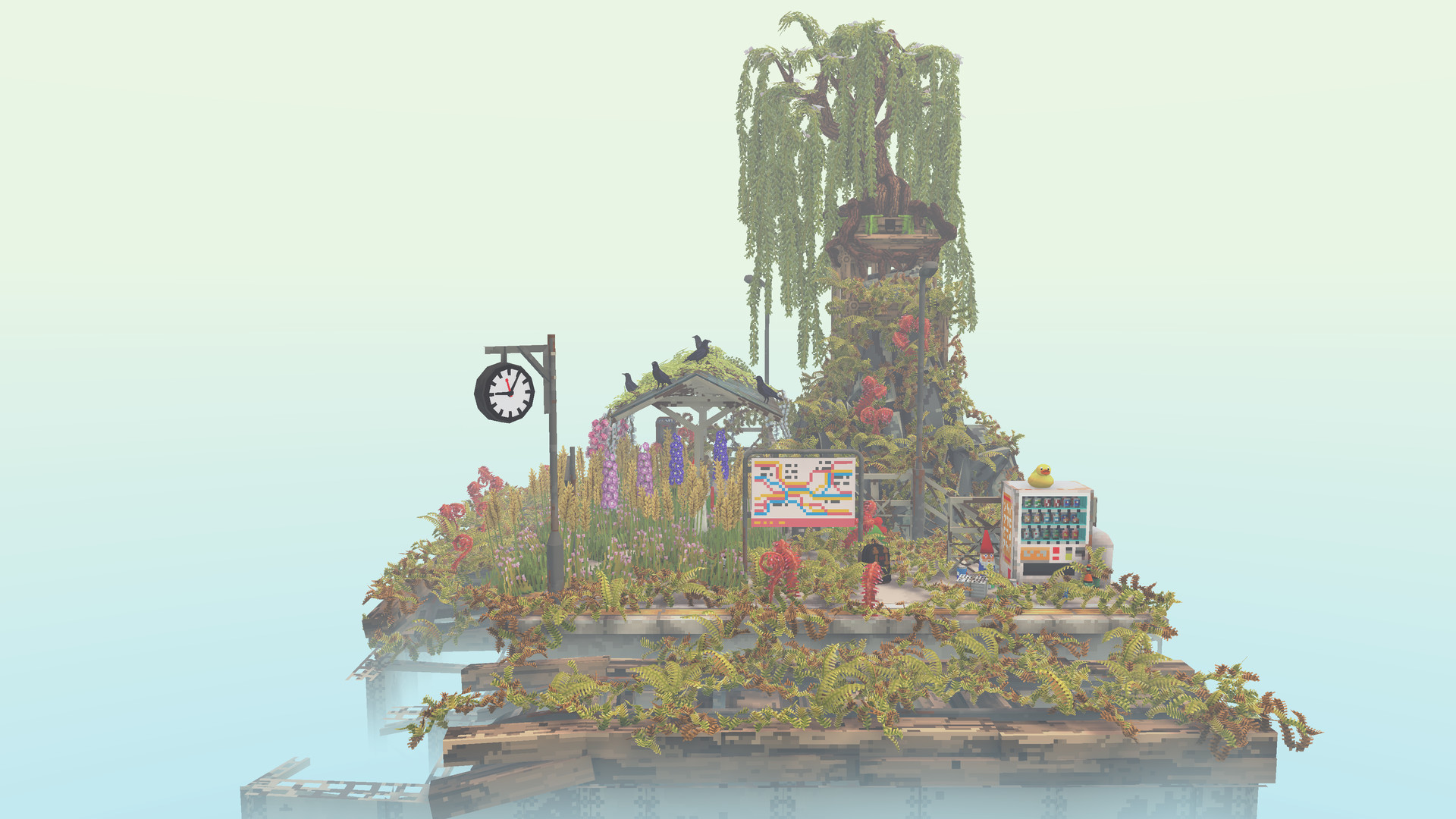
Cloud Gardens invites players to coax nature into reclaiming lo‑fi urban ruins, turning brutalist structures into plant‑covered dioramas. By planting seeds and repurposing discarded objects, you build scenes that blend the manufactured with the organic.
The experience alternates between a goal‑free sandbox and a multi‑chapter campaign that challenges you to balance growth and construction. Generative soundscapes and a Discord community reinforce creativity, relaxation, and sharing.
01 / THE GUIDE
Relaxing Sandbox
Sandbox mode is described as having no goals, letting you place objects and seeds at your own pace. The environment reacts by growing foliage over added items, forming a living tableau without pressure.
Because there are no explicit objectives, the mode encourages experimentation. You can explore different layouts and watch vegetation spread, making each session a personal, meditative experience.
- Arrange objects at varied heights to see how foliage fills space differently.
- Cluster objects versus spreading them out to observe distinct growth patterns.
02 / THE GUIDE
Multi‑Chapter Campaign
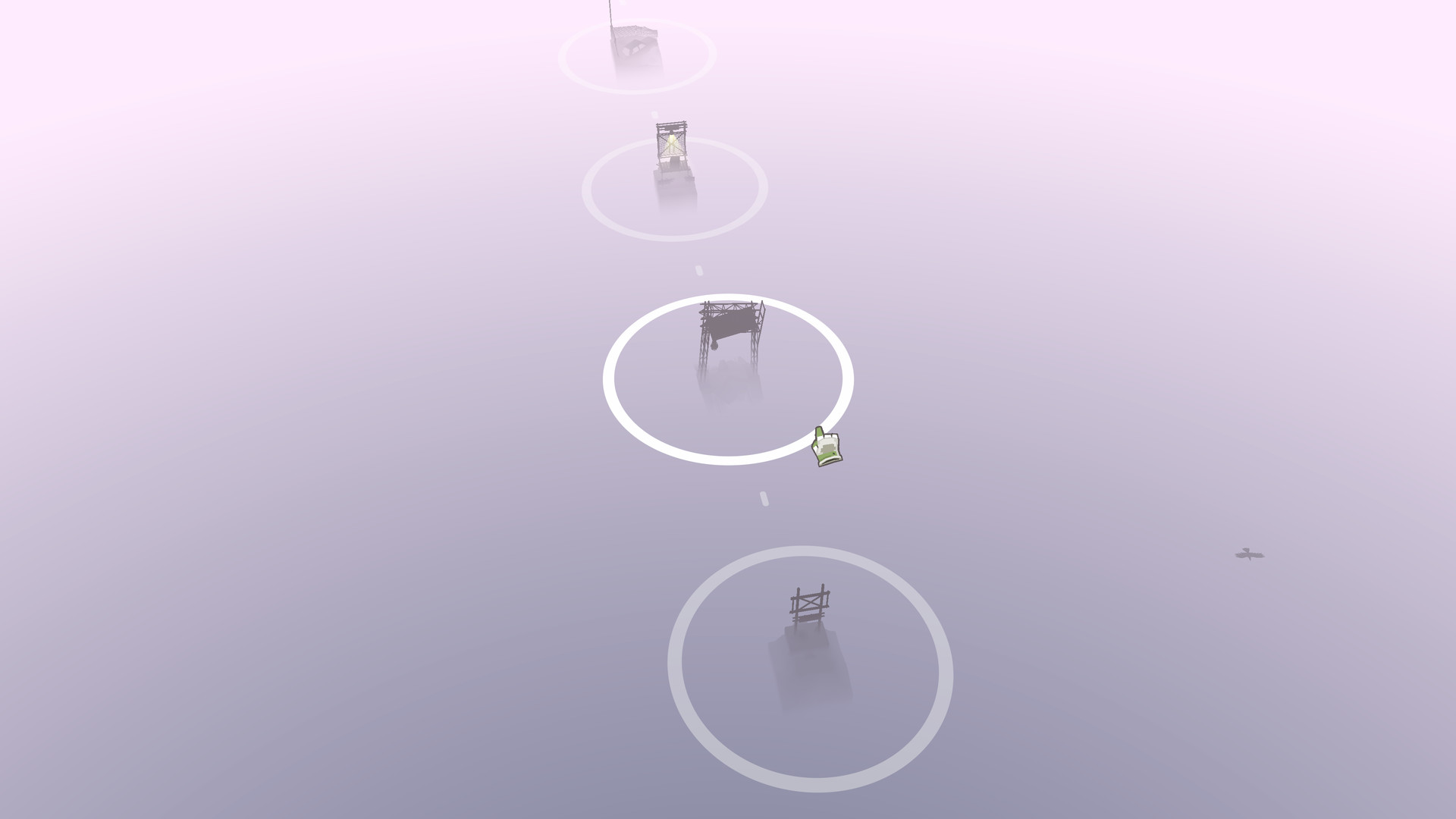
The campaign consists of several chapters where each placed object must become fully covered in foliage before you can proceed. This requirement adds a light puzzle element to the creative process.
Progression through chapters asks you to balance the natural and the manufactured, rewarding careful planning and thoughtful placement of both objects and plants.
- Sketch a layout before planting to reduce back‑tracking.
- Use larger objects as anchors for surrounding vegetation.
03 / THE GUIDE
Objects and Plant Growth
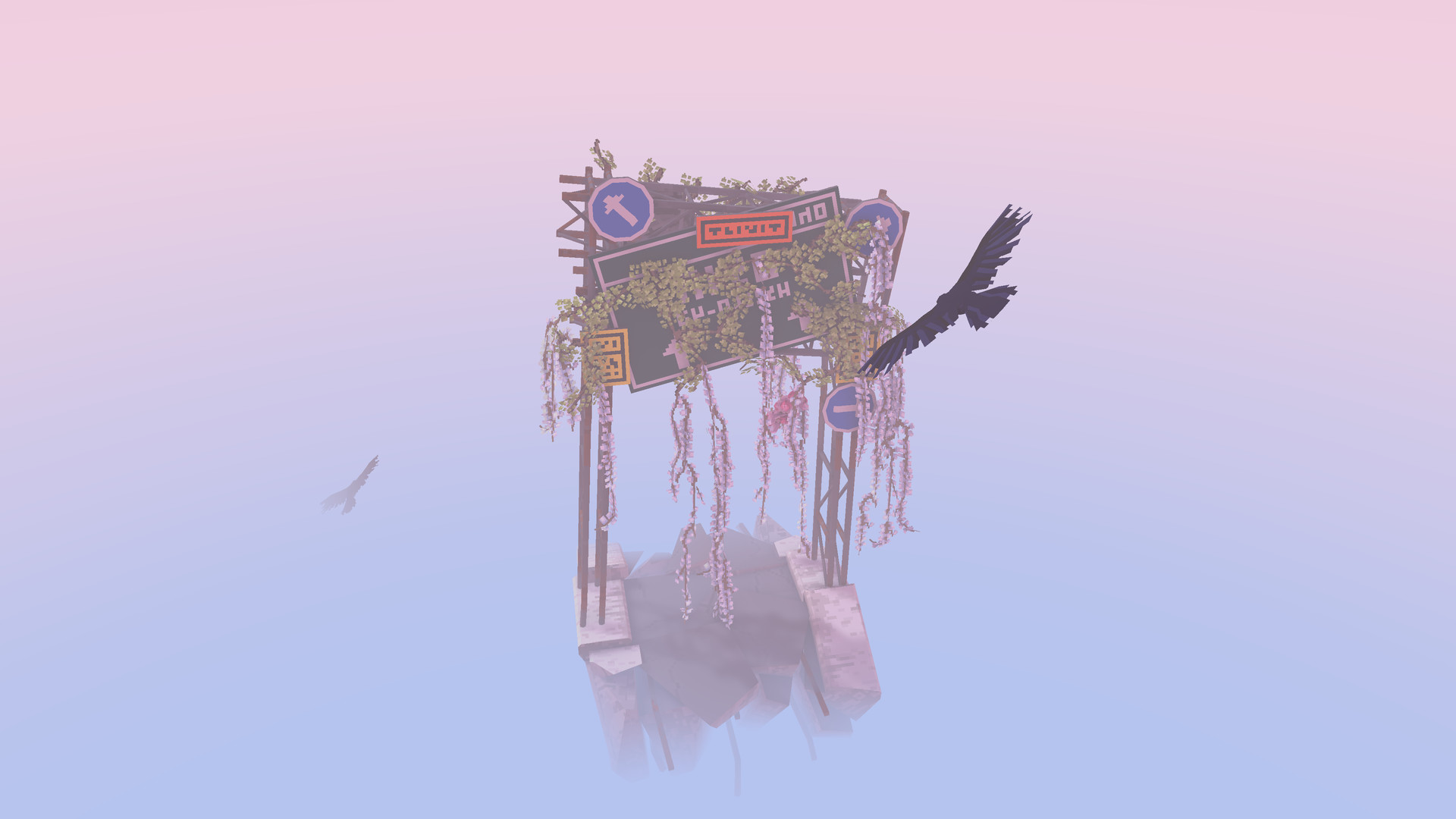
Adding objects encourages lush vegetation to grow, but each object must be covered in foliage in order to proceed. Hundreds of discarded items are available for repurposing, offering diverse structural possibilities.
Plants spread organically over the objects, turning industrial forms into living sculptures. This interaction is central to both sandbox creativity and campaign challenges.
- Mix object sizes to create varied growth patterns.
- Layer objects to see how foliage navigates complex shapes.
04 / THE GUIDE
Sharing Creations
Completed dioramas can be exported as looping videos, which players share with a lively Discord community of gardeners. This fosters inspiration and feedback across the player base.
The sharing tools make it easy to showcase work and discover new ideas, reinforcing the game’s collaborative spirit.
- Export a short loop that highlights the most dynamic growth moments.
- Engage with the Discord community to exchange layout tips.
05 / THE GUIDE
Generative Soundscapes
Amos Roddy, composer of Kingdom, provides generative soundscapes for the game. The ambient audio adds to the serene atmosphere as you build your scenes.
These soundscapes contribute to the serene atmosphere, making each session feel unique and calming.
- Listen closely to the generative soundscape while your scene grows.
- Use headphones to fully appreciate the ambient layers.


COMMUNITY
Player discussion