 GameWiki
GET YOUR BEARINGS
About Clothing Store Simulator
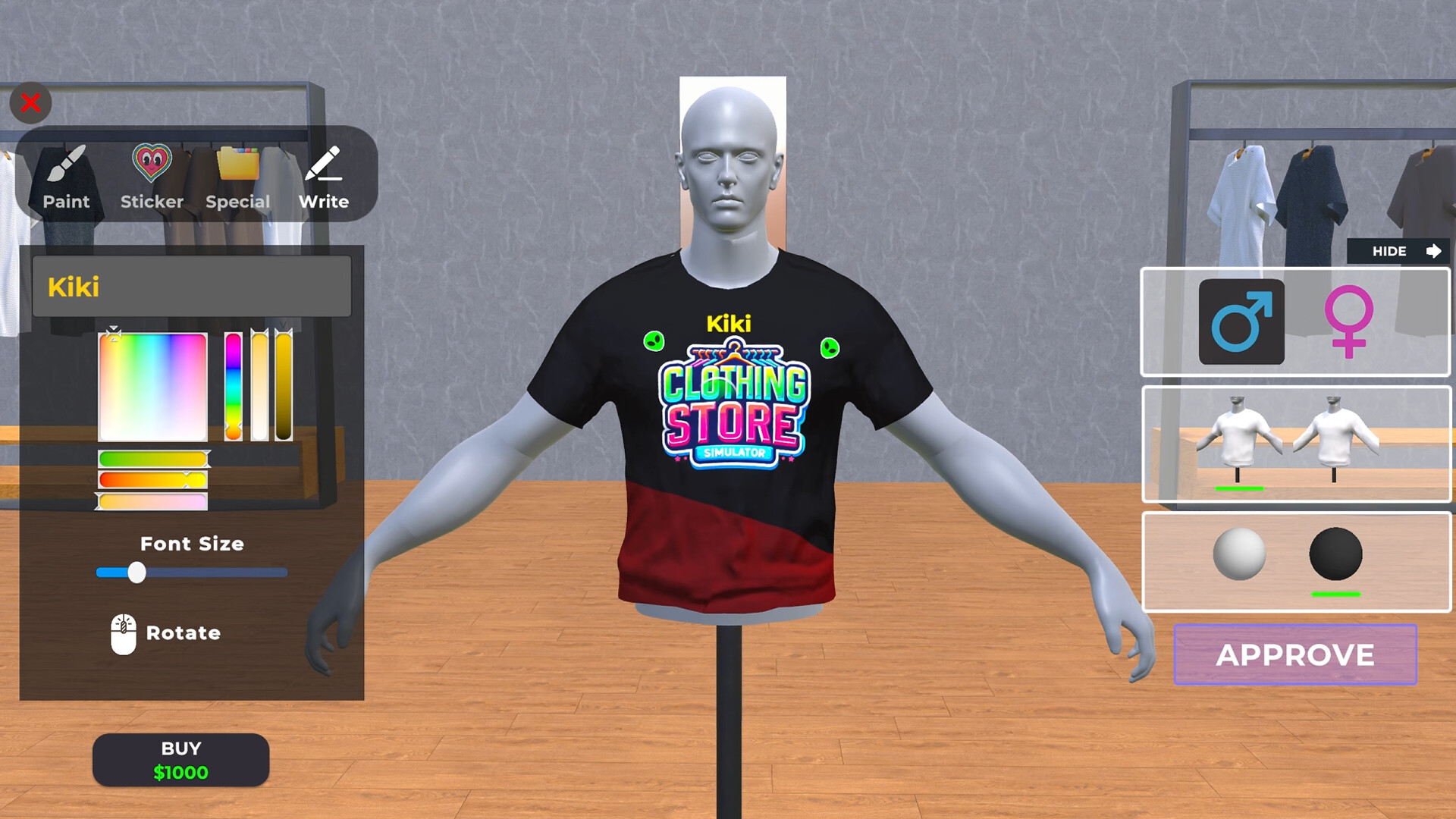
Clothing Store Simulator lets players step into the fashion world by designing clothes and running a boutique. From a computer interface you can sign brand deals, set prices, order stock and arrange décor. The game emphasizes adapting to changing trends, expanding your floor space and warehouse, and presenting items on mannequins or shelves. Whether you stay a small boutique or grow into a city‑wide trendsetter, every decision shapes your store’s success.
01 / THE GUIDE
In‑Game Computer Management
The computer acts as the hub for all store operations. From here you can sign brand agreements, order products, set selling prices, and purchase furniture or decorations.
All these actions are performed through the same interface, allowing you to control inventory, pricing and store layout without leaving the computer screen.
- Keep an eye on brand agreements early to broaden your product range.
- Regularly review price settings to stay aligned with market trends.
02 / THE GUIDE
Brand Agreements
Signing agreements with fashion brands lets you sell their products in your store. Brands appeal to customers who care about fashion, expanding your catalogue.
These agreements are managed through the computer and can be added alongside your own designs to diversify inventory.
- Mix well‑known brands with your own designs for a balanced offering.
- Check brand popularity before committing to large orders.
03 / THE GUIDE
Store Design and Decoration
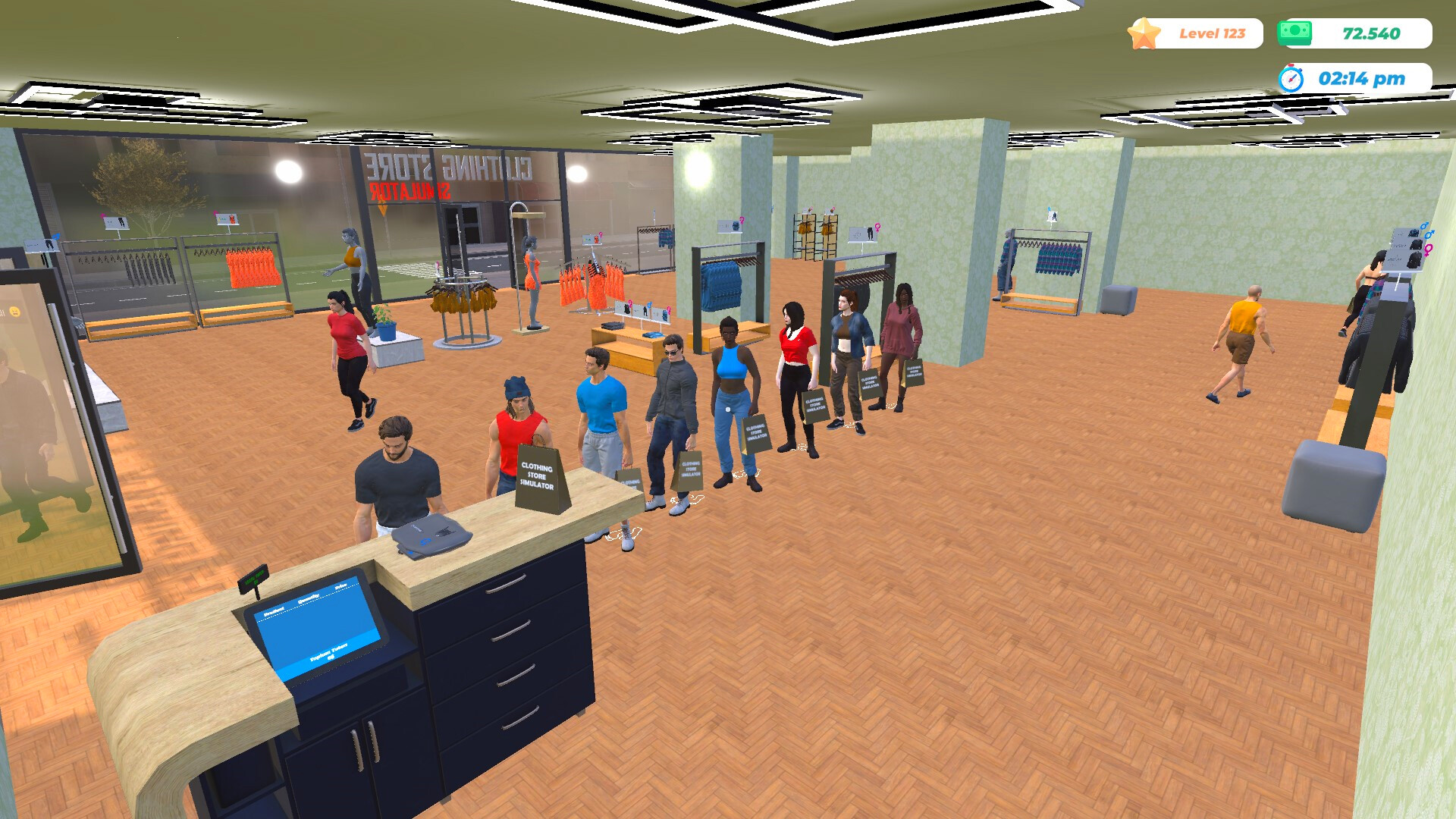
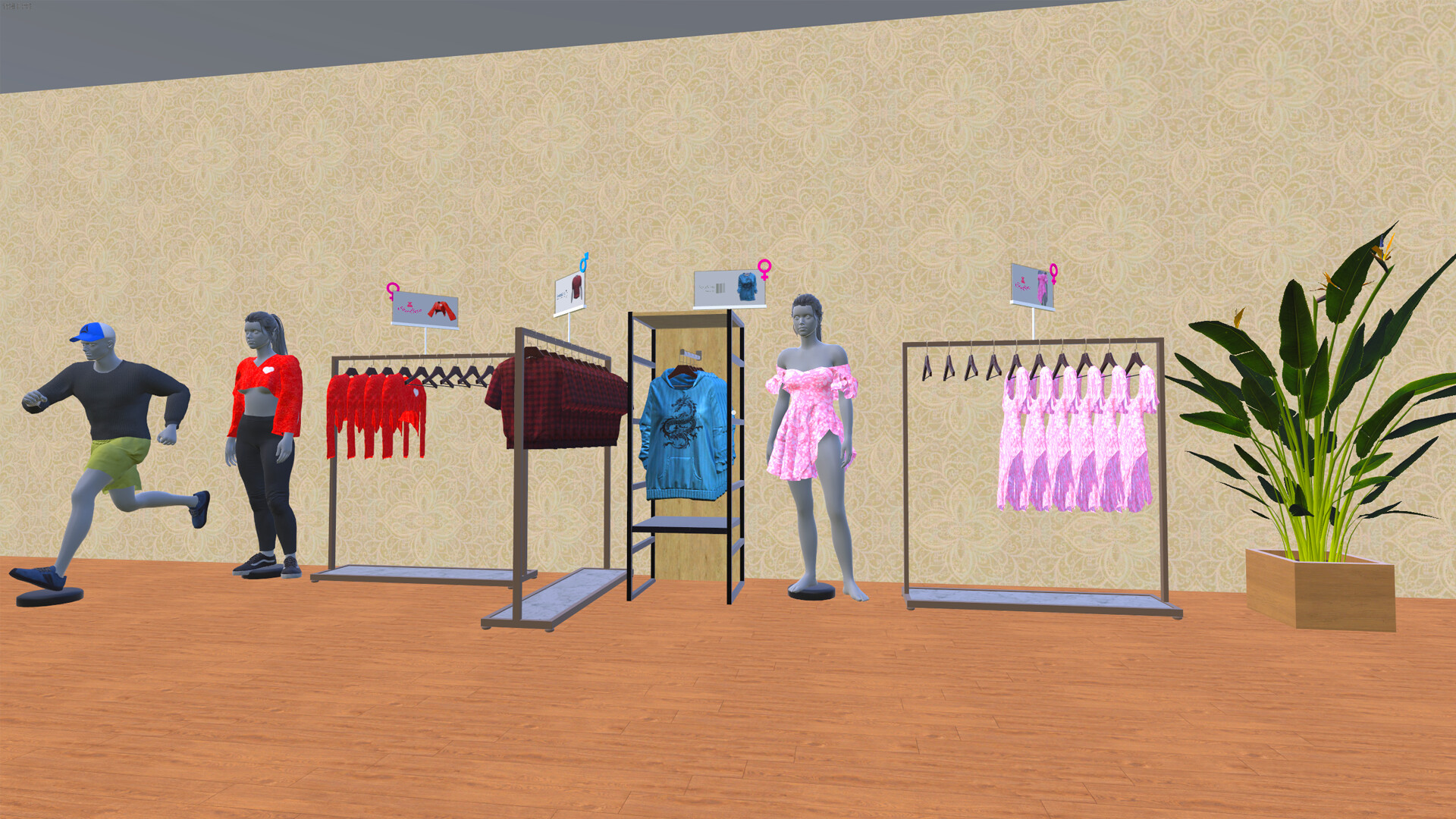
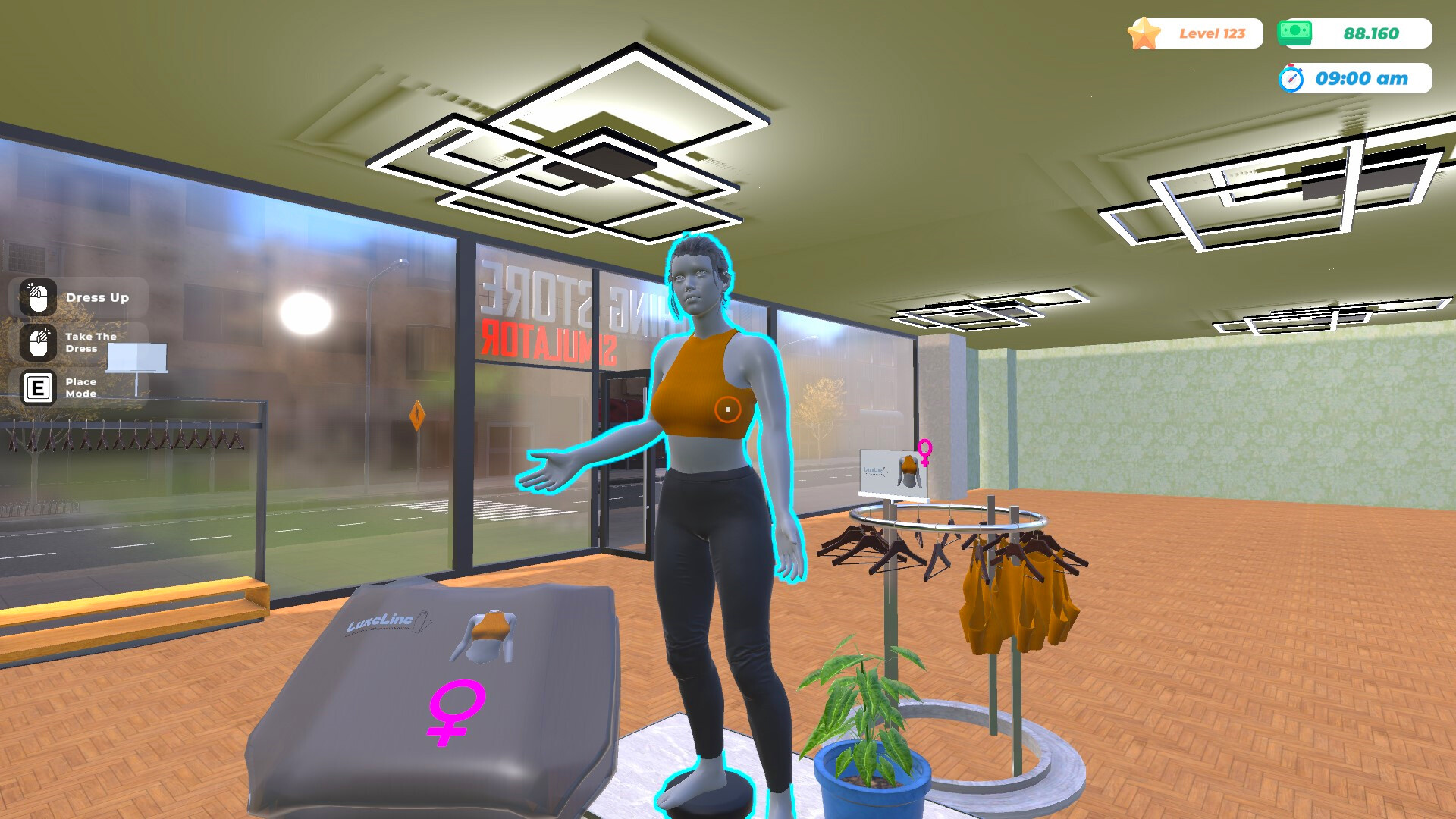
You can arrange furniture, shelves, hangers, racks and mannequins to create an attractive layout. Products are placed on shelves, aisles or mannequins for display.
Design choices shape the store's look and how merchandise is presented, helping you present items in a trendy way.
- Use mannequins to showcase complete outfits and draw attention.
- Leave clear pathways to improve customer flow.
04 / THE GUIDE
Price Determination
Setting balanced prices is key to customer satisfaction. The game encourages following market trends and adjusting prices as they fall.
A well‑balanced price policy helps grow your customer base and keeps inventory moving.
- Monitor market shifts and adjust prices before stock stagnates.
- Consider lower prices for items with decreasing demand.
05 / THE GUIDE
Store and Warehouse Expansion
Expanding floor space and warehouse capacity lets you add more furniture, decorations, and product aisles. Larger stores can accommodate more customers and inventory.
Continual adaptation to fashion changes is encouraged, allowing you to become a trend initiator as you grow.
- Prioritize expanding storage before adding excessive inventory.
- Add decorative elements gradually to maintain a cohesive aesthetic.
COMMUNITY
Player discussion