 GameWiki
GET YOUR BEARINGS
About Clockwork Cleanup
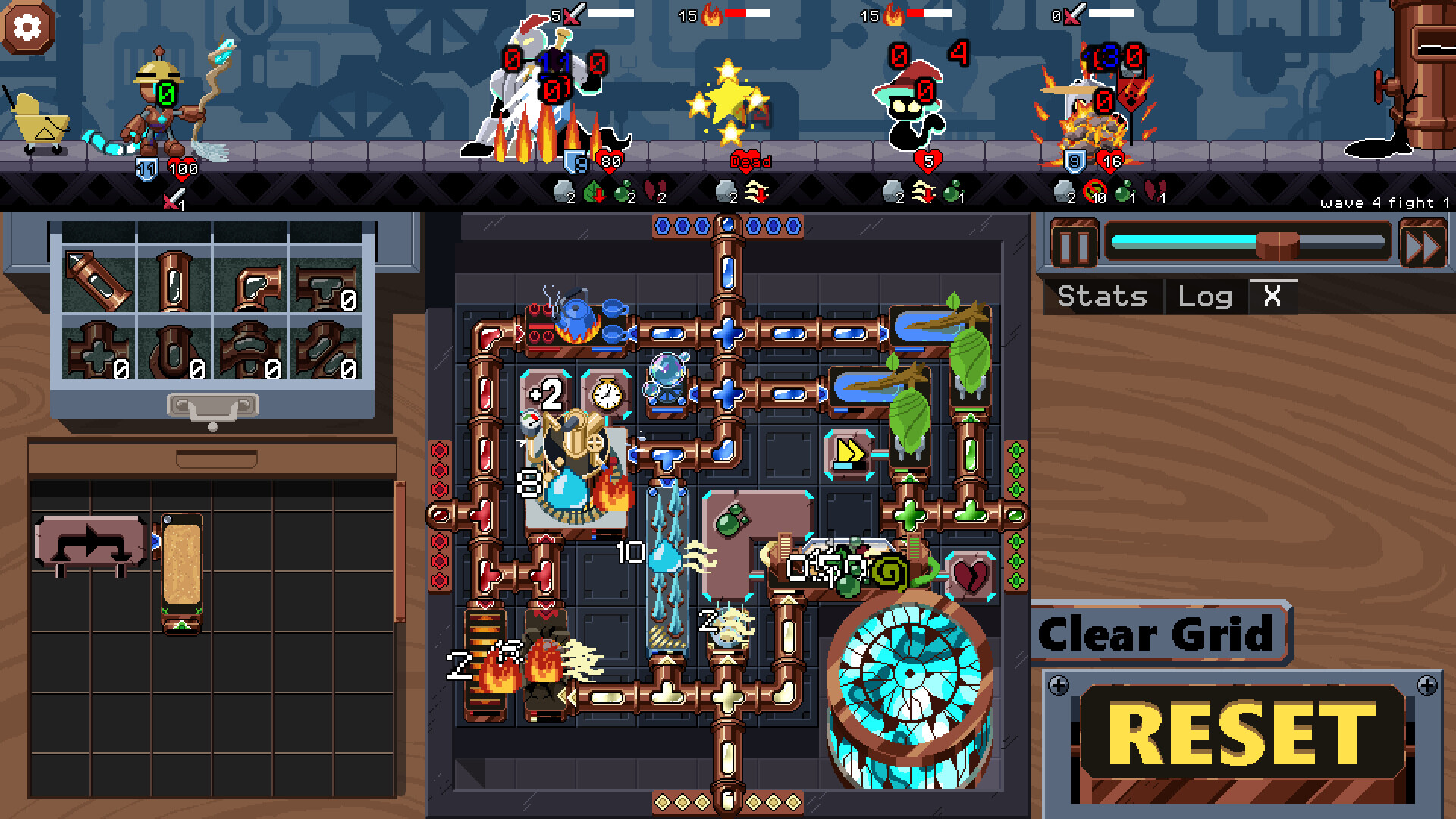
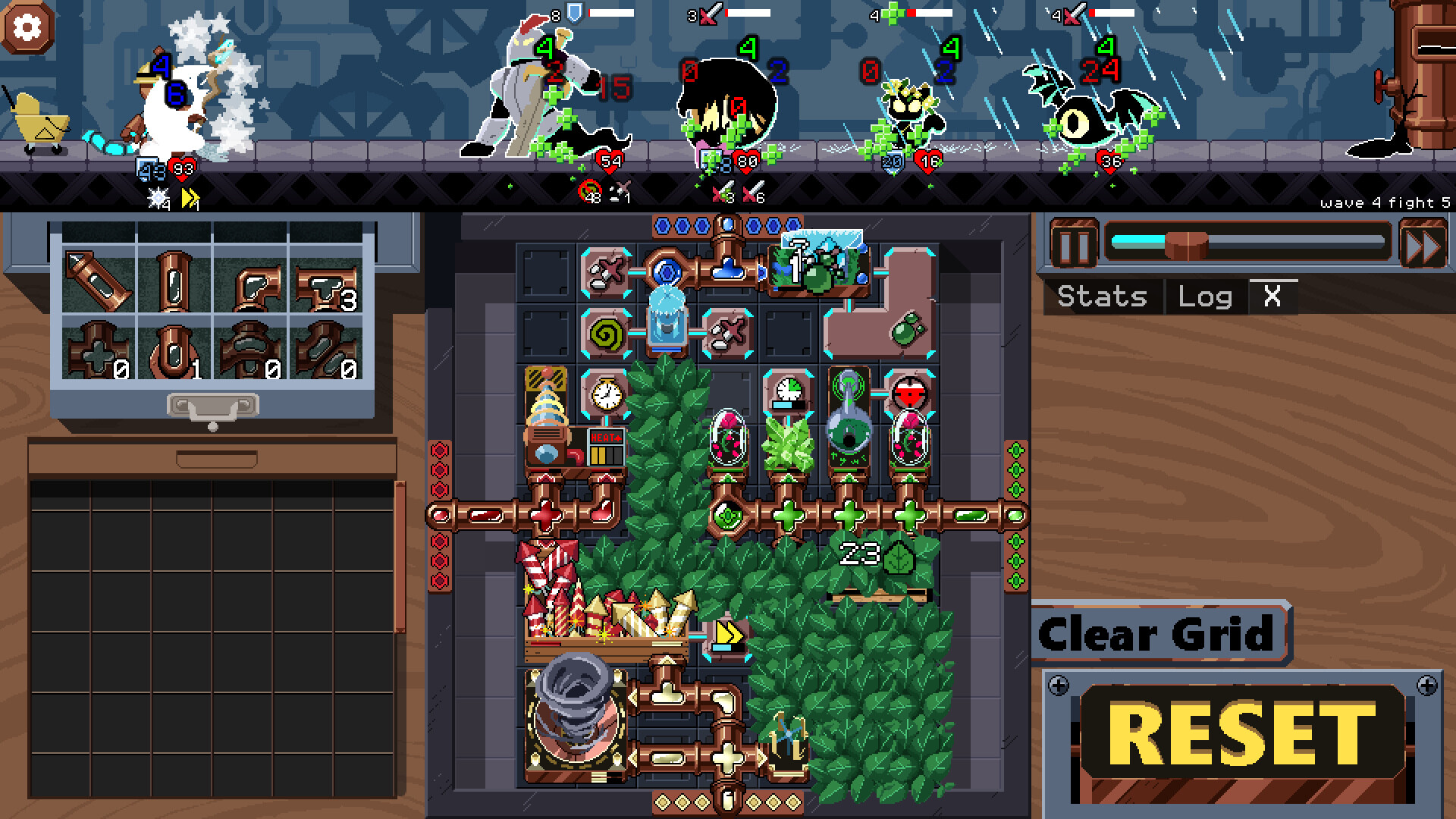
Clockwork Cleanup puts you and the Magical Automatic Custodian (MAC) inside a spell‑factory overrun by goo creatures. Across five waves, each ending with a boss, you arrange spell tiles on a central grid to defeat the enemies.
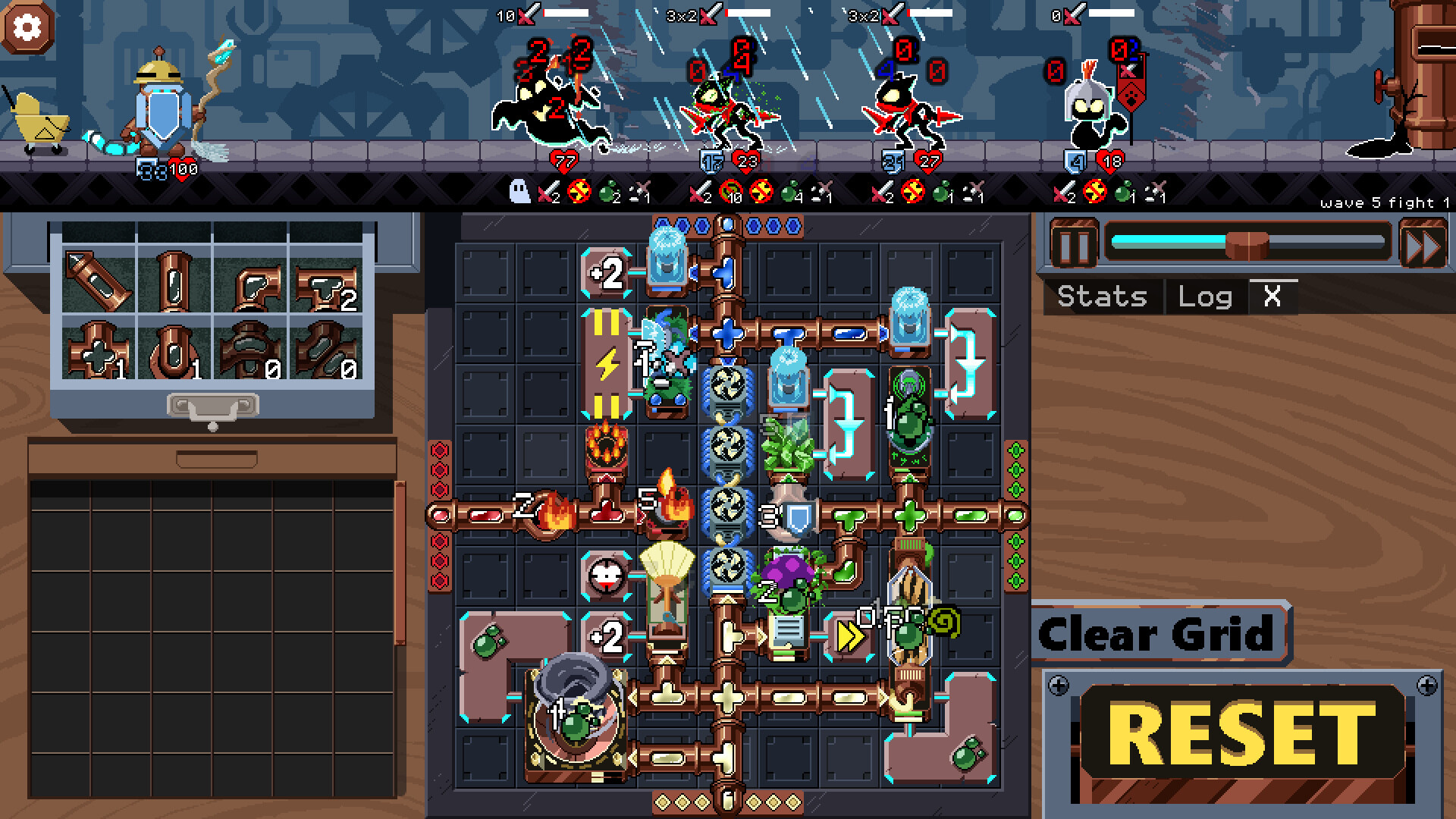
The game is an auto‑battler where elemental energy flows from perimeter sources through pipes and splitters, powering spell tiles that can be modified and expanded as you progress. After every fight you select a reward that influences future tile construction.
01 / THE GUIDE
Spell Tiles and Grid Layout
Spell tiles occupy the central grid and dictate MAC’s actions during a fight. Because the grid space is limited, the placement of each tile must be considered carefully to keep both offense and defense viable.
The grid can be enlarged as you advance, providing extra room for additional tiles or more complex configurations. Expanding the grid at the right moment can relieve congestion and allow stronger tile combinations.
- Begin with a sparse layout to see how each tile interacts before filling every slot.
- Leave at least one empty column near the edge for future expansion.
02 / THE GUIDE
Elemental Routing and Pipes
Energy travels from the perimeter sources through pipes and splitters to reach spell tiles. Proper routing ensures that each tile receives the elements it needs without delay.
When a tile requires multiple elements, the network can become congested; splitters can share a source among multiple paths. Managing these paths is essential for keeping tiles active during a wave.
- Prioritize direct pipes to high‑impact tiles before adding splitters.
- Watch for bottlenecks early and reroute before the wave begins.
03 / THE GUIDE
Modifier Tiles
Modifier tiles attach to spell tiles and change their behavior. With 17 distinct modifiers available, a modest spell can become powerful when paired with the right modifier.
The number of modifiers that can be attached to a tile can be increased through workshop upgrades, giving you more flexibility to fine‑tune each tile’s effect.
- Test a single modifier on several different spell tiles to spot the strongest synergy.
- Consider adding defensive modifiers to tiles that already provide strong offense for balance.
04 / THE GUIDE
Workshop Modifications
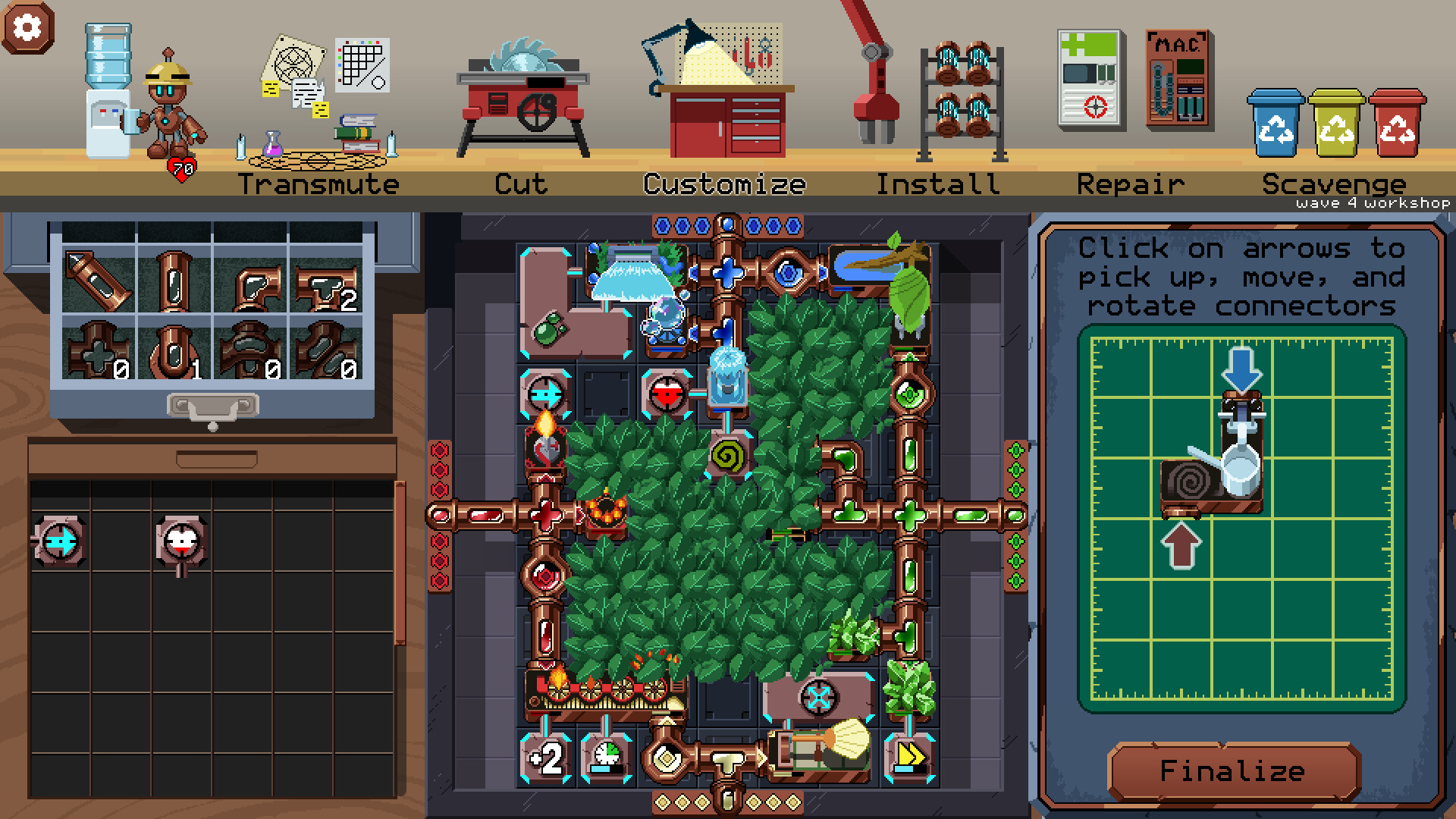
Once per wave, the workshop offers a chance to alter your grid. Options include fusing two elements into a dual‑element tile, cutting a tile into two smaller tiles, and rearranging input connectors on tiles.
You can also increase the mod limit or scavenge resources. These one‑time changes can resolve congestion, add new tile shapes, or boost overall power for the upcoming fight.
- Save the fuse option for later waves once you have a clearer picture of your layout needs.
- Re‑arrange connectors early if a particular element repeatedly bottlenecks your layout.
05 / THE GUIDE
Wave Structure and Rewards
The game contains 35 fights split into five waves, each wave ending with a boss and featuring a variety of enemy types. Different enemies test different tile configurations, encouraging adaptation.
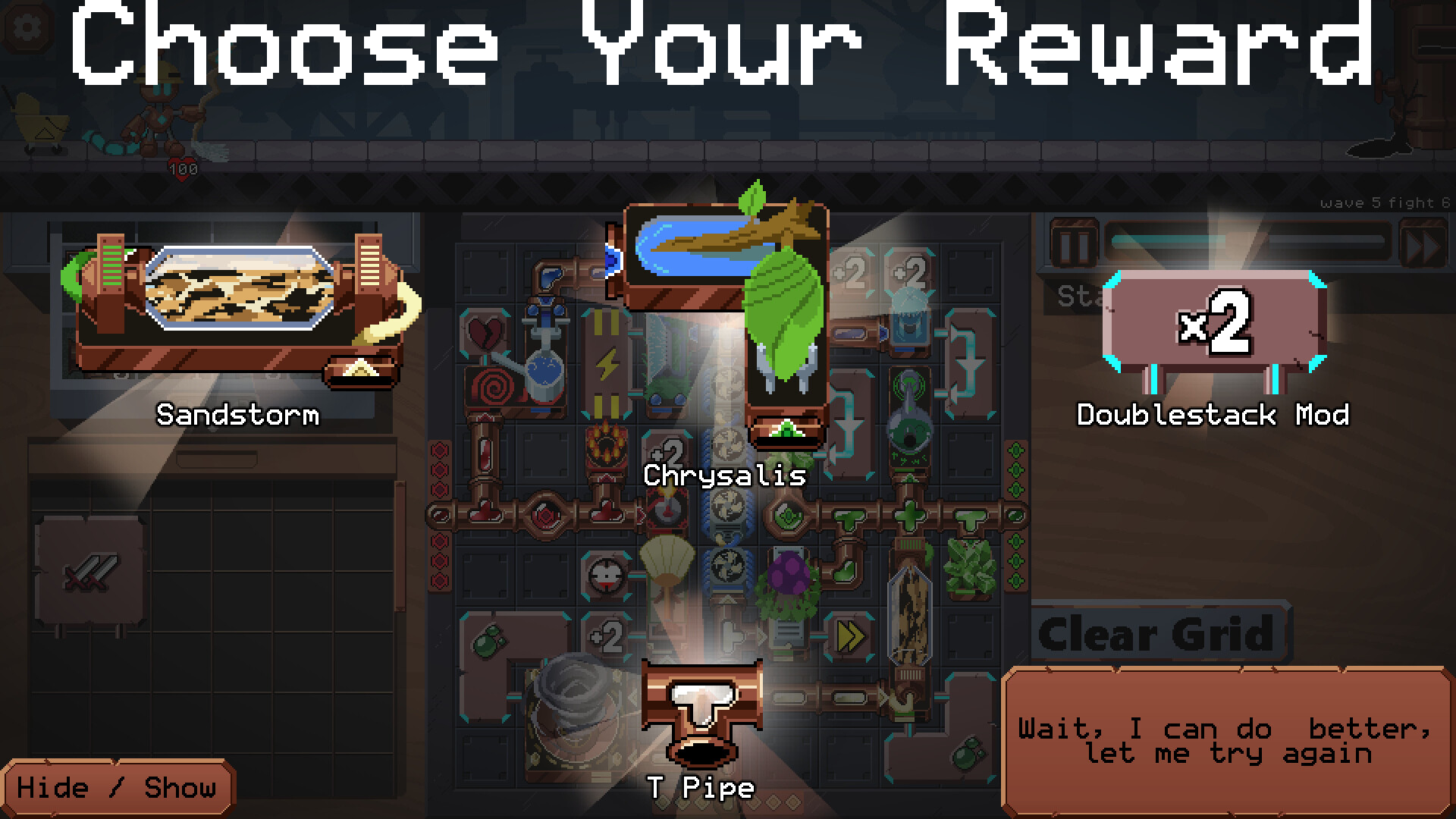
After each individual fight you choose a reward, which can be used to craft your spell arsenal, influencing how you approach the next encounter.
- Select rewards that address the element or tile type you struggled with in the just‑completed fight.
- If a boss overwhelmed you, consider a reward that strengthens your defensive options.
COMMUNITY
Player discussion