 GameWiki

GET YOUR BEARINGS
About clickyland
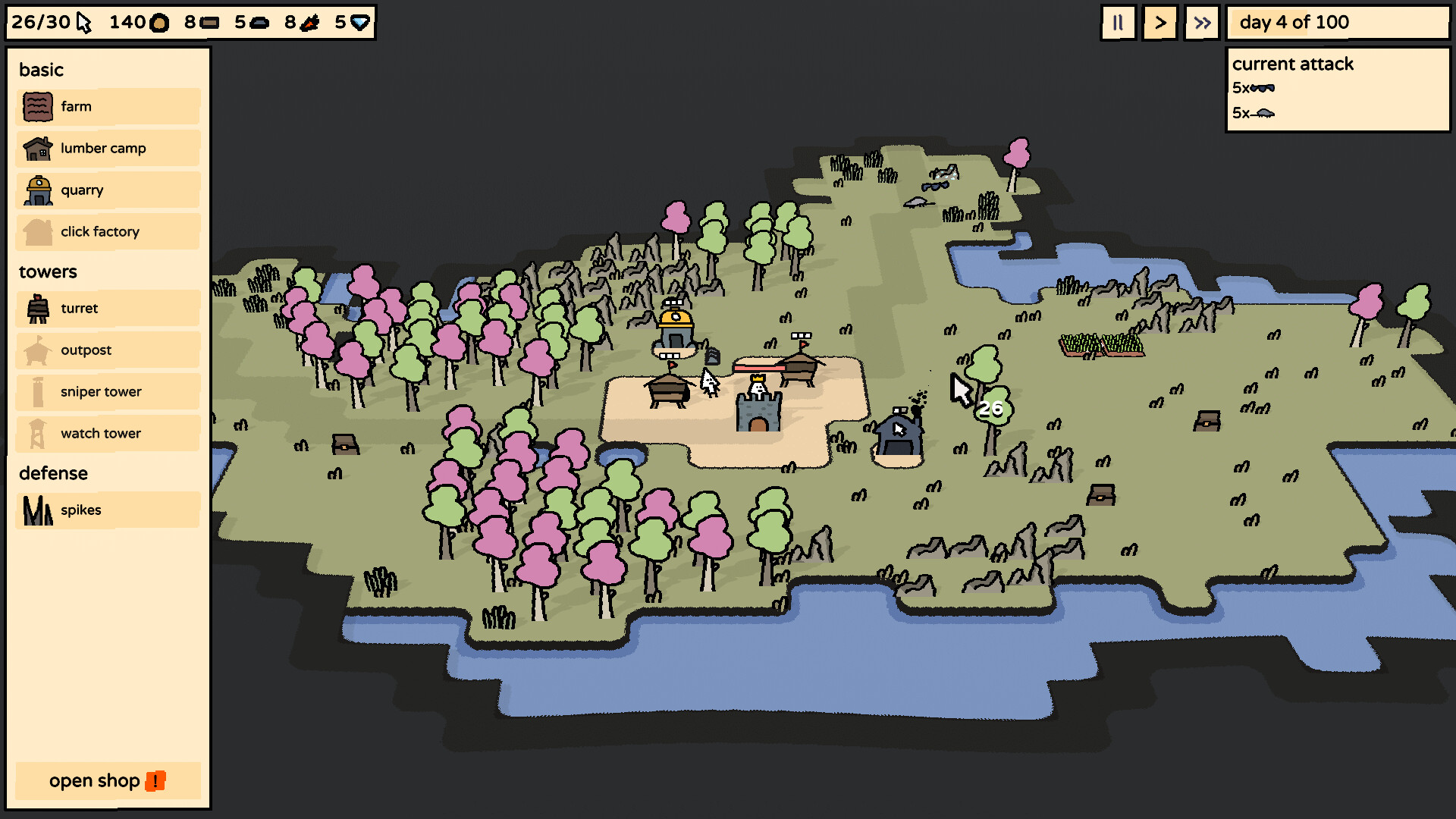
Clickyland blends tower‑defense strategy with village‑building, letting players protect a castle by clicking to harvest resources, damage foes, and expand their settlement. Each run awards coins for shop purchases, where towers, upgrades, and click‑boosting structures can be unlocked to survive ever‑stronger enemy waves.
The game offers roughly four hours of play, featuring procedurally generated levels, over thirty‑five buildings, and a roster of thirty‑plus whimsical enemies that increase in difficulty toward a theoretical day 100 goal.
01 / THE GUIDE
Core Gameplay Loop
Players click on map elements—trees, fog, enemies—to gather resources, reveal terrain, or inflict damage. These clicks fuel both village development and defensive actions against incoming threats. The loop repeats as new enemies appear and the map expands.
Each successful run ends with a coin reward, which can be spent in the shop to purchase towers, upgrades, or click‑enhancing structures for future attempts.
- Focus early clicks on resource nodes to build a steady income before enemy waves intensify.
- Balance spending between immediate defensive towers and long‑term click‑boost upgrades.
02 / THE GUIDE
Resource Clicking Mechanics
Clicking a tree yields wood, while other map objects provide different materials. Certain buildings, like quarries, automatically generate resources per click, amplifying the player’s harvesting efficiency.
Click factories increase the number of clicks available, allowing faster resource accumulation and more frequent attacks on enemies.
- Prioritize building quarries early to maximize stone per click.
- Invest in click factories once basic defenses are stable to accelerate resource flow.
03 / THE GUIDE
Buildings and Upgrades
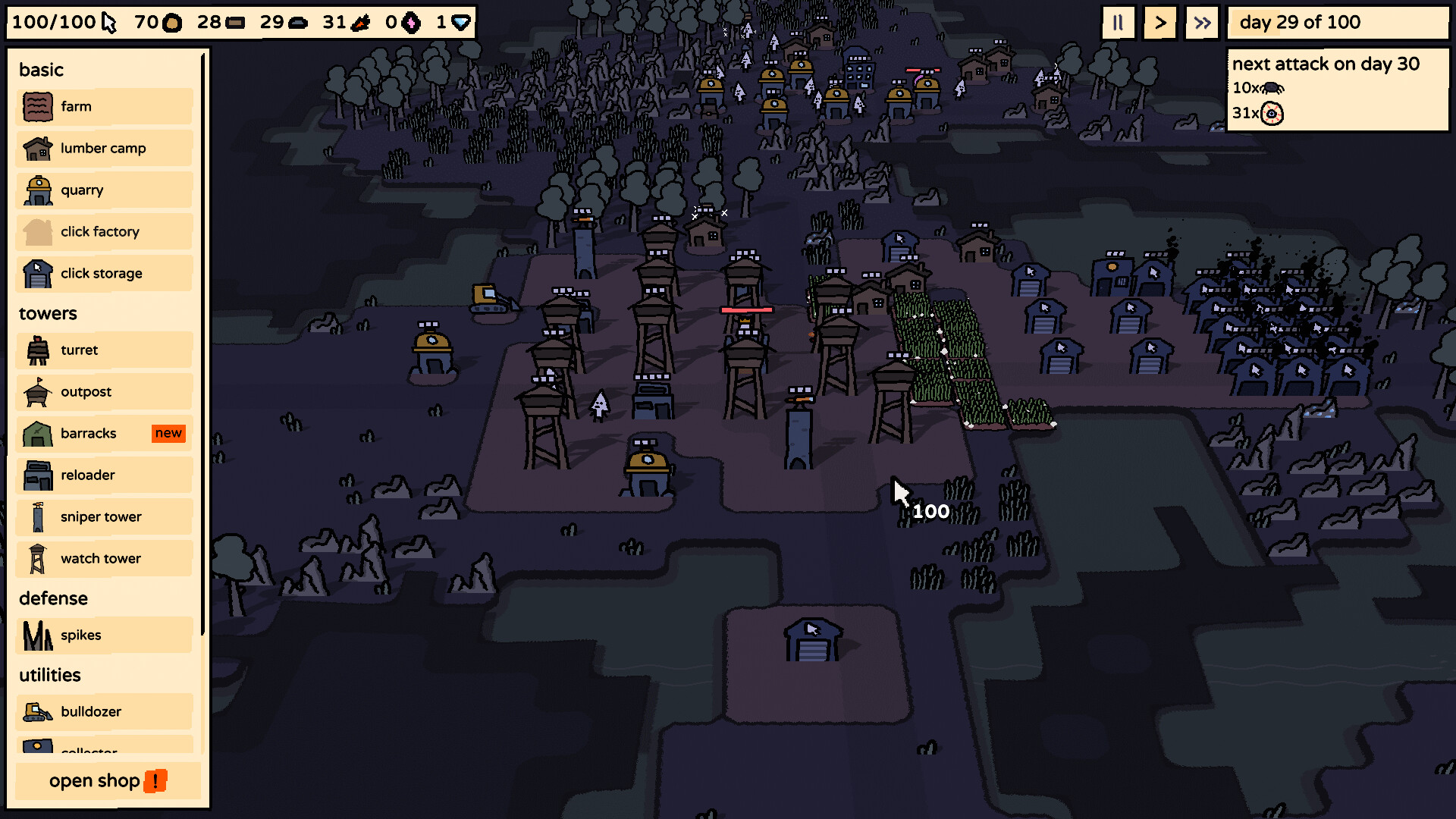
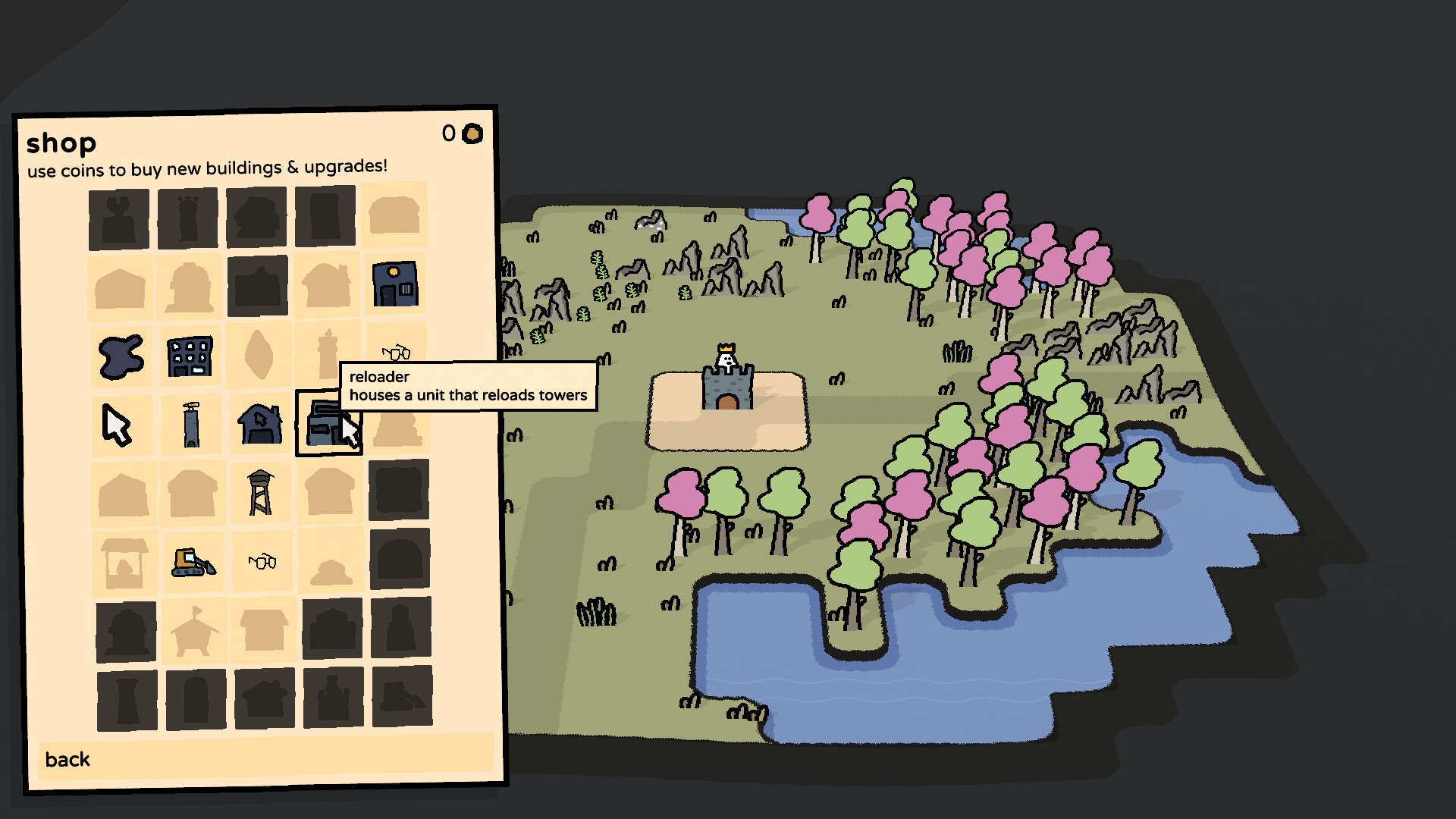
The shop contains over thirty‑five buildings and upgrades, each enhancing clicks, resource yield, or defensive capability. Examples include rapid‑click upgrades and specialized towers that target specific enemy types.
Unlocking new structures expands strategic options, letting players tailor their village to counter the progressively stronger enemy roster.
- Experiment with different tower combinations to find synergies against particular enemy groups.
- Upgrade click‑related structures after establishing a basic defensive line.
04 / THE GUIDE
Enemy Waves and Progression
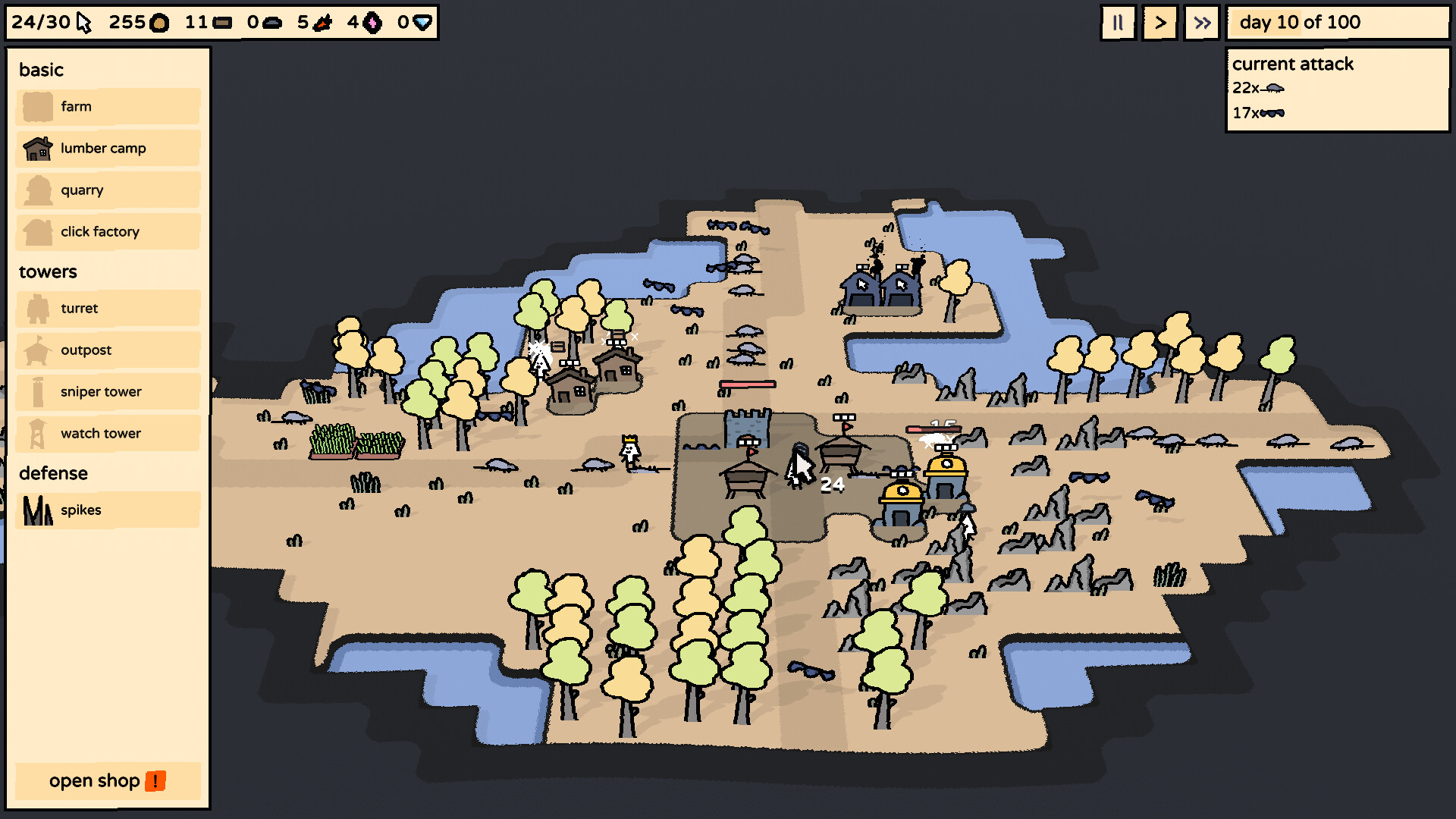
Enemies appear in increasingly difficult waves, ranging from rabbits and bears to demon shamans. Survival depends on effective click usage, tower placement, and resource management.
The ultimate challenge is to endure until day 100, testing the player’s ability to adapt to stronger foes over time.
- Observe enemy patterns; some require focused clicks while others are best handled by specific towers.
- Keep a reserve of coins for emergency upgrades when a particularly tough wave approaches.
05 / THE GUIDE
Platform Availability and Features
Clickyland runs on Windows and macOS, supporting single‑player mode, Steam achievements, cloud saves, and Family Sharing. Linux support is not listed.
These Steam integrations allow progress to be saved across devices and shared with family members, enhancing accessibility.
- Enable Steam Cloud to safeguard your runs across multiple PCs.
- Check the achievement list for optional challenges that encourage varied playstyles.

COMMUNITY
Player discussion