 GameWiki
GET YOUR BEARINGS
About Click To Continue
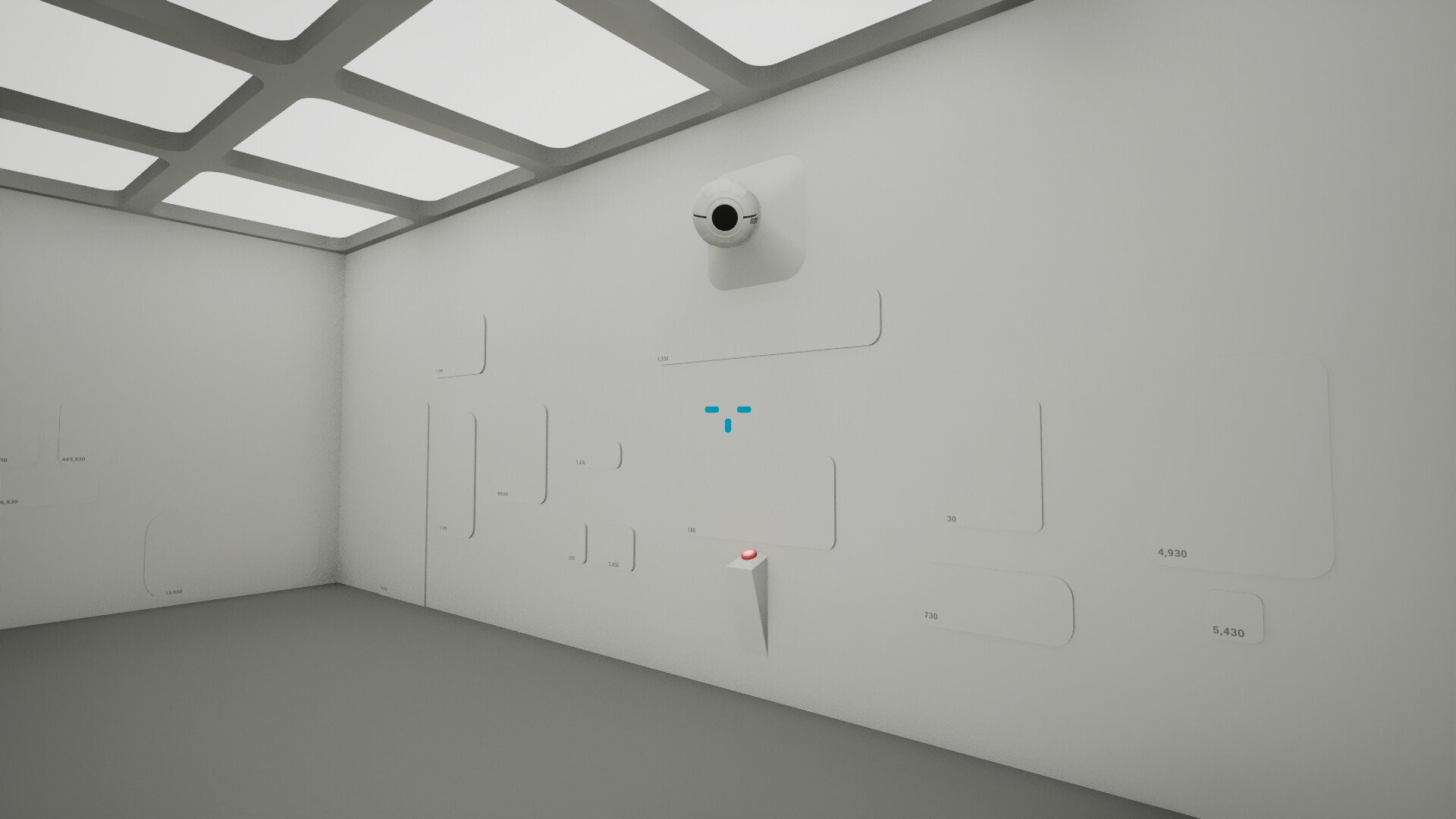
Click To Continue drops you into a stark white room with a single button. The description tells you that pressing the button is the only way forward, and each press reduces a displayed number, embodying the game’s decremental premise.
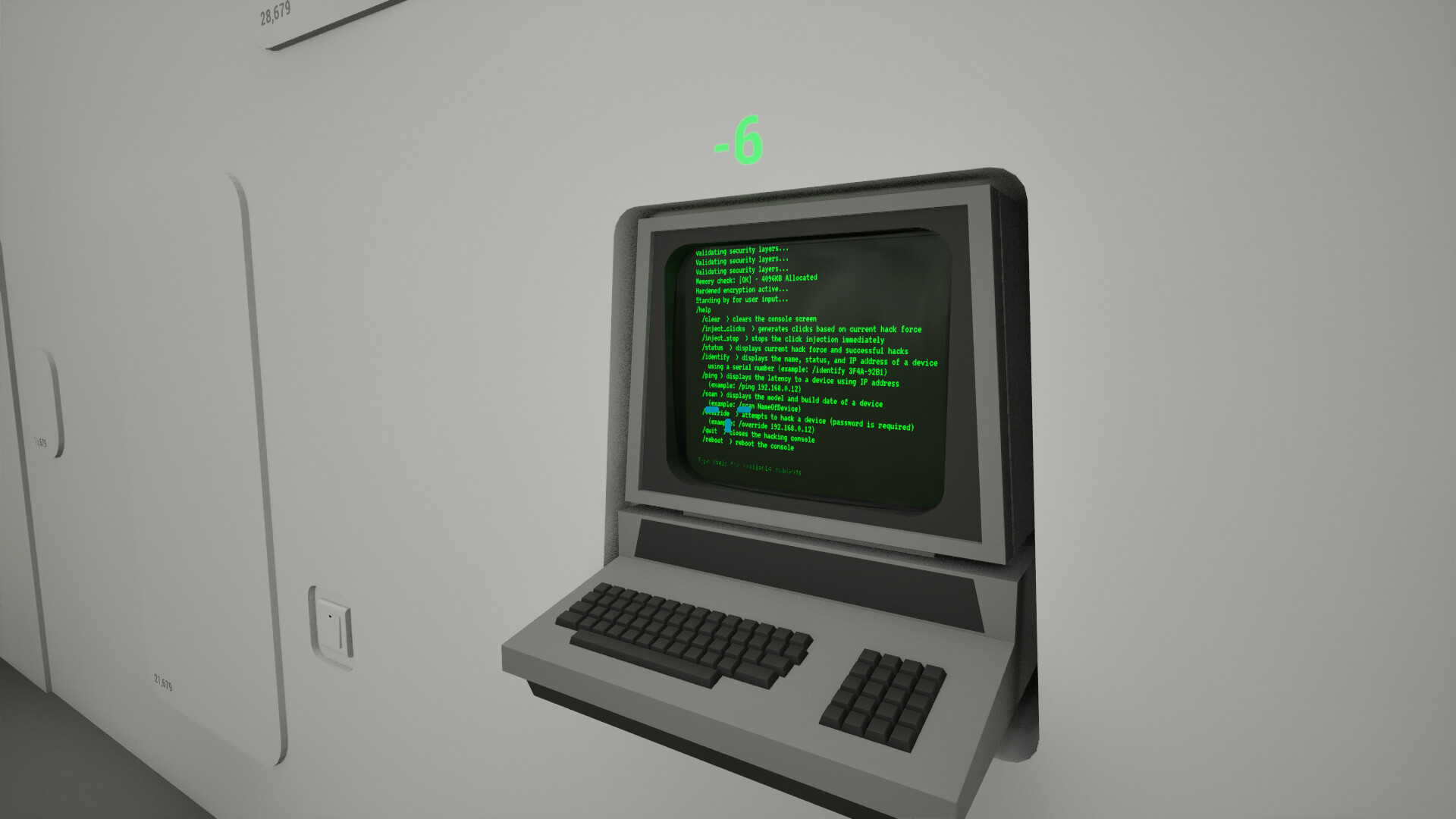
After enough presses, panels appear, offering upgrades, surprises, or nonsense, while a terminal lets you “hack for clicks.” The indie title runs on Windows via Steam, includes achievements, and supports family sharing.
01 / THE GUIDE
Press‑to‑Progress Decremental Loop
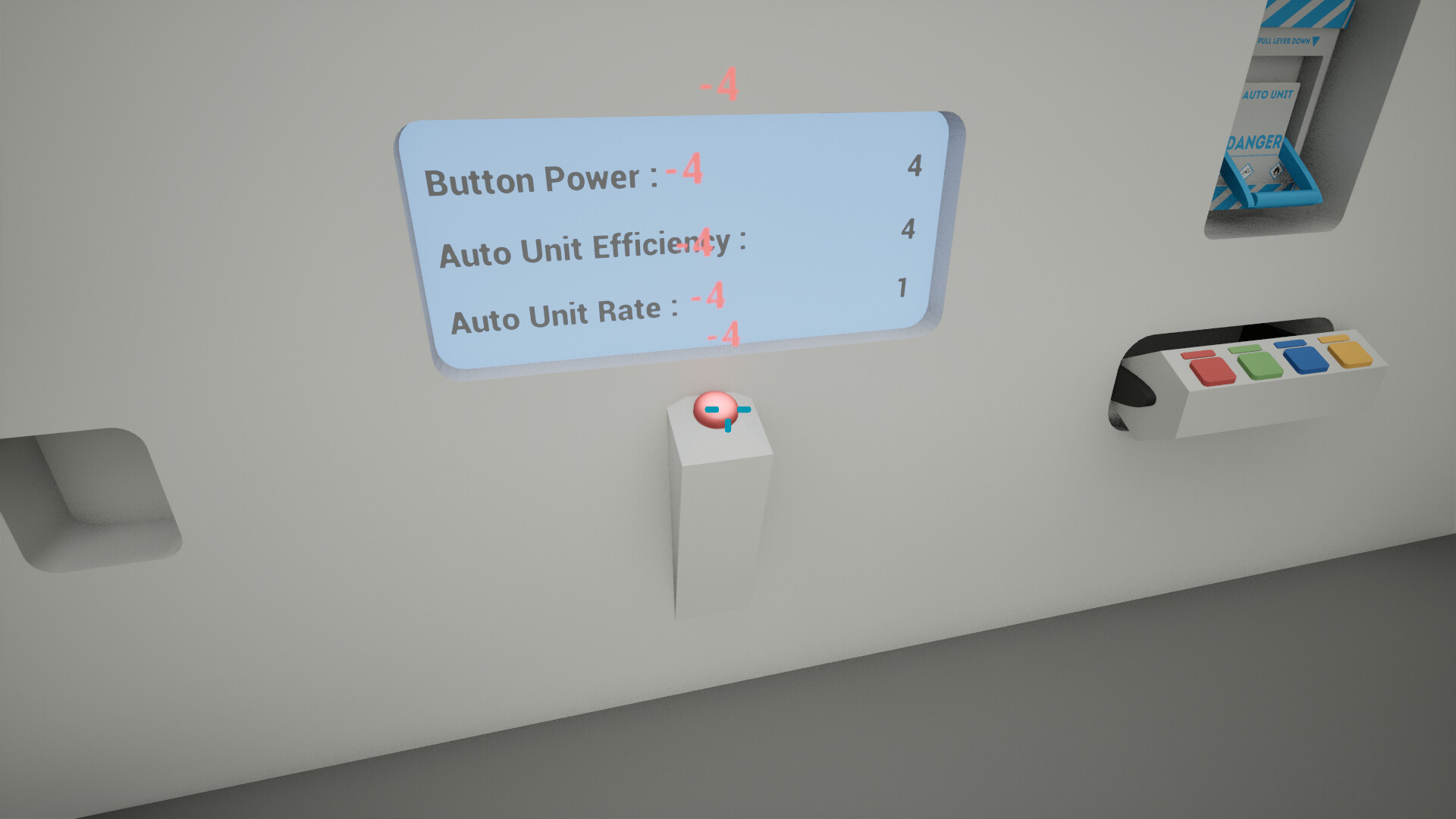
The core action is pressing the lone button in the white room. The description states that the button must be pressed and that each press reduces a number, making the game a “decremental” experience.
No other instructions or paths are mentioned, so the player’s progress relies entirely on repeated button presses and observing the falling numbers.
- Watch how the number changes after each press to gauge your progress.
- Notice whether the rate of decrease stays constant or varies over time.
02 / THE GUIDE
Panel Reveals and Content
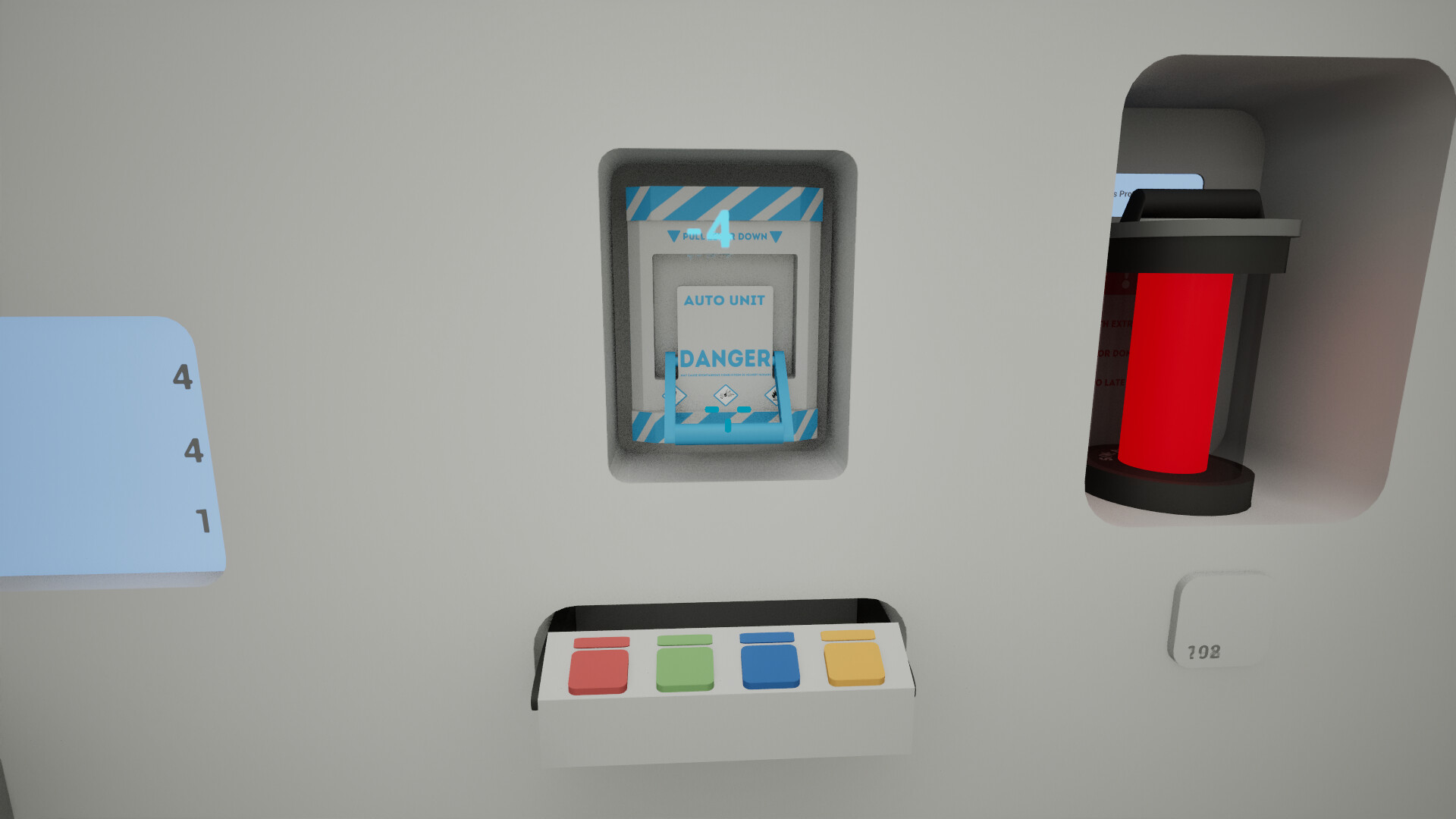
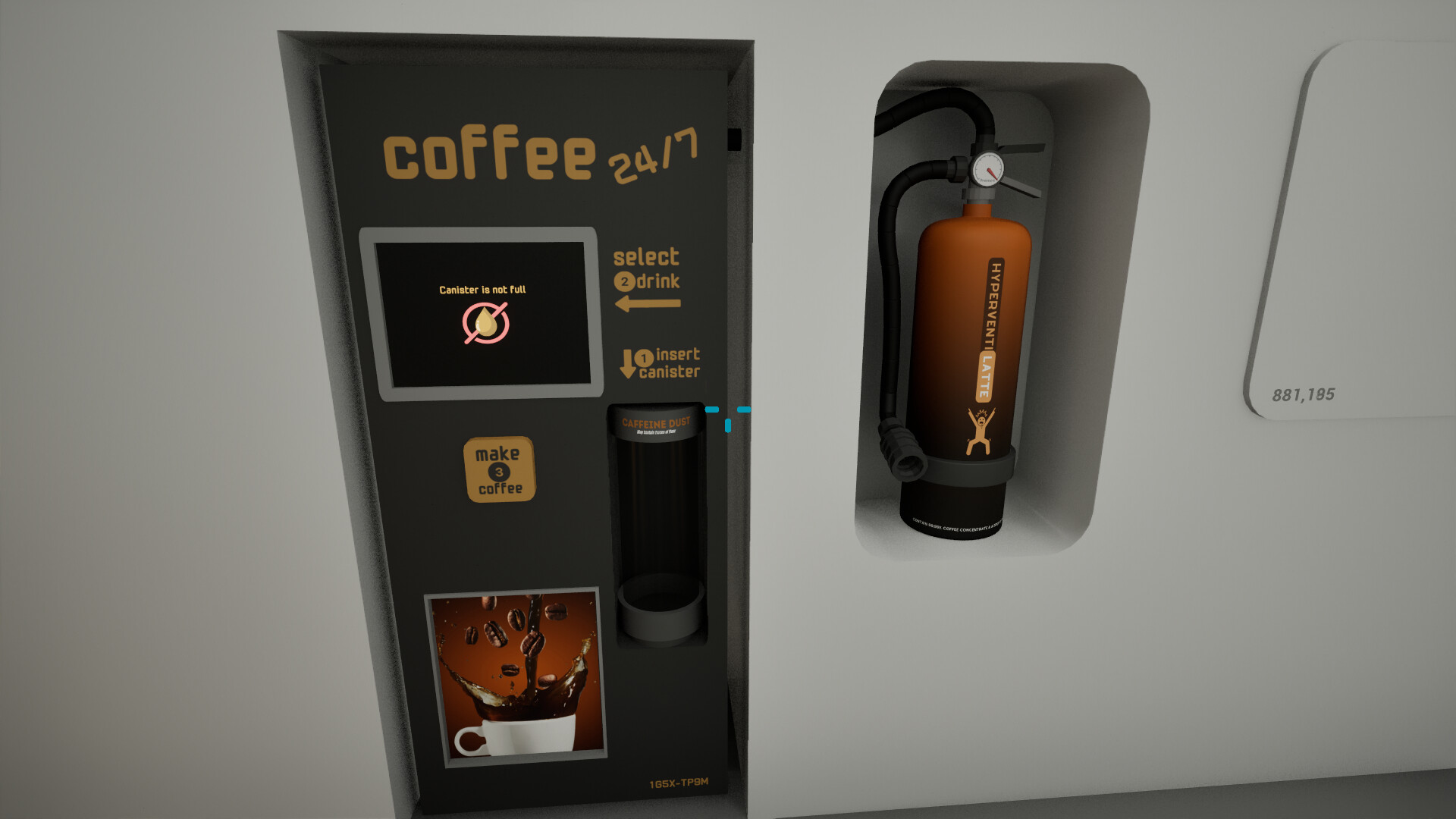
Panels open after a sufficient number of button presses. The source says each panel reveals upgrades, surprises, or pure nonsense, indicating that panels are the main method for delivering new content.
The description does not specify the exact trigger count, only that “enough clicks” are required, so each panel’s appearance is tied to cumulative presses.
- Record when each panel appears to see any correlation with the number displayed.
- Compare the type of content (upgrade vs. nonsense) to understand its impact on gameplay.
03 / THE GUIDE
Terminal for Hacking Clicks
A terminal is mentioned as allowing you to “manipulate systems” to gain clicks. This provides a secondary way to affect the click count beyond the button press.
The exact mechanics are not detailed, only that the terminal can be used for “hacking for clicks,” suggesting an optional, experimental interaction.
- Try using the terminal after a panel appears to see if it changes the decrement rate.
- Observe whether terminal use triggers panels more quickly than natural presses.
04 / THE GUIDE
Music by Seth_Makes_Songs
The game credits Seth_Makes_Songs for its soundtrack, indicating that music accompanies the minimalist visual setting.
While the description does not detail how the music reacts, its presence suggests an atmospheric role during button presses and panel events.
- Listen for any changes in the music when a panel opens; it may signal a shift in tone.
- Compare the soundtrack’s mood to other indie titles to gauge its uniqueness.
05 / THE GUIDE
Platform Availability and Single‑Player Focus
Click To Continue is listed as a Windows‑only release on Steam, with features including Single‑player, Steam Achievements, and Family Sharing. No other operating systems are mentioned.
The Single‑player label confirms the experience is intended for one player, and Family Sharing indicates the game can be shared within a Steam family group.
- Check your Steam library’s Family Sharing settings if you plan to let another household member play.
- Use the Steam achievement list to track milestones as you press the button.
COMMUNITY
Player discussion