 GameWiki
GET YOUR BEARINGS
About Click Mage
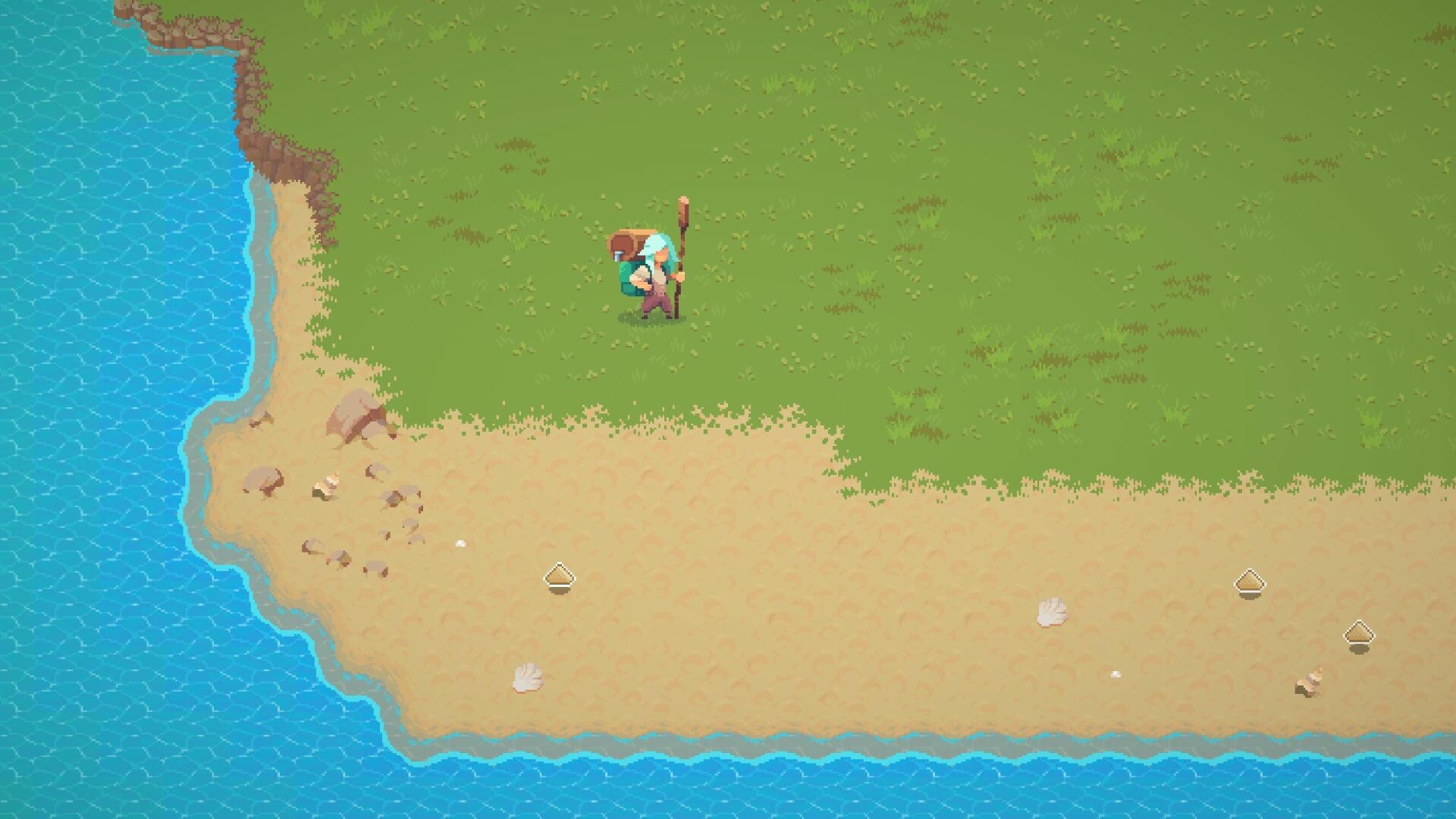
Click Mage is a 2D resource‑gathering and building game where you harvest, process, and upgrade to escape a magical island. As an apprentice of the famed Click Mage, a mishap teleports you to a remote pixel‑art shore.
Your goals are to boost click power, trade with a merchant, construct buildings, and ultimately build a portal home. The game balances modest resource amounts with upgrades like carrying capacity and auto‑click speed.
01 / THE GUIDE
Harvesting Resources
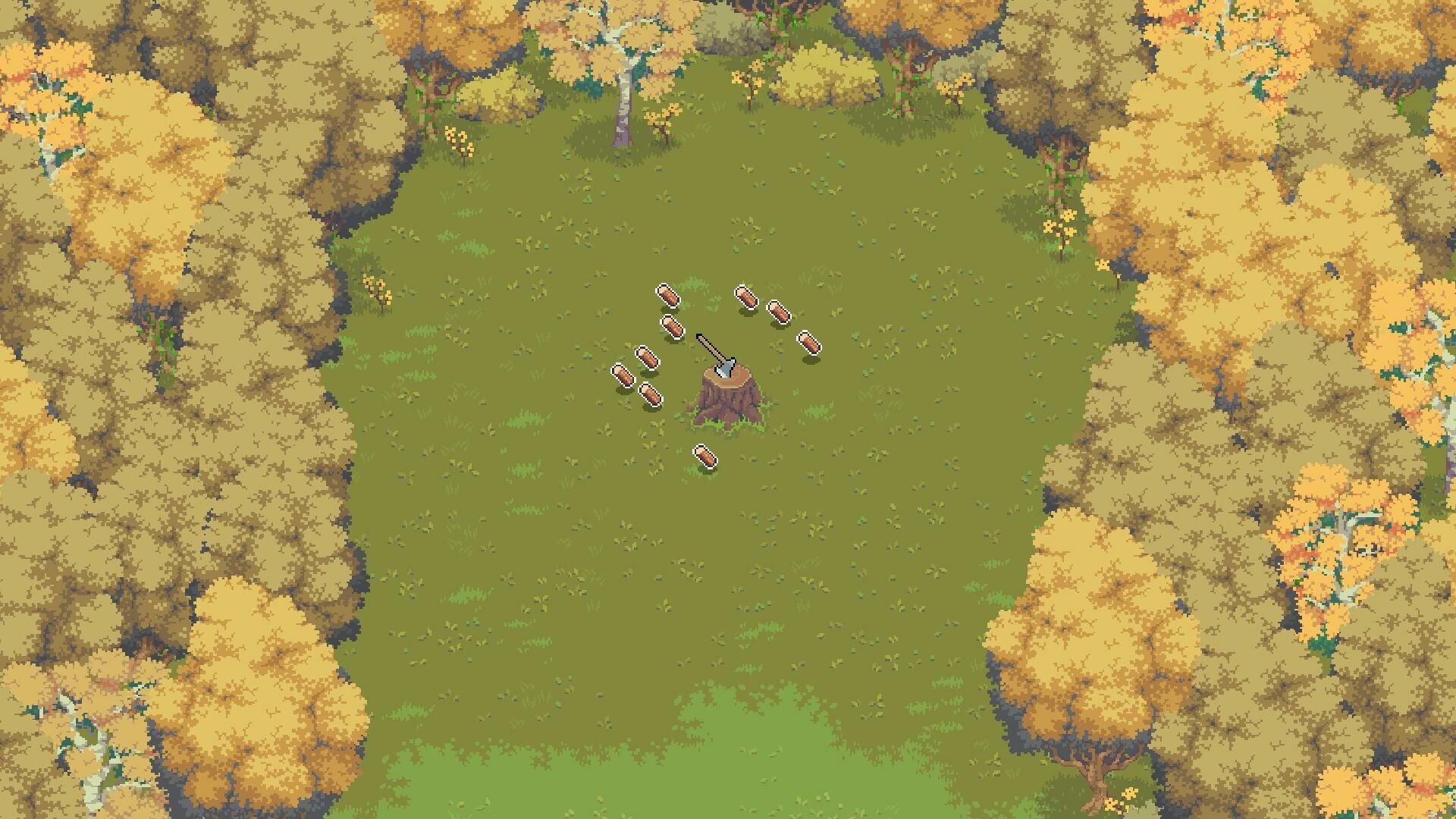
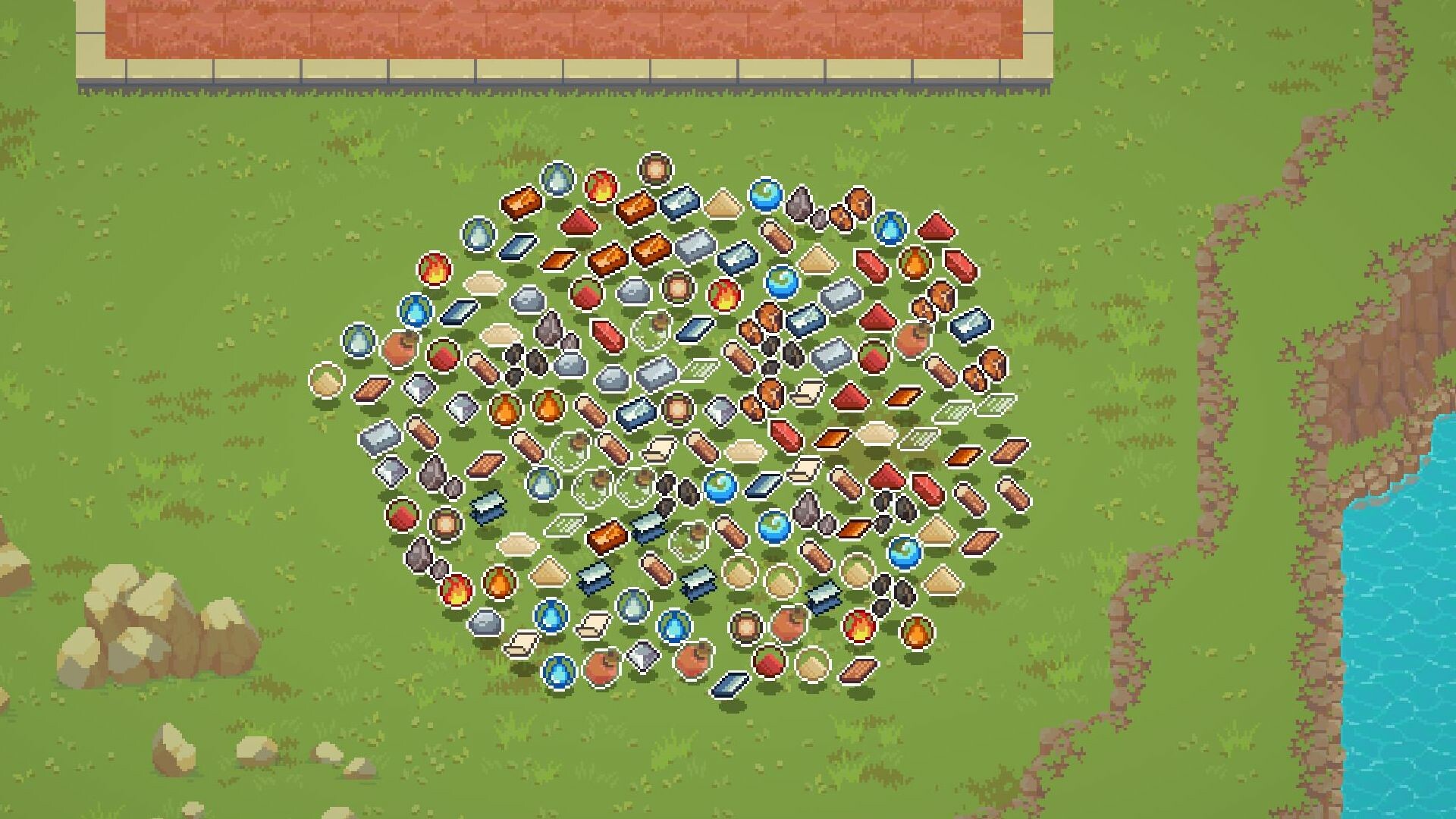
Players collect resources by clicking on the island’s assets, such as wood. The description notes you can harvest five wood and carry them yourself, emphasizing a limited, manageable amount rather than massive stockpiles.
Gathered resources serve as the raw material for later production buildings. The game’s design avoids “meaningless millions” of an arbitrary resource, keeping the economy tight and focused on purposeful collection.
- Observe which resources appear most frequently to plan efficient clicks.
- Compare the time spent clicking versus the amount gathered to gauge when upgrades become worthwhile.
02 / THE GUIDE
Constructing Production Buildings
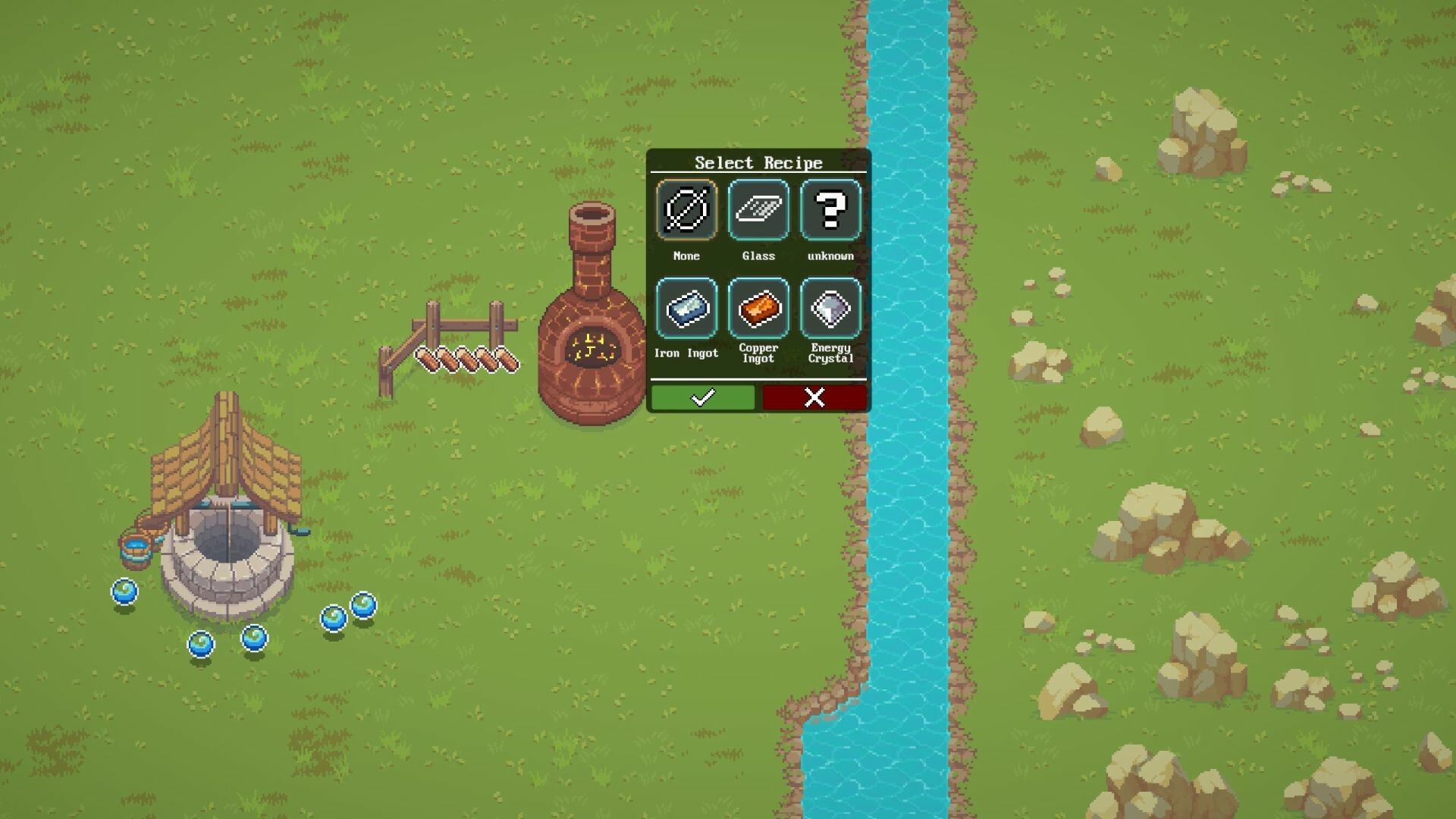
After harvesting, you can spend resources on blueprints bought from the trader to erect new structures. These buildings further process raw materials, expanding your resource pipeline.
Construction is limited to what you can afford, reinforcing the game’s focus on manageable resource handling rather than endless expansion.
- Prioritize buildings that unlock new resources early in the playthrough.
- Balance the cost of a new building against the processing boost it provides.
03 / THE GUIDE
Upgrading Click Powers
A mysterious obelisk lets you improve click power, carrying capacity, auto‑click speed, and more. These upgrades directly affect how quickly you can gather and move resources.
Upgrades are incremental, allowing you to scale your efficiency without overwhelming the limited resource pool.
- Upgrade carrying capacity before auto‑click speed if you often hit the wood limit.
- Track how each upgrade changes your resource intake per minute.
04 / THE GUIDE
Trading with the Merchant
The island features a trader who sells blueprints and likely other items. Interaction with the merchant is a key step for expanding your building options.
Trading introduces a simple exchange mechanic, letting you convert gathered resources into new capabilities.
- Check the merchant’s inventory regularly for new blueprint offers.
- Compare the resource cost of a blueprint with its long‑term production benefits.
05 / THE GUIDE
Building the Portal Home
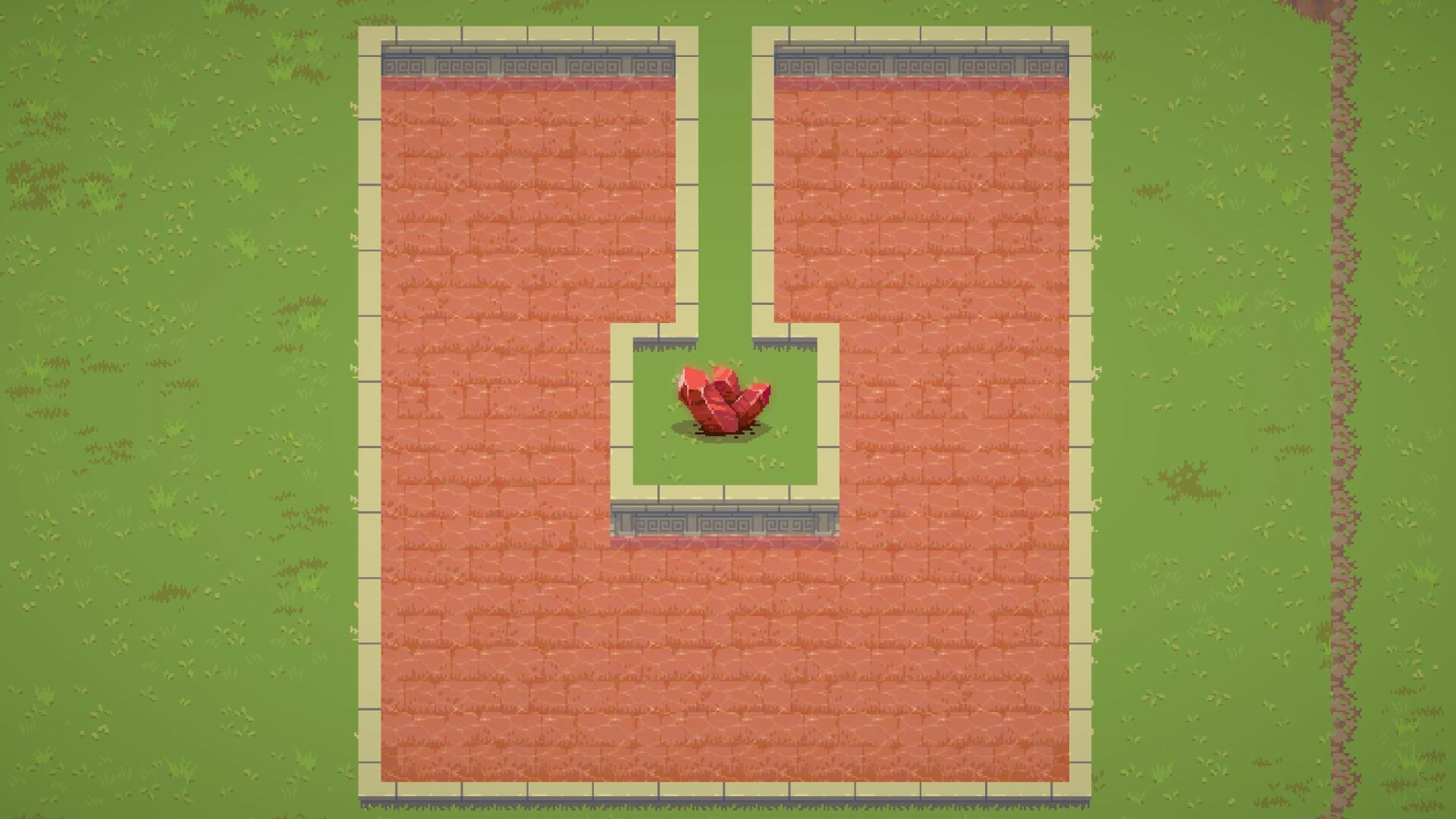
The ultimate objective is to construct a portal that returns you to your original world. This requires accumulated resources, upgraded click abilities, and the buildings you’ve erected.
Escaping the island ties together all earlier systems, giving a clear end‑game purpose.
- Plan resource allocation early to ensure you have enough for portal construction.
- Use upgraded click speed to accelerate the final resource gathering phase.
COMMUNITY
Player discussion