 GameWiki
GET YOUR BEARINGS
About Cleaning Up The Puzzle Gallery
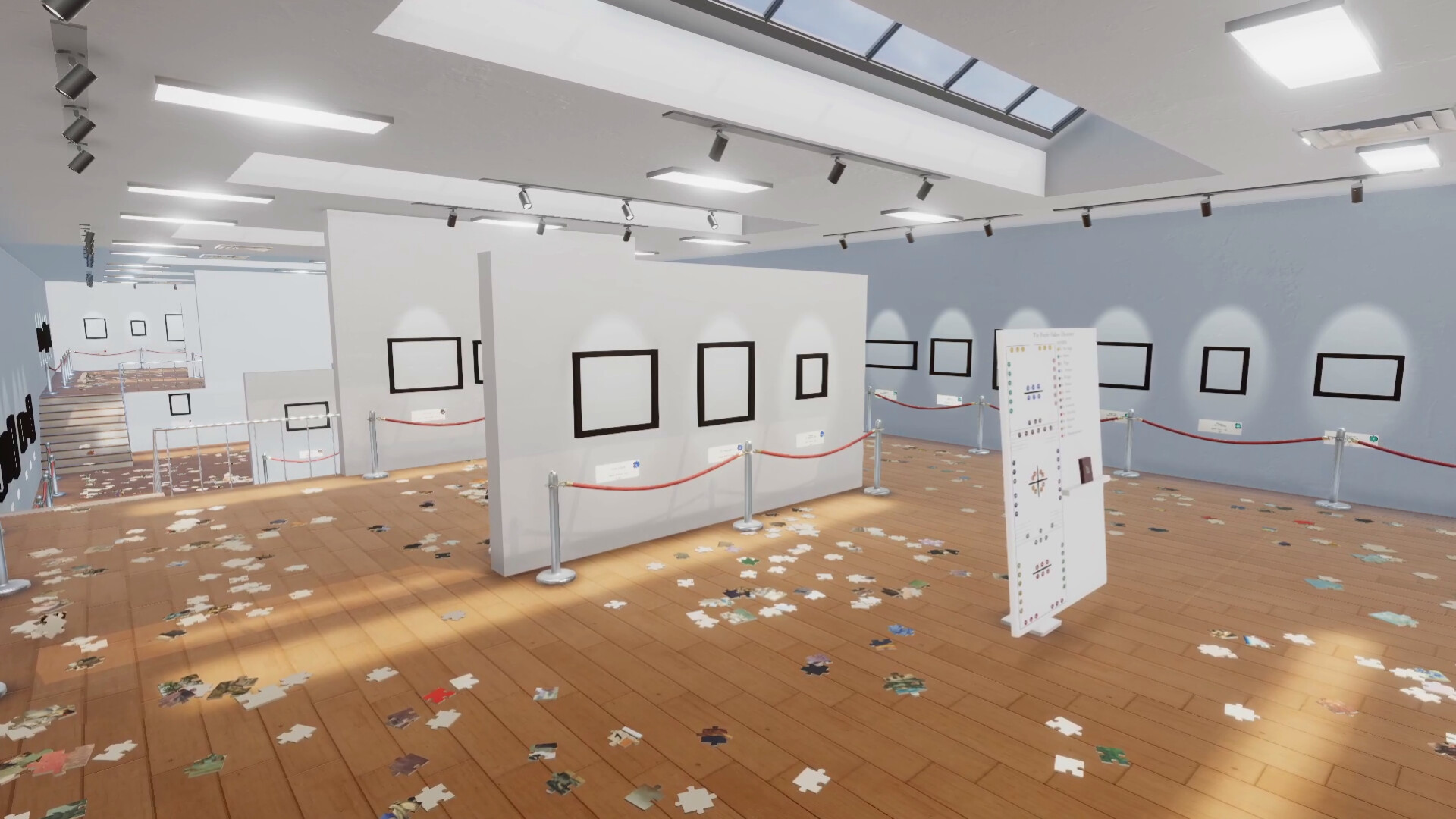
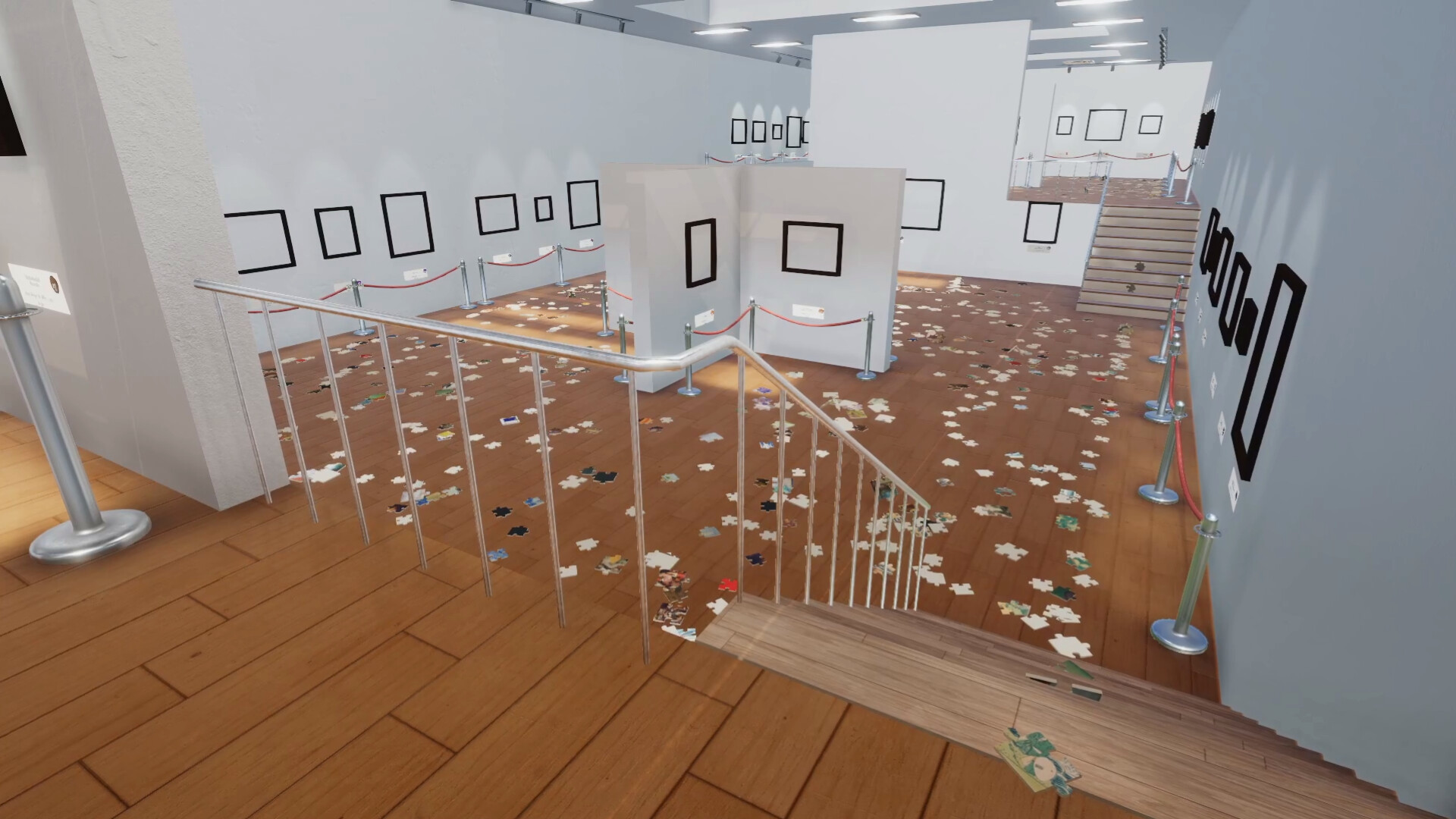
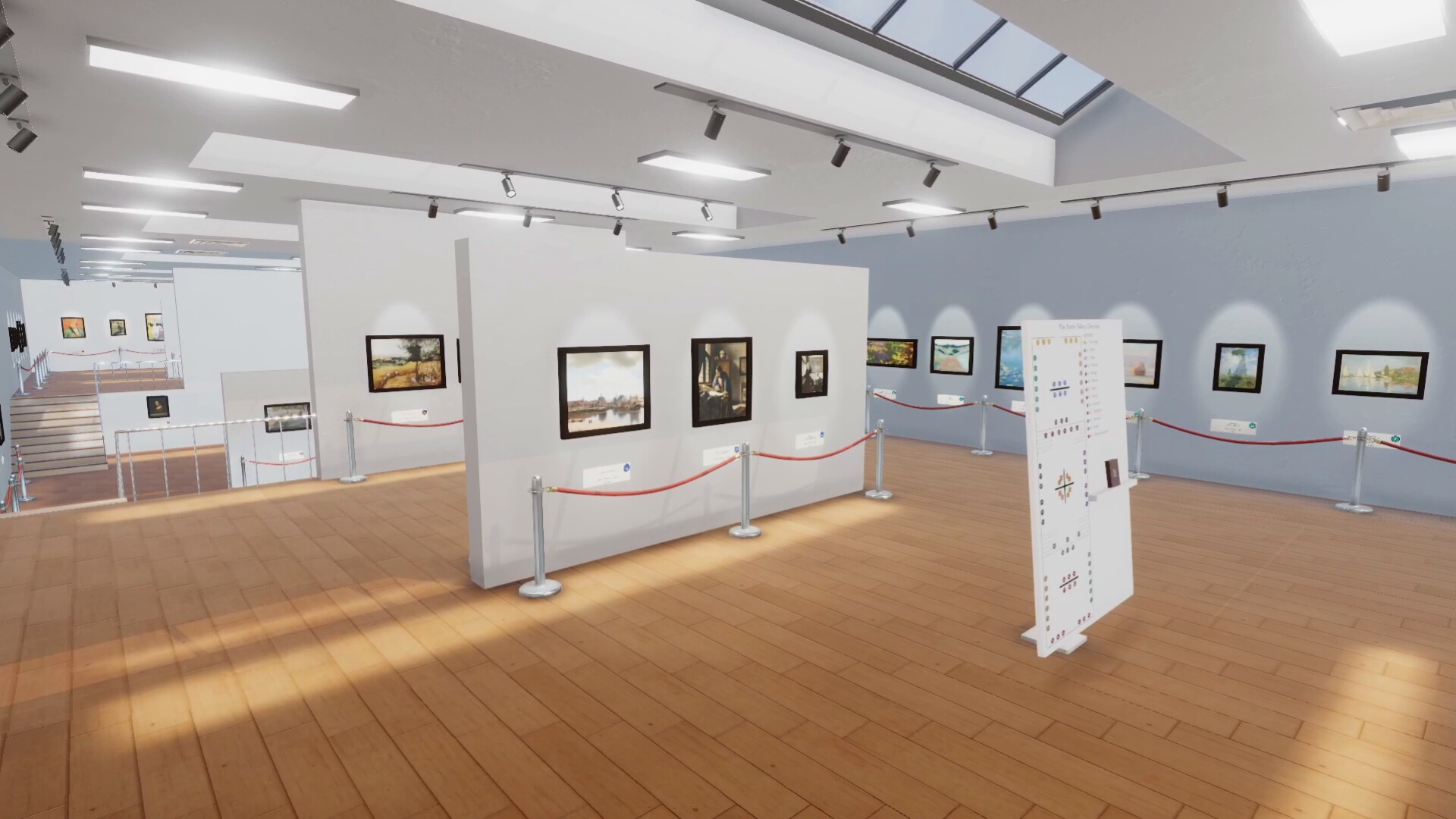
Cleaning Up The Puzzle Gallery puts you in the shoes of a janitor tasked with restoring a shattered puzzle museum after an earthquake. Over 5000 scattered pieces must be reassembled into nearly 200 jigsaw puzzles featuring public‑domain masterpieces from artists like Monet, Van Gogh, and Hokusai. The game offers both a relaxed, music‑filled experience and a speed‑run challenge, letting players choose how quickly they tidy the gallery.
Beyond the curated collection, a My Puzzles mode lets you upload up to 500 personal images and turn them into custom puzzles, supporting solo play or up to four players in online co‑op. Intuitive controls, visual aids, and skill upgrades help you solve each puzzle at your own pace.
01 / THE GUIDE
Gallery Collection
The main gallery houses almost 200 paintings from more than 20 public‑domain artists, each rendered as a distinct jigsaw puzzle. Pieces vary in shape, subject, and size, providing visual variety throughout the space.
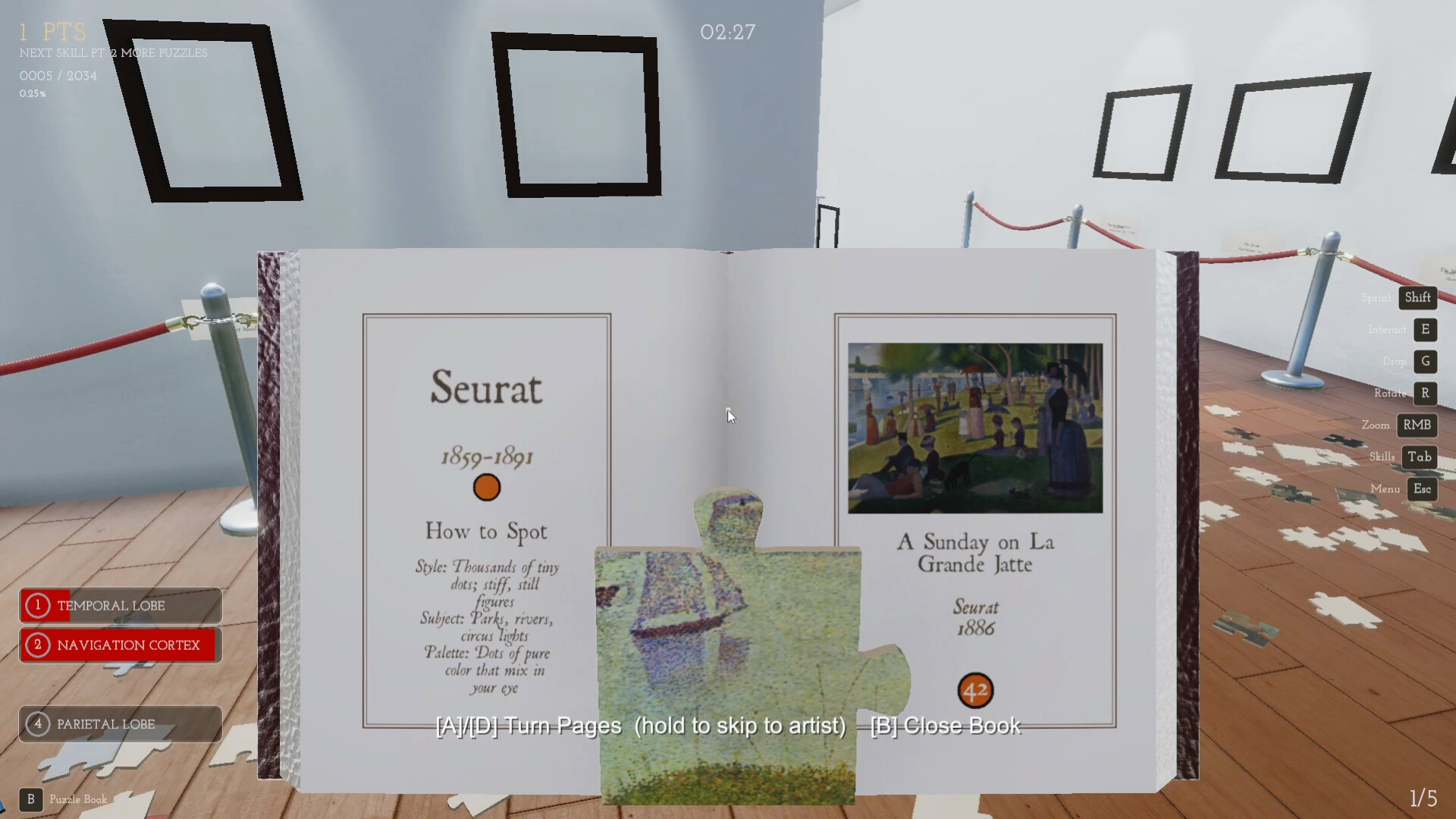
Players can listen to classical music while they work, and the game includes visual cues such as ghost previews on hover and shimmering lock‑in effects to guide placement.
- Use the ghost preview to locate the correct spot before moving a piece.
- Adjust the volume of the classical soundtrack for a calmer atmosphere.
02 / THE GUIDE
Custom Puzzles (My Puzzles Mode)
My Puzzles mode lets you upload up to 500 images in common formats (png, jpg, webp, etc.) and convert them into puzzles of varying shapes and sizes. You can solve them one at a time or fill the entire gallery with your own curated selection.
This mode supports up to four players, allowing friends to cooperate on a personalized gallery of memes, artwork, or personal photos.
- Start with smaller custom puzzles to get used to the controls.
- Organize your uploaded images by theme for easier navigation.
03 / THE GUIDE
Skill Upgrades
As you complete puzzles, you earn upgrades that improve how quickly you find, manipulate, and solve pieces. These upgrades affect brain‑related abilities, making later puzzles feel faster.
Upgrades are optional; you can play without them in Challenge Modes that remove assistance.
- Focus on upgrades that speed up piece detection if you enjoy fast runs.
- Disable upgrades in Black & White Mode for a purist experience.
04 / THE GUIDE
Challenge Modes
Beyond the standard play, the game offers modes like Black & White and "The Big White" (1024 pure‑white pieces) that change visual feedback and difficulty. These modes remove extra assistance for players seeking a tougher experience.
Challenge Modes are selectable from the main menu and apply to any puzzle, whether curated or custom.
- Try Black & White Mode after mastering the standard visual cues.
- Use The Big White mode to test endurance on a large, uniform puzzle.
05 / THE GUIDE
Controller Support
The game includes full controller compatibility, supporting DualShock and DualSense devices. Players can also adjust camera comfort and volume settings while using a controller.
Controller input does not require timed actions, allowing relaxed play at any pace.
- Enable camera comfort settings for smoother navigation on a controller.
- Adjust custom volume controls to balance music and sound effects.

COMMUNITY
Player discussion