 GameWiki
GET YOUR BEARINGS
About CLANNAD
CLANNAD follows Tomoya Okazaki, a guarded high‑school student coping with family strain, as he meets Nagisa and helps revive the school drama club. Their friendship expands to a wider circle of classmates, each seeking belonging and purpose.
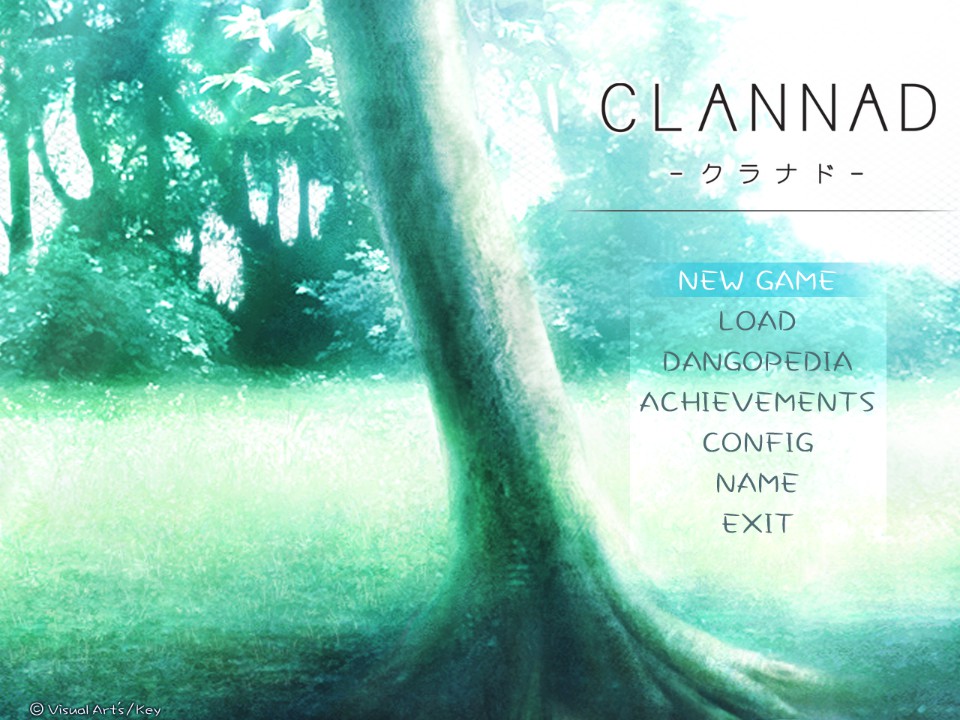
The Steam release adds a visual HD upgrade to 1280×960, includes the English‑only Dangopedia encyclopedia, and supports Steam achievements, trading cards, cloud saves, and Family Sharing. The game is single‑player and runs on Windows via Steam.
01 / THE GUIDE
Story Setup
Tomoya Okazaki is introduced as a delinquent student dealing with an abusive father and his mother's death. His routine changes when he encounters Nagisa, a repeat senior who also appears delinquent.
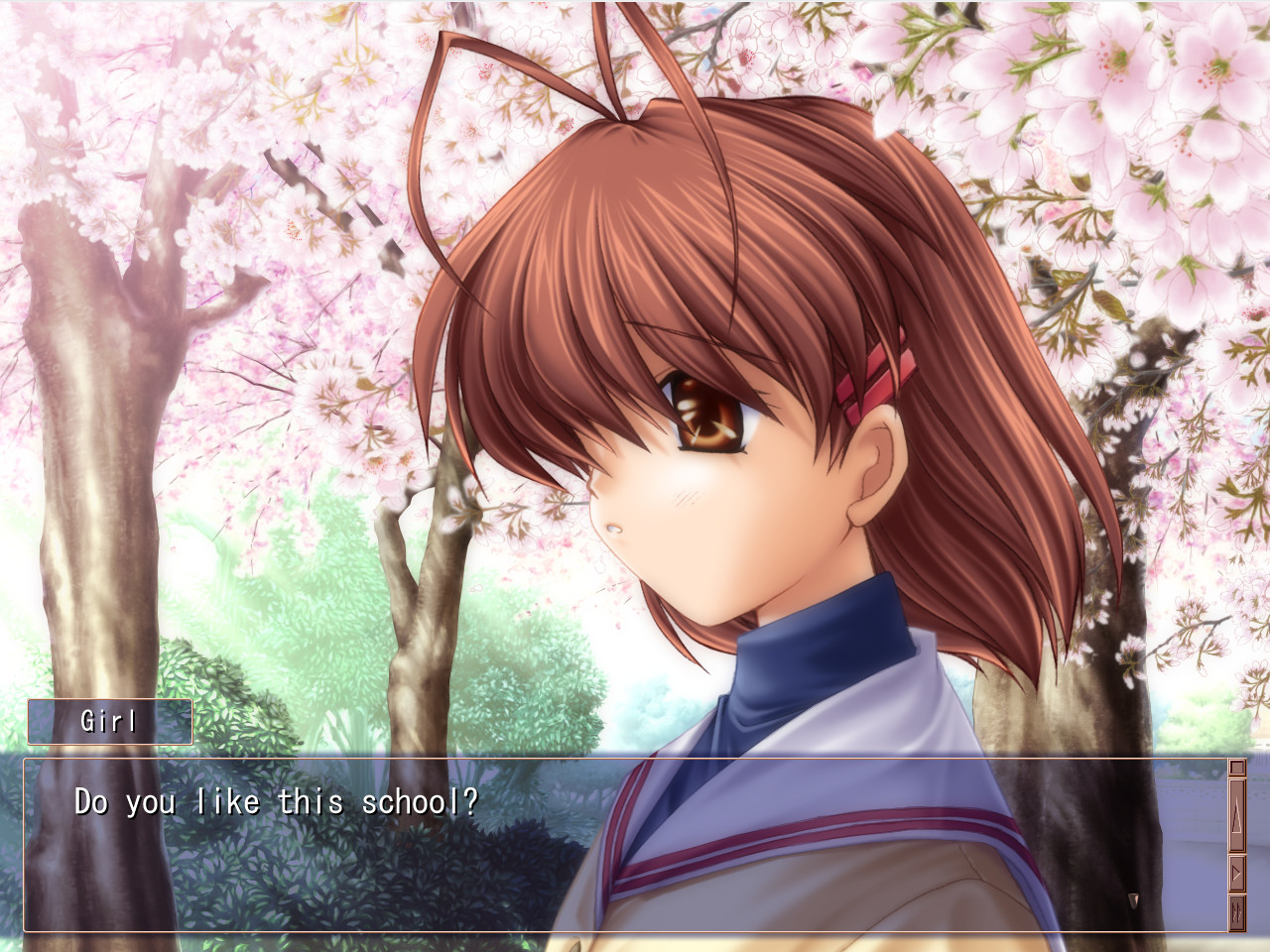
Nagisa proposes they become friends and asks Tomoya to help restart the school drama club, prompting him to join and meet other students seeking solace.
- Observe how Tomoya’s background influences his interactions with other characters.
- Compare Nagisa’s repeat‑year status with other students’ motivations.
02 / THE GUIDE
HD Visual Upgrade
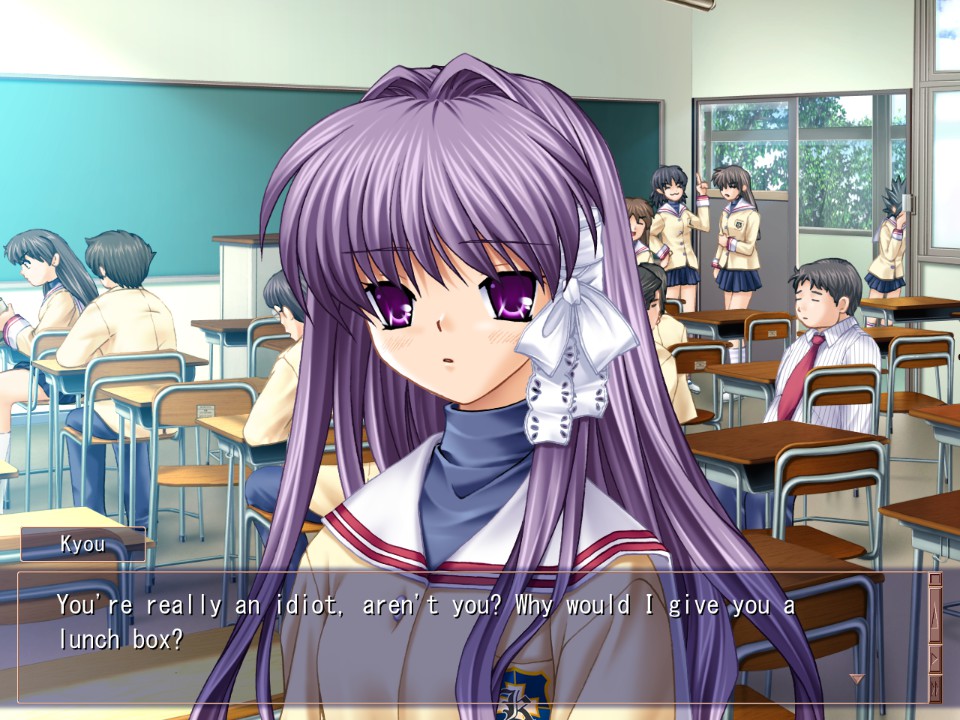
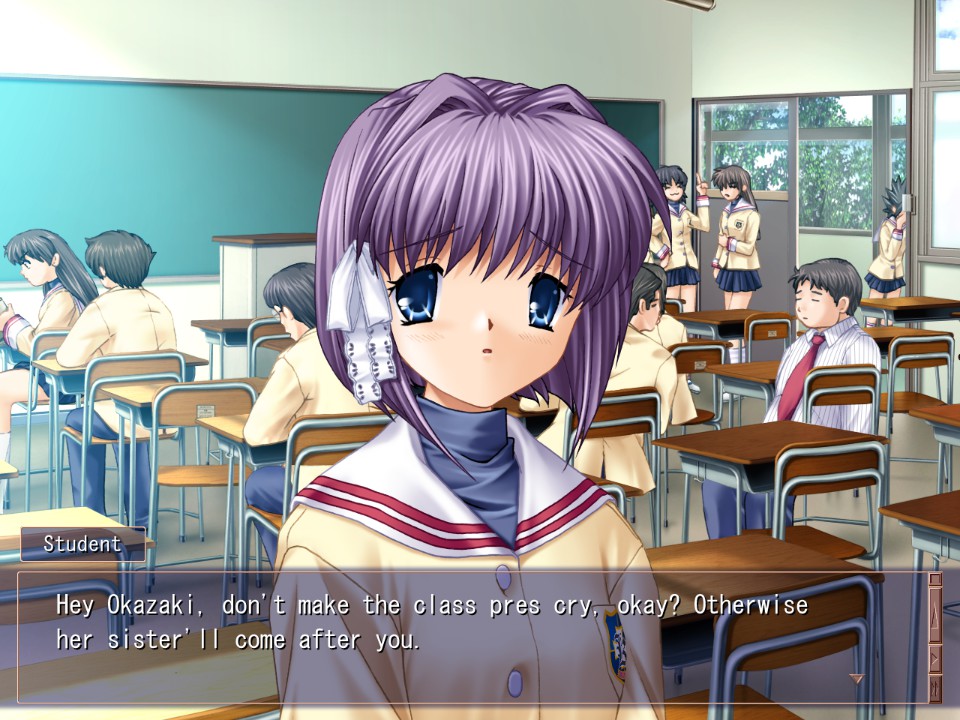
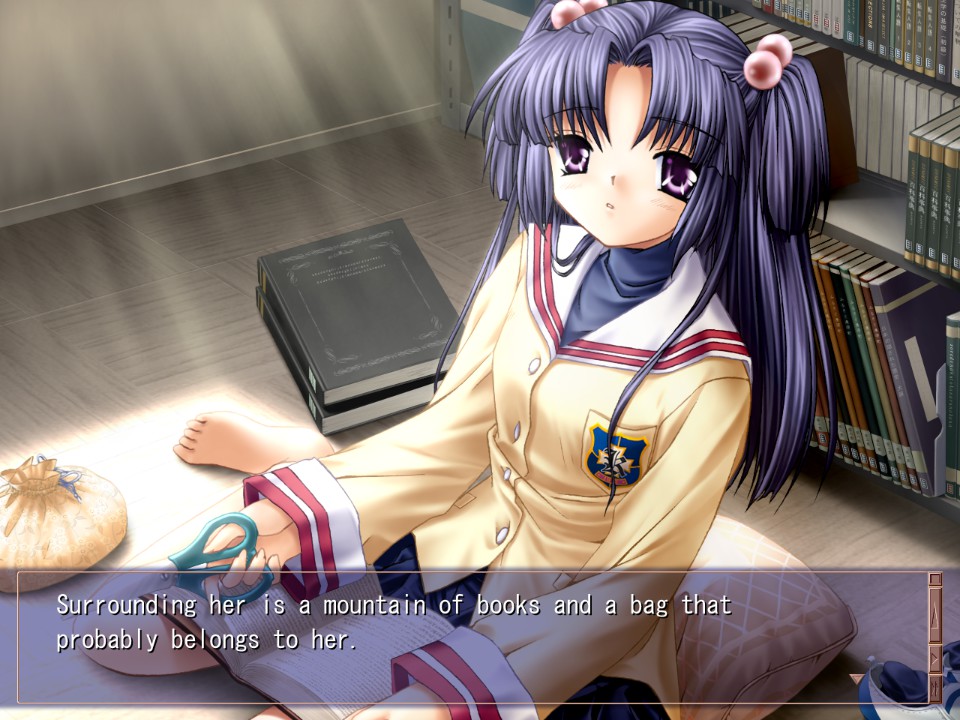
The Steam version upgrades all visuals to a resolution of 1280×960, providing clearer character sprites and backgrounds compared with the original release. This enhancement applies throughout the entire narrative.
The higher resolution does not alter gameplay mechanics; it solely improves visual fidelity for players on supported hardware.
- Notice the increased detail in character expressions during key scenes.
- Compare the HD visuals to screenshots from earlier versions for contrast.
03 / THE GUIDE
Dangopedia Encyclopedia
The English version includes Dangopedia, an in‑game encyclopedia that explains Japanese tradition and pop‑culture references encountered in the story. It serves as a reference tool for players unfamiliar with those topics.
Dangopedia serves as a handy reference tool for players encountering Japanese tradition and pop‑culture references in the story.
- Use Dangopedia when cultural references feel unclear to enhance understanding.
- Compare entries with external sources for deeper insight.
04 / THE GUIDE
Steam Platform Features
CLANNAD supports Steam achievements, trading cards, cloud saves, and Family Sharing. Achievements can be reviewed via an in‑game menu that tracks progress.
These features are tied to the Steam client and do not affect the single‑player narrative or gameplay flow.
- Check the achievement list to gauge which story milestones are tracked.
- Enable cloud sync to preserve save data across installations.
05 / THE GUIDE
Single‑Player Experience
The game is designed for a single‑player experience, focusing on narrative choices and character interactions without multiplayer components. Players progress through the story at their own pace.
Single‑player mode focuses on the story, though Steam features like cloud saves may use online services.
- Take time to explore dialogue options for varied story outcomes.
- Save frequently to make use of cloud backup if desired.
COMMUNITY
Player discussion