 GameWiki
GET YOUR BEARINGS
About City Transport Simulator 2026 - Bus & Tram
City Transport Simulator 2026 blends bus and tram operation in a European‑inspired metropolis. Players can drive detailed vehicles, manage routes, and watch a city evolve through seasons and weather. The game offers a Career path for progressive growth and a Sandbox for unrestricted exploration, both supporting full control customization.
Dynamic weather, realistic ticketing, and a free‑roam pedestrian mode deepen immersion, while a robust line editor lets you craft custom networks. Ongoing updates promise new vehicles and cities, ensuring the simulation stays fresh for long‑term play.
01 / THE GUIDE
Dynamic Weather and Seasons
The city transforms with spring, summer, autumn, and winter foliage, while day‑to‑night lighting shifts atmospherically. Weather types such as sun, fog, rain, snow, and thunderstorms change throughout the day, influencing vehicle heating, cooling, and window operations.
All buses and trams feature functional wipers that react to rain and adverse conditions, and temperature changes affect their climate systems, adding a realistic layer to driving in varying environments.
- Observe how temperature impacts vehicle heating to plan routes during colder periods.
- Use the dynamic lighting cues to anticipate visibility changes in rain or fog.
02 / THE GUIDE
Ticket Machine System
Every bus includes a fully functional ticket machine that lets you sell tickets directly to passengers. The system accepts both cash and contactless payments, and an integrated pay table ensures correct change is given.
This feature adds an extra layer of realism to public transport management, requiring you to handle passenger transactions as part of the driving experience.
- Compare cash versus contactless payment speeds to see which feels smoother in practice.
- Monitor the pay table output to ensure change is calculated correctly.
03 / THE GUIDE
Free Roam Mode
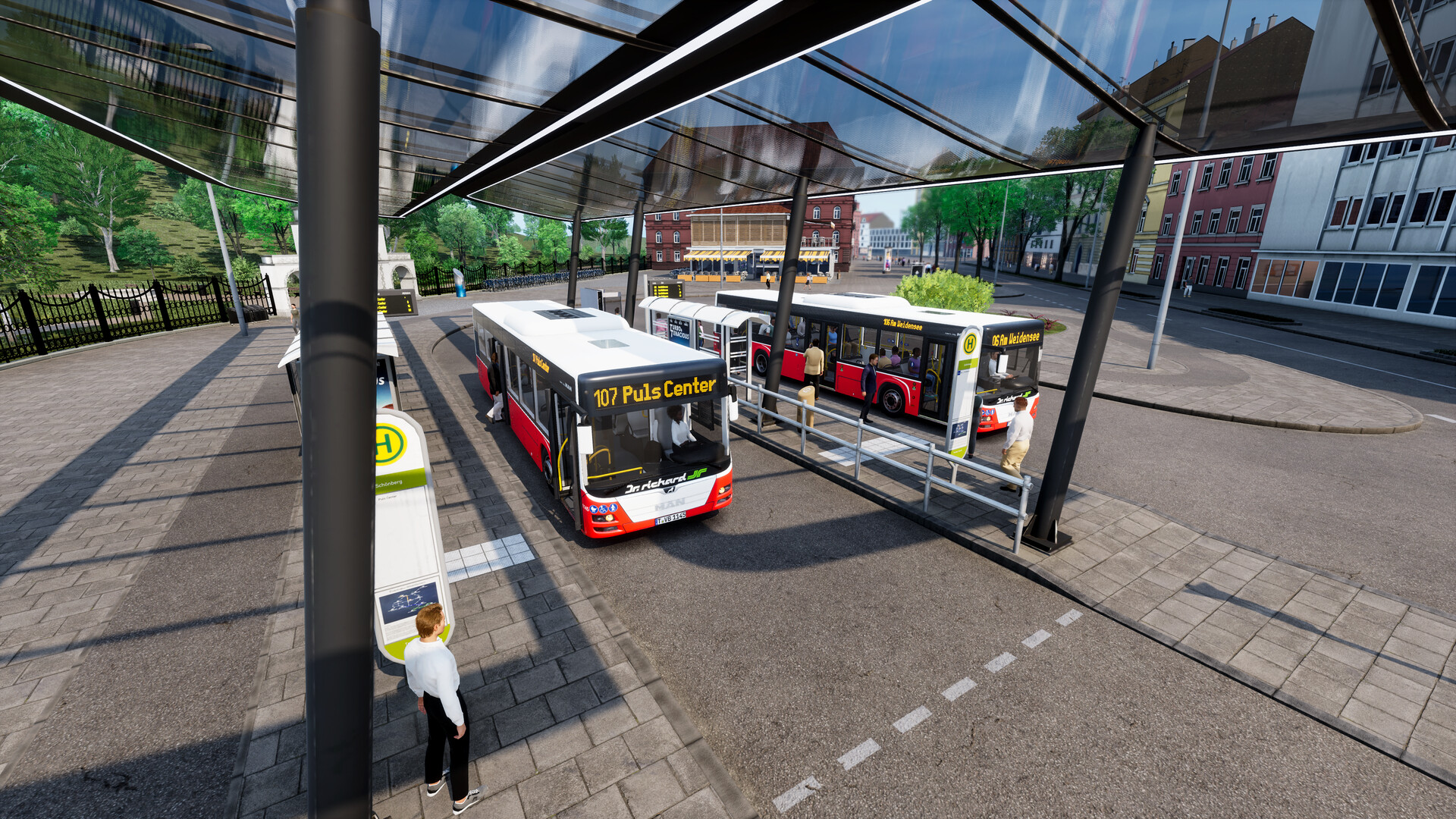
Free Roam lets you walk as a pedestrian, board AI buses and trams, and take control of any vehicle at any time. You can switch dynamically between passenger, bus driver, and tram driver roles without breaking immersion.
Vehicles can be handed over at endpoints, allowing seamless transitions while exploring the city’s 50+ km of routes and 80+ unique stations.
- Try walking first to learn station layouts before taking the wheel.
- Experiment with switching roles at endpoints to gauge how AI handles handovers.
04 / THE GUIDE
Line Editor and Timetable Generator
The Line Editor and Timetable Generator let you create custom tram and bus lines with a few clicks. Assign vehicles to these lines and watch AI follow your schedule in real time.
As your network expands, you can monitor and optimize performance, ensuring timetables match the city’s evolving passenger demand.
- Start with short lines to test AI adherence before expanding.
- Adjust timetables after observing peak passenger flows for smoother service.
05 / THE GUIDE
Deep Customization and Branding
You can name your operation, city, stations, and routes, and choose liveries, logos, and station designs. Branding extends to vehicles, buildings, signs, and announcements, with automated multi‑language station messages integrated across lines.
Full control over station styles, route colors, and naming lets you craft a unique visual identity for your transport empire.
- Use distinct line colors to differentiate routes at a glance.
- Match station signage with your chosen logo for cohesive branding.


COMMUNITY
Player discussion