 GameWiki

GET YOUR BEARINGS
About Cities: Skylines II
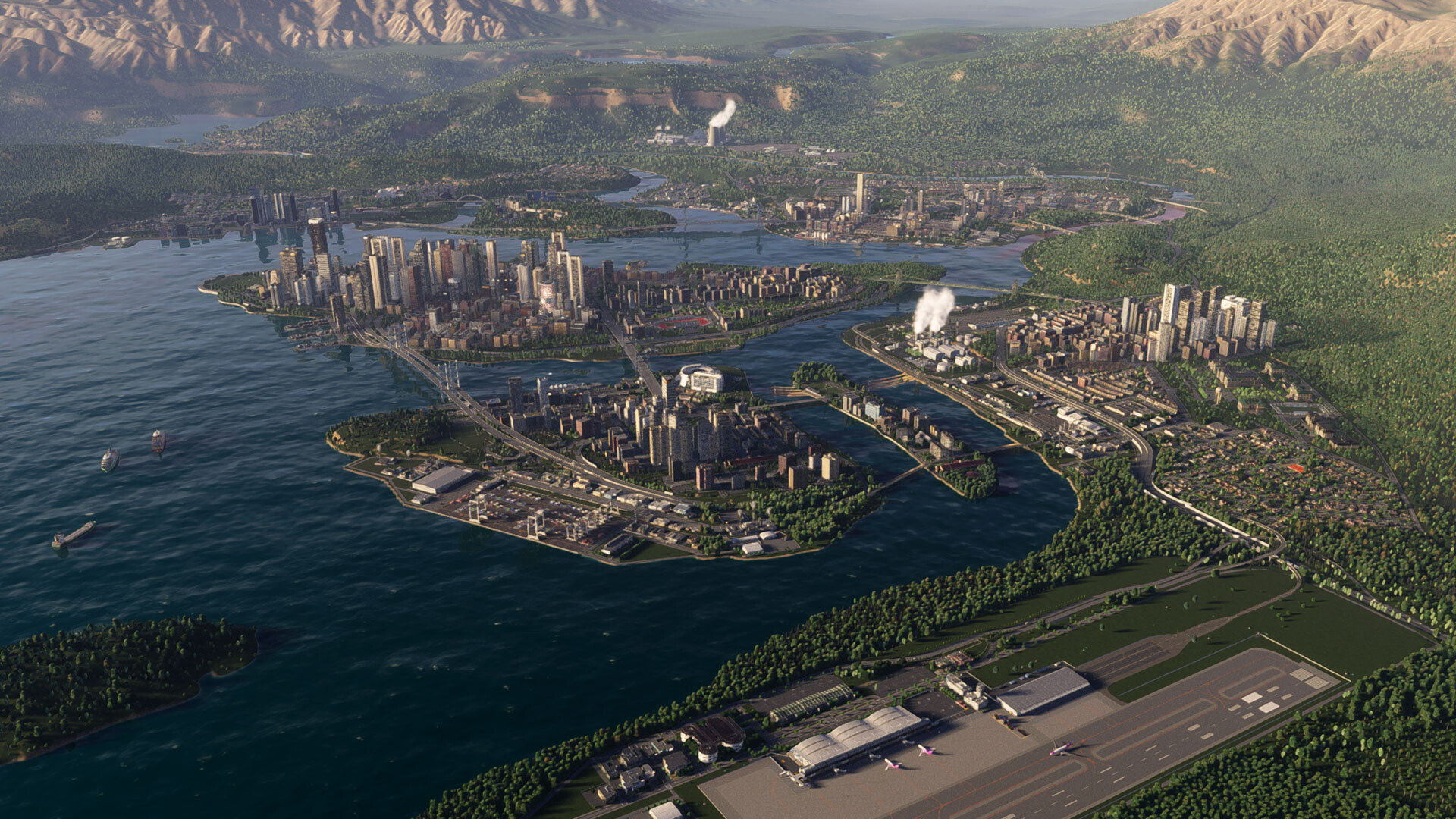
Cities: Skylines II lets you start a city from an empty plot and guide its growth. You lay roads, build infrastructure and zone areas, while a living economy and seasonal cycles react to each decision you make.
The game runs on Windows, offers full controller support, Steam achievements, cloud saves and family‑sharing. Every choice—budget, services, industry—affects citizens, and the world changes over time with day/night and weather.
01 / THE GUIDE
City Planning
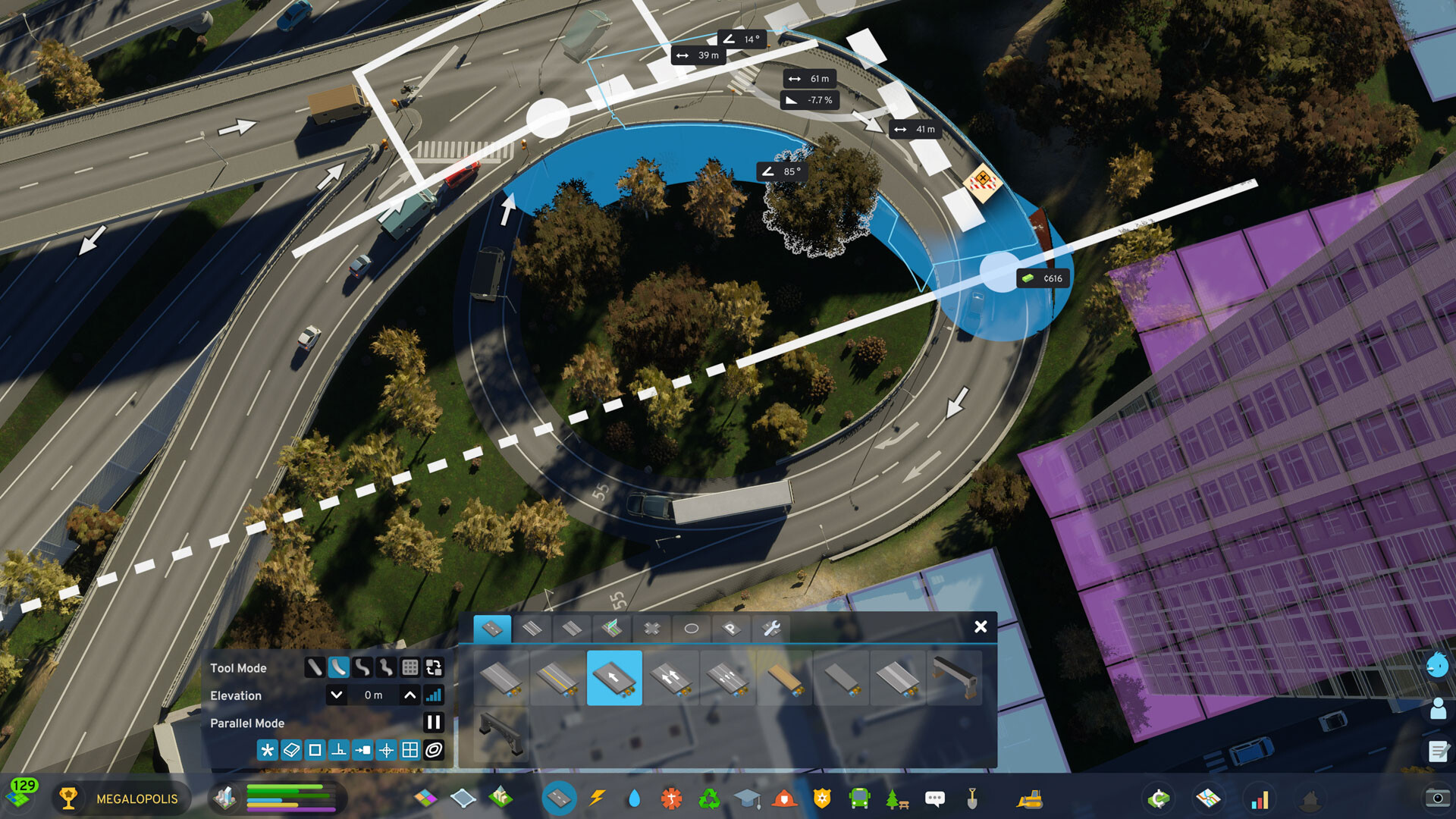
The first step is to create a road network and basic utilities. Roads, water, electricity and waste systems are the backbone that lets residential, commercial and industrial zones function day to day.
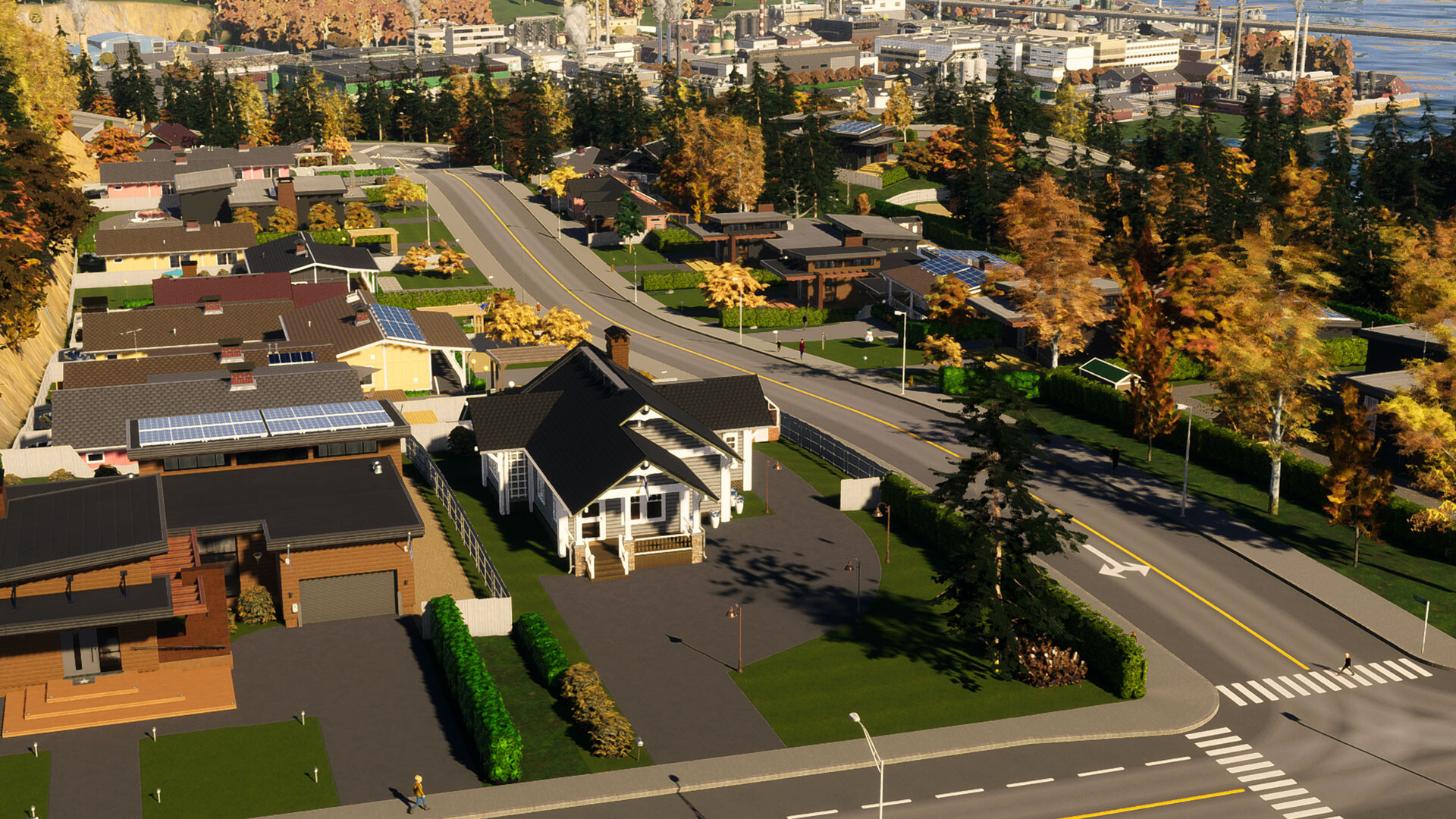
Zoning determines where people live, work and shop. Placing zones in logical groups helps services reach them efficiently, while the map’s climate adds natural constraints you must work around.
- Begin with a clear hierarchy of main roads and side streets to keep traffic flowing.
- Group similar zones together so services can cover them with fewer connections.
02 / THE GUIDE
Economy
Cities: Skylines II features a living economy that responds to the industries you develop. Producing goods and services creates revenue, while the budget tracks income and expenses.
Balancing production with citizen demand keeps the budget healthy. Oversupply or shortages can lead to financial strain, so monitor the flow of goods and adjust zoning as needed.
- Watch the budget panel regularly to spot deficits early.
- Diversify industry zones to avoid reliance on a single sector.
03 / THE GUIDE
Citizen Needs
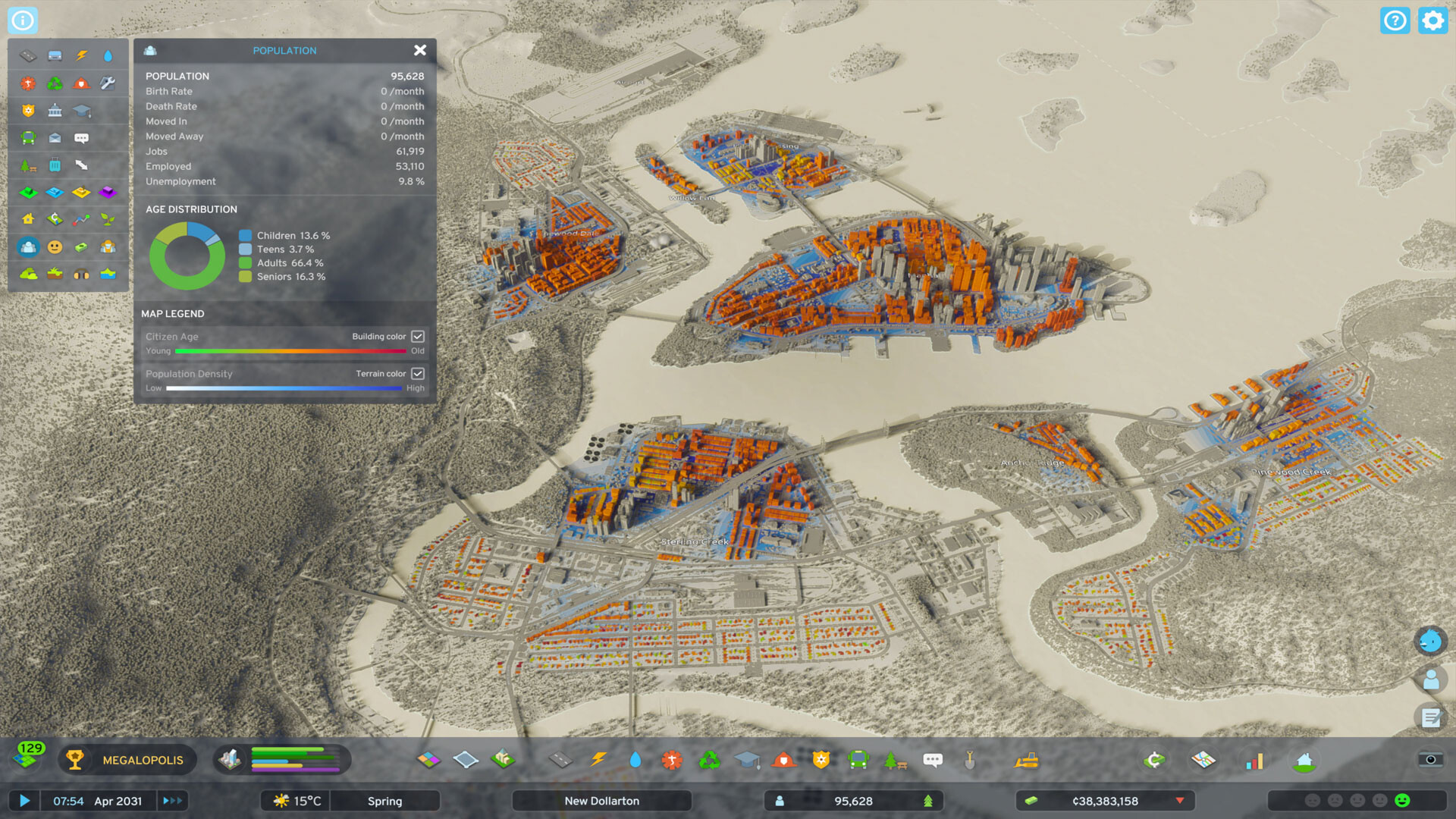
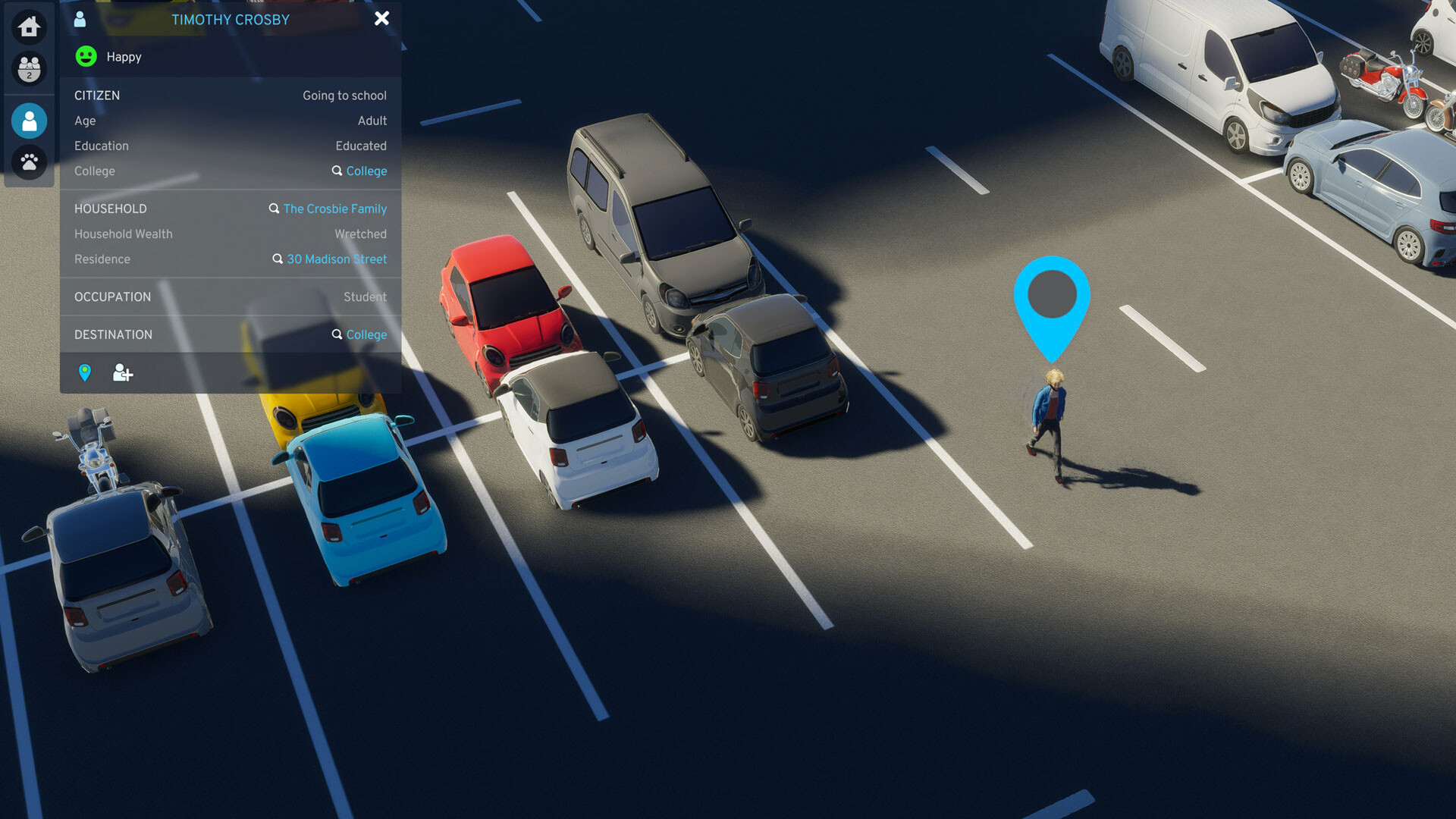
Residents have desires that influence happiness and productivity. Providing jobs, services and amenities in or near residential zones improves satisfaction.
Each citizen’s life path—such as wealth changes or personal events—reacts to the overall health of the city, so policies that affect budget or services ripple through the population.
- Place schools, healthcare and police close to homes to raise happiness.
- Track citizen feedback to identify emerging problems before they spread.
04 / THE GUIDE
Environment & Weather
When you start a new city you choose a map that sets the climate. The chosen climate determines baseline weather patterns and seasonal changes you must accommodate.
Pollution, changing weather and seasonal temperature shifts affect traffic, energy use and citizen comfort, requiring you to adapt infrastructure and services over time.
- Add green spaces to reduce pollution impact.
- Plan extra energy capacity for colder seasons when demand rises.
05 / THE GUIDE
Platform Features
The game is available on Windows and includes full controller support, allowing you to build and manage your city with a gamepad if preferred.
Steam integration provides achievements, cloud saves and family sharing, so progress can be synced across devices and shared with other accounts.
- Enable Steam Cloud to automatically back up your city.
- Use the controller for a more relaxed building session if you prefer.
COMMUNITY
Player discussion