 GameWiki
GET YOUR BEARINGS
About Chroma Lab
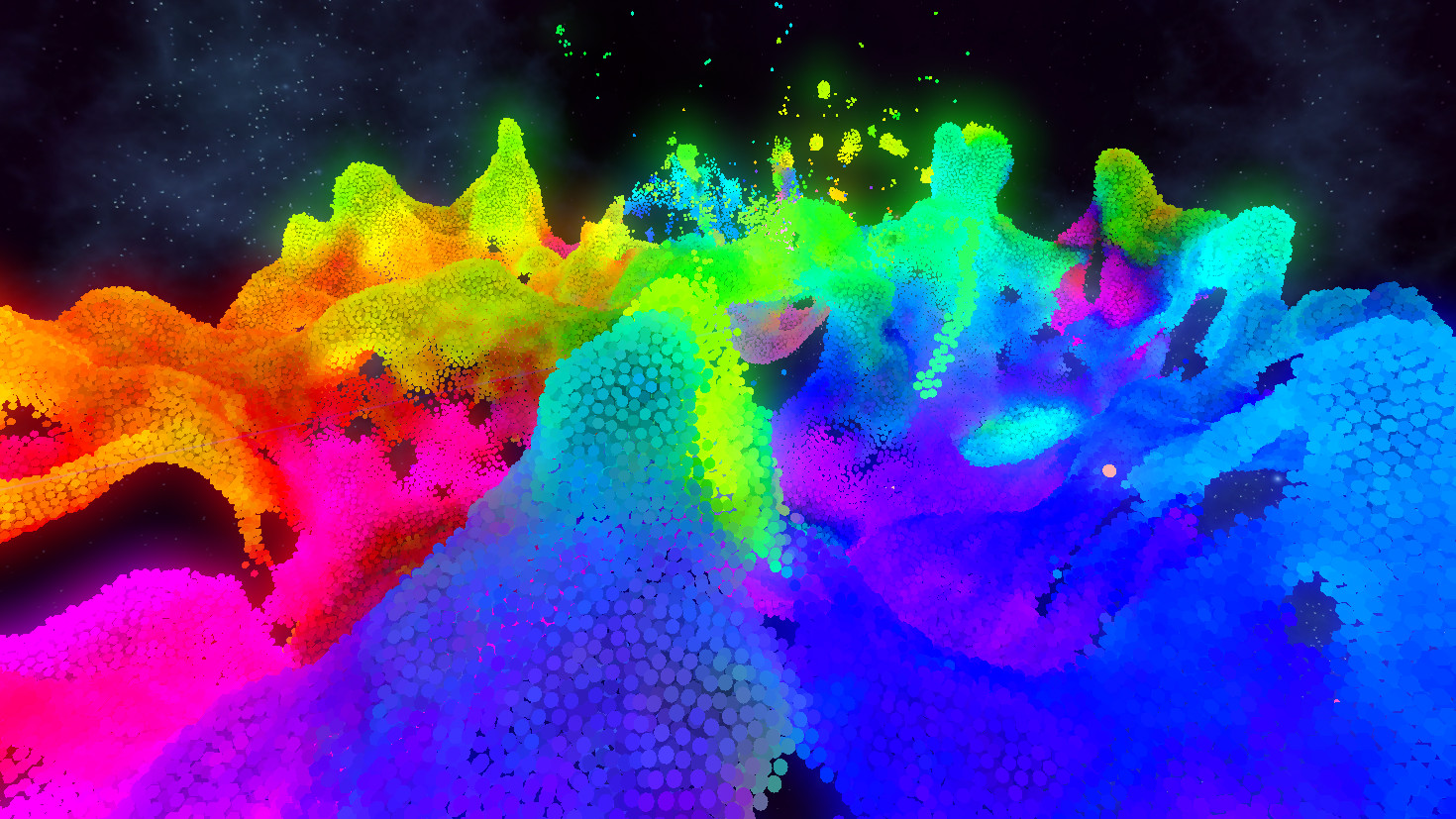
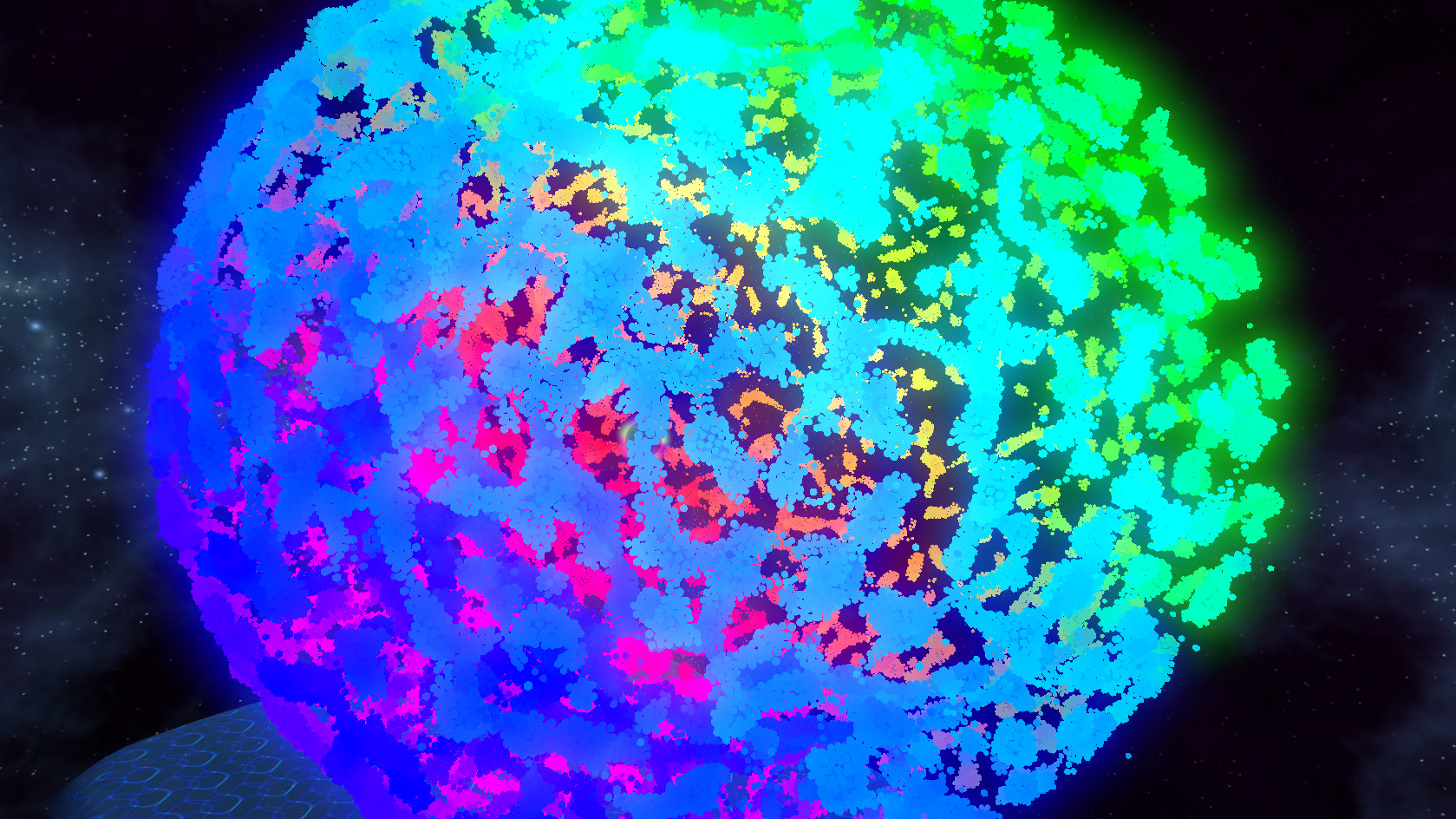
Chroma Lab is a VR‑only fluid simulation that visualises billions of particle interactions in real time. Its custom particle physics engine leverages modern GPUs to create vivid, psychedelic effects that respond to music and user input. The experience offers a range of tools—such as picking, shooting, exploding, and painting particles—as well as adjustable physics, shaders, and preset scenes. Designed for both newcomers and seasoned VR users, it supports Oculus Rift/Touch, MixCast mixed‑reality, and flexible scaling for seated or room‑scale play.
01 / THE GUIDE
Visuals and Shaders
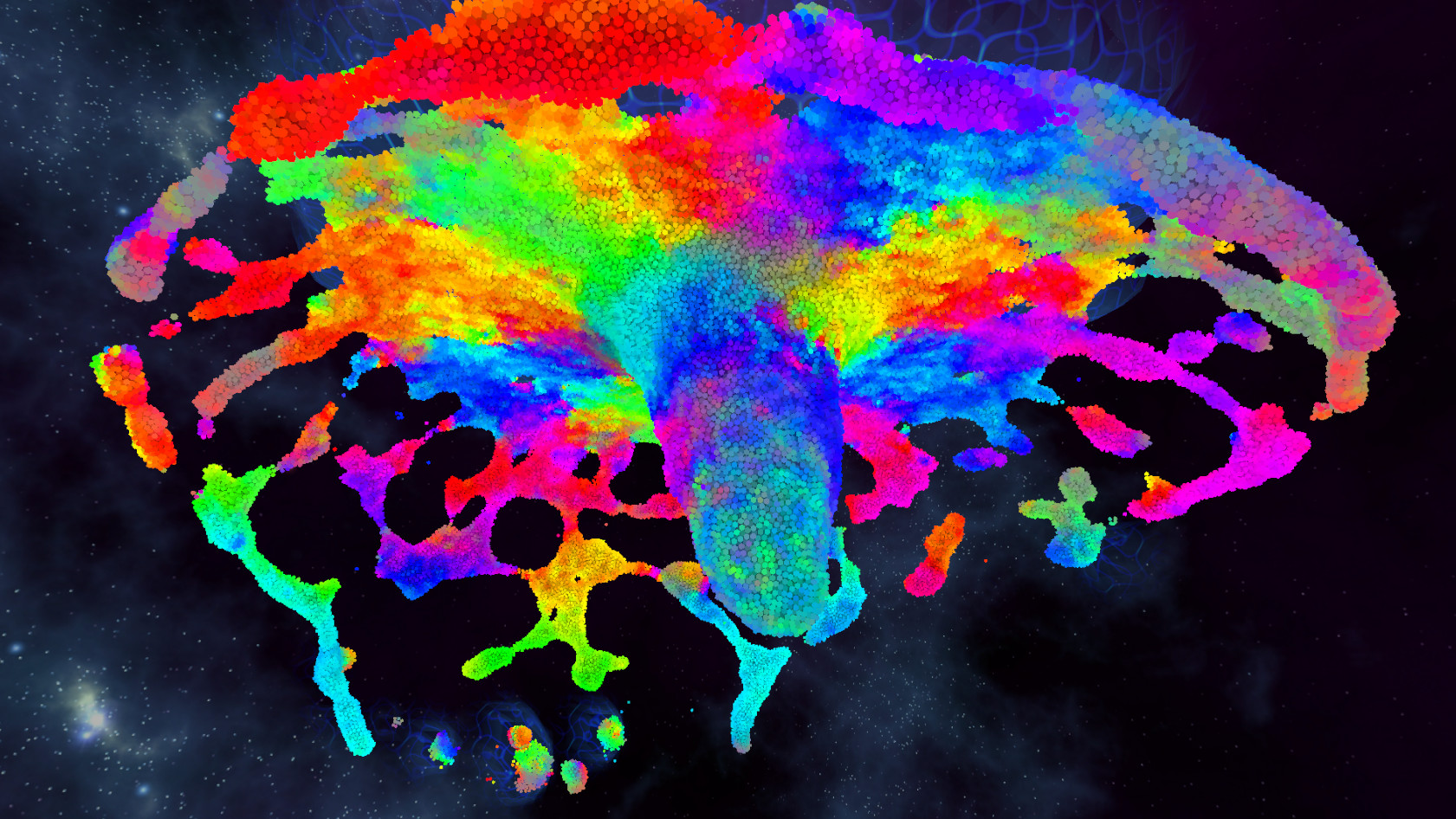
Chroma Lab delivers beautiful, psychedelic visuals through multiple particle shaders, colour palettes, and graphics settings. Users can switch between different visual styles to suit personal taste or mood. The simulation also reacts to external music, creating synchronized colour bursts that enhance immersion. Visual fidelity can be adjusted via the options menu, allowing performance tuning on various hardware.
- Experiment with different shaders to find the most pleasing aesthetic for your setup.
- Use the music‑reactive mode with a high‑quality speaker setup for maximal visual impact.
02 / THE GUIDE
Interaction Tools
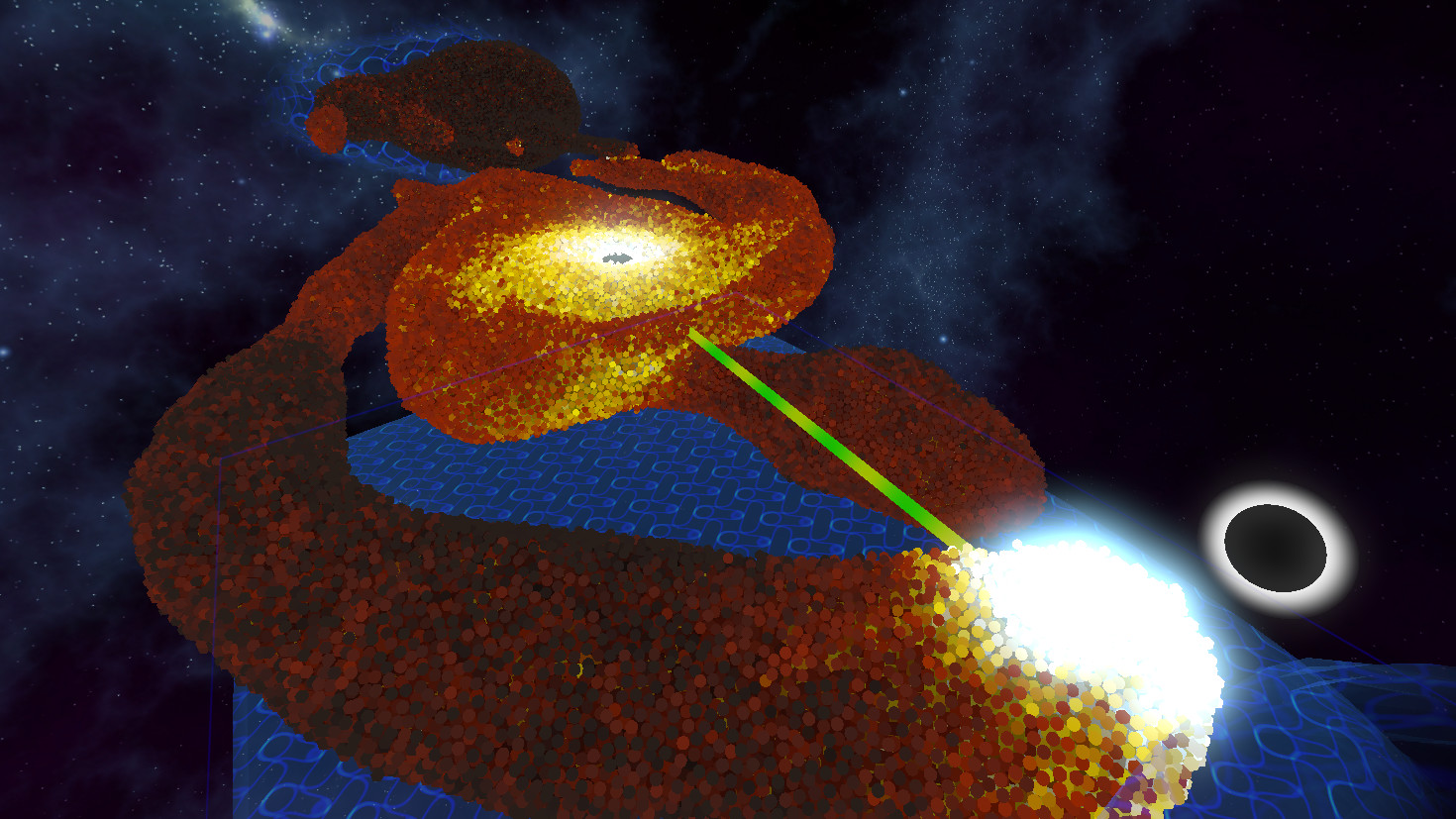
A suite of tools lets players pick up, hit, pull, explode, shoot, and paint particles directly with tracked controllers. Placeable force spheres can be positioned to influence particle flow, and some spheres even teleport particles between each other. These interactions are intuitive, making the experience accessible for VR newcomers.
- Combine the pull tool with force spheres to create complex particle streams.
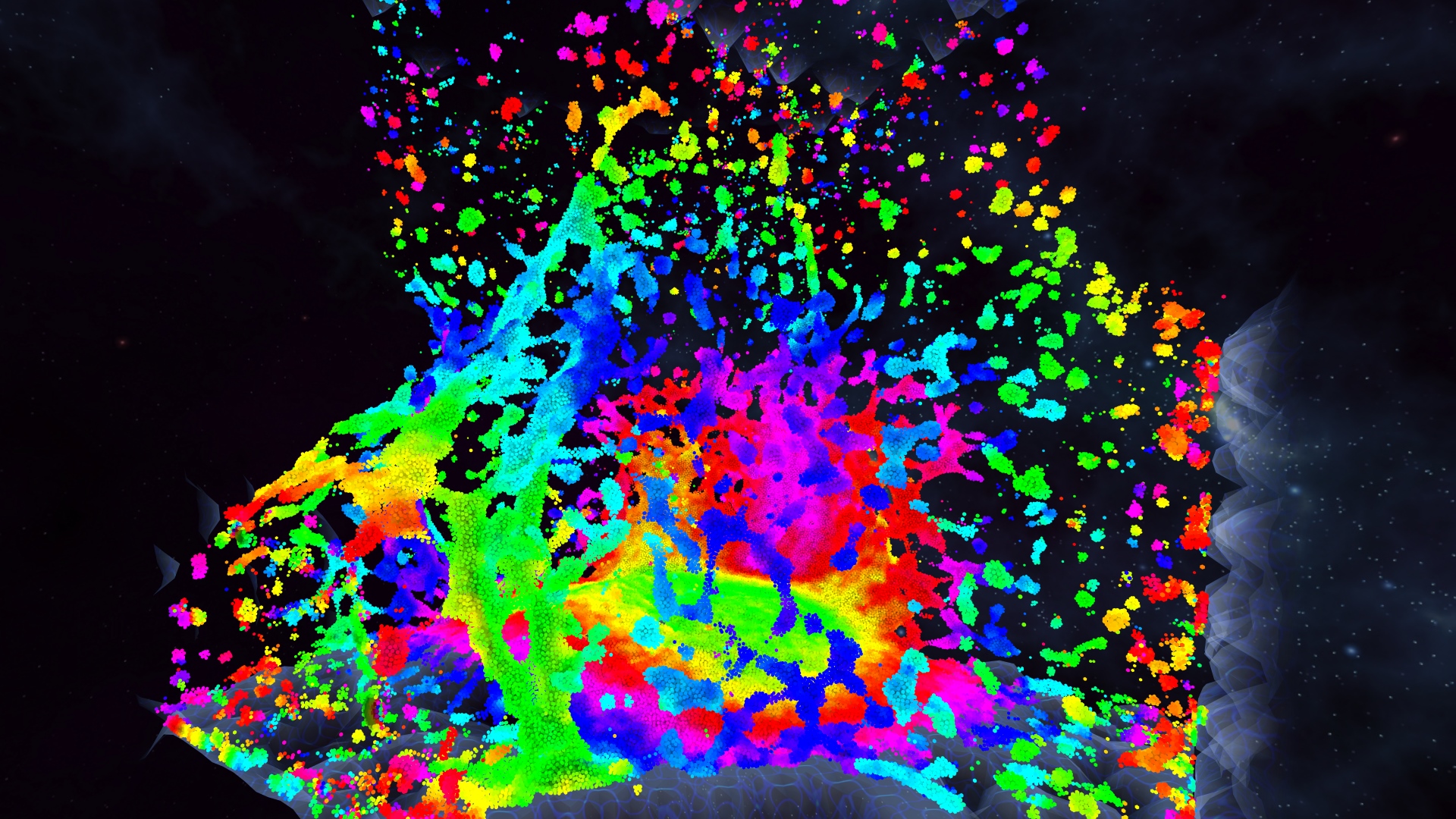
- Try the explode tool on dense particle clusters for dramatic visual bursts.
03 / THE GUIDE
Physics Settings
The options menu provides adjustable physics parameters that change how particles behave, including optional gravity and a “lava lamp” mode. Users can also freeze the simulation or slow time, allowing detailed observation of particle dynamics. Particle count can be auto‑determined by computer speed or manually set.
- Lower the particle count on older GPUs to maintain smooth performance.
- Use the slow‑time feature to study intricate particle interactions.
04 / THE GUIDE
Scene Management
Players can save and load particle configurations along with their visual and physics settings. The game includes several starter presets to help users begin experimenting quickly. This system enables users to revisit favorite setups whenever they like.
- Save a scene after creating a unique visual effect to revisit later.
- Load a preset first, then tweak settings for a personalized experience.
05 / THE GUIDE
Platform and VR Support
Chroma Lab runs on Windows with native Oculus SDK support for Rift and Touch, and includes MixCast integration for high‑quality mixed reality streaming. The experience scales from seated to room‑scale play, with adjustable bounding walls and scale. Family sharing is also supported.
- Use MixCast to showcase your simulations to an external audience.
- Adjust the bounding walls when switching from seated to room‑scale to avoid clipping.
COMMUNITY
Player discussion