 GameWiki
GET YOUR BEARINGS
About Chop Chop Inc.
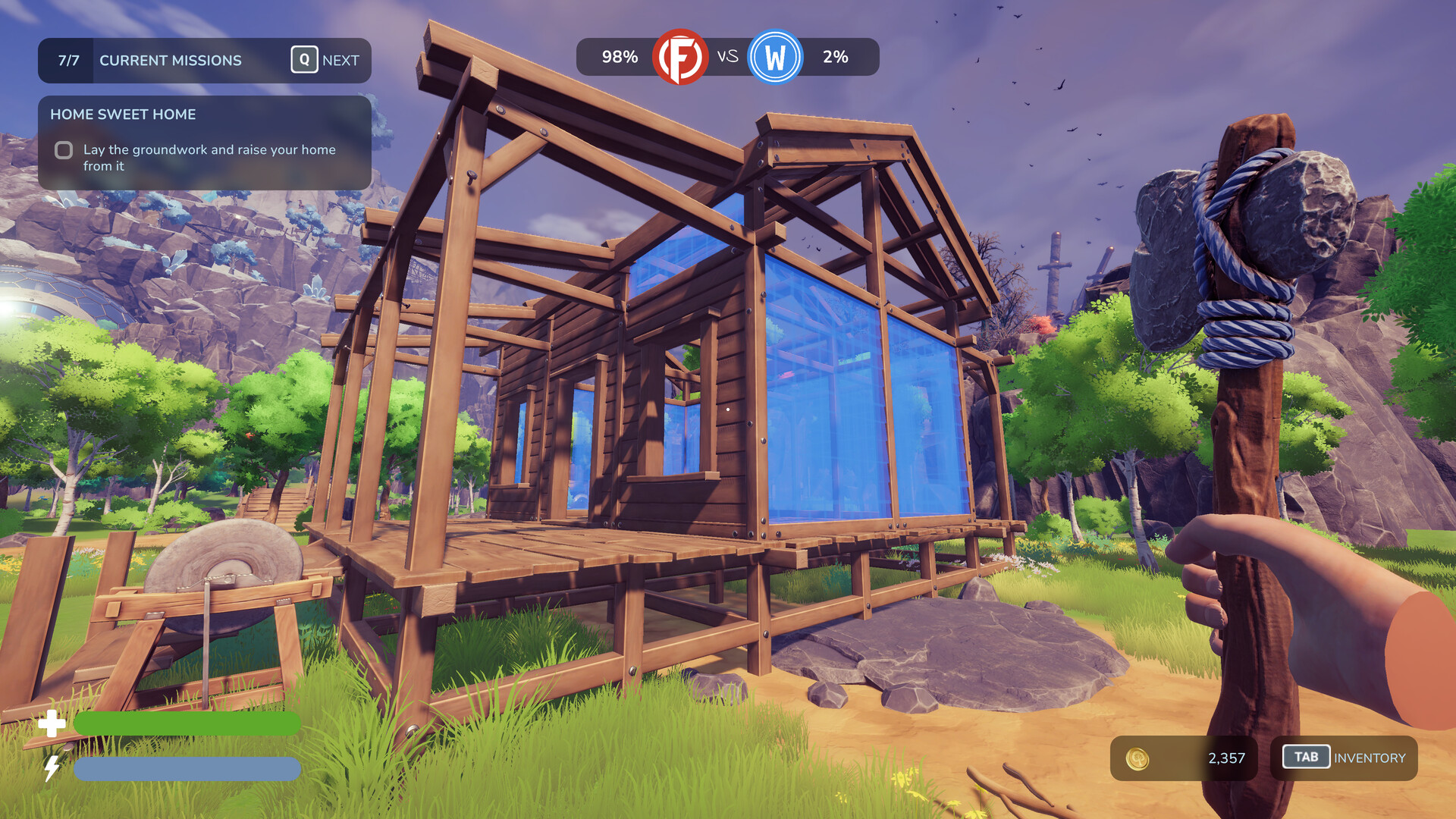
After being fired from Furnox Corp, you start with only an axe, a few trees, and a thirst for revenge. The game lets you fell trees, process logs into planks, and craft furniture to sell for profit.
As earnings grow, you can purchase better tools, new machines, and expand your operation into larger production lines. Upgrading your character’s strength and stamina, unlocking odd tree types, and improving the nearby city all deepen the wood‑working empire you build.
01 / THE GUIDE
Tree Cutting
The world is filled with trees of many shapes, colors, and physics. Any upright, choppable tree becomes firewood once you swing your axe.
Unique varieties such as stone, metal, and electric trees appear as you progress, and your axe works on all of them without distinction.
- Observe tree size before chopping to gauge how many logs you’ll receive.
- Try different tree types to see how they affect later crafting.
02 / THE GUIDE
Resource Processing
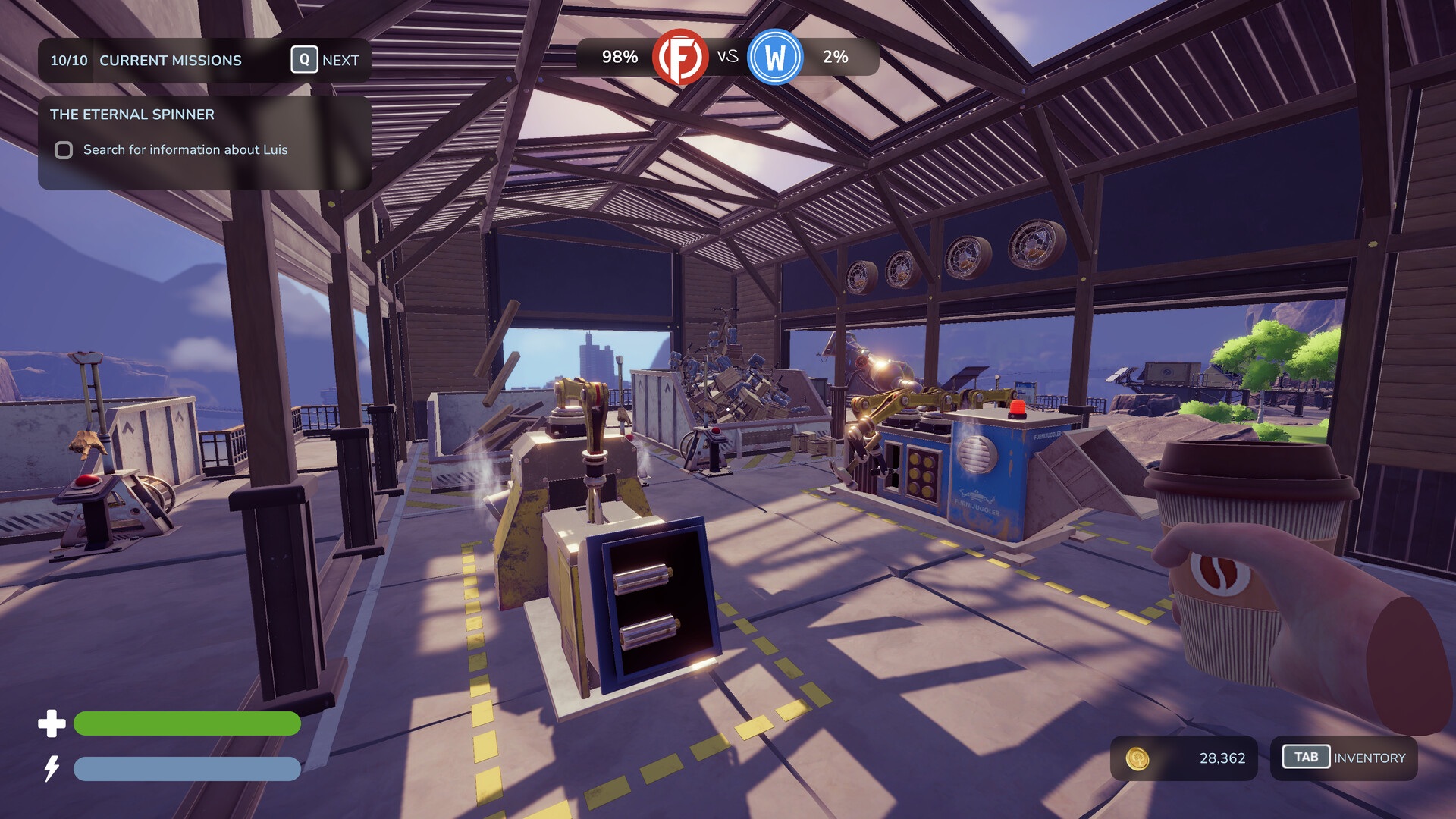
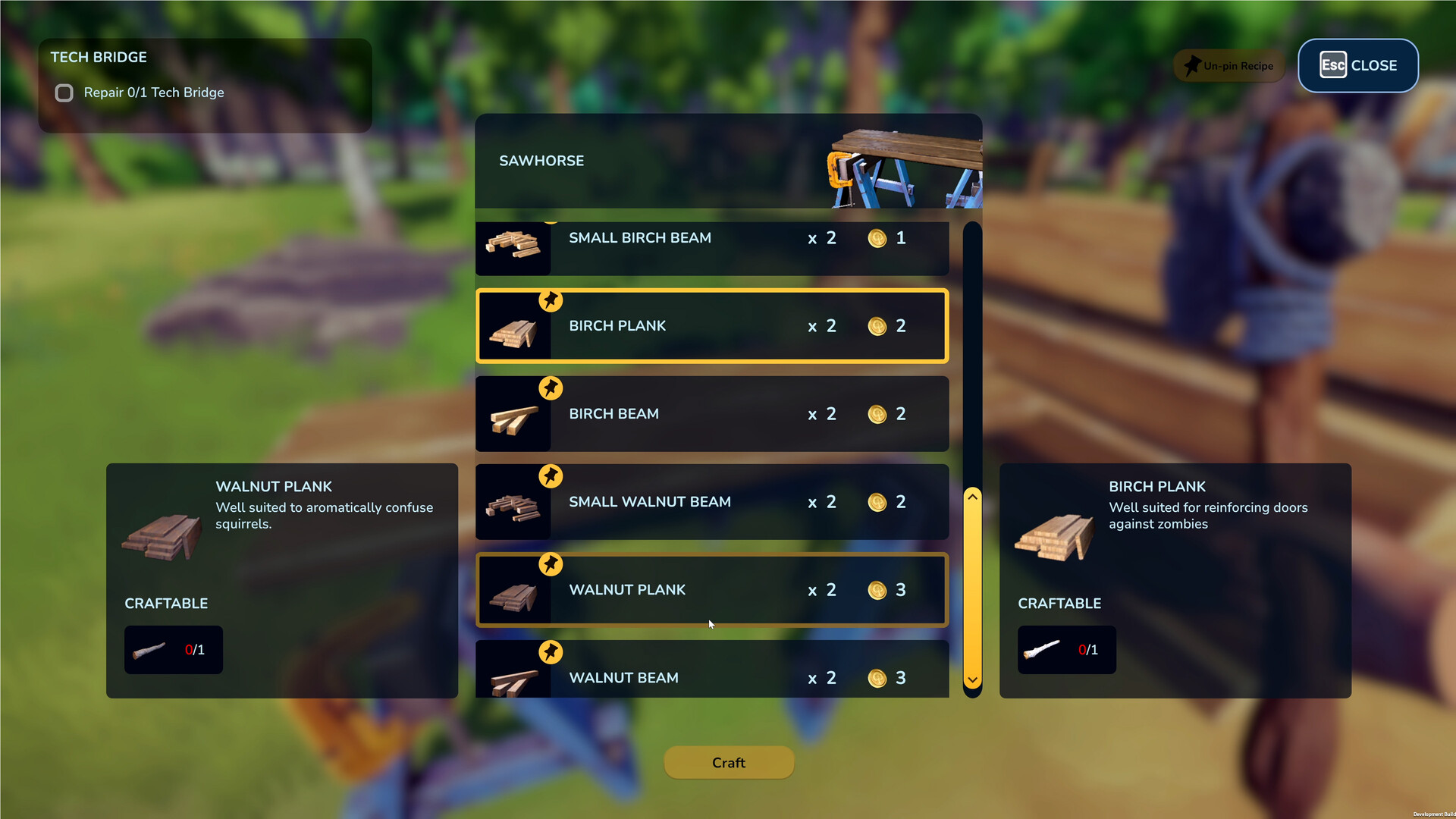
Collected logs can be fed into machines that turn them into planks, the basic building block for furniture. Machines turn logs into planks, but they should not be left unattended.
Planks are then ready for crafting, and the process can be repeated as you acquire more raw wood.
- Keep an eye on machines to avoid bottlenecks.
- Batch process logs to maintain a steady flow of planks.
03 / THE GUIDE
Furniture Crafting
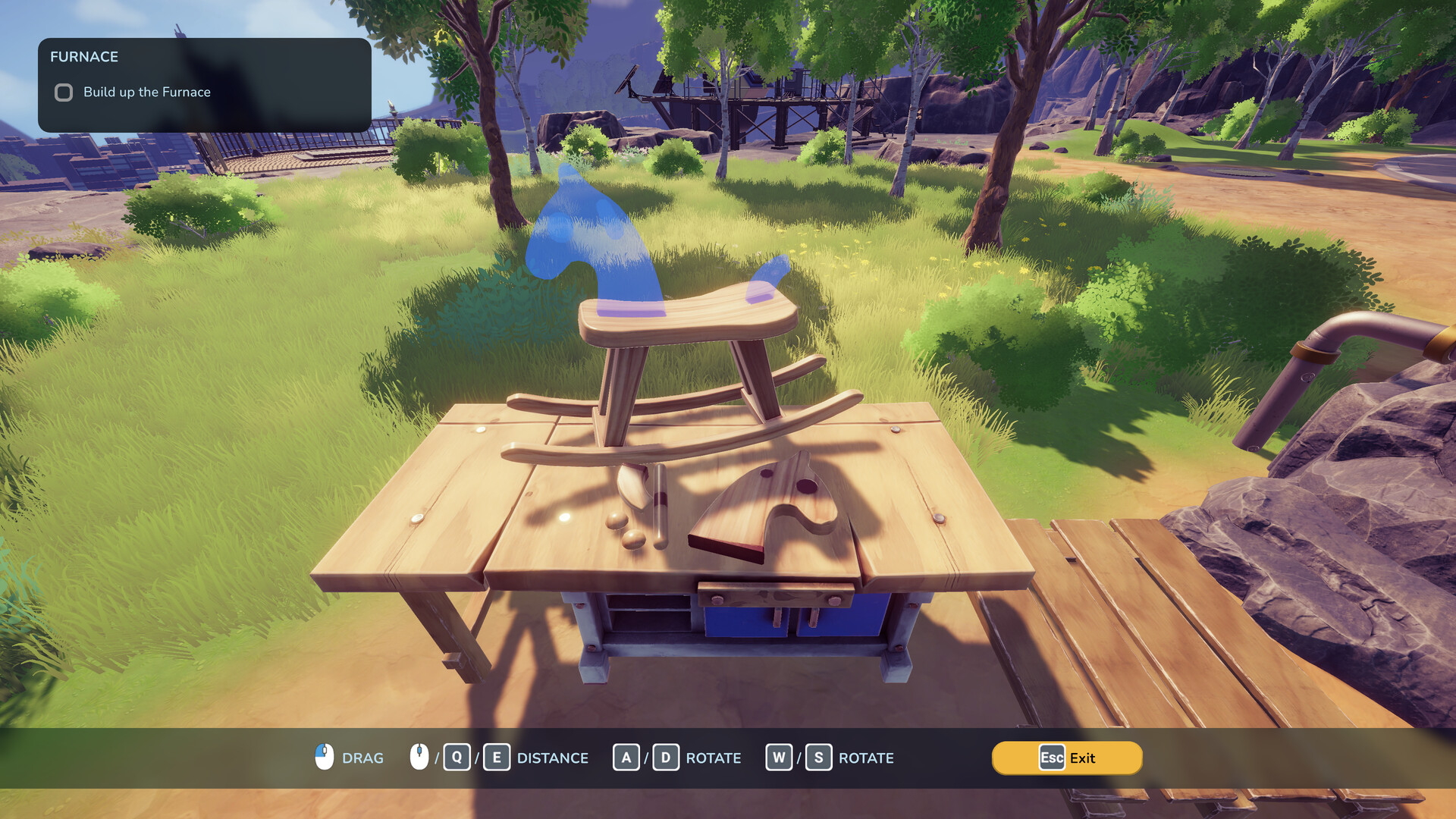
Using planks, you can craft a wide range of furniture, props, and even odd items like a wooden PC or weight bench. The game encourages overengineering, allowing any conceivable wooden design.
Each completed piece can be sold for profit, contributing to your growing business.
- Experiment with unconventional designs for fun.
- Check the profit margin of each item before mass production.
04 / THE GUIDE
Business Expansion
Profits let you buy better axes, new machines, and smarter distribution methods. Expanding your operation unlocks new areas and a world packed with secrets and resources.
Upgrading the city itself unlocks new customers, missions, secrets, and character upgrades.
- Reinvest earnings into automation early for smoother production.
- Explore unlocked areas to discover rare tree types.
05 / THE GUIDE
Character Development
Your avatar improves strength and stamina by interacting with the world, such as using exercise equipment you craft. These upgrades make chopping and crafting more efficient.
Cooking meals from resources also boosts your stats, providing a tasty way to enhance performance.
- Balance chopping with cooking to keep stats high.
- Use bench‑press items to accelerate strength gains.

COMMUNITY
Player discussion