 GameWiki
GET YOUR BEARINGS
About Chocolate Factory Simulator: Prologue
Chocolate Factory Simulator: Prologue lets you run a steampunk chocolate workshop where cog‑driven machines craft sweets for a variety of customers. You design chocolates, choose shapes, colors, accessories, and package them for delivery. The game also includes an automaton named Nougat that can be assigned tasks and upgraded to help manage orders.
The title is a free‑to‑play, single‑player experience available on Windows, with family‑sharing support. It serves as a preview of the full version, showcasing the steam‑and‑cog technology, customer variety, and creative chocolate‑making tools.
01 / THE GUIDE
Steam‑and‑Cog Workshop
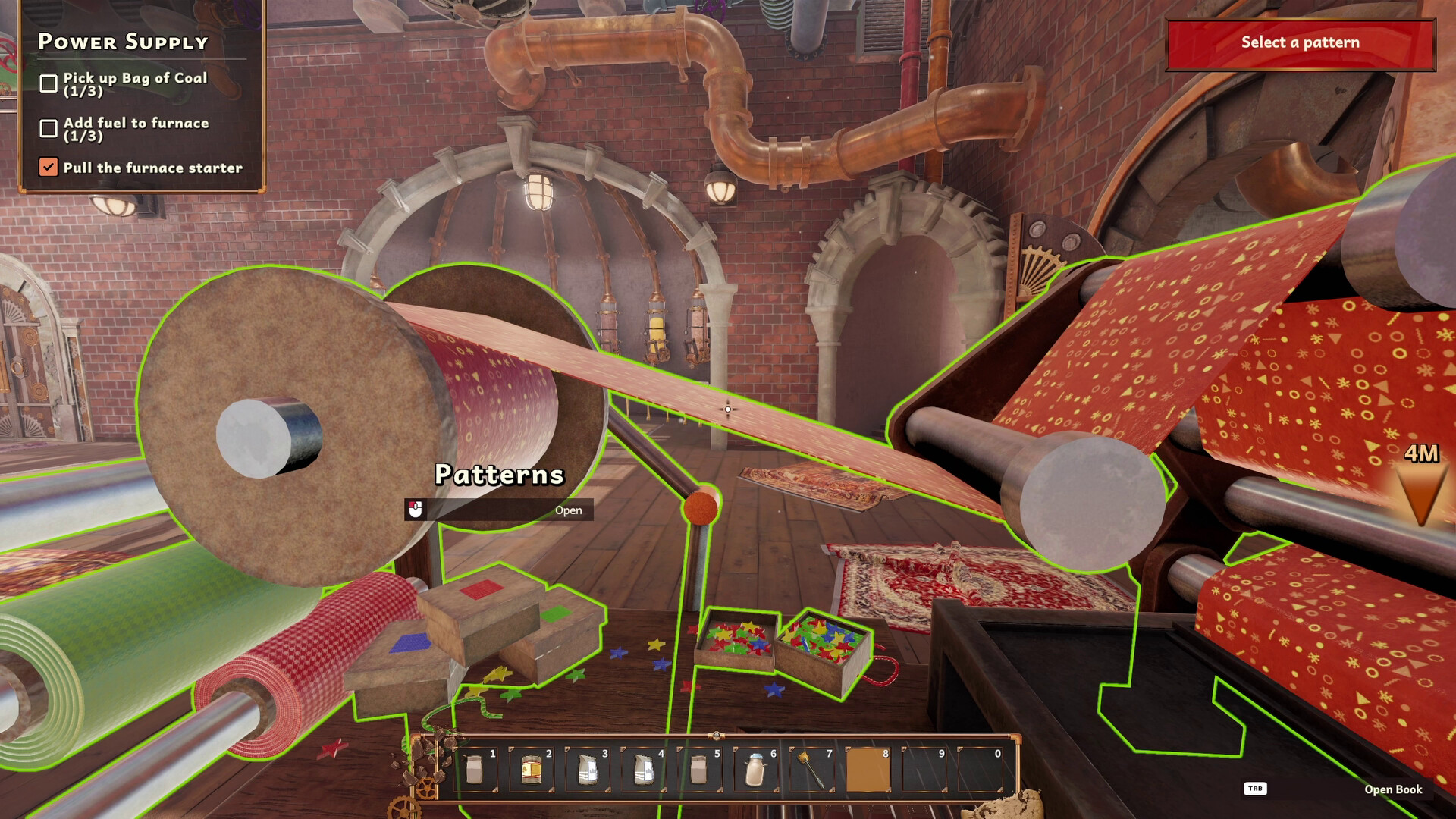
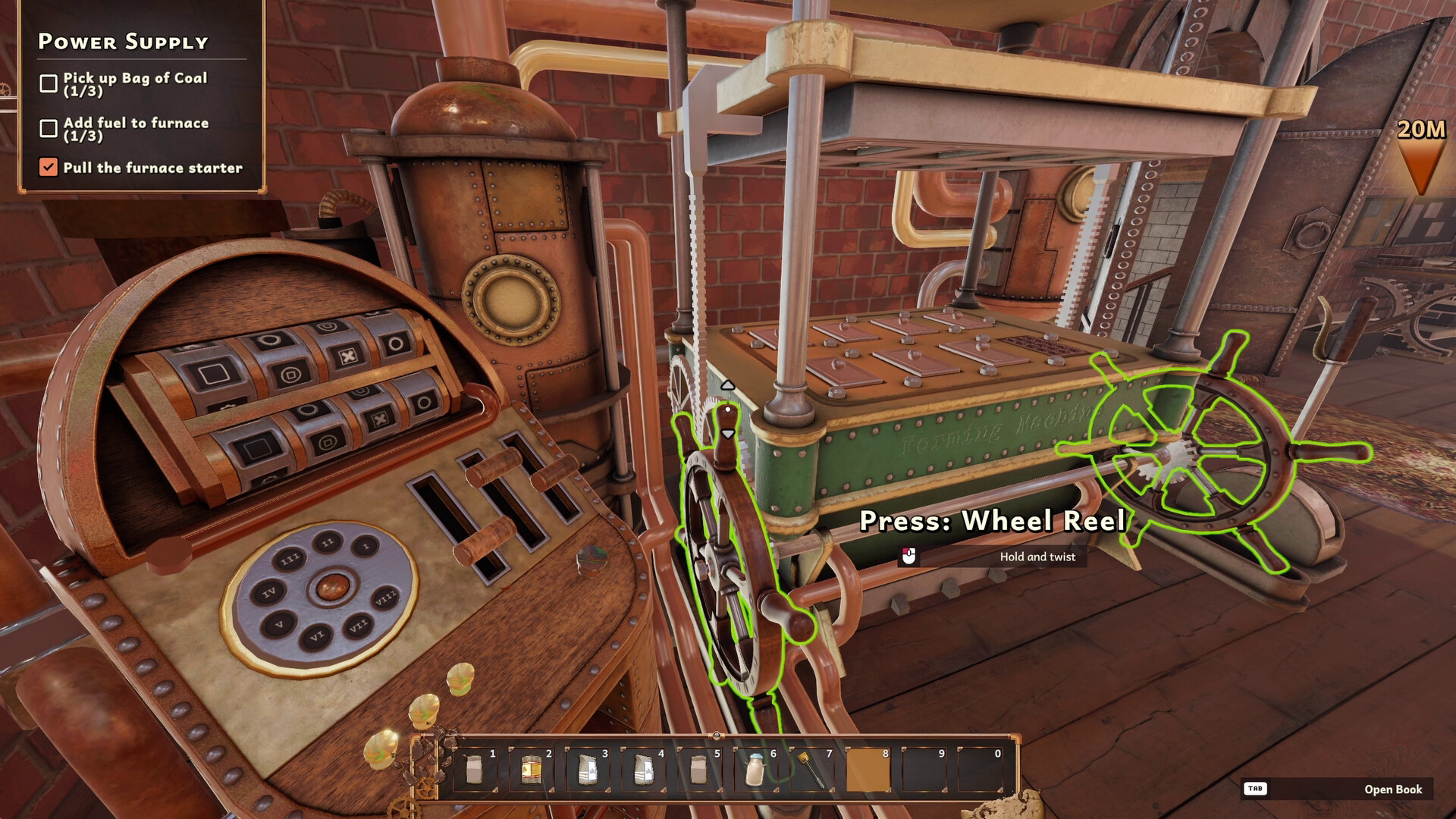
The workshop is described as a clockwork space filled with gourmet machinery that uses steampunk technology to produce chocolate. All the equipment is presented as part of the player’s environment for creating every kind of chocolate customers request.
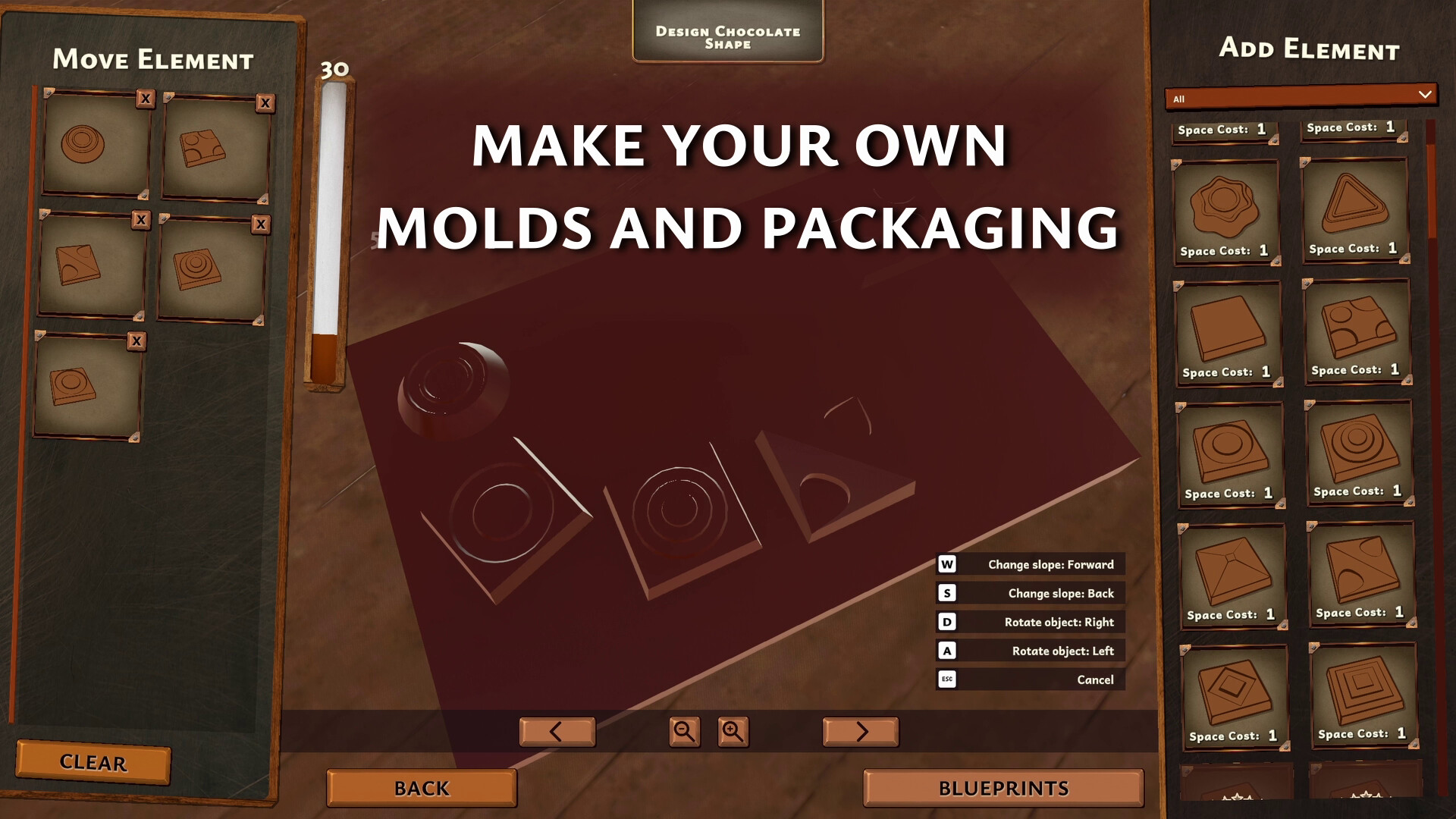
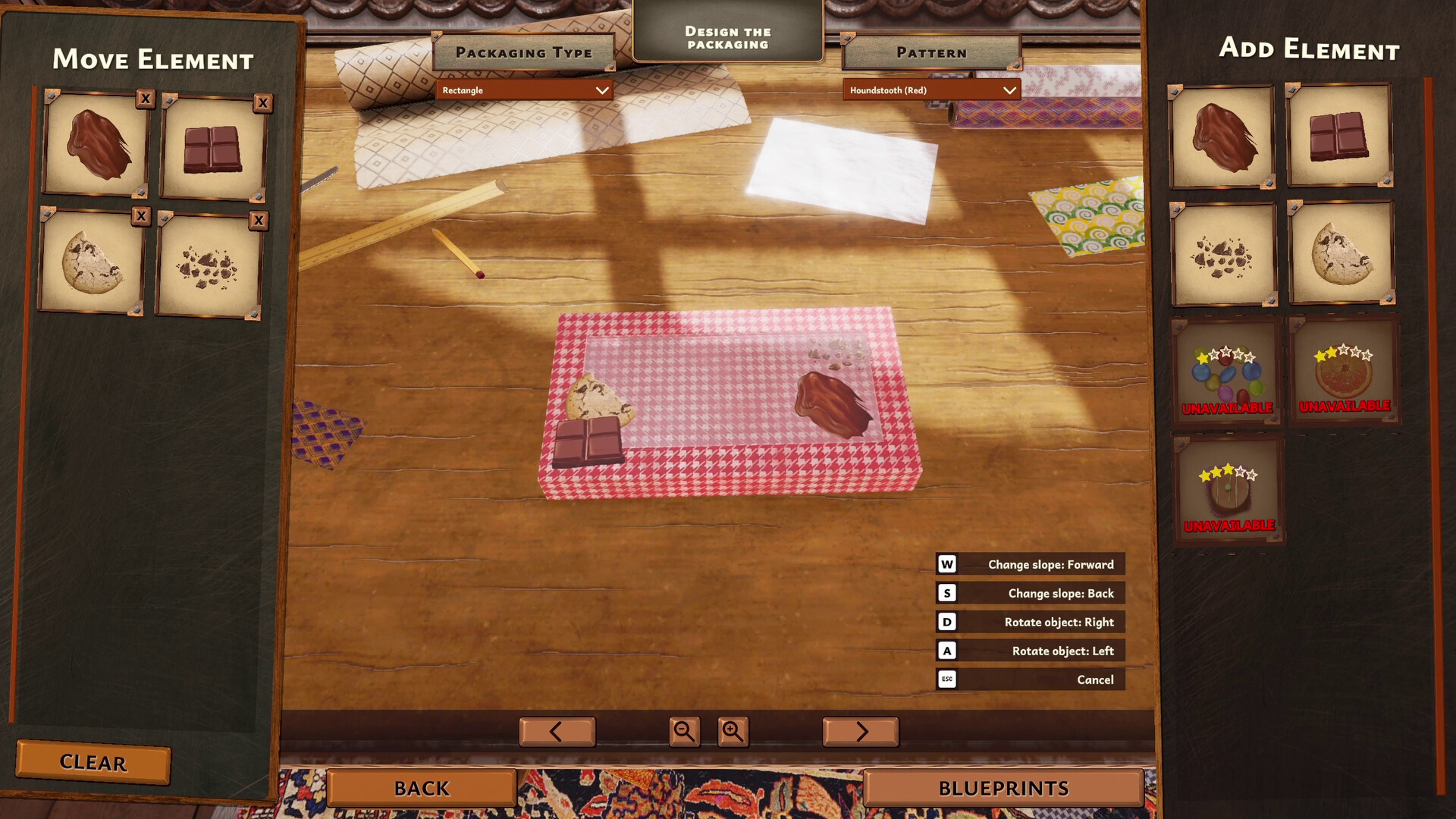
Within this workshop you can change a chocolate’s shape, color, and add accessories before wrapping it in colorful packaging. The description emphasizes that the workshop lets you experiment with presentation as well as flavor.
- Observe how different shapes and colors affect the final packaged product.
- Compare the visual impact of adding accessories versus plain chocolates.
02 / THE GUIDE
Customer Variety
Customers come from different lands and altitudes, gathering at your factory to order their favorite chocolate. The description notes that each customer has preferences that can be learned to win loyalty.
By taking orders and learning each customer’s tastes, you can satisfy even the most particular patrons. Their personalities are presented as a way to discover the world outside the workshop.
- Track recurring preferences to anticipate future orders.
- Notice how altitude or region might hint at flavor expectations.
03 / THE GUIDE
Nougat Automaton
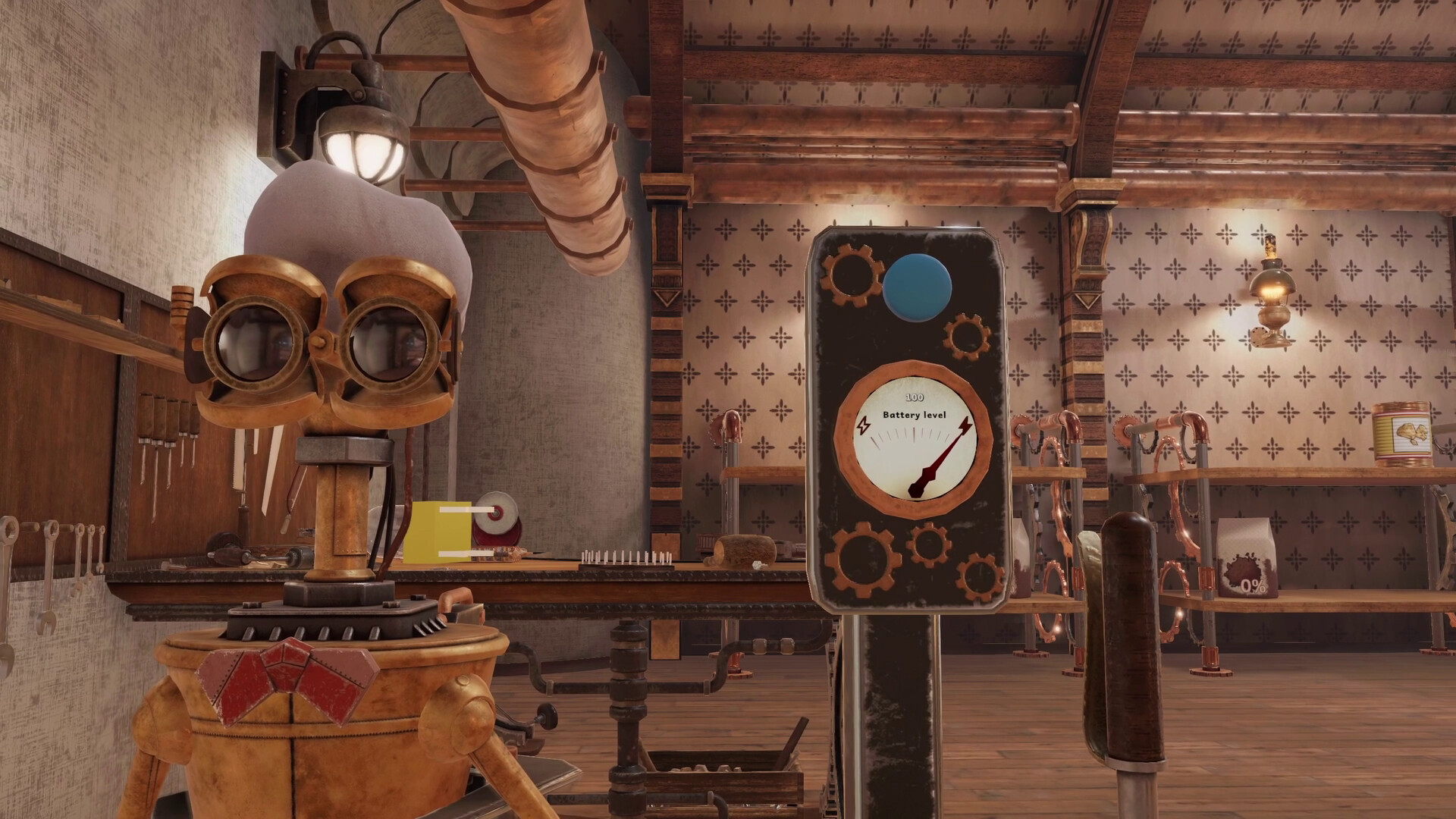
Nougat is introduced as a personal chocolate‑making automaton that can be recruited to assist you. The description states you can give Nougat tasks and modify or upgrade his capabilities.
Having Nougat helps manage the workload of juggling orders and customer whims, positioning the automaton as a key assistant in the chocolate‑making process.
- Experiment with different task assignments to see which workflow runs most smoothly.
- Consider upgrading capabilities that match the most frequent order types.
04 / THE GUIDE
Free‑to‑Play Access
The game is listed under the genre “Free To Play,” indicating that players can download and start playing without an upfront purchase. This status applies to the Prologue portion of the full title.
Being free‑to‑play, the Prologue serves as a preview of the larger experience, allowing players to explore the core mechanics before deciding on the full version.
- Use the free access to try the workshop features before committing to more content.
- Compare the Prologue’s scope with expectations for the full version.
05 / THE GUIDE
Windows Platform
The platform list shows Windows as true, while macOS and Linux are false. This confirms the game runs on Windows PCs.
Family Sharing is also listed, meaning a Windows user can share the game with family members under the platform’s sharing system.
- Verify your Windows version meets any system requirements before installing.
- Explore family‑sharing settings to let multiple accounts access the game.
COMMUNITY
Player discussion