 GameWiki
GET YOUR BEARINGS
About Chicken Invaders 5
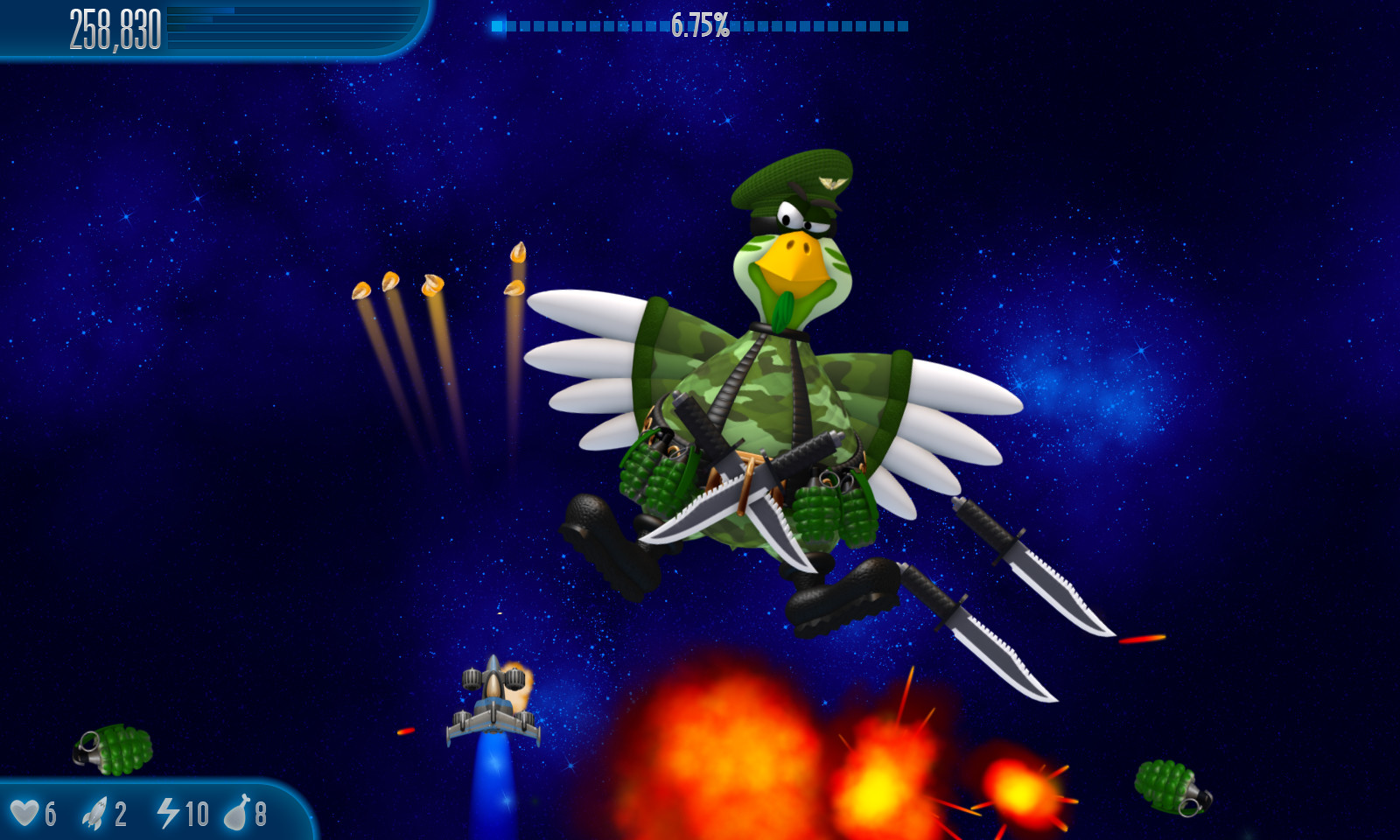
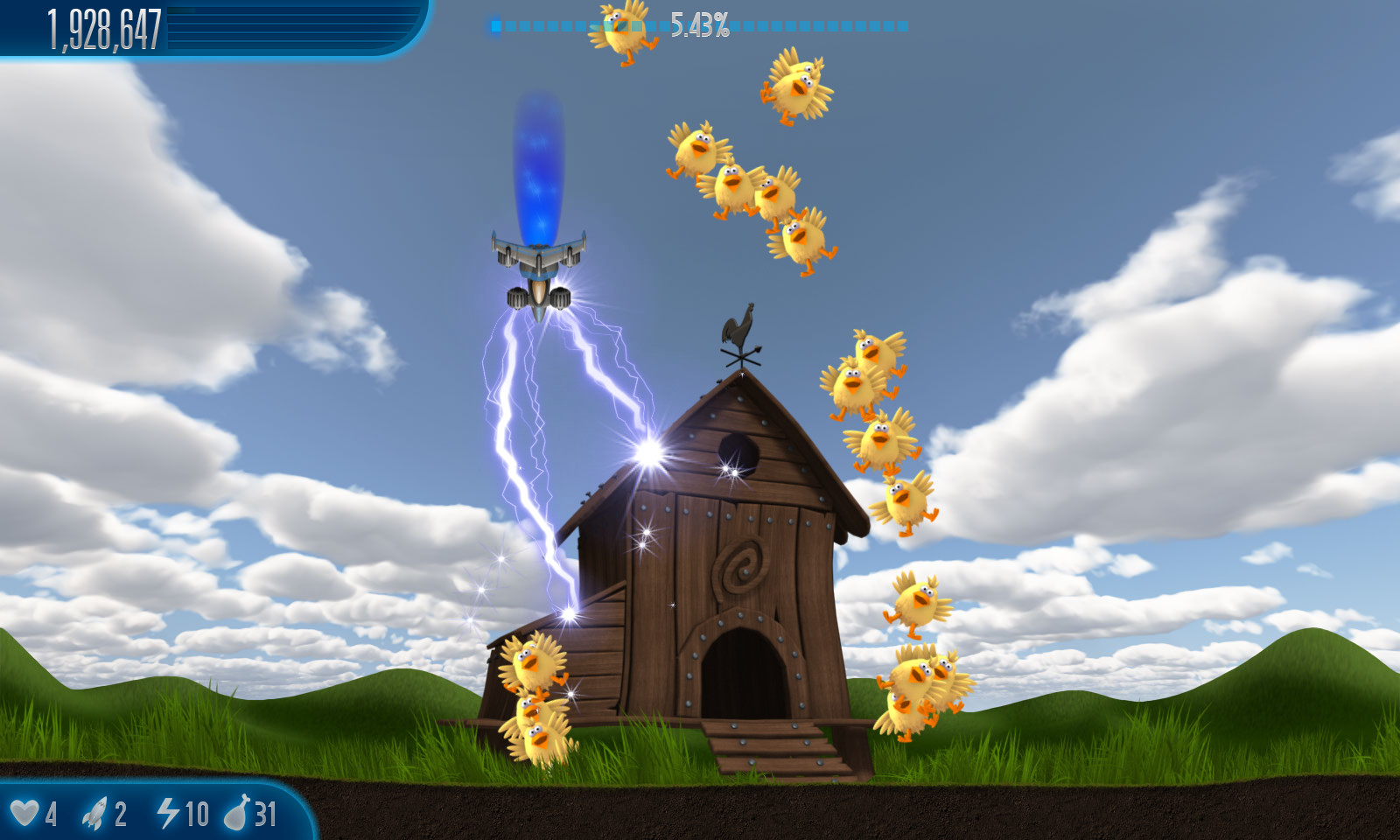
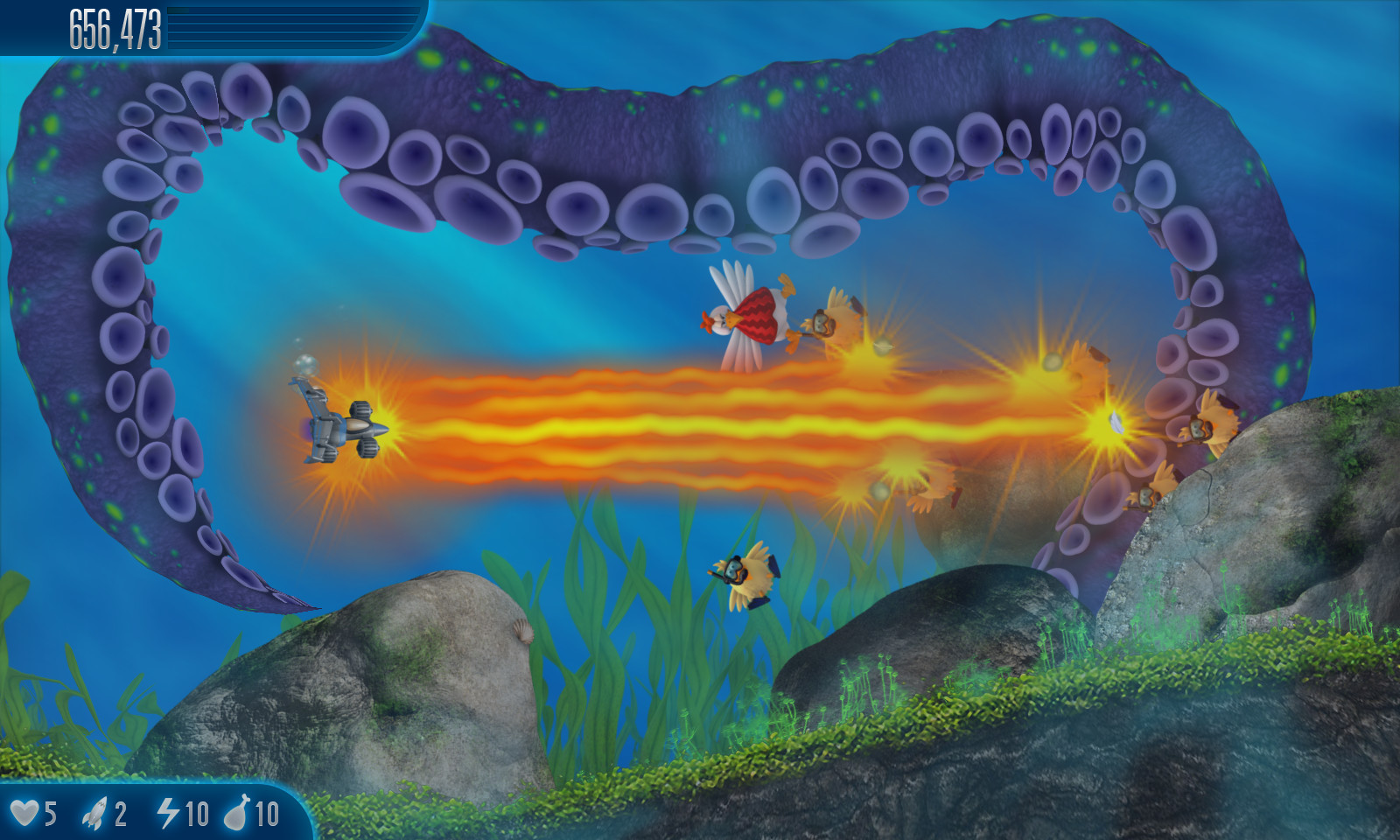
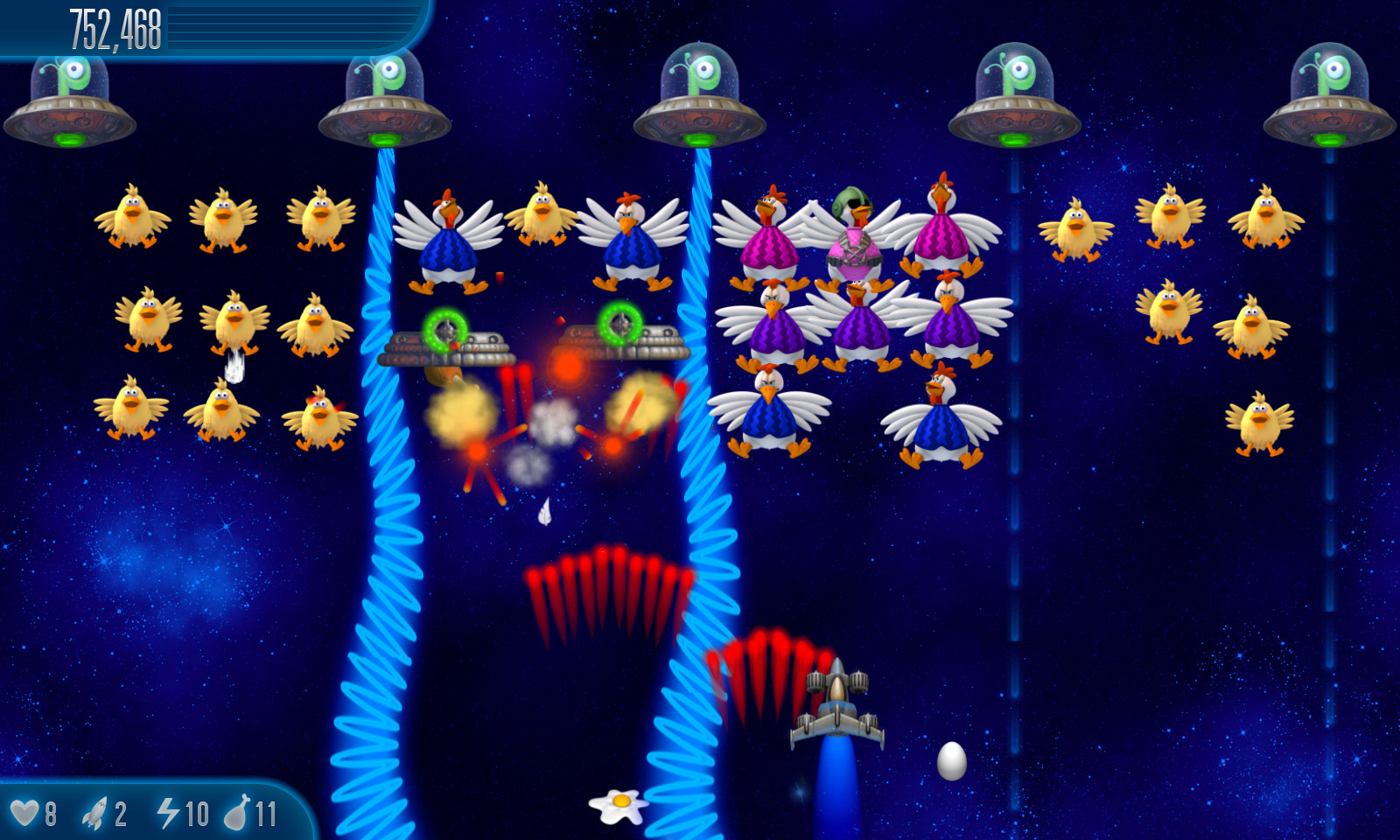
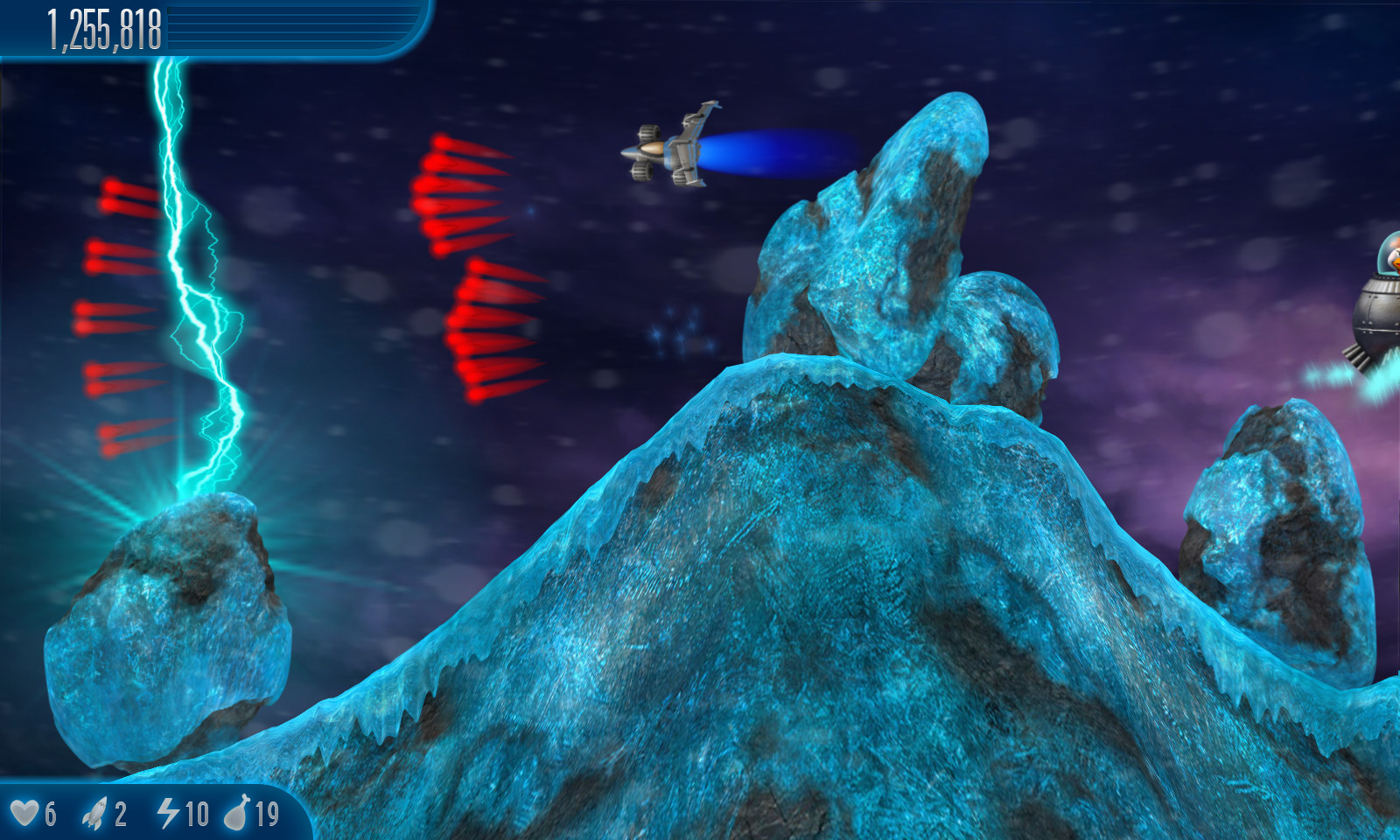
Chicken Invaders 5 thrusts players into a galaxy‑wide battle against vengeful intergalactic chickens that aim to block sunlight and freeze Earth. The single‑player campaign follows a heroic pilot who must travel the galaxy to assemble an ancient artifact that restores light.
Beyond the solo story, the title offers cooperative play both online and via split‑screen, and it supports cross‑platform matchmaking between Windows and macOS. Steam integration adds achievements, leaderboards, cloud saves, trading cards, Remote Play Together and Family Sharing.
01 / THE GUIDE
Storyline
The narrative picks up after previous chicken invaders fled the Solar System, with the hero receiving a warning about Earth darkening. The pilot must journey to distant star systems to collect pieces of an ancient artifact that can restore sunlight.
A personal log mentions a craving for a space‑burger, but duty forces the pilot back into combat. This contrast frames each mission as a race against the chickens’ plan to freeze the planet.
- Track which star system yields each artifact fragment to see mission progression.
- Use the hero’s log entries as clues for the next destination.
02 / THE GUIDE
Multiplayer Modes
The game lists online co‑op and shared/split‑screen co‑op alongside single‑player, indicating separate options for teaming up with friends either over the internet or locally on the same screen.
Both modes are listed alongside single-player, giving players separate ways to team up with friends. No indication is given that these modes replace the single‑player experience.
- Try split‑screen co‑op for a couch‑friendly session.
- Coordinate with online partners to cover different enemy waves.
03 / THE GUIDE
Cross‑Platform Multiplayer
Cross‑platform multiplayer is explicitly listed, meaning players on Windows and macOS can join the same matches. This feature is part of the core multiplayer offering.
Linux is not included in the platform list, so cross‑play is limited to the two supported operating systems.
- Invite a friend on the other OS to verify matchmaking works.
- Ensure both computers run the same game version before connecting.
04 / THE GUIDE
Steam Features
Steam integration provides achievements, leaderboards, cloud saves, trading cards, Remote Play Together and Family Sharing. These items are listed without further detail, confirming their presence.
Cloud saves allow progress to persist when switching between Steam‑enabled computers, while Remote Play Together lets a second player join via a stream.
- Check the achievement list to set personal milestones.
- Enable Steam Cloud to keep progress across devices.
05 / THE GUIDE
Full Controller Support
Full controller support is listed as a feature, indicating that a gamepad can be used for all play modes, including single‑player and co‑op.
No additional input specifics are provided, so the controller functions as an alternative to other input methods.
- Test both controller and keyboard to see which feels more comfortable.
- Use the controller for split‑screen sessions if preferred.
COMMUNITY
Player discussion